Category: Fusion
-
Generative Design: What Can It Do For Sustainability?
Learn how generative design can help you comply with increasing environmental regulations, consumer pressure, and your company's sustainability goals.
Fusion
-
What Makes Effective Software?
Software is effective when it meets the needs and demands of its users and their busy lives. The most successful software is designed with compatibility, collaboration, integration, and ease of use in mind.
Fusion
-
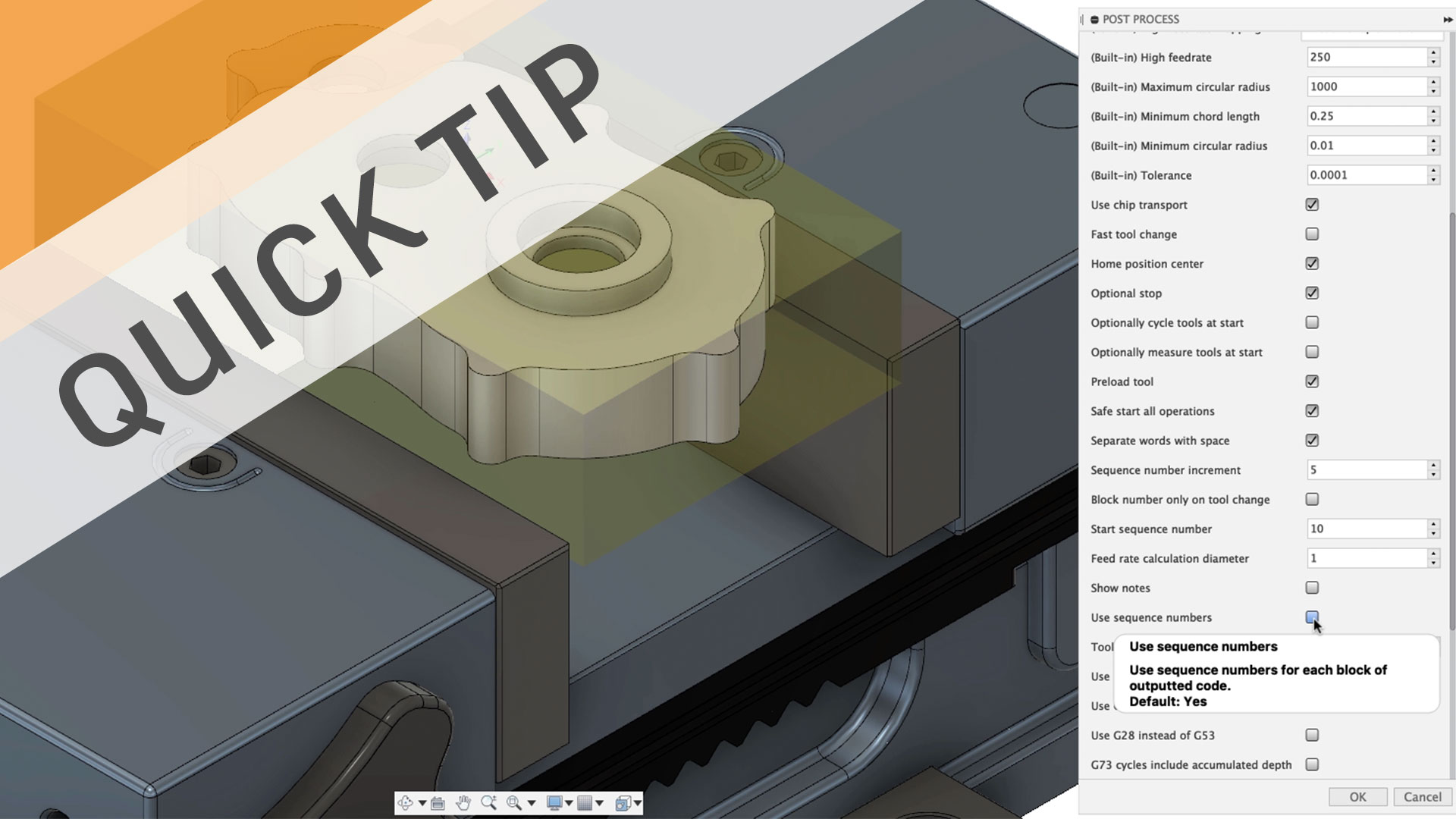
QUICK TIP: Post Processor Properties & More!
Find, edit, and tweak your Fusion 360 post processor for free with resources including an online library, post processor forum, and in context properties.
Fusion
-
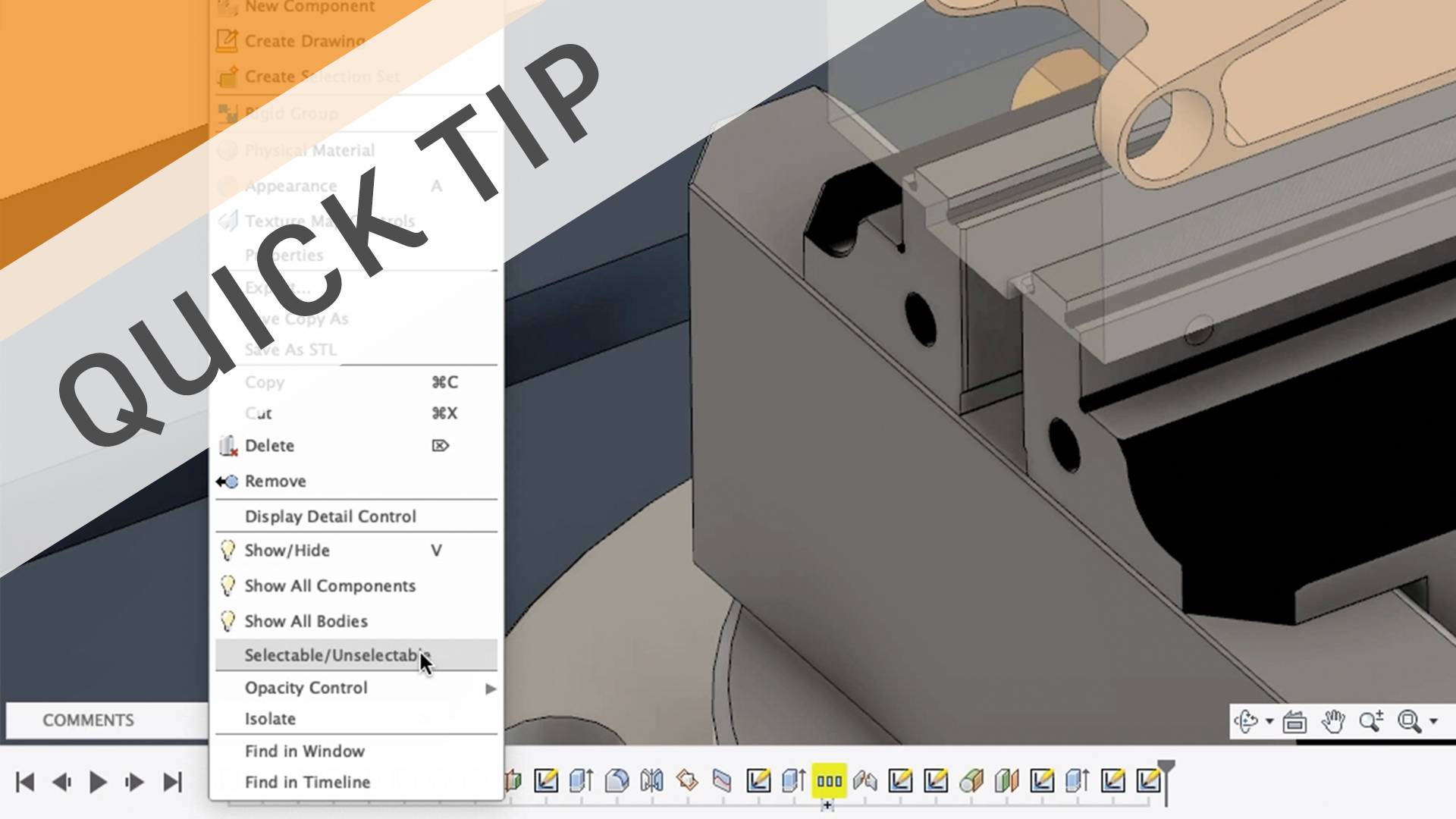
QUICK TIP: Easier Selections with…Unselectable?
Learn how to make bodies and components unselectable to make selections easier. It may sound counter-intuitive, but it just might work!
Fusion
-
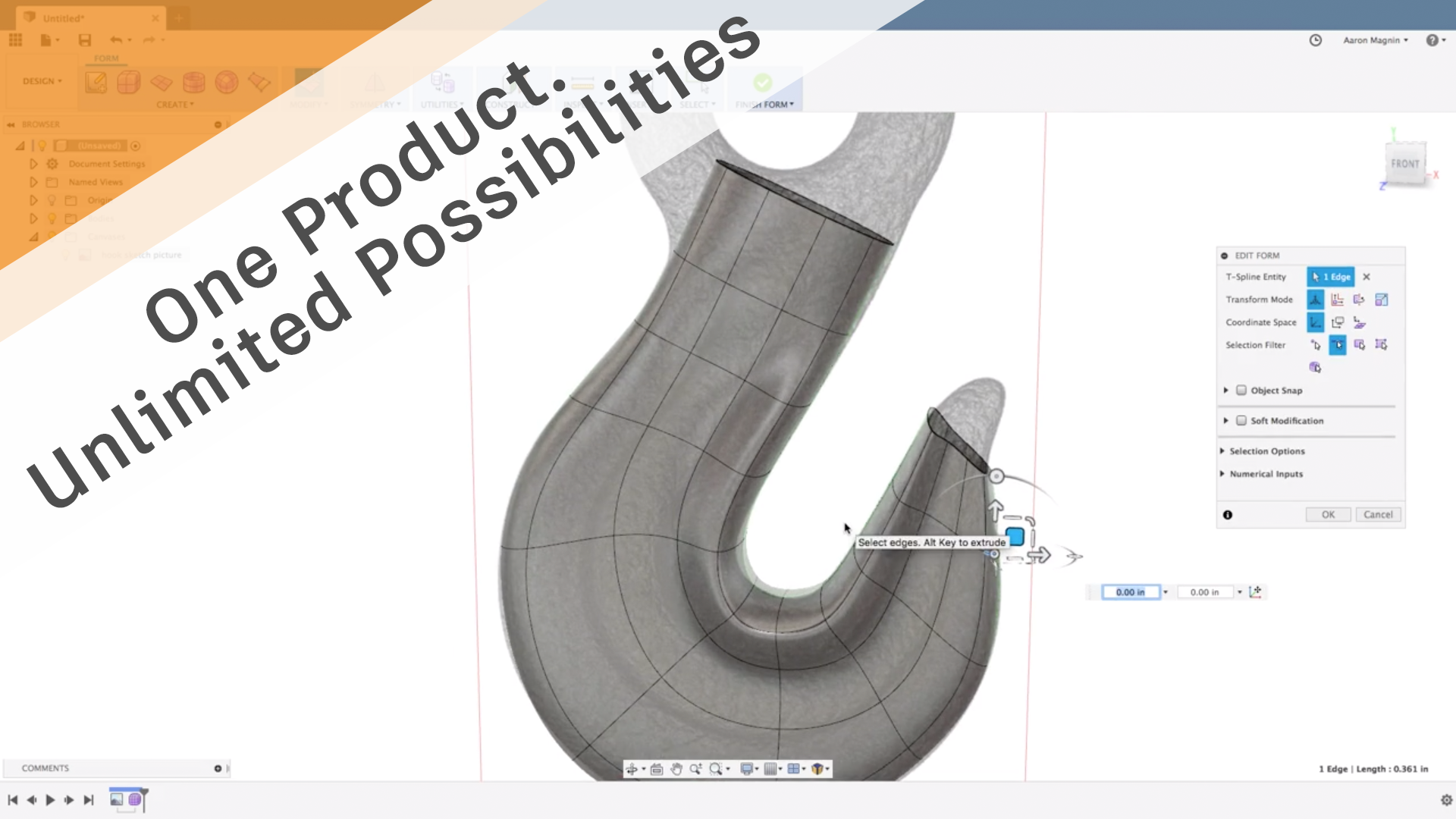
Industrial Design | One Product. Unlimited Possibilities.
In this installment of the One Fusion 360 series, we'll explore the many reasons industrial designers should consider Fusion 360 for their next project.
Fusion
-
Cutter Compensation for Beginners
Cutter compensation can add accuracy and automation to your manufacturing process. Learn about the different types of cutter comp and when to use them.
Fusion
-

Sheet Metal in Fusion 360 | One Product. Unlimited Possibilities.
In this installment of the One Fusion 360 series, we are going to take a deep dive into some of the benefits of sheet metal
Fusion
-
-
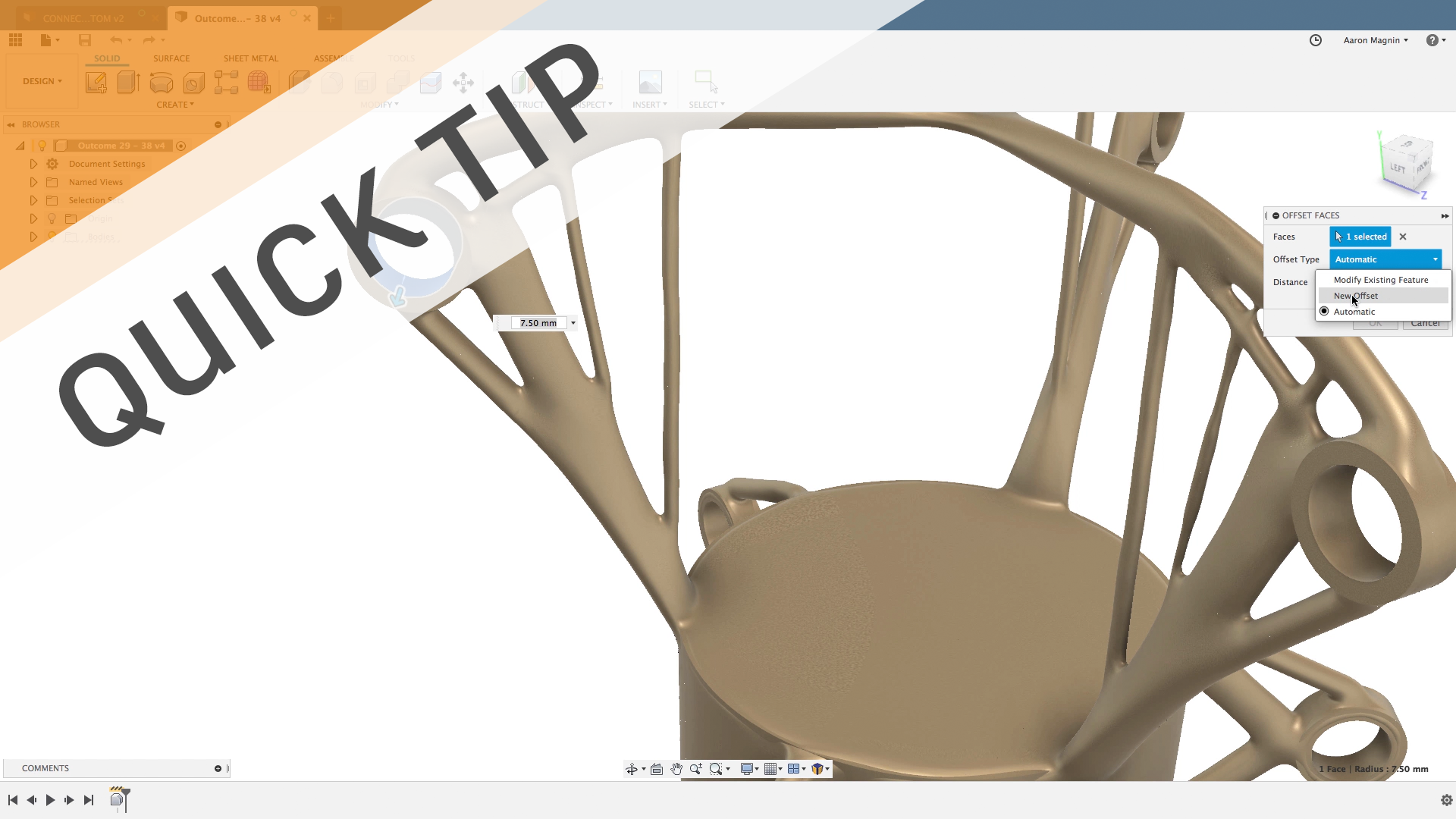
QUICK TIP: Offset Face Control
Control those offset faces with ease and power, the next time you're designing in Fusion 360. Watch this QUICK TIP to learn how!
Fusion
-

The Boom of Motorization: How Karl and Bertha Benz Transformed the Automotive Industry Forever
Move aside, horse-driven carriages, Karl and Bertha Benz are about to transform the automotive industry forever. Learn how.
Fusion
-
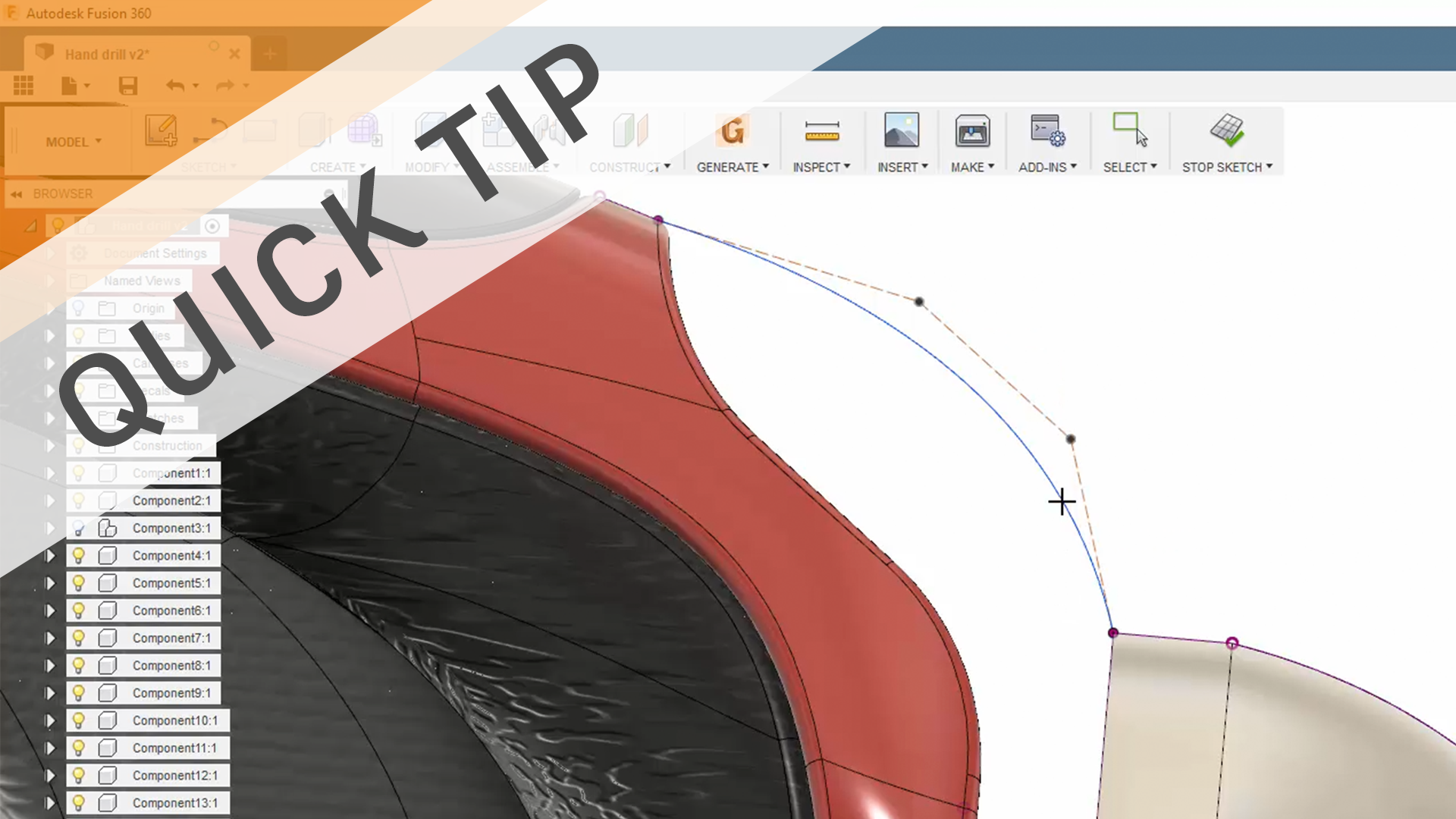
Quick Tip: Control Point Splines (CV Splines)
Learn how to get the exact shape you need for your design with Control Point Splines (aka CV Splines).
Fusion
-
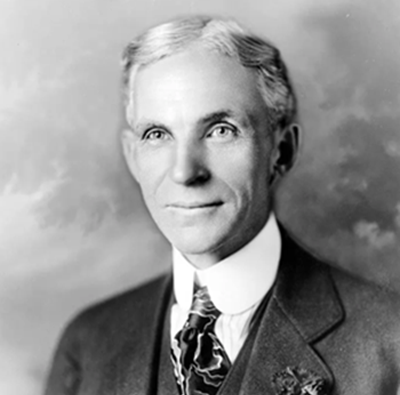
Moving the Millions: How Henry Ford Made the Automobile Affordable for Every American
Henry Ford didn’t invent the car, or the assembly line. So why in the world is he an innovator? Find out inside!
Fusion
-
Speeds and Feeds for New CNC Machinists
Learn the fundamentals of speeds and feeds for CNC milling and drilling including cutting speed (SFM), feed rate (IPM), chip load, and speed/feed formulas.
Fusion
-
Fusion 360 Now Supports 14,000+ End Mills From Harvey Tool and Helical Solutions
Get access to all 14,000-plus end mills offered by the lead cutting tool brands Harvey Tool and Helical Solutions. Read on to learn how to access them.
Fusion
-
Master the Timeline, Browser, & Preferences
Knowing how to navigate the Timeline, Browser, and Preferences are important to anyone using Fusion 360. Read this blog to get a leg up on this, and more!
Fusion