 Kieran Gill
Fusion for Manufacturing helps you machine faster, finish better, and spend less with advanced toolpaths, automation, and integrated data management and collaboration.

Elevate your design and manufacturing processes with Autodesk Fusion
Speed, quality, and cost-effectiveness are more important than ever for manufacturers. Autodesk Fusion for Manufacturing is designed to help you meet these demands – unlocking new levels of efficiency and precision through advanced tooling and intelligent automation.
How Fusion for Manufacturing drives results
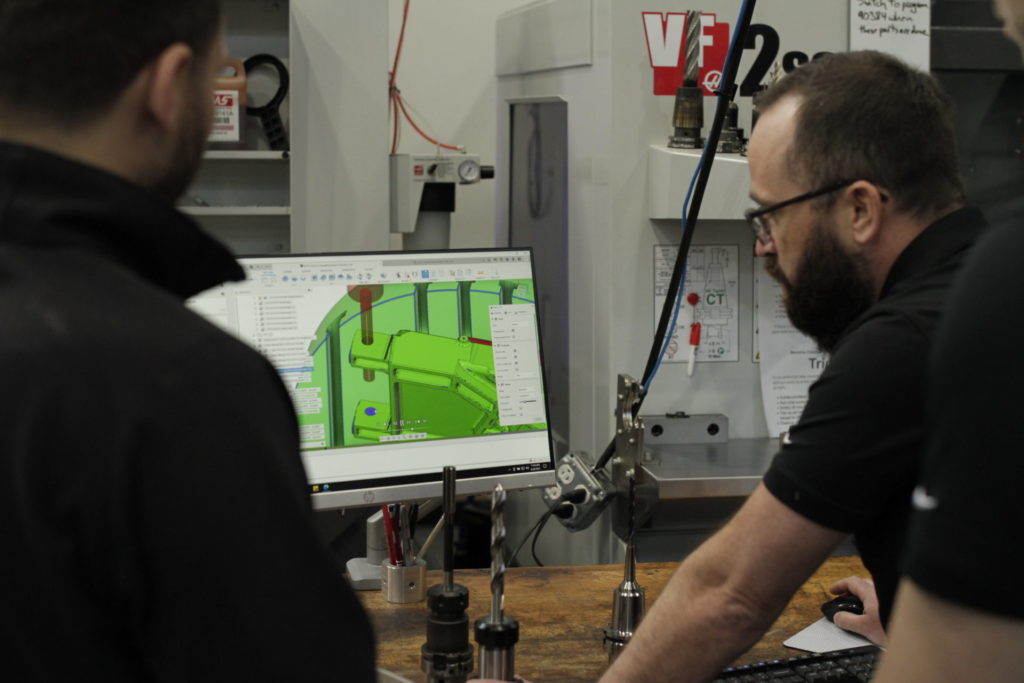
Fusion isn’t just a CAD/CAM tool – it’s a comprehensive solution that brings together design, engineering, manufacturing, and data management in one cloud-based environment. Here’s how Fusion for Manufacturing can help you machine faster, finish better, and spend less:
Advanced toolpath strategies
The CAM capabilities in Fusion support the latest in barrel (circle segment) tooling, including lens, oval, taper, and barrel profiles. These tools allow for much larger stepovers and step downs, dramatically reducing cycle times while maintaining surface quality.
- Multi-axis finishing: Advanced toolpaths in Fusion let you control the contact point on the tool, maximizing cutting efficiency and surface finish.
- Automatic collision avoidance: Ensures safe, optimized tool movement, even on complex geometries.
Integrated tooling libraries
Fusion provides access to extensive tooling libraries, making it easy to select and configure the right barrel tool for each job. The software guides you through setup, helping you match tool geometry to part requirements for optimal results.
Intelligent automation and feature recognition
Fusion’s automation features streamline programming and setup:
- Feature recognition: Automatically identifies holes, pockets, and other features, applying the right strategies and templates.
- Whole-part strategies: Combine multiple machining operations into a single, efficient toolpath—reducing manual intervention and programming time.
Flexible toolpath modification
Not every toolpath is perfect on the first try. Fusion makes it easy to:
- Trim or delete unnecessary toolpath segments
- Adjust leads and links for smoother transitions
- Experiment with different contact points and tool angles
This flexibility lets programmers fine-tune operations for each unique part, maximizing efficiency and quality.
Real-time simulation and analytics
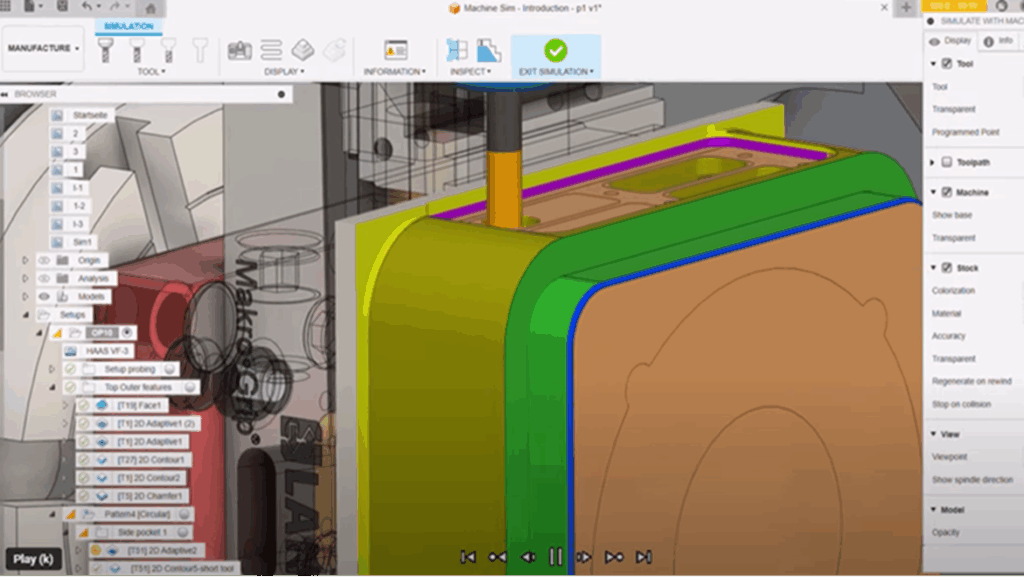
The simulation tools in Fusion let you visualize toolpaths, predict cycle times, and analyze efficiency gains before you hit “run” on the machine. Compare scenarios—such as traditional ball cutters versus barrel tools—and see the impact on machining time, surface finish, and tool wear.
“Considering all the time-saving features in Autodesk Fusion for CNC machining and automated part setup, it’s clear that it can pay for itself in just a few weeks and in the first project.”
– Patrick Fee, Shop Manager, Conturo Prototyping
Why choose Fusion for Manufacturing?
Fusion’s cloud-based platform means your team can collaborate from anywhere, access the latest features instantly, and scale operations as your business grows. With integrated design, engineering, data management, and manufacturing tools, your team can:
- Deliver parts faster
- Achieve superior surface finishes
- Lower production costs
- Centralize data to improve collaboration
- Stay ahead of the competition
Take the next step today. Explore Fusion for Manufacturing to see how it can transform your shop and unlock new levels of productivity.