Fusion Fusion
Overview
Solutions Back
  • Manufacturing
  • Consumer Product Development
  • Mechanical Design
  • PCB and Circuit Design
  • Data Management
Plans and Pricing
Download free trial
See Autodesk Fusion pricing
  • All
  • Thought Leadership
  • What's New
  • Tutorials
  • Case Studies
  • Product Design & Engineering
  • Manufacturing
  • Electronics Engineering

Marti Deans

Marti graduated from University of California, Berkeley where she earned her B.S. Mechanical Engineering and explored manual and CNC manufacturing processes in the Berkeley Student Machine Shop using MasterCAM, HSMWorks, and InventorHSM. Using this experience, she has been working at Autodesk for over 2 years, first developing training and adoption strategies for Fusion 360 users with a focus in manufacturing and now driving awareness for Fusion 360 and its manufacturing capabilities.
  • Unpacking the Manufacturing Extension – Why Steep and Shallow?

    Wondering how Steep and Shallow can add value to your manufacturing process? Marti breaks down the little details that make a big difference.

    Machining


  • turning Fusion 360

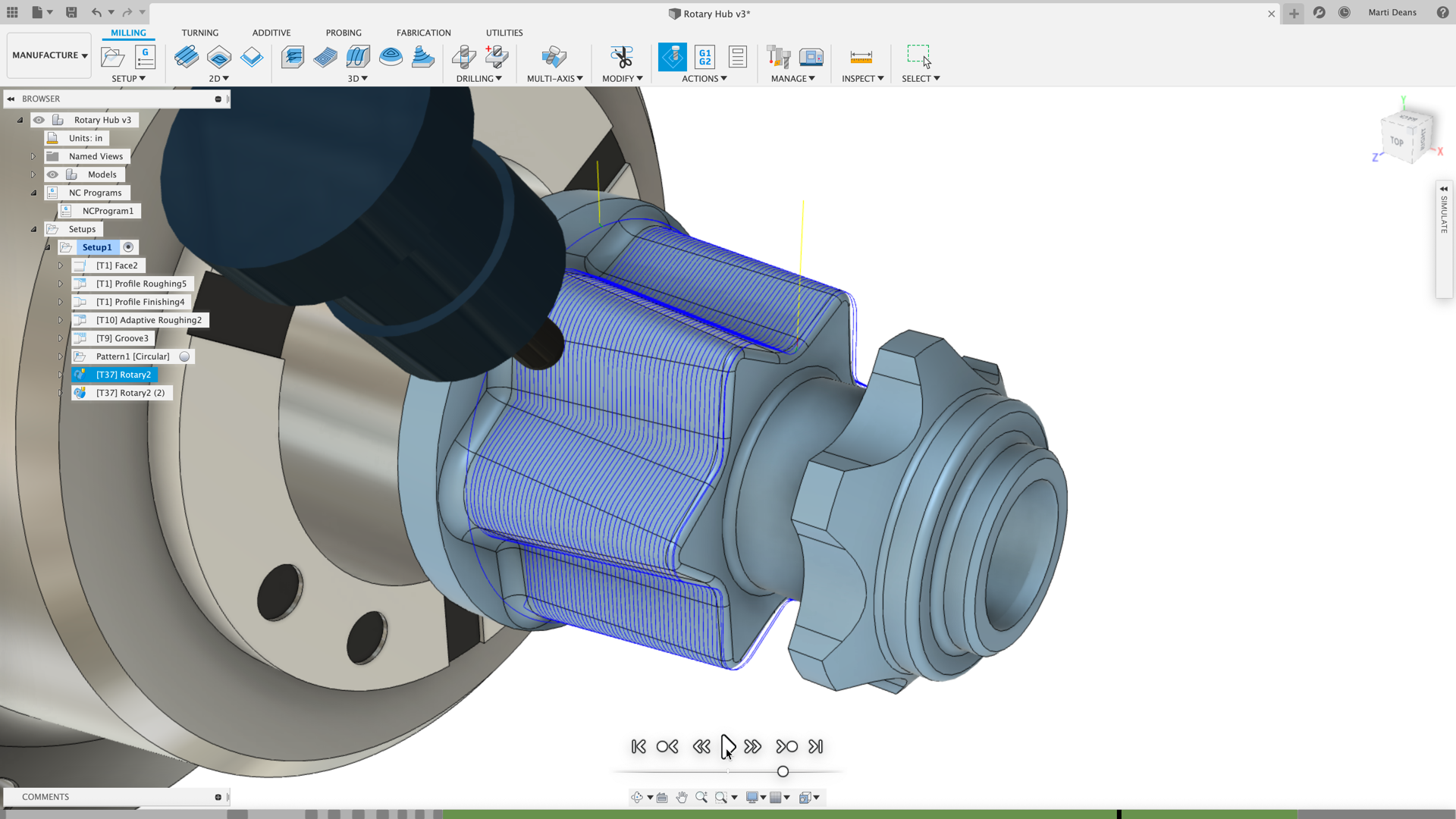
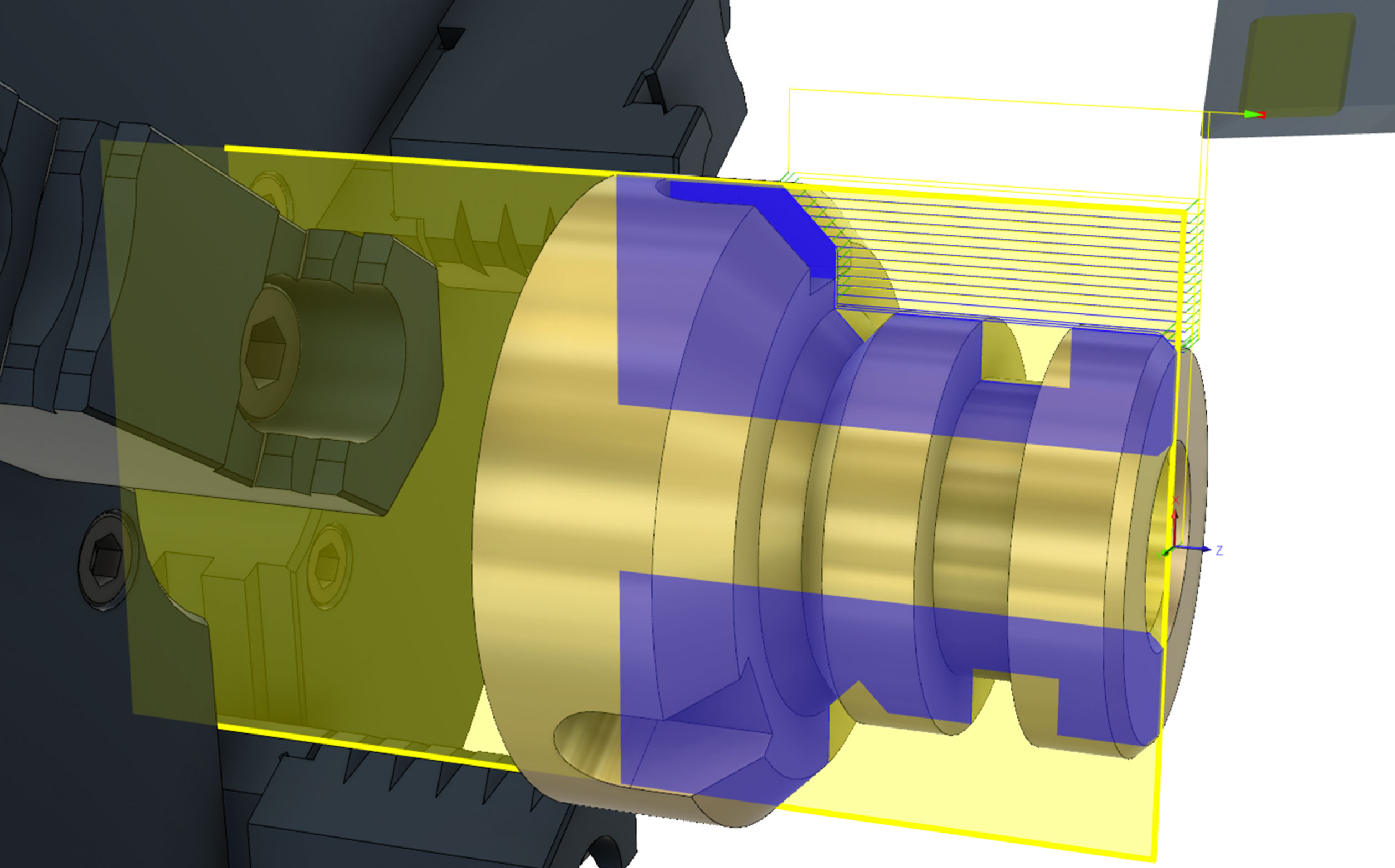
    Turning Point – New Turning Updates in Fusion 360

    The Fusion 360 CAM team has been busy bringing turning updates large and small. Here's your one stop shop for what's new in turning.

    What's New


  • What’s Next for G-Code?

    G-Code has been around since the 1950s telling computerized machine tools how to make something. What's changed recently?

    Fusion


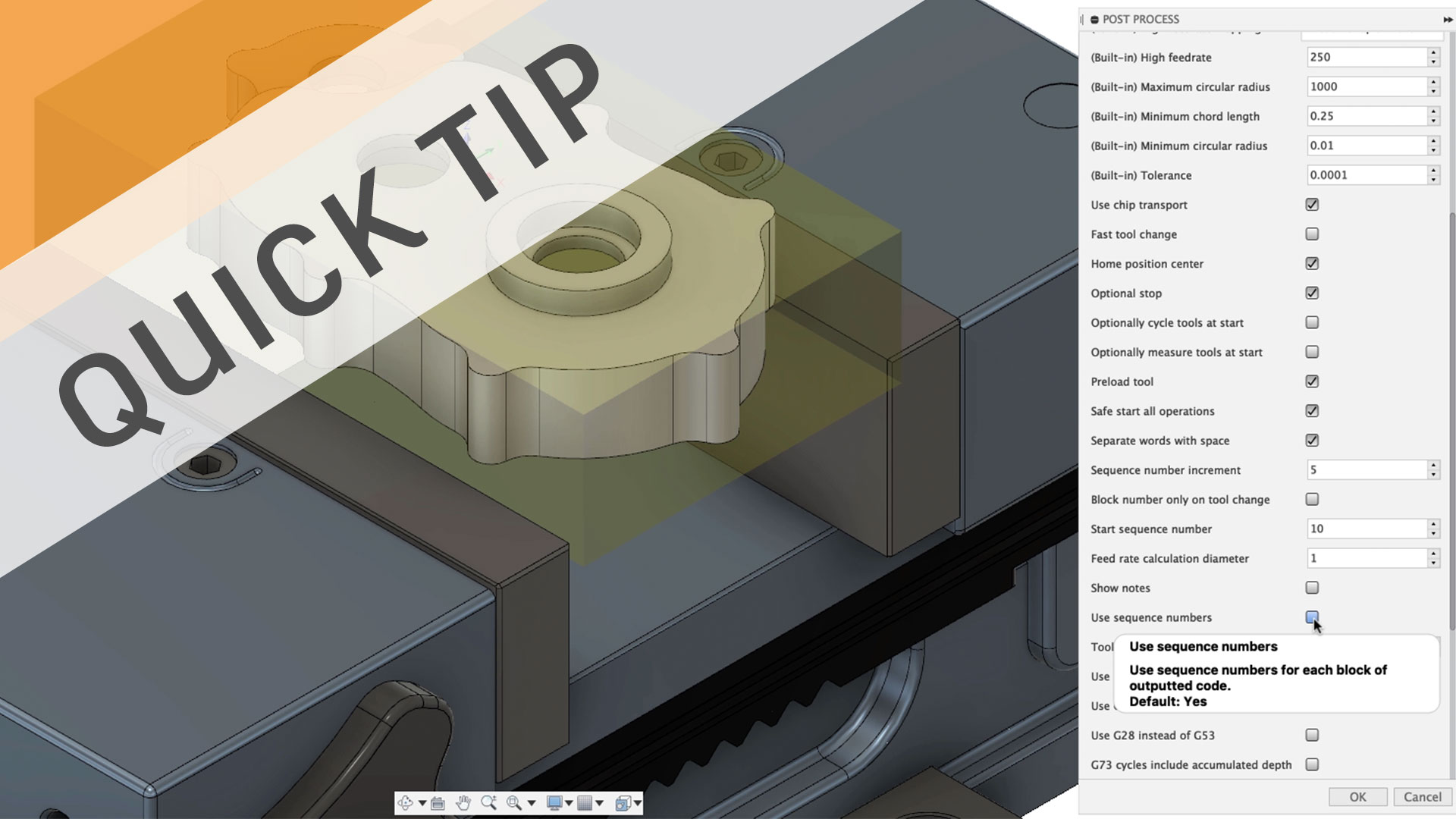
  • QUICK TIP: Post Processor Properties & More!

    Find, edit, and tweak your Fusion 360 post processor for free with resources including an online library, post processor forum, and in context properties.

    Fusion


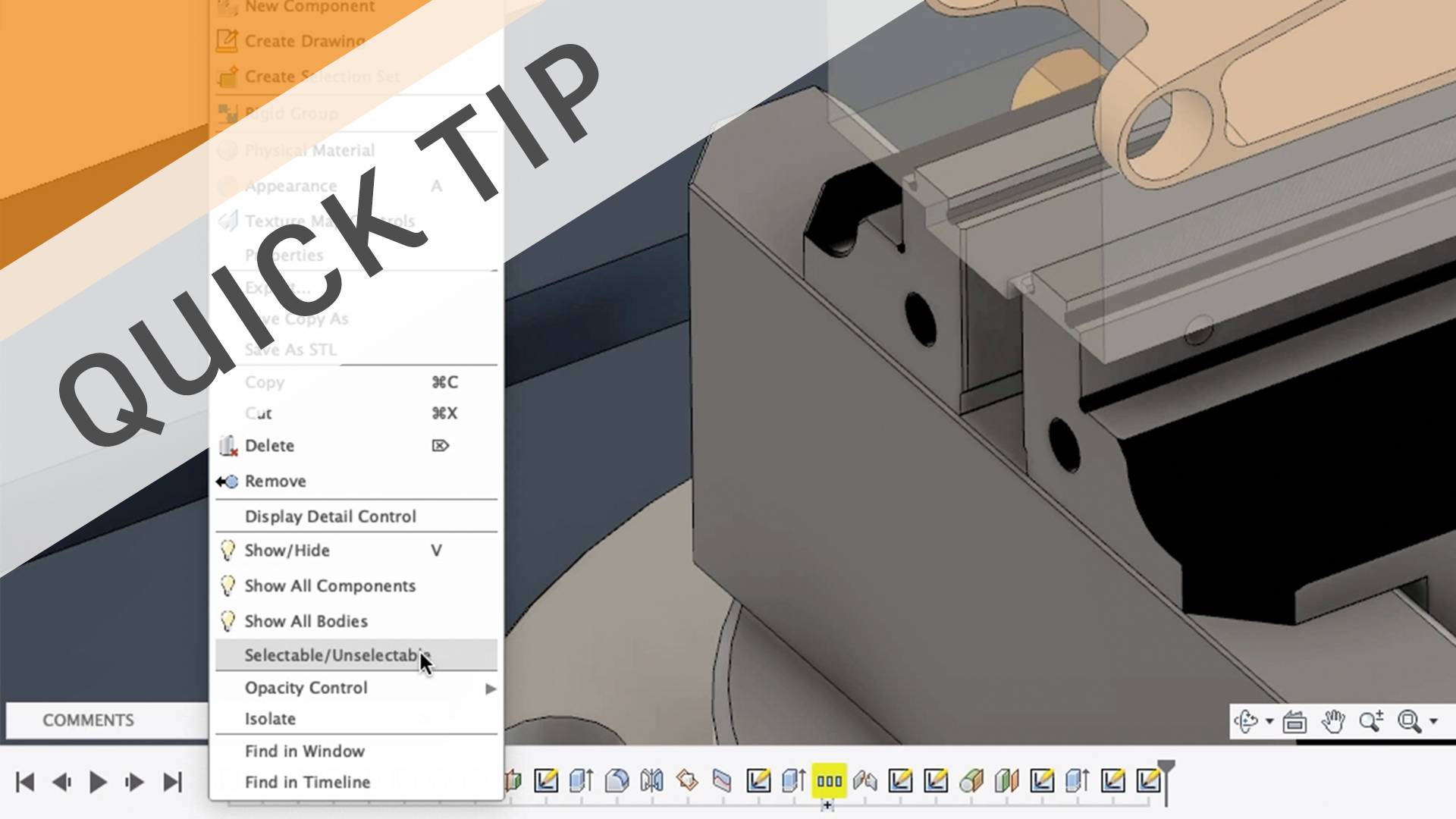
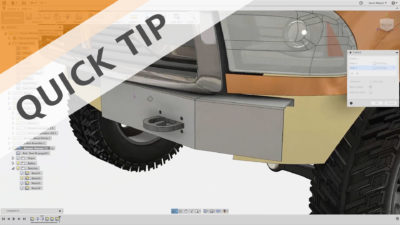
  • QUICK TIP: Easier Selections with…Unselectable?

    Learn how to make bodies and components unselectable to make selections easier. It may sound counter-intuitive, but it just might work!

    Fusion


  • Speeds and Feeds for New CNC Machinists

    Learn the fundamentals of speeds and feeds for CNC milling and drilling including cutting speed (SFM), feed rate (IPM), chip load, and speed/feed formulas.

    Fusion


  • QUICK TIP: Sheet Metal Contour Flanges

    Create sheet metal flanges using sketch contours, and see how Fusion 360 can automatically miter flanges and add material to heal disconnected sketches.

    Fusion


  • 10 Milling Toolpaths for Your First 2D CNC Machining Project

    Learn about the 10 milling toolpaths to use for your first 2D CNC machining process including facing, contouring, cutter diameter compensation), and more.

    Fusion


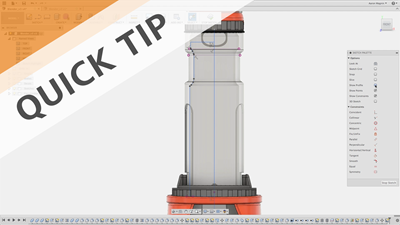
  • QUICK TIP: Unselectable Sketch Profiles

    Unselectable sketch profiles got you down? Learn a trick to help troubleshoot those unruly sketches, and see how Show Profile affects sketch function.

    Fusion


  • Top 8 Milling Tools for CNC Cutting

    Learn about the top 8 milling tools that every CNC Machinist needs to know about including end mills, face mills, fly cutters, center spot drills, and more.

    Fusion


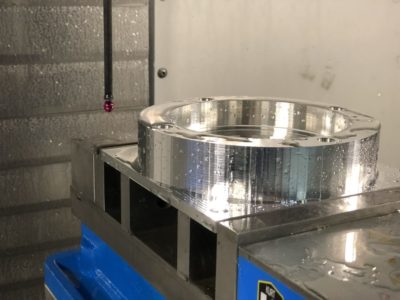
  • To Probe or Not to Probe: Ending the Probing Debate

    Learn how we ended the great machine tool probe debate by considering CAM priorities like cycle time, touch time, feature size, and more.

    Fusion


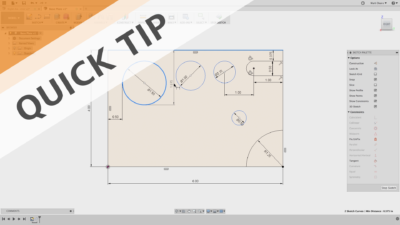
  • QUICK TIP: Sketch Tangent Dimensions

    Applying tangent sketch dimensions can be a pain. This sketch QUICK TIP shows you how to quickly and easily apply tangent dimensions to circles and arcs.

    Fusion


  • QUICK TIP: CAM Contour Selection

    The Selection Manager is a powerful tool for anyone using CAM in Fusion 360. Watch this QUICK TIP to learn how to dial in your contour selections.

    Fusion


  • QUICK TIP: Flow

    Flow is the new toolpath in town. Learn how to create 3D and multi-axis toolpaths that follow surface curves for super smooth results.

    Fusion


  • QUICK TIP: How to machine 3D chamfers

    Creating the geometry while designing is easy, but machining it is a little trickier.

    Fusion


Previous Page
1 2 3
Next Page

Autodesk

Company overview
Careers
Investor relations
Autodesk Trust Center
Newsroom
Diversity and belonging

Autodesk Foundation
Sustainability
Contact us
Students and educators
Affiliate program
Autodesk Research
Design & Make with Autodesk

How to buy

View all products
Buying with Autodesk
Renewal options
Find a reseller
Sales and refunds
Choose your subscription plan
Pay as you go with Flex

Support

Product support
Manage your account
Download and install software
Autodesk Product Status
Education support
Contact support

Privacy | Do not sell or share my personal information | Cookie preferences | Report noncompliance | Terms of use | Legal | © 2024 Autodesk Inc. All rights reserved