
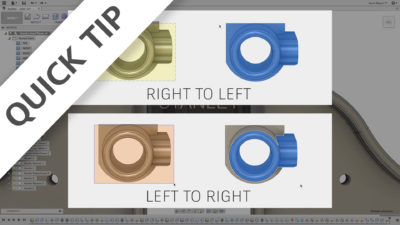
Want to make complex changes to your models in a short time? Then you need to combine direct editing techniques with what you learn in this QUICK TIP.
Fusion
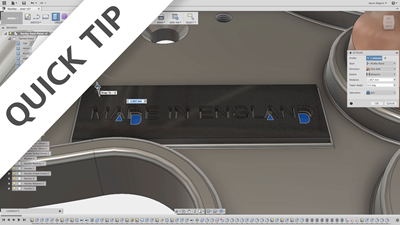
Want to make features faster? Understanding what happens when you start a sketch on an existing model face will help--so watch this QUICK TIP!
Fusion

Want to get more from your sketches? Then use them time-and-time-again to create multiple features, bodies, and components in your next design!
Fusion
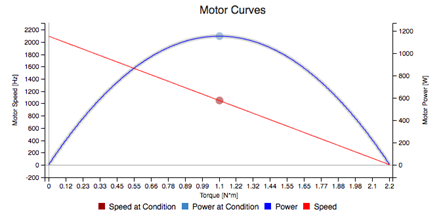
Learn how the Swift Calcs integration and add-in for Fusion 360 can open up new possibilities for your designs.
Fusion
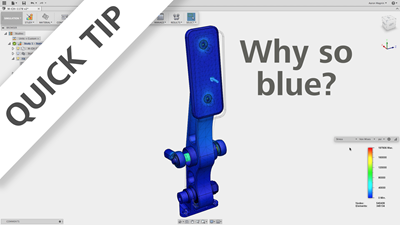
If blue simulation results have got you down, check out this QUICK TIP to learn some different (& better) ways to visualize those results!
Fusion
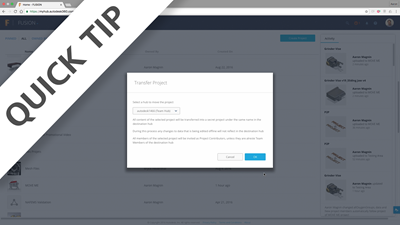
If you want to move/copy designs from project to project - or move projects from hub to hub - you'll want to watch this QUICK TIP.
Fusion
Want to run your next design through more simulations? Come see how the cloud solve functionality recently brought to Fusion 360 will open up new horizons.
Fusion
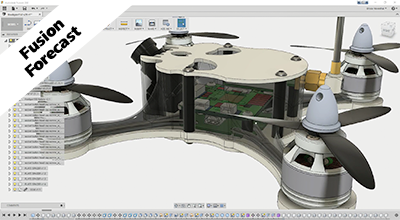
In this Fusion Forecast, we will see how Fusion 360 designs can leverage printed circuit boards from ECAD tools.
News

Using animations in Fusion 360 is a powerful way to communicate assembly structure and mechanics. Check out this QT to jump-start your animation creation!
Fusion

If the 100+ posts in Fusion 360 don't meet your requirements, you need to know where to find others. Check out this QUICK TIP to get the answers you need!
Fusion
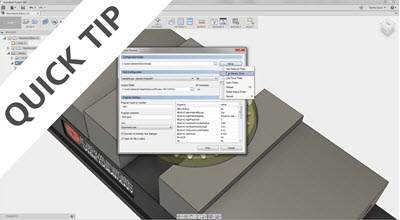
Avoid some common mistakes and better understand how to modify your view in Fusion 360 after watching this QUICK TIP.
Fusion
Our educational material is constantly evolving from the feedback we get from the community. Check out the latest changes, and let us know what you think!
Fusion

The inaugural 3DVeterans boot camp concluded this month with huge success. Come see why we think this program needs to expand to serve more veterans!
Fusion
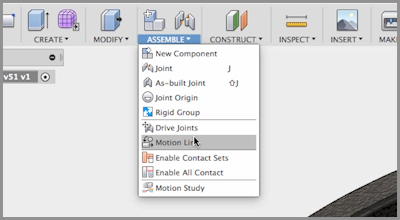
Adding joint limits and motion links is a fast way to add realism to the mechanics of your designs. Check out this QUICK TIP to learn how to use these!
Fusion

In this Fusion Forecast, we will dive deeper into some of the advanced simulation capabilities that will be coming to Fusion 360.
Fusion