
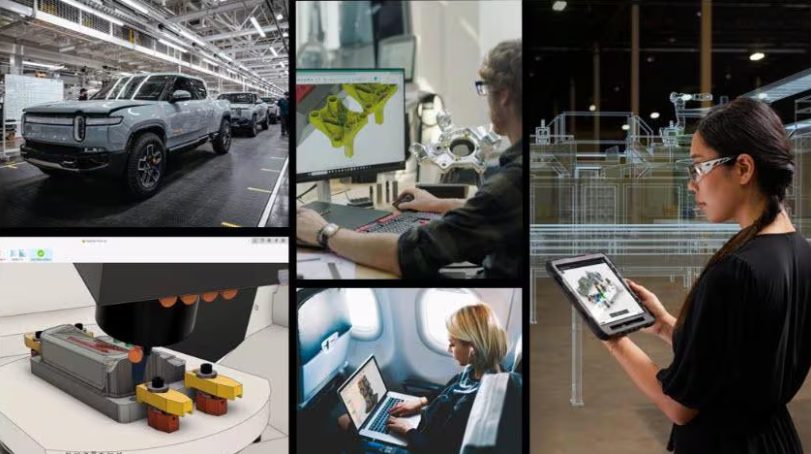
Automation and AI-driven quality control is transforming manufacturing by enabling real-time defect detection, predictive quality management, and automated inspection to reduce errors and maximize efficiency. Autodesk Fusion integrates automation and AI across the product development lifecycle to accelerate high-quality production and continuous improvement. Manufacturing processes have become increasingly complex as companies strive for higher-quality products…
Manufacturing
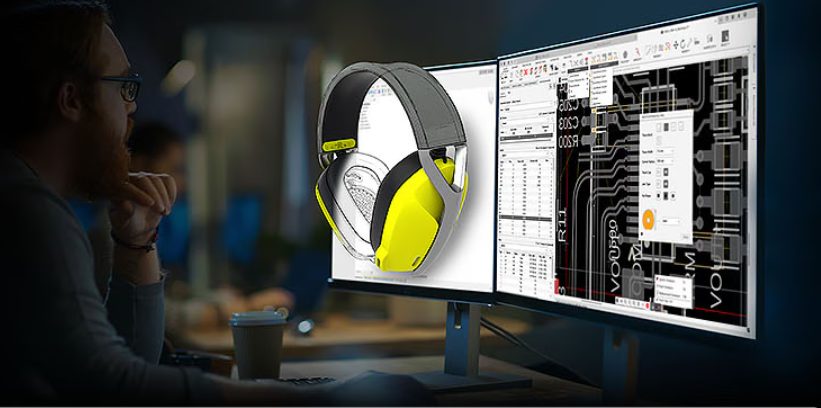
Autodesk Fusion continues to redefine what’s possible for designers, engineers, and manufacturers with powerful new features and enhancements that accelerate design workflows, enhance collaboration, and enable smarter manufacturing. Here’s a run-down of the most recent highlights in Fusion that will help elevate your product development processes like never before. Design New constraint components tool for assemblies Say goodbye to juggling multiple commands for assembly relationships. The new constraint…
What's New
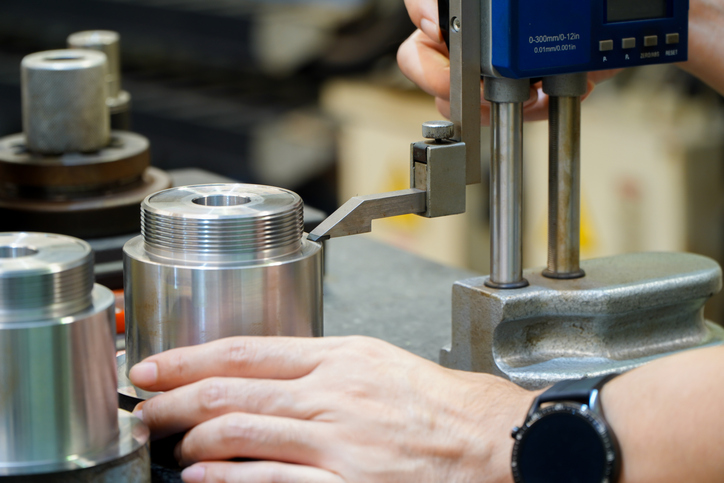
Part inspection ensures that manufactured components meet precise specifications and quality standards. Autodesk Fusion integrates part inspection into your manufacturing workflows, automating tasks, ensuring traceability, and enhancing efficiency. This leads to improved product quality, regulatory compliance, and cost savings. What is part inspection Part inspection is the evaluation of parts to verify their conformity to…
Manufacturing
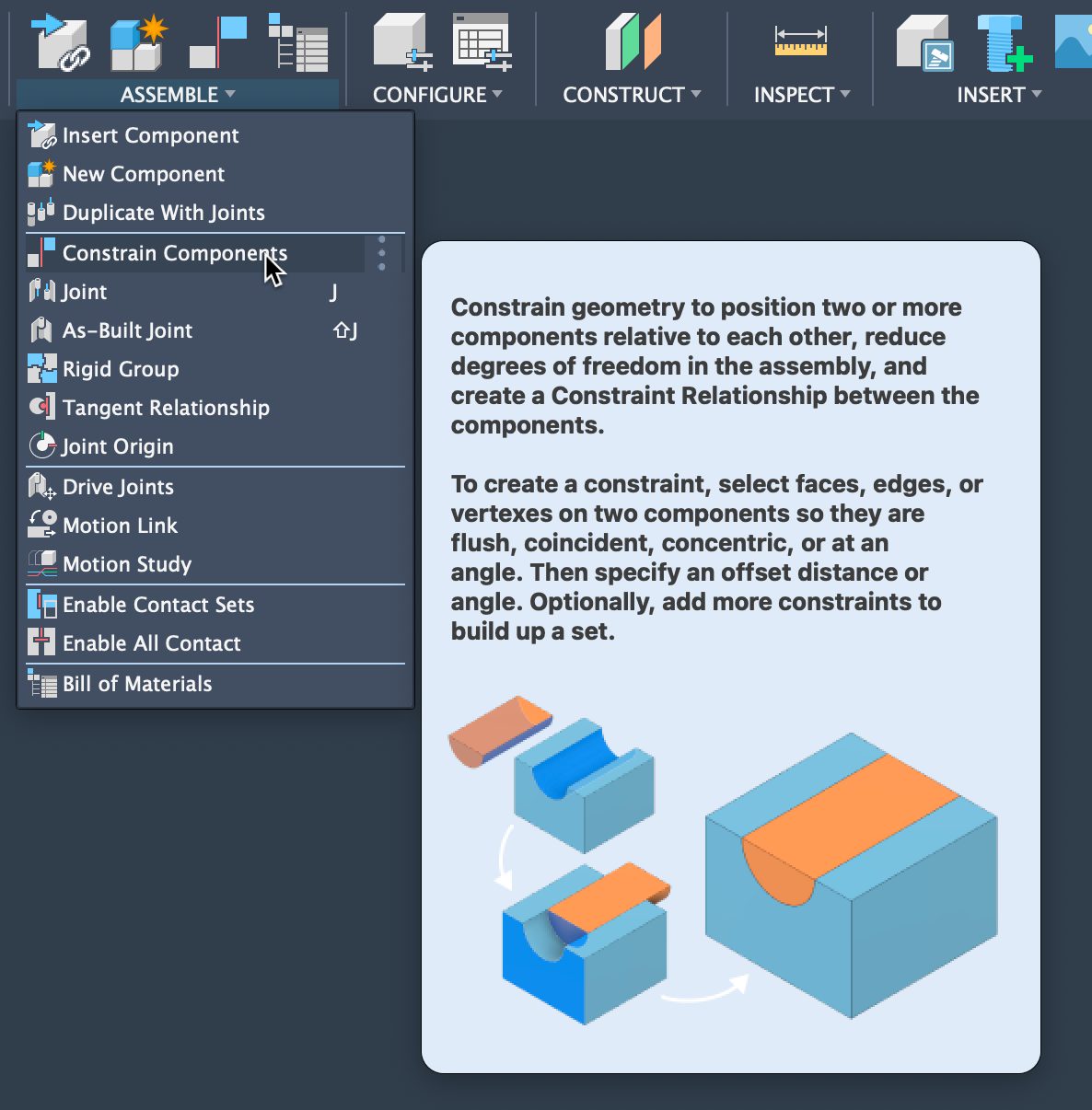
Learn how to assemble components in Fusion using Constraints — a faster, simpler alternative to SolidWorks mates. This step‑by‑step guide covers creating assemblies, applying multiple constraints efficiently, and managing them through the browser, helping you streamline the design process and build Fusion assemblies with more clarity and speed. Build Fusion assemblies faster with constraints If…
Product Design & Engineering
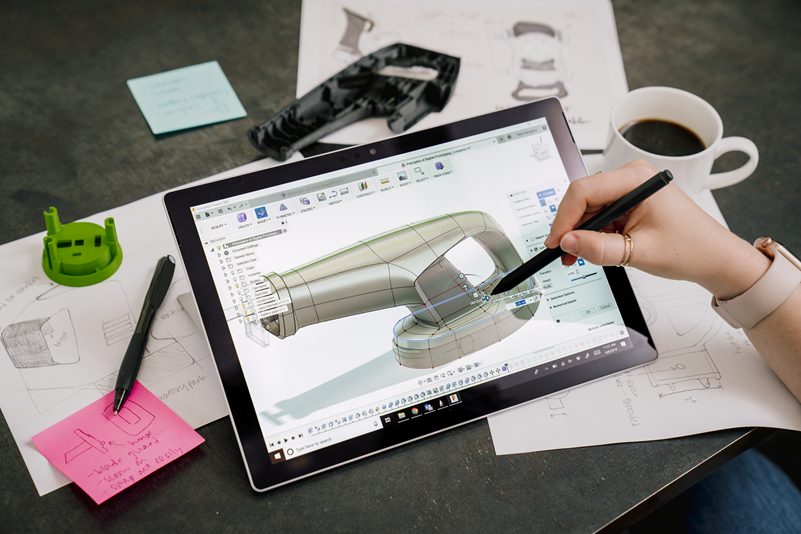
The Fusion 360 mobile app is now available for iOS and Android platforms. These mobile applications provide access to Fusion 360 data—anytime, anywhere.
Fusion
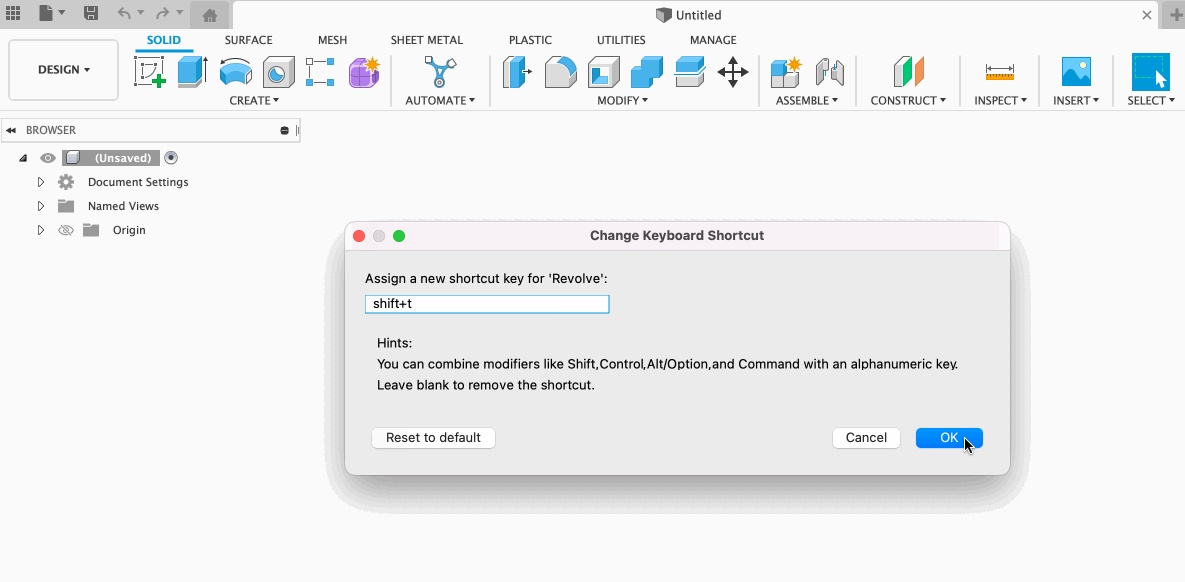
Check out this quick tip to see how easy it is to set custom keyboard shortcuts in Fusion. All it takes is a couple of simple steps.
Tutorials
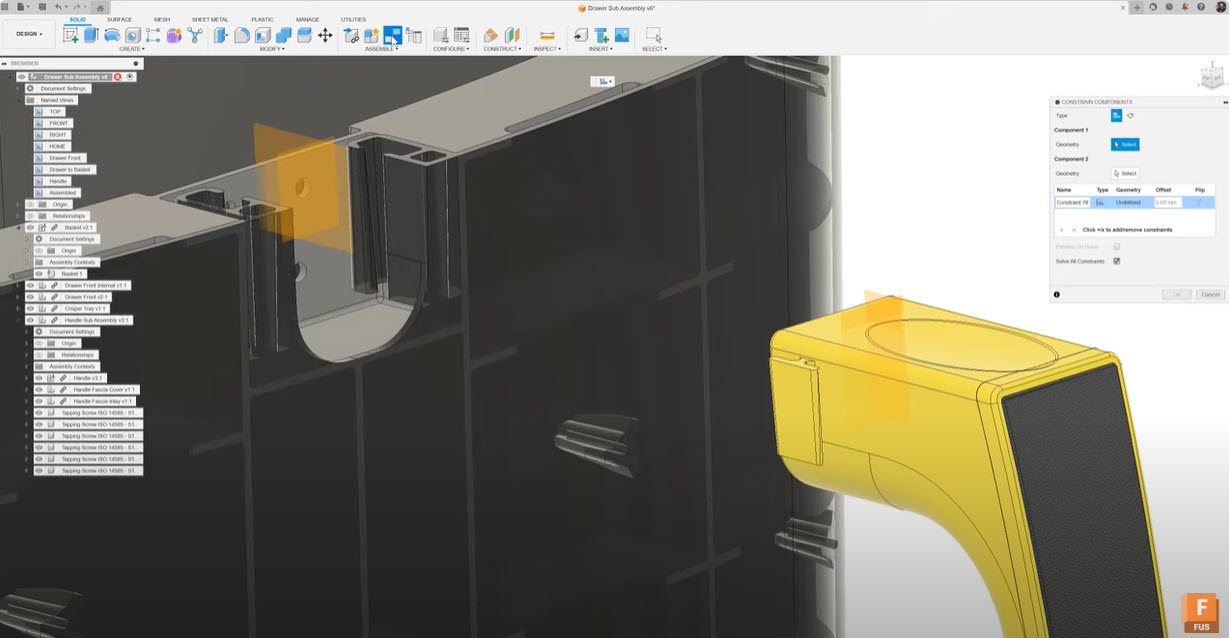
Experienced SolidWorks users transitioning to Autodesk Fusion will find Fusion’s constraints system simplifies assemblies with fewer steps, intuitive visual previews, and real-time feedback. Its familiar terms, better management, and improved kinematic control provide a smoother, more efficient design experience than traditional mate-based workflows. Hey there, SolidWorks pro. We get it—you’ve been Mating things together for…
Product Design & Engineering
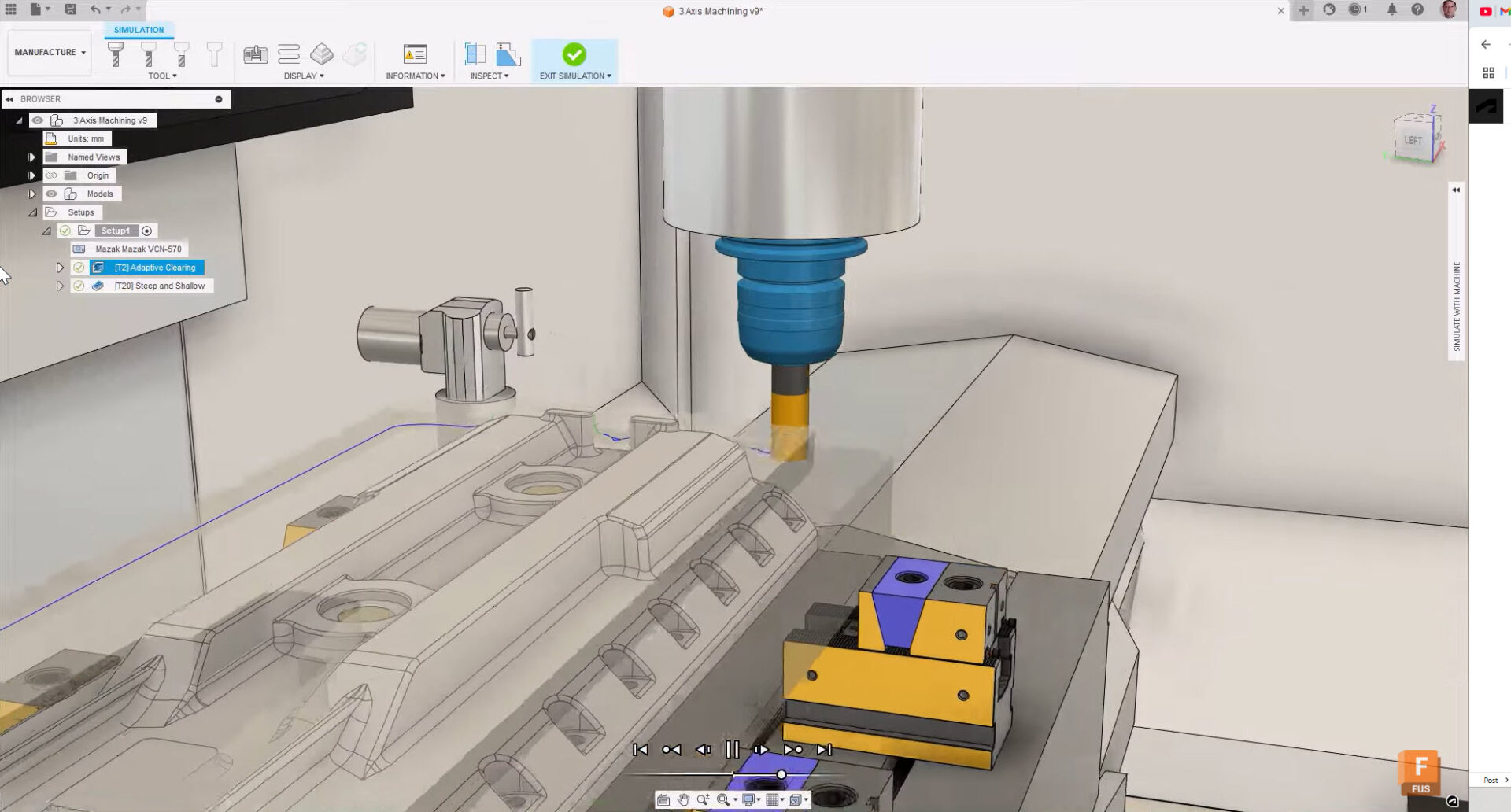
Boost your manufacturing efficiency with Fusion and Kennametal tooling to streamline workflows and produce high-quality parts.
Fusion
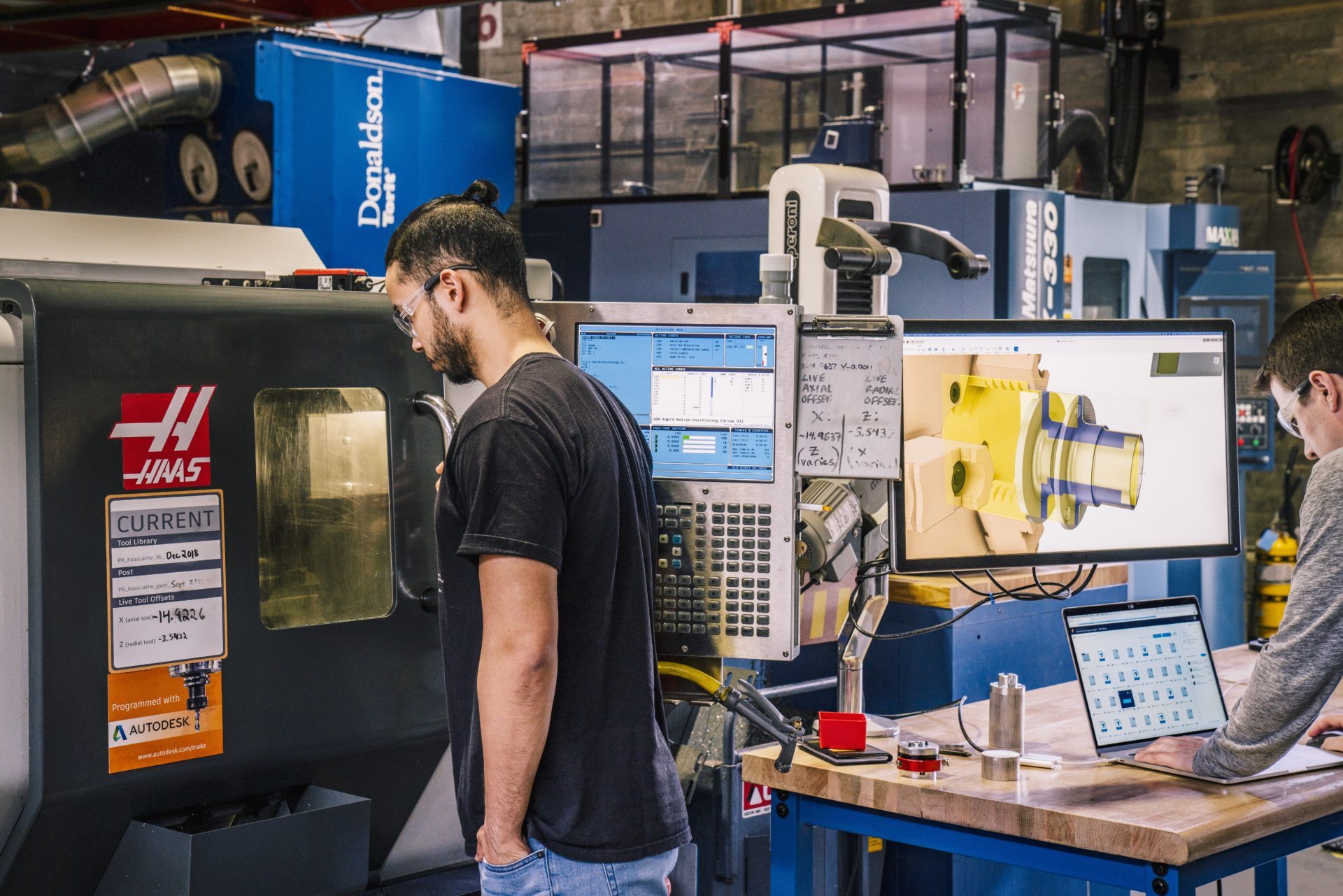
Transitioning from HSMWorks to Fusion is simple, offering compatibility with existing workflows and enhanced features for more efficient and advanced manufacturing solutions. As of March 25th, 2025, HSMWorks is no longer be available as a Fusion entitlement for new subscribers. But don’t worry—HSMWorks will continue to receive support until its end-of-life on March 25th, 2028.…
Advanced Manufacturing
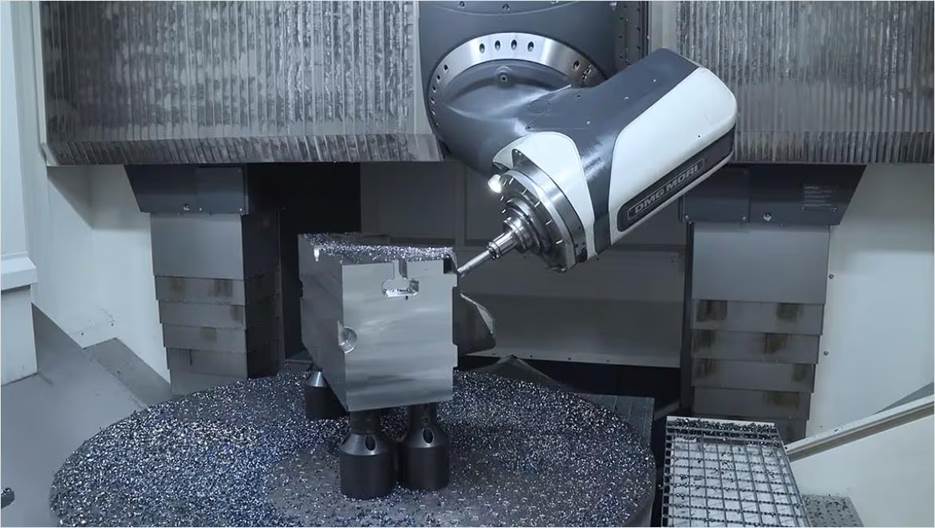
Explore how 5-axis machining with Autodesk Fusion gives product designers greater precision and flexibility.
Advanced Manufacturing
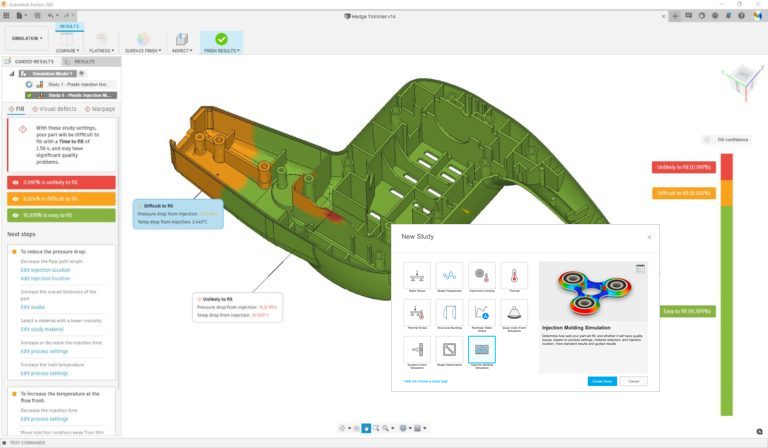
See how you can leverage AnyCAD functionality in Autodesk Fusion to link to vendor, contractor, and customer data.
Product Design & Engineering
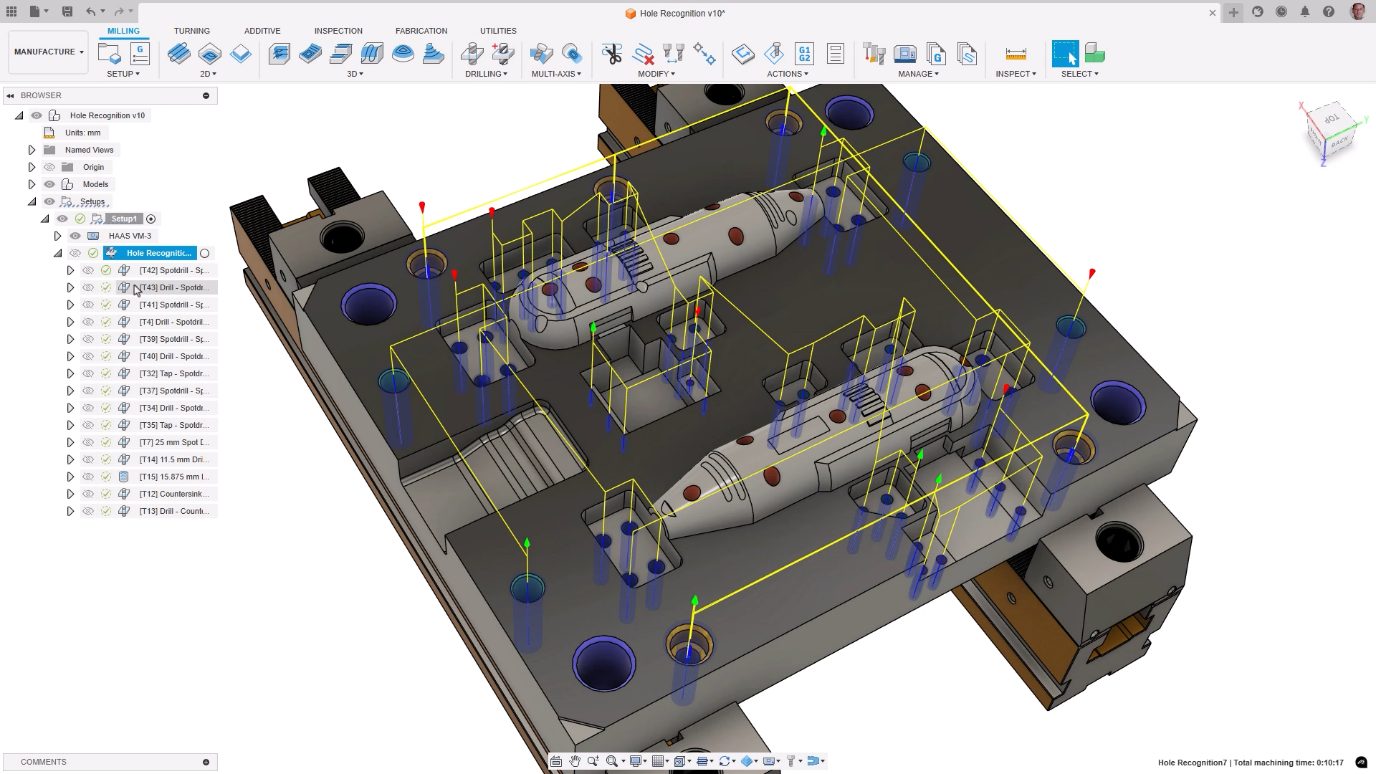
The automated hole drilling feature in Autodesk Fusion for Manufacturing simplifies CAM programming, reduces errors, and improves part quality.
Advanced Manufacturing
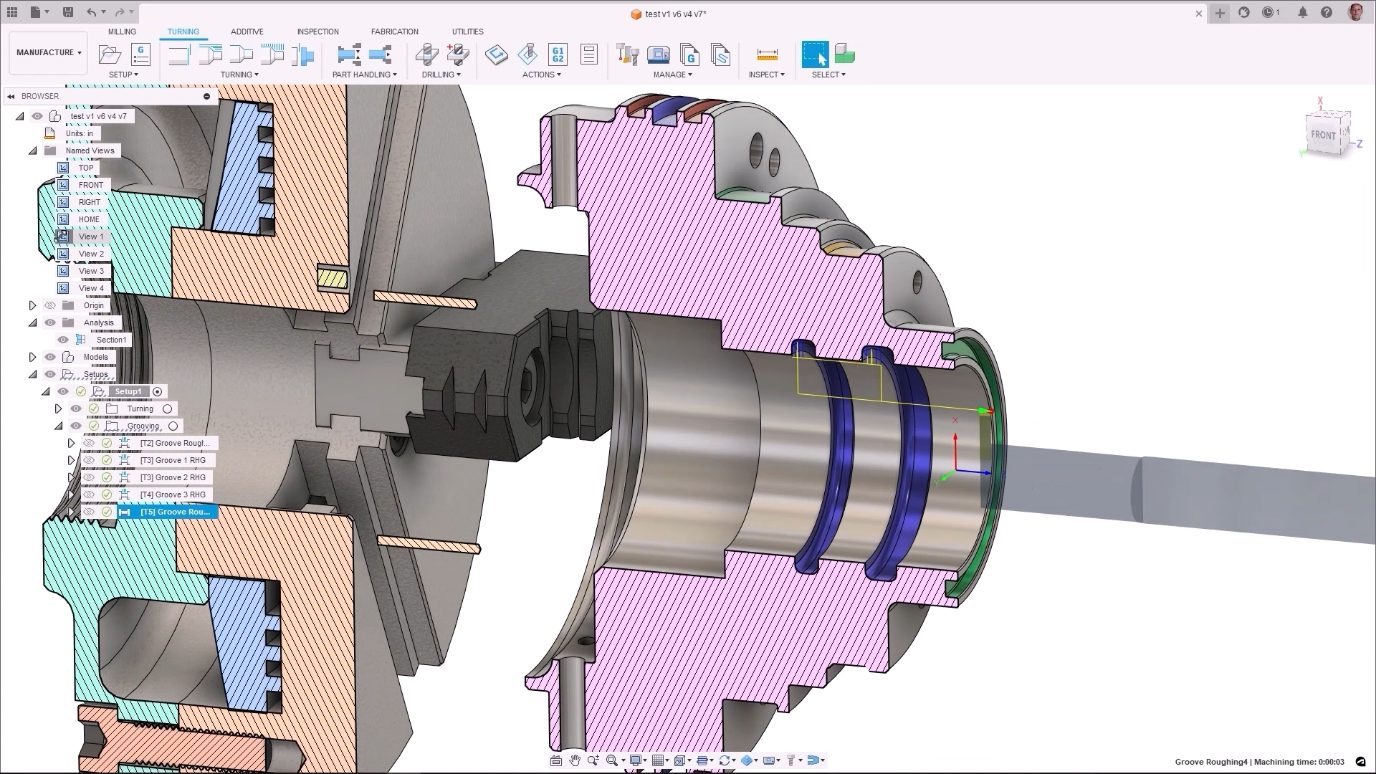
Learn how the turning capabilities in Autodesk Fusion for Manufacturing provide a set of operations that optimize toolpaths and more.
Manufacturing

See how Autodesk Fusion for Manufacturing's probing, inspection, and part alignment capabilities empower manufacturers.
Machining
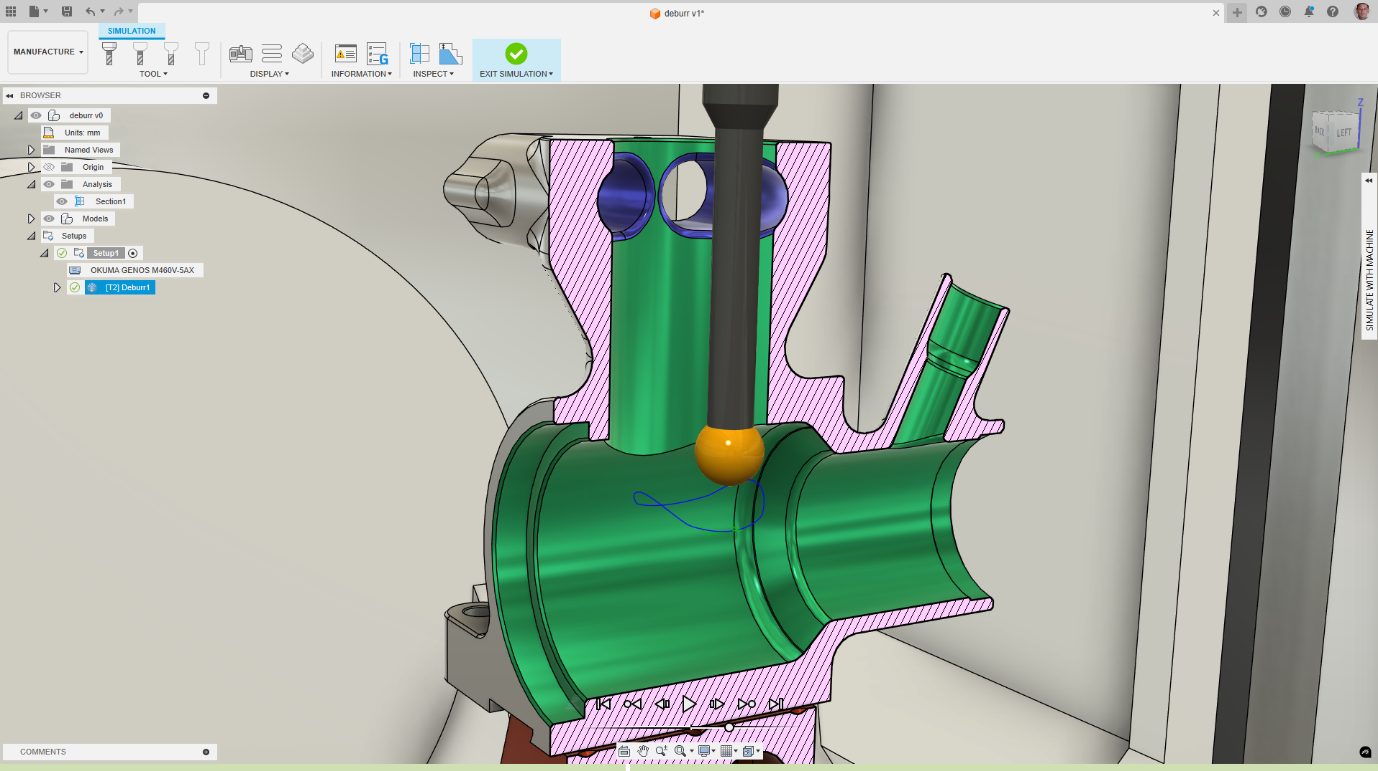
The deburr machining strategy in Autodesk Fusion for Manufacturing automates the removal of burrs from machined parts to increase efficiency.
Machining