 Heather Miller
Uni-Fab is a family-owned, custom manufacturing company in Ontario, Canada with more than 35 years of experience. By switching from BobCAD and Mastercam to Autodesk Fusion, Uni-Fab has standardized machining operations, improved collaboration, and increased efficiency. For example, the team transitioned to just using 3D tool paths and two setups for a part traditionally done on a custom fixture, reducing overall runtime from three and a half hours to 45 minutes. AI-powered automation in a new add-in they developed with Autodesk Assistant is further streamlining workflows to prepare parts for machining.
Watch the video

Elevate your design and manufacturing processes with Autodesk Fusion
For more than 35 years, Uni-Fab has built its custom manufacturing business based on trusted customer relationships and a commitment to quality. Founded by Abe Fehr, the family-run company has grown significantly over the decades and now operates from a roughly 230,000-square-foot facility in Ontario, Canada.
As Uni-Fab continues to expand into new industries, improving efficiency has become increasingly important. With additional 5-axis machines being added to the shop floor and a growing team of machinists, the company needed a way to create greater consistency and the ability to scale across its manufacturing operations. Joel Goodwin, machining operations manager, immediately saw how Autodesk Fusion could make an impact.
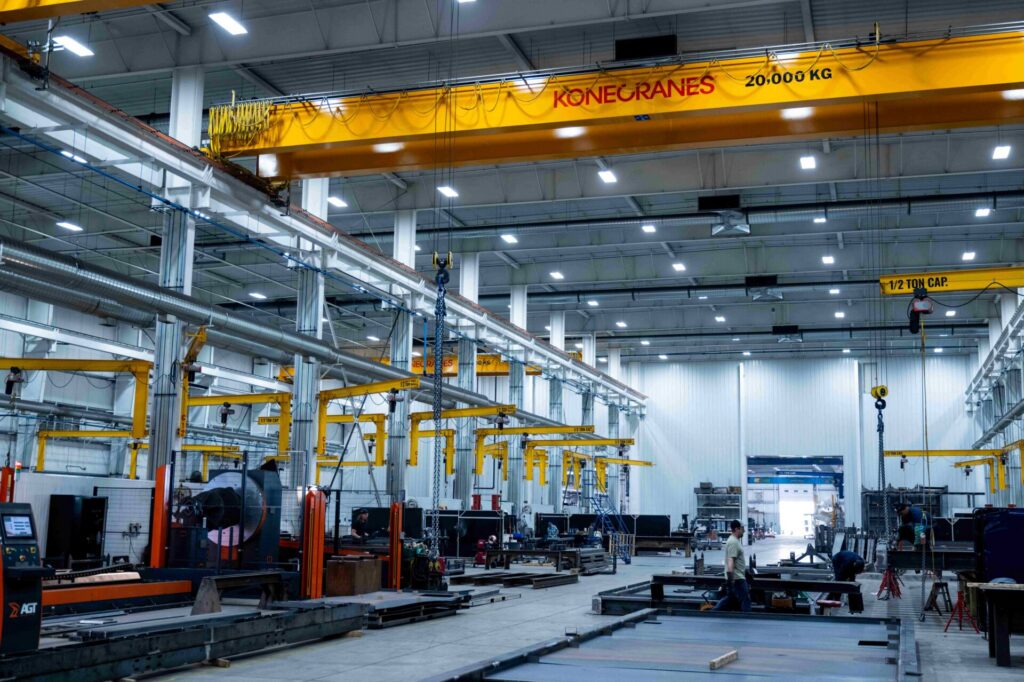
“When I first came in, we were using a mix of BobCAD and Mastercam,” Goodwin says. “My main goal was to transition our department to be on one software with the added benefit of having connectivity through the cloud so that parts, tooling, and machines could be accessed by the whole team.”
With Fusion, the Uni-Fab realized new benefits immediately.
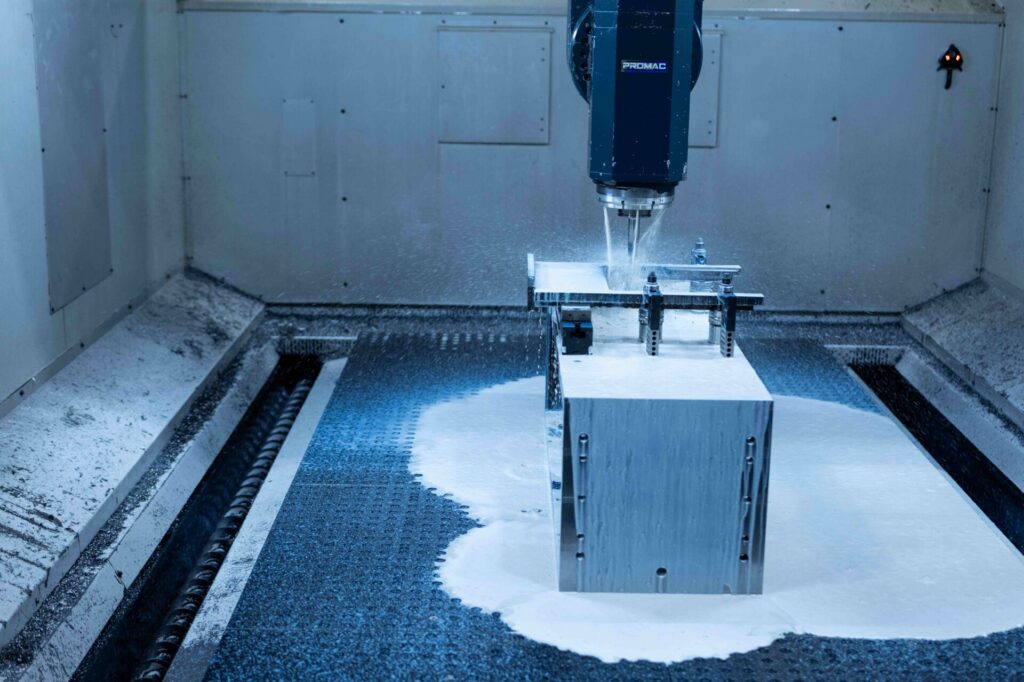
“One big advance we made early on was a part that was traditionally done on a custom fixture to allow the boring of a 45-degree hole,” Goodwin says. “Instead, we were able to transition to cutting the entire part just using 3D tool paths and two setups, which reduced our overall runtime from three and a half hours to 45 minutes.
Connected Fusion workflow
Uni-Fab uses Fusion throughout its workflow, from the initial job intake through machining. The process begins with opening large assemblies and evaluating files during job entry. From there, files are processed, prepared, color-coded, and verified to ensure they are ready for production before moving into machining.
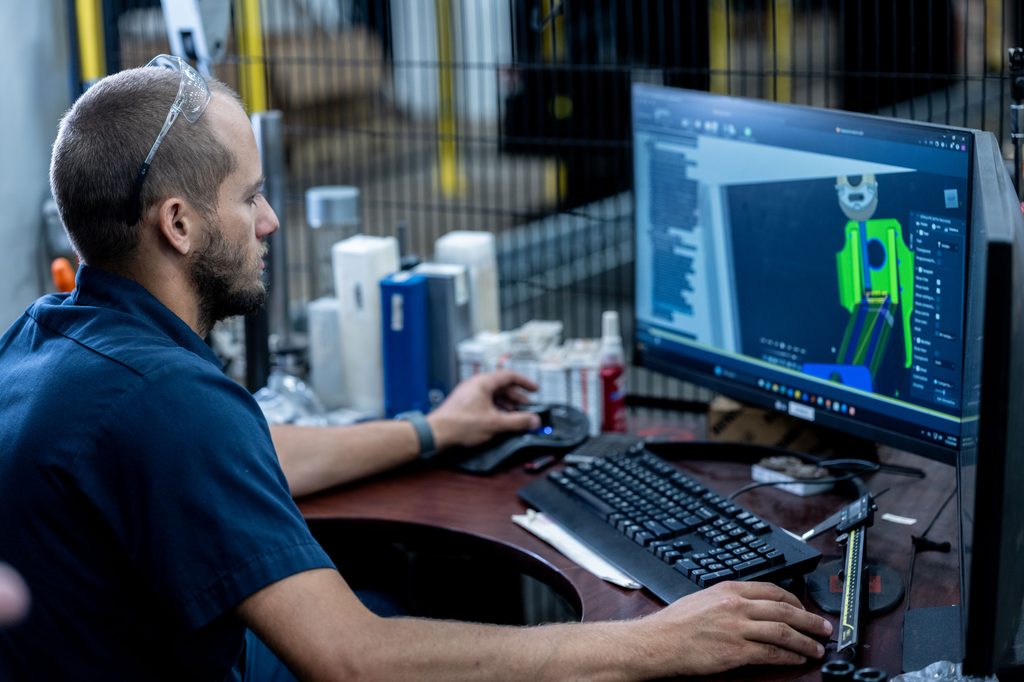
An important part of that file-processing stage is verifying that the customer model matches the accompanying drawing. Uni-Fab applies its own internal color standards to define manufacturing requirements such as tapped holes, reamed holes, critical surfaces, and clearance surfaces. By verifying during this stage, they can process more efficiently. In addition, the team can look at custom fixturing and processes that may be required due to the nature of the fabrications.
From there, verified and prepared files move into machining. This connected workflow has become particularly valuable as Uni-Fab has expanded its equipment and number of new jobs.
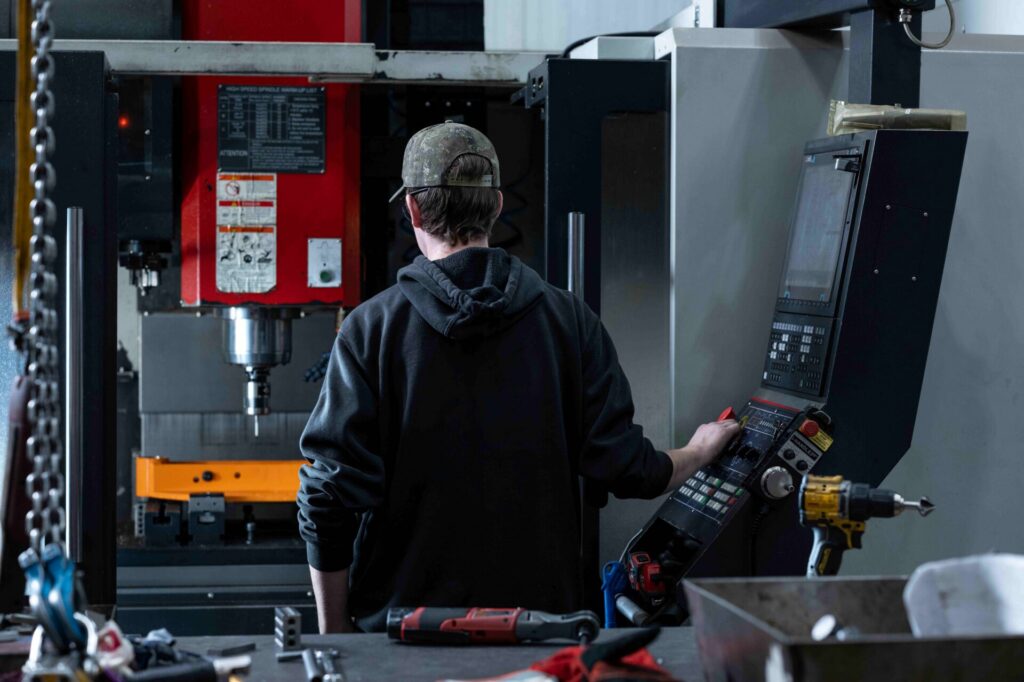
“Over the last few years, we’ve grown from having just six machines to now having nine machines, including a 4-axis and two 5-axis mills and a 6-axis lathe,” Goodwin says. “Throughout those acquisitions, we’ve been utilizing Fusion on all of our new equipment. We have full machine simulation through Fusion. It’s really helped us ensure we’re running things safely and effectively.”
Fusion’s adaptive toolpaths are another important part of their process that is frequently used. The flexibility and efficiency available with Fusion have helped Uni-Fab handle material variations more effectively.
“It’s a more effective strategy than traditional face milling as we encounter large variations in differences of material,” Goodwin says. “We may have three millimeters of material on one side, six on the other. The adaptive toolpath doesn’t care. We have our tooling set up to effectively handle that.”
Bringing AI to the shop floor
Uni-Fab is also using AI to improve efficiency with the preparation of parts for programming. Using Autodesk Assistant, Goodwin has built a comprehensive Fusion add-in using natural-language conversations. When launched, the add-in scans the entire model and presents a dialog listing all grouped holes based on their size and orientation. The user can then select a hole type from a drop-down menu, which automatically applies the associated color to that set of holes.
The add-in also enables the user to locate and review each hole set directly in the model to check before moving on. Hole types can be applied across all matching holes at once or assigned to individual sets where greater control is required.
Rather than removing the engineer from the process, the add-in enables them to work much more efficiently. It reduces the time-intensive manual workflow of finding, selecting, and coloring features, while allowing the engineer to focus their experience where it adds the most value by analyzing the engineering drawings, validating the results, and preparing files for programming at a much faster rate.
“The add-in we’ve built with Autodesk Assistant to prepare models for machining is already making an incredible impact,” Goodwin says. “On one project, we analyzed and colored 344 holes in just a few minutes, turning what used to take hours into a task that is now done so easily and accurately.”
Keeping pace with a growing team
As Uni-Fab grows, so does the machining team. With Fusion, they’ve been able to scale exponentially.
“Since standardizing with Fusion, we’ve almost doubled the size of our machinist team,” Goodwin says. “Being able to up our time on the machine allows us to get more projects through quicker. We can optimize tooling that we’re using across the board, as well as be able to process more complex parts.”
By connecting programming resources in the cloud, Fusion also helps machinists move more easily between machines, jobs, and shifts while keeping production running smoothly.
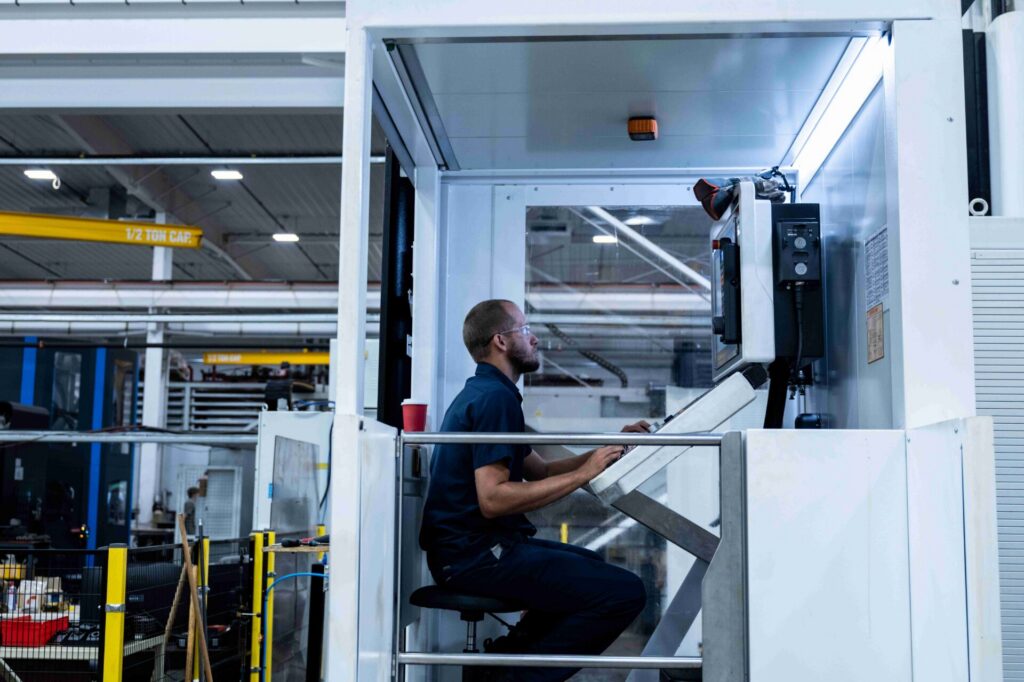
“One of the things I love the most about Fusion is just that I’m able to jump in the cloud, and I can program multiple machines, multiple tool libraries right from one workstation, which is pretty sweet,” says Todd St. Aubin, machinist, Uni-Fab.
“Fusion really helps with efficiency because of standardization across the board,” he adds. “If we hand a job off maybe from day shift to night shift, you can just walk in and jump right in there. Everybody’s on the same standardized tool libraries, speeds, and feeds.”
“My favorite aspect of Fusion is just how intuitive the software feels. Over the years, I’ve used a number of CAD/CAM software, but none of them have given me the feeling that they understand what I’m truly trying to do the way Fusion does.”
– Joel Goodwin, Machining Operations Manager, Uni-Fab
Scaling with Fusion
With Uni-Fab’s projects becoming even larger and more complex, Fusion has helped them develop more efficient ways to manufacture while supporting continued expansion. By connecting teams, standardizing machining processes, improving machine utilization, and enabling workflow productivity improvements with AI and Autodesk Assistant, Fusion has become an integral part of their success.
“Our mission here at Uni-Fab is to bring ideas to life,” says Mary Fehr, President, Uni-Fab. “The way we get business is through relationships with our customers. They trust us to have good quality and be on time. Every minute counts. The better quality we can offer, the more jobs and the bigger jobs we get as well. Fusion has really allowed us to produce amazing products and continue to grow.”