 Jim Byrne
Advanced manufacturing with the
Product Design & Manufacturing Collection
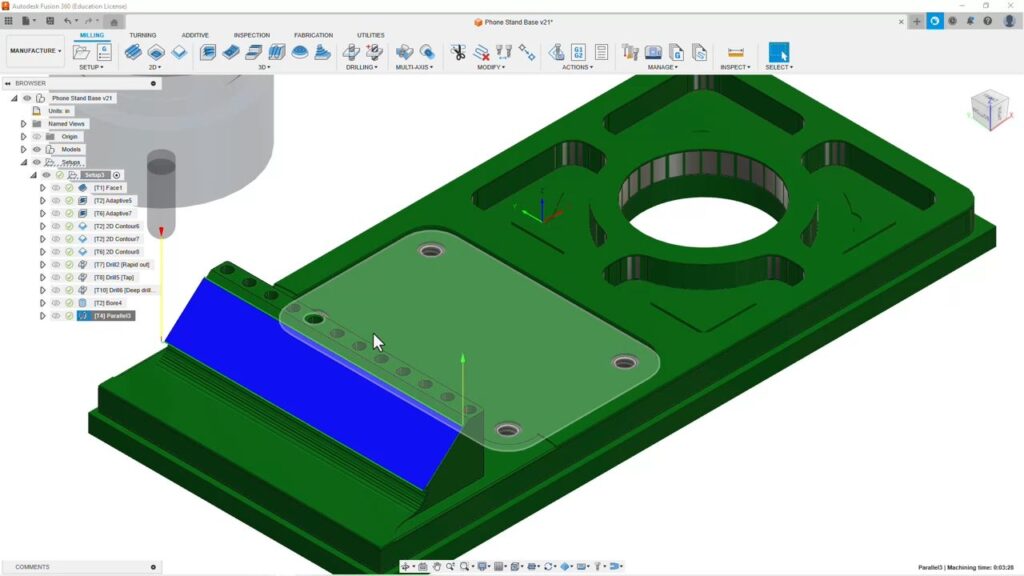
In this post…
Overview
All-in-one with Autodesk Fusion
CAM workflows
Nesting workflows
Real world example
Resources
Overview
The manufacturing industry is changing rapidly—and what was just a dream yesterday will be business as usual tomorrow. That’s why the advanced manufacturing tools and workflows that come with the Autodesk Product Design & Manufacturing Collection are so important to explore today.
By combining the power of Inventor CAM, Inventor Nesting, and Fusion, you can revolutionize your manufacturing processes—to achieve greater efficiency, productivity, and cost savings. Below you’ll find links to guide you step-by-step:
- Connect your designs to the manufacturing floor for a more seamless transition
- Minimize material waste with a more efficient, integrated approach to nesting
- Design, collaborate, and manufacture from start to finish in one integrated platform
- Do it all with streamlined workflows that boost productivity and lower cost
Of course, you can always go further and explore more detailed posts about design fundamentals, advanced design and simulation, factory layout, and visualization.
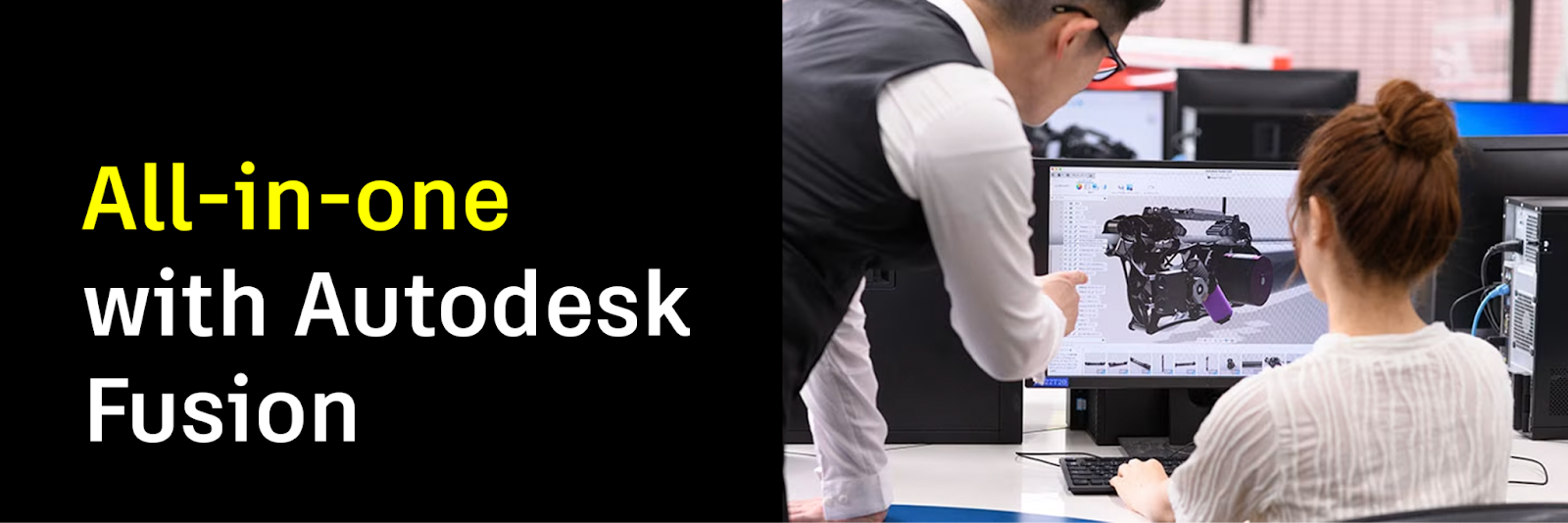
Move from design to precision part with ease and efficiency
As you know, Fusion combines CAD, CAM, and CAE tools in a single platform for advanced design, simulation, and manufacturing workflows. But there’s so much more, including:
- Advanced manufacturing capabilities for precision machining, 2.5- and 3-axis machining, lathe operations, and modern fabrication techniques like 3D printing and laser cutting
- Seamless collaboration in the cloud, ensuring that everyone—designers, engineers, manufacturing, and suppliers—are connected and working with the latest design data
Explore all of the manufacturing capabilities of Fusion right here.
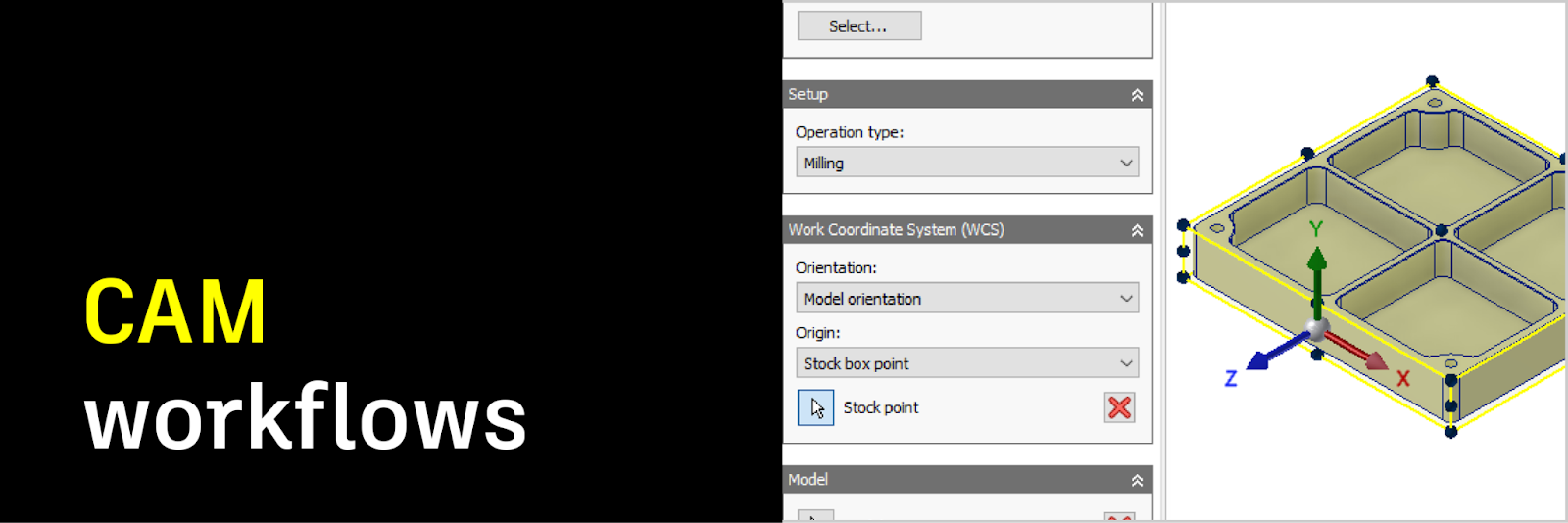
Integrate CAM toolpaths right into Inventor
Your designs are only as good as your ability to manufacture them. But with Autodesk Inventor, that’s not a problem. See how you can:
- Directly create toolpaths and CNC machining operations within Inventor, ensuring a seamless transition from design to manufacturing
- Automatically generate optimized toolpaths for efficient and precise machining, reducing production time and improving product quality
Explore all of the CAM toolpath capabilities of Inventor right here.
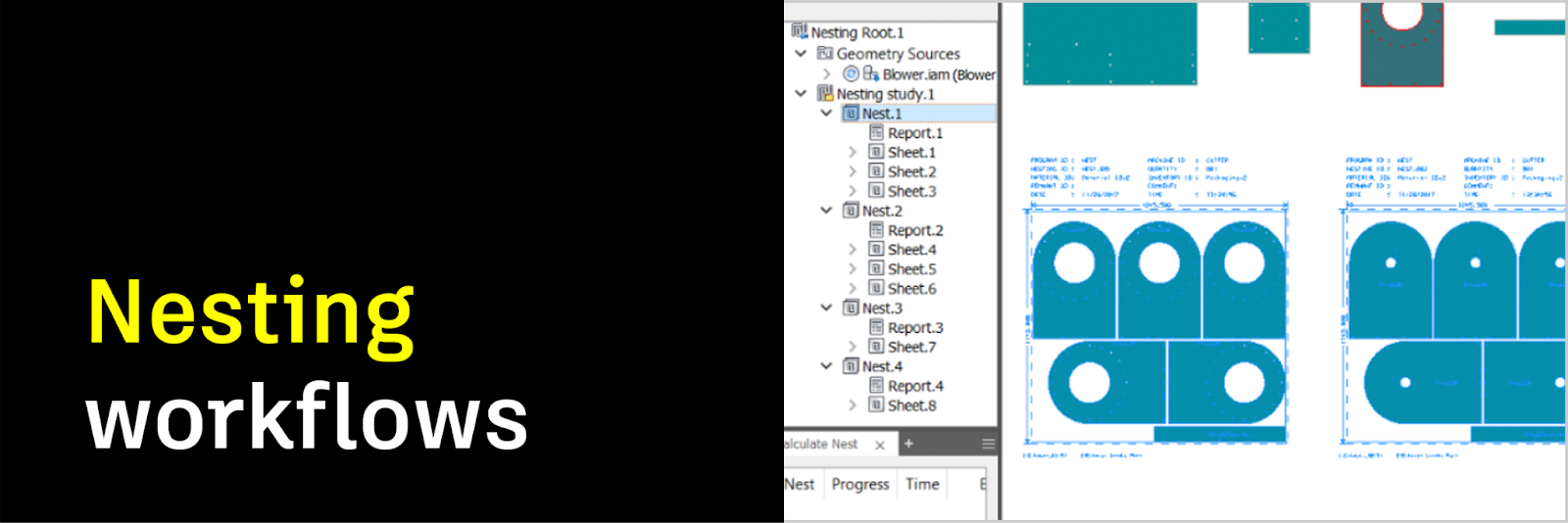
Get more from your materials and reduce waste
It’s simple math: the more parts you can get from your raw materials, the more you can make. Which means lower costs per part and less waste. Autodesk Inventor can help you optimize your toolpaths, so you can:
- Create efficient nesting patterns to maximize material usage, minimize waste and reduce costs
- Integrate CAM toolpaths seamlessly with Inventor to import part designs and generate nesting layouts, for a more streamlined manufacturing process
Explore all of the nesting workflow capabilities of Inventor right here.
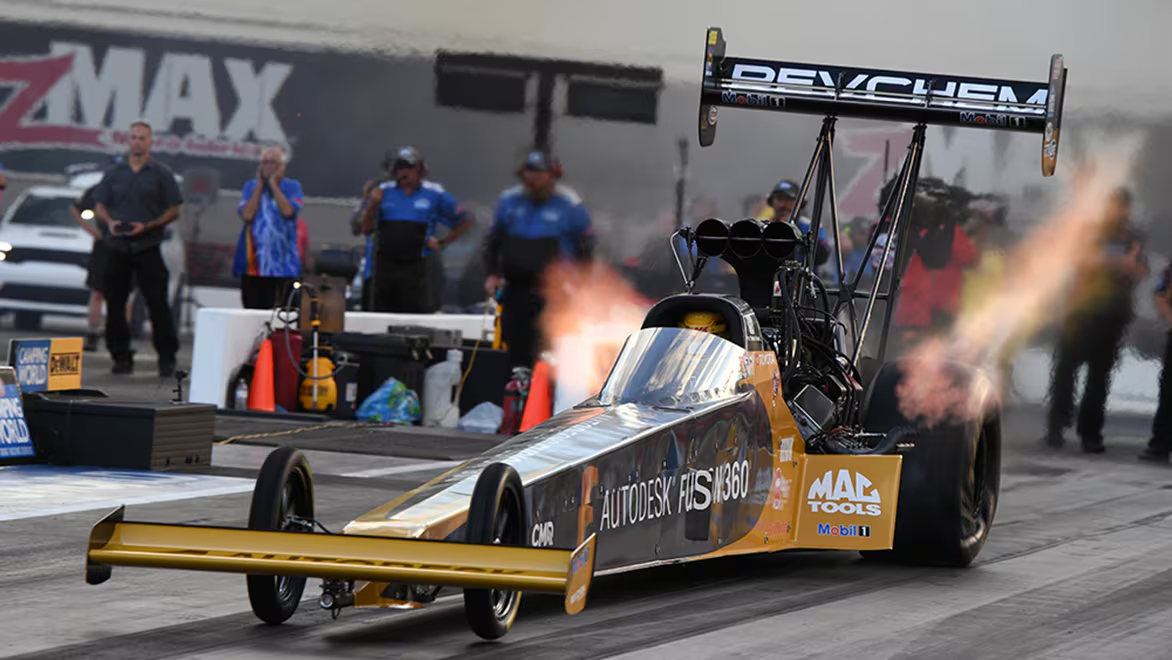
“We started in 2015 machining our clutch assemblies and now we are doing clutch assemblies, cylinder heads, and so many more parts. It is a huge cost savings and so much more efficient.”
– Chad Head, General Manager, Kalitta Motorsports
Resources
On-demand e-learning resources
Community forums
Design and manufacturing blog
Contact us
Whether you need help with your order, assistance with a download, troubleshooting on your software, or account support, our team is here for you.