-
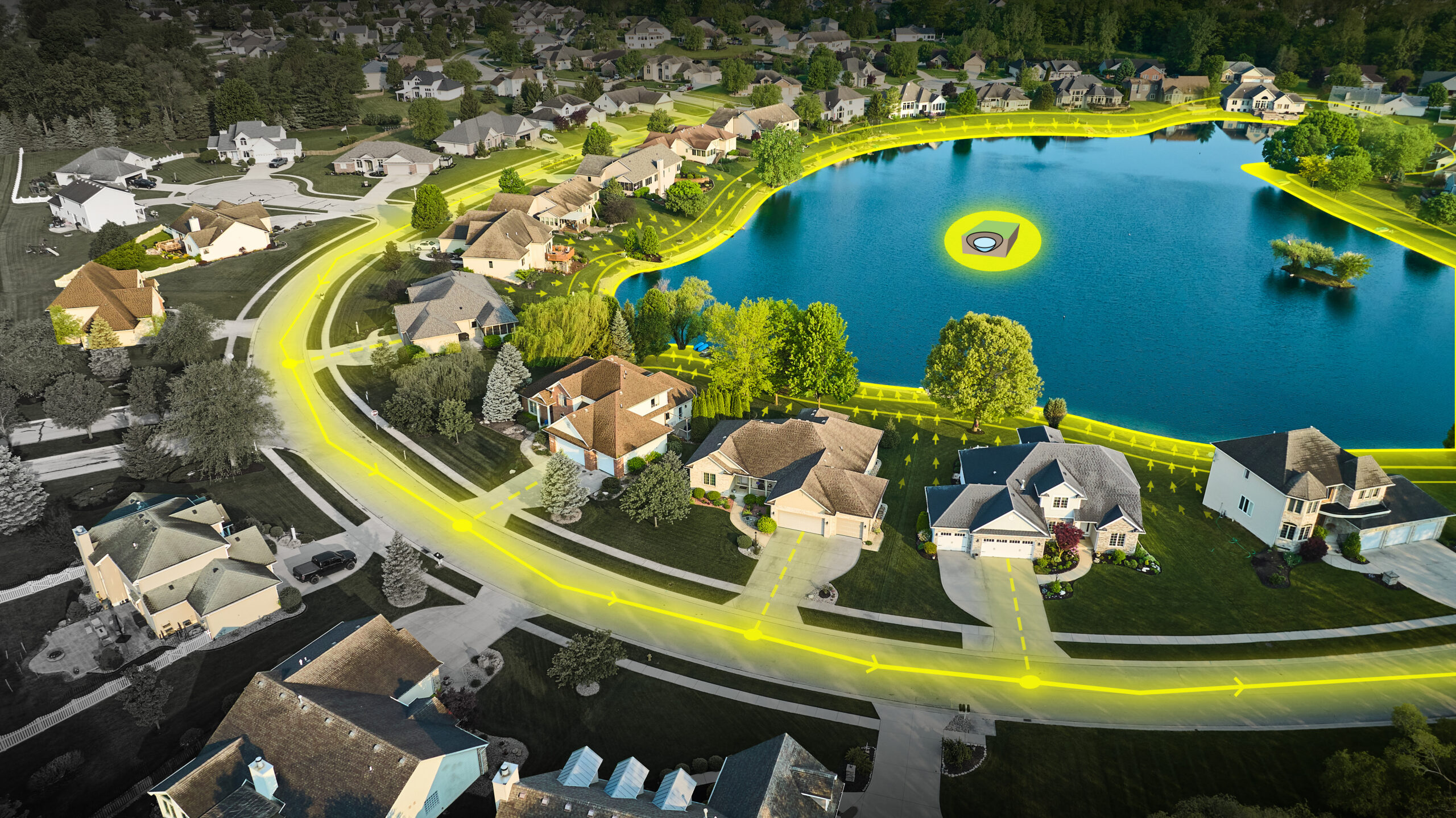
What’s Happening with SSA? The Future of Drainage Design in Civil 3D and InfoDrainage
If you use Storm and Sanitary Analysis (SSA) with Autodesk Civil 3D, you may have heard questions about its future and what that means for your drainage workflows. Here’s what Autodesk is changing and what it means for Civil 3D users. SSA is a legacy application that Autodesk is transitioning away from. But that doesn’t…
Infrastructure
-
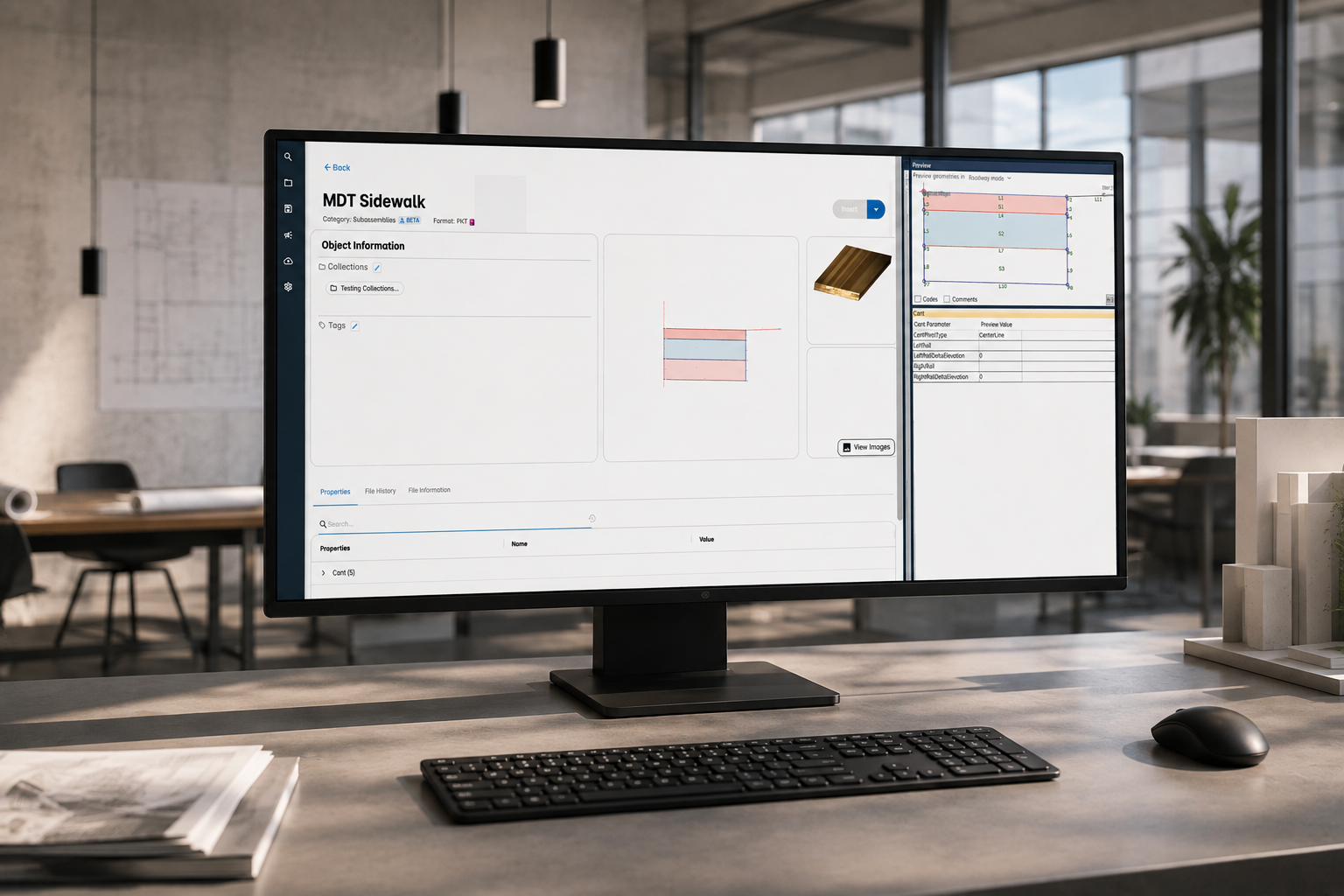
Content Catalog Beta Expands to Autodesk Civil 3D
Civil 3D teams rely on reusable design content to apply standards consistently and keep projects moving efficiently. However, that content is often scattered across local folders, shared drives, previous projects, and informal libraries. As a result, teams spend valuable time searching for the right files, struggle to determine which content is current and approved, and…
Infrastructure
-

See What Connected AEC Data Can Do for Your Work at AU
Explore ways to access, understand, and get more value from your project data AU 2026 is just around the corner, and we’re excited to share what’s next for connected AEC data. Take a closer look at where our AEC data strategy is headed and how we’re continuing to expand the ways teams can access, understand,…
Events
-
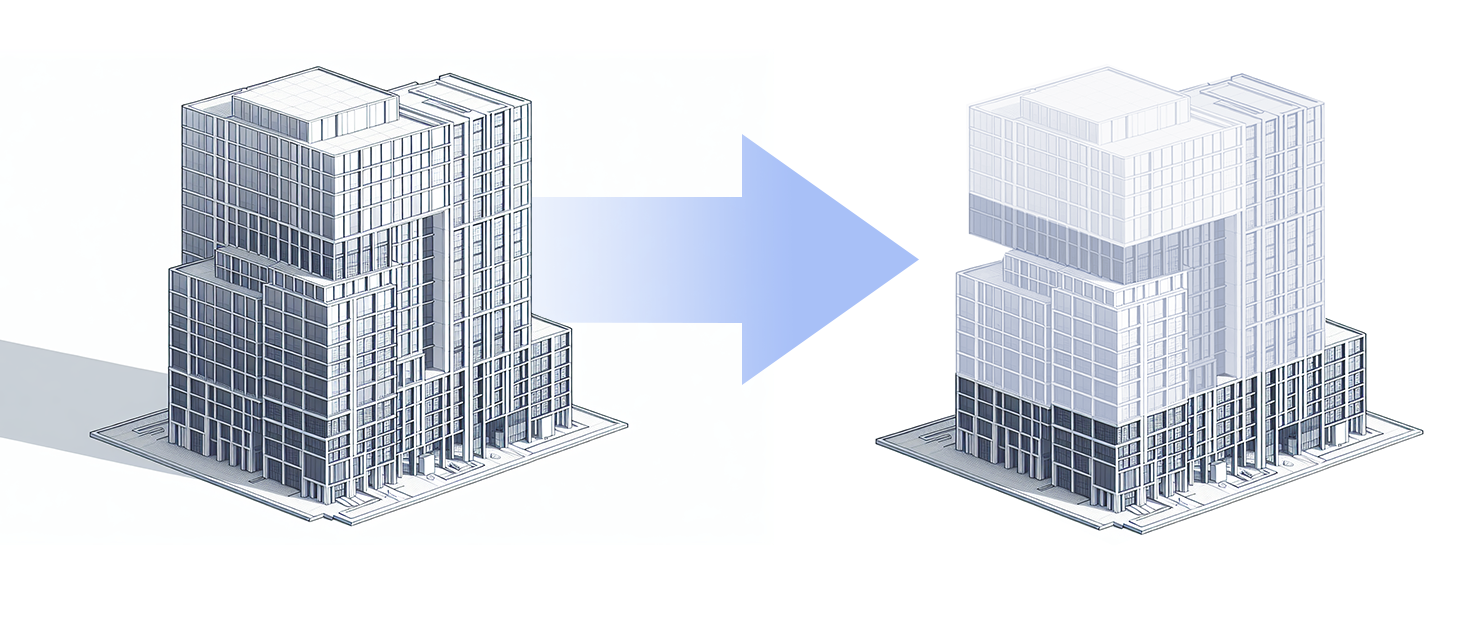
Incremental Model Open in Revit: A Faster, More Scalable Way to Access Model Data
When you open a Revit model, you rarely need the entire project data at once. You may open the last active view or starting screen, navigate to a plan or 3D view to continue design work, open a sheet/schedule to review documentation, or run an automation. Revit models are becoming larger and more information-rich, bringing…
Learning
-
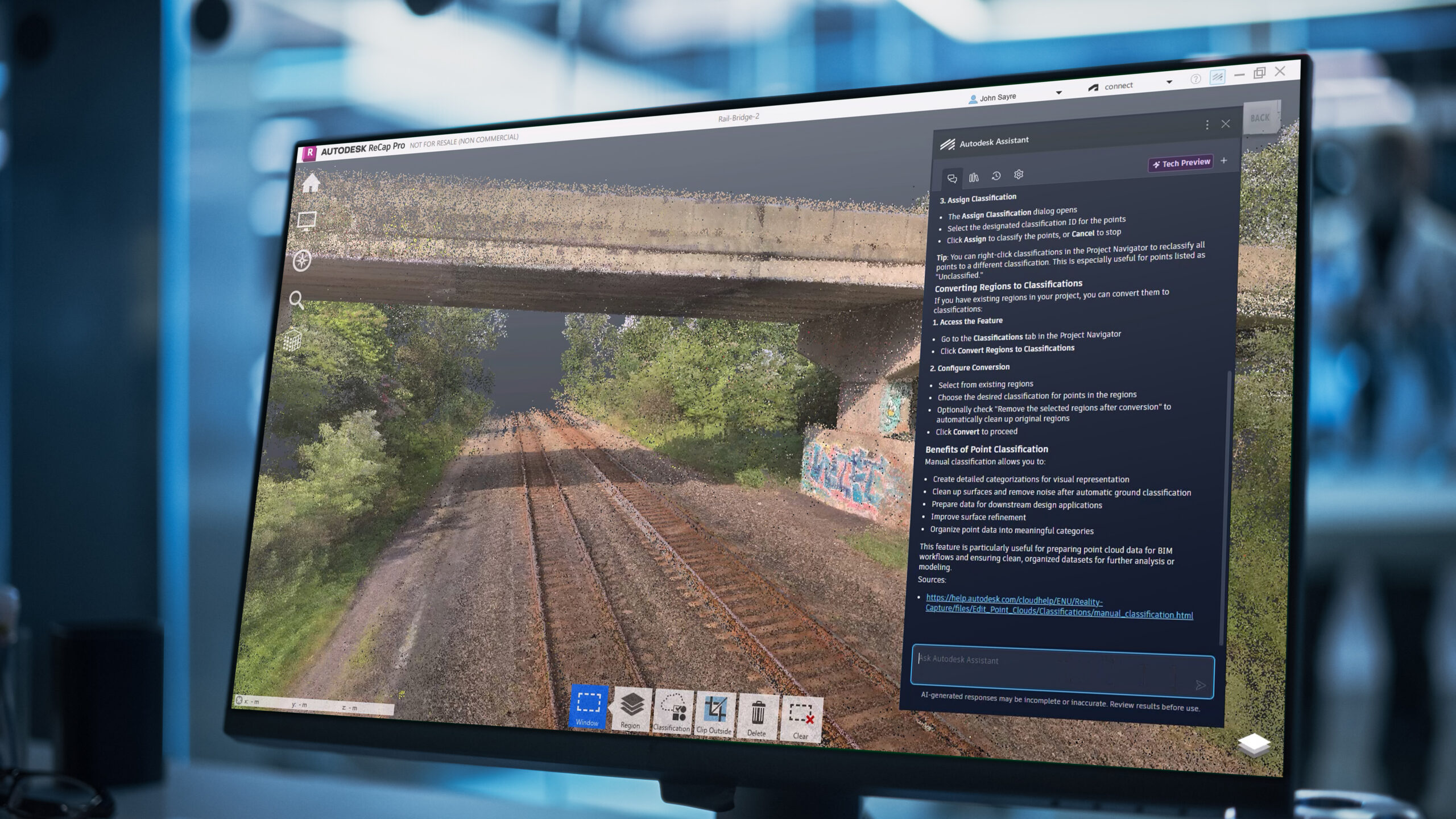
What’s New in ReCap Pro 2027: Autodesk Assistant, Connected Workflows, and Improved Visualization
ReCap Pro 2027 introduces new capabilities designed to improve reality capture workflows across desktop and cloud environments. This release helps teams work more efficiently with large point cloud datasets through enhanced visualization controls, improved interoperability, streamlined project navigation, and connected collaboration workflows. This release includes Autodesk Assistant Tech Preview, a redesigned application home, bidirectional synchronization…
What’s New
-
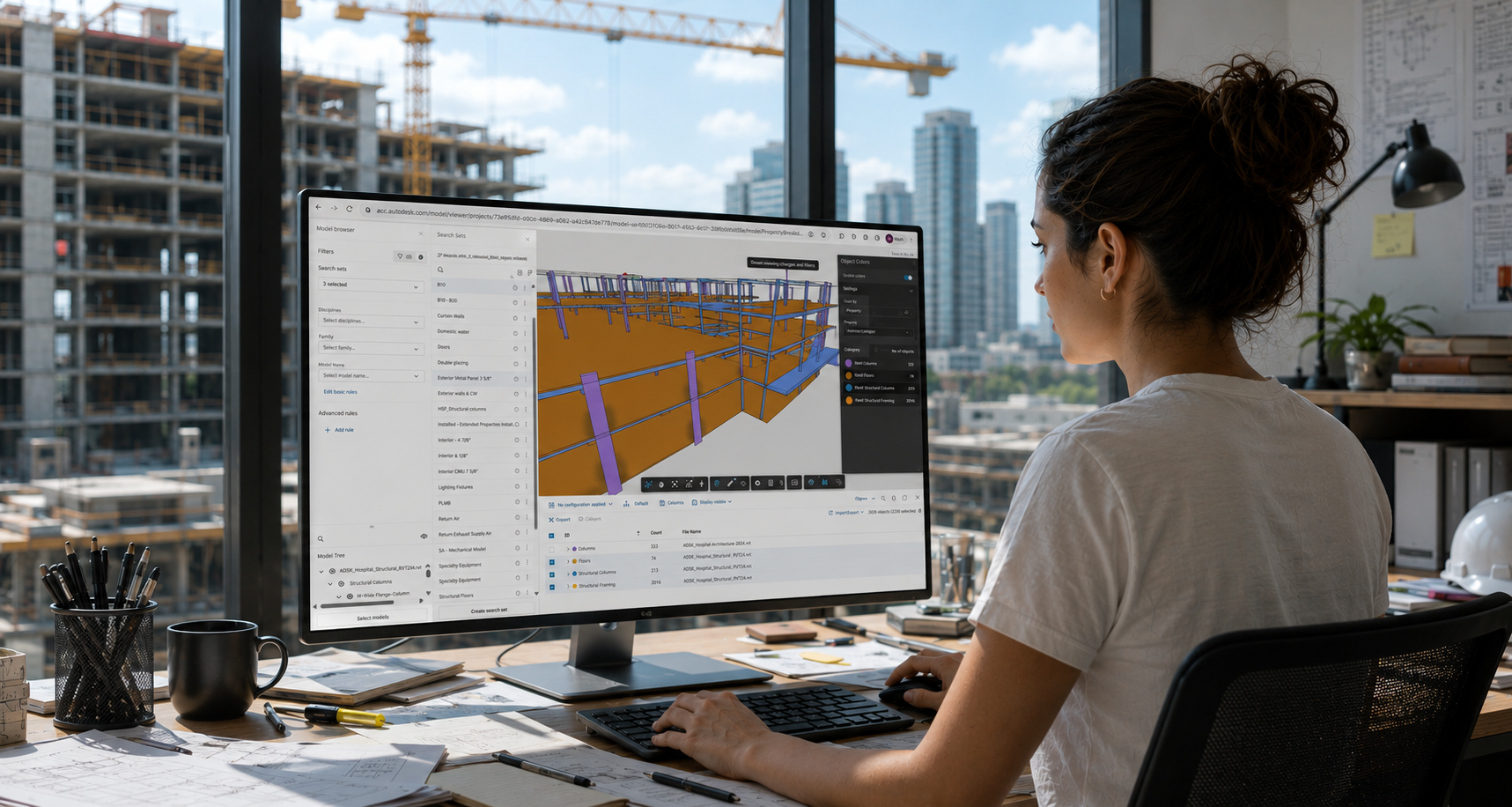
Build Once, Reuse Everywhere: Bringing Search Sets to Forma Design Collaboration
Anyone who coordinates models knows the routine. You open a federated model and immediately need to focus on a specific slice of the project: ductwork on Levels 2–4, structural framing, a particular assembly code, or the systems involved in a coordination review. The coordination decisions matter. Getting to the right content shouldn’t be the hard part. Yet…
Architecture