 Shannon McGarry
Learn what electronics simulation is, how electronics simulation software works, and why it helps engineers reduce risk, cost, and PCB re‑spins.
Electronics simulation is a critical part of modern electronics design. Using electronics simulation software, engineers can model, test, and validate electronic circuits virtually—before committing to physical prototypes or manufacturing.
This guide explains what electronics simulation is, how electronics simulation software works, and why it plays such an important role in reducing cost, risk, and time‑to‑market for electronic products.
What is electronics simulation?
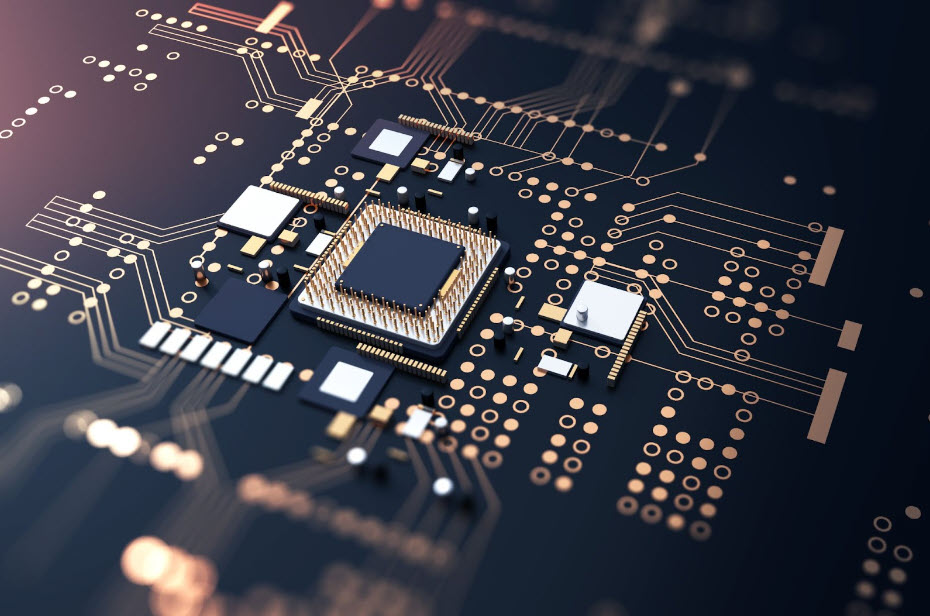
Electronics simulation is the process of using software to model and analyze the behavior of electronic circuits and systems before they are physically built. Instead of relying on trial‑and‑error prototypes, engineers use electronics simulation software to test performance, identify errors, and validate designs in a virtual environment.
By simulating circuits early in the design process, teams can catch issues that might otherwise appear late in development—when fixes are more expensive and time‑consuming.
Why electronics simulation software Is important
Designing electronic systems leaves little room for error. Printed circuit boards (PCBs), components, and manufacturing processes are costly, and physical re‑spins can significantly delay production.
Electronics simulation software helps engineers:
- Test circuit behavior before building hardware
- Identify design flaws early in development
- Reduce reliance on physical prototypes
- Shorten design cycles and improve productivity
Modern electronics simulation software often includes schematic editors, waveform visualization, and component libraries that allow engineers to iterate quickly and confidently.
How electronics simulation software works
Electronics simulation software, like Autodesk Fusion models circuit behavior using mathematical representations of electronic components. Engineers can simulate how voltage, current, and signals behave across a circuit under different conditions.
Instead of physically assembling and testing circuits, designers can modify parameters, rerun simulations, and evaluate results instantly—saving time and materials while improving accuracy.
Types of electronics simulation
There are three primary types of electronics simulation used in electronics simulation software. Each serves a different purpose depending on the design requirements.
Digital simulation
Digital electronics simulation models circuits using discrete logic states, such as logical 0 and 1. This approach is well‑suited for large digital systems because it requires fewer computational resources and runs quickly.
Analog simulation
Analog electronics simulation uses continuous signals to analyze circuit behavior. This method is commonly used to evaluate voltage, current, and signal response using DC, AC, and transient analysis. Many analog simulators are based on SPICE‑type algorithms.
Mixed‑mode simulation
Mixed‑mode simulation combines digital and analog simulation techniques. This approach is especially useful for modern electronic products that integrate digital logic with analog components.
Choosing the right electronics simulation software
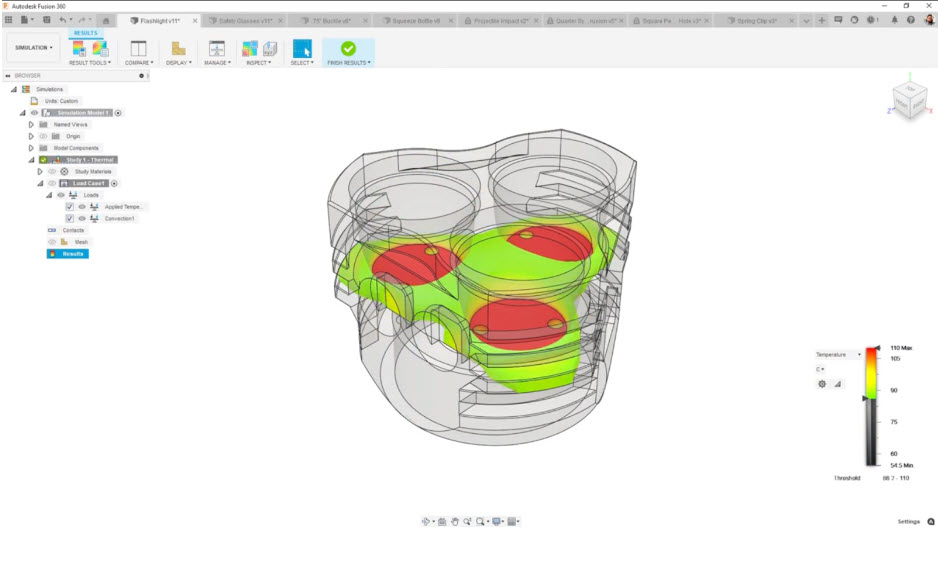
Selecting electronics simulation software depends on factors such as circuit complexity, accuracy requirements, and simulation performance. Some designs require detailed analog analysis, while others benefit from faster digital or mixed‑mode simulation.
The right electronics simulation software helps engineers balance accuracy, speed, and usability—ensuring designs can be tested thoroughly without slowing development.
Electronics simulation in the product development process
Electronics simulation software plays an important role throughout the electronics design lifecycle. By integrating simulation early, teams can:
- Validate designs before manufacturing
- Reduce costly PCB re‑spins
- Improve design confidence and decision‑making
- Move from concept to production faster
As electronics become more complex and product cycles shorten, simulation is no longer optional—it’s essential.
Why electronics simulation continues to grow in importance
Advances in electronics simulation software have made simulation more accessible to engineers and designers. What was once limited to specialists is now an integral part of everyday electronics design workflows.
By enabling virtual testing and rapid iteration, electronics simulation helps teams build better products with fewer risks and fewer surprises.
If you’re curious about what electronics simulation tool is right for you, check out Autodesk Fusion.