-
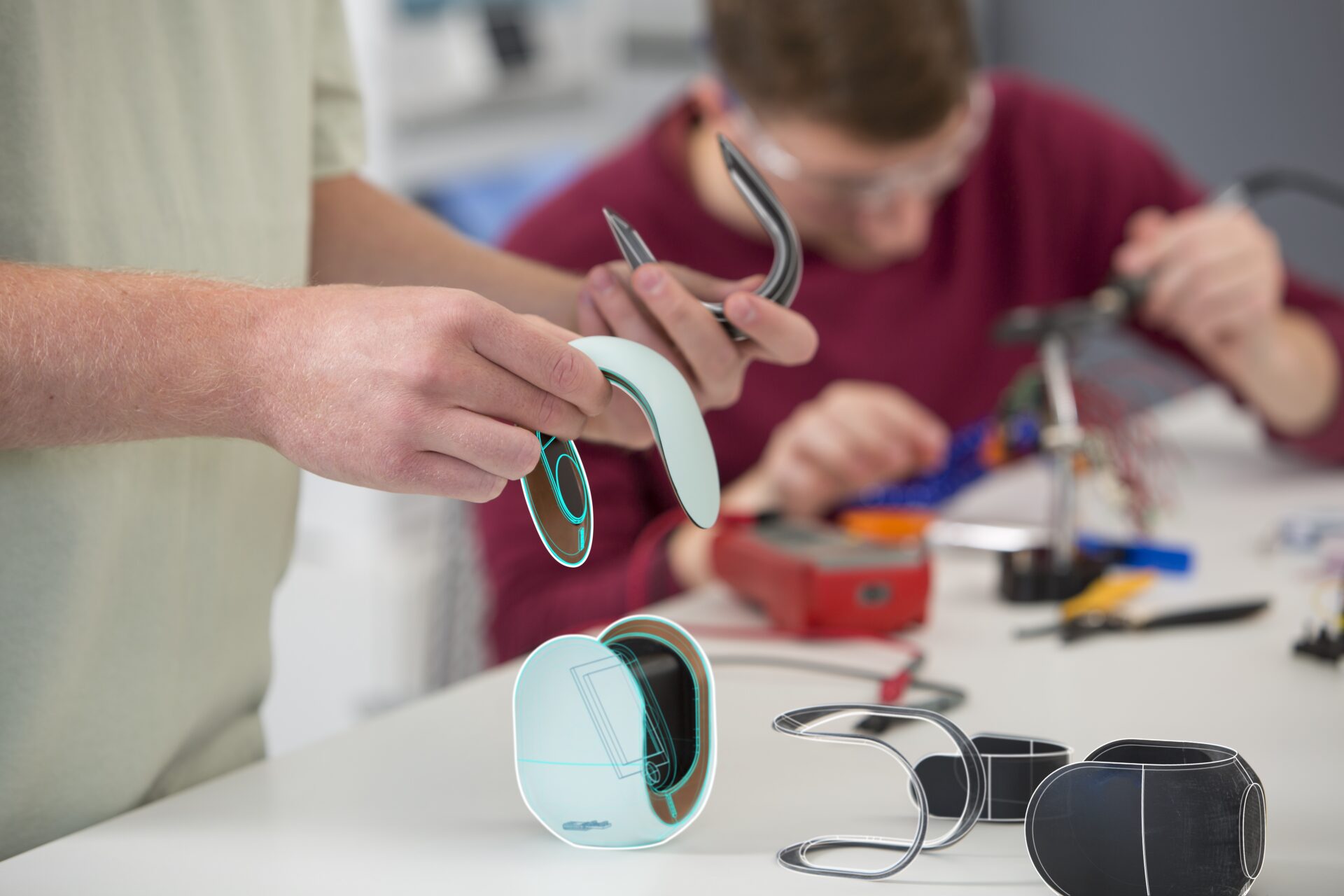
Developing Smart Products? Here’s Why You Should Consider Customer Insights
See how customer insights during smart product development can lead to better products and a better customer experience.
Fusion
-
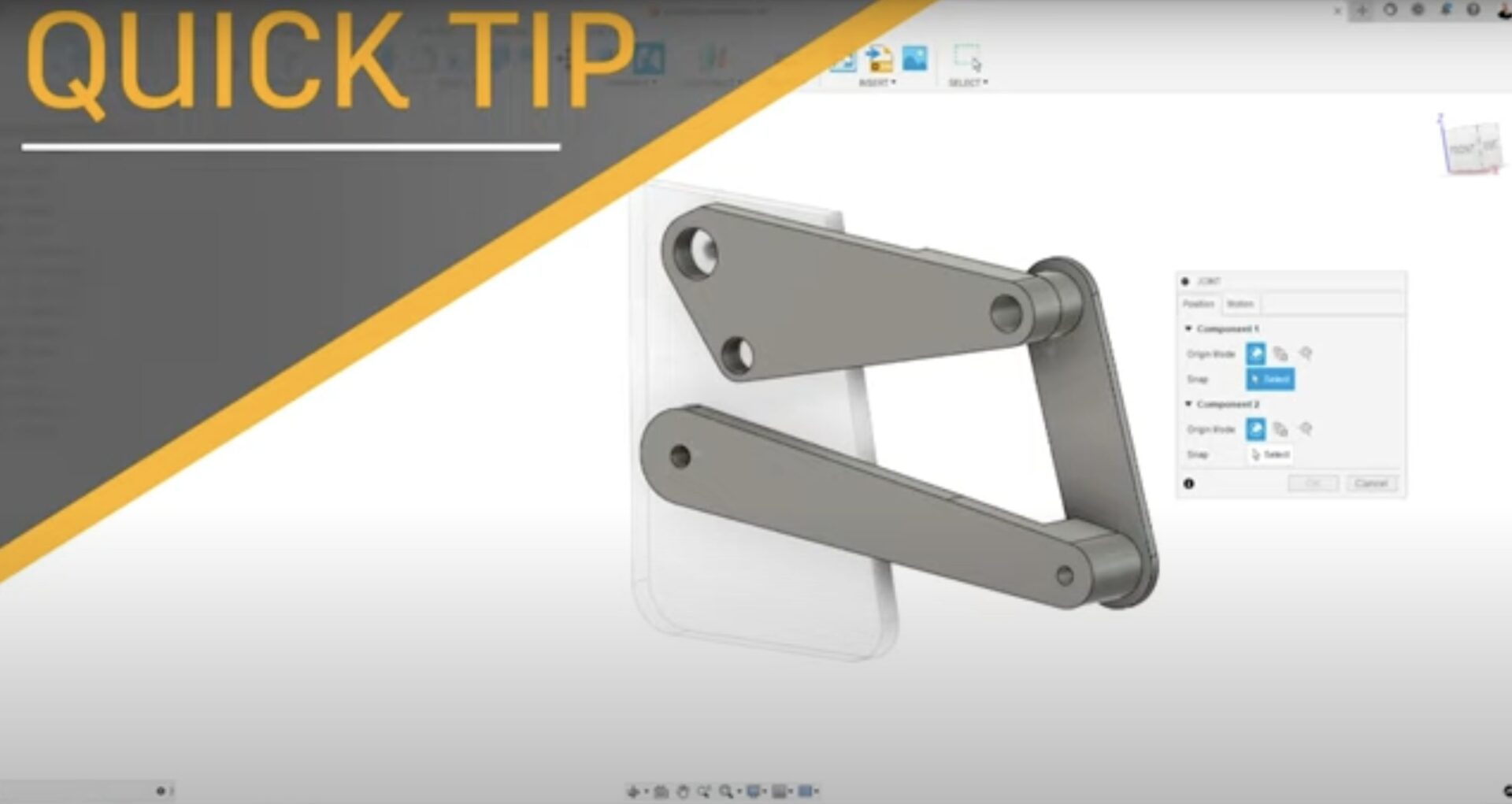
How to Get Past a Joint Error Message in Fusion 360
Joint error message in Fusion 360 got you down? No stress. Here's an easy way to navigate them.
Getting Started
-

ACWA-ROBOTICS Takes Robots Underground with Fusion 360
See how ACWA-ROBOTICS designed a water pipe-navigating robot that helps water management systems prevent leaks and conserve water.
Customer Stories
-
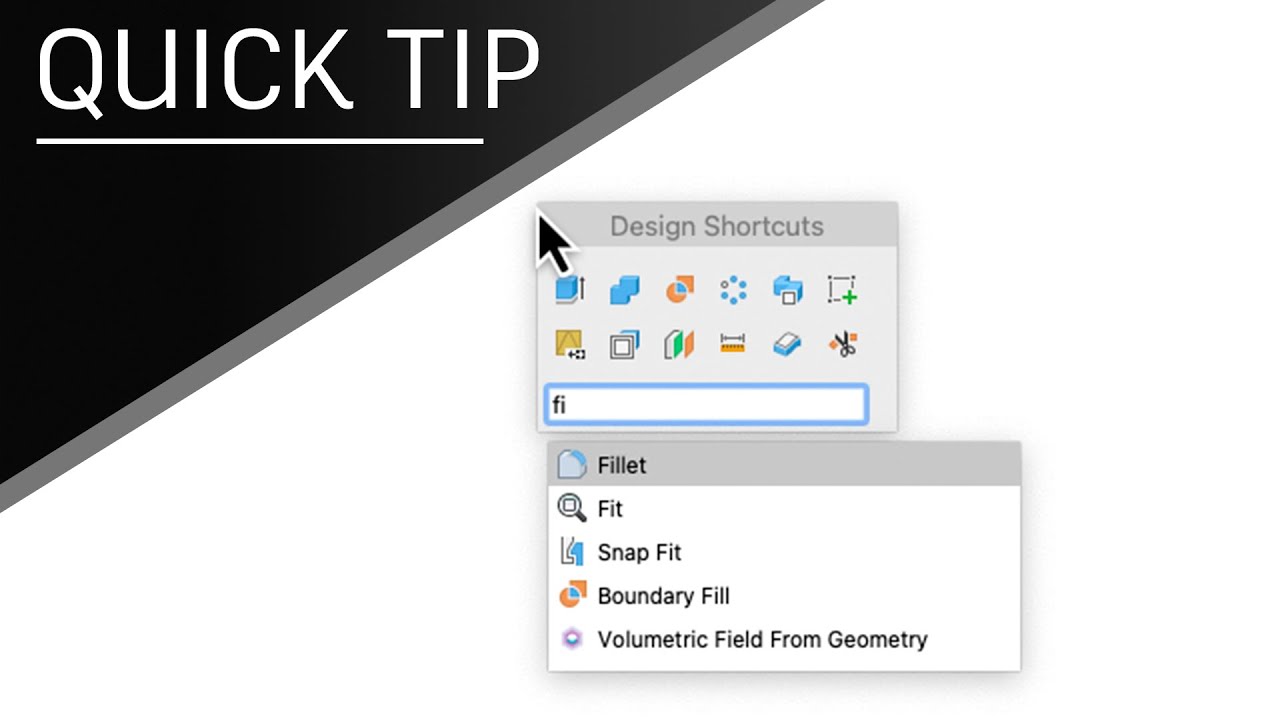
How to Use the S-key in Fusion 360 (2023 Update)
Learn how to speed up your design process with the S-key in Fusion 360 and customize your toolbox with your favorite commands.
Getting Started
-
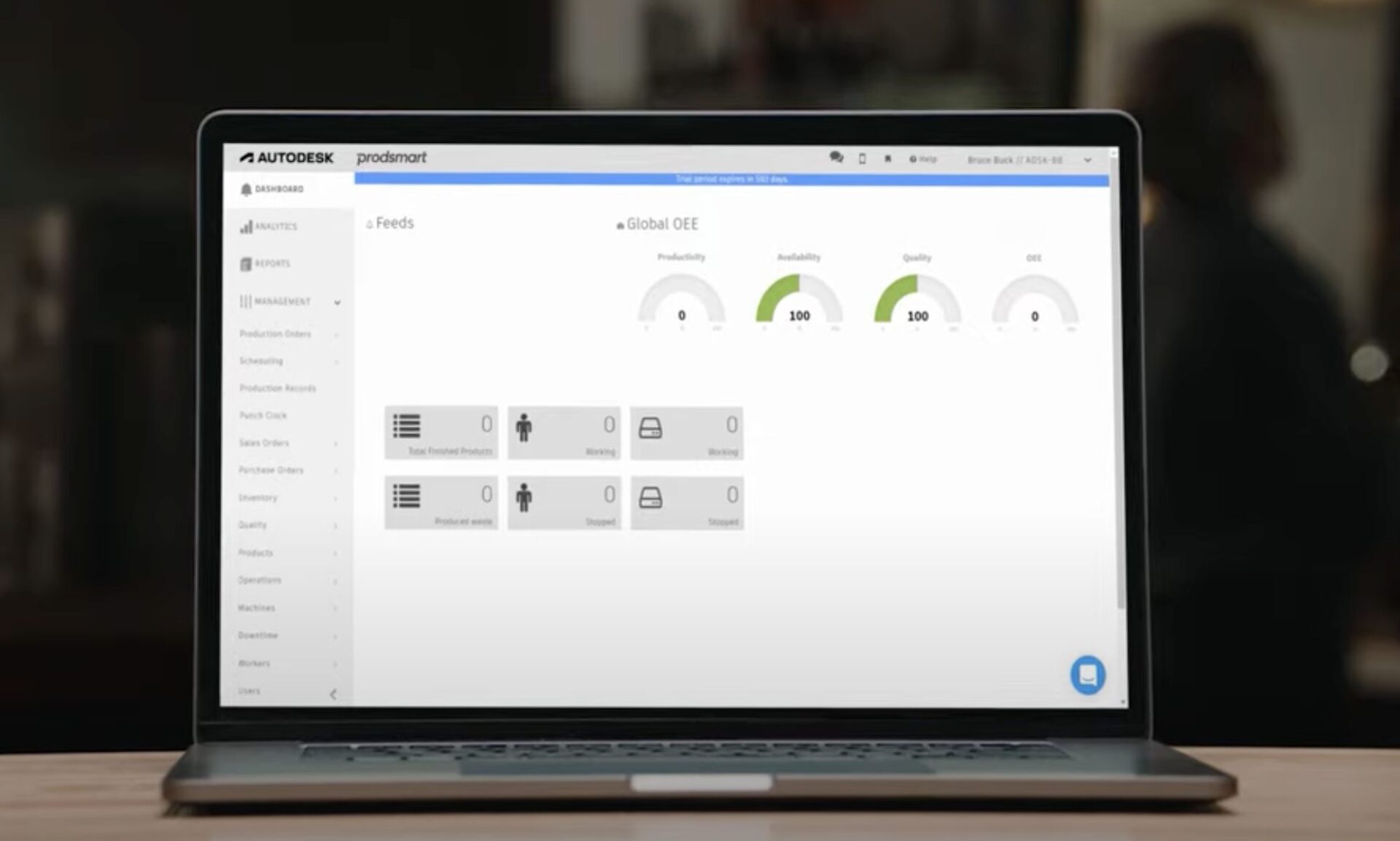
How to Try Autodesk Fusion Operations
Ready to optimize your manufacturing process? Here are the six key steps you'll need to take when you start your Autodesk Fusion Operations trial.
Getting Started
-
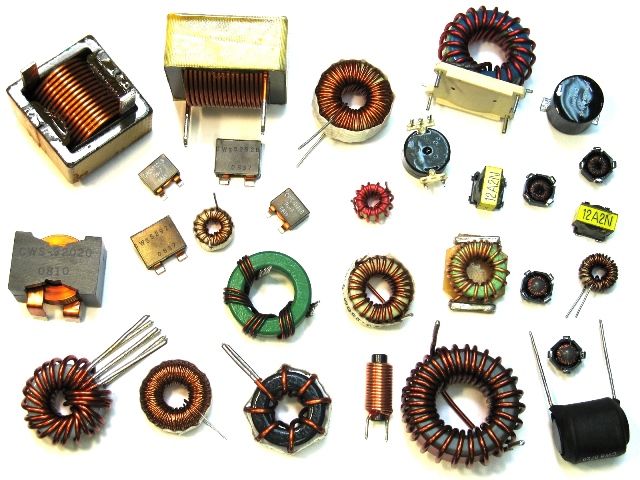
What is Electrical Impedance? (2023 Update)
Having trouble understanding electrical impedance? Don’t worry; you’re not alone. Let’s get practical.
Electronics Engineering
-
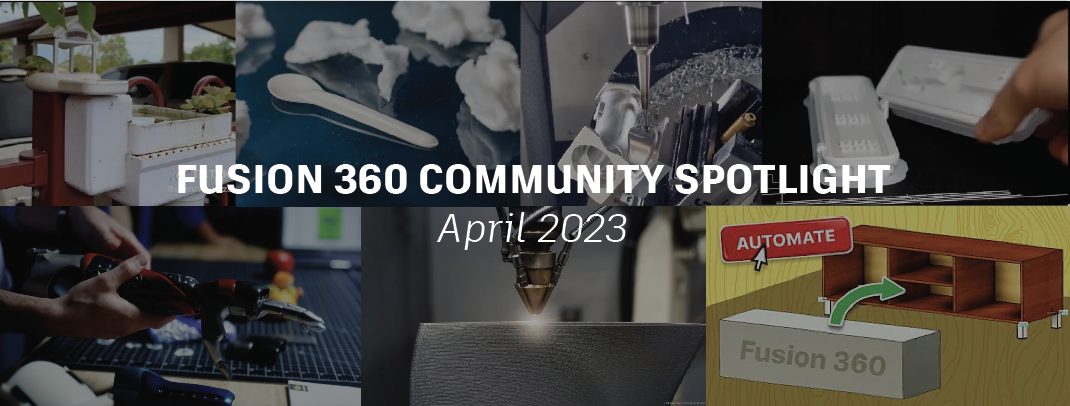
Fusion 360 Community Spotlight – April 2023
Welcome to the Fusion 360 Community Spotlight where we highlight projects, conversations, and events happening throughout our community.
News
-
10 Partner Add-ins for Fusion 360 You Should Know About
These partner add-ins for Fusion 360 can help streamline workflows, increase throughput, improve sustainability, and maximize profits.
Fusion
-
Capacity Planning: A Comprehensive Guide
What is capacity planning? Why is it important? What strategies are there for successful capacity planning? Read on to find out.
Mechanical Engineering
-

What is USB 3.0? High-Speed Routing Guidelines
Take an in-depth look at what exactly USB 3.0 is and the best routing practices involved in its PCB design.
Electronics Engineering
-

April 2023 Product Update – What’s New
(V.2.0.16009) This update addressed one of the key issues that was causing an unexpected spike in crashes for some of you, especially for those of you running Fusion 360 on Windows machines. We wanted to release the fix now instead of waiting for the next big update so that you can get the fix as…
News
-

PulPac Paves the Way for Plastic-Free Revolution With Autodesk
See how Autodesk Fusion 360 supports PulPac’s Dry Molded Fiber technology on its mission to replace over one million tons of plastic by 2025.
Customer Stories
-
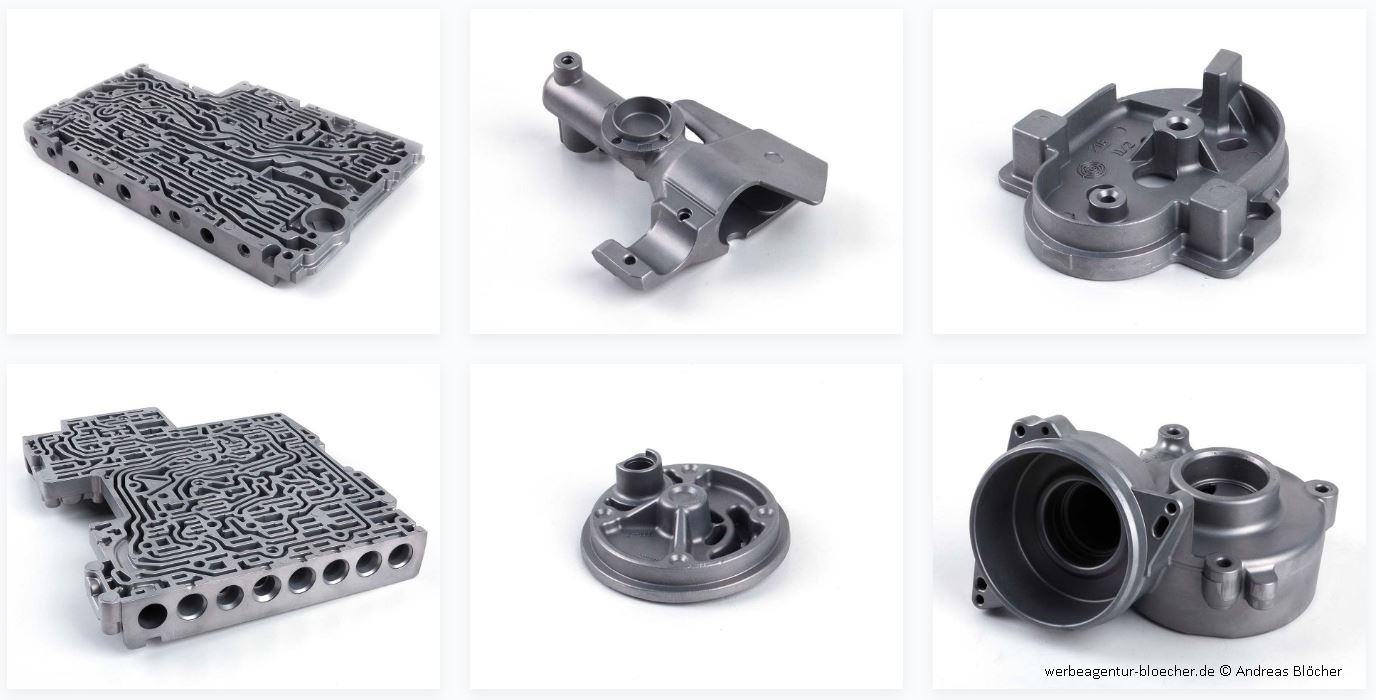
ZETTERER Undergoes Digital Transformation With Fusion 360
See how the expert mold makers at ZETTERER leverage the Fusion 360 Machining Extension to create advanced injection and die-cast molds.
Customer Stories
-

Design Process vs. Design Methodology: What’s the Difference?
When you start designing a product, what are your design process and design methodology? How do you know where to start?
Industrial Design
-

Autodesk Fusion 360 Electronics vs. Autodesk EAGLE
Learn why Autodesk Fusion 360 electronics is the right path forward in our evolution to a comprehensive product design solution.
Electronics Engineering