-

The biggest Fusion 360 gathering of the year! Are you going?
It's that time of year again! Autodesk University registration is open and this year you’ll also have a unique opportunity...
Fusion
-
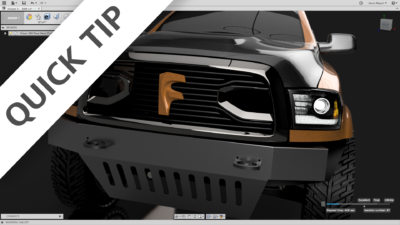
QUICK TIP: Sheet Metal Gems 1
Hit the ground running in our newest workspace, by watching this multi-faceted QUICK TIP! Sheet metal in Fusion 360 is HERE! Start using it today...
Fusion
-
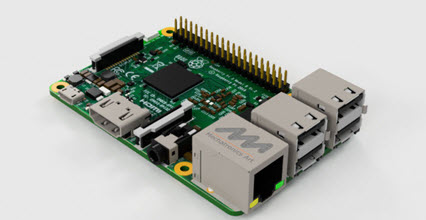
FusionNews for the week of 8/11: A weekly roundup of community news
FusionNews highlights the key things happening in the Fusion 360 Community. New posts every Friday.
News
-
Breaking Down the Wall between Design and Manufacturing
Product design has evolved over the years to include much more than just designing a 3D model. Controlling part revisions, collaboration, analysis, light weighting, drawings and more are now just some of the tasks in product design. Tools for product design have become better with increased functionality and interoperability with each other. Unfortunately, for many…
Advanced Manufacturing
-
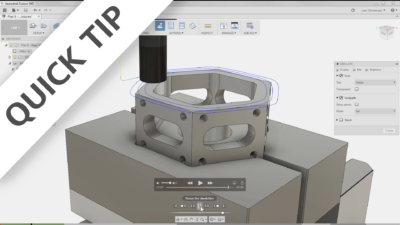
QUICK TIP: Cloud Libraries
CAM libraries are local by default, but it can be nice to access these from another computer at times. This is where Cloud Libraries are a lifesaver!
Fusion
-
What’s New in Autodesk EAGLE 8.3 – Taking on a New Dimension
Autodesk EAGLE is going where no PCB design tool has ever gone before! Read about all of the new features in our biggest release, ever.
EDA
-
August 24, 2017 Update – What’s New
Welcome to our summer blockbuster update - starring Sheet Metal, Arc Slots, and G2 lofts.
What's New
-
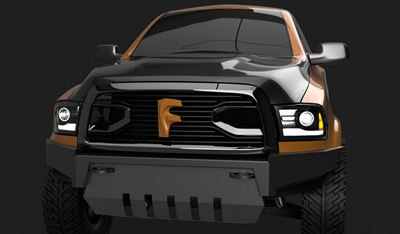
Fusion 360 Sheet Metal Challenge
One of our team members needs a new bumper for his truck and we need YOU to help design a new sheet metal bumper.
Fusion
-
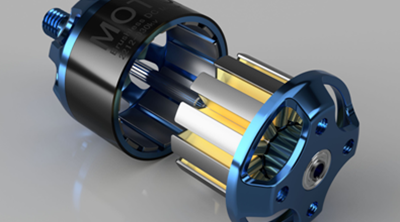
FusionNews for the week of 8/4: A weekly roundup of community news
FusionNews highlights the key things happening in the Fusion 360 Community. New posts every Friday.
News
-
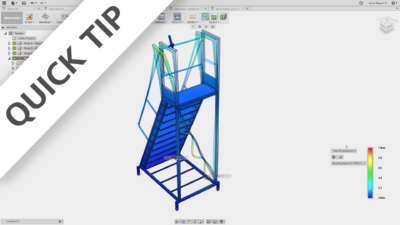
QUICK TIP: Buckling in 3
Buckling is important to test for, even if a static stress study determines your models won’t yield. Watch this to learn how and when you should do this.
Fusion
-
Don’t Get Zapped! What to Know About ESD
Don’t get zapped! ESD is a bigger problem more than ever with our shrinking devices. What can you do about it? Learn how to design for it right the first time.
Eagle
-
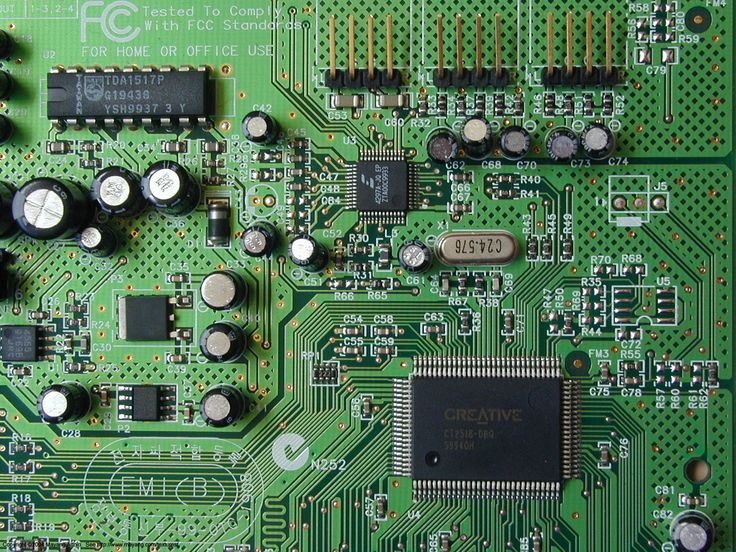
What Are Decoupling Capacitors? (2024 Update)
Learn about what decoupling capacitors (bypass capacitors) are and how they help to smooth out the voltage in a power supply.
Electronics Engineering
-

FusionNews for the week of 7/28: A weekly roundup of community news
FusionNews highlights the key things happening in the Fusion 360 Community. New posts every Friday.
News
-
What is Hyperloop & Where It’s Going
It’s faster than a speeding bullet. More powerful than a locomotive. It’s not Superman, it’s the Hyperloop! Learn all about this exciting new frontier for the future of transportation.
EDA
-
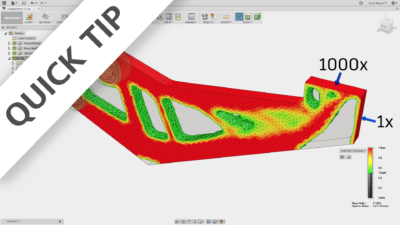
QUICK TIP: Shape Optimization
Shape optimization studies provide a powerful way to lightweight parts in Fusion 360. Watch this QUICK TIP to learn how to use these effectively!
Fusion