 Richard Stubley
Discover the new Intent-driven design Preview in Fusion—choose Part, Assembly, or Hybrid workflows for faster design starts, clarity, and cloud collaboration.
Solidworks users often tell us that their early modeling steps have either felt too rigid, too ambiguous, too confusing, or too easy to mess up. And if you’ve ever struggled with bodies vs. components or sunk hours into a design before realizing you forgot to activate a component, then you also know exactly what they mean. We’ve got great news: Fusion is making it easier. We’re introducing a clearer, more intuitive way to start your designs so you can avoid those headaches for good. Say hello to the new Intent-driven design experience Preview.
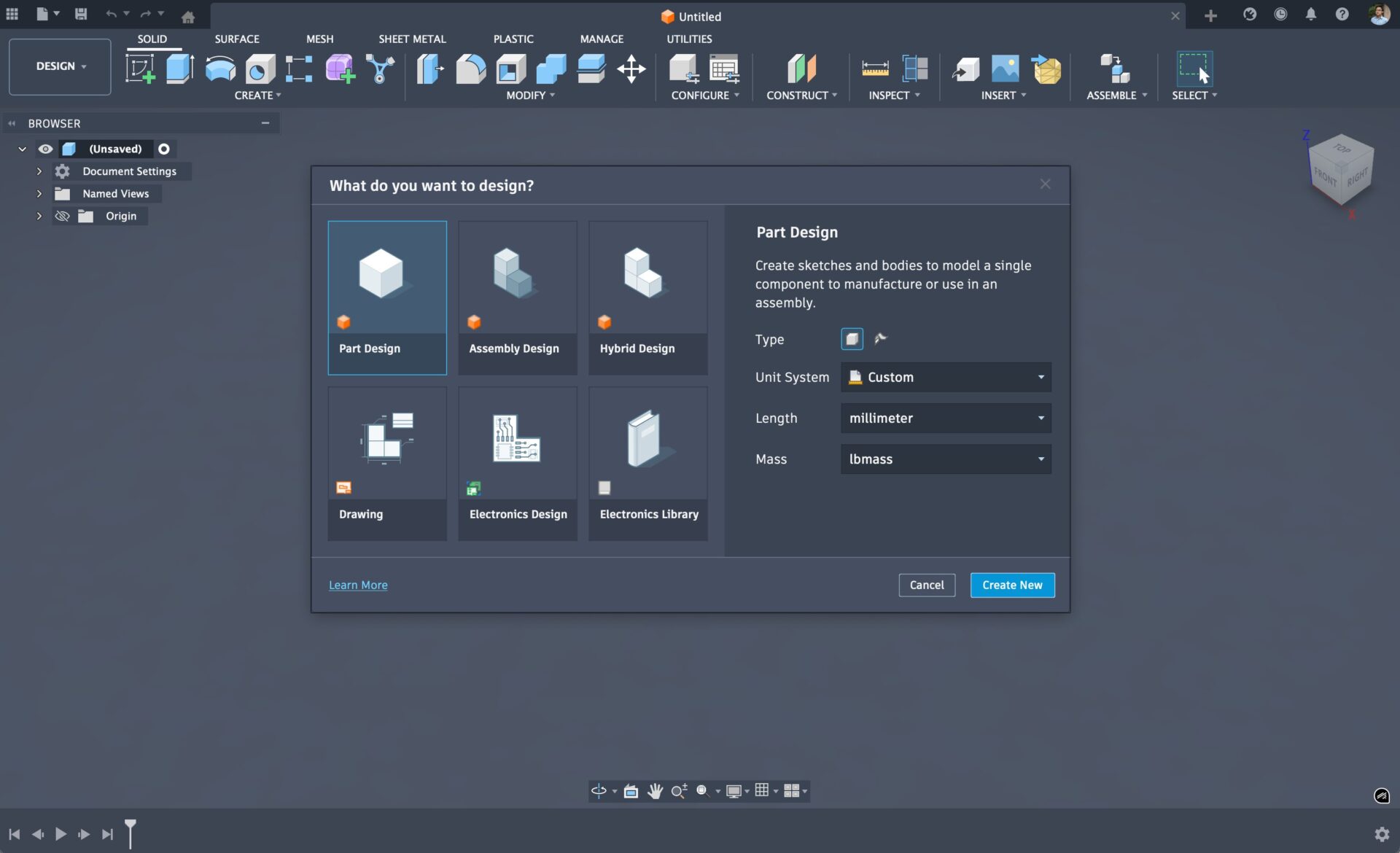
Fusion is founded on a unified design philosophy—bringing CAD, CAM, and CAE together in a single cloud-based platform with collaboration at its core. That hasn’t changed. What has evolved, thanks to valuable feedback from our Fusion Insiders, is how clearly we guide you into the right workflow from the start. We’ve introduced intentional paths for beginning your designs (hence intent-driven), offering a more structured, file-based approach for complex assemblies while still preserving Fusion’s powerful real-time collaboration. And now, this experience is available for everyone to turn on and try.
How does Intent-driven design work?
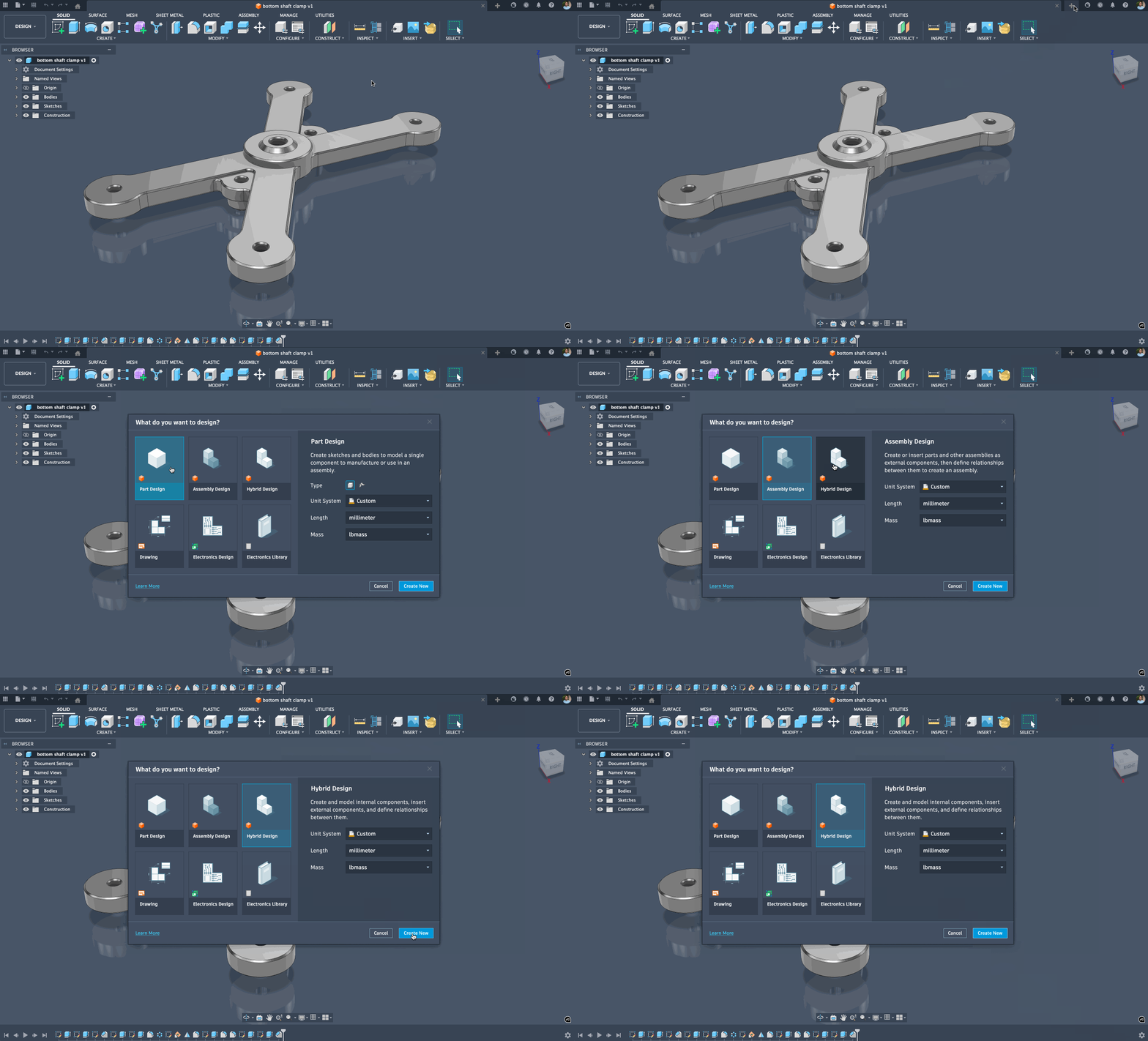
With the new Intent-driven design preview enabled (Preferences > Preview Features > Intent-driven design experience), Fusion gives you even more control over how you start your projects. When you start a new design, you can now choose to begin with a Part Design, an Assembly Design, or stick with the familiar Hybrid Design approach. If you want to start with a Drawing or Electronics Design right away, you can do that too. For now, we’re going to focus on Part Design, Assembly Design, and Hybrid Design.
What is a Part Design?
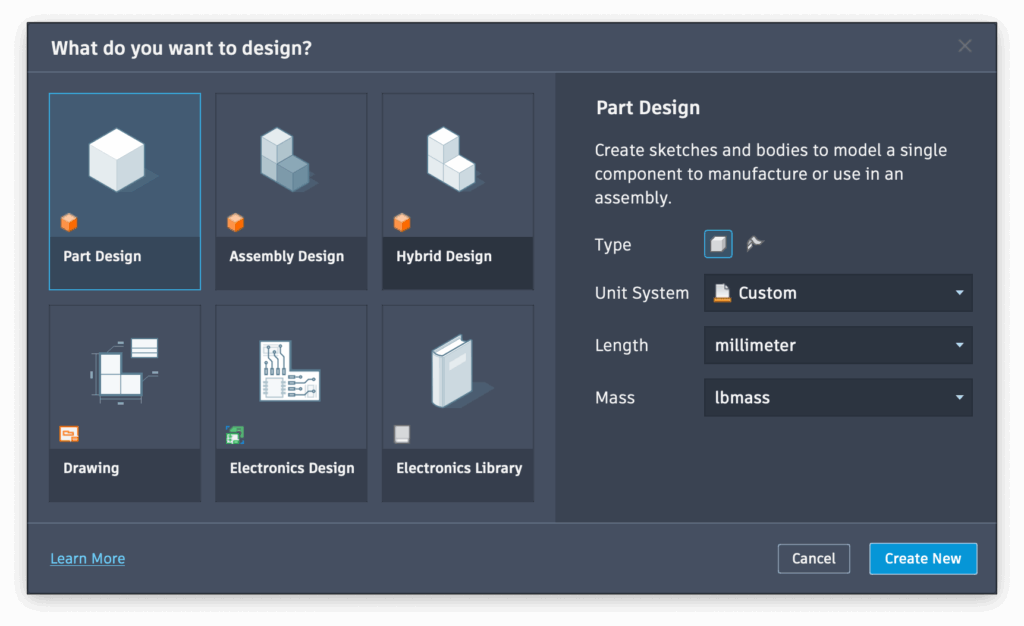
This is all about focused part-level geometry creation. Think models that only have one part, or a single part of a bigger assembly. Part design is intended to be a single design with a focused timeline and structure. Notice that you can also set your part type (solid or surface), preferred units, length, and mass right from the beginning.
Pro tip: If you’re not sure where your project is headed or which path to start with, begin with Part Design. You can always insert it into an Assembly later, or switch smoothly to an Assembly or Hybrid Design type as your project evolves.
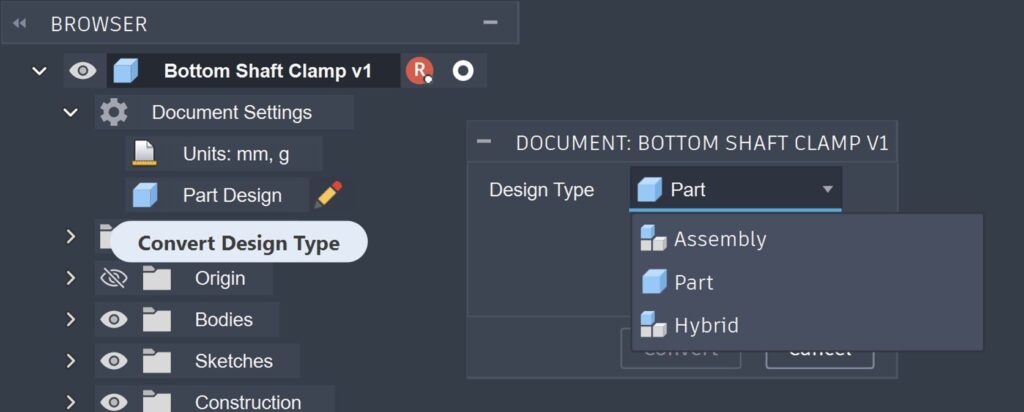
What is an Assembly Design?
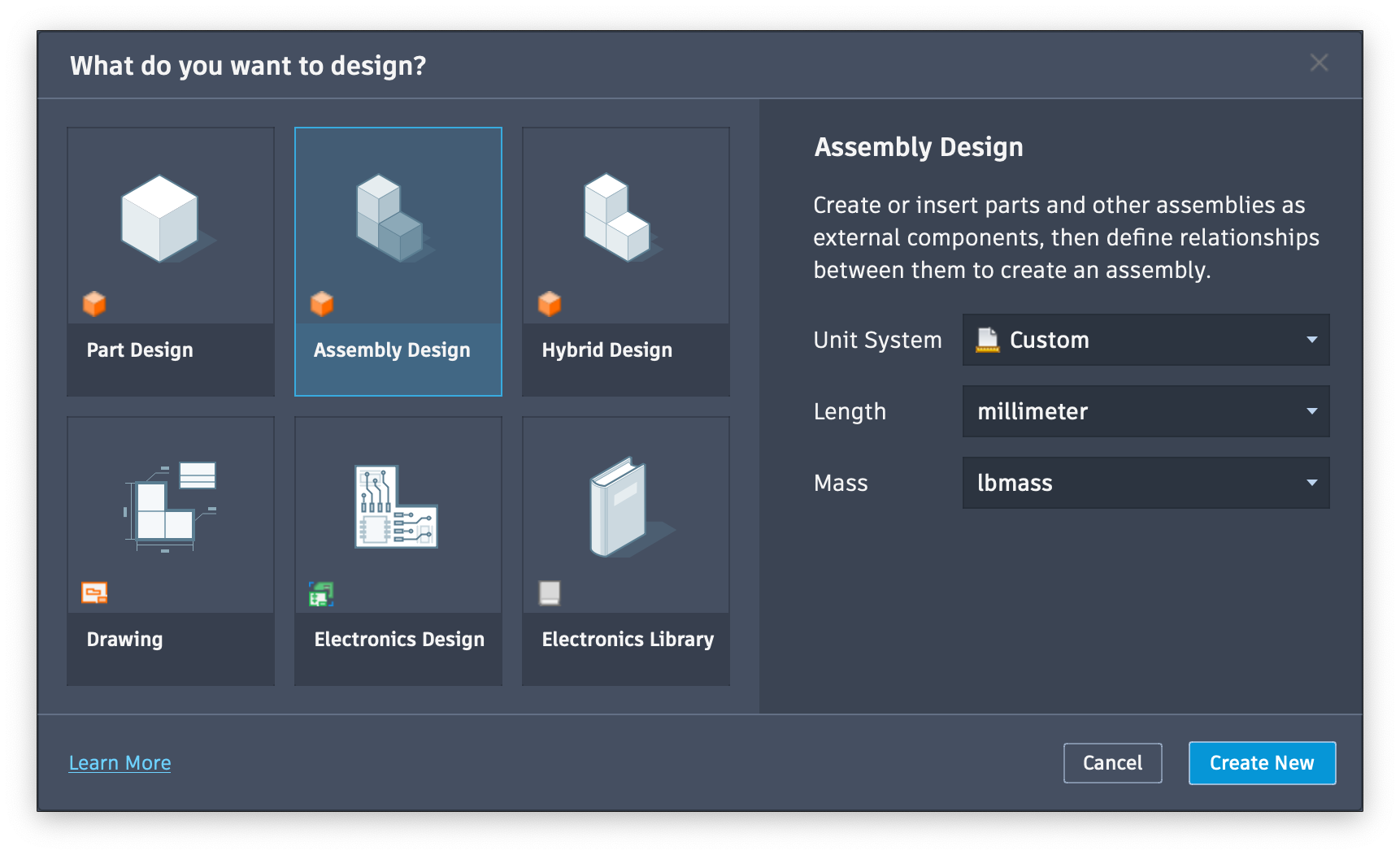
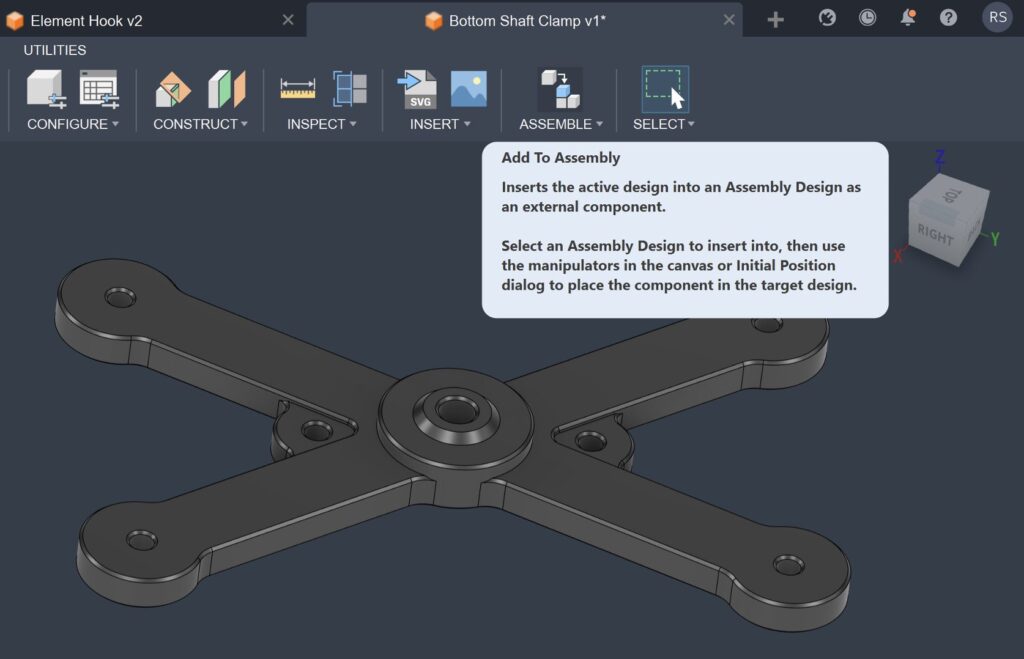
Starting an Assembly Design will enable you to bring your part designs together into structured assemblies, where you can insert external components into the assembly design or create new components to edit them in place. This path helps you keep your timeline focused on the relationships of parts one to another, not the full history of every part. This makes assemblies perform faster, clearer, and ready for cloud-connected collaboration.
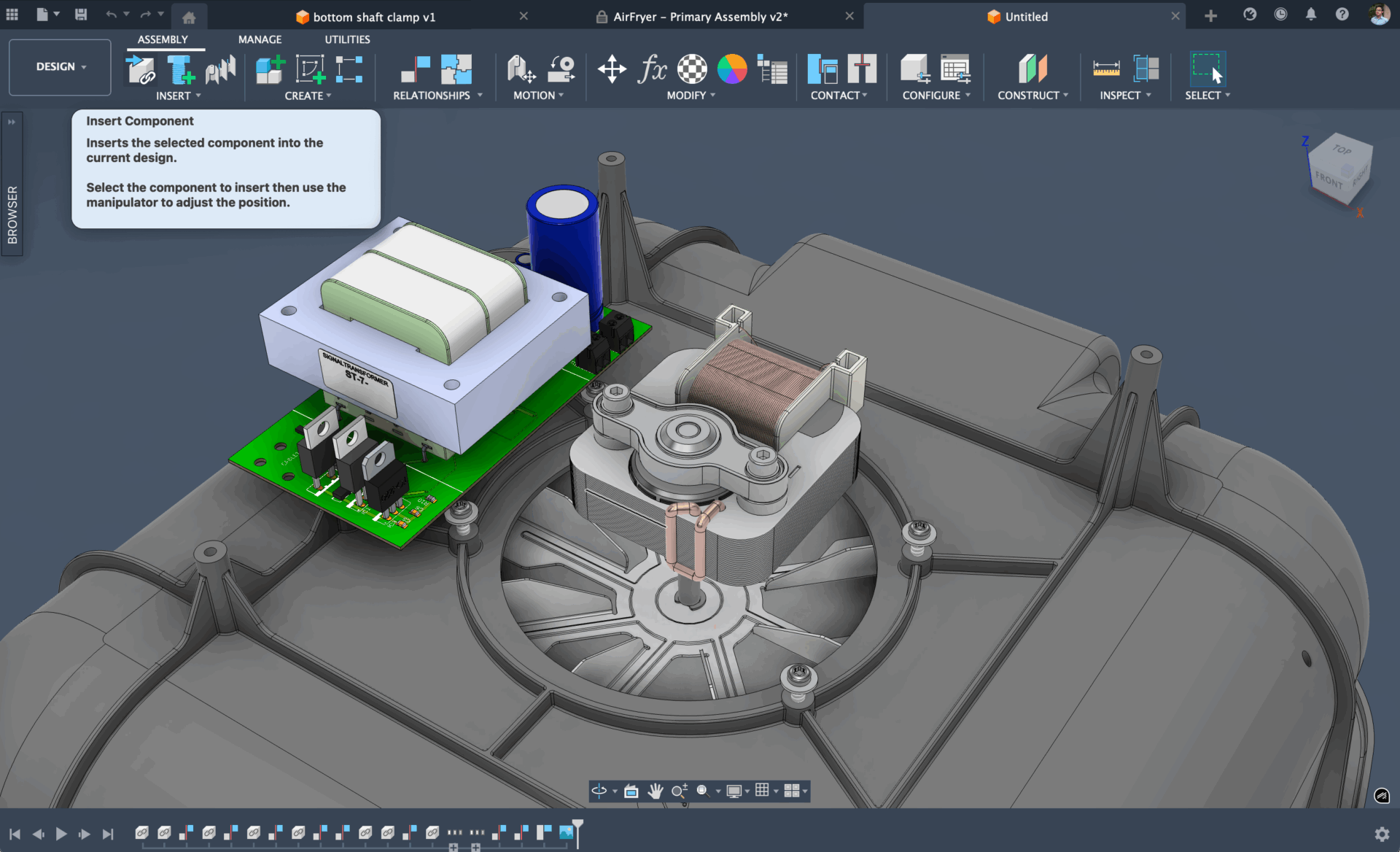
What is a Hybrid Design?
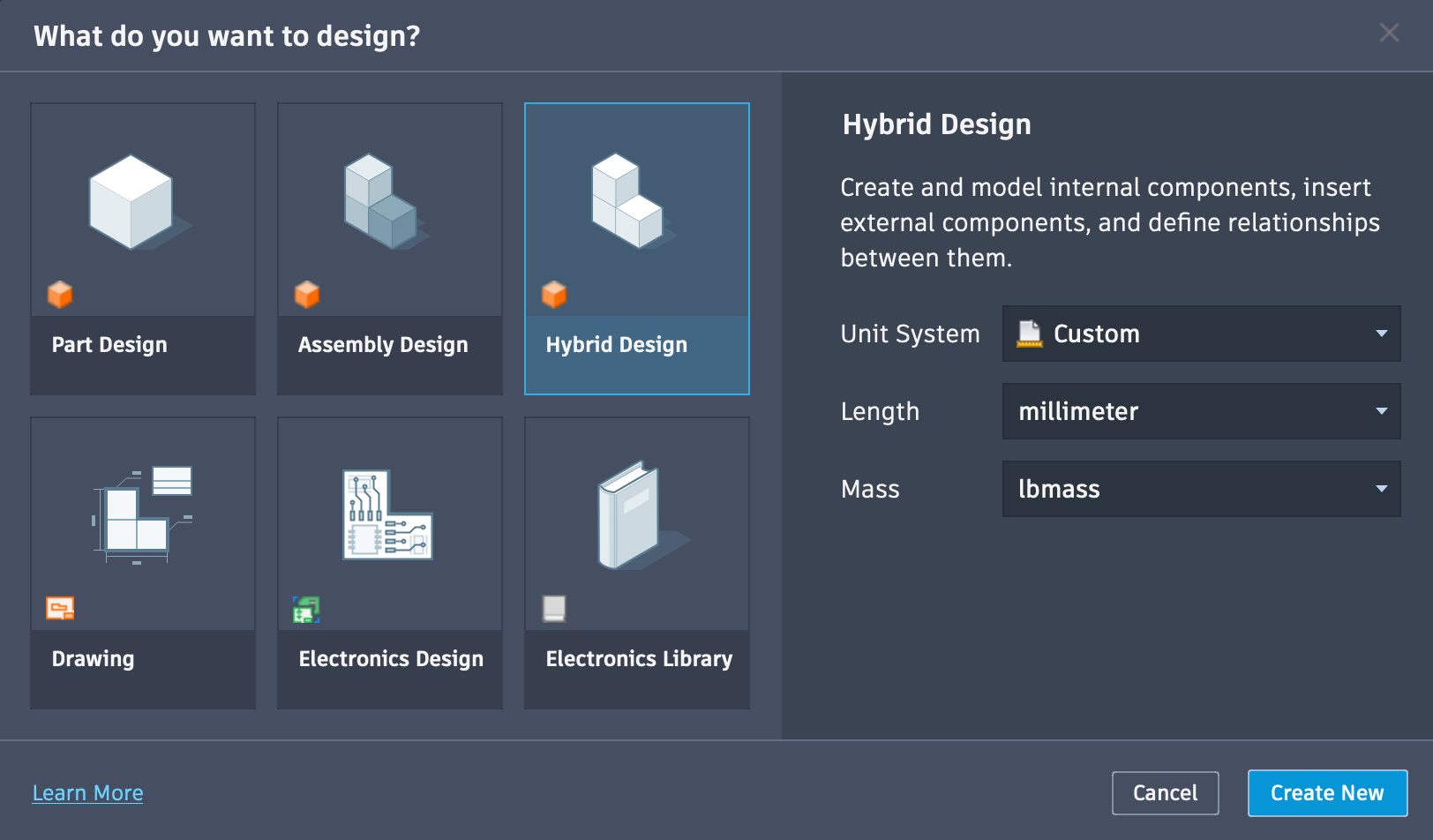
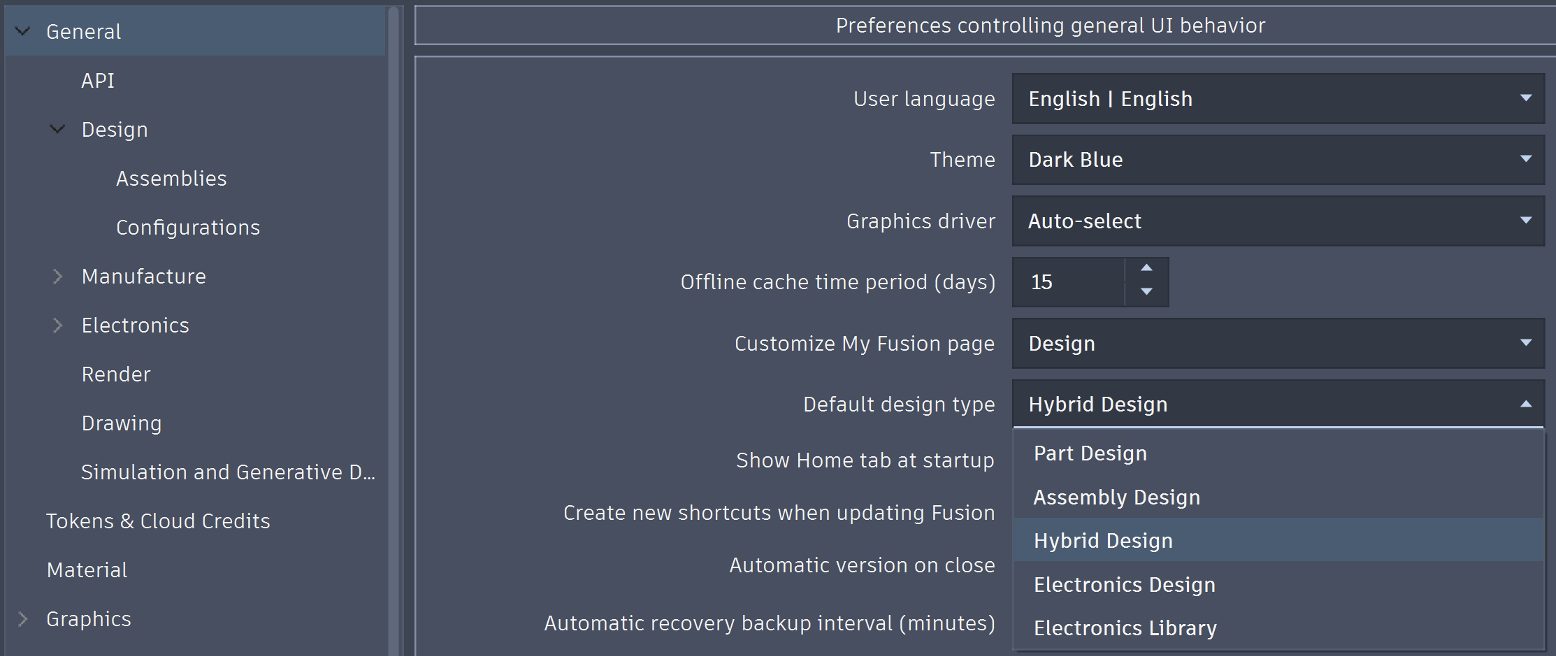
Hybrid Design—Fusion’s current default—mixes internal and external modeling for a more free-flowing, unstructured workflow. If you prefer this approach (as many of you do), you can keep using it by setting Hybrid Design as your default in General Preferences, just like any other path. And if you use CTRL+N, you can jump straight into a new design without the prompt.
Benefits
There are some major benefits starting with Part or Assembly Designs, and it comes down to better performance, feature organization, easier collaboration, smarter reuse, and more accurate BOMs. Part Designs keep things simple with a clean, focused timeline for single parts.
You no longer need to remember to follow the age-old Rule #1 so that the features you use are appropriately organized. Assembly Designs let you concentrate on how parts relate to each other—without the clutter of every part’s full history—making assemblies faster, clearer, and optimized for cloud-connected teamwork. And with both approaches, multiple people can work on sub-assemblies and parts at the same time.
What’s next
The Intent-driven design experience is not just about adding another way to work; it’s about providing flexibility for you to choose the workflow that fits your project, your team, and your goals. Whether you prefer the current Fusion Hybrid design environment or a part-and-assembly structure, you now have the freedom to work your way without compromise.
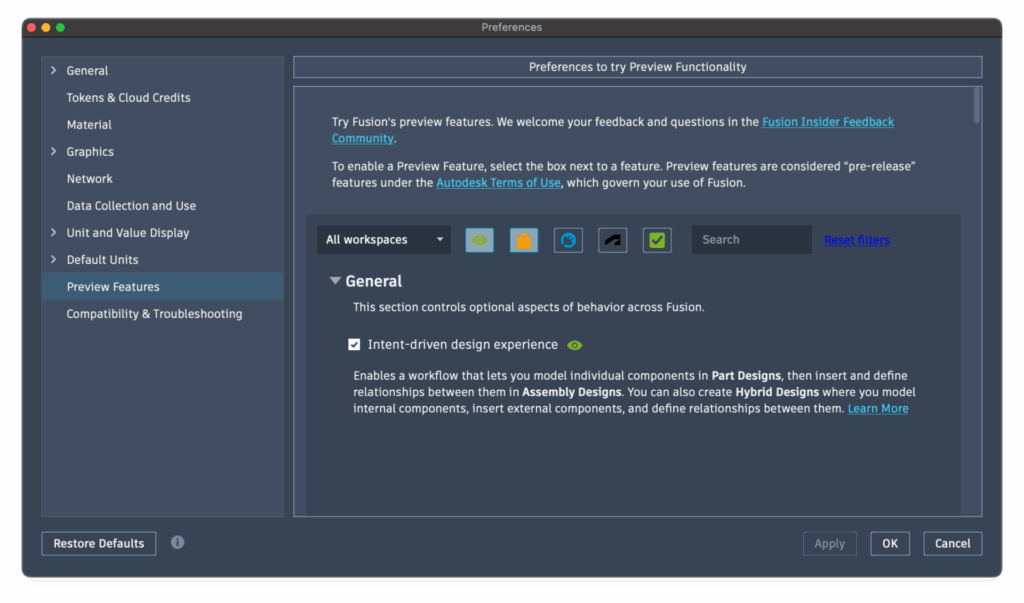
The new Intent-Driven Design experience is available today as a preview feature. Just head to Preferences > Preview Features and enable the Intent-driven design experience option to try it out. It will remain in preview until early next year, when we plan to make it the default Fusion start-up experience. That’s why we highly encourage you to give it a try—and let us know what you think, along with any improvements we should make. We’re always listening to our community, and we sincerely appreciate the support, feedback, and trust you continue to put in us and in Fusion as we help you do more.