 Shannon McGarry
If you’re tired of jumping between apps, fighting with file versions, and spending more time managing your tools than creating with them—Fusion is the furniture design solution you’ve been waiting for.
Creativity drives furniture design—but the right tools bring it to life. Whether you’re working on your own or are part of a fast-paced product team, modern furniture design means juggling tight deadlines, custom specs, budget constraints, and production challenges. To stay ahead, you need more than vision, you need a tool that can keep up.

Elevate your design and manufacturing processes with Autodesk Fusion
The old way—sketch here, model there, export files, email someone, wait for feedback, rinse and repeat—is slow, clunky, and full of room for error. That’s where Fusion comes in. It’s not just another CAD program; it’s an all-in-one product design, manufacturing, and data management platform built for modern furniture makers.
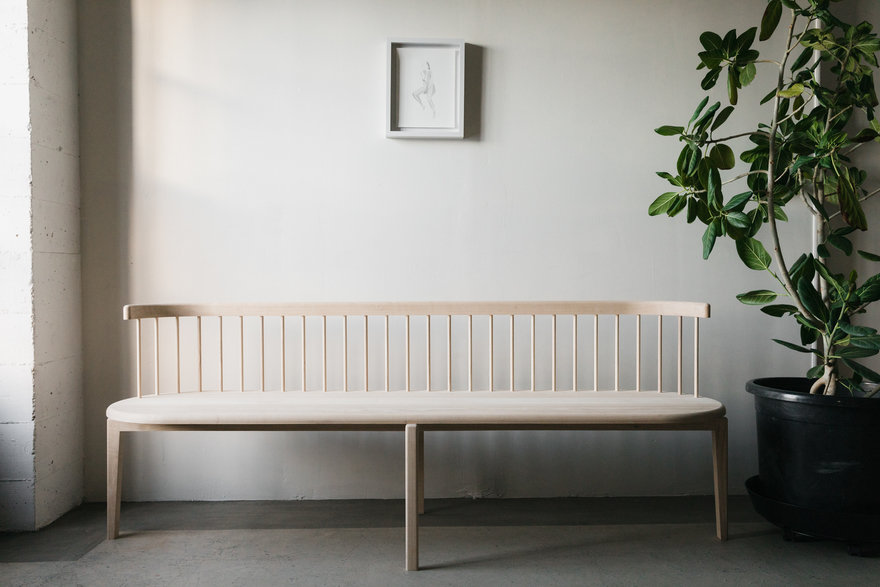
Common pain points for furniture designers
Let’s face it —you’ve probably dealt with this before.
You’re designing a piece of furniture, and suddenly you’re bouncing between four different programs. One for sketching, another for 3D modeling, a separate one for rendering, and yet another for generating CNC files. It’s clunky. It’s time-consuming. And it kills your creative flow.
Then there’s collaboration—tracking versions, sending files back and forth, sorting through feedback. You lose time, and sometimes, the latest design gets lost in the shuffle.
On top of that, tools like simulation or CNC machining—often come with expensive add-ons or don’t talk to each other. And if you’re trying to work across different devices or with a remote team, that can also turn into a headache.
If any of this hits close to home—you’re not the only one. This is exactly why so many furniture designers are choosing Fusion.
Autodesk Fusion for furniture design
Fusion brings everything into one workspace—design, engineering, simulation, rendering, manufacturing, and data management —all tied together in the cloud. Here’s what that means for you:
- No more juggling multiple tools: Start with freeform sculpting or precise parametric modeling, then move straight into engineering details, renders, and manufacturing files—without ever switching to another tool.
- Dynamic configurations: Create multiple design variations within a single file, efficiently switch between options, and customize dimensions and materials.
- Built-in collaboration: Share designs via a link, leave comments directly on the model and know everyone’s always working off the same version.
- Work from anywhere: Use it on Windows, Mac, or mobile. No more “wrong OS” or “it’s on my other laptop” excuses.
- Production-ready: With built-in CAM and simulation, you can prep CNC toolpaths or test your designs —all in one place.
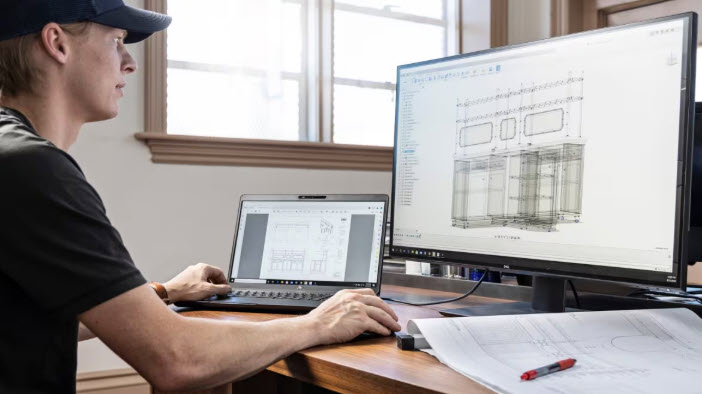
Simplify the process – From sketch to shop floor with Fusion for furniture design
Let’s say you’re design a new chair or shelving unit, here’s what the typical process would look like in Fusion:
- Sketch and model: Start with a quick sketch, then bring it to life using sculpting tools (great for organic curves) or parametric modeling (ideal for joinery and dimensions).
- Detail and refine: Add frames, joints, and hardware. Want to tweak the dimensions? Just adjust the parameters and the whole model updates instantly.
- Test it: Simulate weight and stress—make sure that the chair won’t tip, or the shelf won’t sag.
- Render and review: Create polished visuals to pitch your design or get client approval.
- Prep for production: Generate CNC toolpaths or export files for 3D printing—no need to jump into another CAM tool.
- Get feedback: Share the live design link with your team or client. They can view it in a browser and leave comments.
Fusion isn’t just another tool—it’s built to fit the way you design furniture day-to-day, and it helps you go even further.
Need to customize a piece for a specific client? You can tweak one model and easily generate multiple variations without starting from scratch.
Working on a tight budget? Fusion combines sketching, modeling, rendering, simulation, and CAM in one platform—no need to invest in a bunch of separate tools.
Want to push your creativity? Use generative design to explore bold, optimized forms based on strength, weight, or material constraints. It’s everything you need, all in one place.
The next phase in your furniture design journey is here with Fusion
Spend less time managing software and more time doing what you love: designing beautiful, functional furniture. Ditch the disconnected tools and unlock a faster, smarter way to bring your ideas to life with Autodesk Fusion.