Category: Tutorials
-
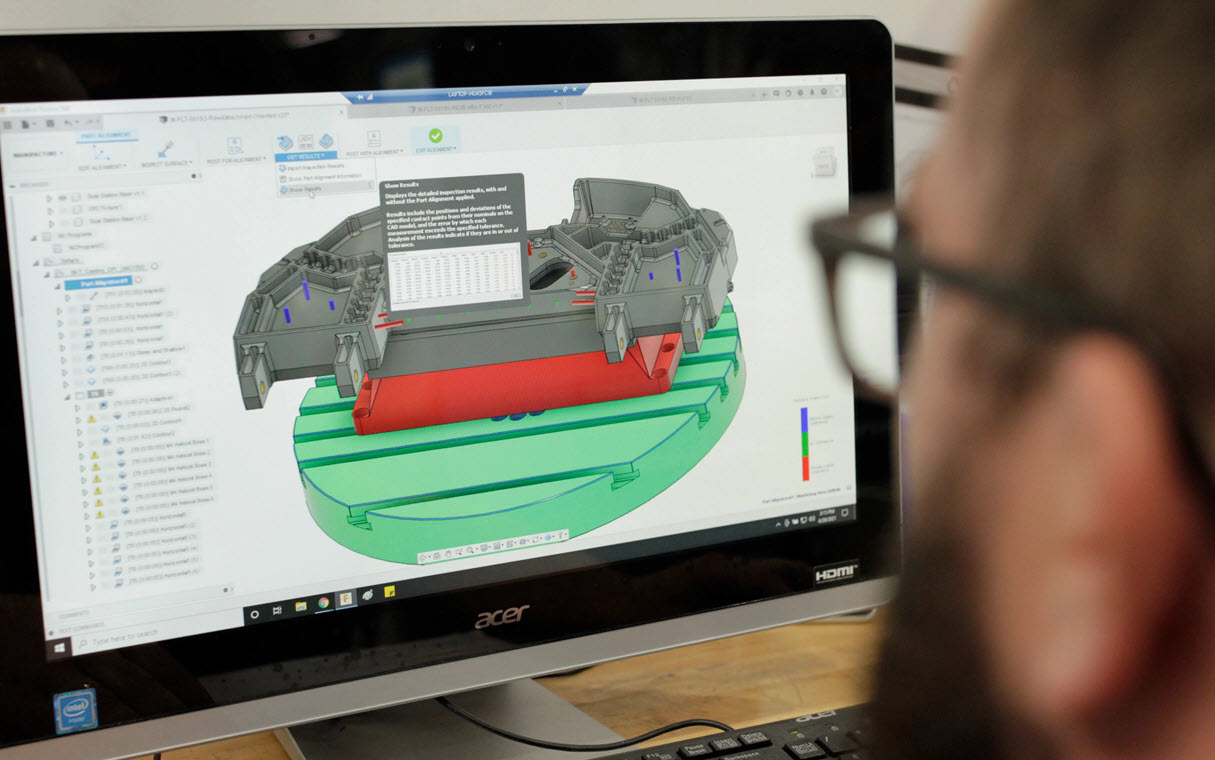
Welcome to Autodesk Fusion 360: Guide to Getting Started
Getting started with Autodesk Fusion 360? Here's an overview of the platform, toolsets, and functionality, and a few things to keep in mind.
Getting Started
-
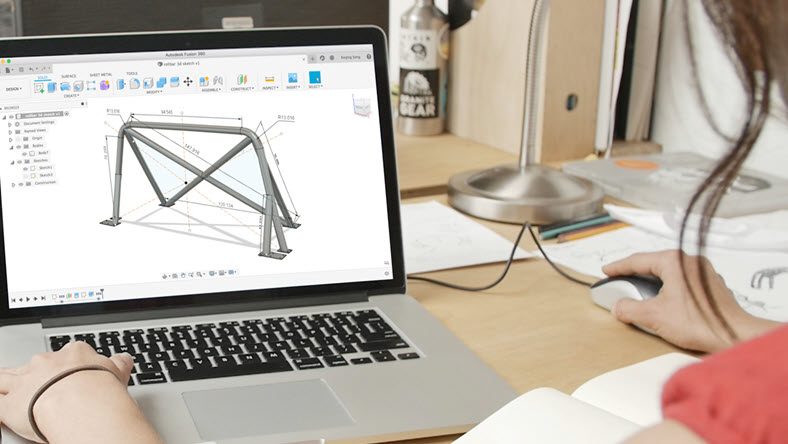
Autodesk Fusion 360 Basics: Getting Started with Sketching
Sketching is a fundamental aspect of design in Autodesk Fusion 360. Learn the basics of sketching and its importance in the design process.
Getting Started
-
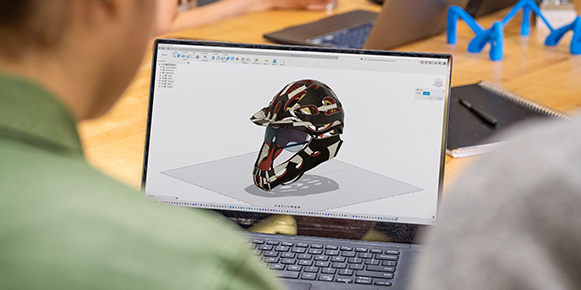
Make 3D Models in Fusion: 3D Modeling Basics
If you’re getting started with 3D modeling in Autodesk Fusion 360, this is a great place to start. This guide highlights important tools to master, best practices, and things to be aware of as you get up to speed with 3D modeling in Fusion 360.
Getting Started
-
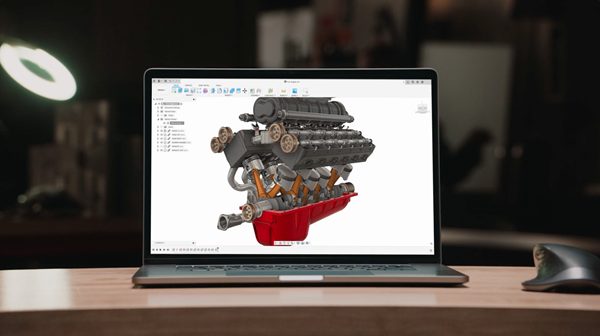
Fusion Basics: Fundamentals of Assemblies in Fusion
This guide highlights tools to master, best practices, and things to be aware of as you get up to speed with assemblies in Fusion 360.
Getting Started
-

Autodesk Fusion 360: It’s More Than Just a Great CAD Tool
Autodesk Fusion 360 is CAD, CAM, CAE, PCB, collaboration, data management, and more. Let's dive into why you need to make the switch.
Getting Started
-
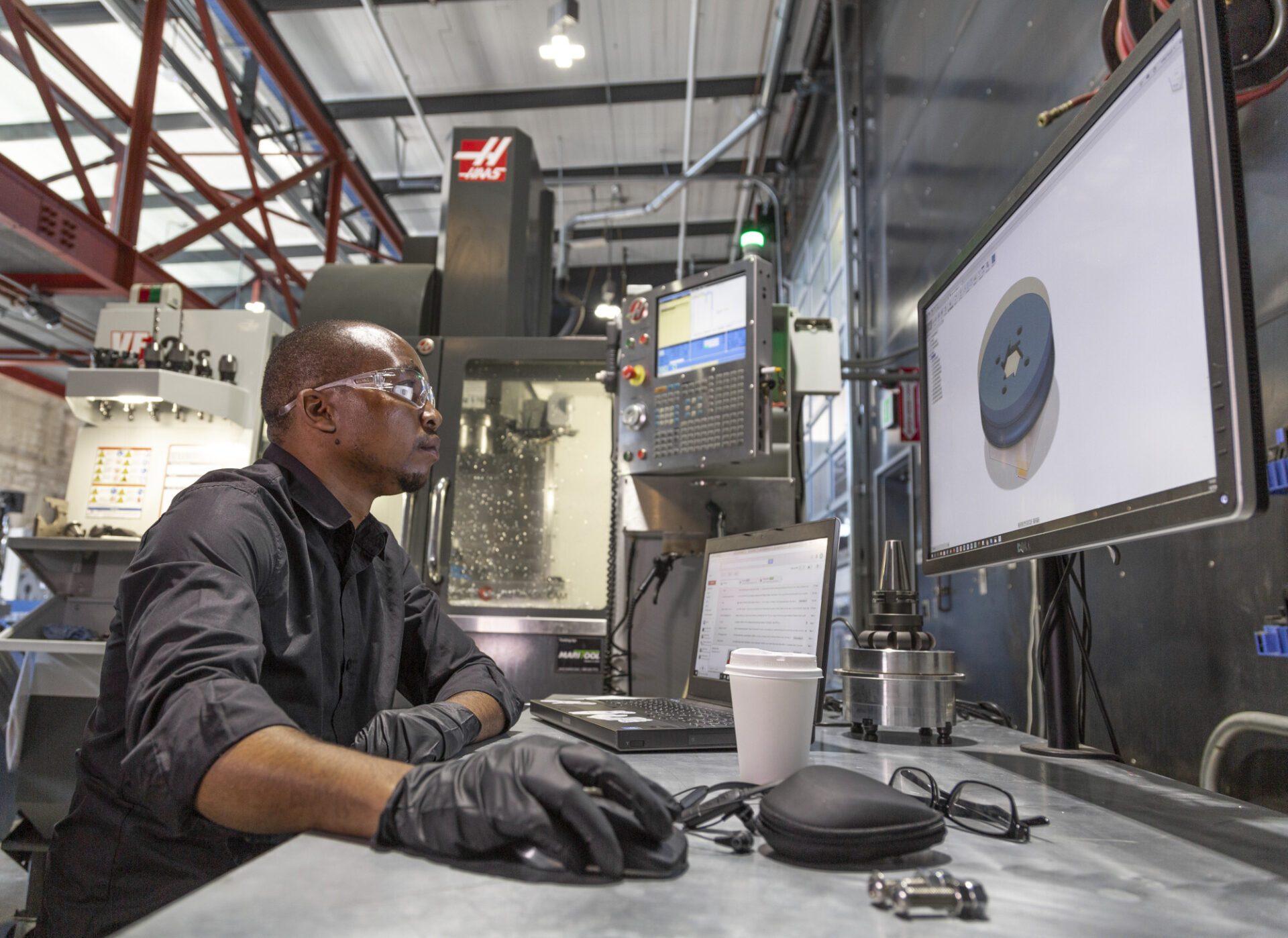
Autodesk Fusion 360 Basics: Manufacturing
This guide highlights tools to master, best practices, and things to be aware of as you get up to speed with manufacturing in Fusion 360.
Getting Started
-
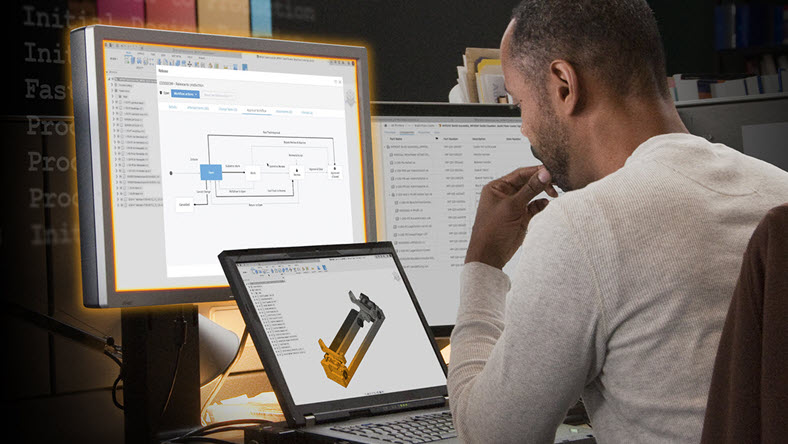
Autodesk Fusion 360 Basics: Collaboration and Data Management
This guide highlights tools to master, best practices, and what to be aware of as you learn collaboration and data management in Fusion 360.
Getting Started
-

Autodesk Fusion 360 Basics: Library Features, Tools, and More
This guide highlights important Fusion 360 library features and tools to understand as you get up to speed with Fusion 360.
Getting Started
-
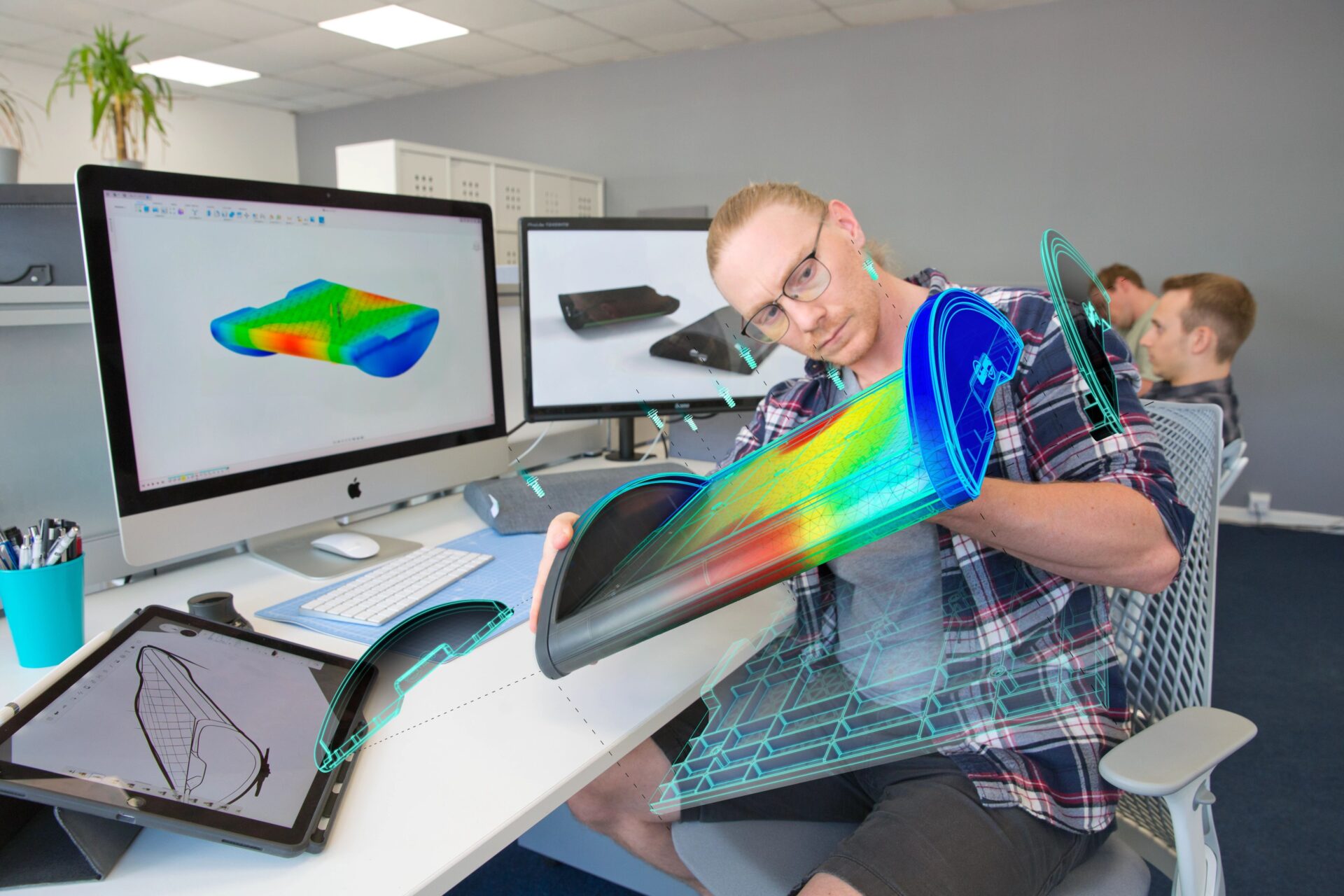
Autodesk Fusion vs. SolidWorks: The Ultimate Migration Guide
Are you curious about Fusion 360 vs. SolidWorks? This migration guide will be the key to your success.
Machining
-
Unlocking Automation in Fusion 360 CAM
Unlock the power of automation in Fusion 360 CAM with these techniques to help improve productivity when machining your next part.
Machining
-

Top 5 Reasons to Switch to Autodesk Fusion 360
Autodesk Fusion 360 is the future of design and manufacturing. Let's take a look at the top 5 reasons you need to make the switch.
Getting Started
-
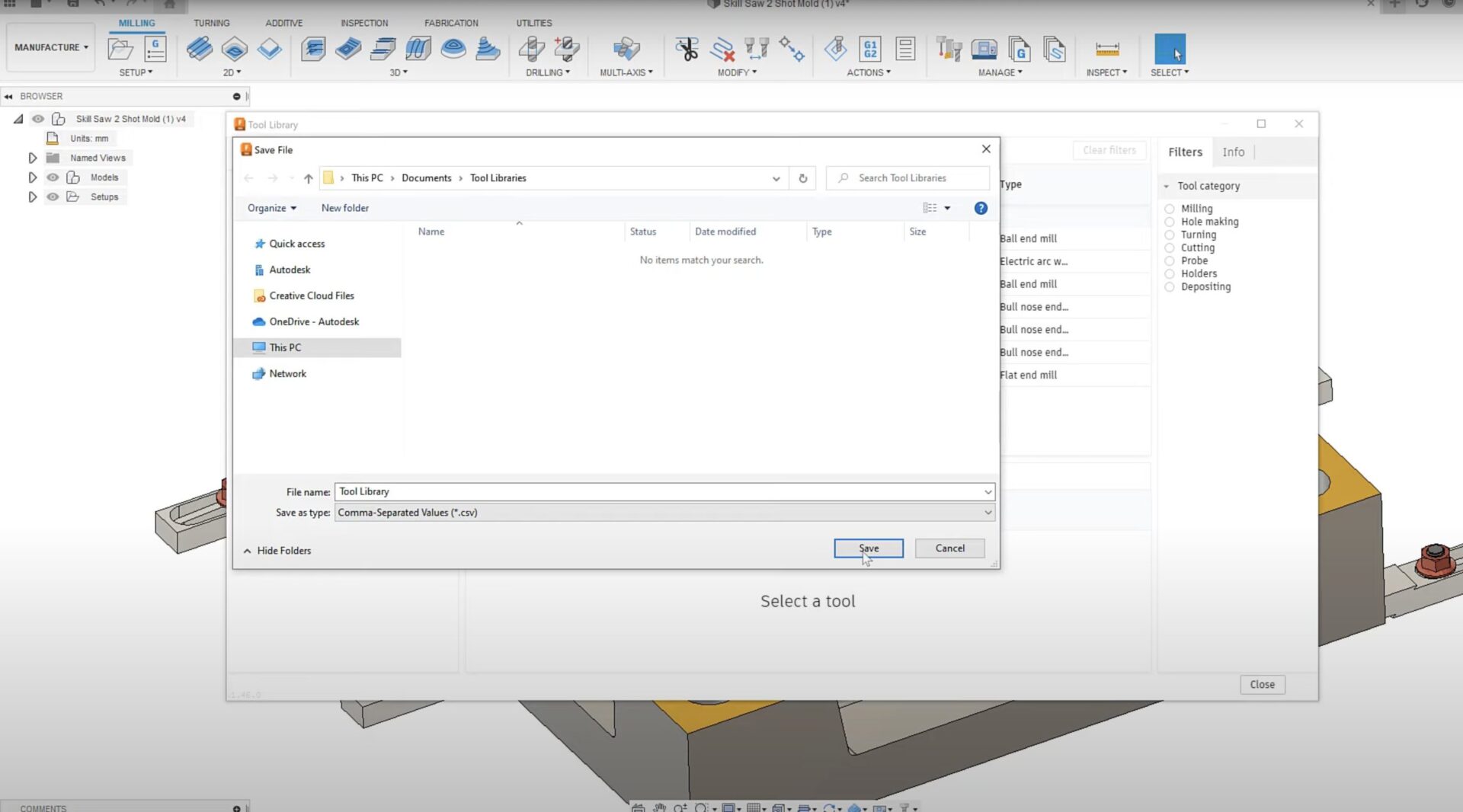
How to Import and Export Tool Libraries as .csv Files in Fusion 360
This quick tip video tutorial will show you how to import and export tool libraries as .csv files in Fusion 360.
Getting Started
-
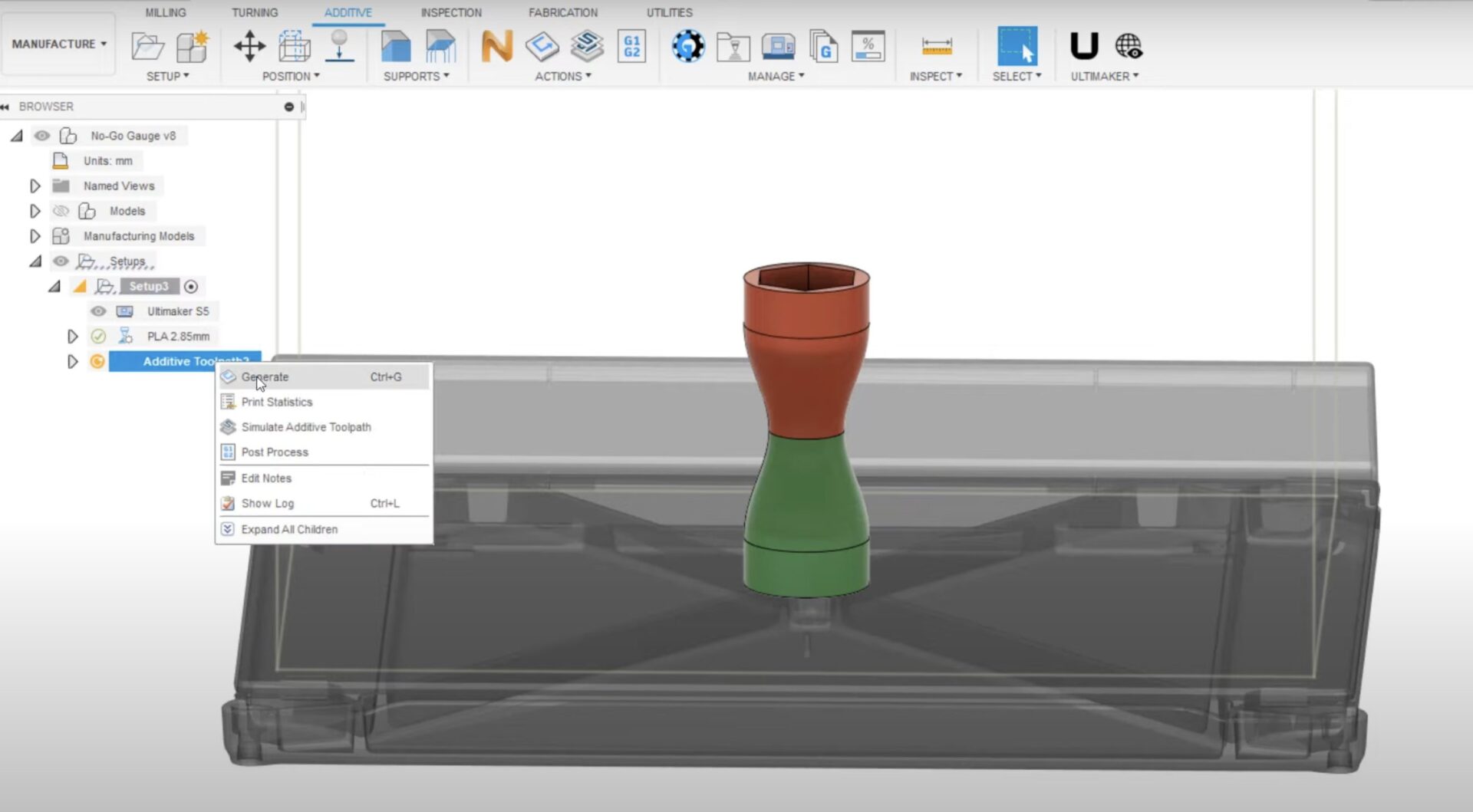
Multi-Material and Multi-Print Setting for FFF 3D Printing With Fusion 360
In this tutorial, you'll learn how to print a singular body with variable print settings, materials, or colors, for FFF 3D printing with Fusion 360.
Getting Started
-
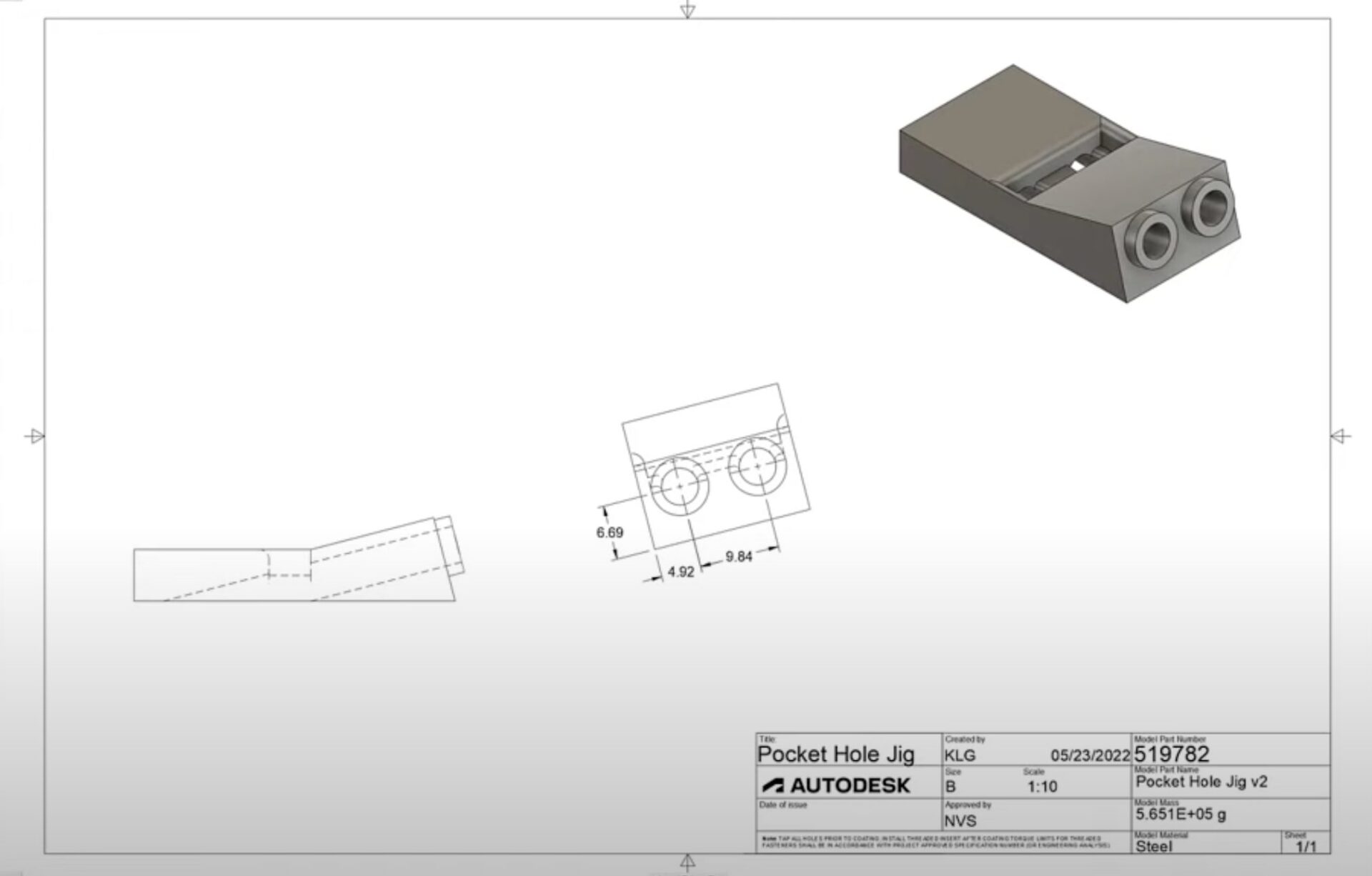
Auxiliary Views in the Fusion 360 Drawings Workspace
In this video tutorial, you'll learn about the Auxiliary Views feature in the Fusion 360 Drawings workspace.
Getting Started
-
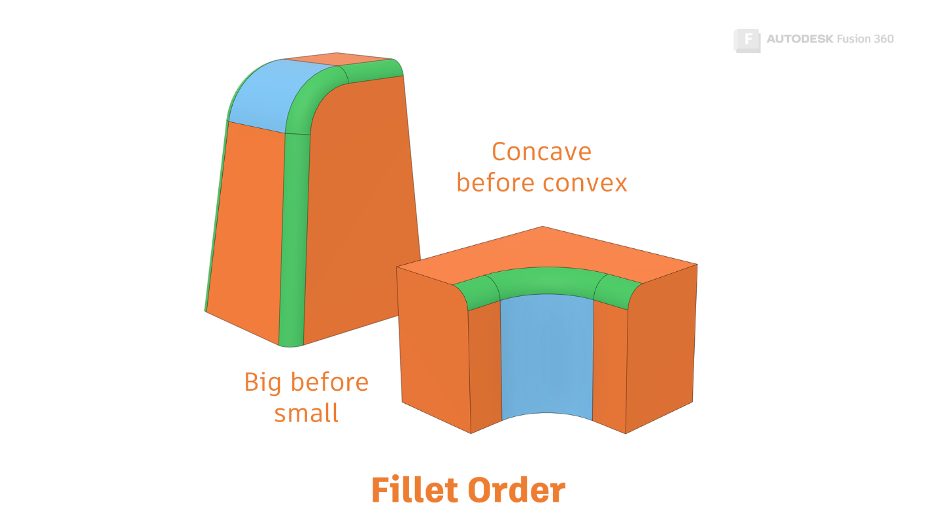
Get Smart With Fusion 360 Part 5: Fillet Best Practices
In this article, we’ll focus on fillets. We'll learn the best way to set a fillet up, and we’ll find out what to do when they go wrong.
Getting Started