Category: Product Design & Engineering
-
Surface Modeling Software: Autodesk Fusion
Check out this tutorial to understand surface modeling in Autodesk Fusion, how it relates to solid modeling, and its advantages.
Getting Started
-
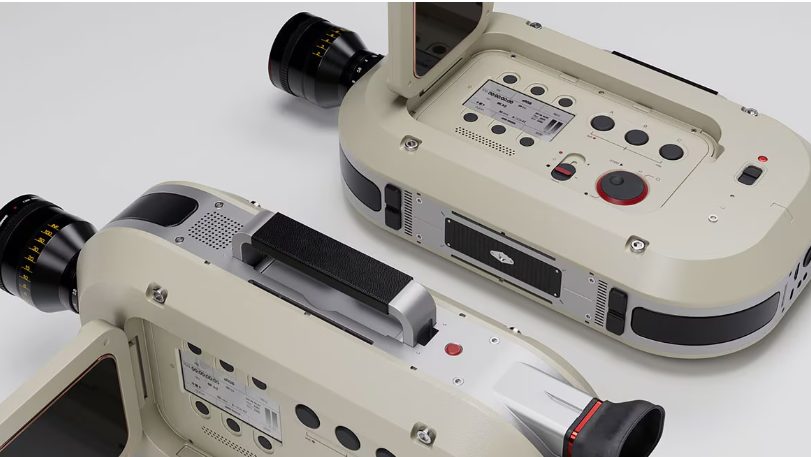
Design Without Limits with the Autodesk Fusion Design Extension
Unlock advanced modeling, automation, and manufacturing‑aware design tools with the Autodesk Fusion Design Extension to create complex, high‑performance products faster. Every product team wants to move faster without sacrificing quality. More design flexibility. Fewer workarounds. Better confidence that what’s being designed can actually be manufactured. As products become more complex and performance expectations increase, traditional…
Product Design & Engineering
-

4 Advantages of Prototyping in the Design Process
Prototyping a design before the fabrication process can help avoid design flaws, improve inter-team communication, and save you money.
Industrial Design
-
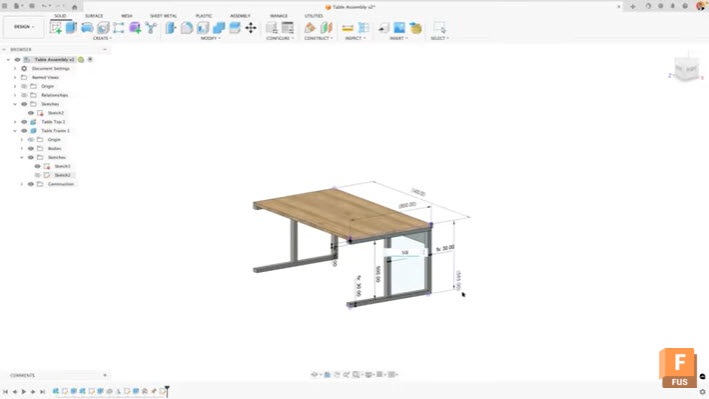
Maximize Efficiency: View and Edit Sketch Dimensions Outside of Sketches in Autodesk Fusion
Learn how to view and edit sketch dimensions outside of sketch mode in Autodesk Fusion to speed up design changes and improve workflow efficiency. When working in Autodesk Fusion, accessing dimensional information typically requires entering edit mode for each sketch. This workflow can slow down your design process, especially when you need to make quick…
Tutorials
-
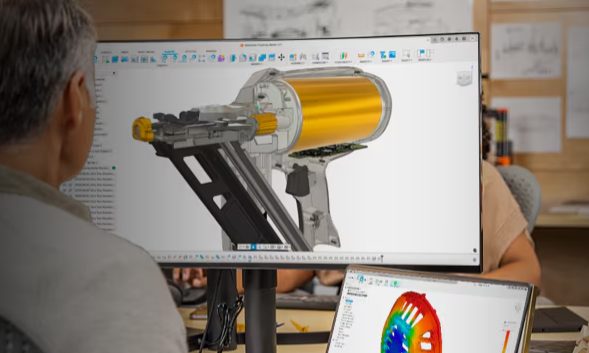
How Digital‑First Brands Are Reducing Time‑to‑Market with Unified Design‑to‑Make Workflows
Digital‑first brands are launching products faster by unifying design, engineering, and manufacturing. See how connected design‑to‑make workflows in Autodesk Fusion reduce rework and speed time‑to‑market. Speed doesn’t come from working harder. It comes from removing friction. Digital‑first brands, especially in consumer products, hardware, and advanced manufacturing have figured this out. They’re not launching faster because…
Product Design & Engineering
-
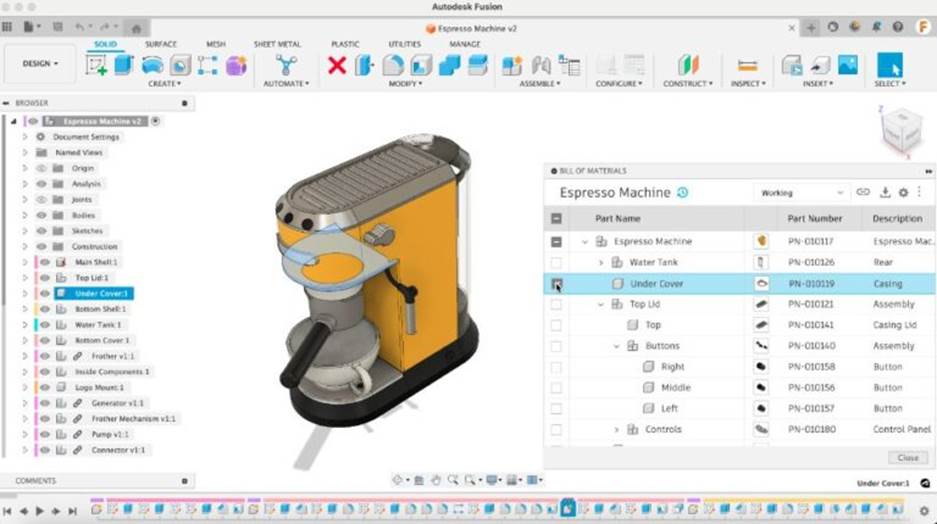
Metrics That Prove Your Connected Product Development Investment is Working
Explore how connected product development improves key engineering metrics of time-to-market, first-pass yield, and cost of poor quality. Learn how integrating ECAD, MCAD, and PLM reduces latency and errors and how Autodesk Fusion can help. Product development teams constantly face pressure to deliver complex designs faster and with fewer errors. One means of alleviating these…
Product Design & Engineering
-
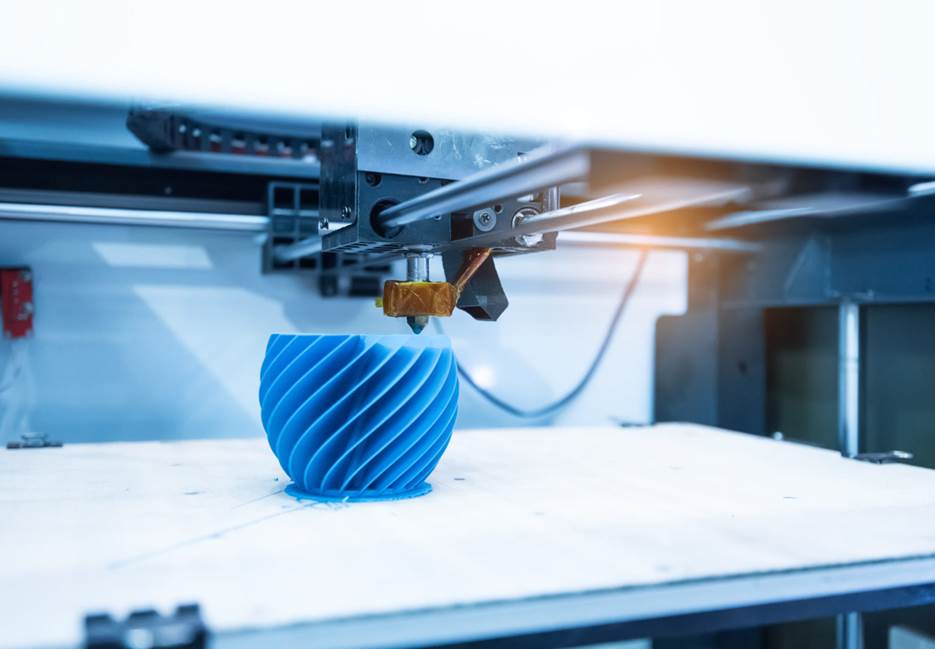
Top 5 Applications of Additive Manufacturing for Product Design
Additive manufacturing delivers value through prototyping, functional testing, customization, lightweighting, and digital inventory. These applications need fast iteration and strong links between design and production. Fusion supports this need by integrating additive preparation with CAD and engineering workflows so that teams improve consistency, speed, and manufacturability. Additive manufacturing has moved well beyond its early application…
Product Design & Engineering
-

No More Needles: EzeRx Transforms Anemia Testing with Autodesk Fusion
Partha Pratim Das Mahapatra’s mother was only 37 years old when she developed severe heart complications. Only after surgery did doctors identify the underlying cause of long-term, untreated anemia. Anemia affects roughly one in four people globally. Yet despite being easy to treat, it often goes undetected. Traditional testing requires blood draws which often discourages…
Case Studies
-
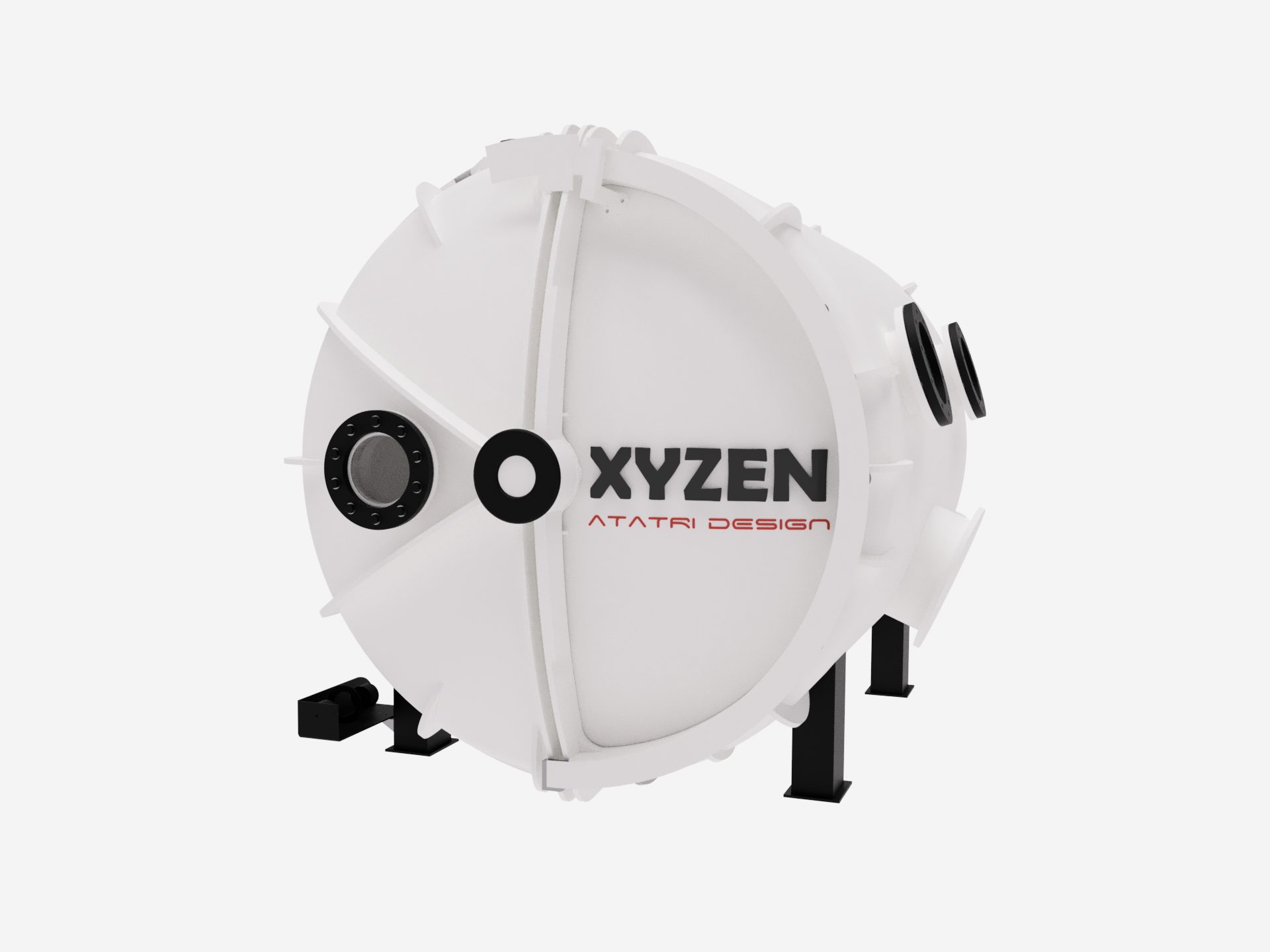
Atatri Design Reduces Prototyping Cycles by 80% for New Hyperbaric Oxygen Therapy Chamber
Based in Coimbatore, India, Atatri Design specializes in structural design, functional performance modeling, and full-cycle product development. Using simulation-led engineering, rapid prototyping, and precise detailing, the team transforms early concepts into proven, manufacturable solutions. Their core offerings, including structural analysis, functional optimisation, and complete product engineering, enable startups, medical organizations, and manufacturers to build safer,…
Case Studies
-
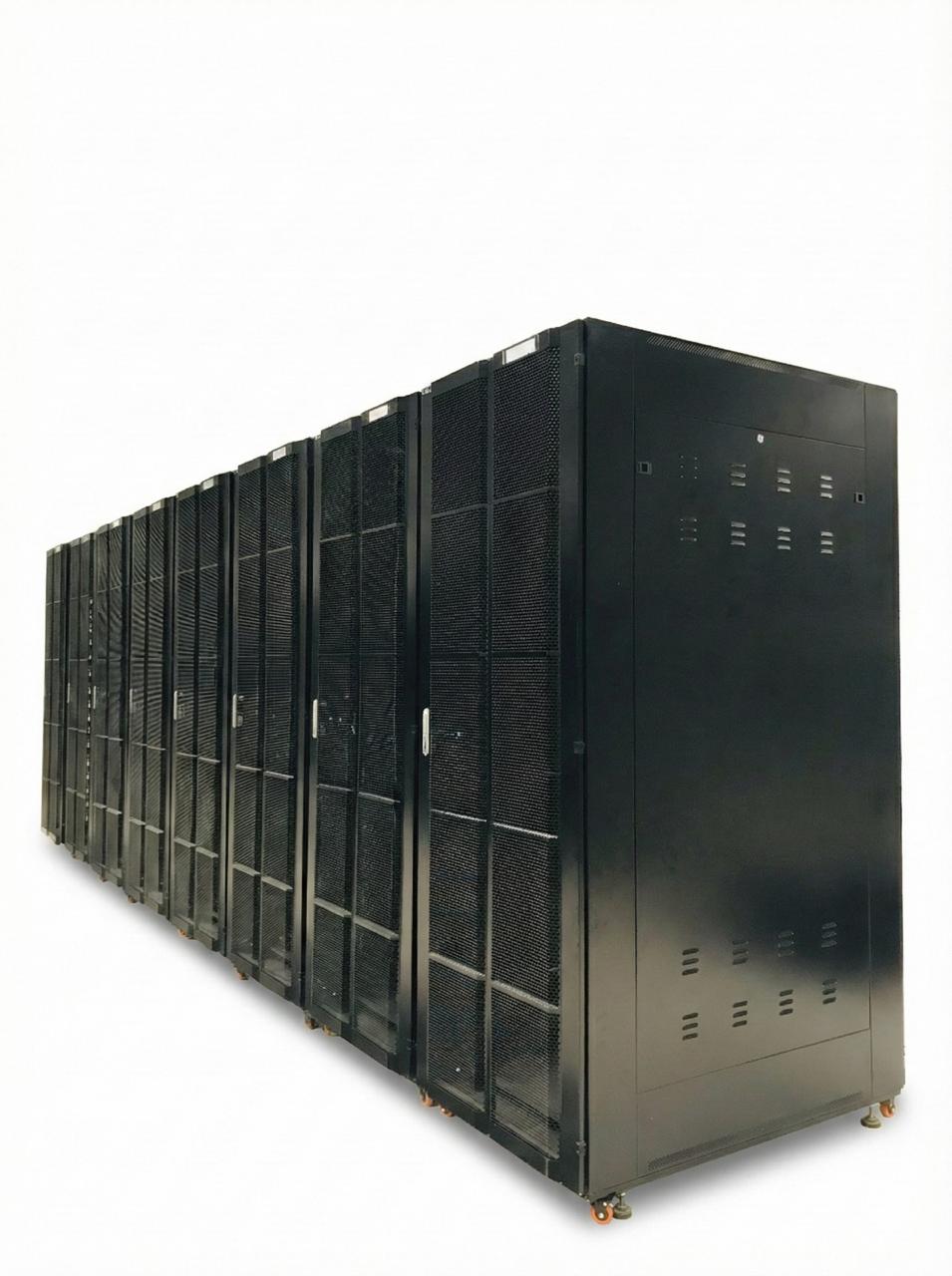
Cubicoan Evolves into a Full-Scale Manufacturer with Autodesk Fusion
Sri Lanka’s Extra-Low Voltage (ELV) systems and data-infrastructure sector is evolving at rapid pace. Projects today demand enclosures that can withstand heat, weather, vibration, corrosion, and long-term mechanical load while being delivered faster, with greater precision, and higher levels of customization. For Cubicoan, this shift demanded a fundamental rethink. Initially, the company operated as a…
Case Studies
-
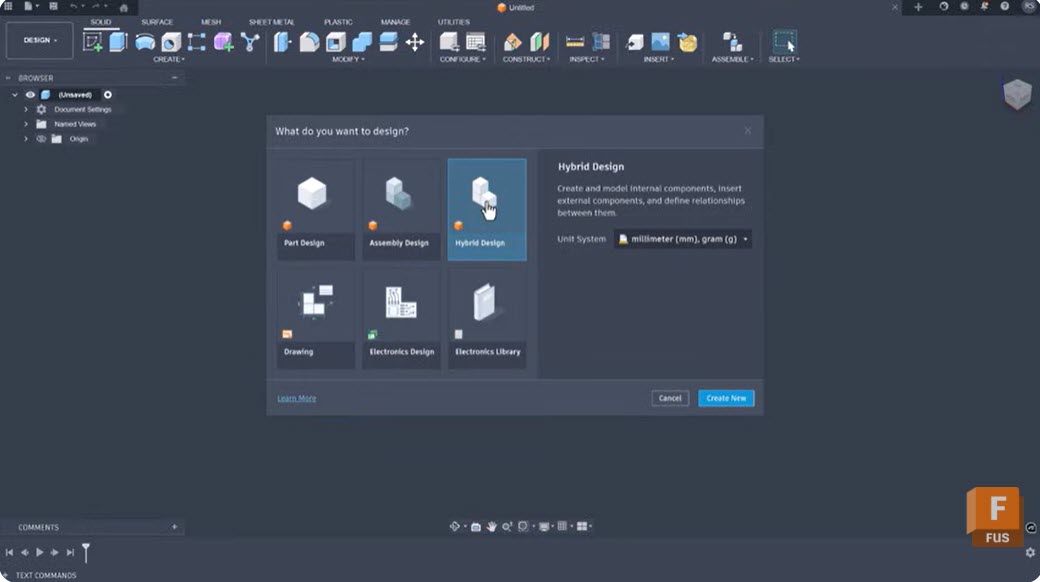
Breaking Free from Rigid Modeling Workflows with Intent-Driven Design in Fusion
Intent‑driven design in Fusion removes workflow friction by helping teams start with the right modeling approach and adapt seamlessly as projects evolve. Design projects often stall before they start – not because of complexity, but because teams are forced into workflows that don’t match how they actually build. When tools lock designers into rigid modeling…
Product Design & Engineering
-

Autodesk Fusion Helps Smart Appliance Company Cut Product Development Time by 37%
See how Upliance.ai significantly cut its product development cycle using Autodesk Fusion’s integrated design, simulation, and CAM tools.
Case Studies
-

Responding to Disruption: How Educators and Employers Are Reacting to Modern Engineering Challenges
Explore how educators and employers are collaborating to close the engineering skills gap through curriculum innovation, hands-on learning, and industry-integrated workforce development.
Thought Leadership
-
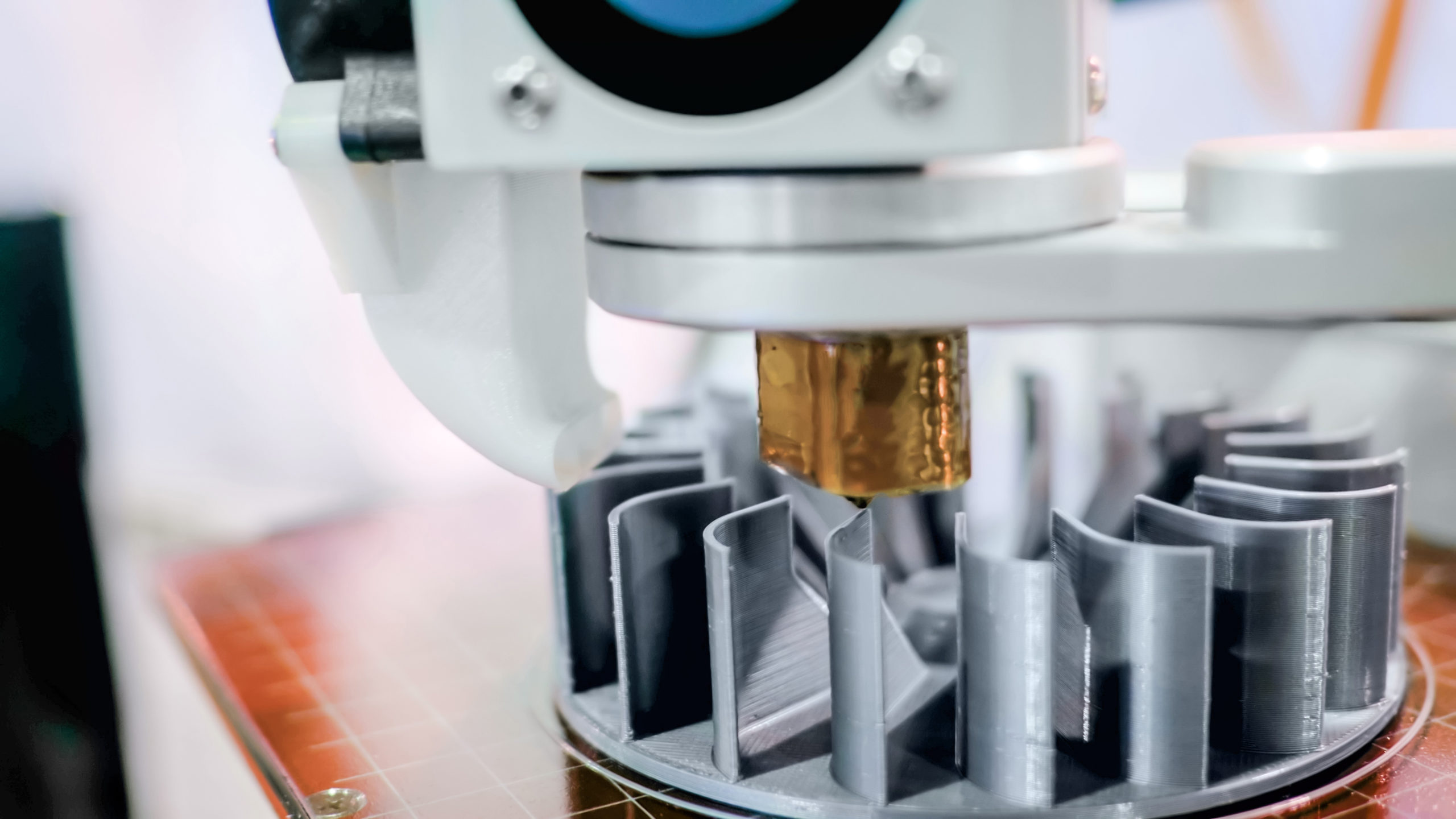
What Can Be 3D Printed? A Complete Guide to Materials Used in 3D Printing [Update 2025]
Using the right material for your 3D printed project can make or break the final result. Fortunately, there are many options to choose from, whether it be plastic, metal, or even polymer.
Tutorials
-
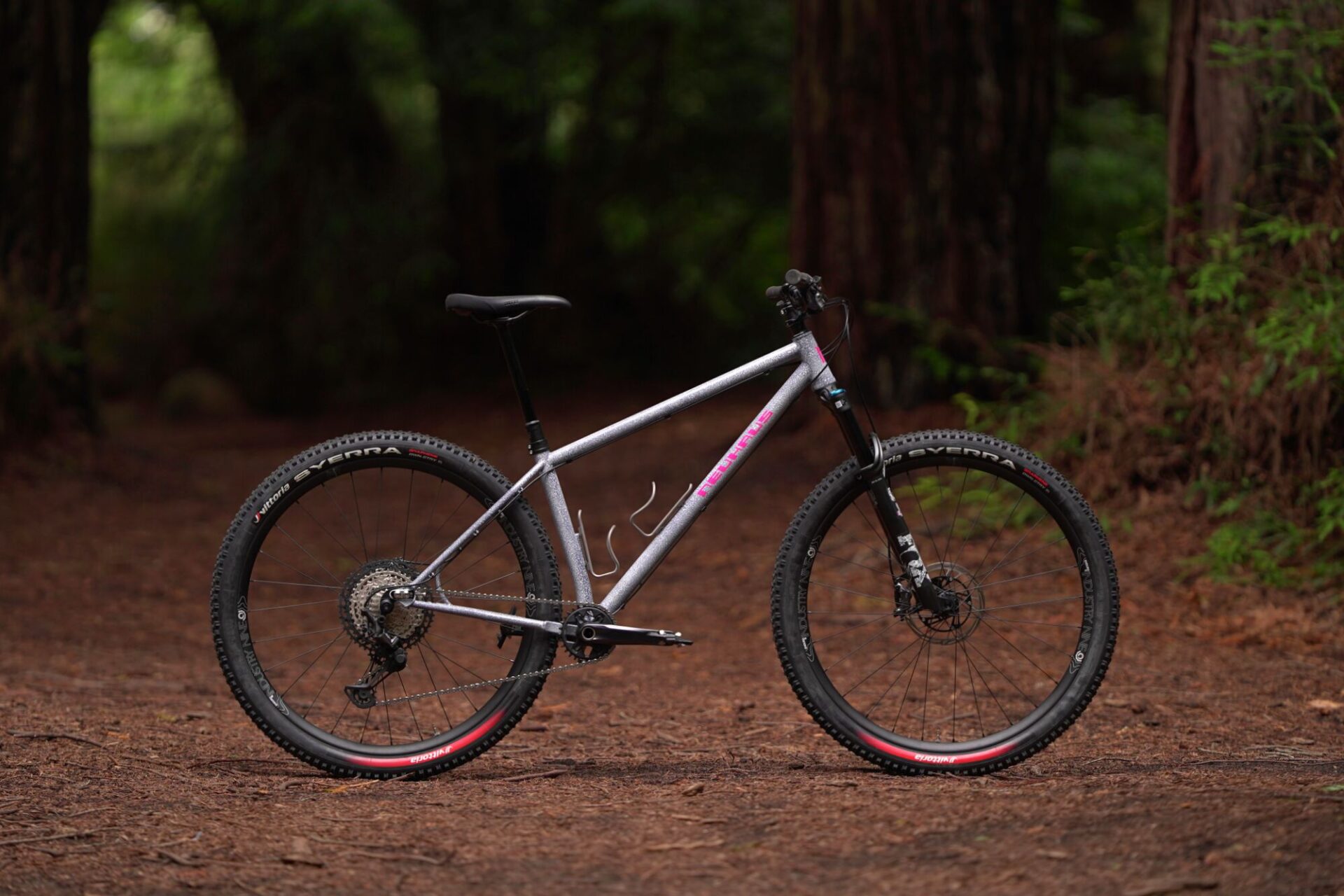
Neuhaus Metalworks Crafts Steel and Titanium Bike Frames with Autodesk Fusion and 3D Printing
See how Neuhaus Metalworks crafts bike frames using Autodesk Fusion and 3D printing, blending custom craftsmanship with scalable production.
Case Studies