Category: Fusion
-
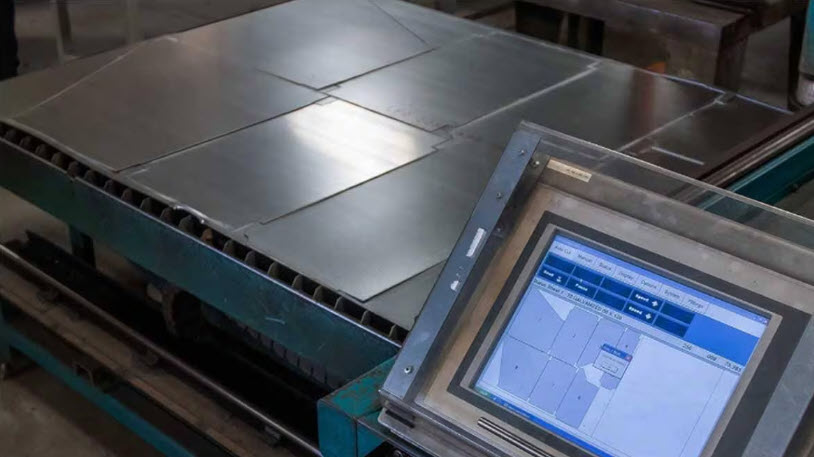
Nesting in Manufacturing: A Complete Guide to Optimizing Material Usage – and How Fusion for Manufacturing Can Help
Learn how nesting boosts material utilization and efficiency in manufacturing and how Autodesk Fusion for Manufacturing delivers integrated nesting for smarter workflows. In manufacturing, raw material often accounts for 40–60% of total production costs. When margins are tight and demand is variable, every square inch of stock you save drops straight to the bottom line.…
Manufacturing
-
From Fragmented Systems to Unified Insights: Cloud PLM for Distributed Teams
Discover how cloud-based PLM, like Autodesk Fusion, empowers manufacturers with secure, scalable collaboration, real-time visibility, and simplified lifecycle management. As more manufacturing organizations have distributed teams and remote workers, reliability and security are more important than ever. This shift is driving small and midsize manufacturers to adopt cloud-based PLM, which reduces the burden on internal…
Fusion
-
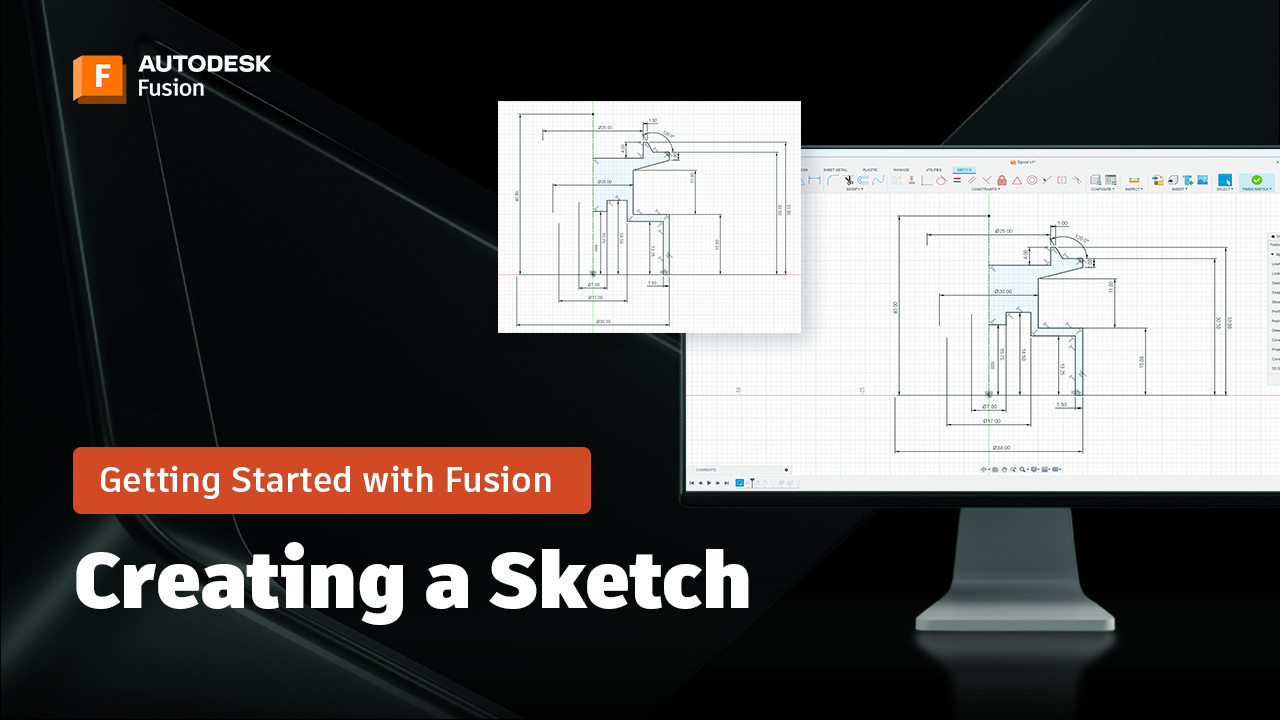
How to Create Sketches in Autodesk Fusion: A Beginner’s Guide (Part 2)
Learn how to create sketches in Fusion with this beginner-friendly guide. Includes steps for selecting planes, using sketch tools, adding dimensions, and constraints. Welcome back to our Getting Started with Fusion series! In the last post, we explored the Fusion interface—how to navigate workspaces, toolbars, and the viewport so you feel at home in the…
Tutorials
-
Transforming Furniture Manufacturing: The Strategic Advantage of Integrated Technology
Transform furniture manufacturing with integrated technology—streamline design, automate production, and boost profitability for a competitive edge. The furniture industry is undergoing a profound transformation. Today’s customers expect more than just attractive products. They want personalization, sustainable materials, and rapid delivery, all at competitive prices. For manufacturers, these demands present both a challenge and an opportunity:…
Fusion
-
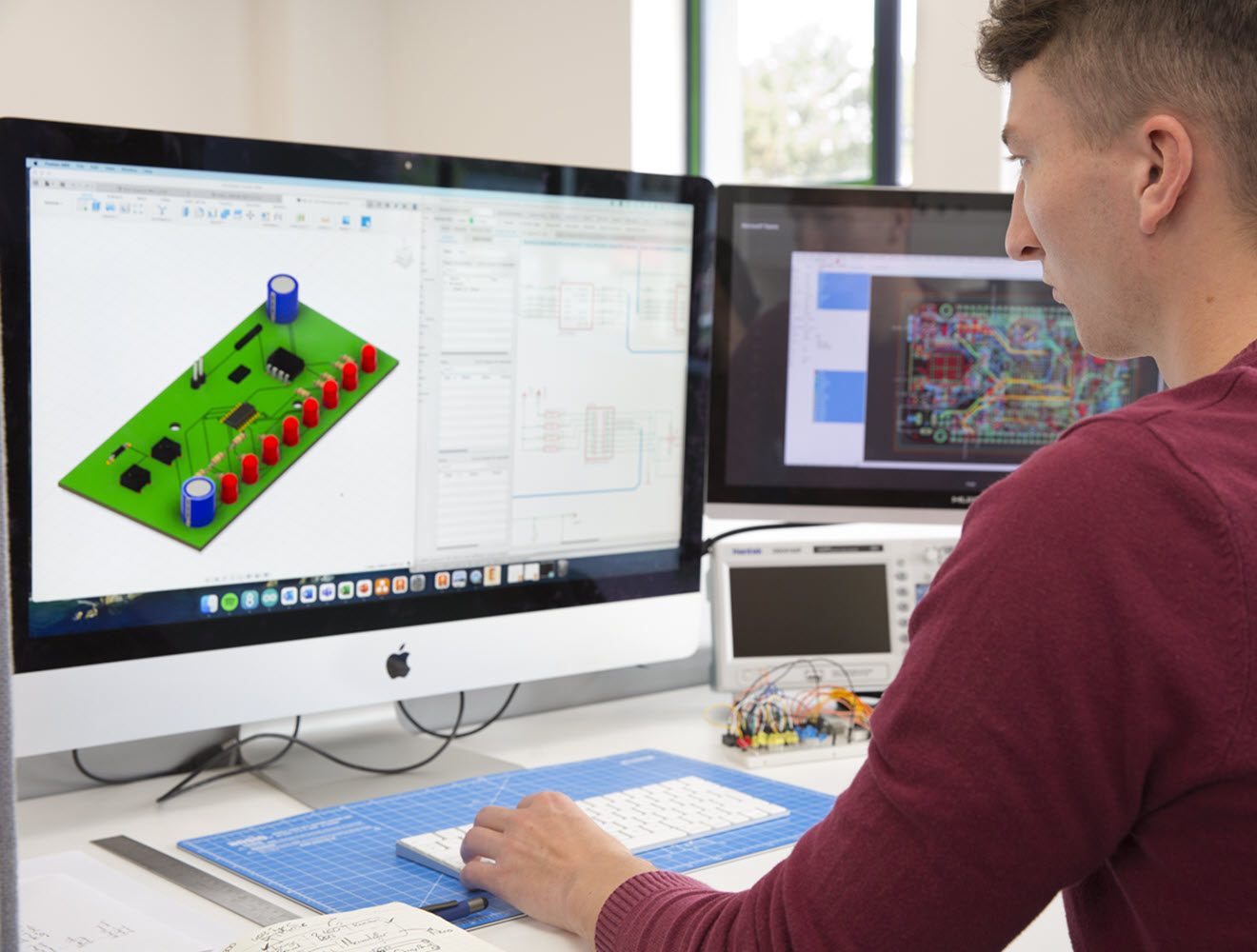
PCB Trace Spacing: The Ultimate Guide to Reliable Circuit Design
Achieve reliable PCB layouts with optimal trace spacing—learn expert strategies and use Autodesk Fusion for error-free, manufacturable designs. Printed circuit boards (PCBs) are the foundation of electronics, powering everything from smartphones to industrial machinery. Yet, one of the most critical, and often overlooked factors in PCB design is trace spacing: the minimum distance between conductive…
Fusion
-
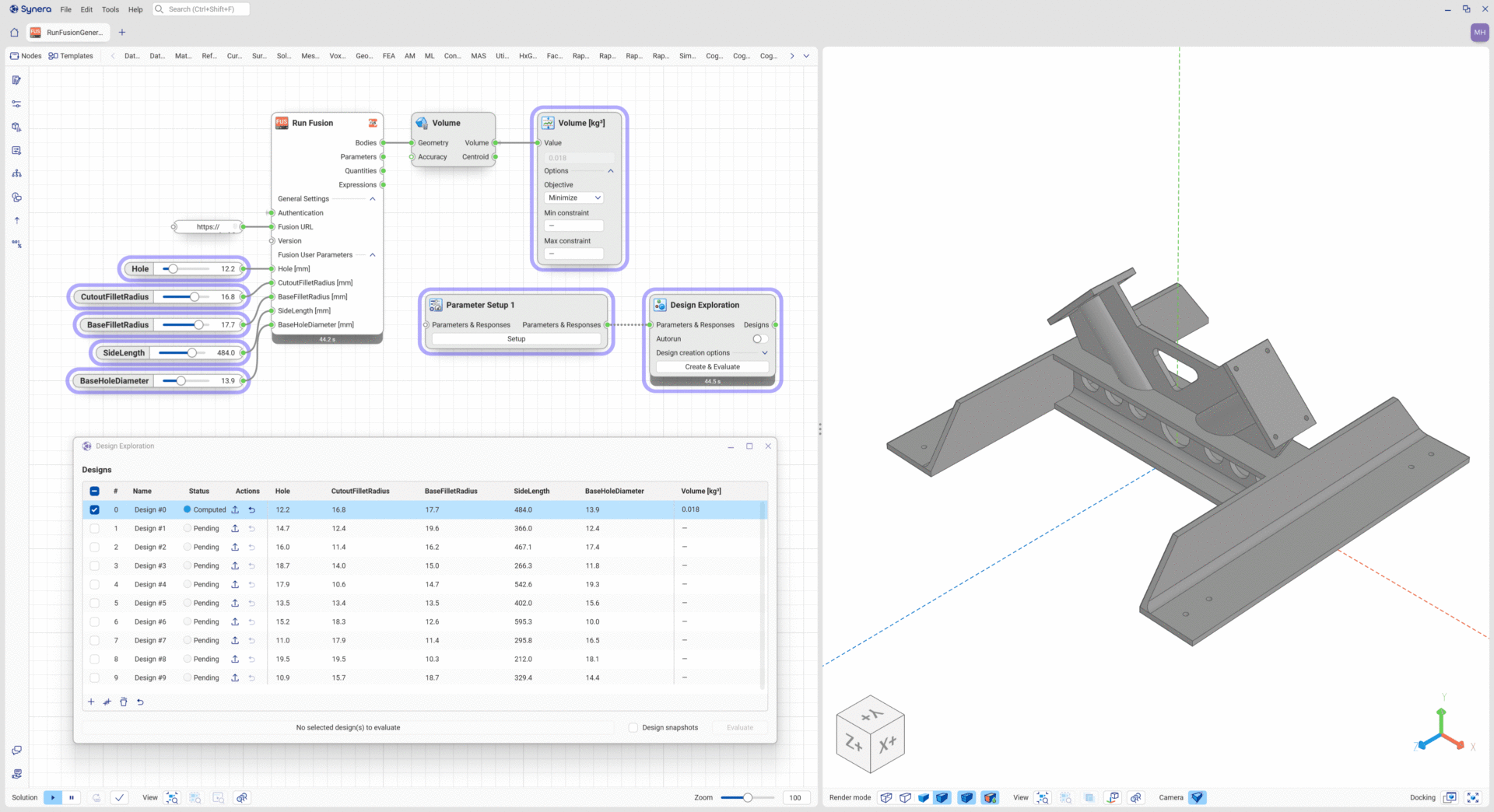
Autodesk Fusion Connector for Synera: Powerful Design Meets Agentic AI
Discover the Autodesk Fusion Connector for Synera: automate design updates, optimize workflows, and unlock agentic AI with Fusion and Synera. The Autodesk Fusion Connector for Synera brings unparalleled integration and automation to the world of manufacturing. Fusion, Autodesk’s industry cloud for manufacturing, is designed to connect and expand engineering processes by integrating seamlessly with other tools and platforms. Now, with the powerful capabilities of Synera’s agentic AI,…
Fusion
-
Partnering With AI: How Autodesk Assistant Is Shaping the Future of Design and Make
Autodesk Assistant represents the next major step in Autodesk’s AI evolution—a conversational, generative AI experience designed to work naturally within the tools you use every day.
Fusion
-
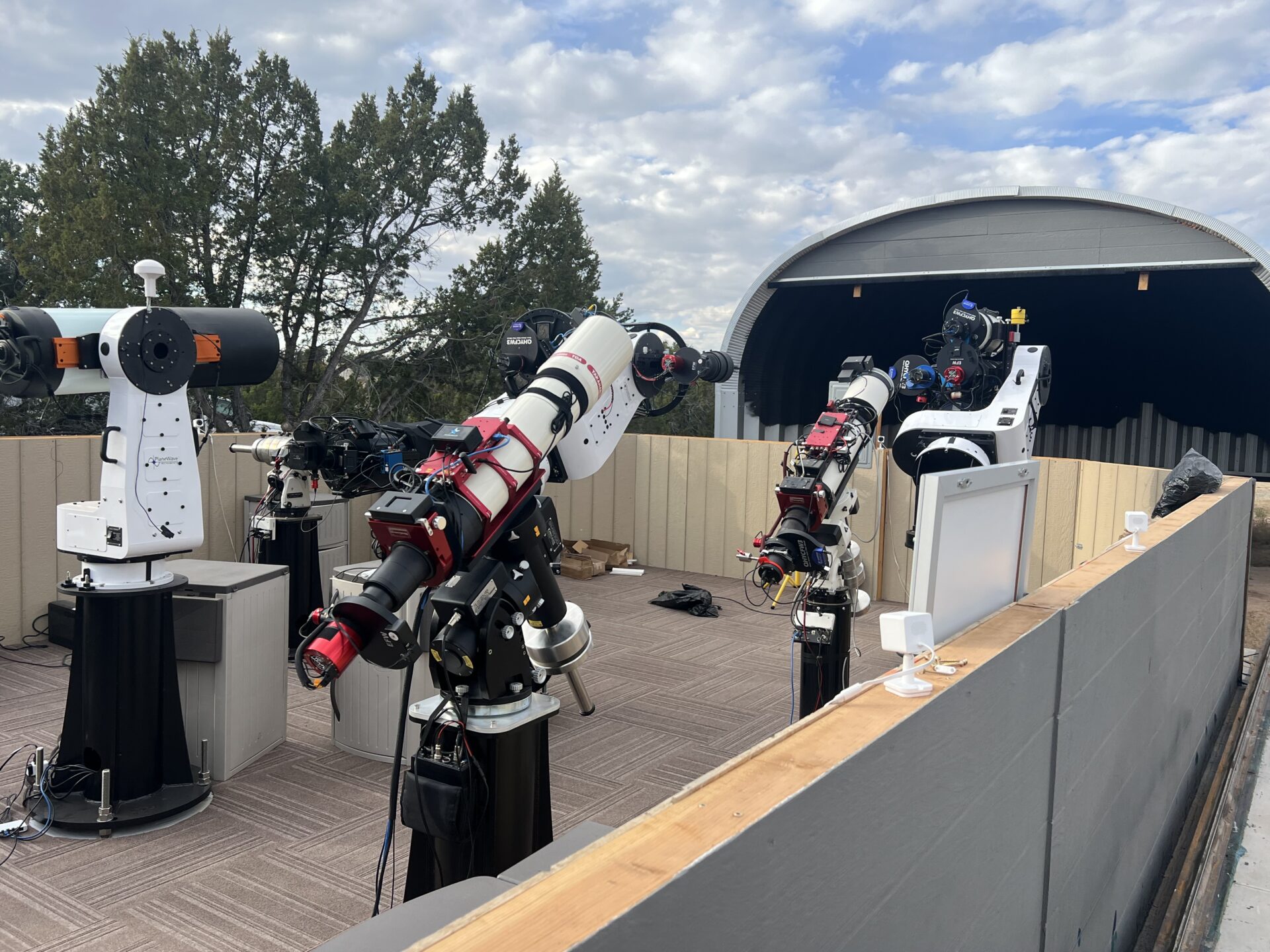
Capturing the Night Sky: How Fusion Powers Dark Dragons Astronomy’s Observatory Automation
See how Dark Dragons Astronomy leverages Autodesk Fusion to power its remote, automated observatories across the U.S.
Fusion
-
How to Use Planar Joints with Tangent Constraints in Fusion
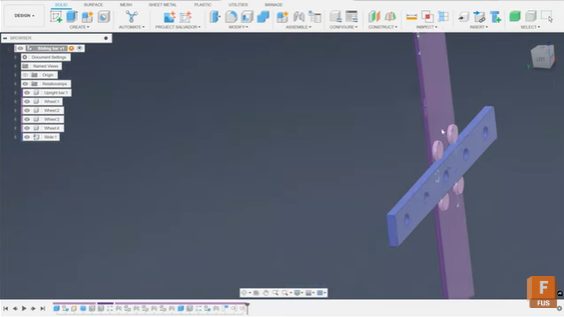
Phil Eichmiller, Fusion QA Engineer explains how to use planar joints with tangent constraints in Fusion to create smooth, realistic assembly motion. If you’ve ever struggled to get parts in your Fusion assemblies to move the way you expect, you’re not alone. Constraining components for realistic motion can feel tricky, especially when sliding or rolling…
Fusion
-
Advances in Metal Additive Process Simulation
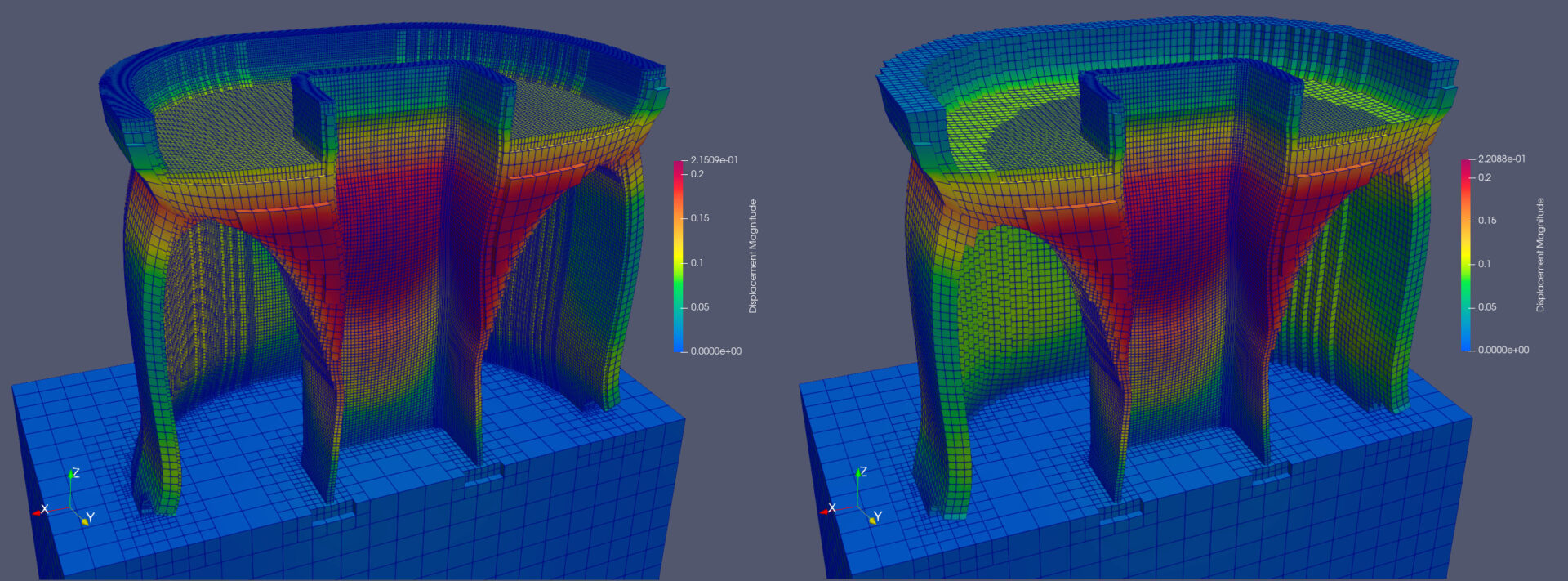
Learn how to speed up thermo-mechanical additive process simulation by an order of magnitude. Additive process simulation uses first principle physics to predict how a metal 3D printing process behaves. It outputs the full temperature history of a selective melting process, as well as the deformation that those temperatures cause at each time during and…
Fusion
-
Solving Real-World Challenges with Fusion and Prusa 3D at AU 2025
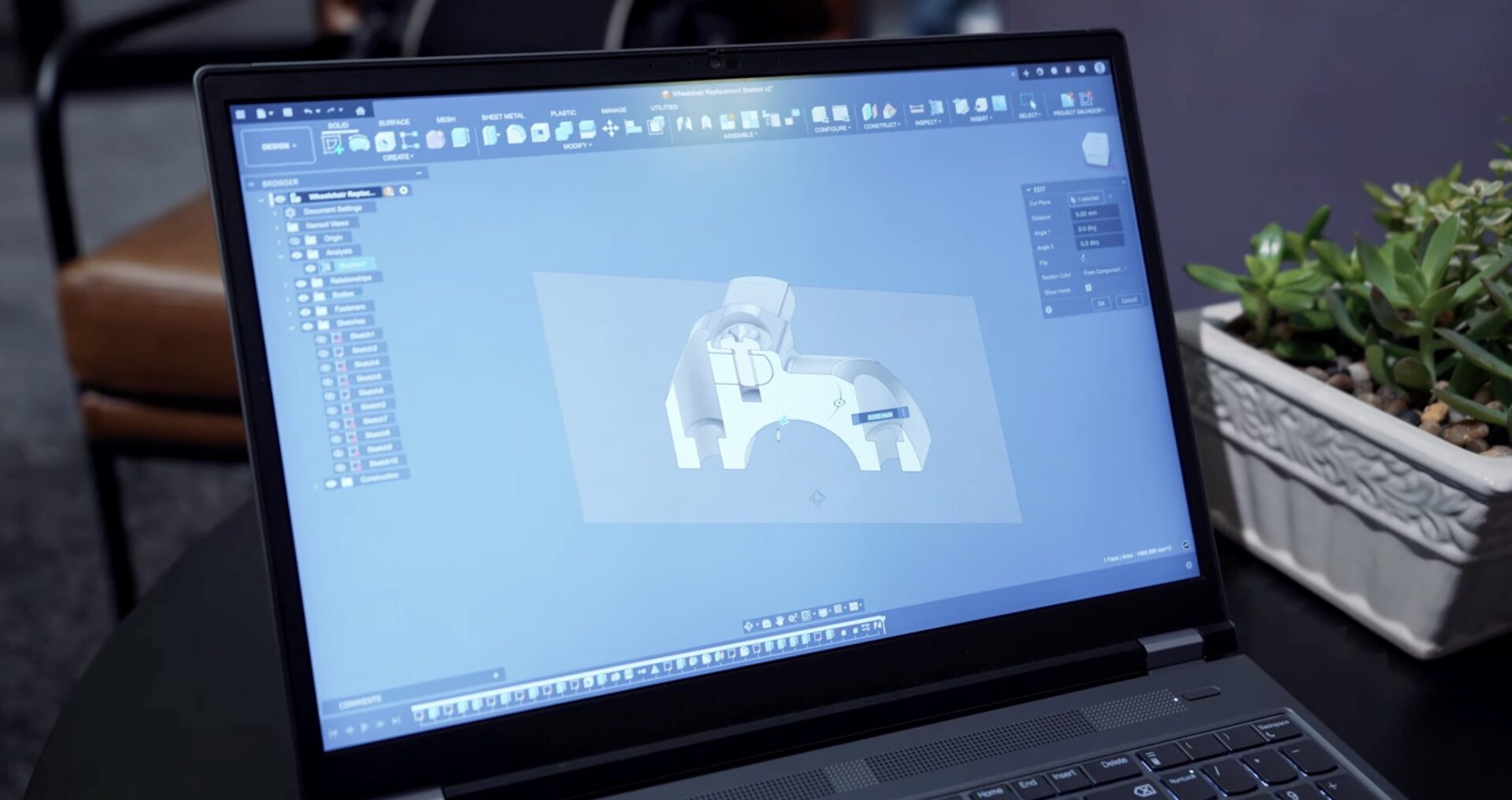
At AU 2025, the Autodesk team encountered a challenge that showcased the power of collaboration, reverse engineering, and rapid prototyping—achievable through Autodesk Fusion and Prusa 3D printers.
Fusion
-
Fusion Community Spotlight: Maxime Cazaillon’s Journey into Product Design and 3D Printing
Hear from Maxime Cazaillon, founder or Makeyo, on how his passion for design, 3D printing, and Fusion led to to innovative modular PC cases that blend creativity with technical precision. Get insights on his creative process and practical Fusion tips for 3D printing enthusiasts. Welcome to our next Fusion Community Spotlight series where we celebrate…
Customer Spotlight
-
A Fresh Look for Fusion: Dark and Light Mode Are Now Here!
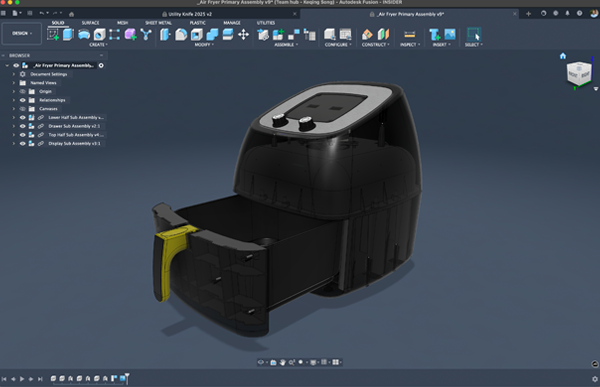
Experience light and dark mode in Fusion – bringing a unified, modern look and easier-on-the-eyes design to your workspace. Fusion just got a glow-up. We’re bringing a whole new visual experience to your workspace. Light mode and dark mode in Fusion are now here! Whether you’re a night owl or a daylight designer, you can…
Fusion
-
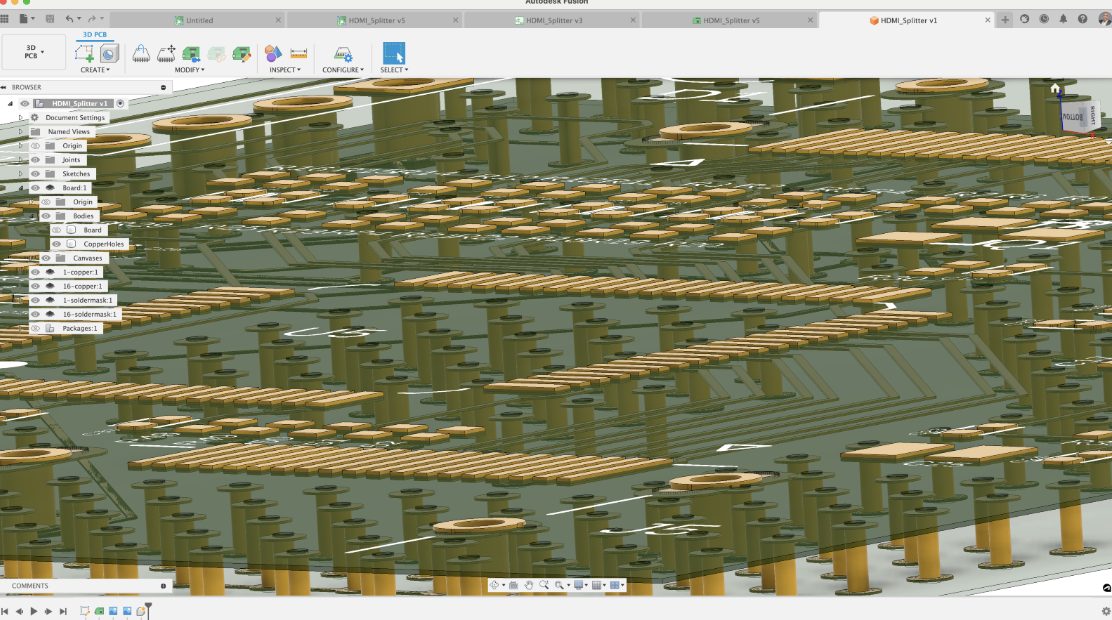
Understanding the Power of Stitching Vias in PCB Design
Explore the crucial role of Via Stitching in PCB design, its types, implementation, and benefits in enhancing performance, managing ground loops, and heat dissipation.
Electronics Engineering
-
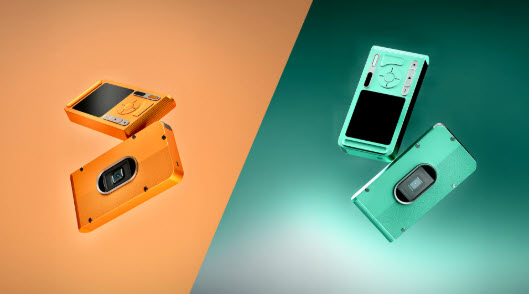
Fusion Community Spotlight: 7 Steps To Get the Best Autodesk Fusion Renders from Agneya Kulkarni
Good renders in Fusion come down to three things: custom lighting, dramatic angles, and a bit of post‑editing. The recent update to the rendering engine makes it pretty powerful. Treat it like a real photoshoot—add custom lights, position your model dynamically, and fine‑tune the viewport until the composition feels intentional. Treat the final render like…
Fusion