Category: Fusion
-
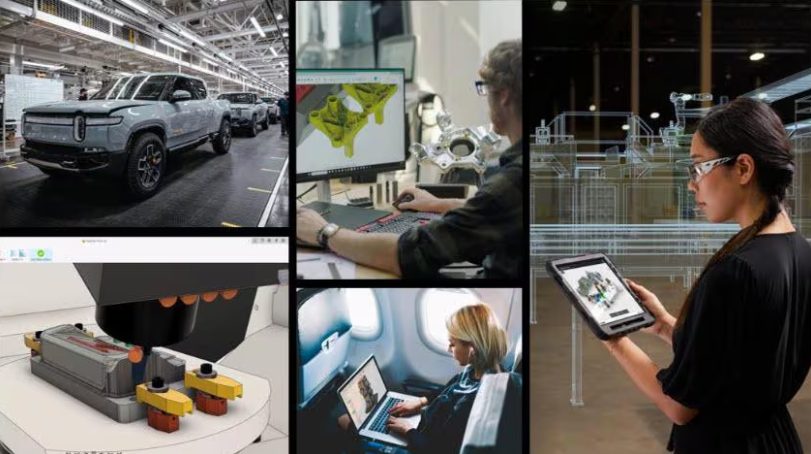
How Autodesk Fusion is Transforming Product Design and Manufacturing with AI
Discover how AI in Autodesk Fusion improves product design, manufacturability, CNC workflows, and data security across the manufacturing lifecycle. For manufacturers, AI rapidly reshaping how products are designed, validated, and made. The real question isn’t whether it belongs in manufacturing, it’s how to use it responsibly, securely, and at scale. Autodesk Fusion is at the…
Fusion
-
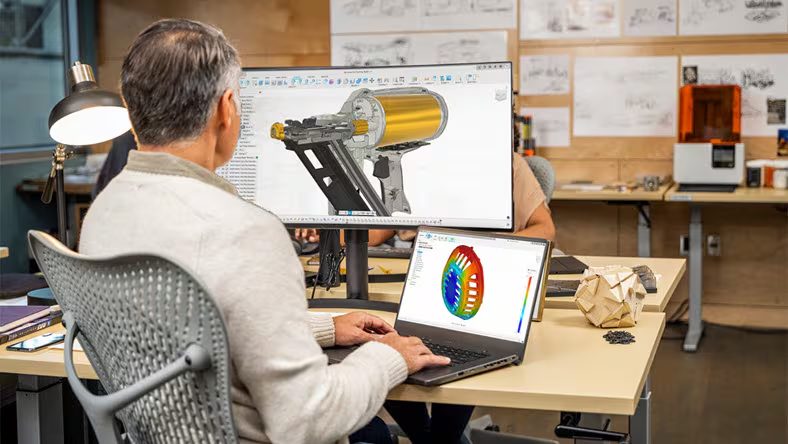
Why Manufacturers Can’t Compete Without Connected Product Development
Explore why connected product development matters and how Autodesk Fusion unifies CAD, CAM, and CAE to improve data integrity and manufacturing agility. As product development cycles accelerate and product complexity continues to rise, manufacturers can no longer rely on disconnected engineering workflows. Siloed systems slow innovation, introduce costly errors, and limit an organization’s ability to…
Fusion
-
Autodesk Assistant Enters a New Era
Discover the next evolution of Autodesk Assistant in Fusion with text to command capabilities, manufacturing support, streamlined onboarding, and a redesigned, context aware experience. When we first introduced Autodesk Assistant, the goal was simple: make it easier to get help inside Fusion. Today, that vision expands in a big way. This latest update transforms Autodesk…
Fusion
-
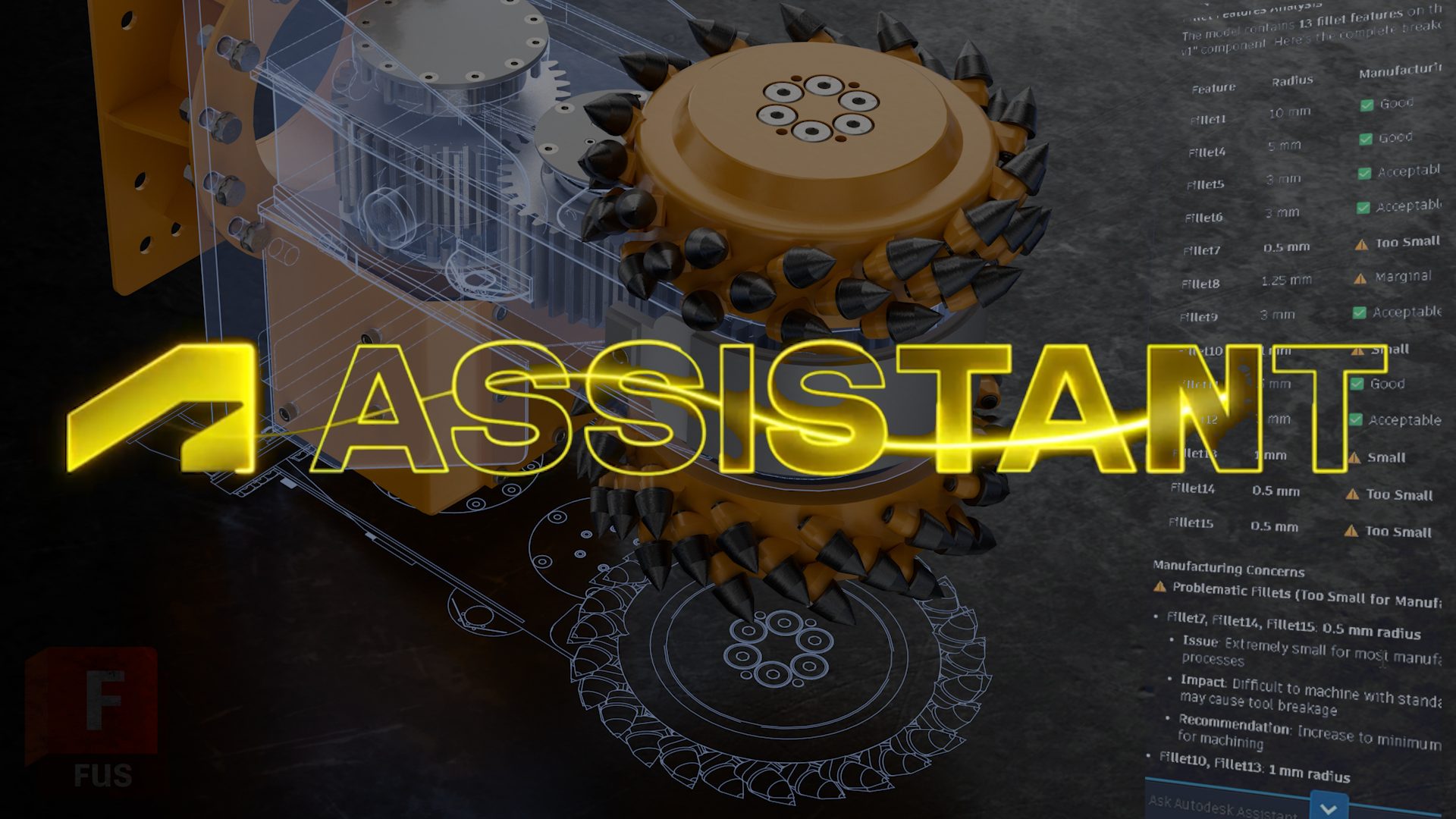
Autodesk Assistant in Fusion: A Step-by-Step Guide
Explore Autodesk Assistant in Fusion Tech Preview and discover new ways to model, edit, and manage workflows using natural language. Today’s a big day for Fusion (and for us): the new Autodesk Assistant is now available in-product in Fusion as a Tech Preview. We’ve been heads-down building this to help you stay in flow getting…
Fusion
-

How Autodesk Fusion Makes It Easy to Scale PLM Across Your Organization
Scaling PLM doesn’t have to be complex. See how Autodesk Fusion helps teams start small, scale PLM adoption across the organization, and keep product data connected as they grow. For many organizations, Product Lifecycle Management (PLM) starts as a localized initiative, often within engineering or product development, and stalls when it’s time to expand across…
Fusion
-
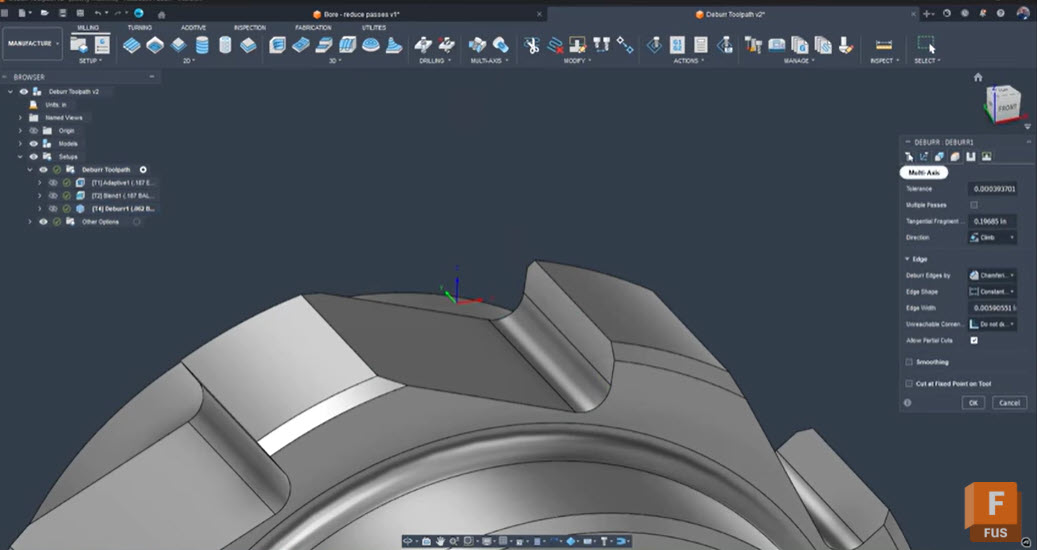
Troubleshooting Fusion’s Deburr Toolpath: How to Eliminate Retracts and Smooth Your Edges
Seth Madore, an experienced machinist and expert Fusion user explains why Fusion’s deburr toolpath creates retracts and gaps, how to fix it with one simple setting, and alternative strategies for smooth, efficient deburring. Deburring should be a finishing touch, not a frustrating bottleneck. Yet, anyone who has tried to deburr complex tooth forms or splines…
Tutorials
-
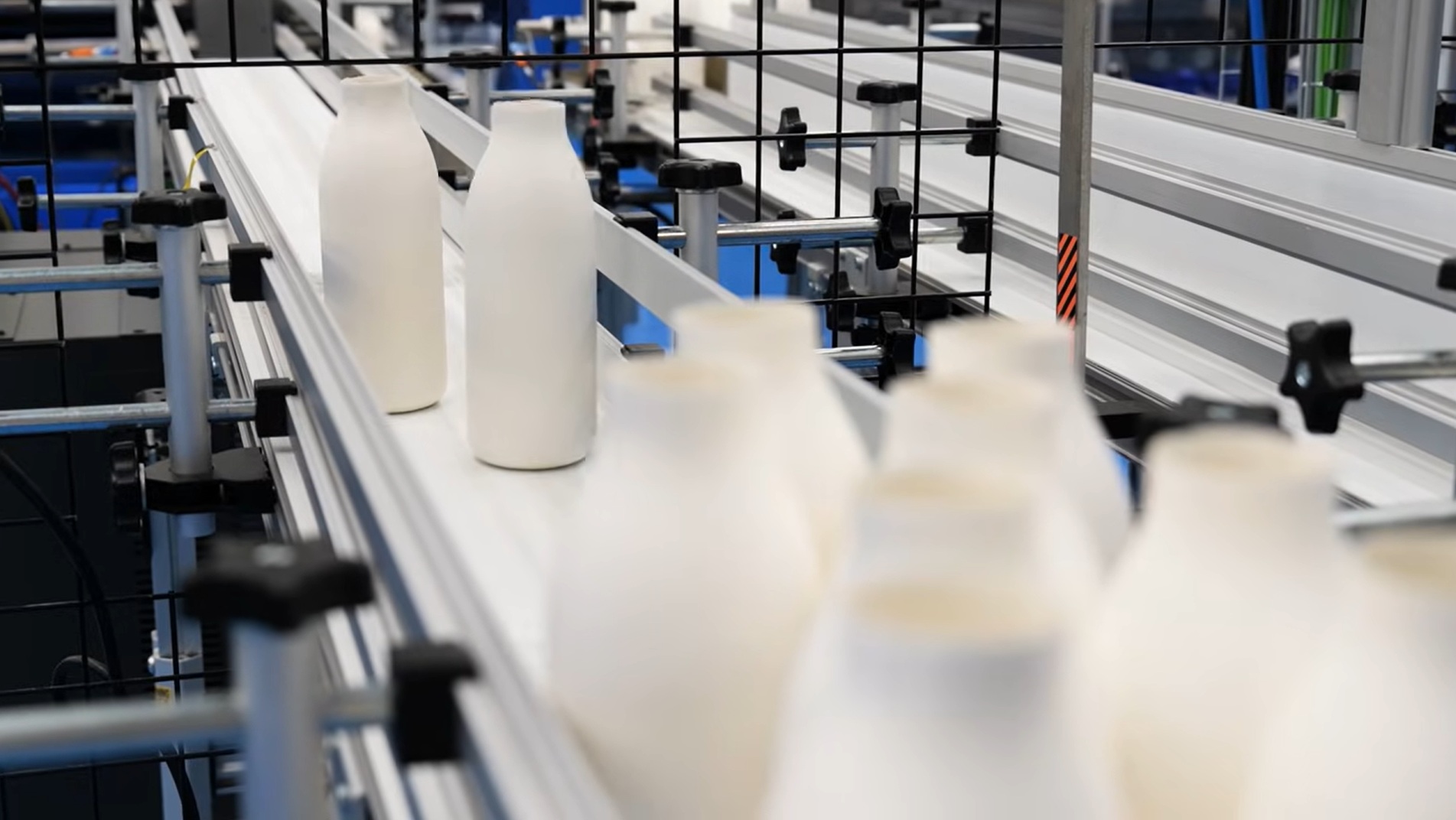
Redefining Sustainable Packaging: Pulpex and RoboChallenge Deliver a Breakthrough Paper Bottle with Autodesk Fusion
In our disposable society, plastic packaging is everywhere you look. But Pulpex is tackling this reality head on by rethinking packaging altogether. Their revolutionary fiber-based products put sustainability first. Now, they’re delivering an innovative new option: a paper bottle. Based in Sawston, Cambridgeshire, Pulpex knew they needed more than a supplier for this ambitious project.…
Case Studies
-
Fusion Roadmap 2026
Discover the Autodesk Fusion 2026 roadmap and how AI, automation, and connected workflows are shaping the future of design and manufacturing. As we move into 2026, we are building on the momentum of the past year and continuing to shape how data, design, and production come together. Our focus remains clear: give teams greater clarity,…
Fusion
-
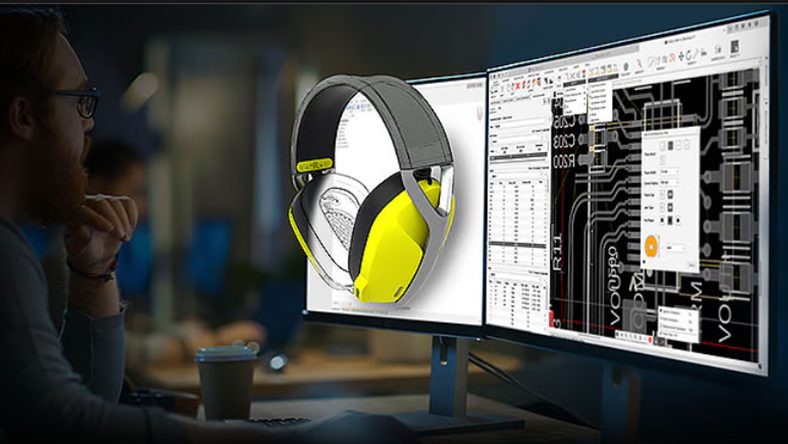
5 Tips to Design Smarter in Fusion
These practical tips will help you design faster, more accurately, and with greater flexibility when using Fusion. 1. Master the S key for design shortcuts The S key opens the Design Shortcuts Menu, a customizable panel that gives you instant access to your most-used commands. Add tools like Fillet, Extrude, Sketch, and Mirror for quick…
Fusion
-
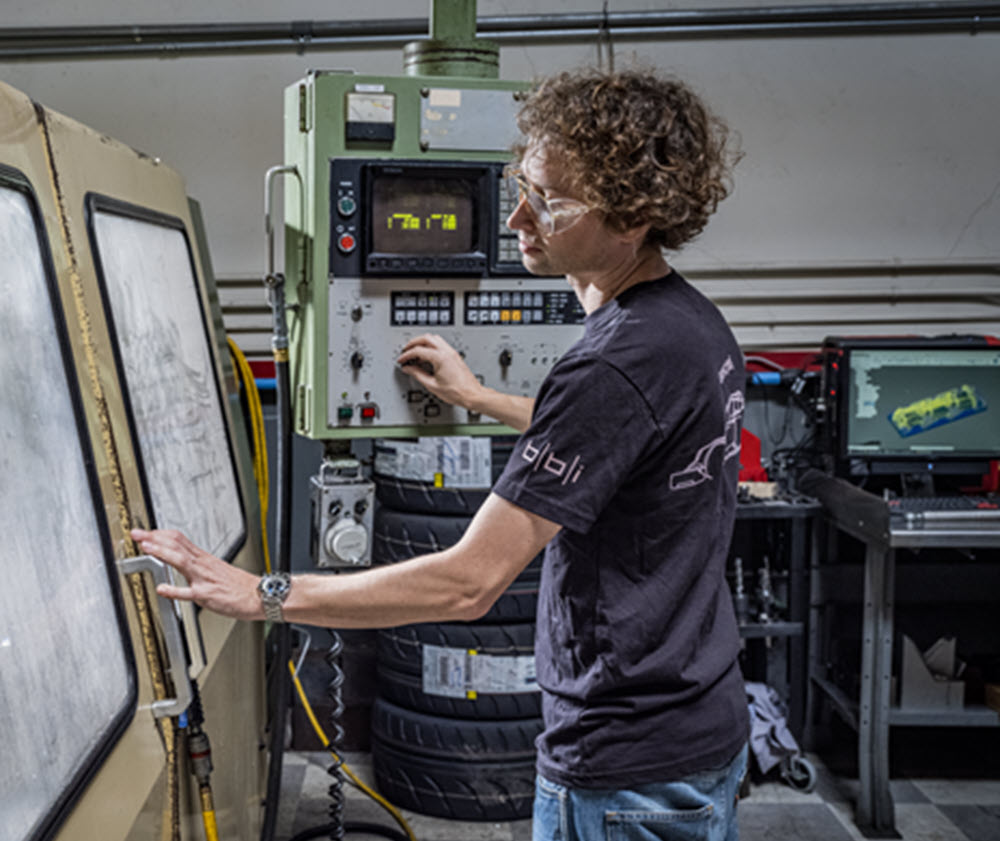
Your CAM Is Costing You: The Fast Track to Modern Manufacturing with Autodesk Fusion
Discover how Autodesk Fusion for Manufacturing can help your job shop overcome programming bottlenecks, reduce downtime, and boost profitability with integrated CAD/CAM workflows. The reality for job shops today If you run a machine shop, you know the daily pressure you face. Customers want shorter lead times, tighter tolerances, and competitive pricing. Meanwhile, skilled labor…
Fusion
-
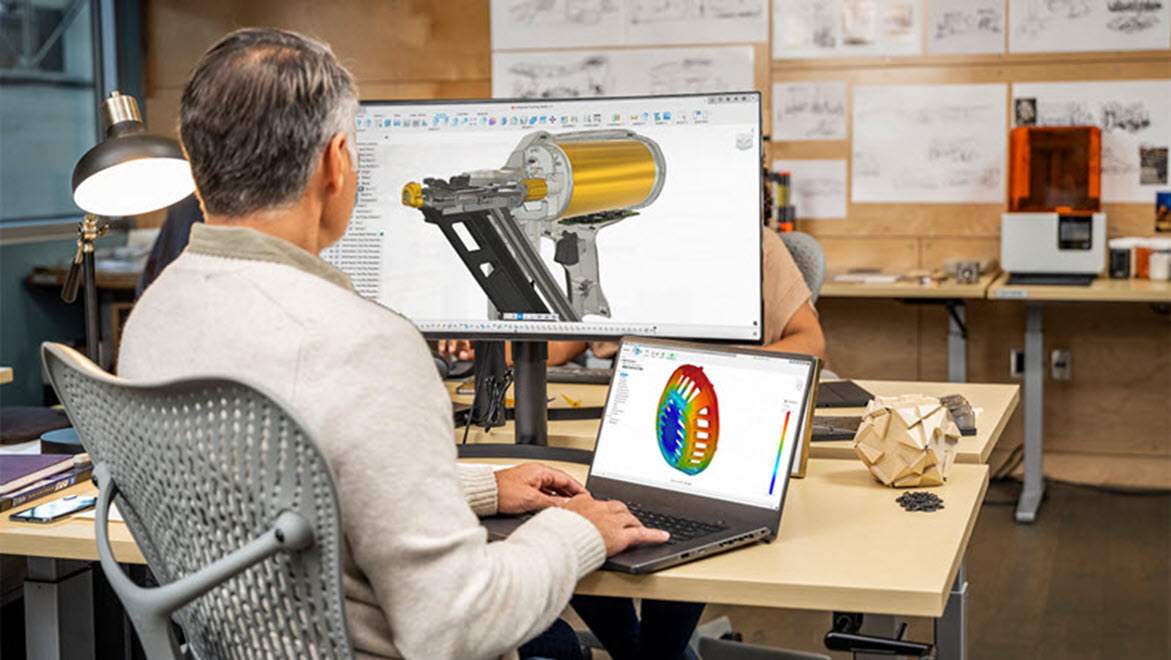
Redefining the Electronics Lifecycle: How Fusion Empowers Modern Electronics Design
Discover how Autodesk Fusion and the Avnet add-in streamline electronics design with real-time data, seamless collaboration, and BOM optimization. Bringing innovative products to market requires more than just great ideas—it demands seamless collaboration, real-time data, and tools that bridge the gap between design and manufacturing. Autodesk Fusion, enhanced by the Avnet add-in, is redefining how…
Fusion
-
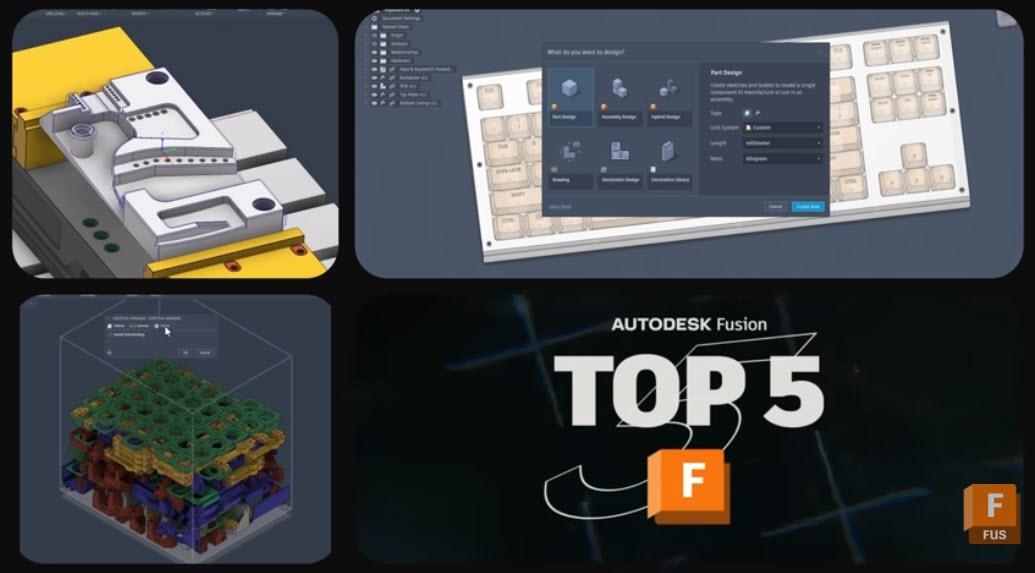
5 New Fusion Features That Tighten Your Design‑to‑Manufacturing Workflows
Discover 5 powerful new Autodesk Fusion features that streamline design, drawings, and CAM—from custom properties to multi‑axis clearing. The January 2026 Fusion release includes packed set of updates across data, design, drawings, and manufacturing. There are five capabilities that stand out for how directly they can impact your teams day-to-day work. From tighter governance of…
What's New
-
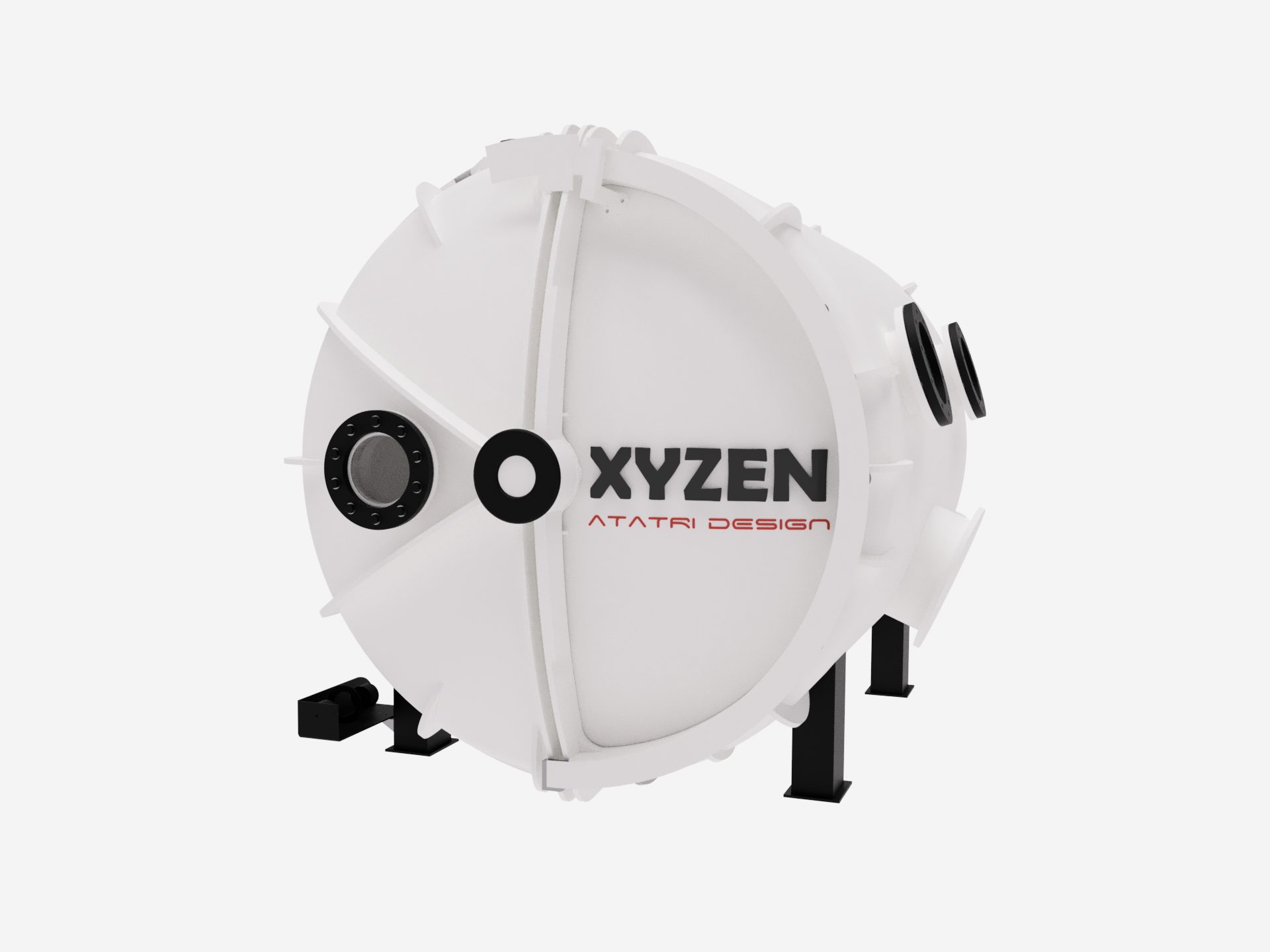
Atatri Design Reduces Prototyping Cycles by 80% for New Hyperbaric Oxygen Therapy Chamber
Based in Coimbatore, India, Atatri Design specializes in structural design, functional performance modeling, and full-cycle product development. Using simulation-led engineering, rapid prototyping, and precise detailing, the team transforms early concepts into proven, manufacturable solutions. Their core offerings, including structural analysis, functional optimisation, and complete product engineering, enable startups, medical organizations, and manufacturers to build safer,…
Case Studies
-
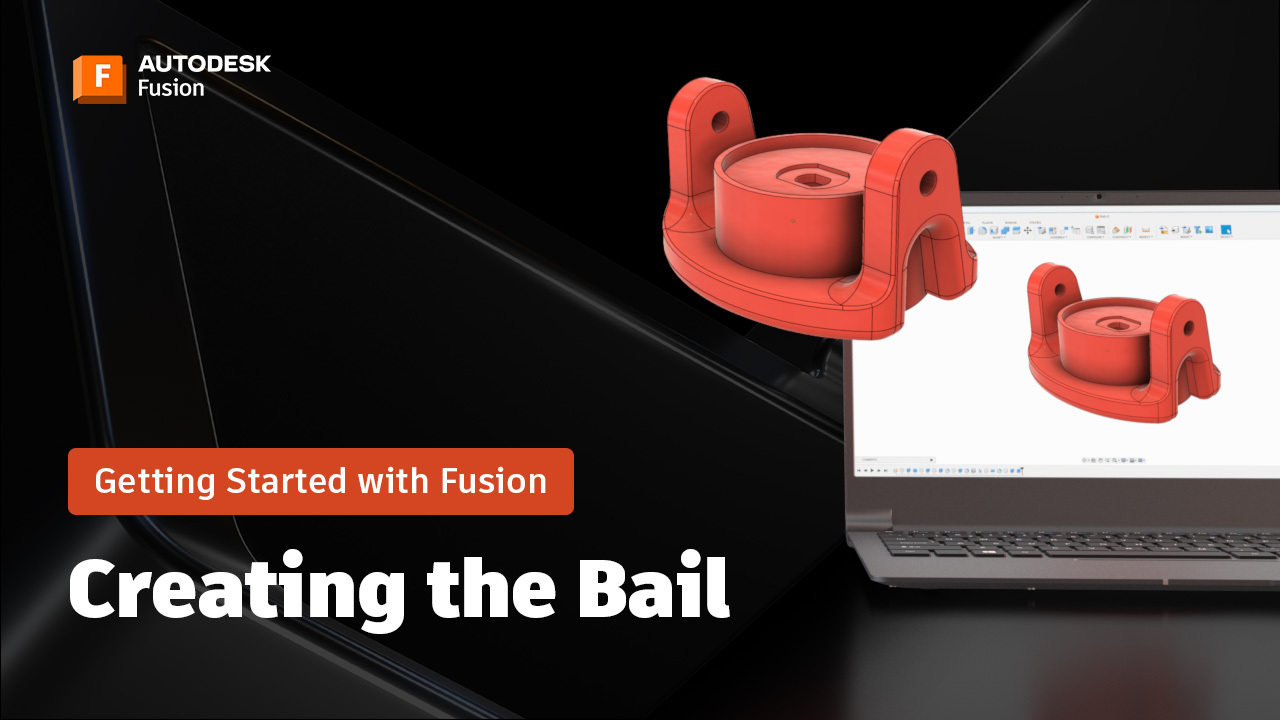
Designing a Bail Component in Fusion & Advanced Modeling Tips: A Beginner’s Guide (Part 5)
Learn how to design a bail component in Fusion using constraints, project and offset, extrude to object, and appearance settings for a polished finish. Hi everyone! Brad from CAD Ed here, with the next installment inthe Getting Started with Fusion series. Creating complex components in Fusion doesn’t have to be intimidating. With the right tools…
Fusion
-
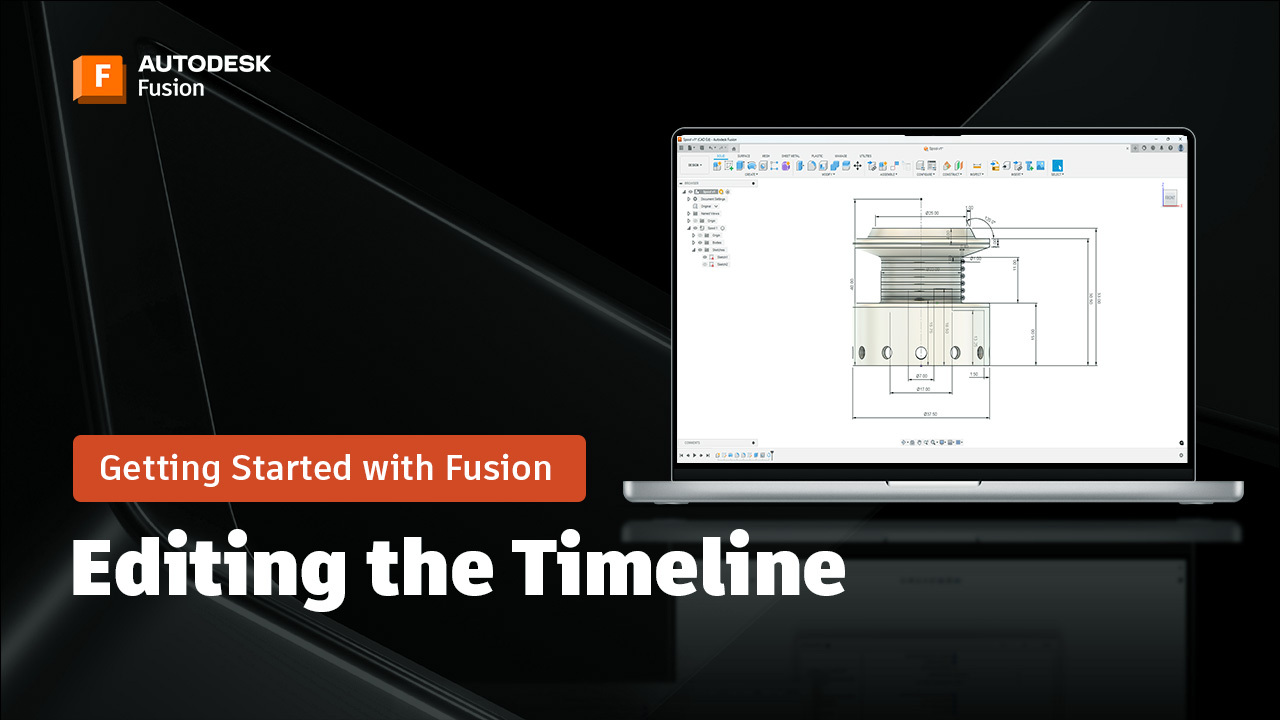
Editing Features in the Fusion Timeline to Modify Your Design: A Beginner’s Guide (Part 4)
Learn how to edit features in the Fusion timeline, use patterns, and apply parametric updates for flexible, efficient 3D modeling. Welcome back to the Getting Started with Fusion tutorial series, where I walk you through how to create a fishing reel from start to finish! Today we’re going to explore an extremely powerful capabilities –…
Tutorials