 Takahito Naito
Ultra-high precision components in the sub-micron range are essential in fields like semiconductor production equipment and aerospace. Manufacturing these requires advanced machining techniques like simultaneous 5-axis machining, making not only cutting-edge equipment but also personnel proficient in software indispensable. Yutaka Co., Ltd., a precision machined parts manufacturer in Matsuyama, Ehime Prefecture, is tackling this with a new approach.
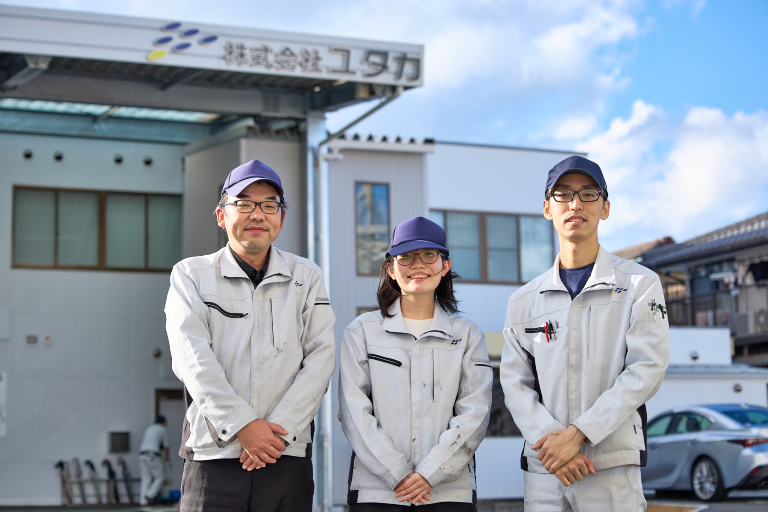

Elevate your design and manufacturing processes with Autodesk Fusion
Founded in 1977, Yutaka achieved remarkable growth in manufacturing parts for semiconductors and aerospace applications. Today, it operates over 160 production machines, including state-of-the-art equipment, across nine factory buildings. CAM software has played a crucial role in its high-precision machining technology since the 1990s.
The Second Manufacturing Section of the company’s Manufacturing Department utilizes 5-axis machining centers for part production. They handle manufacturing-related tasks, from devising optimal machining plans and fixture designs based on customer drawings or 3D model data, to creating CAM programs, setup machining, and on-site measurement.
“The adoption of CAM enabled us to create programs for complex machines, including 5-axis, and directly import and use 3D data,” says Katsutoshi Nagata, Section Manager, Yutaka. “By also utilizing this data with 3D measuring instruments, image measurement, and 3D scanners, we can achieve more complex and high-precision machining, as well as enhanced quality assurance. Diverse toolpath commands and simulation functions enabled by CAM allow us to realize complex 3D shape machining and multi-plane indexing machining.”

Superior accessibility and enhanced CAM capabilities with Autodesk Fusion
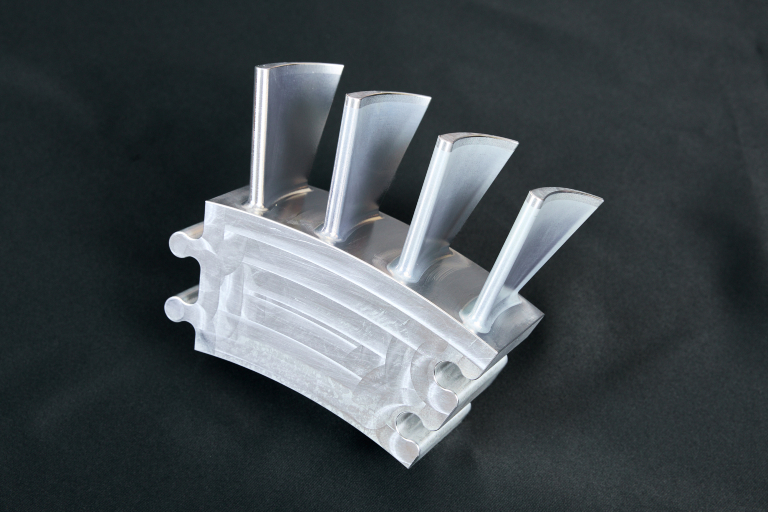
Simultaneous 5-axis machining handles complex 3D surfaces and undercuts—such as turbine blades—that can be difficult with 3-axis machining. However, introducing 5-axis machines presents challenges, including increased programming and data creation complexity, more advanced precision control, and developing personnel with specialized expertise. Expensive CAM software was also necessary.
“Previous software was extremely costly, making it difficult to casually add an extra license when needed,” Nagata says. He also noted that continuously rising maintenance costs and purchase prices, coupled with limited customization, presented additional drawbacks.
To address these challenges, the department fully implemented Autodesk Fusion about two years ago. By adding the Manufacturing Extension to the standard 4-axis and 5-axis positioning machining capabilities, they expanded support for simultaneous 4-axis and 5-axis machining, achieving advanced manufacturing functions comparable to traditional CAM software.
Adopting Fusion also greatly improved freedom of access to CAM. Being cloud-based allows access from anywhere, enabling them to check 3D models, toolpaths, and simulations right beside the machine. This eliminated the need for back-and-forth trips between the programming room and the shop floor.
No additional edits required: Ready-to-use NC data significantly reduces time
With conventional CAM software, machining data had to be post-processed for the company’s machine tools, and the NC data needed to be edited each time. Fusion provides numerous open-source post-processors, enabling customization tailored to their equipment. Since tuning can be done for each individual machine, it drastically reduces the troublesome effort and time spent on fixing post errors, editing NC data after post-processing, and verifying work via dry runs.
This efficiency positively impacted younger employees who had only been using CAM for a few years. “Previously, we had to modify the NC data after post-processing for each machine,” says Wataru Takeda of the MC2-1 Section in the same department. Seeing that Fusion allows machining to start immediately by simply feeding the output NC data into the machine made me want to try it myself. If editing isn’t necessary, that alone makes it worth trying. I could see a future where it would definitely make things easier.”
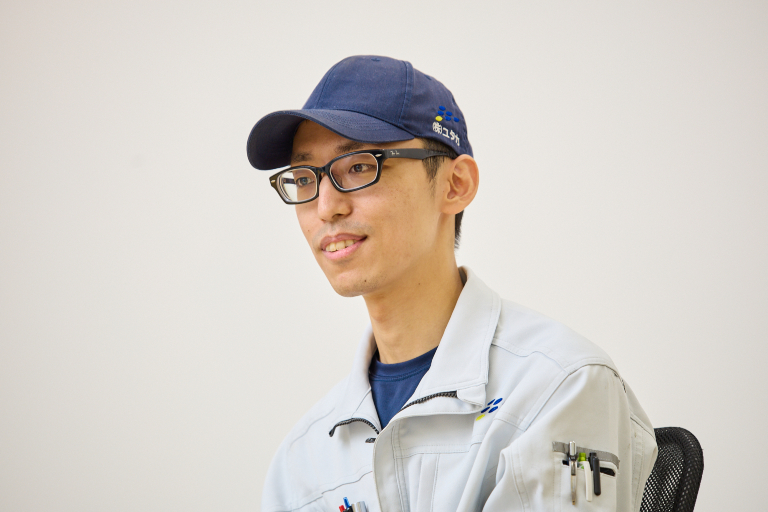
“By eliminating the need to edit NC data after post-processing, we’ve reduced time by at least 20% and for longer programs by about 30%.”
—Katsutoshi Nagata, Section Chief of the Second Manufacturing Section, Manufacturing Department, Yutaka Co., Ltd.
Learning features easily with videos and forums
While introducing new software requires time and effort, Nagata notes that adopting Fusion within the company was relatively easy. A major reason was the ability to quickly search and find answers online for anything unclear. “Previously, we had to ask senior colleagues within the company or the manufacturer’s sales representatives, or their support team,” Takeda says. “Many people around the world use Fusion, and there are numerous videos available. You can look up that information yourself. That was completely different from other software.”
Takeda, who began using Fusion’s CAM functions early on within the company, also took on the role of promoting its adoption. “Simply introducing the available videos was often sufficient,” says Yui Tanaka. Tanaka, who started using Fusion about a year ago in the same section, is one of the colleagues who mastered CAM this way. YouTube tutorial videos and the Fusion tooltips in the software made learning easy.
“With the previous software, setting up simultaneous 5-axis machining involved numerous parameters, which took time to understand,” she says. “Just as I was struggling with that, our department began introducing Fusion. That made generating toolpaths for simultaneous 5-axis rotary machining incredibly easy. Previously, editing could take over two hours, but now we can feed the data directly to the machine without editing. It’s so much easier. Deburring inner diameters has also become much simpler.”
Simultaneous 5-axis machining enables the creation of complex shapes without mismatches and allows chamfering in areas previously impossible. This has reduced the need for manual finishing and cut down on processing time. Process consolidation and improved production efficiency have been achieved, while the ability to apply tools at the optimal angle to the cutting surface contributes to high precision and quality. Currently, 90% of CAM operations have transitioned to Fusion, meeting the company’s high standards of “absolutely no compromise” through 100% inspection and 100% product guarantee.
Nagata also notes that increased self-directed learning is a significant change. “Previously, CAM was mainly learned through on-the-job learning led by senior employees,” he says. “With Fusion, people could start learning on their own and sharing their knowledge, and information exchange among newer employees has increased. Since data is shared in the cloud, it’s become much easier to work together, including exchanging data between factories, which is another great advantage.”
Advanced and high-precision toolpath creation, sharing, and centralized management
Takeda also highly values Fusion’s CAD capabilities, such as its intuitive operation and powerful editing capabilities. “Before adopting Fusion, changing the original sketch meant you had to redraw the lines in CAM and start over,” he says. “Since CAD and CAM are integrated in Fusion, CAM is changed automatically when you edit the sketch. That’s really convenient.”
“When we received assembly data from a company designing with Fusion, we could understand the design and assembly state, extract only the parts we needed, and then create the toolpaths,” Nagata says. “The benefit was that our customers also saved the effort of unfolding the parts.”
He also noted Fusion’s strengths during blade machining for the aerospace industry, where intricate fixture design and considerations like machining origin settings and design standards were crucial. This part’s freeform surface required precise definition of machining zones and tool contact points, but Fusion generated toolpaths exactly as the programmer intended. The seamless transition from CAD to the CAM workspace was also highly valued.
The implementation of Fusion also contributed to task division within the department, idea sharing, and centralized data management. It enables flexible license management tailored to specific tasks and creates sophisticated, high-precision toolpaths with simple parameter settings. Unlike previous software, there are no issues with older data being in incompatible versions, allowing for secure data storage. According to the Yutaka team, Fusion’s manufacturing-focused features are recommended for all companies aiming to share and centralize data and ideas within their departments.