Product news
-

InfoWorks ICM 2024.4 and 2024.5: new shortcut keys, speedier results, improved SWMM model results
The Autodesk Water team is excited to release the latest updates of InfoWorks ICM 2024.4 and 2024.5. In these two milestone releases, the team has been focused on delivering improved features and functionalities directly requested by existing users from the InfoWorks ICM Feedback Portal. The 2024.4 release includes three primary feature improvements, including new shortcut keys to speed…
Product news
-
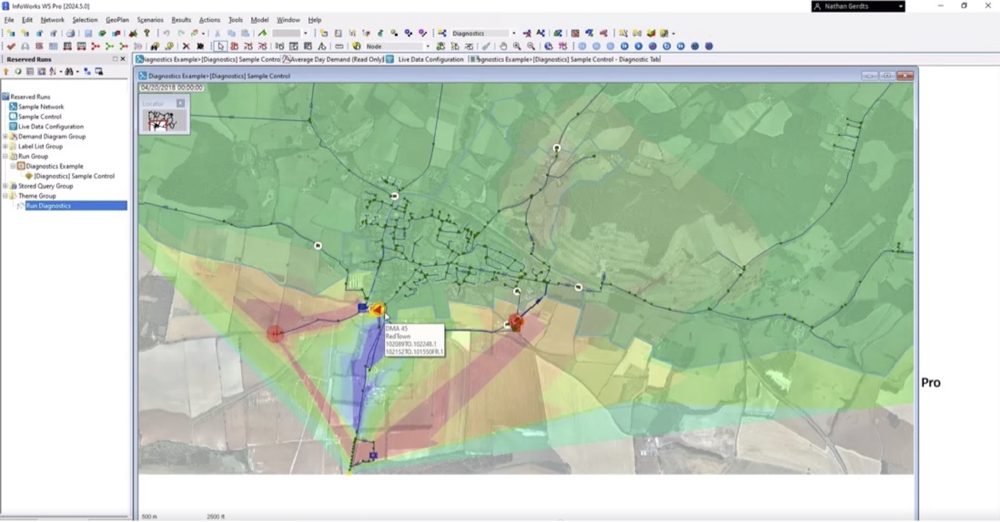
InfoWorks WS Pro 2024.5: Model Diagnostic Tables, Demand Area Analysis, and the age of your water
The latest update to InfoWorks WS Pro is here, with improvements to the platform to make hydraulic modelers’ lives easier. InfoWorks WS Pro 2024.5 introduces Diagnostic Tables to the platform so users can find stability issues within a given hydraulic model with more ease. Additionally, the Demand Area Analysis functionality already in the platform has…
Product news
-

Autodesk InfoDrainage integrates AI drainage design feature with Machine Learning Deluge tool
Every built thing in the world has a drainage plan. From housing developments to commercial properties to roads and railways – each of these unique engineering projects requires resilient stormwater infrastructure and sustainable drainage design. For much of human history, engineers and builders took a more rudimentary path towards drainage: dig holes, oversize pipes and canals,…
Product news
-
InfoDrainage 2024.4: Machine Learning, results migration with Civil 3D, speed improvements
The Autodesk InfoDrainage team has built in some fantastic new features into InfoDrainage 2024.4, including intelligent machine learning deluge, results mapping with Civil 3D, and speed and scalability improvements. In this post, we’ll walk through what these improvements mean for you, and how you can stay up to date with our product roadmap, webinars, and drainage…
Product news
-
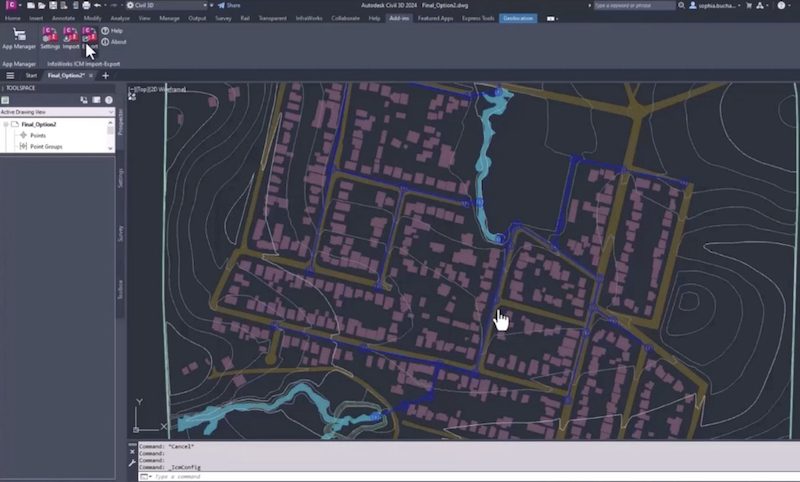
InfoWorks ICM now integrates with Civil 3D, uniting designers with hydraulic modelers for flood analysis
Everything in the built environment progresses through the planning phase and design phase, before eventually being constructed and operated. In the planning phase, sites are scoped, drainage studies are completed, and hydraulic analyses are run to understand where and when capital improvements are needed. Powerful hydrologic modeling tools like InfoWorks ICM are vital to engineers…
Product news
-

New Technical Information Hubs to support Autodesk Water desktop products
The Autodesk Water team is excited to release our latest Technical Information Hubs for our desktop products. These newly released information hubs work to collect the wealth of information that various Autodesk teams provide to customers each and every day, all in one place. InfoWorks WS Pro Information Hub | autodesk.com InfoWorks ICM Information Hub…
Product news
-
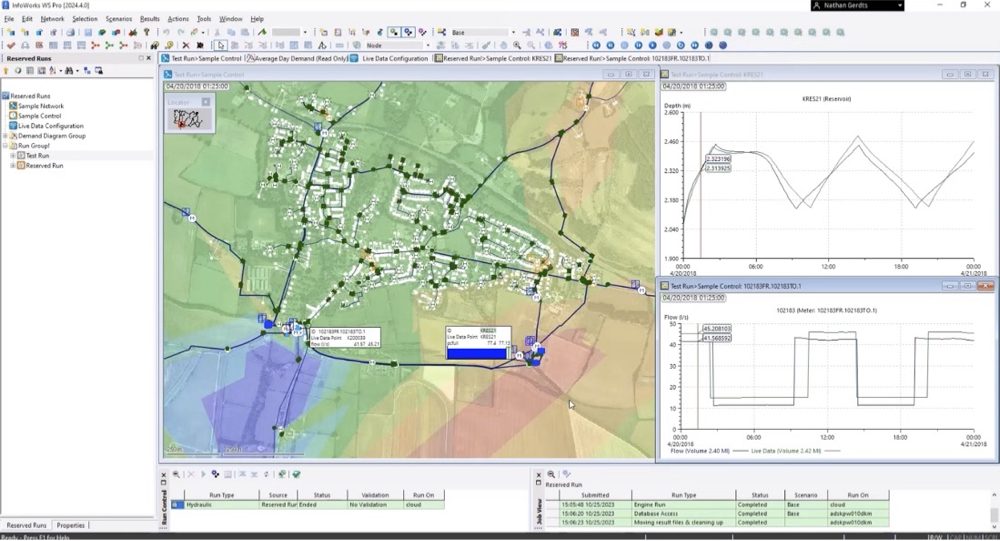
InfoWorks WS Pro 2024.4: Reserved runs in the cloud, live data configuration, and quality improvements
The latest version of InfoWorks WS Pro is here, bringing improvements to the platform in a variety of ways. Perhaps most significantly, you now have access to reserved runs in the cloud, streamlining collaboration and workflows. Additionally, the development and QA teams have built in streamlined live data configurations and made a variety of quality improvements…
Product news
-
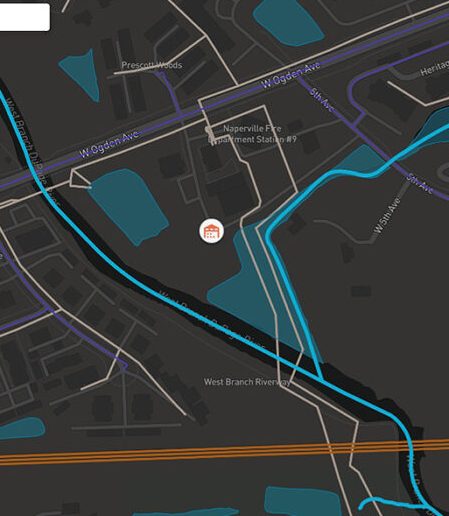
Improved asset condition and inspection data management in Info360 Asset
Asset and condition inspection data are at the foundation of how water professionals build out risk and asset prioritization plans – prioritization plans that are essential to how water utilities allocate their capital expenditures. We listen to your feedback on how you manage condition assessment inspections and asset data, and our product and engineering development…
Product news
-
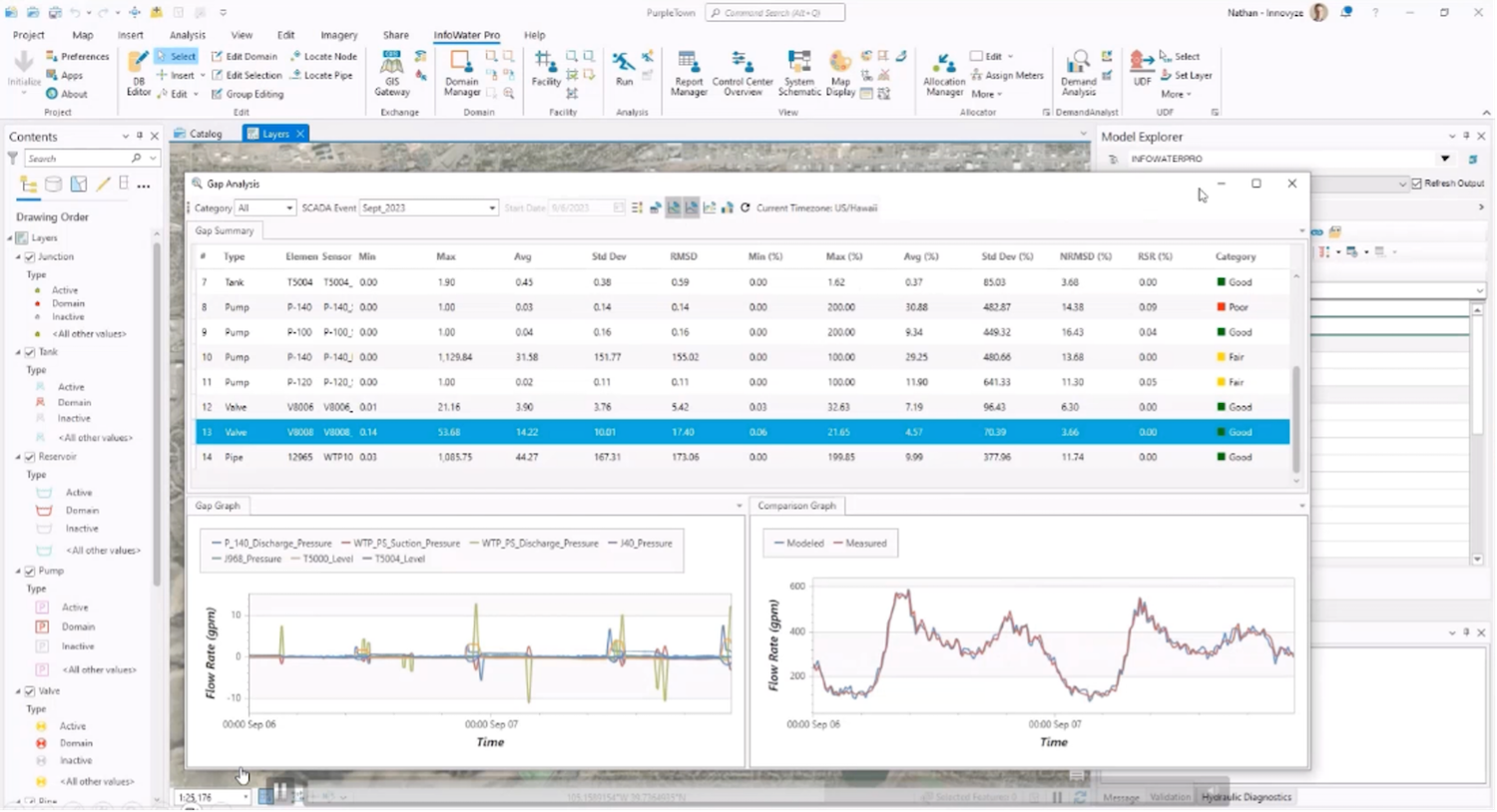
InfoWater Pro 2024.3: SCADA Event Runs from Info360 and Hydraulic Diagnostics improvements
Our development teams have been hard at work bringing new updates to InfoWater Pro this year. In the 2024.2 release, we rolled out fire flow simulations in the cloud, increasing speed and allowing modelers to save their local machines from intensive simulations. Notably, the Denver Water team said their fire flow“simulation times went from over 1.5 hours to…
Product news
-

New Autodesk learning courses for InfoWater Pro, InfoWorks WS Pro, InfoDrainage and InfoWorks ICM
We’re happy to report that we’ve just released our latest course on the Customer Success Hub for InfoWorks ICM. It joins three other new Autodesk Water courses: The importance of basic training Autodesk water apps can help engineers do powerful things – and the deeper you go into the details, the more power you acquire…
Product news