 Jim Byrne
Learn how the Frame Generator in Inventor streamlines the creation of complex frameworks, offering efficiency, accuracy, and consistency.
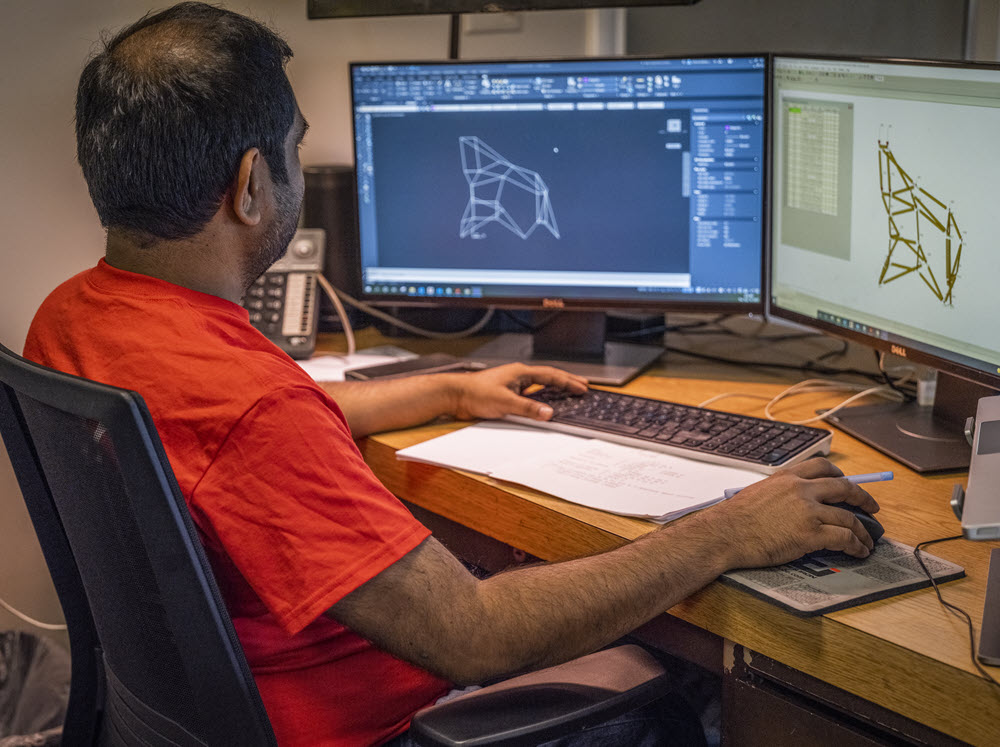
Autodesk Inventor is a powerful tool for 3D mechanical design, simulation, visualization, and documentation. Among its many features, the frame generator is an extremely useful tool for engineers and designers working with structural frameworks. Let’s dive into what it is, its benefits, how it works, and when to use it.
Enhance Your Engineering Workflows
Precise, powerful, and ready for innovation with Autodesk Inventor.

What is Frame Generator?
Frame Generator is a feature in Autodesk Inventor that simplifies the creation of complex structural frames. Whether you’re designing a machine base, a support structure, or any other framework, frame generator streamlines the process for generating and managing frame members. It automates many of the repetitive tasks involved in frame design, so that you can focus on the more critical aspects of your project.
Benefits of Frame Generator
Efficiency and time savings
Reduce the time required to create structural frames by automating the creation of frame members, cutting, mitering, and trimming operations. This allows designers and engineers to produce detailed and accurate frames much faster than traditional manual methods.
Accuracy
The automated nature of Frame Generator makes sure that all cuts, trims, and miters are precise. This accuracy is important structural design, where small errors can lead to significant manufacturing and assembly issues.
Consistency
Frame Generator maintains consistency across all frame members. Consistent design helps to reduce errors and ensures that the final product meets all specifications.
Ease of modification
Frames created are easy to modify. If changes are needed, such as altering dimensions or materials, the tool allows for quick adjustments without disrupting the overall design.
Material optimization
Frame Generator helps to optimize material usage by automating the placement and cutting of frame members. This leads to cost savings and reduced waste.
When to use Frame Generator
Structural design
Ideal for any structural design project, such as machine bases, support structures, frames for machinery, and more. Its efficiency and accuracy make it a valuable tool for these applications.
Large assemblies
For projects involving large assemblies with numerous frame members, Frame Generator’s automation capabilities are beneficial. It ensures consistency across the design and simplifies the management of complex assemblies.
Custom frames
When designing custom frames with non-standard profiles, the tool can handle the creation and placement of these members easily, allowing for creative and unique designs.
Optimization projects
In projects where material optimization is crucial, the tool can help minimize waste and optimize material usage can lead to significant cost savings.
Prototyping and iteration
Frame Generator is useful in the prototyping phase, where quick modifications and iterations are required. The ability to easily make modifications allows designers to experiment and refine their designs efficiently.
How Frame Generator works
- Defining the skeleton: Define the skeleton or the path along which the frame members will be placed. The skeleton can be created using standard 2D or 3D sketches in Inventor.
- Selecting frame members: Once the skeleton is defined, select the type of frame members to be used. You can choose from a wide range of standard profiles and sizes available in the Content Center and also define custom profiles if needed.
- Placing frame members: With the skeleton and frame members selected, Frame Generator automatically places the members along the defined path. The tool handles the placement, orientation, and alignment of each member for a precise fit.
- Applying end treatments: Treatments such as trimming, mitering, or chamfering can be applied automatically to ensure that all connections between frame members are clean and accurate.
- Adding connections and fasteners: After placing the frame members and applying end treatments, you can add necessary connections and fasteners. Integration with Design Accelerator offers a range of connection options, including bolted and welded joints.
- Generating documentation: Once the frame is complete, automatically generate detailed documentation, including drawings, BOMs (Bill of Materials), and cut lists.
Inventor’s Frame Generator is a powerful tool for structural frame design. Whether you’re working on a small project or a large assembly, it streamlines the design process, so you can focus on creativity and innovation.