AU Class
AU Class
class - AU

Top 10 Revit Apps for Under $100

Share this class
Search for keywords in videos, presentation slides and handouts:

    Description

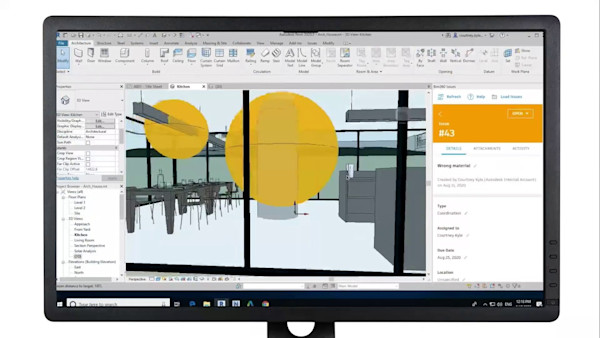
    Take a walk through Autodesk® Exchange for Revit and see the most popular apps for under $100 in action. In this class, we present a mix of free, paid, and Autodesk apps that are sure to help any Revit user or CAD manager eliminate repetitive design tasks as well as create higher quality designs. See some fun apps too!

    Key Learnings

    • Use productivity-enhancing Revit add-ins to save hours every week
    • Take advantage of the opportunity to sell your own add-ins in the Autodesk Exchange
    • Immediately download and install great productivity-enhancing add-ins
    • Find new free and fee-based Revit add-ins and content on the Autodesk Exchange

    Tags

    Product
    Revit
    Industries
    Architecture
    MEP engineering
    Structural engineering
    Topics
    CAD Manager
    Design
    People who like this class also liked

    A Match Made in Coordinates: Bringing Revit, AutoCAD Civil 3D, and InfraWorks Together at Last
    Instructional Demo

    A Match Made in Coordinates: Bringing Revit, AutoCAD Civil 3D, and InfraWorks Together at Last

    Custom Item: Creating Your Own Parts for Revit Fabrication
    Instructional Demo

    Custom Item: Creating Your Own Parts for Revit Fabrication

    Accelerating high-tech project start. Discover how a general contractor leverages cutting-edge tools for rapid mobilization.
    Industry Talk

    Accelerating high-tech project start. Discover how a general contractor leverages cutting-edge tools for rapid mobilization.

    How to Connect with Structural Connections in Revit
    Instructional Demo

    How to Connect with Structural Connections in Revit

    2023 BIM Manager's Handbook, Volume 1: A 10 Million-Square-Foot Giga-Project
    Industry Talk

    2023 BIM Manager's Handbook, Volume 1: A 10 Million-Square-Foot Giga-Project

    Stylin' and Profilin': Using Profiles and Services in Fabrication for Revit
    Instructional Demo

    Stylin' and Profilin': Using Profiles and Services in Fabrication for Revit