
Description
This class will discuss and demonstrate the new features and tools in Revit 2015 software that enable structural engineers to create far more accurate physical models. Whether the intent of the model is comprehensive design or as-built conditions, the new features in Revit 2015 software greatly enhance the user's ability to achieve greater precision and accuracy. This class will cover these many new features, from fine-tuning the ends of framing members to controlling the joining of members. Furthermore, this class will discuss how these new tools enable structural models to provide greater accuracy in the physical model while still maintaining greatly accurate analytical models.
Key Learnings
- Understand the new features in Revit 2015 software that allow for greater accuracy in structural models
- Learn how to use the new Revit 2015 software tools to adjust the ends of framing members
- Learn how to use the new Revit 2015 software tools to control joins of framing members
- Discuss how the new features in Revit 2015 software help with physical model accuracy without affecting the accuracy of the analytical model
Downloads
Tags
Product | |
Industries | |
Topics |
People who like this class also liked
Instructional Demo
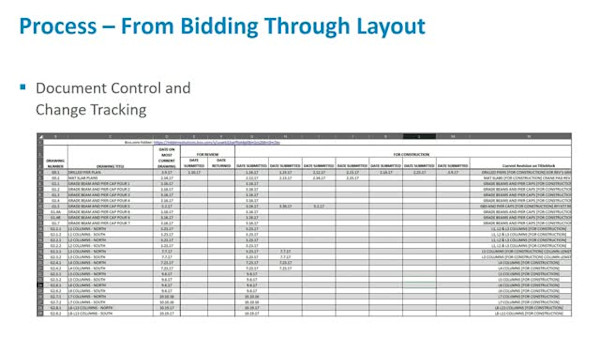
Concrete Lift Drawings in Revit—People, Process, and Product

Instructional Demo
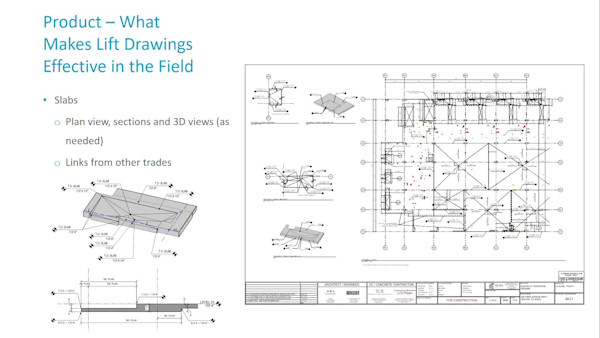
Concrete Lift Drawings in Revit: People, Process, and Product
Instructional Demo

