
AUTODESK FUSION 360
SOFTWARE FOR CNC MACHINING
SOFTWARE FOR CNC MACHINING
Traditional CNC machining is old. Manufacturing has changed, and so should your tools. Stop struggling with broken processes and data management in your CNC software – do what you do best.
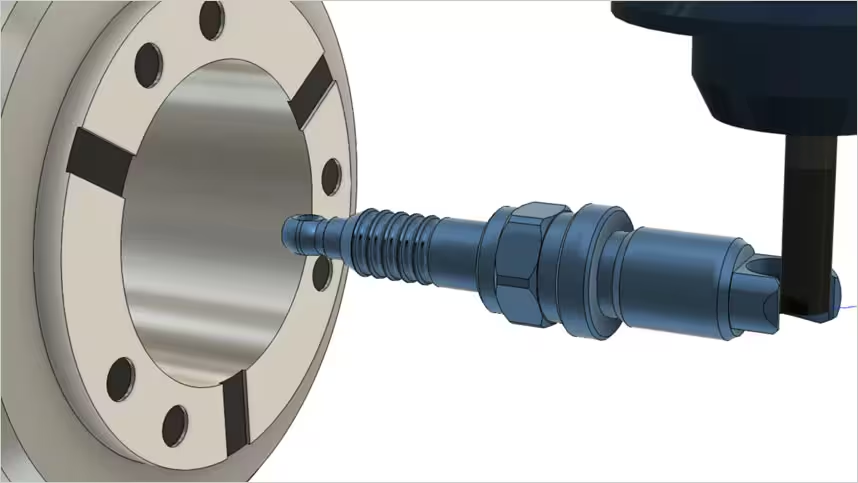
Fusion 360 for CNC machining
Fusion 360 for CNC machining
Packages like Fusion 360 integrate CAD and CAM to keep these processes more connected. Then the CNC machine is prepared by loading in stock material, the piece to be cut, as well as any tools that might be used during the machining process. Finally, the toolpaths are converted into code that controls the machine motion and creates the final part.
Packages like Fusion 360 integrate CAD and CAM to keep these processes more connected. Then the CNC machine is prepared by loading in stock material, the piece to be cut, as well as any tools that might be used during the machining process. Finally, the toolpaths are converted into code that controls the machine motion and creates the final part.
Types of CNC machining
ROUGHING
The first step in many CNC machining operations is to remove as much material as possible. See how Autodesk's Adaptive Clearing helps.
The first step in many CNC machining operations is to remove as much material as possible. See how Autodesk's Adaptive Clearing helps.
2-AXIS VS 3-AXIS MILLING
Learn how 2-axis milling compares to 3 axis and the advantages that 3-axis CNC machining has to offer.
Learn how 2-axis milling compares to 3 axis and the advantages that 3-axis CNC machining has to offer.
3+2 AXIS MACHINING
Positional 5-axis, or 3+2, can offer many of the advantages of simultaneous 5-axis without the additional complexity or high cost.
Positional 5-axis, or 3+2, can offer many of the advantages of simultaneous 5-axis without the additional complexity or high cost.
TURNING
Turning, while still CNC machining, is quite different from milling. Find out how.
Turning, while still CNC machining, is quite different from milling. Find out how.
Featured CAM software for CNC
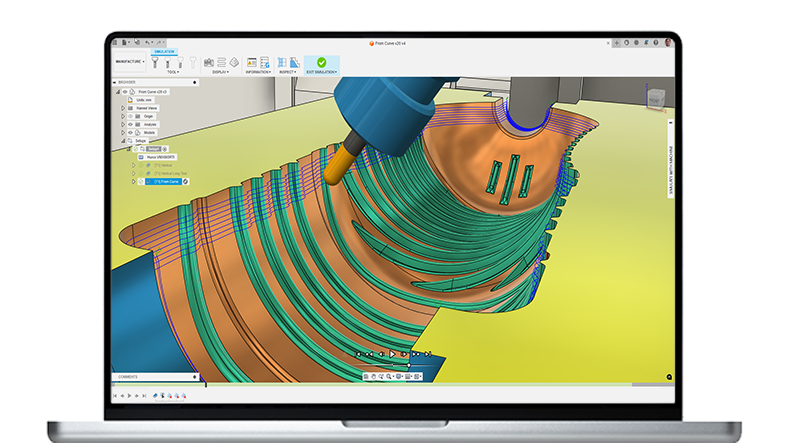
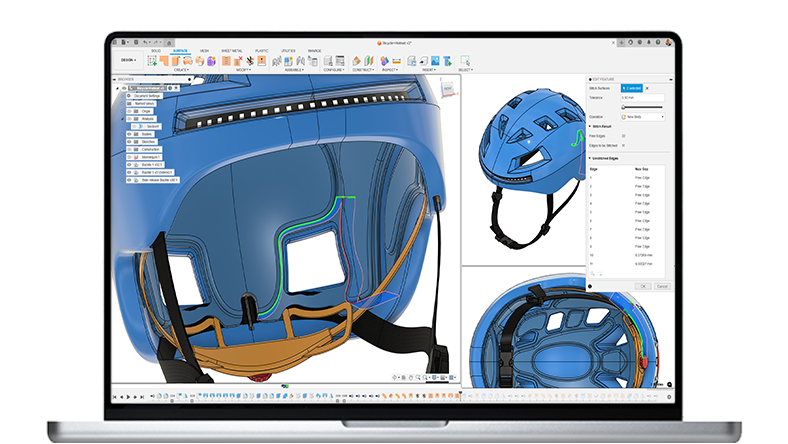
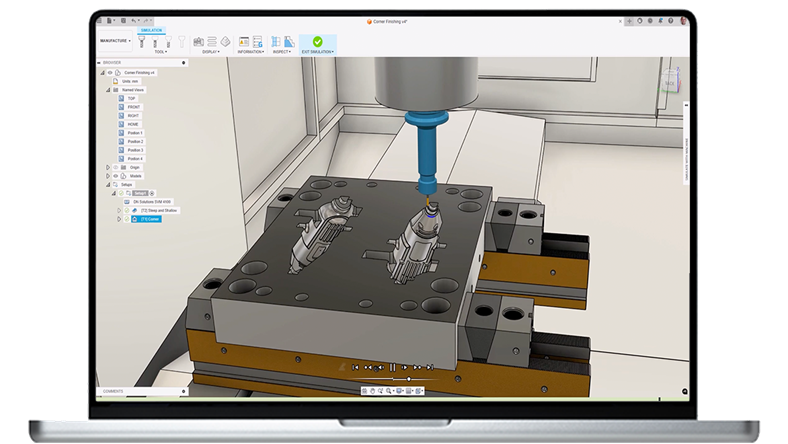
Autodesk Fusion 360 software for CNC machining and computer-aided manufacturing (CAM).
Autodesk Fusion 360 software for CNC machining and computer-aided manufacturing (CAM).
CAM software for CNC machining
CAM software for CNC machining
CAM software for CNC machining
Start making today. Autodesk Fusion 360 software doesn't only control CNC machines on a shop floor, it brings together software, machines, processes and people to design and manufacture high-quality products on time, the first time.
Start making today. Autodesk Fusion 360 software doesn't only control CNC machines on a shop floor, it brings together software, machines, processes and people to design and manufacture high-quality products on time, the first time.

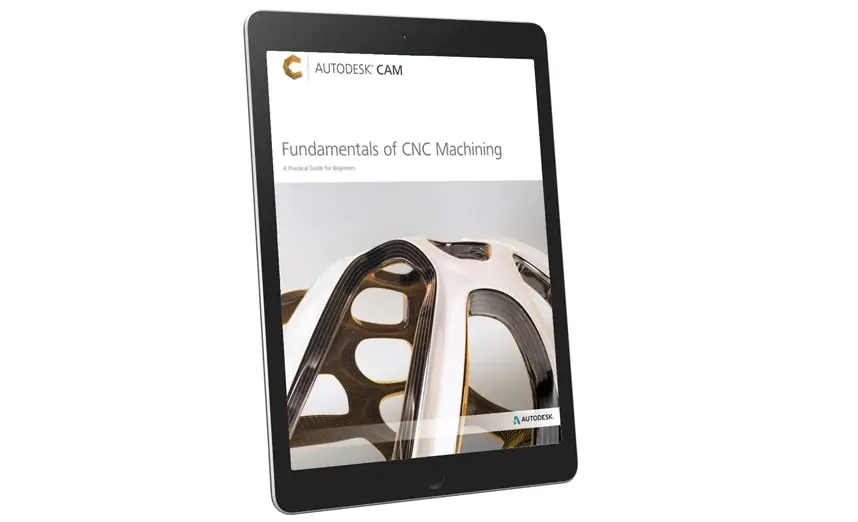
Fundamentals of CNC machining practical guide
Fundamentals of CNC machining practical guide
In this guide, you will learn everything you need to know about types of parts, materials and CNC machining operations that engineers, innovators and niche manufacturers often use.
In this guide, you will learn everything you need to know about types of parts, materials and CNC machining operations that engineers, innovators and niche manufacturers often use.
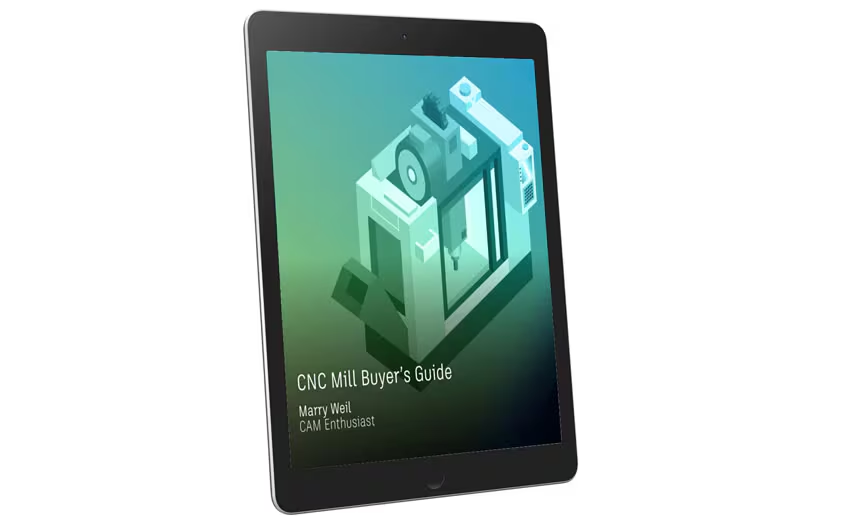
CNC mill buyer’s guide
CNC mill buyer’s guide
Learn more about various CNC machine designs in our Types of CNC Mill Buyer’s eBook. This eBook also includes descriptions of CNC machine components & programming and non-milling machines.
Learn more about various CNC machine designs in our Types of CNC Mill Buyer’s eBook. This eBook also includes descriptions of CNC machine components & programming and non-milling machines.
CNC machining milling styles
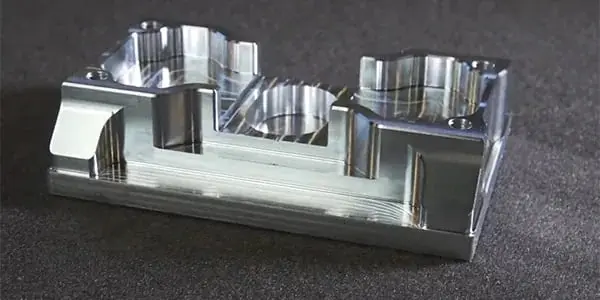
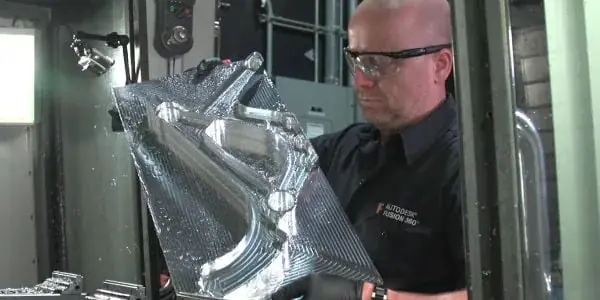
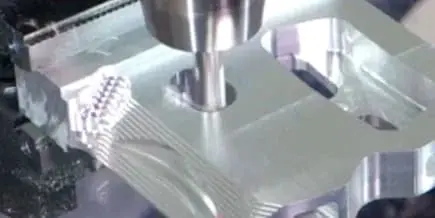
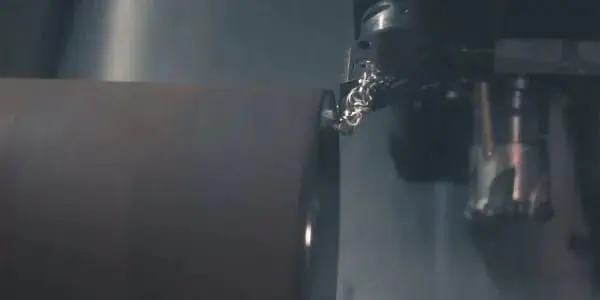
CNC machines are broadly classified by the number of axes involved and how they move.
CNC machines are broadly classified by the number of axes involved and how they move.
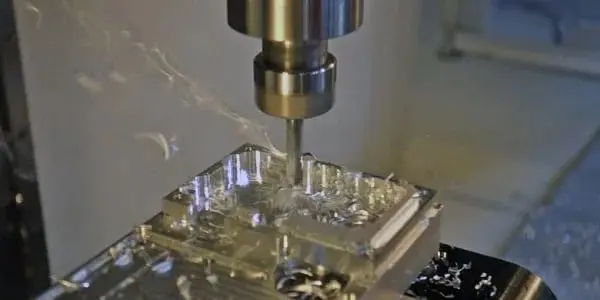
2.5-AXIS
2.5-AXIS
2.5-axis milling creates prismatic features at distinct Z levels. Even though the machine is only moving in 2 axes simultaneously, the CAM software is still used as the shapes created can be complex and high precision.
2.5-axis milling creates prismatic features at distinct Z levels. Even though the machine is only moving in 2 axes simultaneously, the CAM software is still used as the shapes created can be complex and high precision.
3-AXIS
3-AXIS
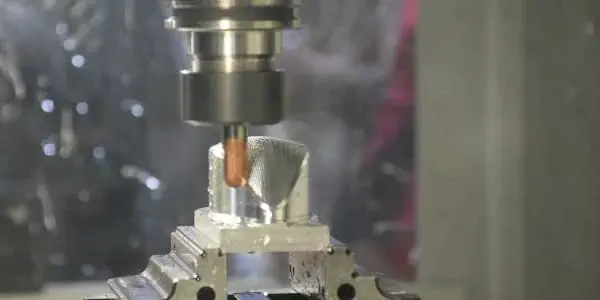
3-axis milling uses all three axes simultaneously. Software is used to generate these toolpaths since the surfaces are often complex.
3-axis milling uses all three axes simultaneously. Software is used to generate these toolpaths since the surfaces are often complex.
4-AXIS
4-AXIS
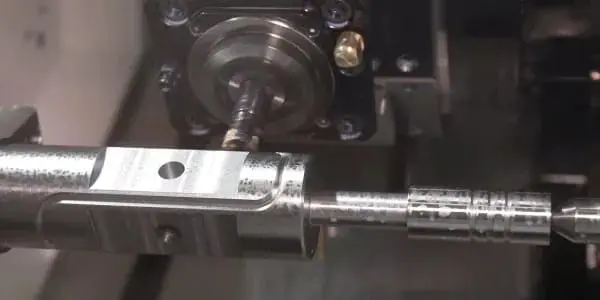
4-axis milling adds one rotational axis to 3-axis milling. This is useful when parts are near cylindrical and can be used to create complex geometry or access multiple parts around workholding like a tombstone.
4-axis milling adds one rotational axis to 3-axis milling. This is useful when parts are near cylindrical and can be used to create complex geometry or access multiple parts around workholding like a tombstone.
5-AXIS
5-AXIS
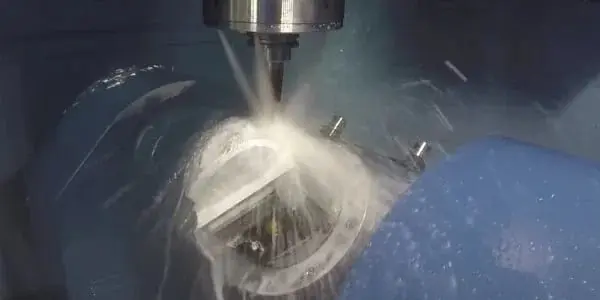
Simultaneous 5-axis machining uses all 5 axes at the same time to allow milling of complex shapes at high precision. CAM software is all but required to programme these CNC machines, as the motion is very complicated.
Simultaneous 5-axis machining uses all 5 axes at the same time to allow milling of complex shapes at high precision. CAM software is all but required to programme these CNC machines, as the motion is very complicated.
How software for CNC machining is used

Do your actions match your ambitions for success?
What's CNC machining?
What's CNC machining?
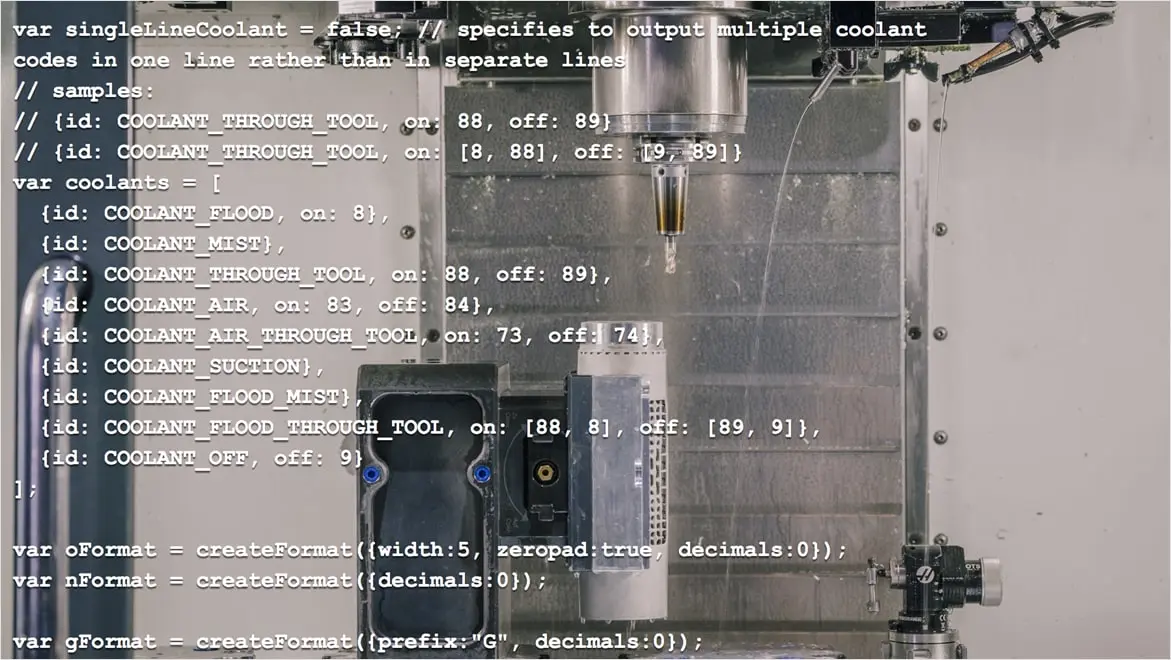
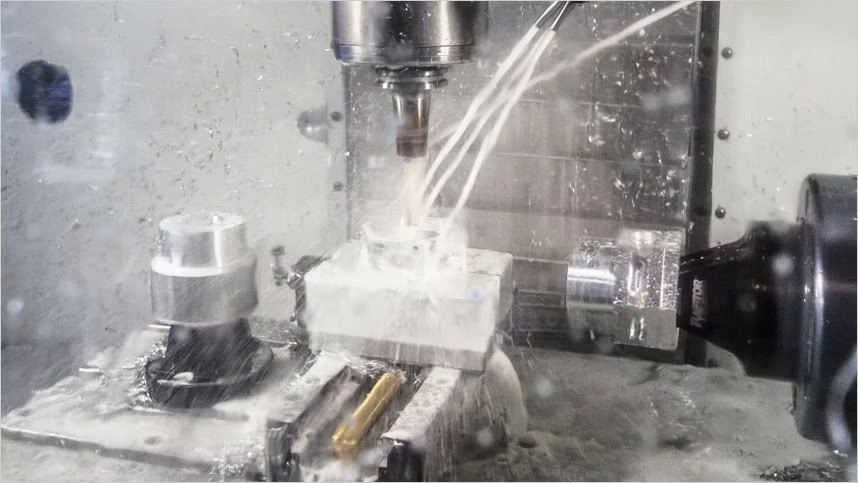
CNC stands for computer numerical control. There are many types of CNC machines and this is often the main step in the process of creating a component or part through material removal. Once a part has been designed in CAD software, CAM (computer aided manufacturing) software is used to generate toolpaths, plans that tell a CNC machine how to move.
CNC stands for computer numerical control. There are many types of CNC machines and this is often the main step in the process of creating a component or part through material removal. Once a part has been designed in CAD software, CAM (computer aided manufacturing) software is used to generate toolpaths, plans that tell a CNC machine how to move.
Resources for CNC machining
Get started with CNC machining with these tutorials, guides, tips and tricks.
Get started with CNC machining with these tutorials, guides, tips and tricks.
Fundamentals of milling
Get quick answers to common manufacturing questions. Learn the fundamentals of milling and how to create 3+2 toolpaths.
Get quick answers to common manufacturing questions. Learn the fundamentals of milling and how to create 3+2 toolpaths.
Toolpath Template Libraries
This course teaches you how to save common, recurring toolpaths and recall them as needed for similar projects.
This course teaches you how to save common, recurring toolpaths and recall them as needed for similar projects.
Positional multi-axis
Learn how to take a part from an assembly into the CAM workspace and prepare it for multi-axis operations.
Learn how to take a part from an assembly into the CAM workspace and prepare it for multi-axis operations.
Mastering WCS probing
This lecture covers how to use WCS probing to reduce set-up time while accurately locating the stock in the CNC machine.
This lecture covers how to use WCS probing to reduce set-up time while accurately locating the stock in the CNC machine.
Advanced Manufacturing extension
Advanced manufacturing extension in Fusion 360 delivers a bundle of sophisticated Autodesk manufacturing technologies.
Advanced manufacturing extension in Fusion 360 delivers a bundle of sophisticated Autodesk manufacturing technologies.
What is CAM software? (US site)
Read this article for a complete introduction to CNC programming using computer-aided manufacturing (CAM).
Read this article for a complete introduction to CNC programming using computer-aided manufacturing (CAM).
FAQs on CNC Machining
How much does CNC machining cost?
Typically, one of the largest costs associated with CNC machining is the CNC machine itself. Entry-level machines start at around £4,000 with high-end machines reaching upwards of £400,000. The cost depends on factors such as size, power, spindle speed, multi-axis capabilities and accuracy. Once you have a machine, you will need to purchase cutting tools to machine parts. To generate the instructions required for CNC machining, it’s common to subscribe to computer-aided manufacturing (CAM) software as well. So, while there’s no one-size-fits-all answer, CNC machining requires some up-front investment to get started.
What is the difference between CNC machining and milling?
Milling is one style of CNC machining. CNC machining is any process where a part is manufactured by a machine that is controlled by a computer. In milling, a cutting tool spins at high speeds and advances into or across the workpiece to remove material. Other types of CNC machining include turning, routing, plasma cutting and water jetting. Turning and milling can be combined into a single machine, as can additive and subtractive operations, creating even more complex styles of CNC machining.
How is CNC machining different from 3D printing?
3D printing, or additive manufacturing, is the process of depositing layers of material to build up the desired geometry. Generally speaking, CNC machining is used to refer to subtractive processes, where material is removed from the workpiece, resulting in the desired geometry. While 3D printing processes can create more complex geometry such as internal latticing, parts must also be supported during the printing process to prevent failure. CNC machining generally produces more accurate parts and can be significantly faster, especially when manufacturing single parts.
How does CNC machining work?
CNC stands for Computer Numerical Control, which means that a computer controls what the machine does, including but not limited to the spindle speed, feed rate and position. In order to programme the computer, often called a control, a person can use computer-aided manufacturing (CAM) software. CAM software generates a series of instructions called toolpaths and then generally uses a post-processor to translate that toolpath data into code the machine can read. Then a person would transfer that code onto the machine and run it to produce their final part.
Can I use Fusion 360 for CNC?
Yes! Fusion 360 includes a powerful and easy-to-use CAM solution that can control a wide variety of CNC machines including mills, lathes, routers, mill/turn machines, plasma cutters, water jets and lasers. Fusion 360 also integrates CAD, CAE and ECAD, along with CAM, into a single solution to reduce data loss and improve process reliability for CNC machining and other downstream processes.
How much does Fusion 360 cost?
Fusion 360 costs $495 /year. A Fusion 360 licence gives you access to integrated 3D CAD, CAM, CAE, PCB, collaboration and data management tools in a single platform. Fusion 360 subscriptions also include EAGLE Premium, HSMWorks, Team Participant and access to generative design, cloud simulation and cloud rendering.
What is CNC machining?
CNC machining, or Computer Numerical Control machining, is a manufacturing process that involves using computerized controls and machinery to remove material from a workpiece to create a finished part. It is a highly automated and precise method of manufacturing that allows for the production of complex and intricate parts with high accuracy and consistency.
In CNC machining, a computer program is used to control the movement and operation of various cutting tools. These include mills, lathes, mills, grinders, and more. The program specifies the coordinates and movements of the cutting tools, which are translated into precise instructions for the CNC machine to follow. This enables the machine to perform operations like cutting, drilling, milling, turning, and grinding with a high degree of precision.
How much does CNC machining cost?
CNC stands for Computer Numerical Control. This means that a computer controls what the machine does, including but not limited to the spindle speed, feed rate, and position. To program the computer, often called a control, a person can use computer-aided manufacturing (CAM) software. CAM software generates a series of instructions called toolpaths and then generally uses a post-processor to translate that toolpath data into code the machine can read. Then a person would transfer that code onto the machine and run it to produce the final part.
How does CNC machining work?
CNC stands for Computer Numerical Control. This means that a computer controls what the machine does, including but not limited to the spindle speed, feed rate, and position. To program the computer, often called a control, a person can use computer-aided manufacturing (CAM) software. CAM software generates a series of instructions called toolpaths and then generally uses a post-processor to translate that toolpath data into code the machine can read. Then a person would transfer that code onto the machine and run it to produce the final part.
Can I use Autodesk Fusion to CNC machine?
Yes! Fusion includes a powerful and easy-to-use CAM solution that can control a wide variety of CNC machines. This includes mills, lathes, routers, mill/turn machines, plasma cutters, water jets, and lasers. Fusion also integrates CAD, CAE, and ECAD along with CAM into a single solution to reduce data loss and improve process reliability for CNC machining and other downstream processes.