InfoDrainage + Civil 3D integration
Connect civil design and drainage in a click
Connect civil design and drainage in a click
Integrate InfoDrainage with Civil 3D to bring more precise hydraulic results to your site design. Make responsive design changes across platforms with easy roundtripping and flexible reporting.
Discover how round-trip workflows can reinforce your designs
Discover how round-trip workflows can reinforce your designs
Integrating InfoDrainage with Civil 3D equips you with the rich data you need to make informed design decisions, and the tools to carry them out with precision.
Download our new e-book for a deep dive into the capabilities that help you design more sustainable drainage, and discover how it performs in the real-world with our customer success stories.
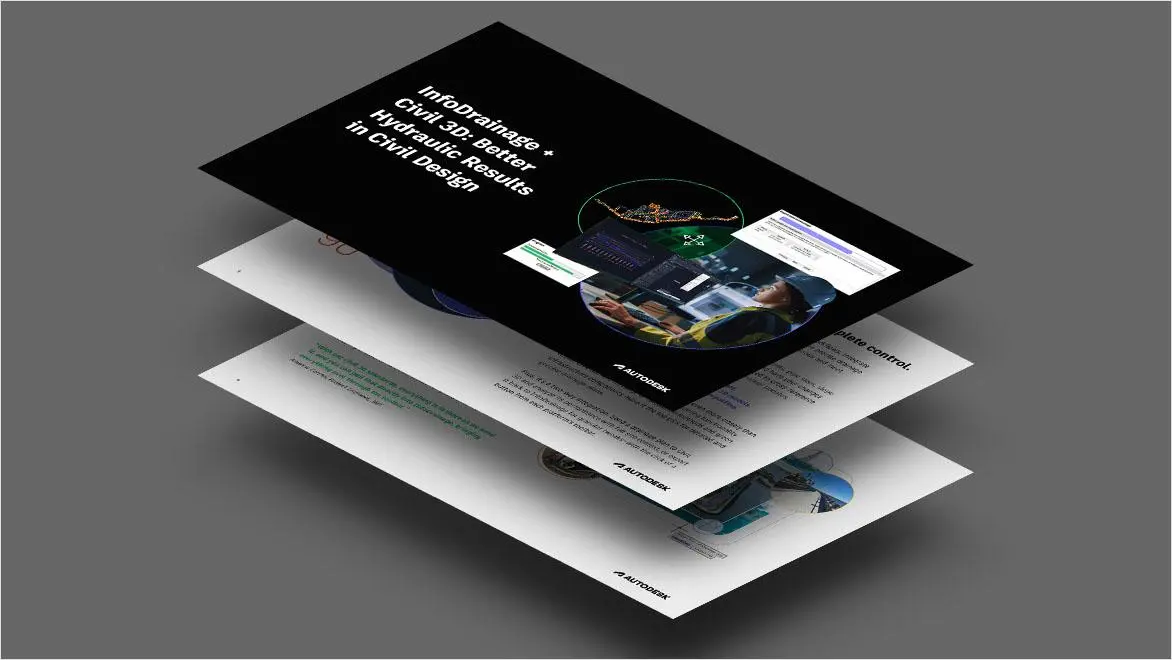
See how teams like yours succeed with InfoDrainage + Civil 3D
“InfoDrainage’s graphical profiles made getting customer buy-in and approval way easier. Being able to bounce between tidal phases just by changing the boundary conditions was extremely helpful.”
—Andrew Carrier, Project Engineer, JMT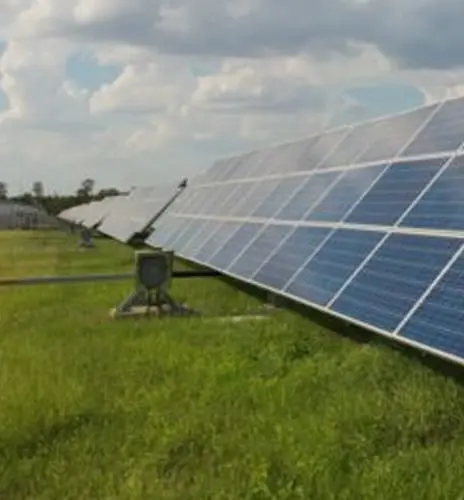
“Need to change all of your drainage structures from pipes to ditches? InfoDrainage allows you to select everything and change it all at once... It is mind-blowing compared to what we had in the past.”
—F. Javier Soto, Principal Civil Engineer, Project Centre
What InfoDrainage brings to civil design
Better hydraulic results
Better hydraulic results
Migrate hydraulic and energy grade lines for a more granular view of drainage conditions, and make informed design decisions.
Smooth round-tripping
Smooth round-tripping
Send drainage data to Civil 3D or bring site designs into InfoDrainage, at the click of a button from each platform's toolbar.
Custom rainfall and runoff
Custom rainfall and runoff
Choose the right rainfall types and runoff calculation methods for your catchment, and meet sustainability standards.
Flexible reporting
Flexible reporting
Export the exact drainage data you need in a fraction of the time with automated, customizable reports.
Get more out of InfoDrainage + Civil 3D
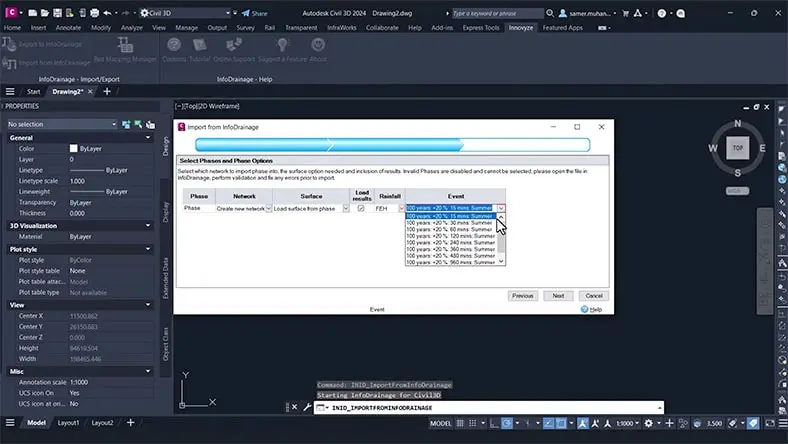
Product help
InfoDrainage integration support
InfoDrainage integration support
Got a question about InfoDrainage + Civil 3D integration? Visit our support center for everything you need.
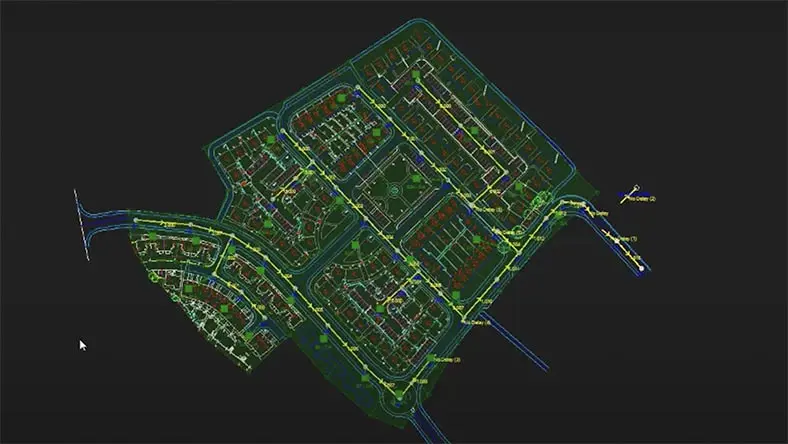
Video tutorial
What a round-trip looks like
What a round-trip looks like
See firsthand how to export site designs to InfoDrainage for editing, then import them back to Civil 3D.
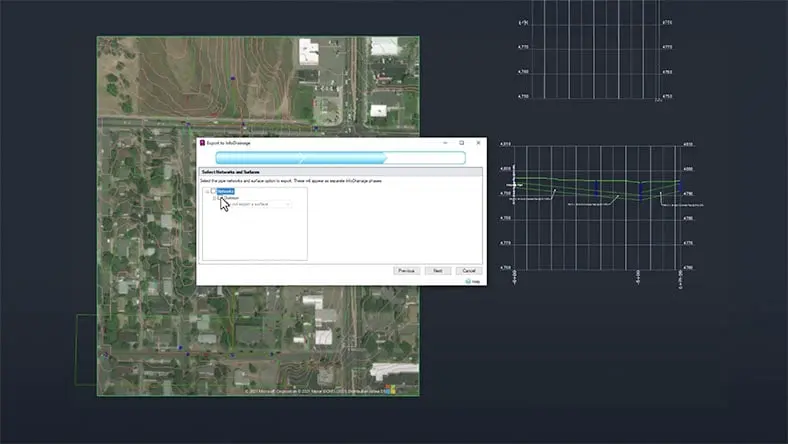
Video tutorial
Drainage design with extended data
Drainage design with extended data
Learn how to enhance Civil 3D designs with extended data from InfoDrainage, such as rainfall or hydraulic results.
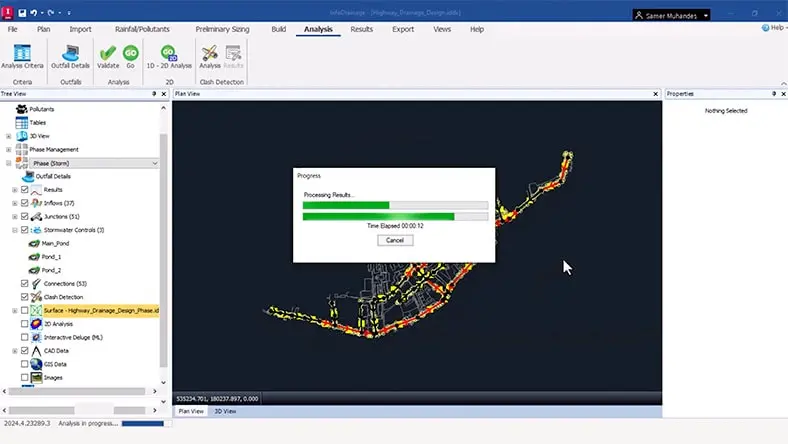
Product course
InfoDrainage 101
InfoDrainage 101
Explore the capabilities of InfoDrainage, from preparing models for drainage design to developing flow paths.
Speak with an expert
Speak with an expert
Ready to see how InfoDrainage can speed up your workflows and enhance your Civil 3D designs? Speak with an expert today.
Ready to see how InfoDrainage can speed up your workflows and enhance your Civil 3D designs? Speak with an expert today.
Speak with an expert
Speak with an expert
Ready to see how InfoDrainage can speed up your workflows and enhance your Civil 3D designs? Speak with an expert today.
Ready to see how InfoDrainage can speed up your workflows and enhance your Civil 3D designs? Speak with an expert today.