Fusion

Smarter design, engineering, and manufacturing starts here

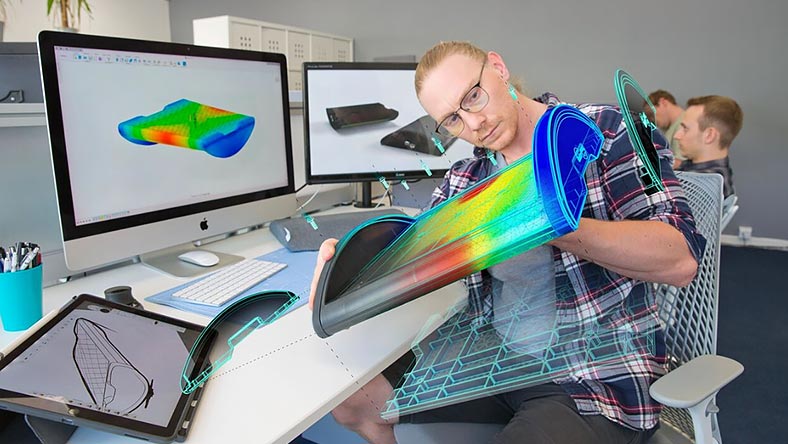
Access an integrated engineering platform bridging design, simulation, and manufacturing for limitless workflow creativity.

Fusion

Smarter design, engineering, and manufacturing starts here

Access an integrated engineering platform bridging design, simulation, and manufacturing for limitless workflow creativity.

Fusion for Design

A product bundle built for mechanical design

Includes
  • Fusion
  • Fusion Design Extension
  • Fusion Simulation Extension
  • Fusion Manage

Starting at {{PRICE}} / month

Pricing options

Fusion for Design

A product bundle built for mechanical design

Includes
  • Fusion
  • Fusion Design Extension
  • Fusion Simulation Extension
  • Fusion Manage

Starting at {{PRICE}} / month

Pricing options

Product development

Increase product development agility

Create 3D models, engineer, simulate, and manufacture all-in-one product development solution.

Design tools

Improve product performance

Solve engineering challenges faster, with flexible 3D modeling, simulation, and generative design tools.

Unified solution

Reduce your time to market

Eliminate the need for back-and-forth file sharing across multiple tools by standardizing on a single software solution.

Product development

Increase product development agility

Create 3D models, engineer, simulate, and manufacture all-in-one product development solution.

Design tools

Improve product performance

Solve engineering challenges faster, with flexible 3D modeling, simulation, and generative design tools.

Unified solution

Reduce your time to market

Eliminate the need for back-and-forth file sharing across multiple tools by standardizing on a single software solution.

Fusion features for mechanical engineers

Parametric modeling

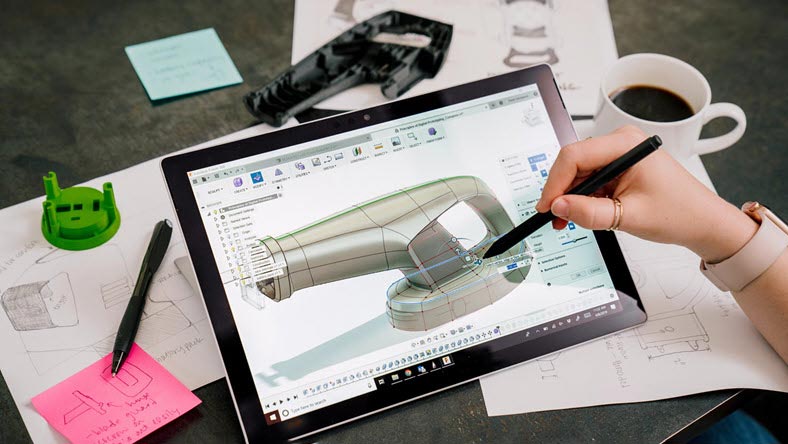
Create history-based features, including extrude, revolve, loft, sweep, etc., that update with design changes.

Assemblies

Assemble designs with a traditional bottom-up, middle-out, or top-down approach, and analyze assembly motion.

Simulation

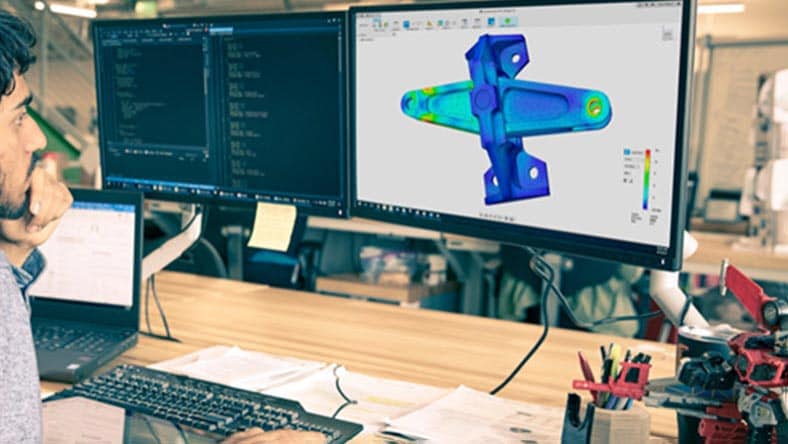
Run structural, thermal, modal, and event simulations to understand real-world performance early.

A platform for collaboration

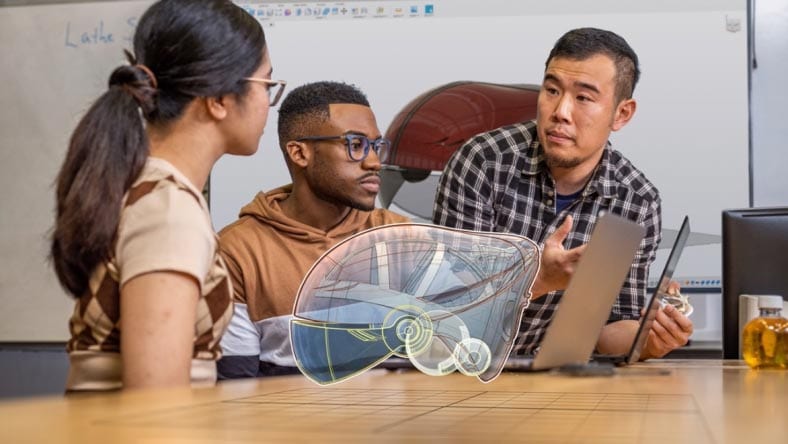
Eliminate design silos with modern collaboration that connects teams and stakeholders, enables real-time communication, and centralizes work.

Integrated CAD/CAM

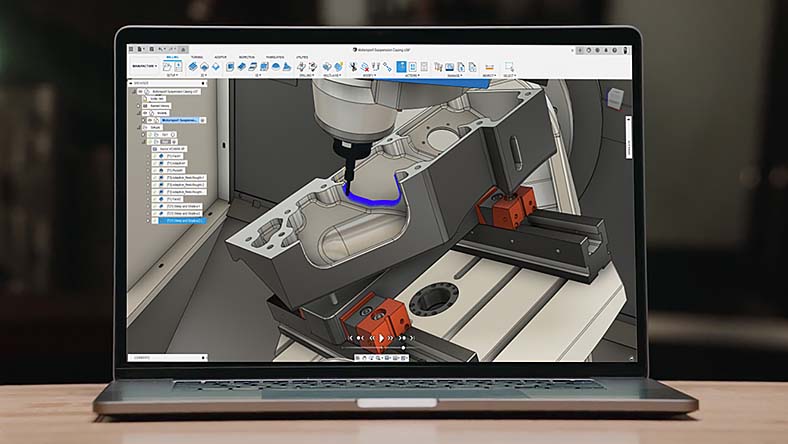
Produce high-quality CNC machined parts and additively manufacture builds using FFF or BPF for metal 3D printing.

Electromechanical integration

Make sure that your PCB fits the first time, every time with the only truly unified MCAD to ECAD software solution.

Autodesk Fusion plans and pricing for mechanical designers

Plans & pricing

Unlock advanced design and manufacturing capabilities to connect data, processes, & people.

Recommended

Fusion for Design

Gain access to advanced design and simulation tools with our best value offering to get Autodesk Fusion, Fusion Design Extension, Fusion Simulation Extension, and Fusion Manage.
Includes Fusion
+ 2 extensions

{{PRICE}}

per month paid annually

Autodesk Fusion extensions

Add extensions for more complete workflows

Fusion Manufacturing Extension

Access 4- and 5-axis simultaneous machining, sheet-based nesting and fabrication, and metals-based additive manufacturing.

Starting at {{PRICE}} / month
Pricing options

Product lifecycle management for your entire organization

Cloud PLM and PDM that connects your data, people, and processes.
Fusion Manage

Fusion Manage

Unlock all the PLM capabilities your organization needs to enhance workflows and improve collaboration.

Starting at {{PRICE}} / month
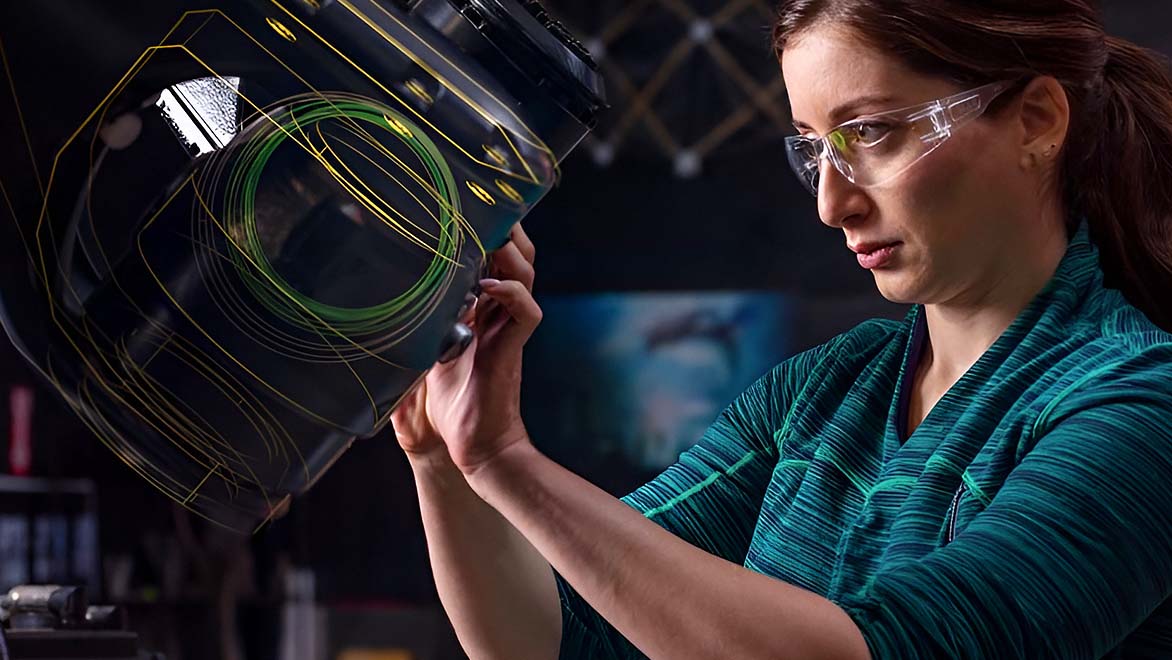
Very few software firms are capable of merging electronics with mechanics. Autodesk Fusion connects all departments, electronics, and mechanics for us.

—Mario Tousek, Managing Director, tousek

Image courtesy of tousek
We developed nine product lines in only 12 months, from concept to production. Without Fusion, that wouldn’t have been possible.

—Stefan Larsson, Founder, Infinite Acoustics

Image courtesy of Infinite Acoustics
With Autodesk Fusion, we can execute several different functions within one package, and that has been the most important thing for us. It’s a huge benefit.

—Carl Budd, Engineering Manager, Moose Toys

Image courtesy of Moose Toys

Autodesk Fusion learning and support resources

Find training, documentation, and community insights to help you design, make, and innovate with Autodesk Fusion.

Start designing today

Begin your Fusion journey today with a free trial or a limited, free version for personal use.

Questions? We have answers.

Autodesk Fusion is design, engineering, electronics, and manufacturing software, all-in-one. Connect your entire product development process into one cloud-based software with integrated 3D CAD, CAM, CAE, and PCB.

Autodesk Fusion is used by product designers, engineers, manufacturers, electronics engineers, design and manufacturing teams, machine shops, and product development organizations to design, engineer, manufacture, and manage physical products in a connected cloud platform.

Autodesk Fusion is integrated CAD, CAM, CAE, and PCB software, whereas AutoCAD is CAD software to create 2D and 3D drawings. Compare Autodesk Fusion vs AutoCAD.

Autodesk Fusion is {{price.FSN.month}} paid monthly, {{price.FSN.1year}} paid annually, or {{price.FSN.3year}} paid every 3 years.

If you purchased online, your subscription will automatically renew unless you’ve turned auto-renew off. Simply sign in to your Autodesk Account and select the product you want to renew and verify that your auto-renew is set to on and your payment method is correct.

Learn about system requirements for Autodesk Fusion here.

Autodesk AI-powered features in Autodesk Fusion include Drawing Automation, AutoConstrain and Generative Design.

Drawing Automation in Autodesk Fusion streamlines the creation of 2D manufacturing drawings by automatically generating views, dimensions, and annotations – saving time, reducing errors, and helping to improve design-to-production accuracy.

AutoConstrain in Autodesk Fusion enhances design efficiency by automatically applying relevant geometric constraints, helping ensure accuracy and reducing manual adjustments. This streamlines the sketching process, improves consistency, and accelerates design iterations.

Generative Design in Autodesk Fusion leverages AI-driven algorithms to explore optimized design solutions, reducing material usage, improving performance, and accelerating innovation—all while meeting engineering constraints and manufacturing requirements.

Some Autodesk AI features do not use machine learning and so do not require data for training of the underlying models. When an AI feature does require data for training, Autodesk uses different data sources depending on the feature. You can learn more about whether an Autodesk AI feature relies on machine learning and what data sources are used for training on the feature’s AI transparency card, located within the Trusted AI section of Autodesk's Trust Center. Note: Additional transparency cards are coming soon.

With a subscription to Autodesk Fusion software, you can install it on up to 3 computers or other devices. However, only the named user can sign in and use that software on a single computer at any given time. Please refer to the Software License Agreement for more information.

Launch your trial software and click Subscribe Now on the trial screen or buy Autodesk Fusion here. When buying your subscription, enter the same email address and password combination you used to sign in to your trial. Learn more about converting a trial to a paid subscription.

Autodesk Fusion is available as a 30-day free trial, as Fusion for personal use for home-based, non-commercial projects, or as Fusion for educational use for qualifying students or educators.

If you are eligible, you can select Autodesk Fusion on the Education Products page to start the verification process. Once you are successfully verified, you can access all software available through the Education Community, and access is renewable annually if you are eligible.

Choosing the right Autodesk Fusion subscription type depends on your specific needs and usage requirements. Autodesk Fusion offers several subscription options tailored to different types of users. Consider your usage scenario, budget, and the features you require to determine the best subscription type for you.

Explore flexible Autodesk Fusion subscription plans here.

Yes, Autodesk Desktop Connector is a free application that connects local files to Fusion. Streamline file uploading and management and gain seamless access to Fusion files on your local device with automatic syncing. Learn more about Autodesk Desktop Connector or get a free download here.