 Heather Miller
Samsung, Adidas, Dior, Kiehl’s, Burberry, and Louis Vuitton. These are just a few of Project Station’s major customers. What started as a one-person operation in a 100-square-meter factory has grown to a 50-person team producing high-end pop-ups and retail installations for some of the world’s biggest brands.
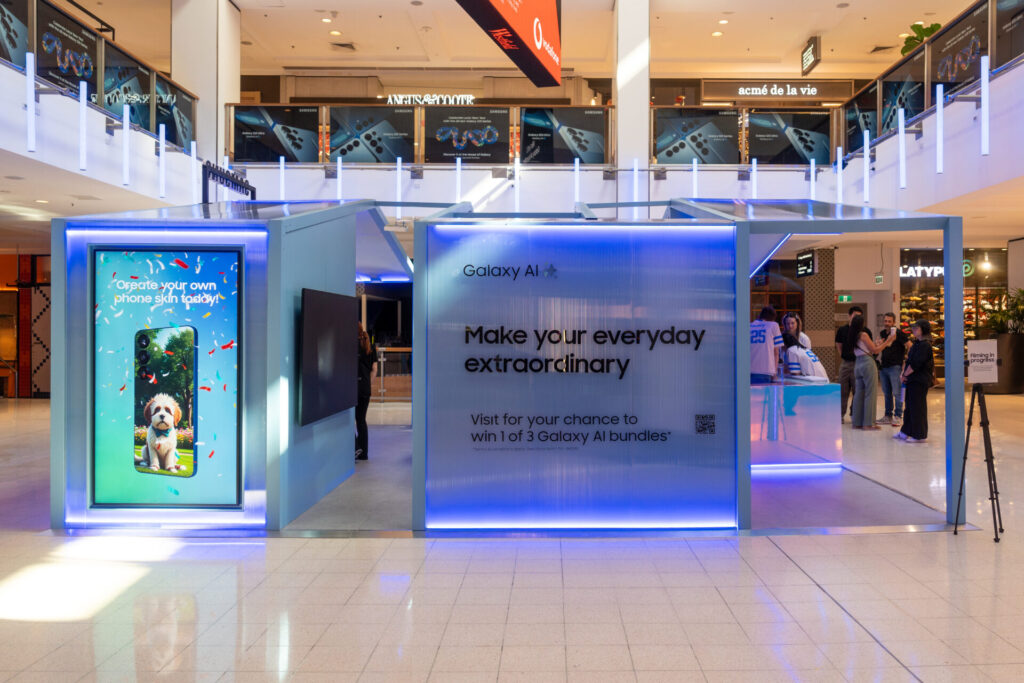
But when it comes to the technology behind designing and making these incredible displays, Australia-based Project Station relies on Autodesk Fusion to fuel their momentum and reach even higher heights.
“We’re just on this growth trajectory, mainly focusing now on retail industry exhibitions,” says Phil Dyer, founder, Project Station. “We can make these very elaborate, timely displays and pop-ups, whether it’s for the holidays or other marketing goals. Fusion is the only product we use from start to finish.”
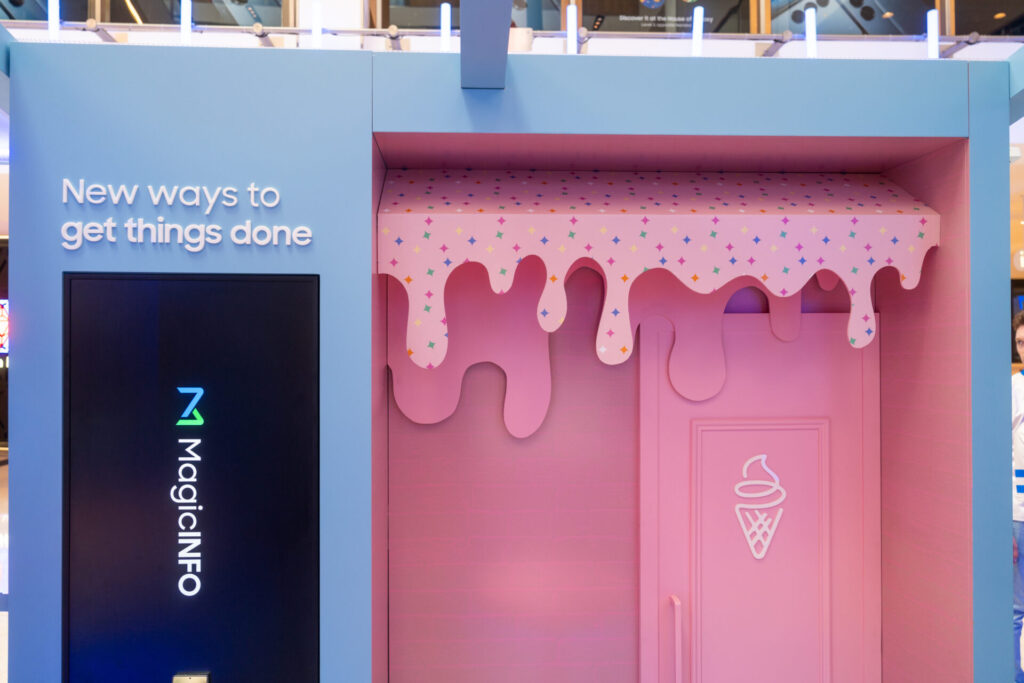
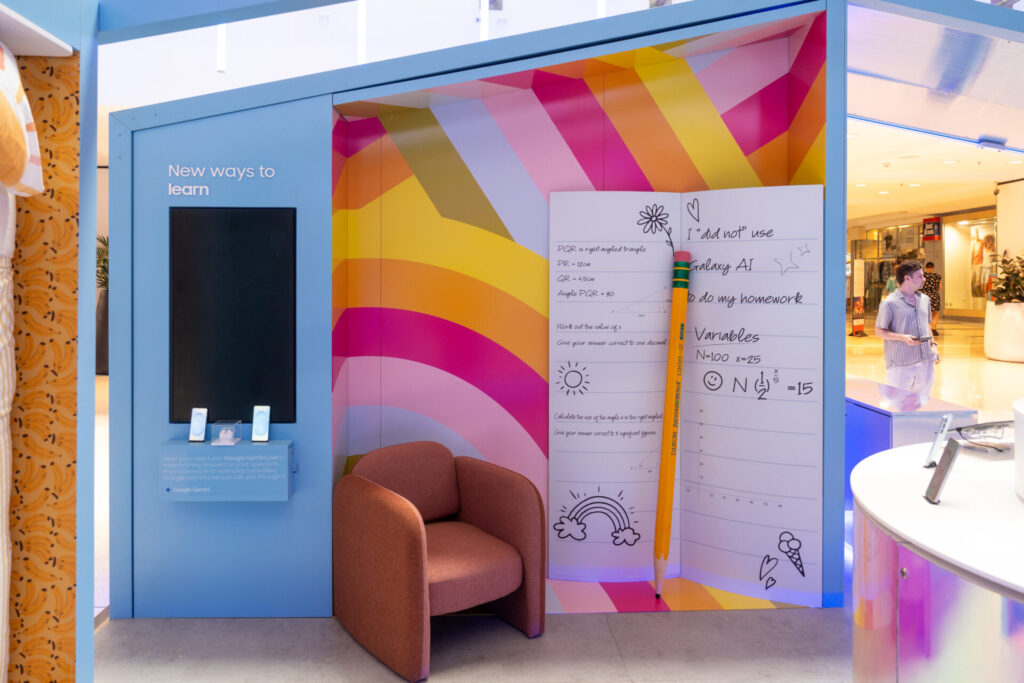
Recently, Project Station completed three major displays for Samsung to highlight Galaxy AI technology in major retail centers. But to call it a display is putting it mildly. These immersive houses featured rooms depicting a daily routine and how AI could help enhance it. The sheer size was one thing, but it also came down to paying attention to the smallest details that made an impact, too.
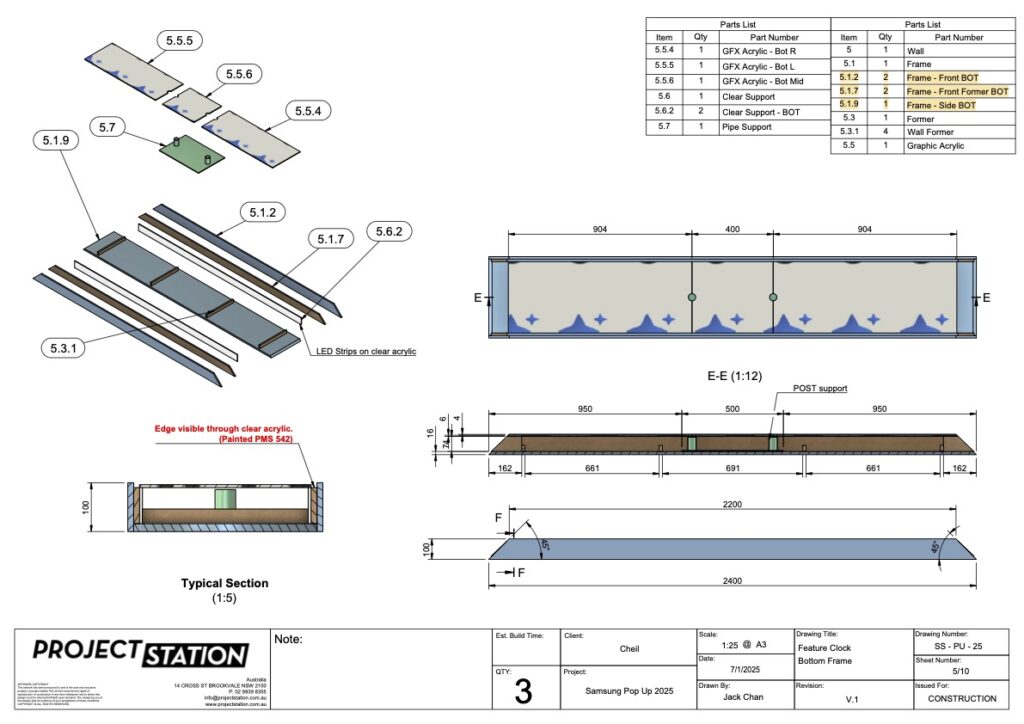
“One component was a clock all about AI and matching it to your life,” Dyer says. “Each hour featured a different activity in a person’s day, such as a dinner plate or an office chair. Fusion made it possible for us to design these intricate miniatures quickly and then 3D print them to provide another custom element for Samsung.”
Using Fusion from start to finish
In addition to the retail pop-ups and displays, the company also provides exhibition booths, commercial joinery, and fit-outs for bars and restaurants. Project Station relies entirely on Fusion to model every project they take on, whether it begins with a client-provided file or a sketch from scratch. About 95 percent of the time, they remodel everything in Fusion to match the exact specifications of how it will be manufactured.
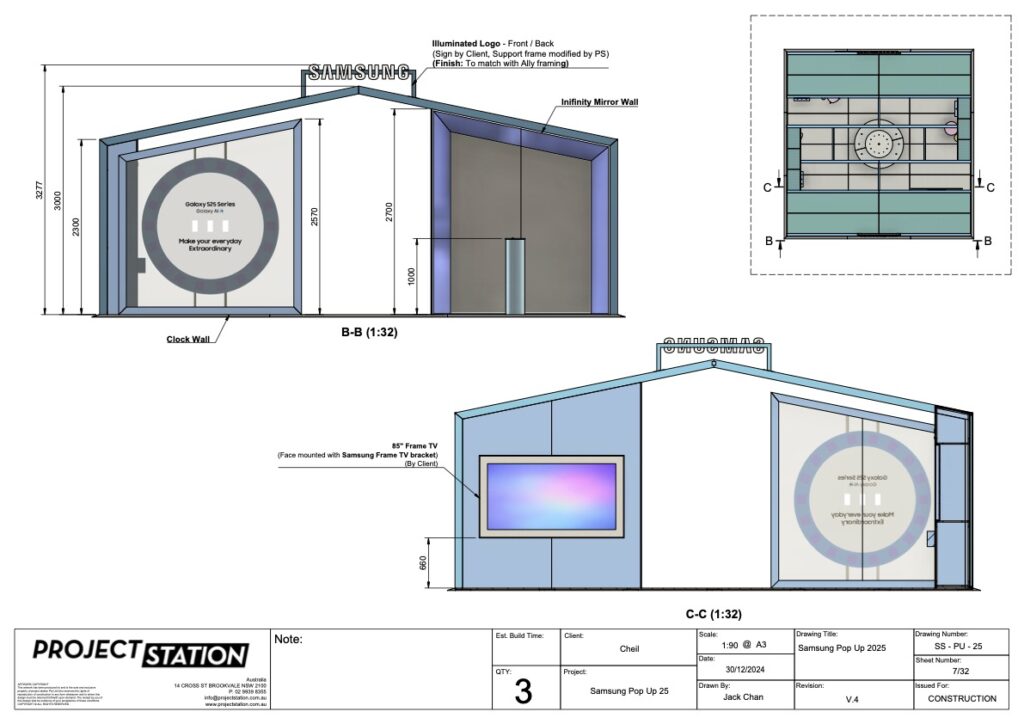
“As you can imagine, there’s a lot of creativity involved in a display,” Dyer says. “It might be a 3D flower or something very complex. We draw all that up in true detail with Fusion. We can also do color renderings and help bring it to life.”
Unlike other software programs built strictly for cabinetry, Fusion gives them the flexibility to handle a wide range of design and manufacturing challenges, modeling each component to ensure nothing is overlooked when it comes time to manufacture and build.
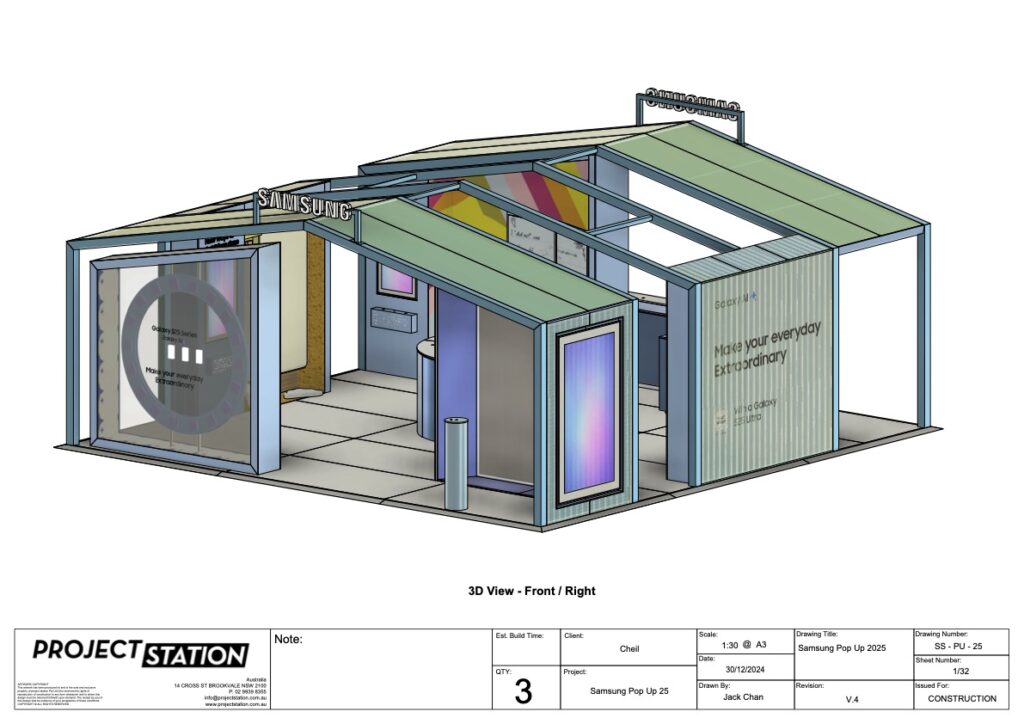
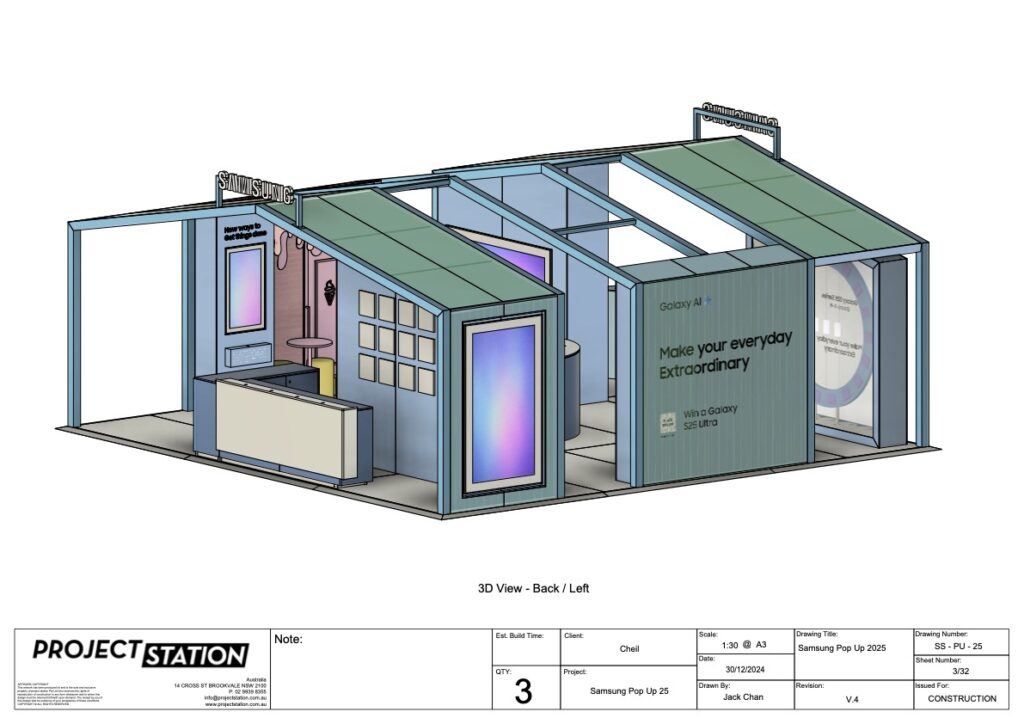
Integrated manufacturing tools in Fusion power their entire production workflow. The team uses the Manufacturing Extension to flatten components, nest parts onto sheets, generate toolpaths, and send files directly to CNC and laser machines. The extension also enables automatic label generation, streamlining the handoff to production.
This detailed, end-to-end approach allows Project Station to go from concept to fabrication efficiently and accurately within a single platform.

Elevate your design and manufacturing processes with Autodesk Fusion
“With our former process, we were using MicroStation for design, and it’s more like an engineering program and didn’t meet all our needs,” Dyer says. “We used various programs after the design was done in MicroStation to do the toolpath and create all the files. Then we had to import it into another program. It was a really clunky way of doing things.”
“We decided to try Fusion and thought it was great,” he continues. “We were still having some issues with tool pathing, but we spoke to the Fusion support team and found out about the Manufacturing Extension. We use that now for all the CNC files and nesting. It’s all in one package, and everything is streamlined and efficient.”
“Using the cloud with Fusion makes it easy for everyone to save, access, and reuse files instantly, even from past projects. Everything lives in one place, so our account managers and design and production teams can pull up files without any hassle. It’s 100 percent beneficial to be in the cloud. It’s just much better.”
—Phil Dyer, Founder, Project Station
Gaining a business advantage with Fusion
Dyer is a firm believer that you can expand your business quickly using Fusion. Collaboration in the cloud, powerful CAD/CAM capabilities, and affordable subscriptions combined help fuel growth and efficiency.
“Fusion is not a huge overhead, and you can easily pick up another affordable license when you hire more people,” Dyer says. “Plus, it’s user-friendly. Even if someone is coming out of university and has learned another program, they can pick it up quickly.
“Fusion is both flexible and powerful,” he continues. “If there’s something you need it to do, there will be an extension for it. It can do everything.”