-
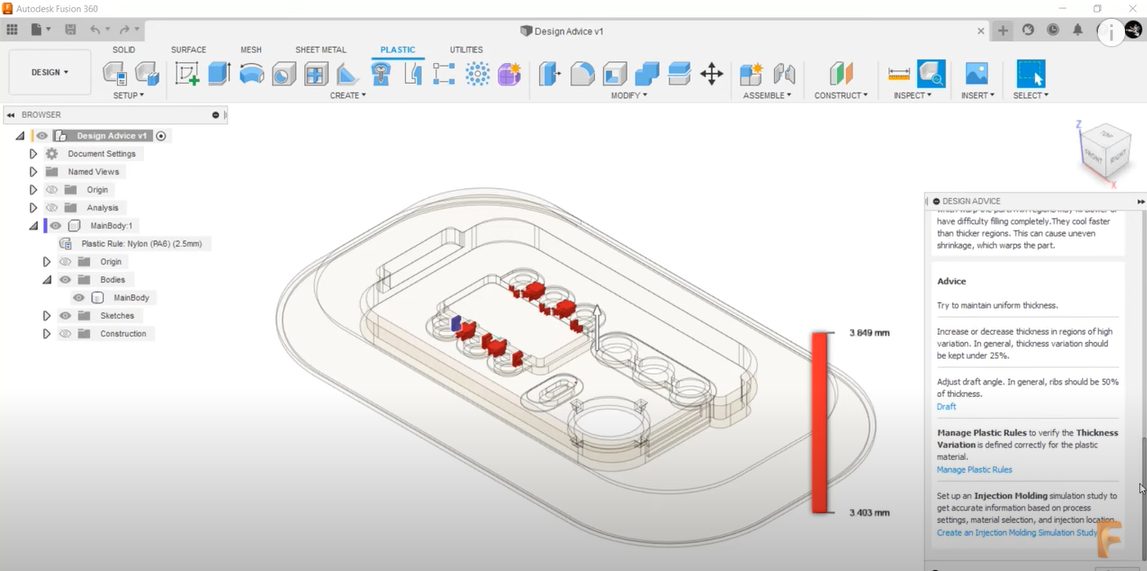
Design Advice: Make Better Design Decisions in Fusion 360
Design Advice allows you to identify manufacturability concerns based on best practices for plastic injection molding and provides recommendations to address them in Fusion 360. Let’s walk through the new features now available in the Fusion 360 Product Design Extension. To begin, you’ll want to open a 3d design in Fusion 360 that contains a…
What's New
-
March 2022 Product Update – What’s New
This is one of our biggest updates of the year, and includes new features in Design, Electronics, Drawings, Manufacture, and much more.
News
-
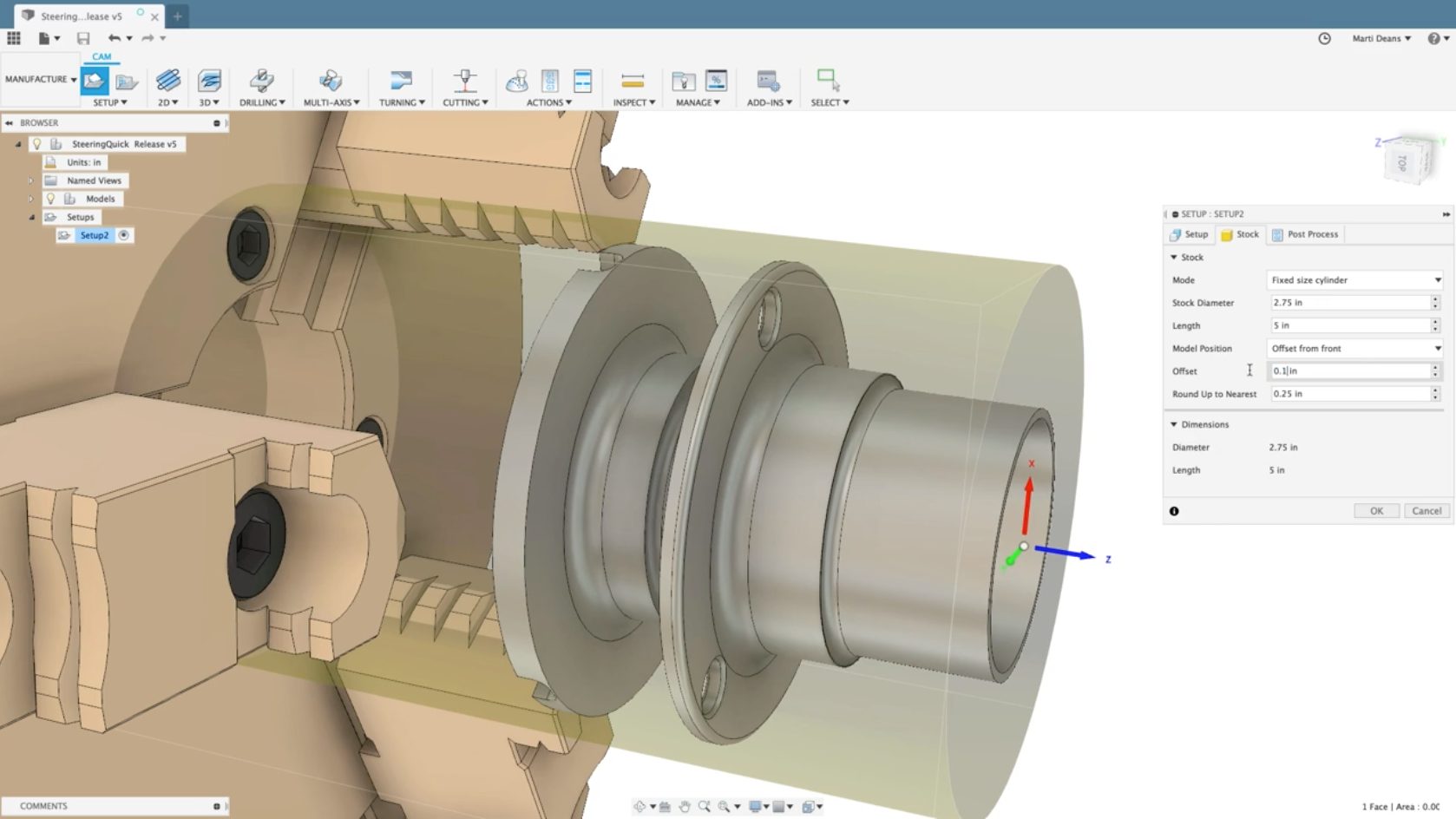
A Look at Turning Features in Autodesk Fusion 360
Learn about the five subfeatures of turning in Fusion 360 and how leveraging them can help your next project.
Machining
-
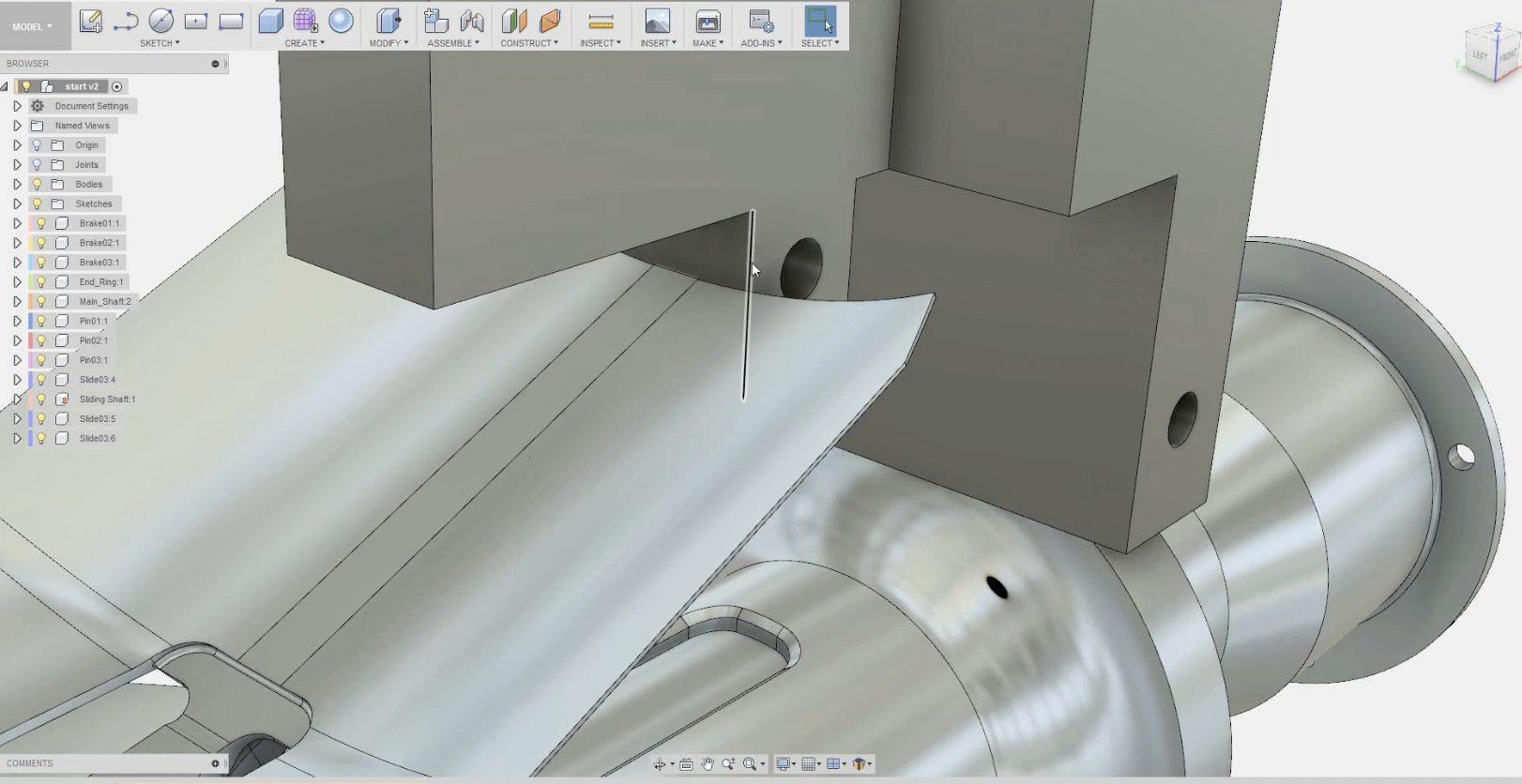
Bring Your Sketches To Life With Direct Modeling in Fusion
Learn about the advantages of direct modeling in Fusion 360 and how it differs from parametric modeling with this short overview.
Industrial Design
-
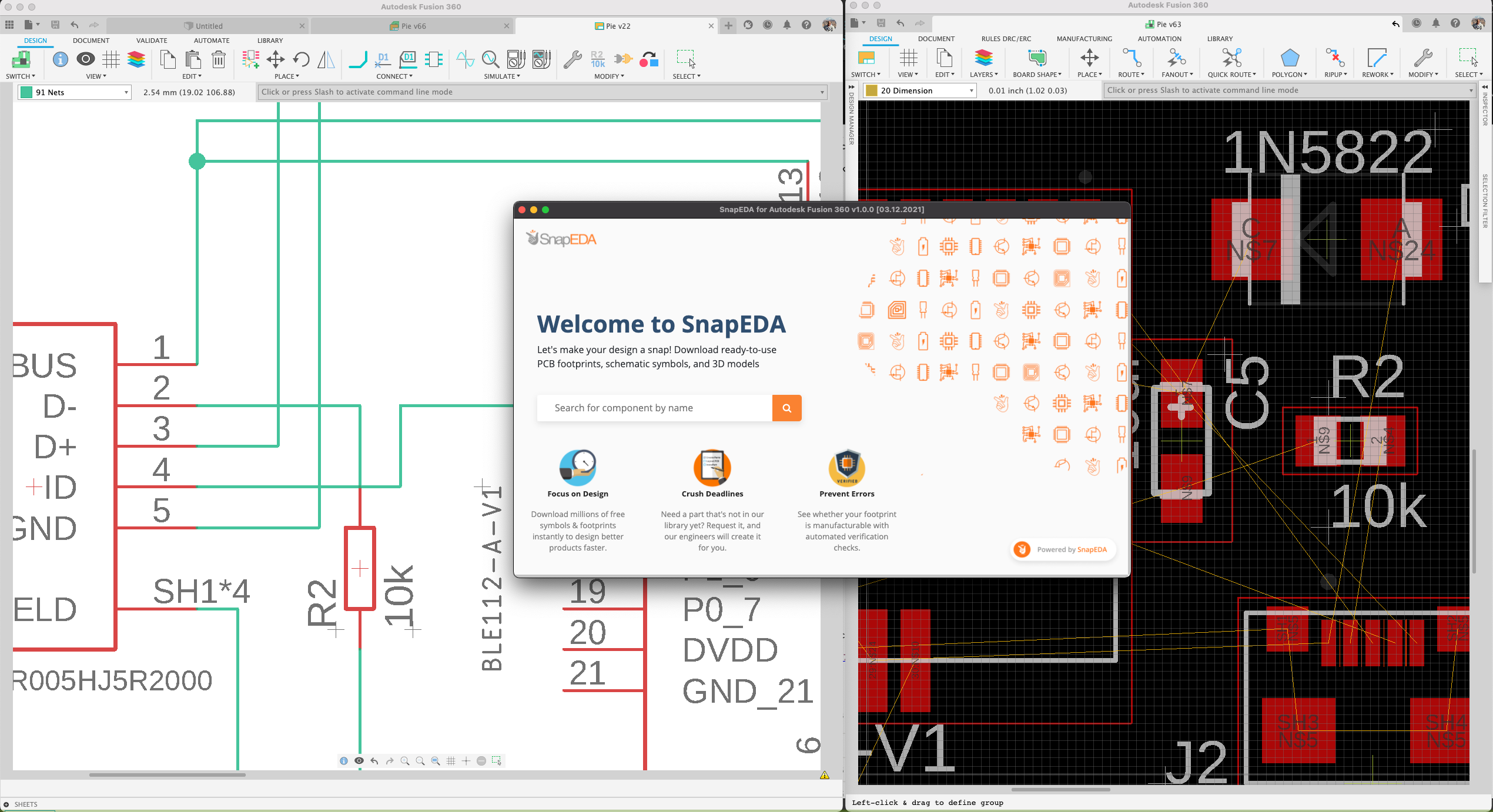
The SnapEDA Fusion 360 App Makes PCB Part Libraries a Snap
Electronics designers can now search and place free cloud-based symbols, footprints & 3D models from SnapEDA directly within Fusion 360.
News
-
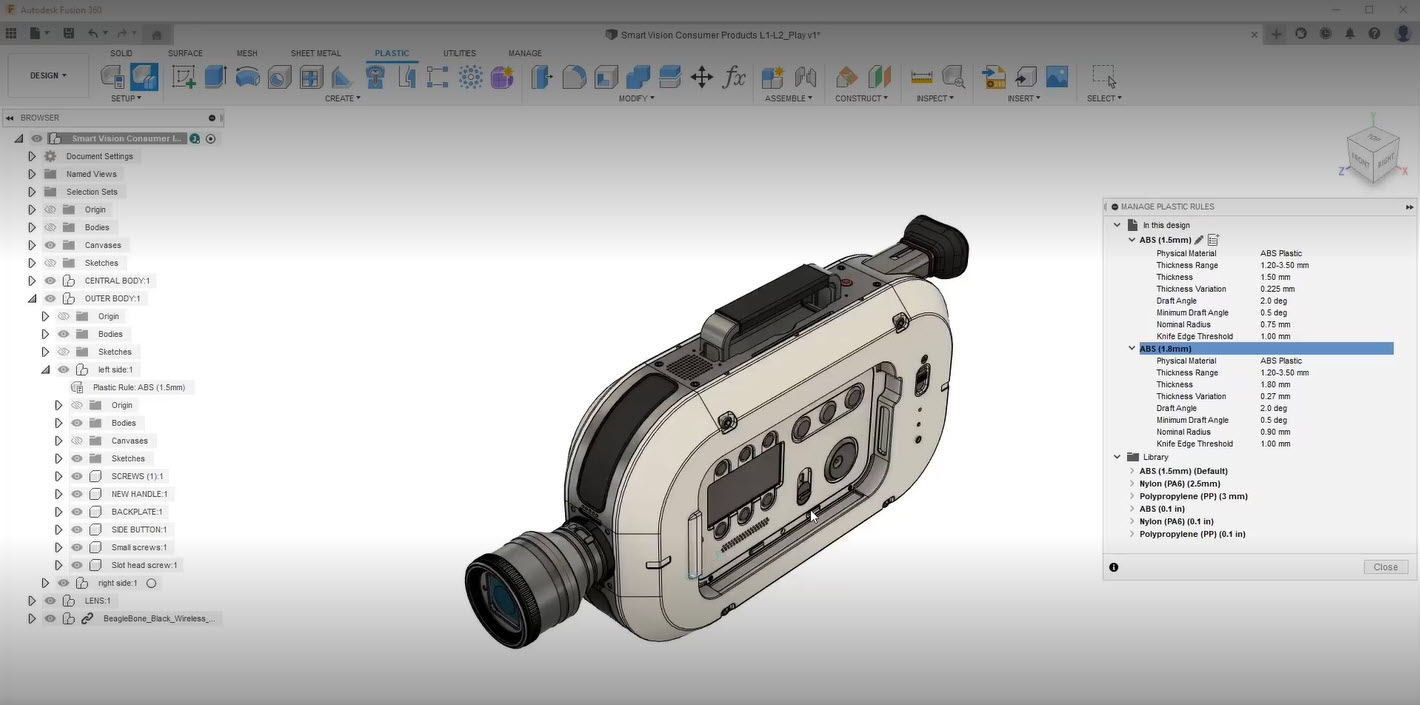
How to Manage Plastic Rules Using the Fusion 360 Product Design Extension
How to create, edit, and manage plastic rules and save them to a library using the Fusion 360 Product Design Extension.
Industrial Design
-
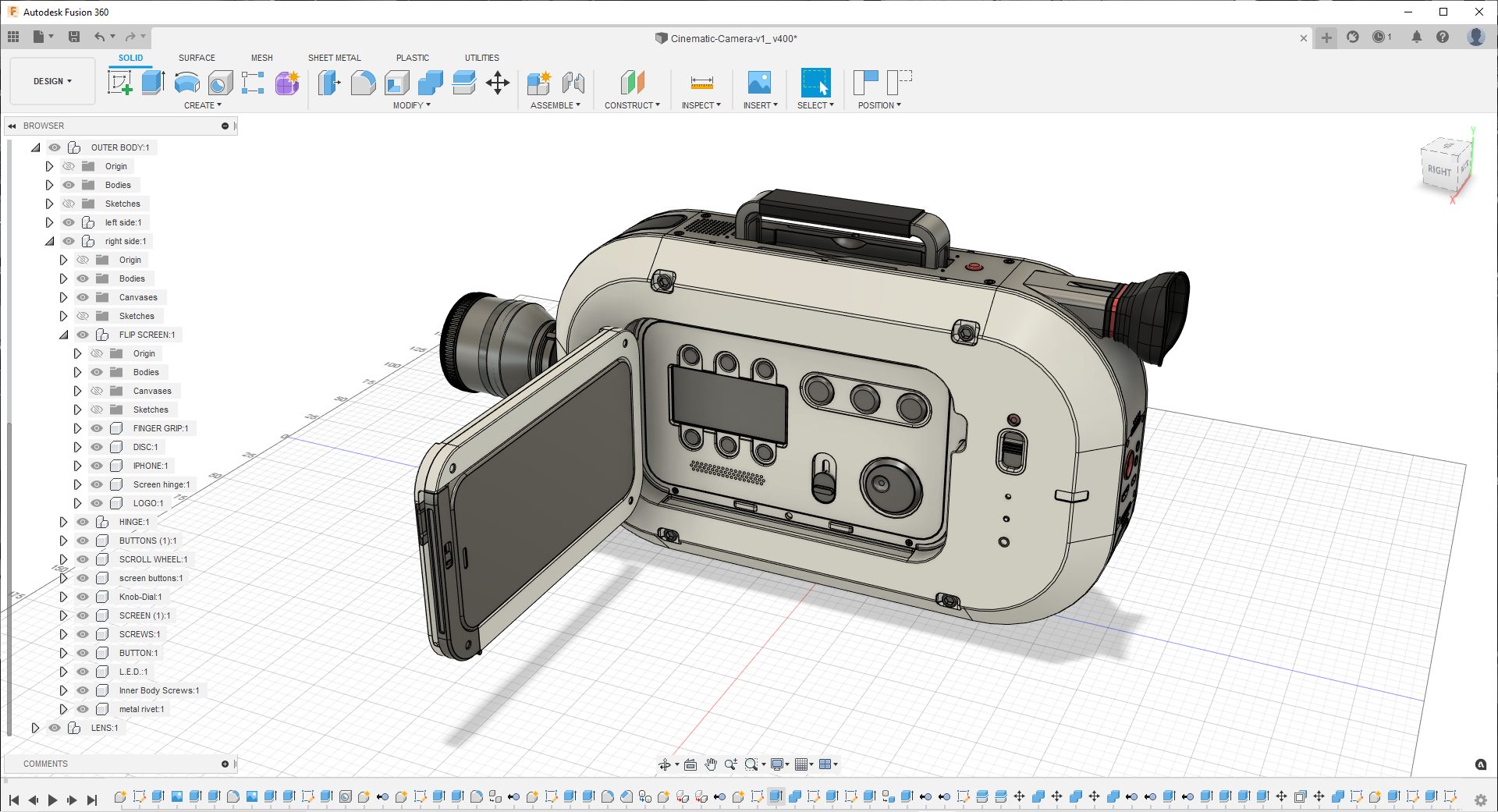
Allan Williams Puts a New Lens on Concept Design with the SmartVision Camera
A behind-the-scenes look at the retro-futuristic SmartVision camera, designed by Allan Williams for Autodesk Fusion 360.
Industrial Design
-
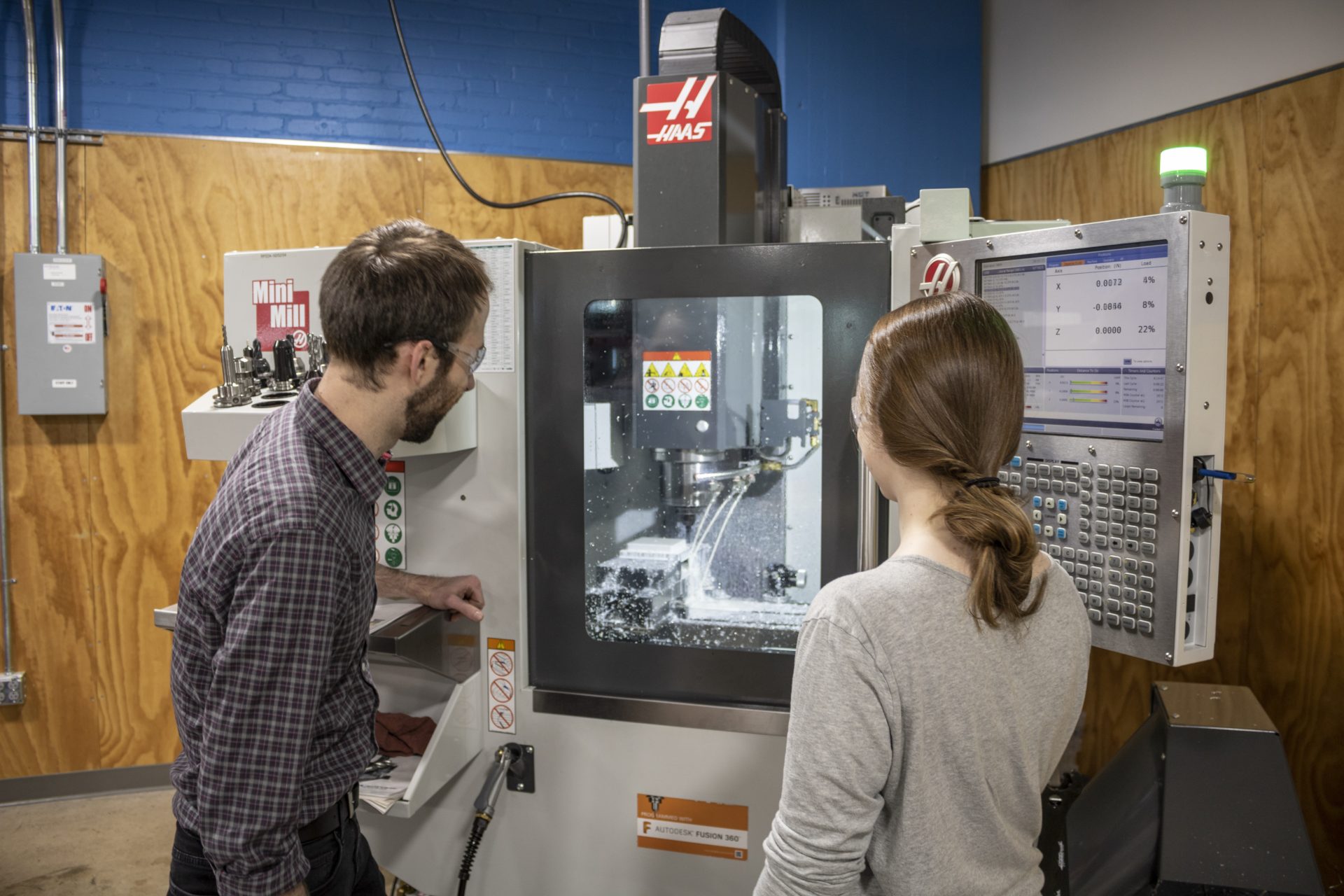
Probing in Fusion 360: Save Time and Resources During Machine Setup
This brief overview covers probing in Fusion 360 and how it makes machine setup quicker before jobs.
Machining
-
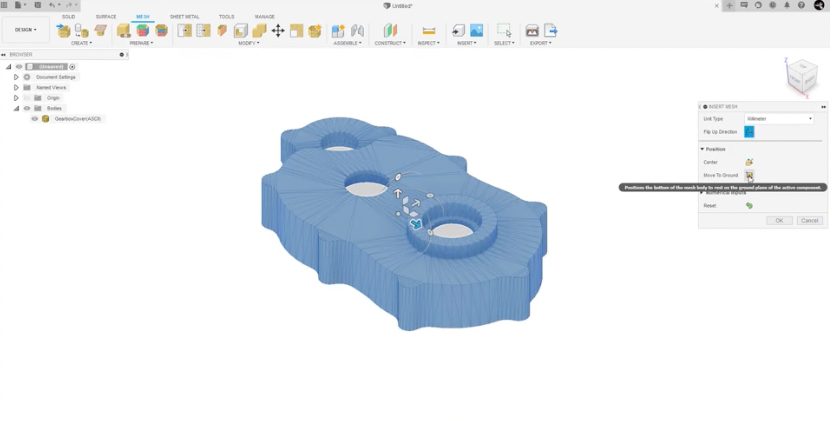
Easily Import & Edit Mesh Data With Mesh Modeling Features in Fusion 360
Learn about mesh modeling functionality in Fusion 360, how it relates to 3D modeling as a whole, and the advantages that come with it.
Industrial Design
-
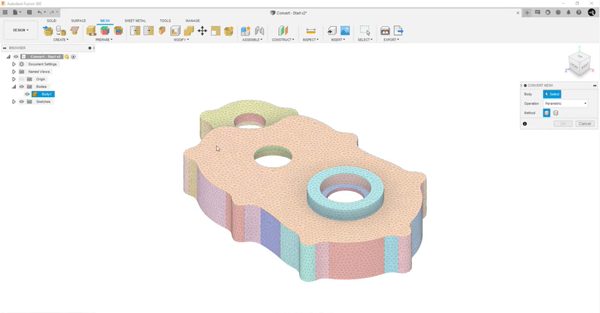
How To Convert a Mesh to a Solid or Surface Body in Autodesk Fusion
Learn how to convert a mesh body to a solid or surface body in your parametric design when using Autodesk Fusion.
Tutorials
-
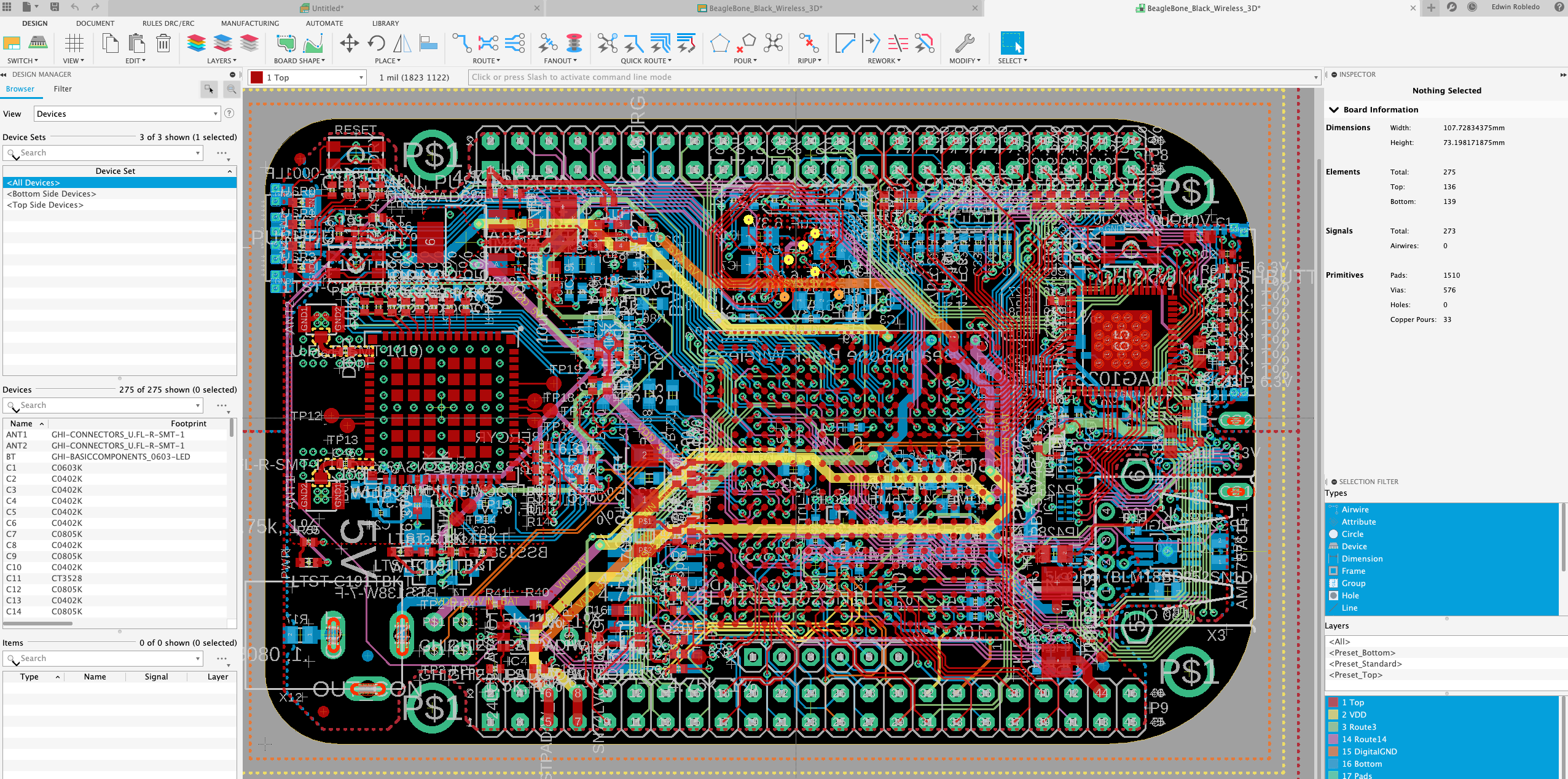
Autodesk Eagle to Fusion 360: How to Edit your Design Files
Edit your Autodesk EAGLE electronic design files with Fusion 360. Read on to learn more.
Electronics Engineering
-
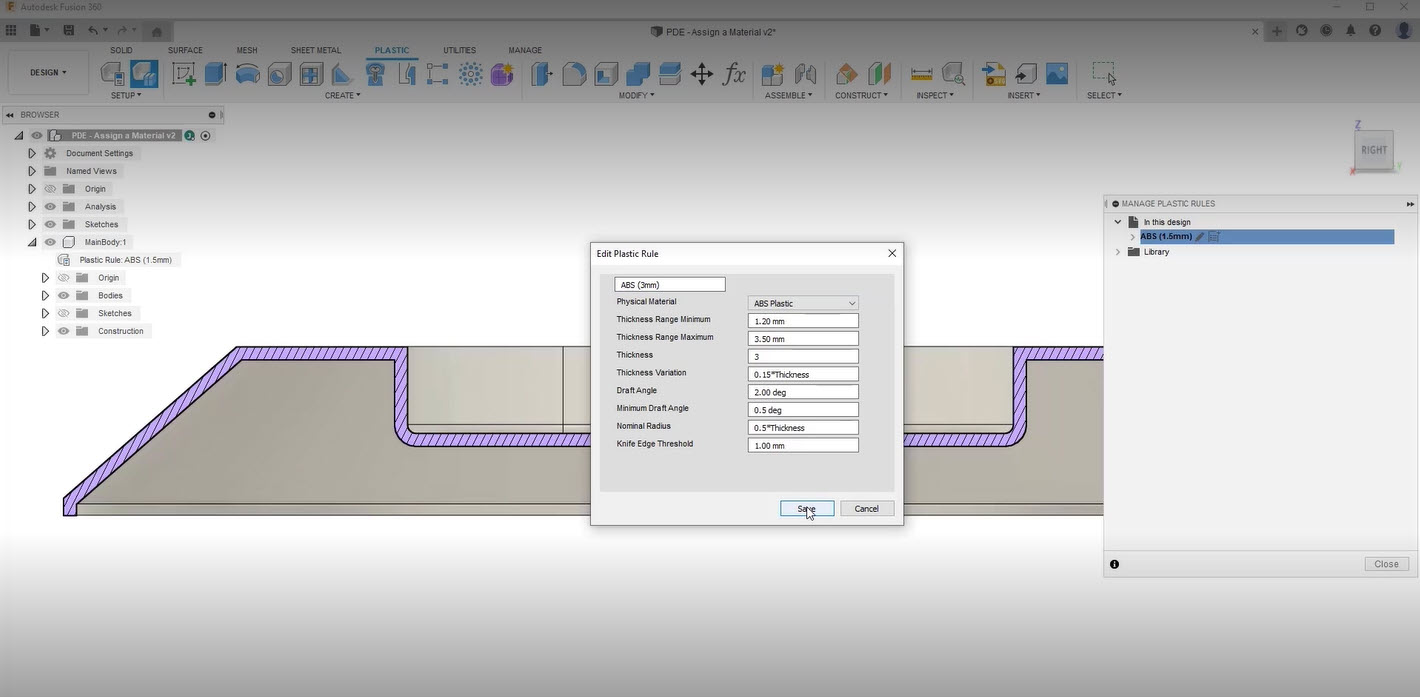
Assigning Plastic Rules To Your Designs With the Fusion 360 Product Design Extension
Assign plastic rules to designs and see how you can assign values to solid features using the Fusion 360 Product Design Extension.
Industrial Design
-
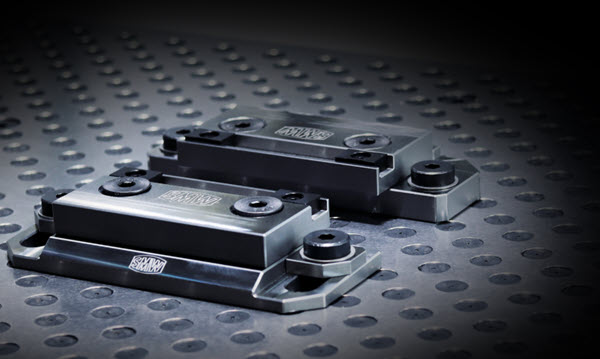
Understanding the Top 10 CNC Fixturing Types
Discover the ten most common types of fixturing and what type of fixturing is best for your milling project in this CNC fixturing overview.
Machining
-
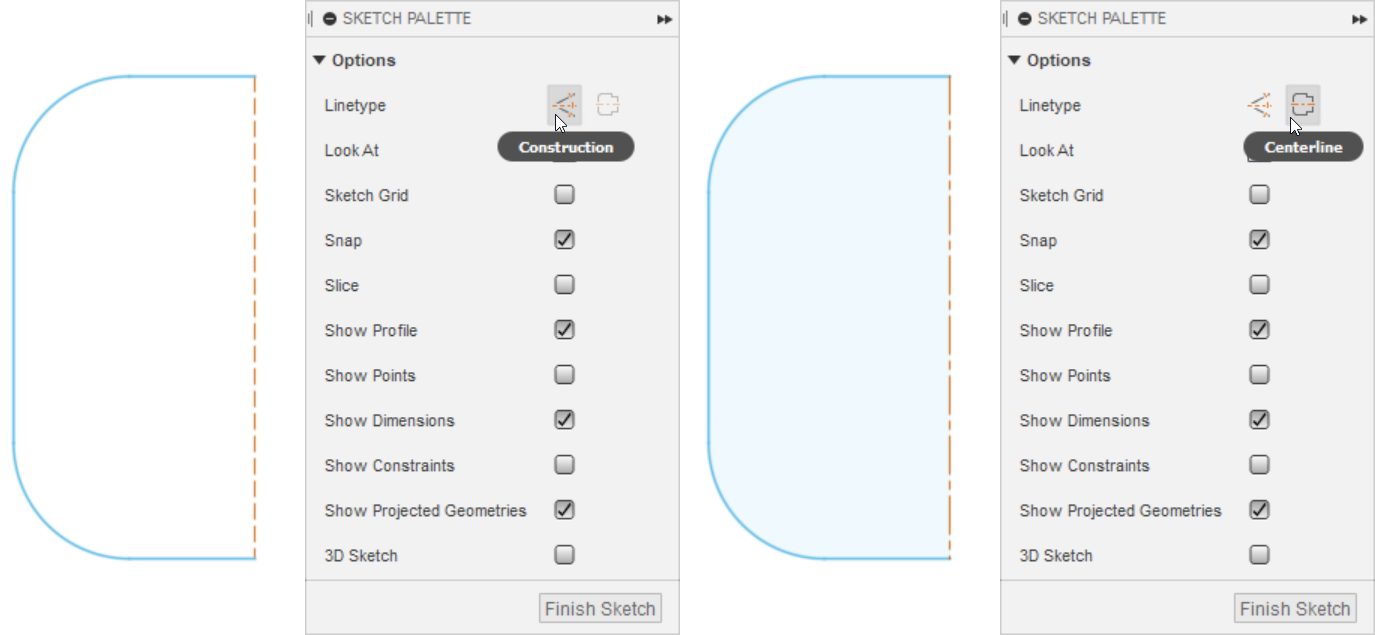
How To Create and Modify Sketch Geometry in Fusion 360
Create and modify basic 2D sketch geometry that you can use to create 3D solid, surface, or T-Spline bodies in Fusion 360.
Getting Started
-
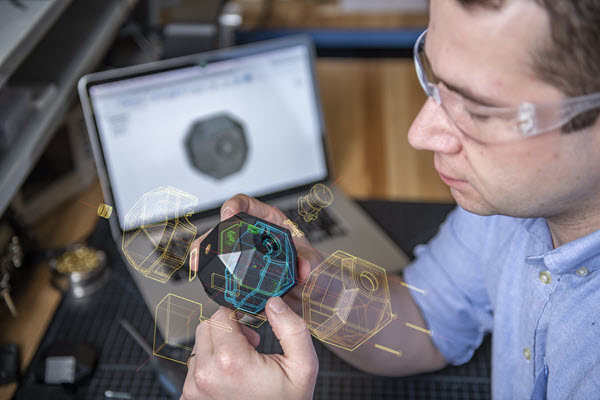
Why Industrial Designers Should Know Basic PCB Design
Learn why Fusion 360 allows for easy printed circuit board (PCB) design for industrial designers with ECAD and MCAD integration. Industrial design is a shifting tide that favors innovation. As a result, CAD software, like Fusion 360, is quickly evolving and becoming more robust, allowing for easier printed circuit board (PCB) design for industrial applications.…
Electronics Engineering