-
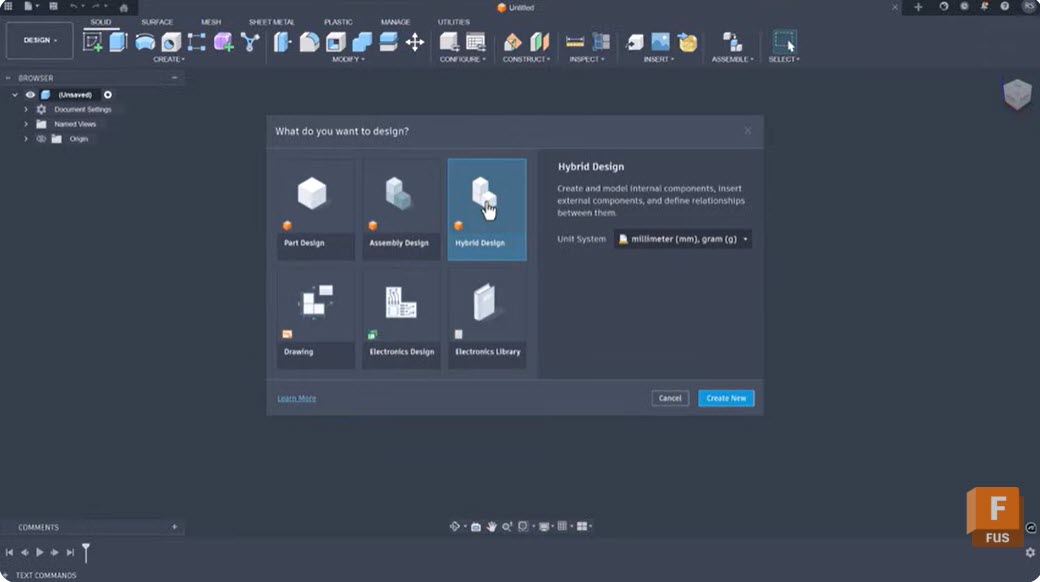
Intent-Driven Design in Autodesk Fusion: What It Is and How It Changes Your Modeling Workflow
Learn how intent-driven design in Fusion uses constraints, parameters, feature history, and assembly relationships to create models that are easier to modify, reuse, and scale as product requirements evolve. Most CAD workflows begin with geometry. Designers sketch profiles, create features, apply dimensions, and move on. The challenge often comes later, when requirements change and someone…
Product Design & Engineering
-
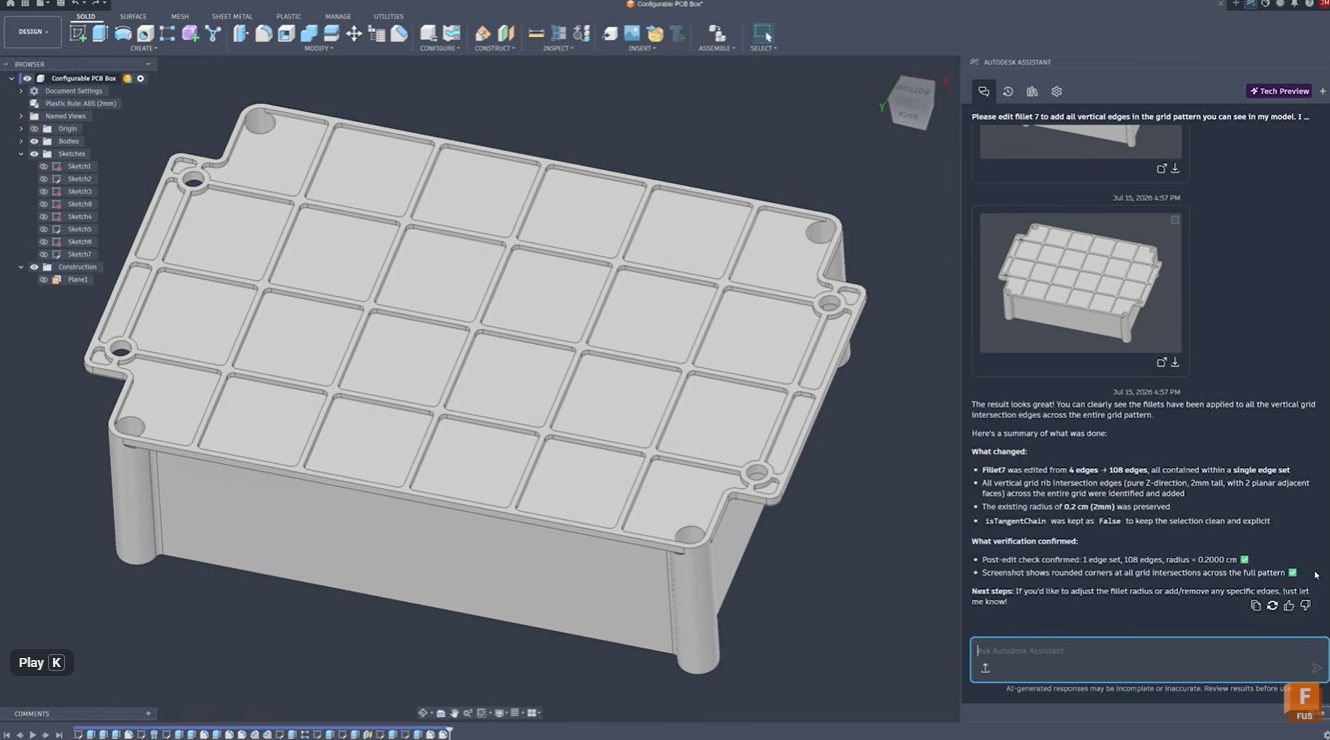
Stop Clicking Every Edge: Automate Fillet Selection with Autodesk Assistant in Fusion
Learn how Autodesk Assistant helps automate fillet selection in Autodesk Fusion by recognizing repetitive geometry patterns, reducing manual work, improving accuracy, and keeping design timelines clean. Stop clicking every edge: Automate fillet selection with Autodesk Assistant Whether you’re designing injection-molded parts, lattice structures, housings, or complex mechanical components, selecting dozens or hundreds of similar edges…
Product Design & Engineering
-

September 2026 Major Product Update – What’s New
September brings new Scene Lights, expanded sheet metal and PMI workflows, faster performance, and more. Explore everything new in this update. Minor Update Our latest minor update brings several important fixes and improvements to enhance your experience. Click to learn more. Highlights v.2705.1.11 – September 3, 2026 The September update is a big one for Fusion,…
What's New
-
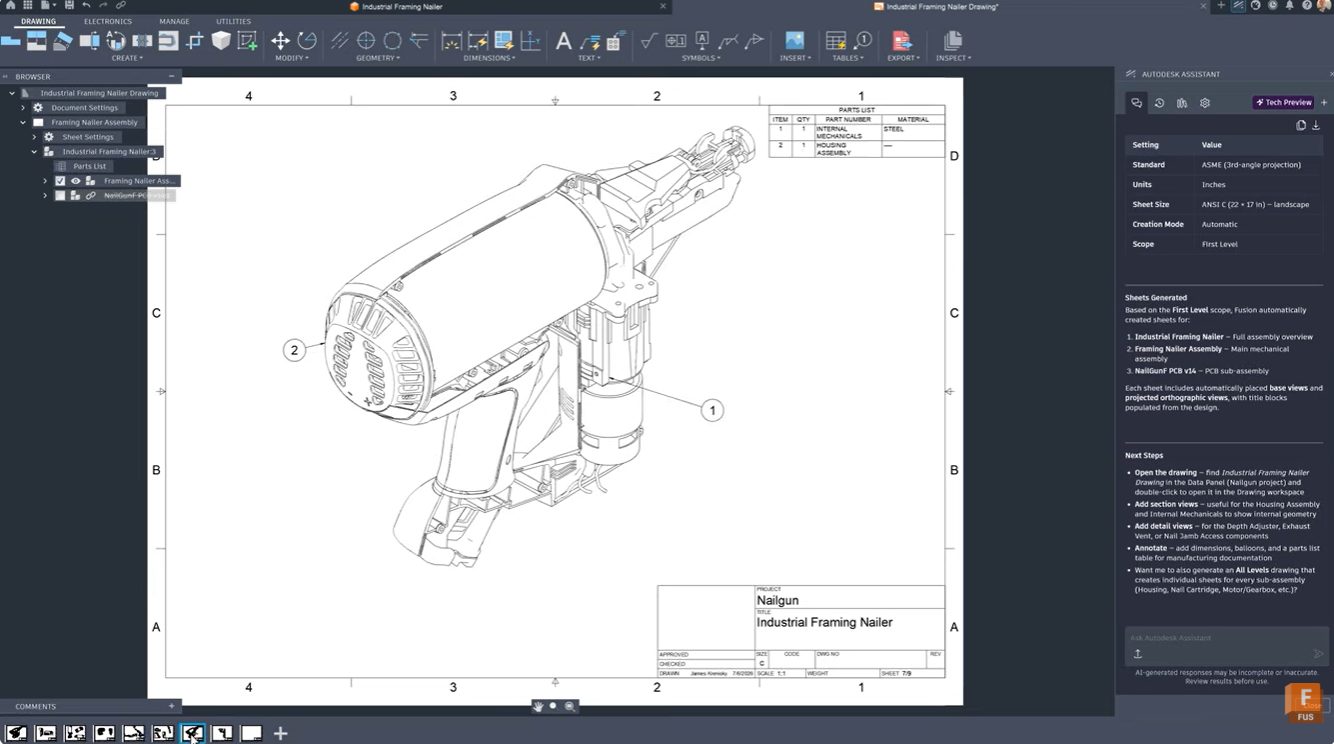
From 3D Model to Manufacturing Drawing: Automate Documentation with Autodesk Assistant
Learn how Autodesk Assistant in Fusion helps automate drawing creation, view placement, and dimensioning, reducing documentation time and helping teams create professional technical drawings faster. For many engineers and product designers, generating manufacturing drawings is one of the most time-consuming parts of the workflow. Selecting templates, configuring standards, placing views, and adding dimensions can take…
Product Design & Engineering
-

How AI Is Reshaping Product Development: Fusion Sessions You Can’t Miss at AU 2026
Explore Autodesk Fusion sessions at AU 2026 covering AI-assisted design, engineering, manufacturing, and product development, and see how teams are combining AI with human expertise. The most successful design and manufacturing teams are using AI to automate repetitive tasks, generate options, analyze data, and accelerate workflows, while relying on human creativity, engineering judgment, and manufacturing…
Fusion
-
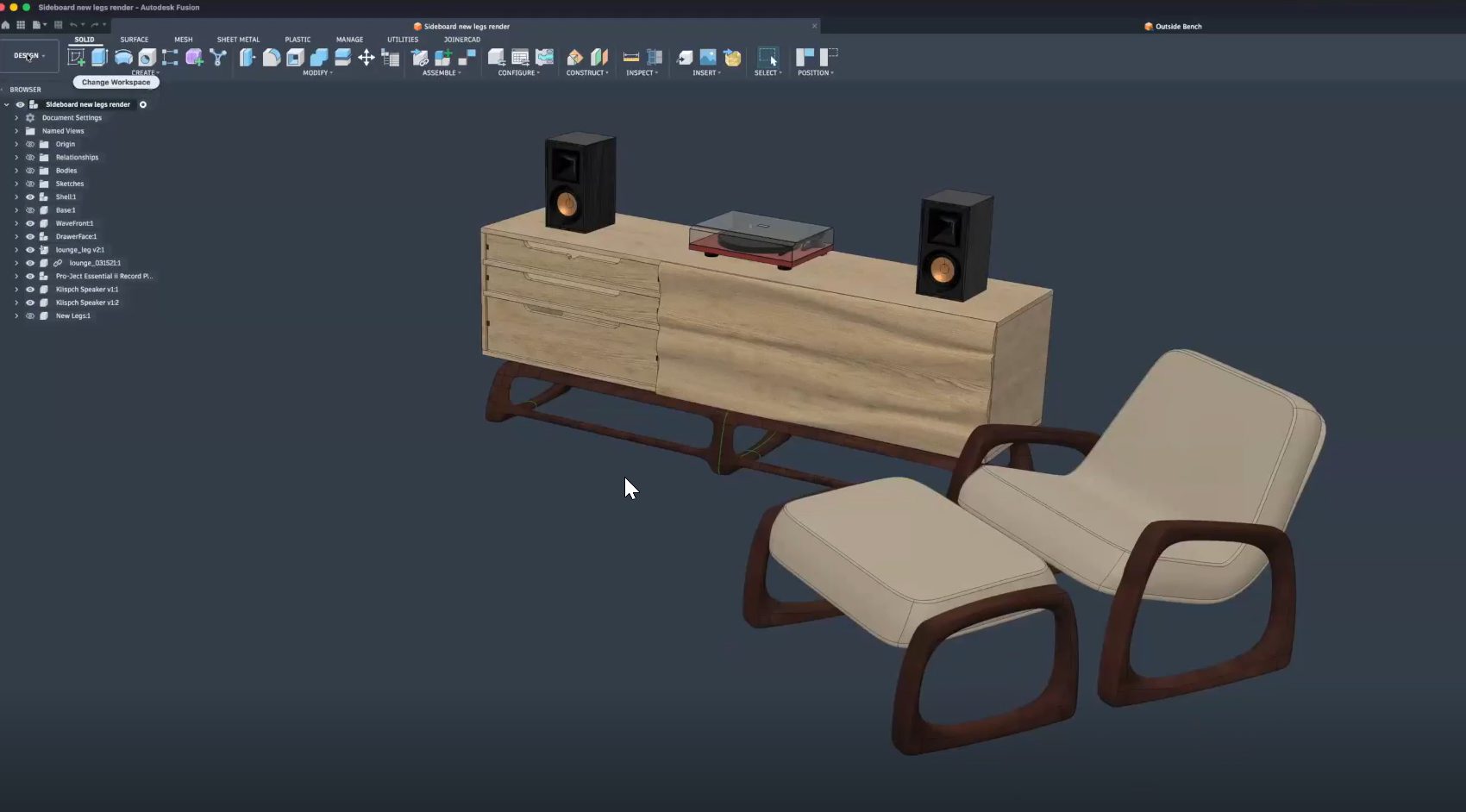
From Design to CNC: Streamlining Furniture Production with Autodesk Fusion
Learn how furniture manufacturers can streamline production from CAD to CNC using Autodesk Fusion to connect design, toolpaths, nesting, and machines in one workflow, reducing errors and rework. Furniture manufacturers face growing pressure to deliver customized products faster, without sacrificing quality or margins. As product variety increases and timelines shrink, disconnected software and manual handoffs…
Fusion
-

Partner-Led Fusion Sessions: Exploring the Future of Product Development at AU 2026
Explore the top partner-led Autodesk Fusion sessions at AU 2026 featuring Naya, Vizcom, and Avnet as they talk about all things related to AI, product development, automation, and connected workflows. Product development is increasingly connected. Designers, engineers, manufacturers, and product teams are no longer working in isolated systems. AI, automation, supply chain intelligence, and collaborative…
Fusion
-
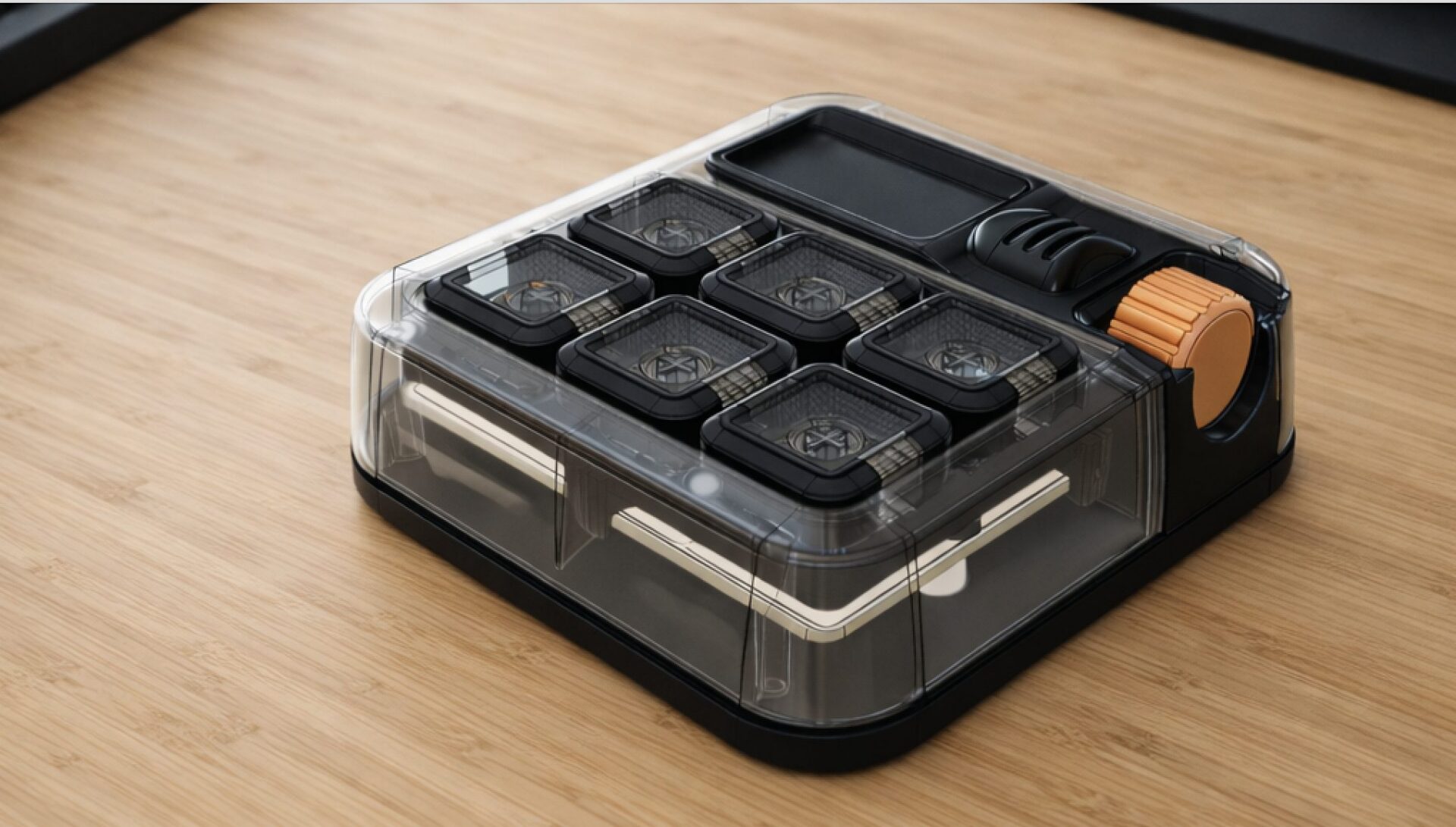
Introducing the Autodesk (micro) Macro Keypad at AU2026
Celebrating 10 years of the Factory with the next evolution of the Autodesk Keypad. This year marks the 10th anniversary of the Factory Experience. Since its debut at Autodesk University in 2016, the Factory has showcased the complete product development journey from concept and design to manufacturing and production through a new, hands-on product each year.…
Fusion
-
Autodesk University 2026: Must-Attend Design & Manufacturing Sessions
Planning your AU 2026 schedule? Don’t miss these Autodesk Fusion sessions on design, engineering, manufacturing, AI, collaboration, and the digital thread. Every year, Autodesk University brings together designers, engineers, manufacturers, and innovators to learn from industry leaders, discover new workflows, and see where Autodesk technology is headed next. AU 2026 is no exception. Whether you’re…
News
-

Built-in PDM and PLM in Autodesk Fusion: How It Works and Why It Matters for Engineering Teams
Learn how Autodesk Fusion’s built-in PDM and Fusion Manage PLM help engineering teams reduce silos, improve revision control, automate workflows, and maintain a single source of truth across product development. For many engineering organizations, the biggest bottleneck isn’t CAD performance, simulation accuracy, or manufacturing capacity. It’s information. The right design exists somewhere. The latest revision…
Data management
-
Fusion for Personal Use: The Best Free Design and Make Tool You Should Consider Upgrading
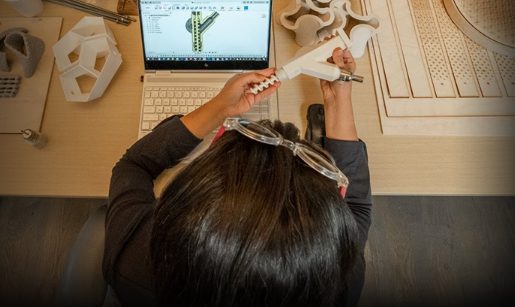
Explore Autodesk Fusion for personal use, including what’s free, feature limitations, and when it’s time to upgrade. Compare Fusion for Personal Use vs. Autodesk Fusion and discover the advanced design, manufacturing, simulation, collaboration, and data management tools available with a full subscription. Maybe you’re designing parts for a 3D printer, building custom furniture in your…
Fusion
-

Autodesk University 2026: Top Product Development Sessions You Should Attend
Discover the top Autodesk Fusion product development sessions at AU 2026 covering AI, PLM, product design, optimization, digital transformation, and connected workflows. Products are becoming more complex, customer expectations are rising, and teams are being asked to deliver faster with fewer resources. At the same time, AI, connected workflows, and digital transformation are creating entirely…
Fusion
-
How AI Is Reshaping the Journey from Sketch to Product With Vizcom and Autodesk Fusion
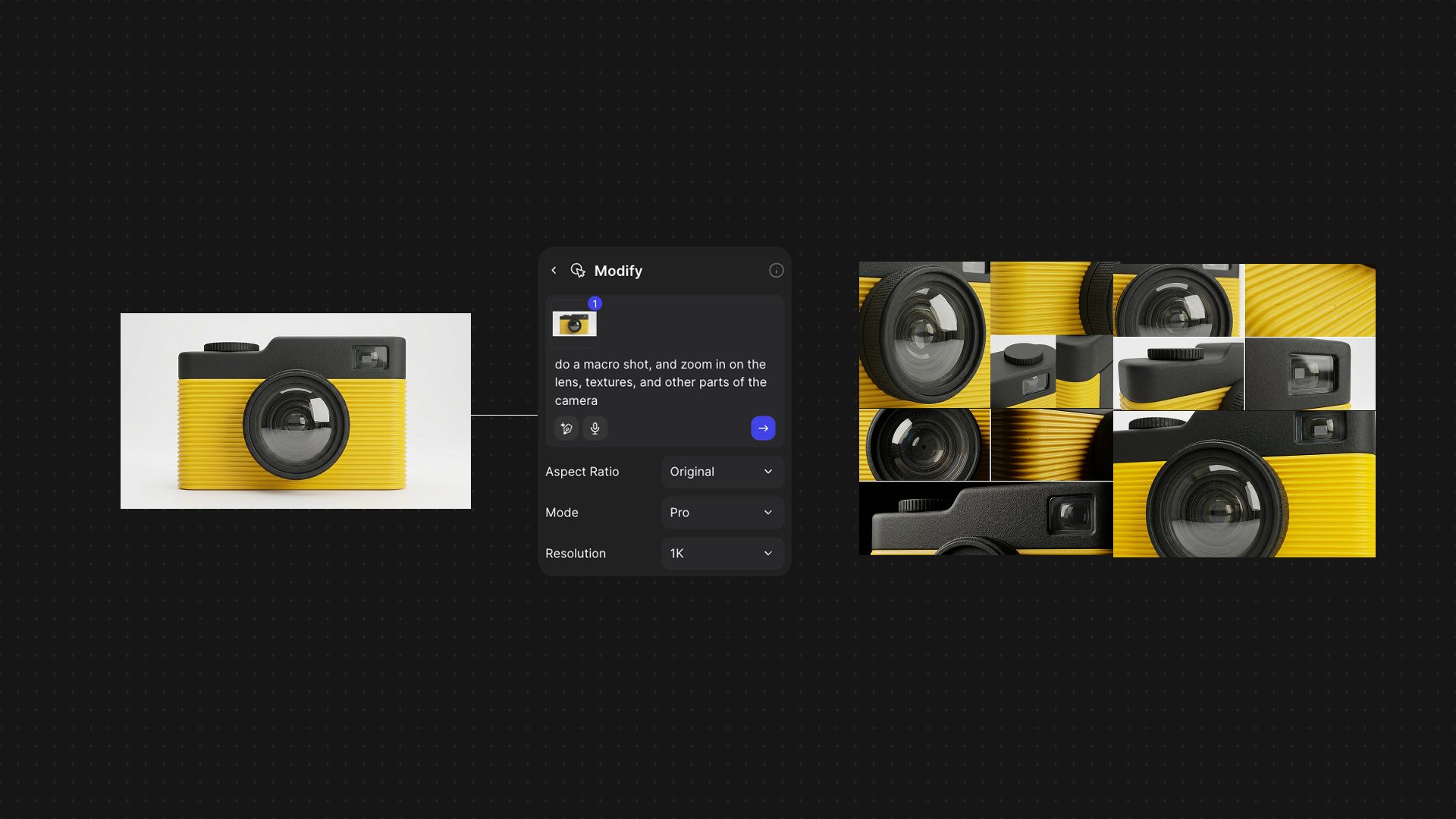
Explore how the Vizcom and Autodesk Fusion integration helps product teams move from AI-powered concept exploration to engineering and manufacturing while preserving design intent and reducing workflow friction. Ideas rarely start in CAD. For as long as digital product development has existed, there has been a gap between early creative exploration and the engineering tools…
Product Design & Engineering
-
BluArmor Drives Smart Motorcycle Helmet Innovation with Autodesk Fusion
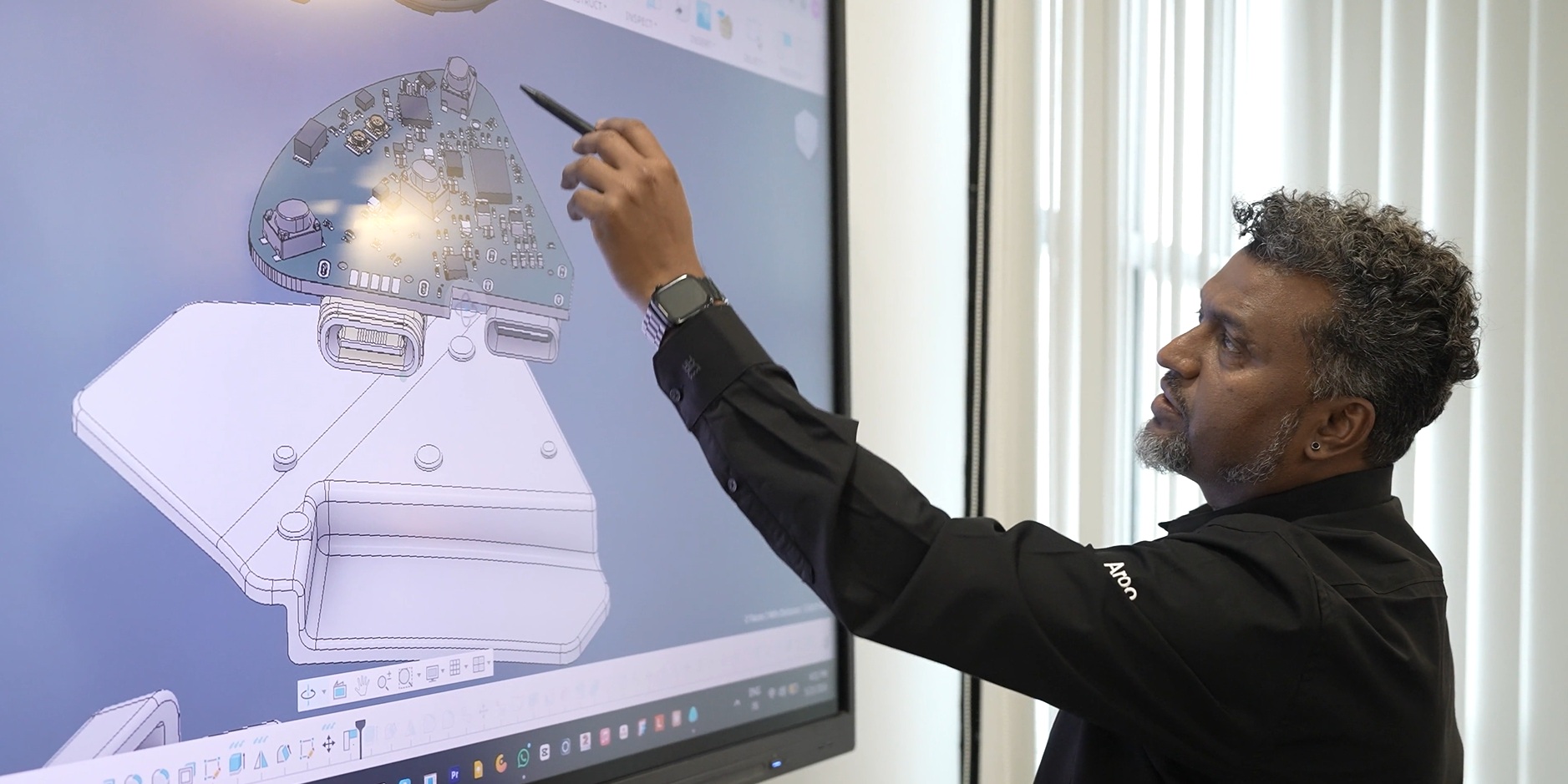
Autodesk Fusion helped BluArmor bring a complex, motorcycle helmet-mounted device to life by unifying design and engineering on a single platform. Using parametric modeling, real-time collaboration, and integrated simulation, the team rapidly iterated complex designs, validated performance for harsh riding conditions in India, and scaled products while reducing prototyping and time to market. Based in…
Case Studies
-
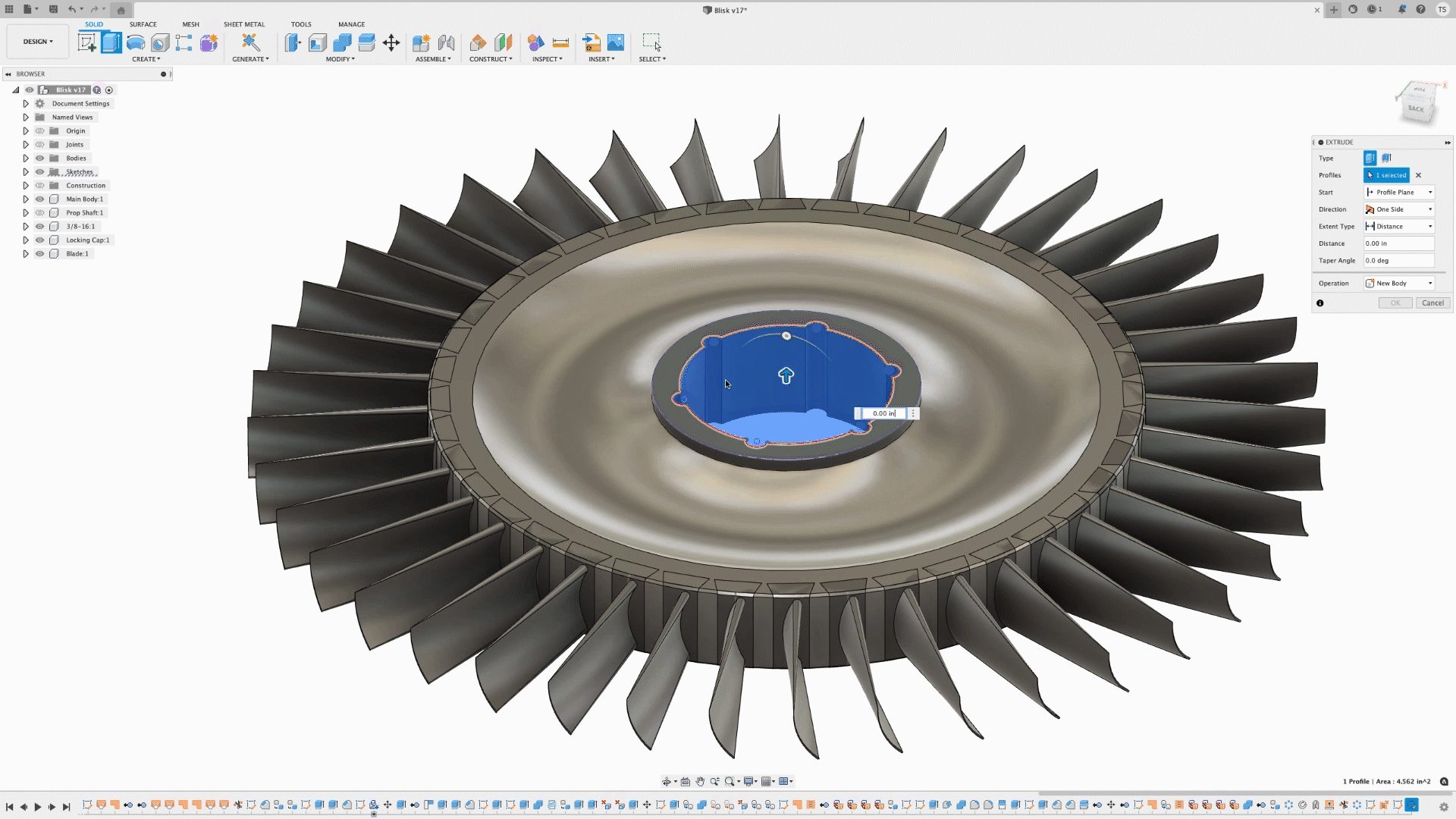
Autodesk Fusion 3D Design Capabilities: A Complete Guide to Parametric, Direct, Surface, Freeform, and Mesh Modeling
Discover the 3D modeling tools in Fusion, including parametric, direct, surface, freeform, and mesh modeling. Learn when to use each approach and how Fusion supports professional product development from concept through manufacturing. When evaluating professional CAD software, one question comes up repeatedly: What types of 3D modeling does it support? The answer matters because different…
Product Design & Engineering