-
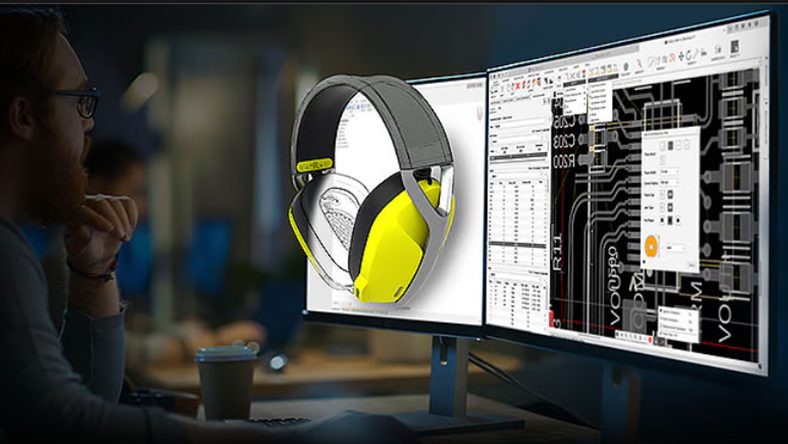
5 Tips to Design Smarter in Fusion
These practical tips will help you design faster, more accurately, and with greater flexibility when using Fusion. 1. Master the S key for design shortcuts The S key opens the Design Shortcuts Menu, a customizable panel that gives you instant access to your most-used commands. Add tools like Fillet, Extrude, Sketch, and Mirror for quick…
Fusion
-
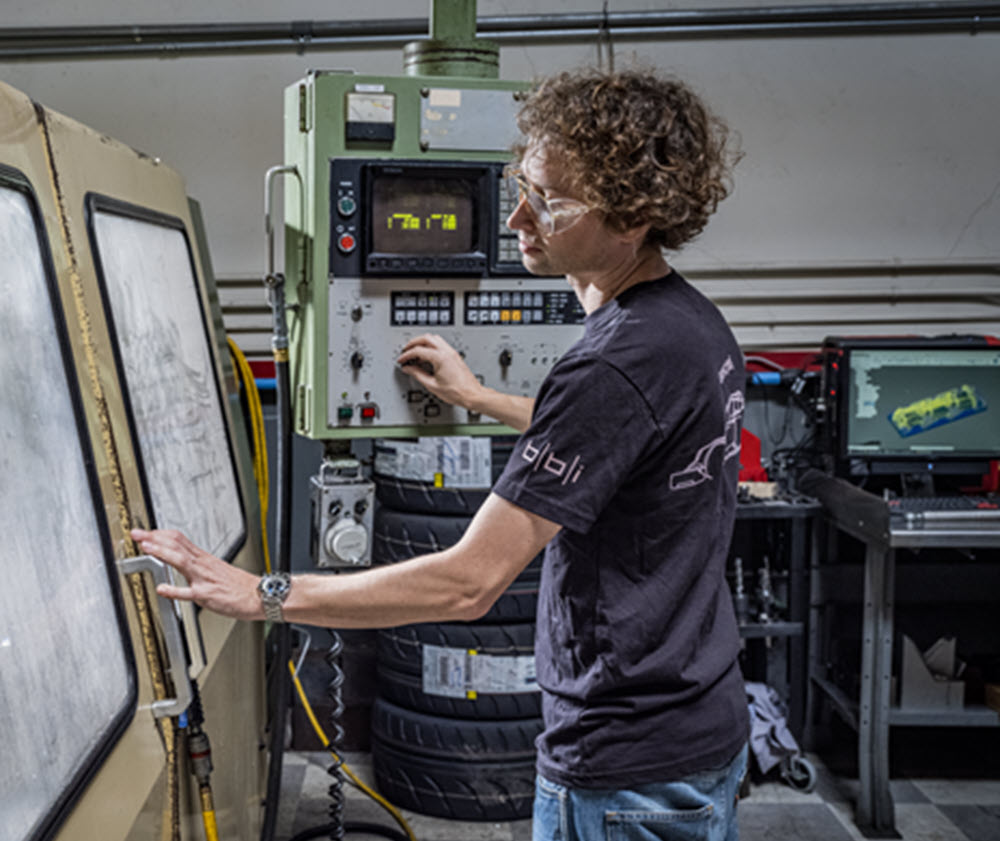
Your CAM Is Costing You: The Fast Track to Modern Manufacturing with Autodesk Fusion
Discover how Autodesk Fusion for Manufacturing can help your job shop overcome programming bottlenecks, reduce downtime, and boost profitability with integrated CAD/CAM workflows. The reality for job shops today If you run a machine shop, you know the daily pressure you face. Customers want shorter lead times, tighter tolerances, and competitive pricing. Meanwhile, skilled labor…
Fusion
-
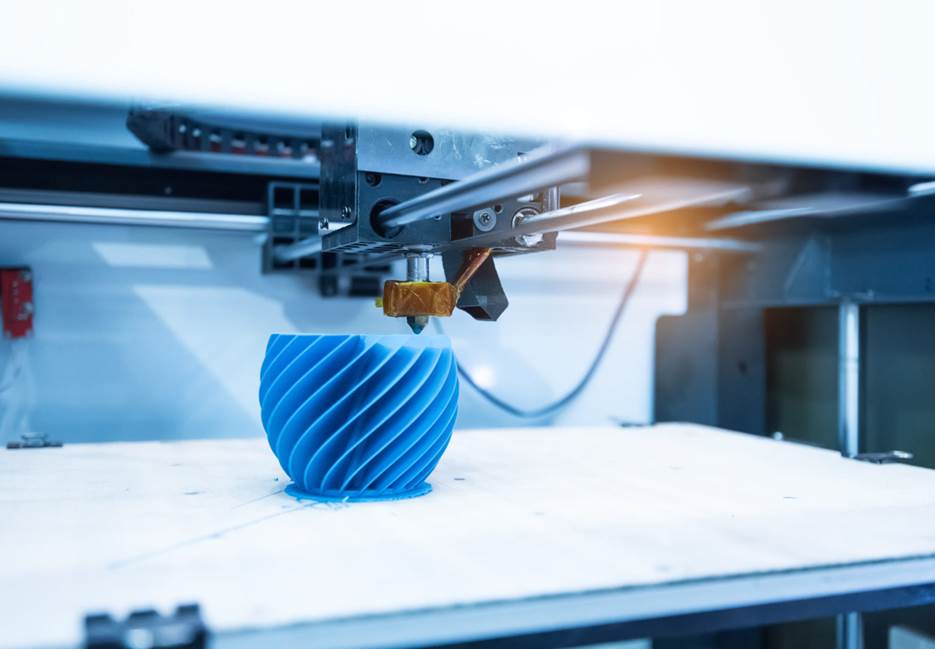
Top 5 Applications of Additive Manufacturing for Product Design
Additive manufacturing delivers value through prototyping, functional testing, customization, lightweighting, and digital inventory. These applications need fast iteration and strong links between design and production. Fusion supports this need by integrating additive preparation with CAD and engineering workflows so that teams improve consistency, speed, and manufacturability. Additive manufacturing has moved well beyond its early application…
Product Design & Engineering
-

The New Manufacturing Bottleneck Isn’t Production—It’s Your Data. Fusion for Design Connects It.
Manufacturers aren’t slowed by production—they’re held back by siloed data. Fusion for Design unifies CAD, PDM, and PLM to eliminate friction and accelerate innovation. Industry studies report that 68% of organizations cite data silos as their top concern. Teams juggle with disconnected CAD files, project notes, supplier updates, BOM revisions, and compliance documentation spread across inboxes, shared…
Data management
-
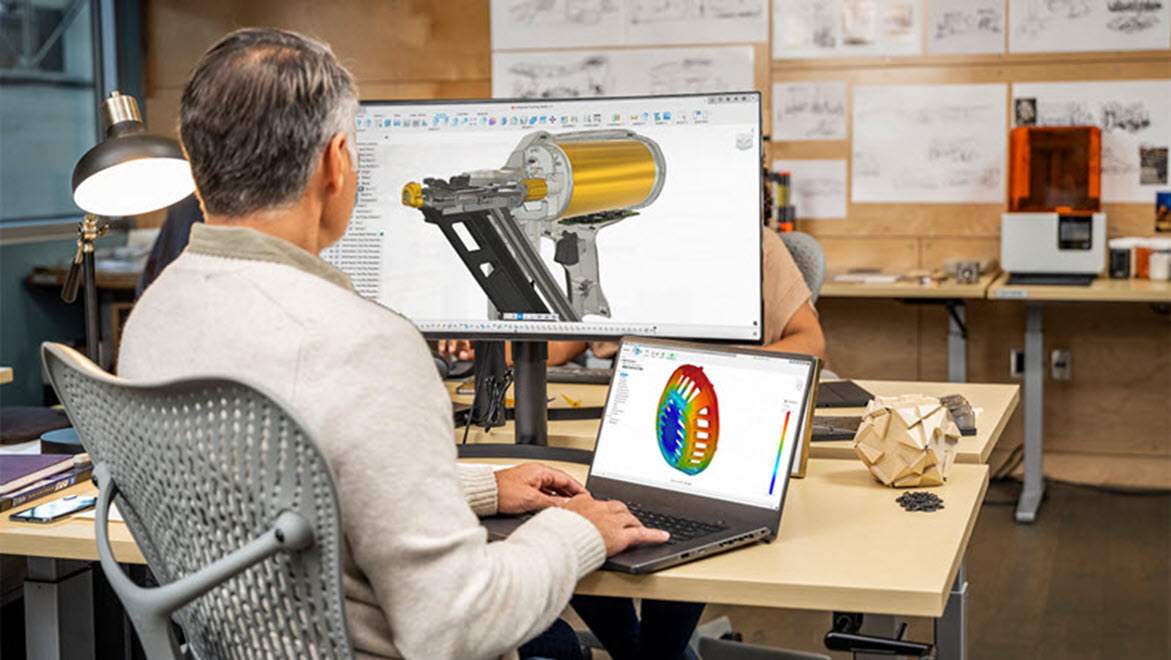
Redefining the Electronics Lifecycle: How Fusion Empowers Modern Electronics Design
Discover how Autodesk Fusion and the Avnet add-in streamline electronics design with real-time data, seamless collaboration, and BOM optimization. Bringing innovative products to market requires more than just great ideas—it demands seamless collaboration, real-time data, and tools that bridge the gap between design and manufacturing. Autodesk Fusion, enhanced by the Avnet add-in, is redefining how…
Fusion
-

No More Needles: EzeRx Transforms Anemia Testing with Autodesk Fusion
Partha Pratim Das Mahapatra’s mother was only 37 years old when she developed severe heart complications. Only after surgery did doctors identify the underlying cause of long-term, untreated anemia. Anemia affects roughly one in four people globally. Yet despite being easy to treat, it often goes undetected. Traditional testing requires blood draws which often discourages…
Case Studies
-
Fusion Community Spotlight: From Traditional Machinist to Modern Shop – Adam Booth’s Fusion CNC Journey
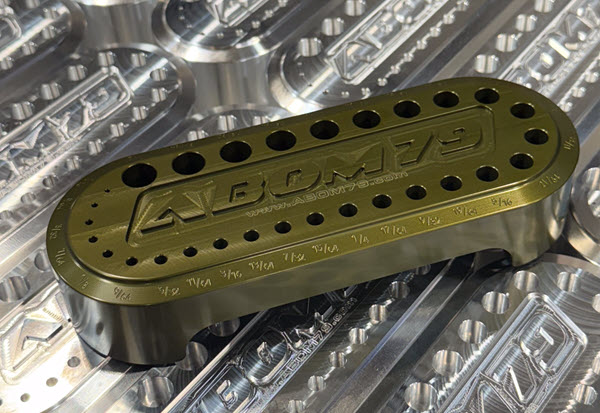
Adam “Abom79” Booth, shares how he blends manual skills, CNC, and Fusion to grow his shop and products, while also offering practical tips for other machine shops. Adam Booth here, though some of you may know me online as Abom79. I’m a third‑generation machinist based in Pensacola, Florida, and the owner of a small but…
Manufacturing
-
5 New Fusion Features That Tighten Your Design‑to‑Manufacturing Workflows
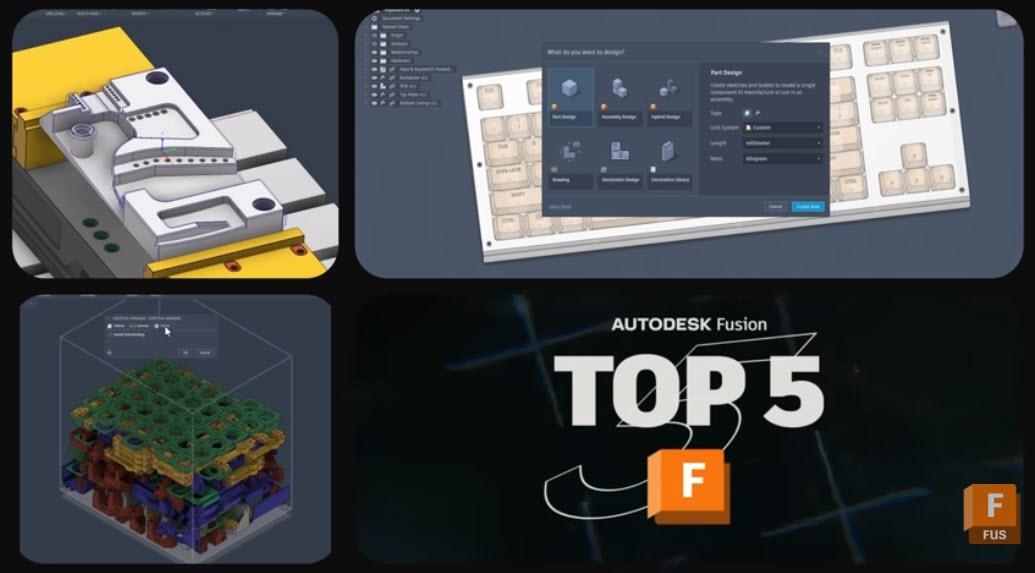
Discover 5 powerful new Autodesk Fusion features that streamline design, drawings, and CAM—from custom properties to multi‑axis clearing. The January 2026 Fusion release includes packed set of updates across data, design, drawings, and manufacturing. There are five capabilities that stand out for how directly they can impact your teams day-to-day work. From tighter governance of…
What's New
-
Atatri Design Reduces Prototyping Cycles by 80% for New Hyperbaric Oxygen Therapy Chamber
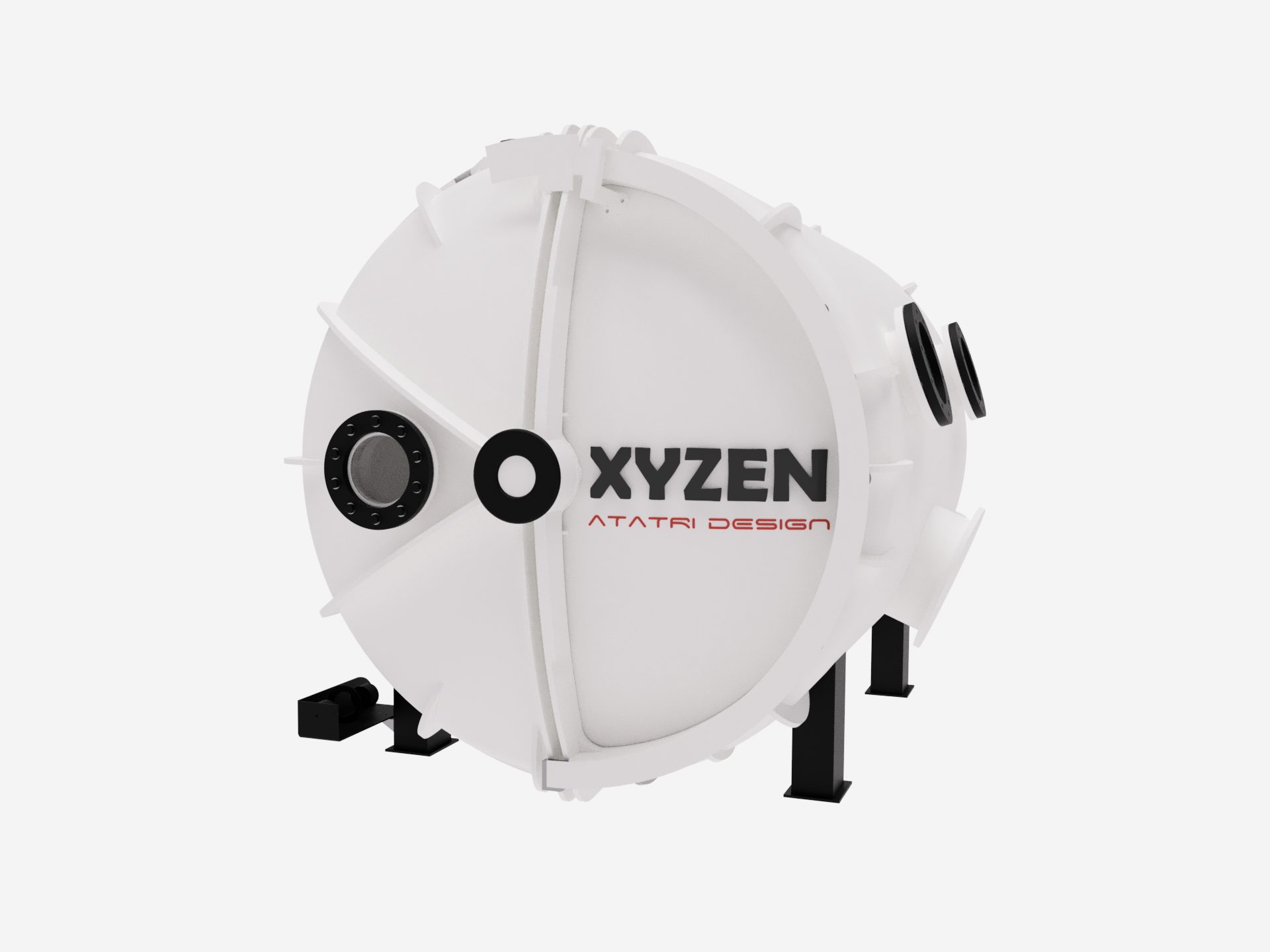
Based in Coimbatore, India, Atatri Design specializes in structural design, functional performance modeling, and full-cycle product development. Using simulation-led engineering, rapid prototyping, and precise detailing, the team transforms early concepts into proven, manufacturable solutions. Their core offerings, including structural analysis, functional optimisation, and complete product engineering, enable startups, medical organizations, and manufacturers to build safer,…
Case Studies
-
Cubicoan Evolves into a Full-Scale Manufacturer with Autodesk Fusion
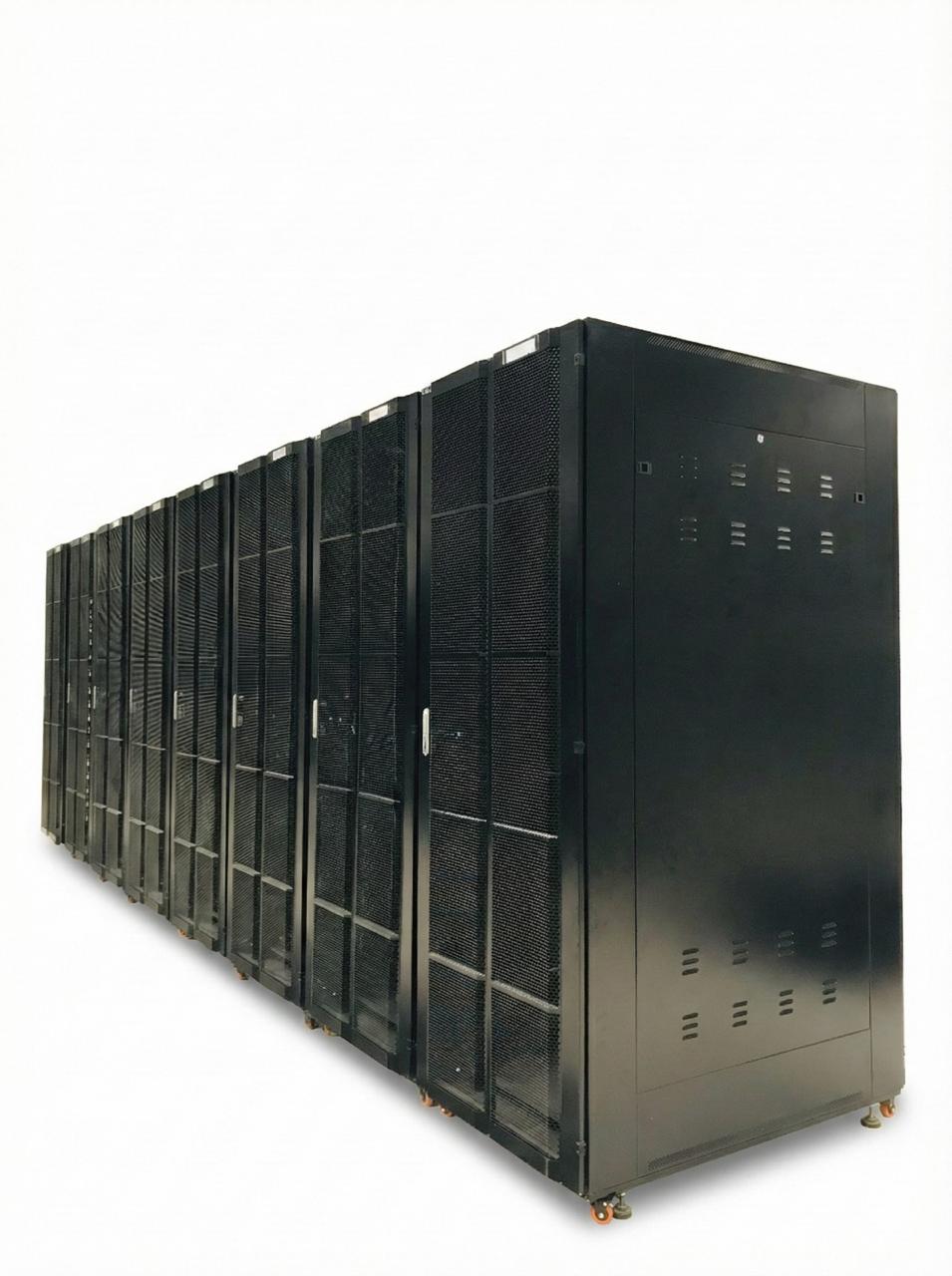
Sri Lanka’s Extra-Low Voltage (ELV) systems and data-infrastructure sector is evolving at rapid pace. Projects today demand enclosures that can withstand heat, weather, vibration, corrosion, and long-term mechanical load while being delivered faster, with greater precision, and higher levels of customization. For Cubicoan, this shift demanded a fundamental rethink. Initially, the company operated as a…
Case Studies
-
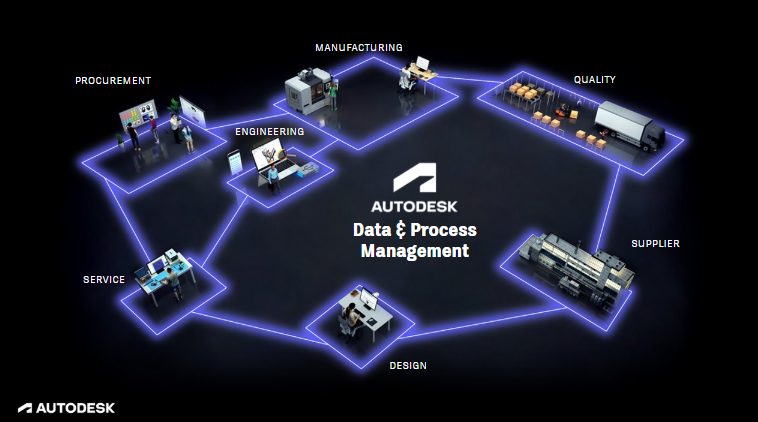
Connected Data: The Key to Traceability, Agility, and Growth in Manufacturing
Discover how connected data strategies powered by Autodesk Fusion unify product lifecycle management, strengthen collaboration, and improve traceability across distributed teams. Manufacturers are increasingly moving toward connected data models that unify information across the product lifecycle. As products grow more complex and timelines accelerate, disconnected systems create bottlenecks and errors. Connected data strategies provide a…
Data management
-
Top 20 Autodesk Fusion Technical Questions Answered: Your Complete Troubleshooting FAQ
Find clear answers to the top 20 Autodesk Fusion technical questions, including modeling, assemblies, simulation, and CAM issues. Get quick fixes and links to deeper guides. 1. Why won’t my sketch fully constrain in Fusion? This happens when geometric or dimensional constraints are missing. Small gaps or misaligned endpoints often cause under‑constrained sketches. Use Show…
Tutorials
-
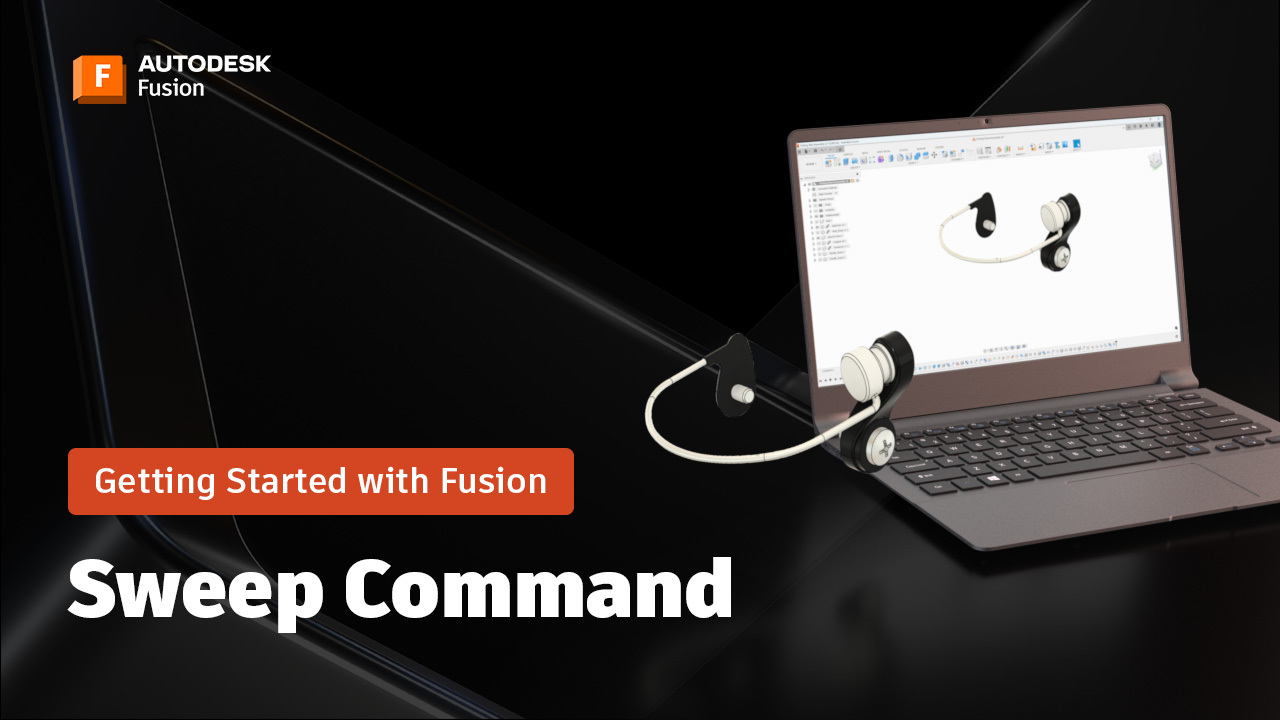
The Sweep Command in Fusion: A Beginner’s Guide (Part 7)
Learn how to use the Sweep command in Fusion to create smooth, complex shapes with ease. Perfect for beginners—step-by-step tips, pro tricks, and simple workflows to get started today. Hi everyone! It’s Brad Tallis from CAD Ed, bringing you the next installment of the Fusion Getting Started series where we walk through how to create…
Getting Started
-
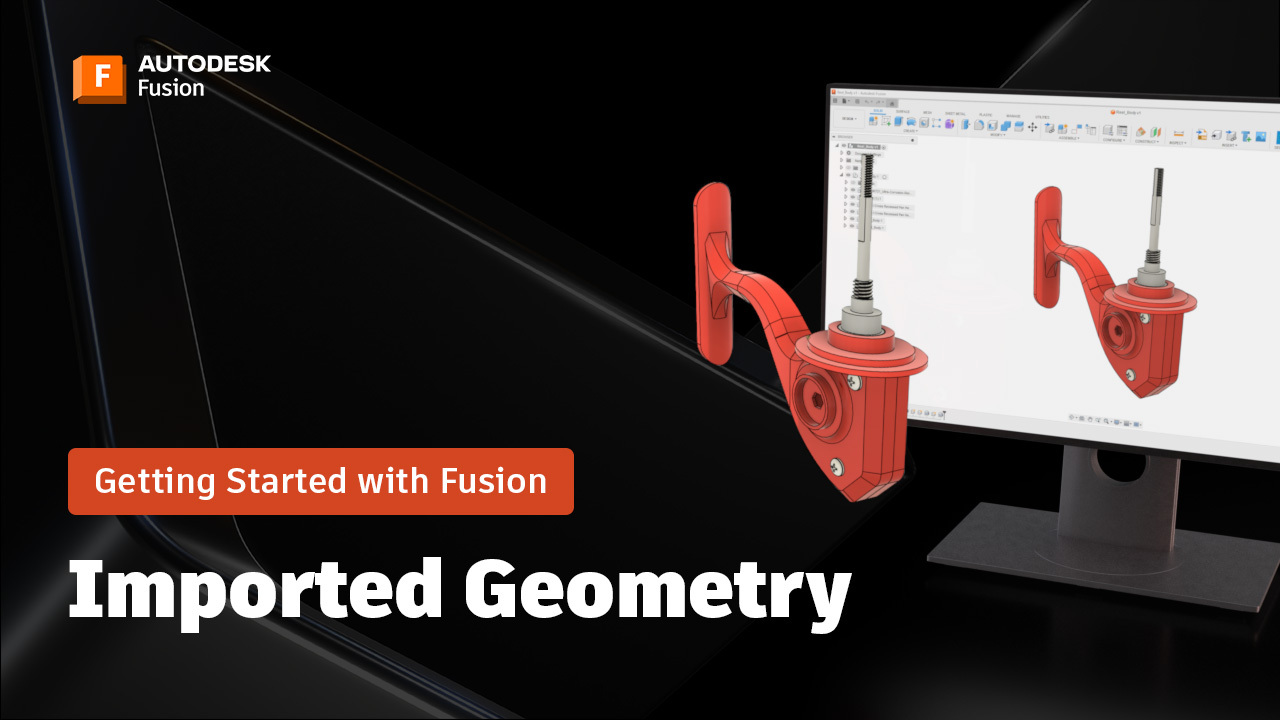
Working with Imported Geometry in Fusion: A Beginner’s Guide (Part 6)
Learn best practices for working with imported geometry in Fusion, including direct editing, rigid groups, constraints, and appearance settings for assemblies. Brad here again, from CAD Ed, with the next installment in the Getting Started with Fusion series, where we create a fishing reel from start to finish. One of the most valuable capabilities in…
Tutorials
-
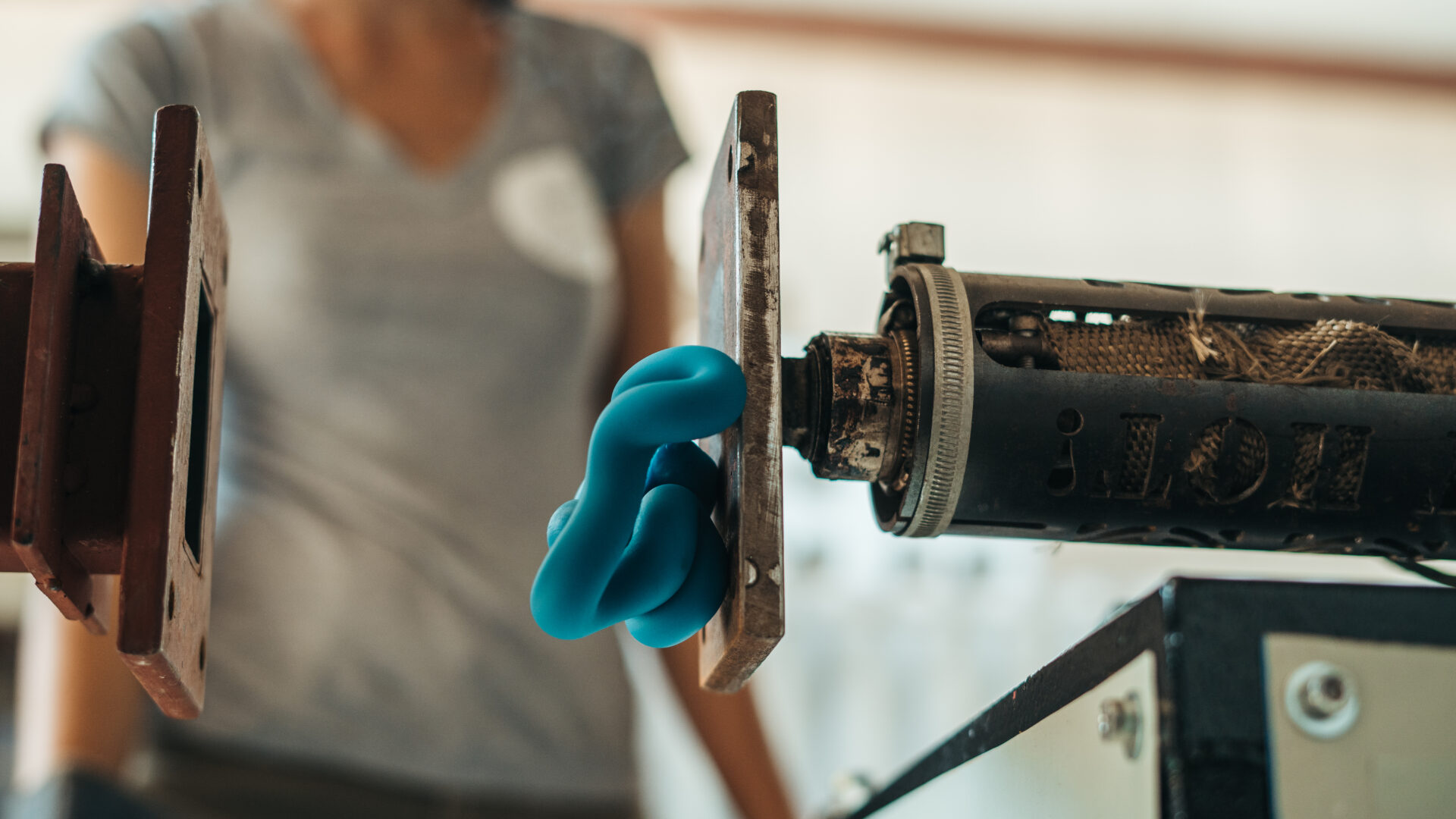
Limpi: From Beach Plastic to Sustainable Products Across the Caribbean
See how Limpi transformed a recycling project into a thriving sustainable manufacturing business with Autodesk Fusion.
Case Studies