-
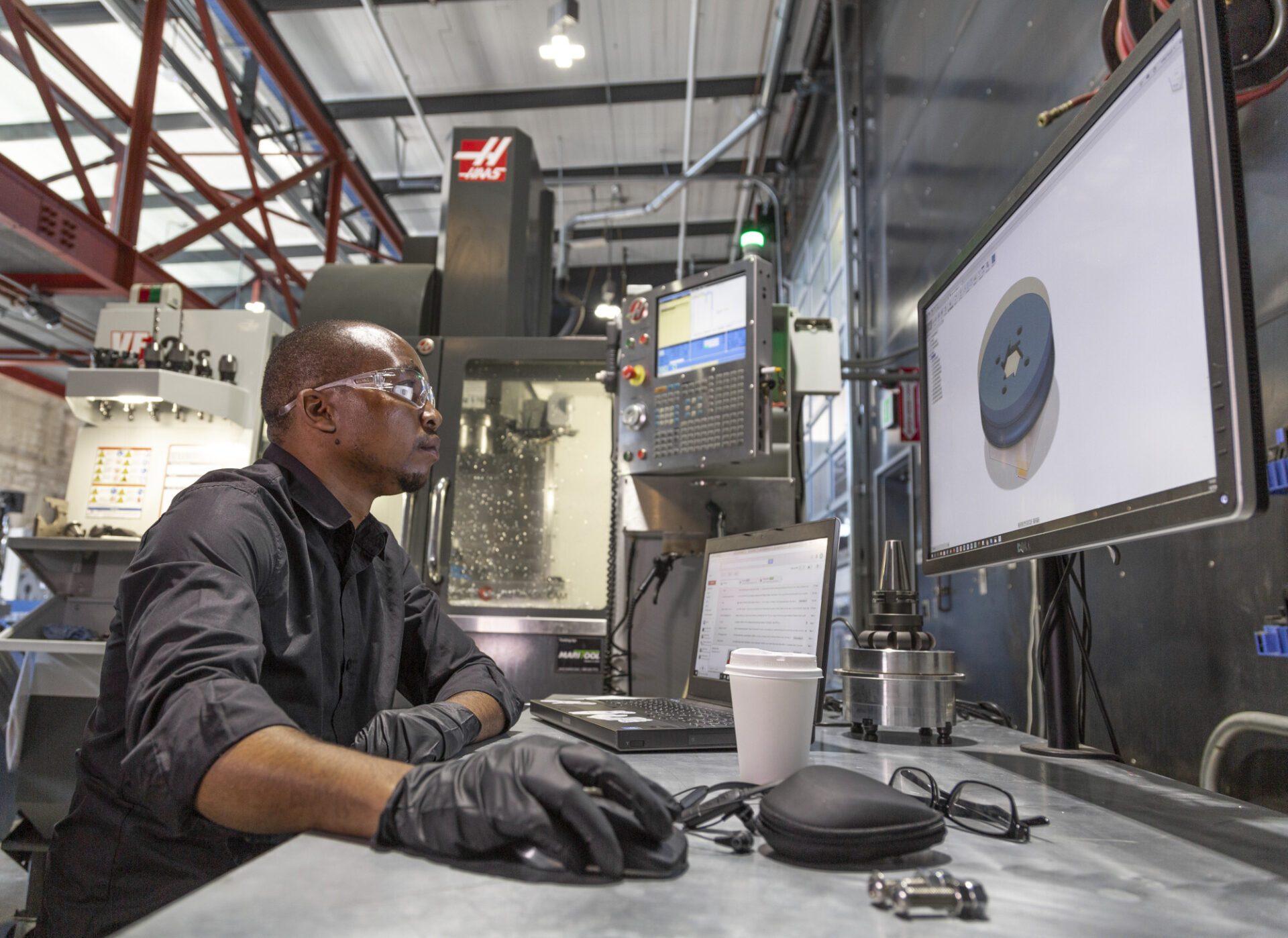
Autodesk Fusion Manufacturing Fundamentals: From Design to Production—Without Switching Tools
This guide highlights tools to master, best practices, and things to be aware of as you get up to speed with manufacturing in Fusion 360.
Getting Started
-
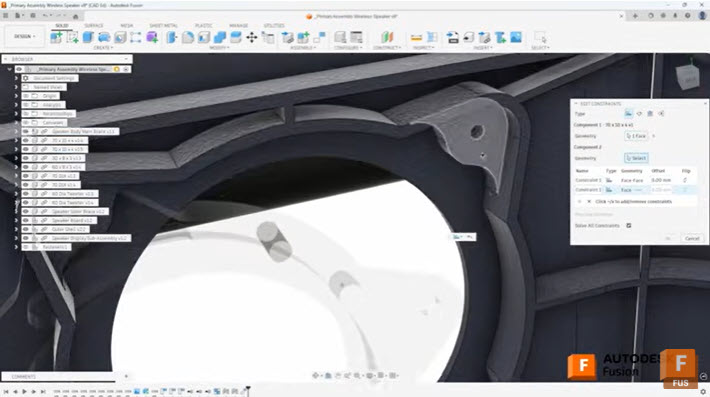
Efficient Assembly Design with Joints and Constraints in Autodesk Fusion
Learn when to use joints and constraints in Autodesk Fusion to build efficient assemblies, control motion, and manage complex component relationships. When building assemblies in Autodesk Fusion, understanding how to effectively position and relate components is fundamental to creating efficient, well-structured designs. Two primary methods exist for establishing these relationships: the Joint command and the…
Tutorials
-
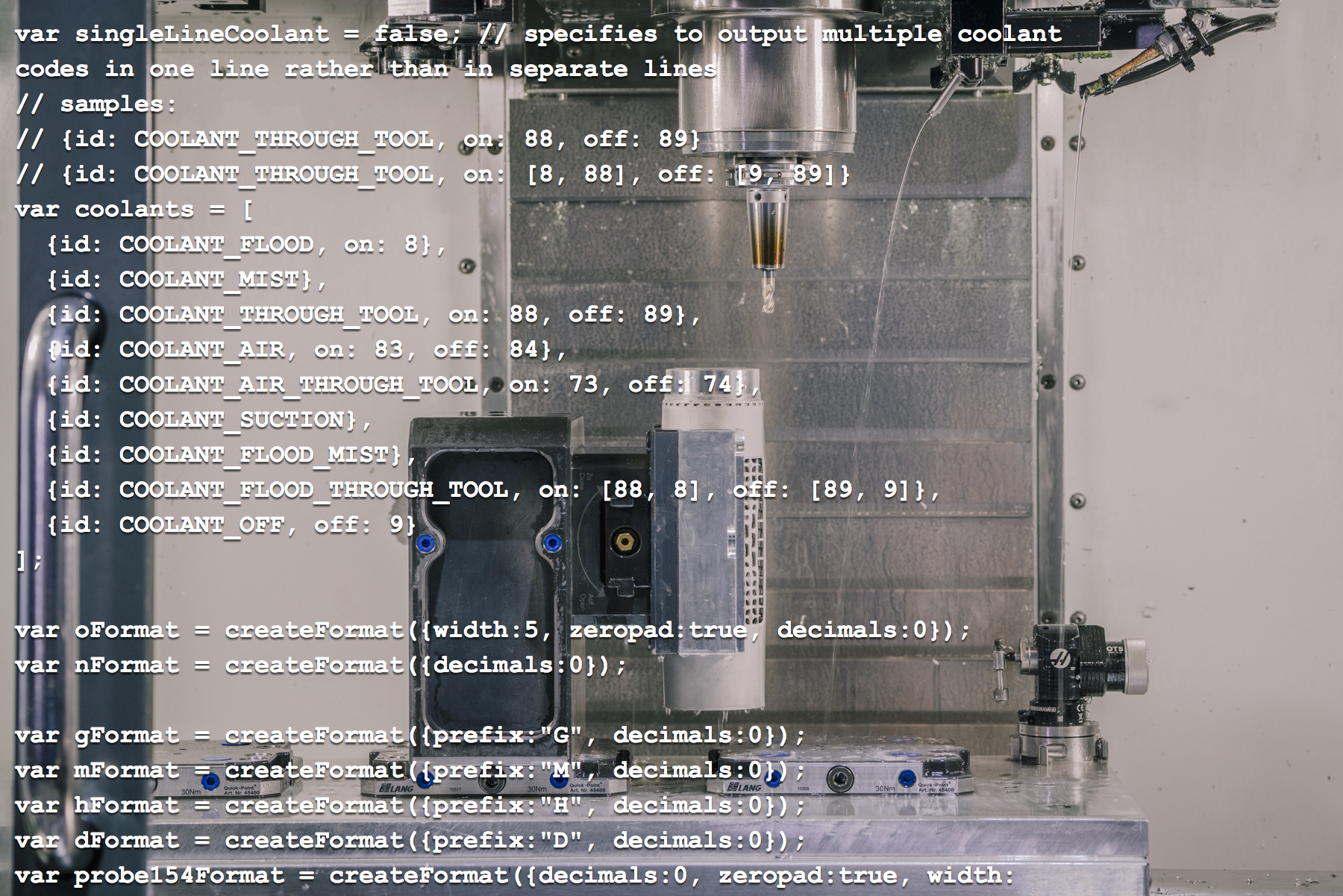
A Quick Introduction to Editing Post Processors in Autodesk Fusion [Update 2026]
If you're generating toolpaths with a CAM system, you need a way to turn them into code for your machine. Typically this is done by a post processor. These are often expensive, difficult to create, and hard to find support. Learn more about how Fusion 360 flips this on its head.
Machining
-
How to Set Up Teams, Projects, and Secure Access in Autodesk Fusion
This article covers a few of Fusion 360's key data management features, from creating teams to setting up secure SSO for your organization.
Mechanical Engineering
-

Here’s How to Set Up Your Fusion Hub (and Get Your Team Collaborating Faster)
Creating your Fusion Hub is the first step after purchasing Autodesk Fusion. Here's everything you need to know about the process.
Getting Started
-
The Autodesk Fusion Creator Challenge: Real Projects. Real Stories. And a Chance to Win $10,000
Enter the Fusion Creator Challenge for a chance to win $10,000. Share a short video showing how you use Autodesk Fusion to design, prototype, and manufacture real ideas. Enter for a chance to win $10,000! Submit your video here. A thriving community is built on sharing and helping one another—and that’s what makes the Autodesk…
Fusion
-
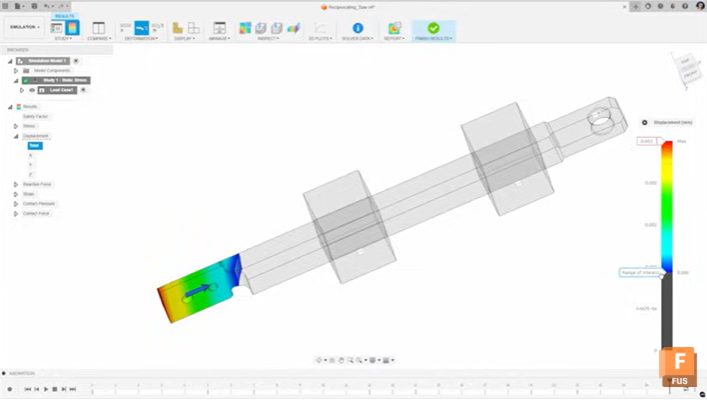
Mastering Static Stress Simulations in Autodesk Fusion: A Comprehensive Guide
Static stress simulations in Autodesk Fusion uses Finite Element Analysis (FEA) to evaluate stress, displacement, and safety factors for parts and assemblies under applied loads before manufacturing. Static stress simulations in Autodesk Fusion enables engineers and designers to predict how parts will behave under real-world loads before manufacturing. Using finite element analysis (FEA), you can…
Mechanical Engineering
-
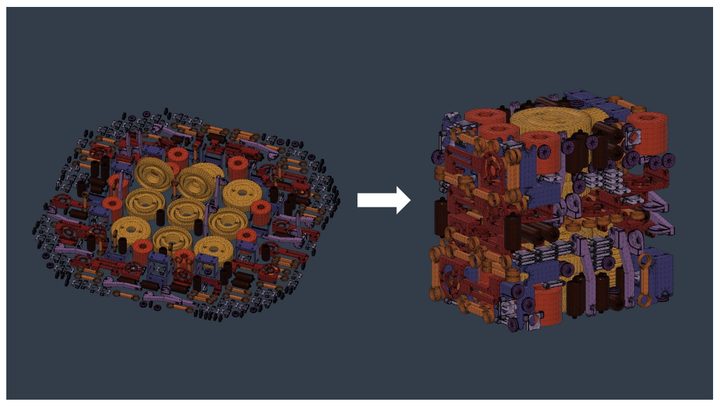
New Arrangement Criteria Options for Additive Arrange in Fusion
Unlock smarter additive workflows in Fusion with new arrangement criteria. In additive manufacturing, how parts are arranged within a build volume directly affects print time, part quality, and overall efficiency. This process—often called nesting—can be complex, especially when balancing competing goals like density, speed, and thermal stability. For the Fusion April release, we have introduced some new controls…
Fusion
-

April 2026 Product Update – What’s New
Start faster, design smarter, and get more done with Fusion’s April update, featuring a streamlined start-up experience, expanded Autodesk Assistant capabilities, and new tools across design, manufacturing, and electronics. Minor Updates Our latest minor update brings several important fixes and improvements to enhance your experience. Click to learn more. Highlights v.2702.1.47 – April 13, 2026 (Major…
What's New
-

Architecture, Product Design, and Media Converge: Ben Uyeda Creates a Modern Desert Escape with RESET Hotel
You could say Ben Uyeda is the definition of convergence. After a highly successful career as an architect and sustainability lecturer at Cornell University, he took a leap to focus on both architecture and product design. Along the way, he built successful media businesses, from free, sustainable home designs available online to HomeMadeModern that features…
Case Studies
-
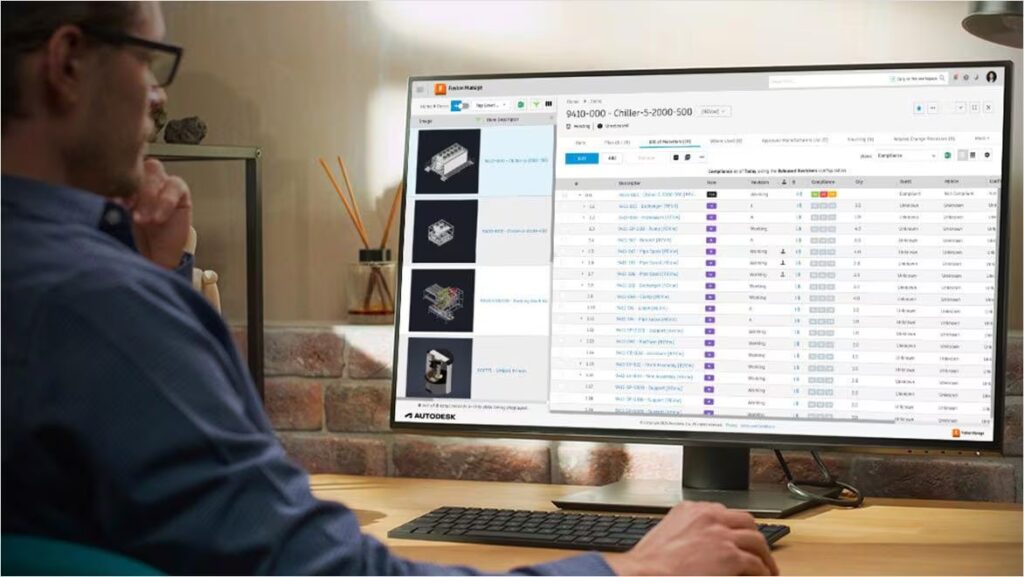
Reduce Errors and Rework with BOM Management in Autodesk Fusion
Learn how BOM management in Autodesk Fusion reduces errors, prevents rework, and keeps design and manufacturing aligned with a single live BOM. Errors rarely originate on the shop floor. They often begin earlier, when teams are working from outdated, incomplete, or disconnected bills of materials (BOMs). Even small discrepancies in part quantities, properties, or structure…
Data management
-

Nikolas Weinstein Studios’ Glass Sculpture Enters Guinness Book of World Records with Autodesk Fusion
The jaw-dropping Mangrove glass sculpture is one for the books—quite literally. It was recently named the world’s largest glass tube installation by the definitive recordkeepers at the Guinness Book of World Records. Soaring eight stories throughout the Solaire Resort atrium in Manila, Philippines, it weighs over 13 metric tons and contains more than 16,000 thousand…
Case Studies
-
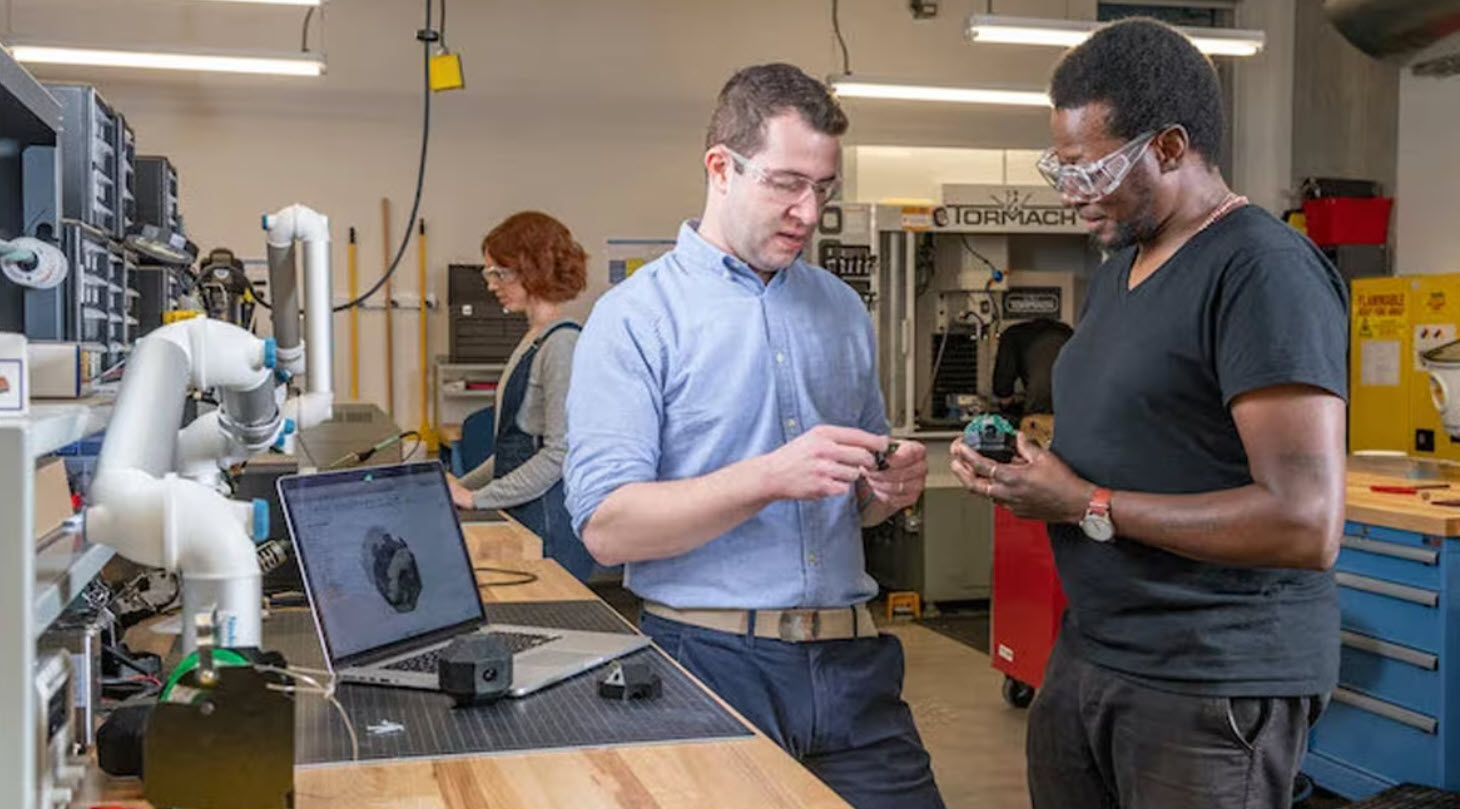
Design for Manufacturing: Practical Tips for Engineers
Design for manufacturing tips to reduce cost, simplify production, and improve quality. Learn practical DFM strategies engineers can apply early in design. Design for manufacturing is the discipline of ensuring a product can be built repeatedly, at quality, and at cost, before any chips are made or tooling is cut. By treating design for manufacturing…
Manufacturing
-
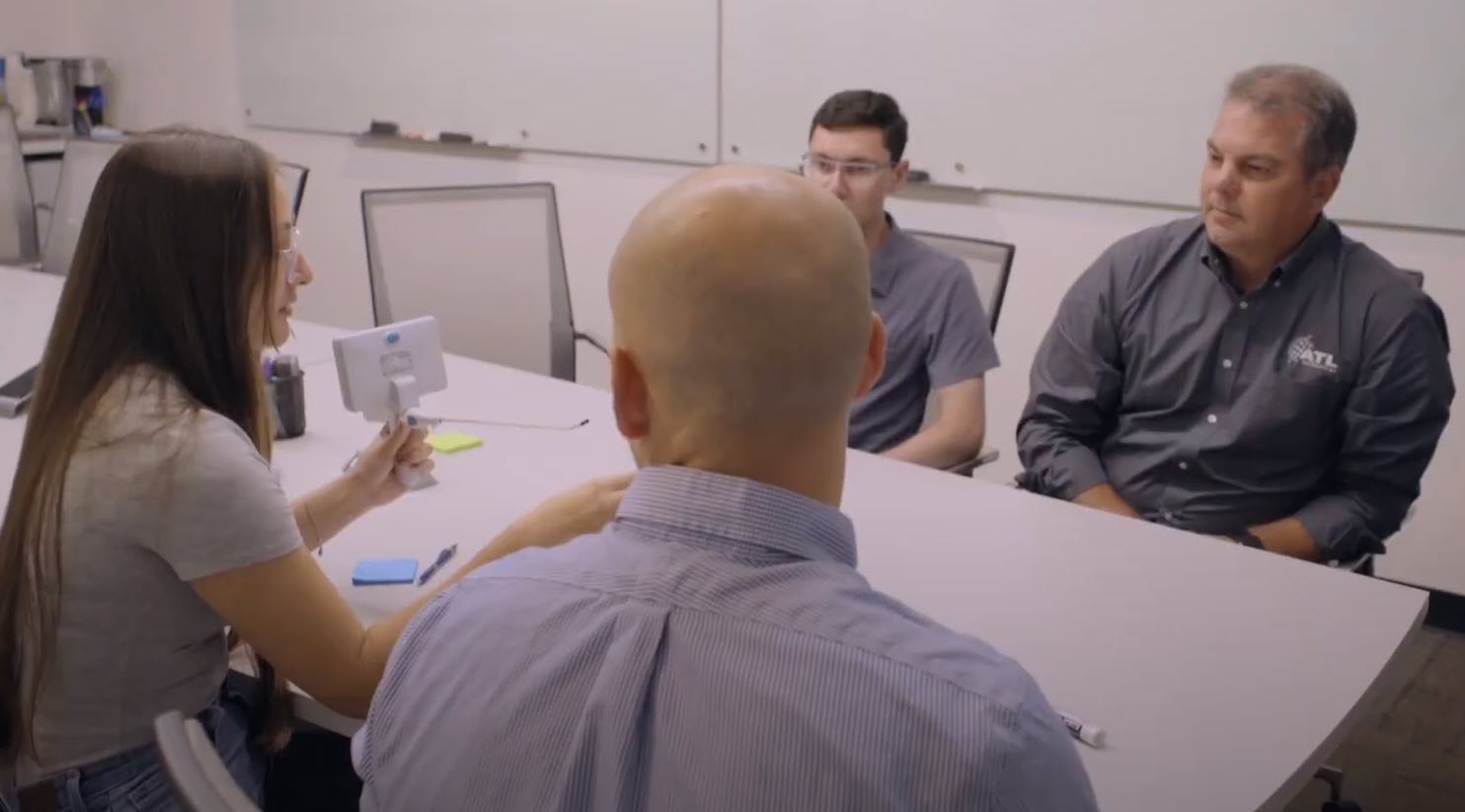
ATL Technology Scales Design to Manufacturing Globally with Autodesk Fusion Cloud PLM
ATL Technology, a global medical device engineering and manufacturing partner, scaled its operations and improved collaboration, data centralization, and manufacturing readiness by implementing Autodesk’s cloud PLM solution Fusion Manage. Headquartered in Utah and with manufacturing facilities in Costa Rica, UK, and China, ATL Technology works with the world’s leading medical device companies to deliver comprehensive solutions, from early-stage design and development through prototyping, testing, regulatory…
Case Studies
-
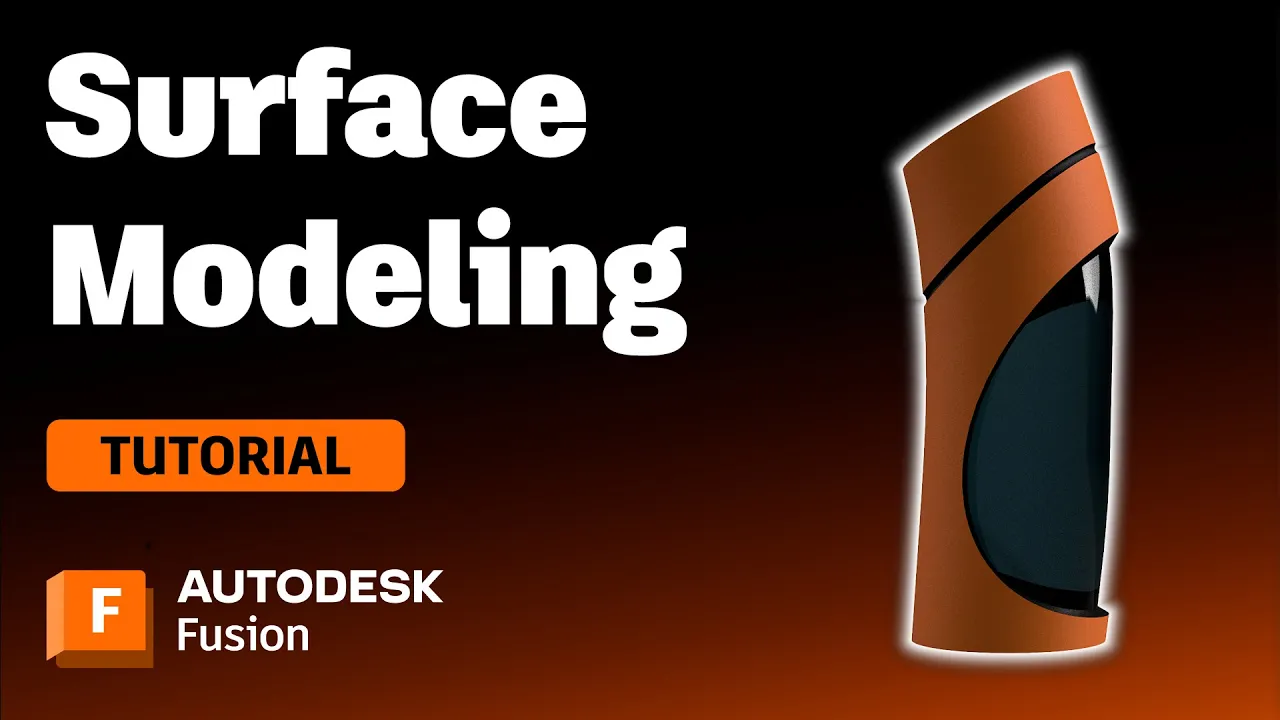
Surface Modeling Software: Autodesk Fusion
Check out this tutorial to understand surface modeling in Autodesk Fusion, how it relates to solid modeling, and its advantages.
Getting Started