-
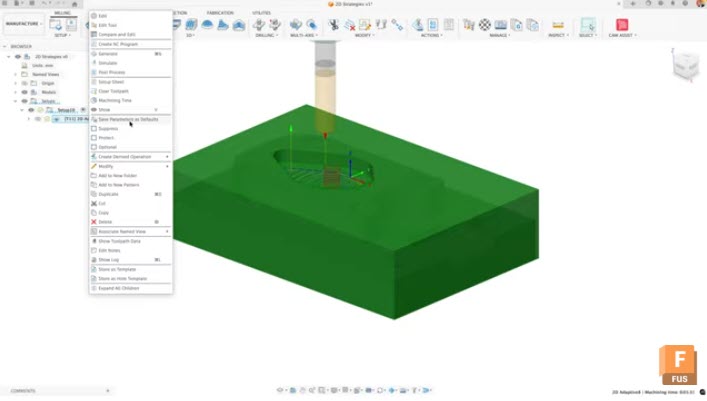
Streamline Your CAM Workflow: User Defaults and Expressions in Fusion
Stop re‑entering the same CAM settings. Use User Defaults and Expressions in Fusion to standardize toolpaths, scale values dynamically, and keep jobs consistent. Setting up efficient CAM workflows in Autodesk Fusion doesn’t have to mean manually adjusting the same parameters every time you create a toolpath. By mastering user defaults and expressions in the Manufacture…
Manufacturing
-
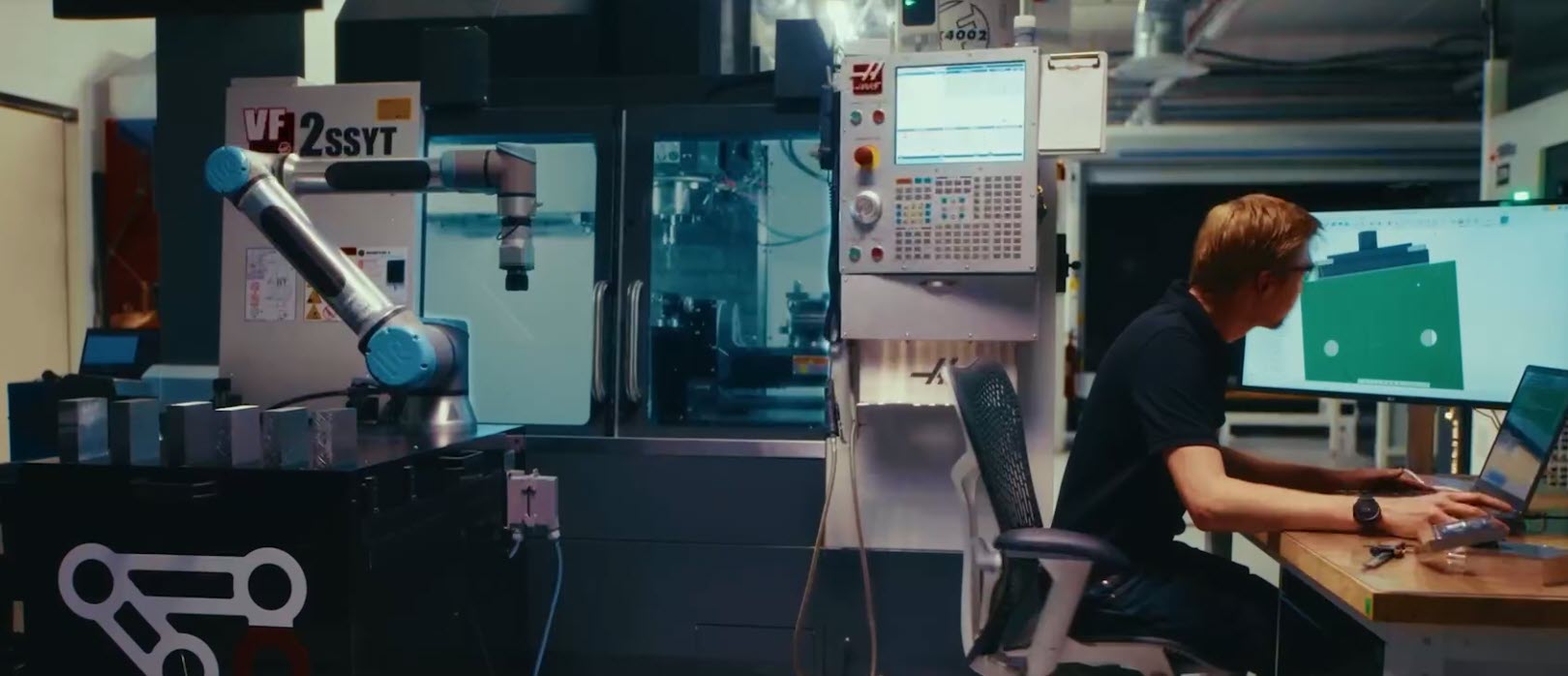
Tight Tolerances, Tight Timelines: How Fusion Probing Transforms Modern Manufacturing
From faster setups to in‑process inspection, see how Fusion probing helps manufacturers meet tight tolerances and tighter timelines with confidence. Manufacturing has always lived at the intersection of precision and pressure. Today, that pressure is amplified. Tolerances are tighter. Lead times are shorter. Customer expectations are higher. And the margin for error, on the shop…
Manufacturing
-
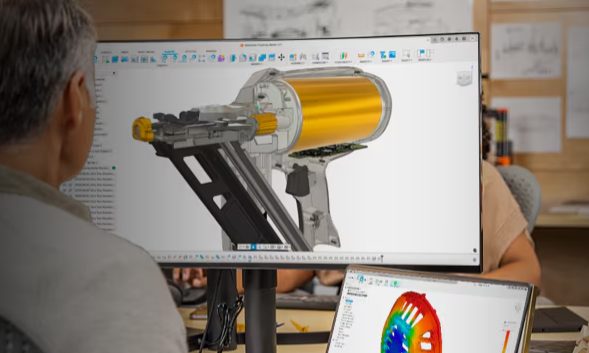
How Digital‑First Brands Are Reducing Time‑to‑Market with Unified Design‑to‑Make Workflows
Digital‑first brands are launching products faster by unifying design, engineering, and manufacturing. See how connected design‑to‑make workflows in Autodesk Fusion reduce rework and speed time‑to‑market. Speed doesn’t come from working harder. It comes from removing friction. Digital‑first brands, especially in consumer products, hardware, and advanced manufacturing have figured this out. They’re not launching faster because…
Product Design & Engineering
-
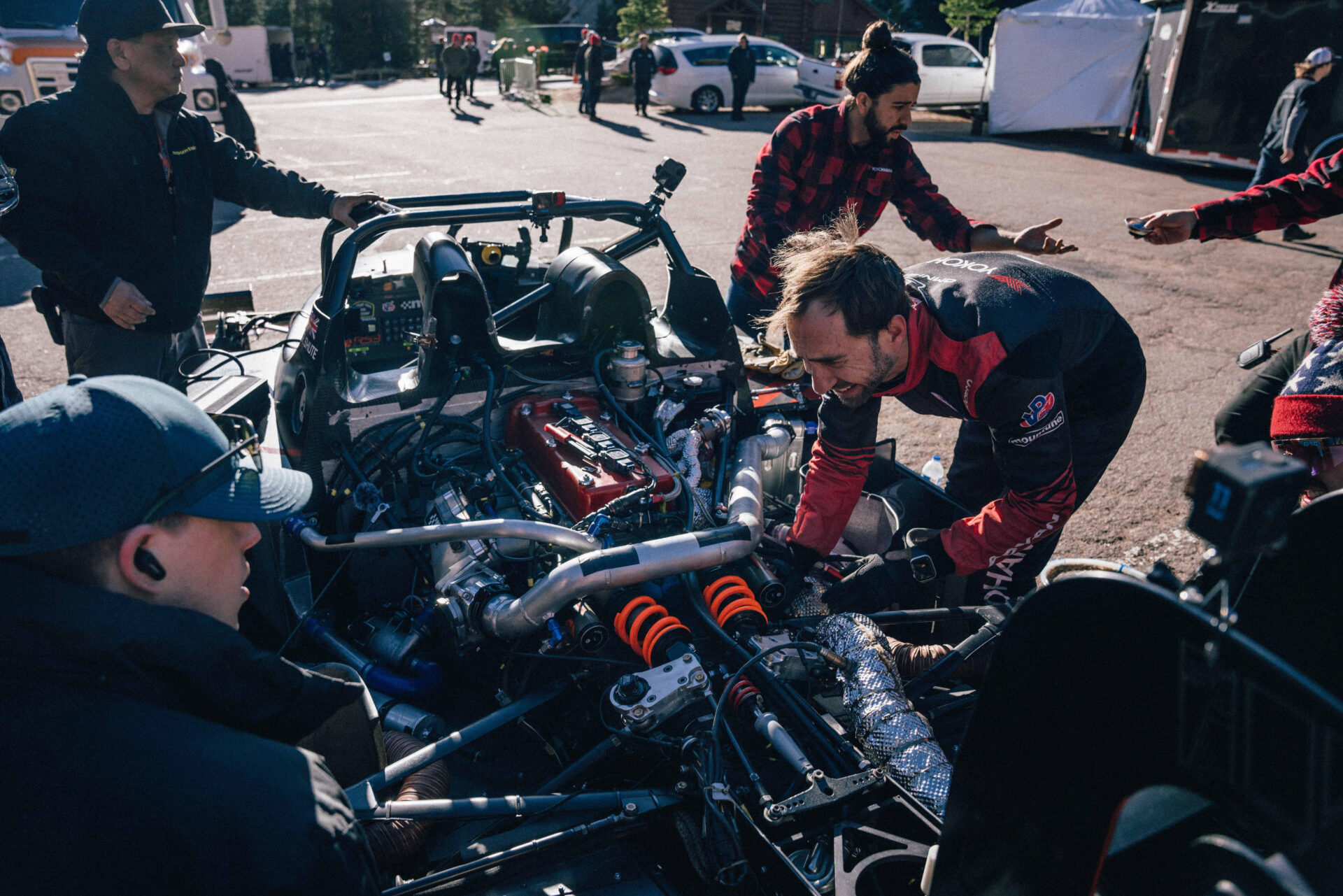
Shute Dynamics Races to Pikes Peak With Generative Design in Autodesk Fusion
Engines roar as cars race 12.42 miles up a small, winding road to Pikes Peak, climbing nearly 5,000 vertical feet and finishing in the clouds at over 14,000 feet. Supplemental oxygen is pumped into the driver’s helmet. The extreme physicality of reaching the summit is undeniable, gripping through 156 turns with no power steering and…
Case Studies
-

March 2026 Product Update – What’s New
Discover what’s new in the March Fusion update, from isoparametric curves and modernized simulation results to live BOM updates and expanded manufacturing workflows. Autodesk Assistant (Tech Preview) v.2701.1.27 – March 16, 2026 (Minor Update) Autodesk Assistant is expanding its role within Fusion with a new Tech Preview that introduces a redesigned experience and new ways…
What's New
-
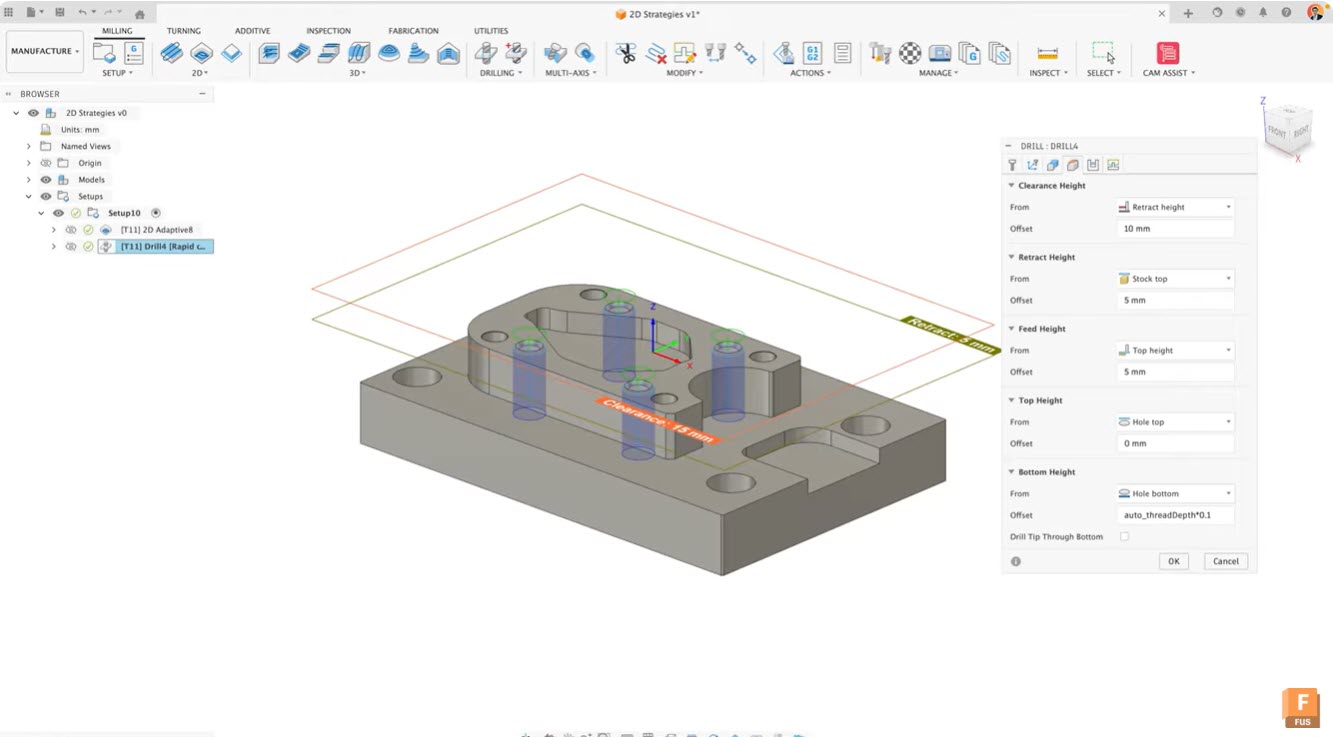
Advanced Expressions and IF Logic for Efficient Toolpath Creation in Fusion Manufacture
Learn how to use advanced expressions, conditional logic, limits, rounding, and model‑based values in Fusion’s manufacturing workspace to create smarter, adaptive toolpaths and streamline team‑wide CAM efficiency. Advanced expressions in Fusion Advanced expressions in Fusion transform how you create and manage toolpaths. By incorporating conditional logic, limits, and rounding into your expressions, you can build…
Manufacturing
-
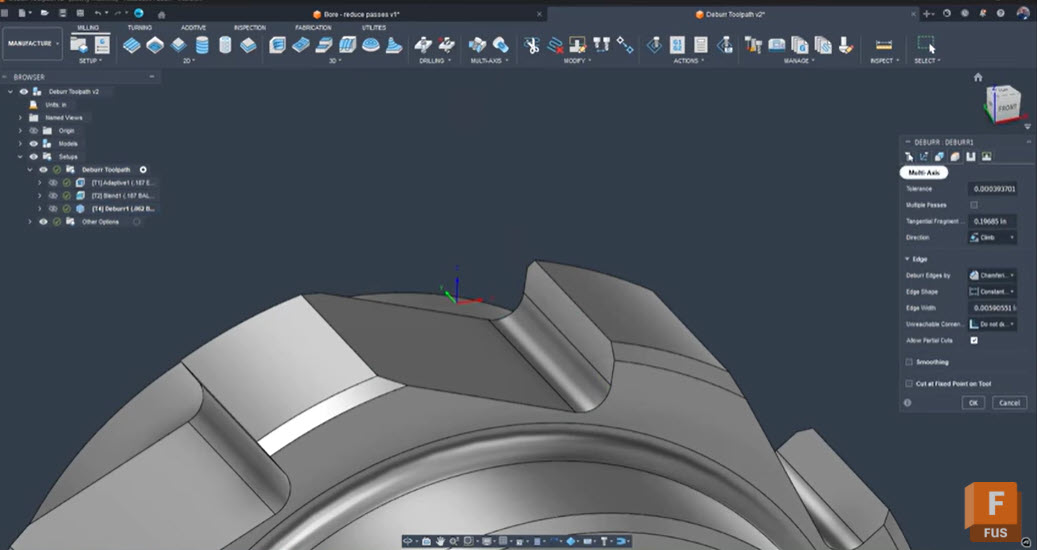
Troubleshooting Fusion’s Deburr Toolpath: How to Eliminate Retracts and Smooth Your Edges
Seth Madore, an experienced machinist and expert Fusion user explains why Fusion’s deburr toolpath creates retracts and gaps, how to fix it with one simple setting, and alternative strategies for smooth, efficient deburring. Deburring should be a finishing touch, not a frustrating bottleneck. Yet, anyone who has tried to deburr complex tooth forms or splines…
Tutorials
-
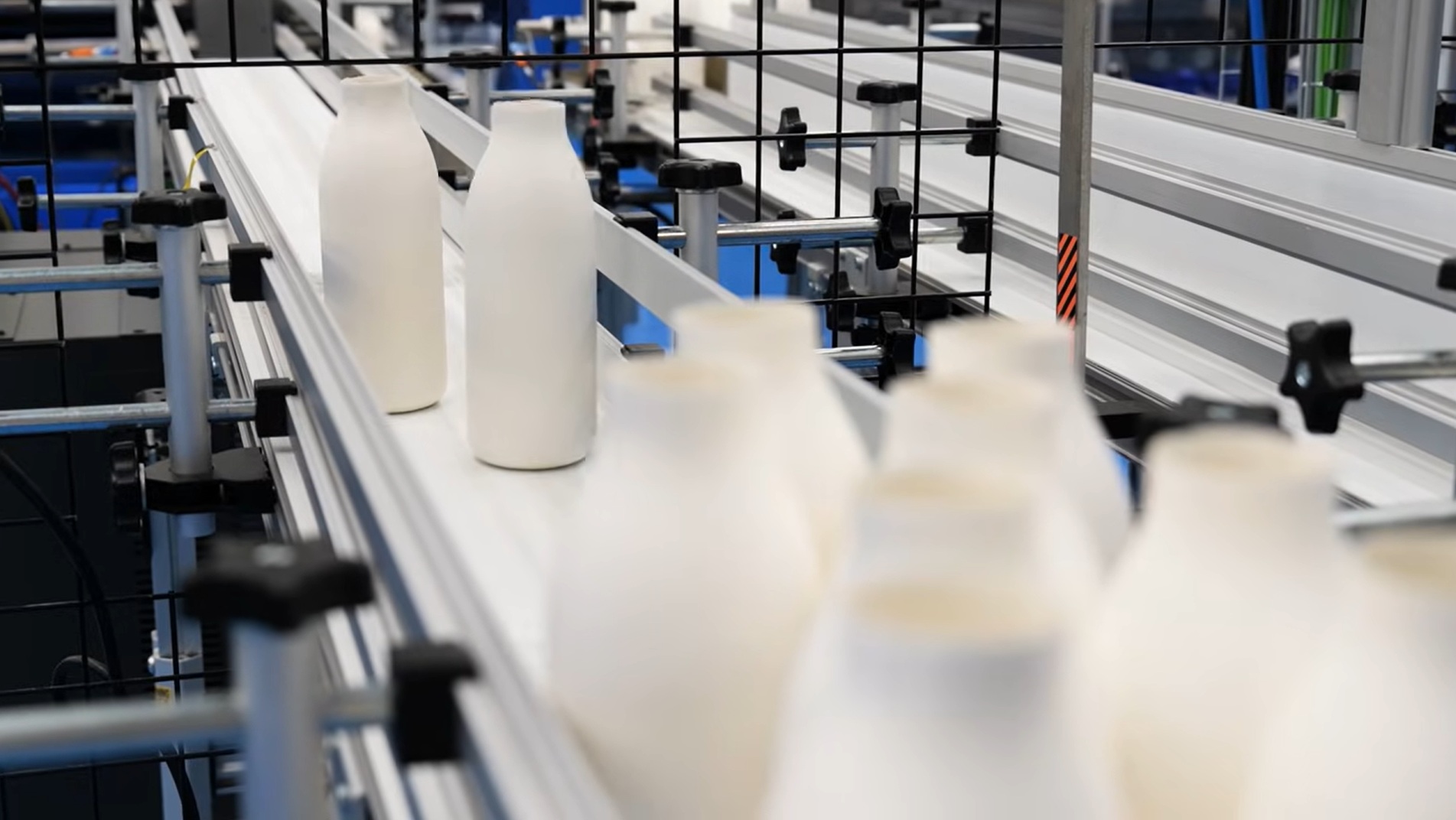
Redefining Sustainable Packaging: Pulpex and RoboChallenge Deliver a Breakthrough Paper Bottle with Autodesk Fusion
In our disposable society, plastic packaging is everywhere you look. But Pulpex is tackling this reality head on by rethinking packaging altogether. Their revolutionary fiber-based products put sustainability first. Now, they’re delivering an innovative new option: a paper bottle. Based in Sawston, Cambridgeshire, Pulpex knew they needed more than a supplier for this ambitious project.…
Case Studies
-
AI in Manufacturing: From Buzzword to Bottom Line
AI in manufacturing is moving beyond the buzz. Autodesk Fusion turns automation, generative design, automated toolpaths, AI‑powered drawings, and intelligent assistance into real ROI—accelerating cycle times, improving quality, and strengthening the digital thread with built‑in PDM and integrated PLM via Fusion Manage. For years, artificial intelligence in manufacturing has been seen as a futuristic promise…
Thought Leadership
-

Siloed Data: The Silent Productivity Killer
Siloed data quietly erodes productivity and increases risk in product development. Learn how integrated PLM in Fusion for Design connects teams, minimizes mistakes, and restores visibility throughout the product life cycle. Intuitively, one might think that low productivity can result from a lack of talent or effort. But in many product development companies, it’s actually…
Data management
-
Made by Gather Unlocks 4X Efficiency Win with Autodesk Fusion Cloud PLM
Discover how Made by Gather centralized data and connected workflows using Autodesk’s cloud PLM solution, Fusion Manage and achieved a 4× efficiency boost in product development. Made by Gather is a design-forward kitchen appliance manufacturer behind America’s fastest-growing kitchenware brands. Along with private label work, it’s well known for the Beautiful by Drew Barrymore collection…
Case Studies
-
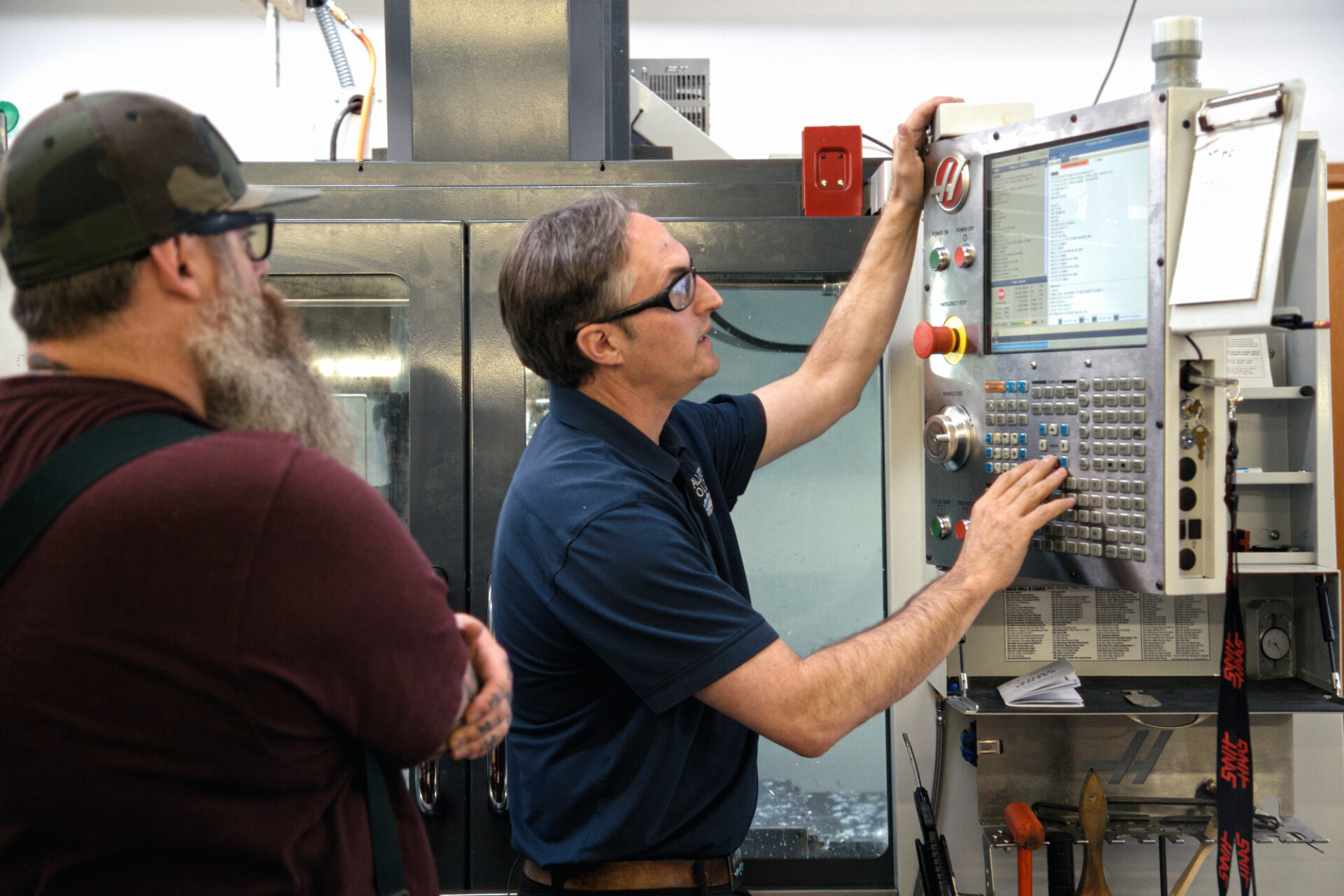
Three Ways to Build Better Setup Sheets in Autodesk Fusion (and How to Customize Them for Your Shop)
Seth, an accomplished machinist on the Autodesk Fusion team, explains three ways to create setup sheets in Fusion —NC Program, HTML, and Excel—so machinists get clear tools, feeds, speeds, and runtime details at the machine. Autodesk Fusion gives CAM programmers three reliable options for generating repeatable, machinist-friendly setup sheets—and the best choice depends on how…
Manufacturing
-

Driving Performance Through PDM & PLM: Why Modern Manufacturers Can’t Compete Without Them
Discover how integrated Product Data Management (PDM) and Product Lifecycle Management (PLM) systems help leaders reduce risk, accelerate development, improve quality, and drive operational efficiency across the full product lifecycle. With compressed timelines, globalized supply chains, and rising quality expectations, manufacturers face constant pressure to deliver smarter, faster, and with greater resilience. Yet many organizations…
Data management
-
Fusion Roadmap 2026
Discover the Autodesk Fusion 2026 roadmap and how AI, automation, and connected workflows are shaping the future of design and manufacturing. As we move into 2026, we are building on the momentum of the past year and continuing to shape how data, design, and production come together. Our focus remains clear: give teams greater clarity,…
Fusion
-
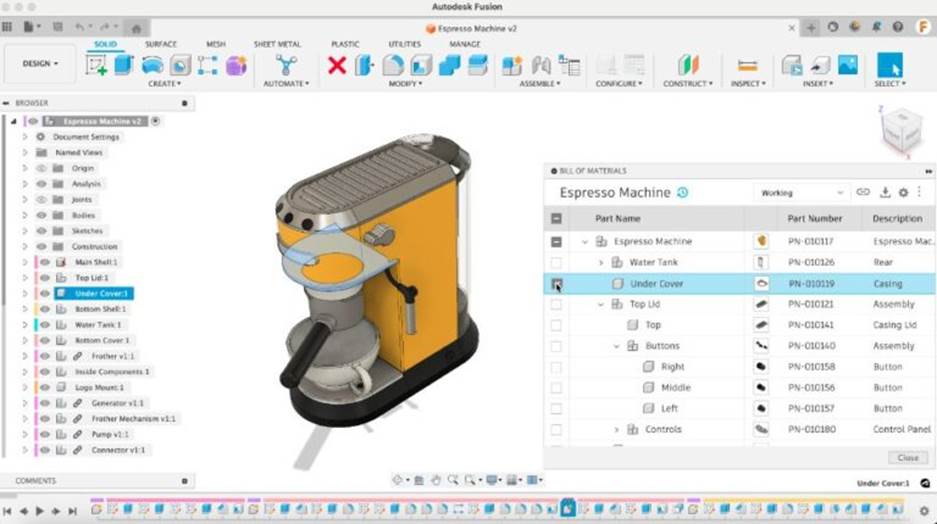
Metrics That Prove Your Connected Product Development Investment is Working
Explore how connected product development improves key engineering metrics of time-to-market, first-pass yield, and cost of poor quality. Learn how integrating ECAD, MCAD, and PLM reduces latency and errors and how Autodesk Fusion can help. Product development teams constantly face pressure to deliver complex designs faster and with fewer errors. One means of alleviating these…
Product Design & Engineering