-

Fusion Forecast: Offline Mode
Are you ever without internet? In this Fusion Forecast, the new offline enhancements coming to Fusion 360 are broken down.
Fusion
-
Autodesk EAGLE has landed: The easy PCB design software – now under the Autodesk wing
Learn about all the new PCB design features in Autodesk EAGLE alongside other great news about the future of your design tool.
Eagle
-
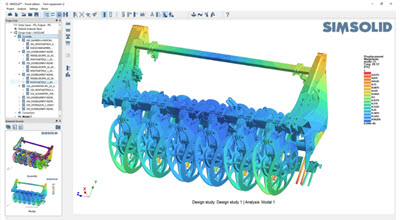
Fusion 360 now integrates with SIMSOLID
SIMSOLID's new plugin for Fusion 360 directly imports user's large designs to analyze the fully detailed CAD representation quickly and easily.
Fusion
-
The new EAGLE Subscription has landed
The PCB design tool you’ve always known – now affordable in a way you’ve never known before. Read on for details about the new EAGLE Subscription.
Eagle
-

FusionNews for the week of 1/13: A weekly roundup of community news
FusionNews highlights the key things that happened over the past week in the Fusion 360 Community. New posts every Friday.
News
-

The Future of Making Things: On Demand and in the Cloud
Tony Glockler, CEO of SolidProfessor shares his key takeaways from Autodesk University and provides his perspective on how Fusion 360 is aligning with larger industry trends.
Fusion
-
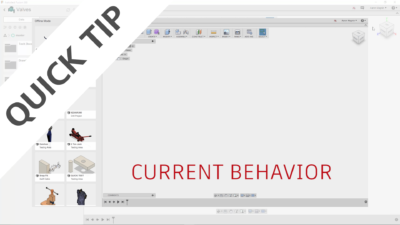
QUICK TIP: New Offline Experience (Preview)
We're striving to make "offline" mode in Fusion 360 a seamless transition from "online" mode. Check out this QUICK TIP to see our latest efforts!
Fusion
-

FusionNews for the week of 1/6: A weekly roundup of community news
FusionNews highlights the key things that happened over the past week in the Fusion 360 Community. New posts every Friday.
News
-
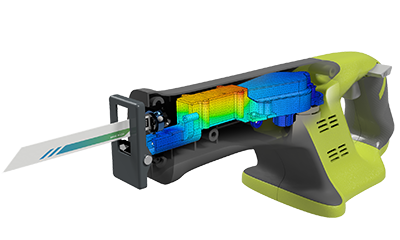
Frequency Simulation using Fusion 360
Are there moving components in your design? Find out if this is going to cause discomfort to the consumer or even worse, a product failure!
Fusion
-
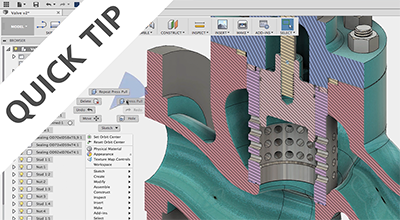
QUICK TIP: Press Pull
Learn the Swiss Army Knife of Fusion 360 by using the Press Pull Command. This command combines 3 commands into one awesome tool.
Fusion
-
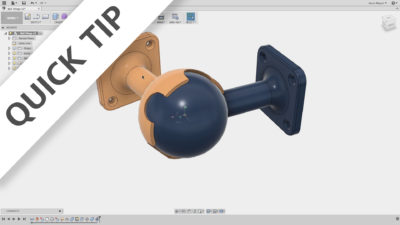
QUICK TIP: Join THEN Build
Fusion 360's unique ability to add positions and joints to the history timeline affords it some real power. Check out this QT to see some examples!
Fusion
-
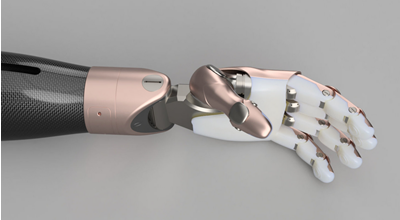
Model of the Month – November
Congratulations to Aleksej Gerlinksi – winner of the Fusion 360 model of the month for November.
Fusion
-
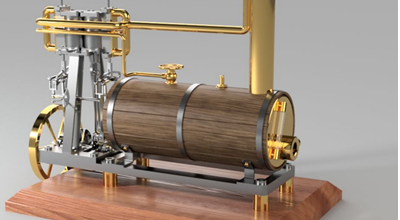
FusionNews for the week of 12/16: A weekly roundup of community news
FusionNews highlights the key things that happened over the past week in the Fusion 360 Community. New posts every Friday.
News
-
Fusion Forecast: Rumblings from Autodesk University
If you missed all the excitement from Autodesk University, this is your one stop shop to see the big pieces of functionality making its way into Fusion 360.
News
-
What you didn’t know about EAGLE: User Language Programming
User Language Programming (ULP) is arguably the most powerful feature in EAGLE, yet few users really leverage it. This feature allows users to write c-like programs that can manipulate every aspect of their design. User Language Programming gives you the user, the power to implement your own specialized functions. Bill of materials (BOM) exporting, dxf…
Eagle