Category: Tutorials
-
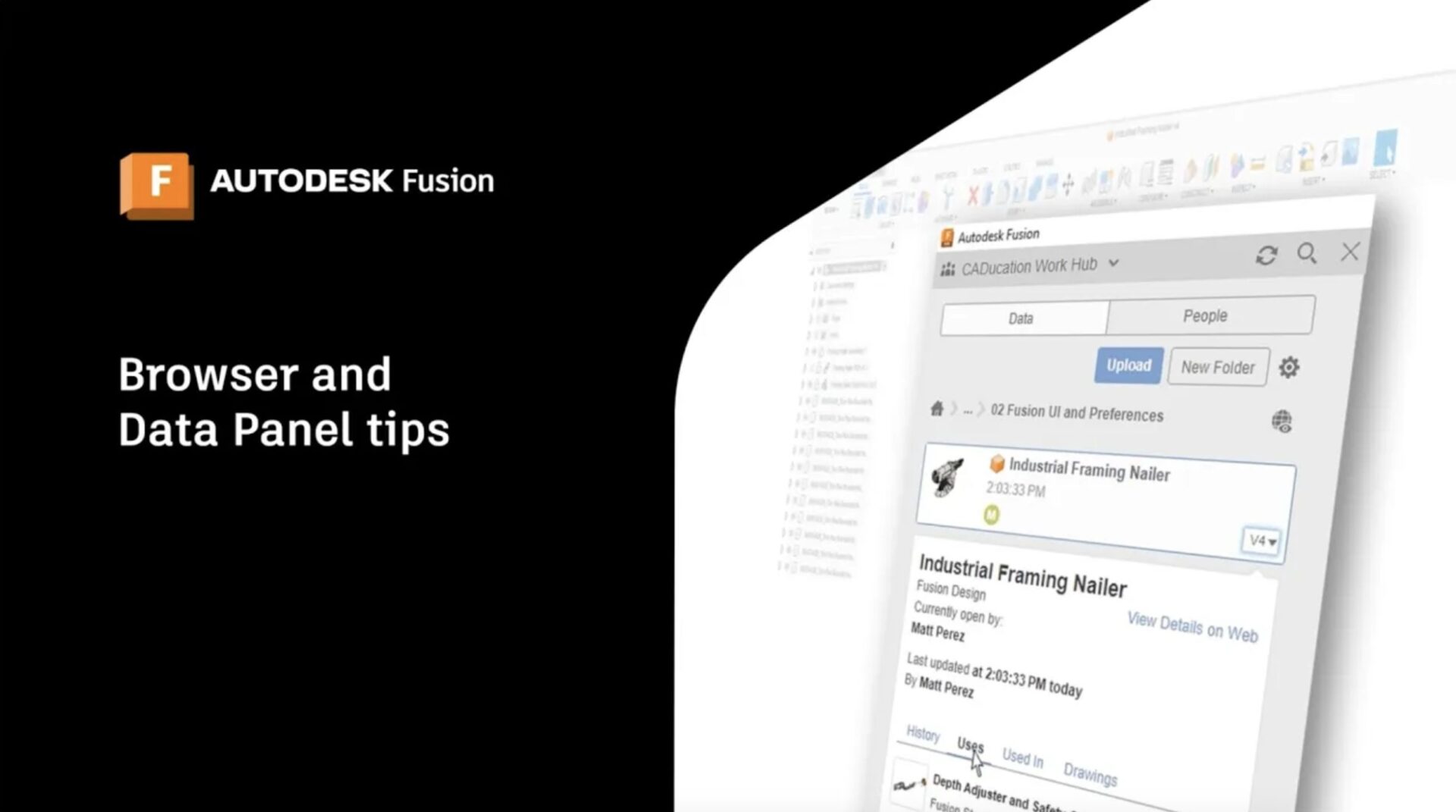
Unlocking the Power of the Fusion Data Panel: Your Essential Guide
Master Fusion's Data Panel: Organize designs, collaborate efficiently, manage versions, and unlock advanced tools like generative design.
Tutorials
-
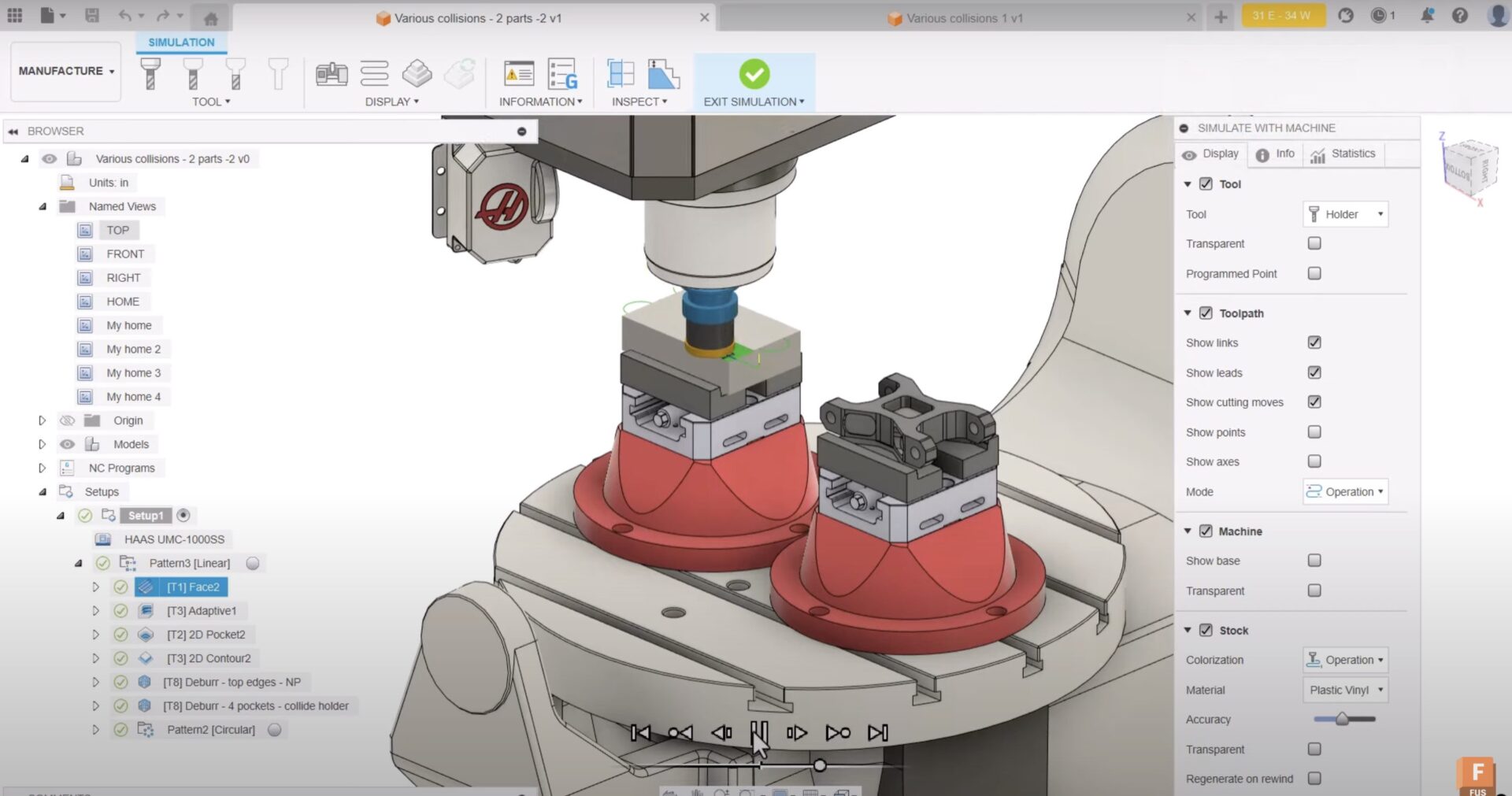
Machine Simulation in Autodesk Fusion: A Game-Changer for Collision Detection
Discover how Fusion's machine simulation detects collisions, optimizes setups, and ensures efficient, accurate machining processes for multi-axis operations.
Tutorials
-

Post Processing and Postprocessor Properties for FFF (Fused Filament Fabrication) Printers in Autodesk Fusion
Optimize FFF printing with Autodesk Fusion. Learn post-processing essentials, postprocessor properties, and supported printers to improve efficiency.
Tutorials
-
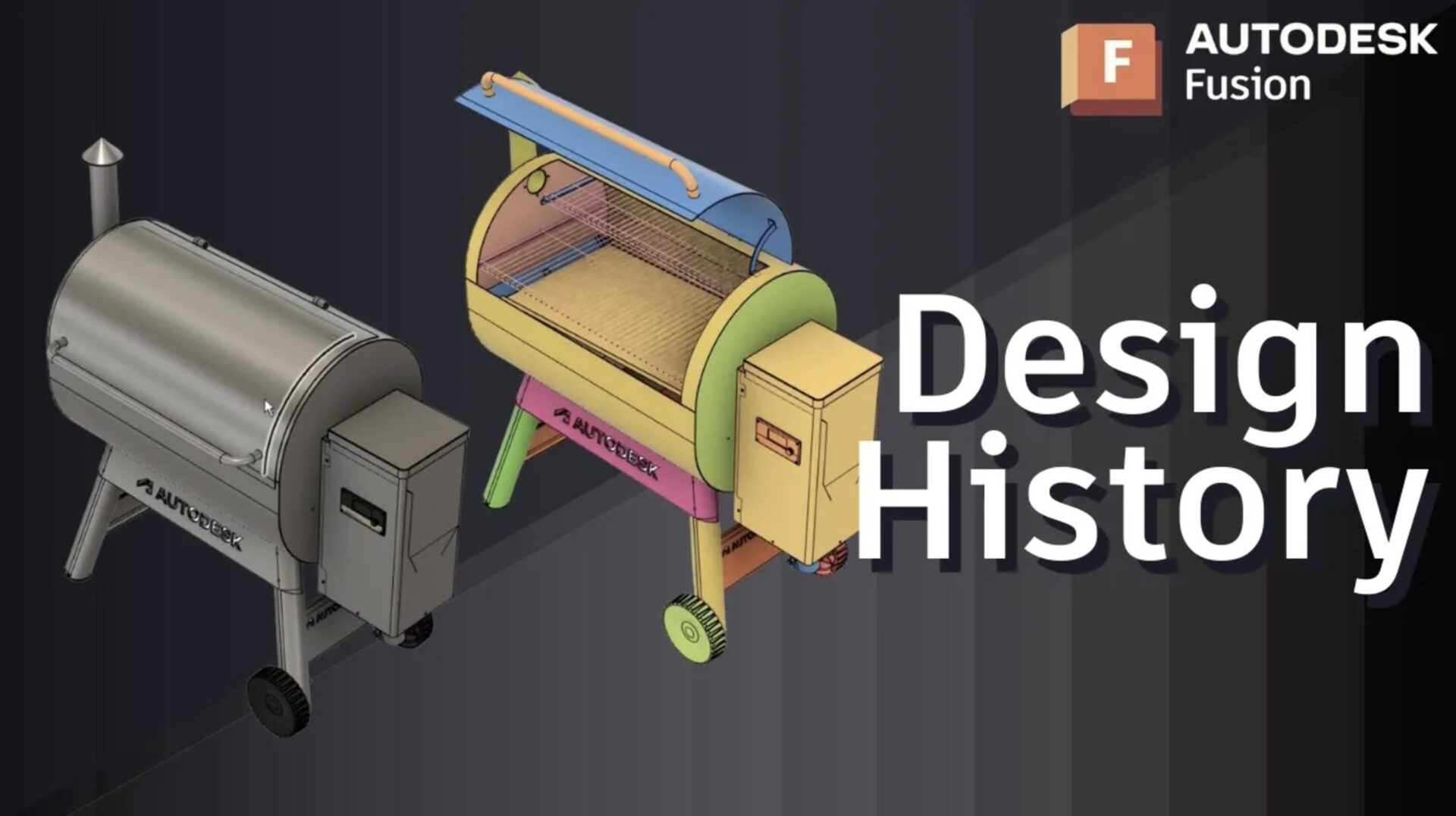
Streamline Your Assembly Design Workflow in Fusion
Master Fusion's assembly design workflows with tips on components, bodies, and design intent to streamline your mechanical projects.
Tutorials
-
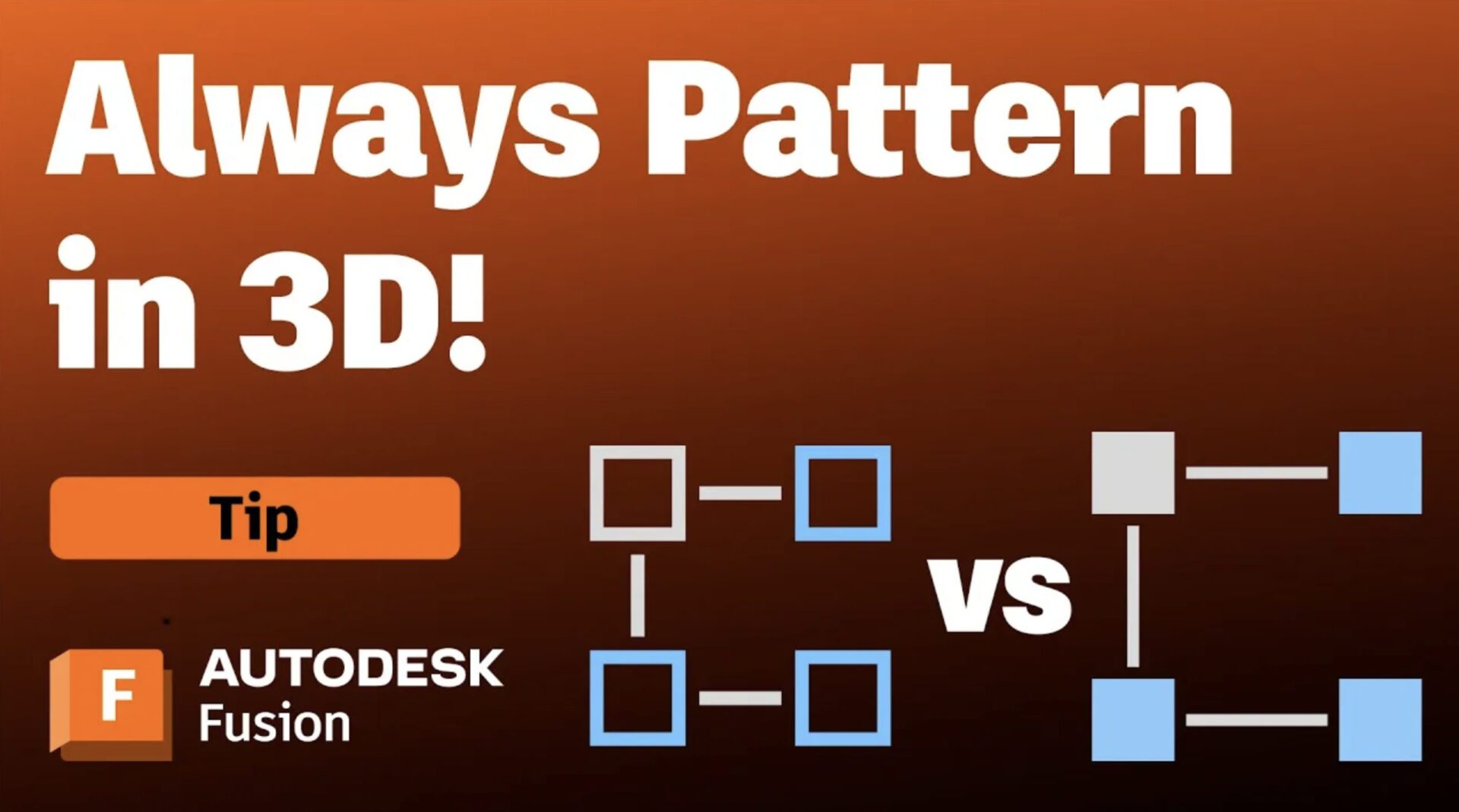
3D Solid Patterns vs. Sketch Patterns: What’s The Smarter Choice in Autodesk Fusion?
Discover why 3D solid patterns in Autodesk Fusion save time, boost performance, and simplify design iterations for optimal results.
Tutorials
-
How to Create and Insert Gears in Fusion
Discover how to create and insert custom and standard gears in Autodesk Fusion to enhance your mechanical design projects effectively.
Tutorials
-
Converting a Mesh into a Solid Body in Autodesk Fusion
Have you inserted a mesh body but need to make edits parametrically? We have you covered. Whether you have 3D scanned a part and need to refine it or want to edit a mesh file you downloaded, you’ll want to convert your mesh file into a solid body to enable parametric modeling capabilities. We’ll show…
Tutorials
-
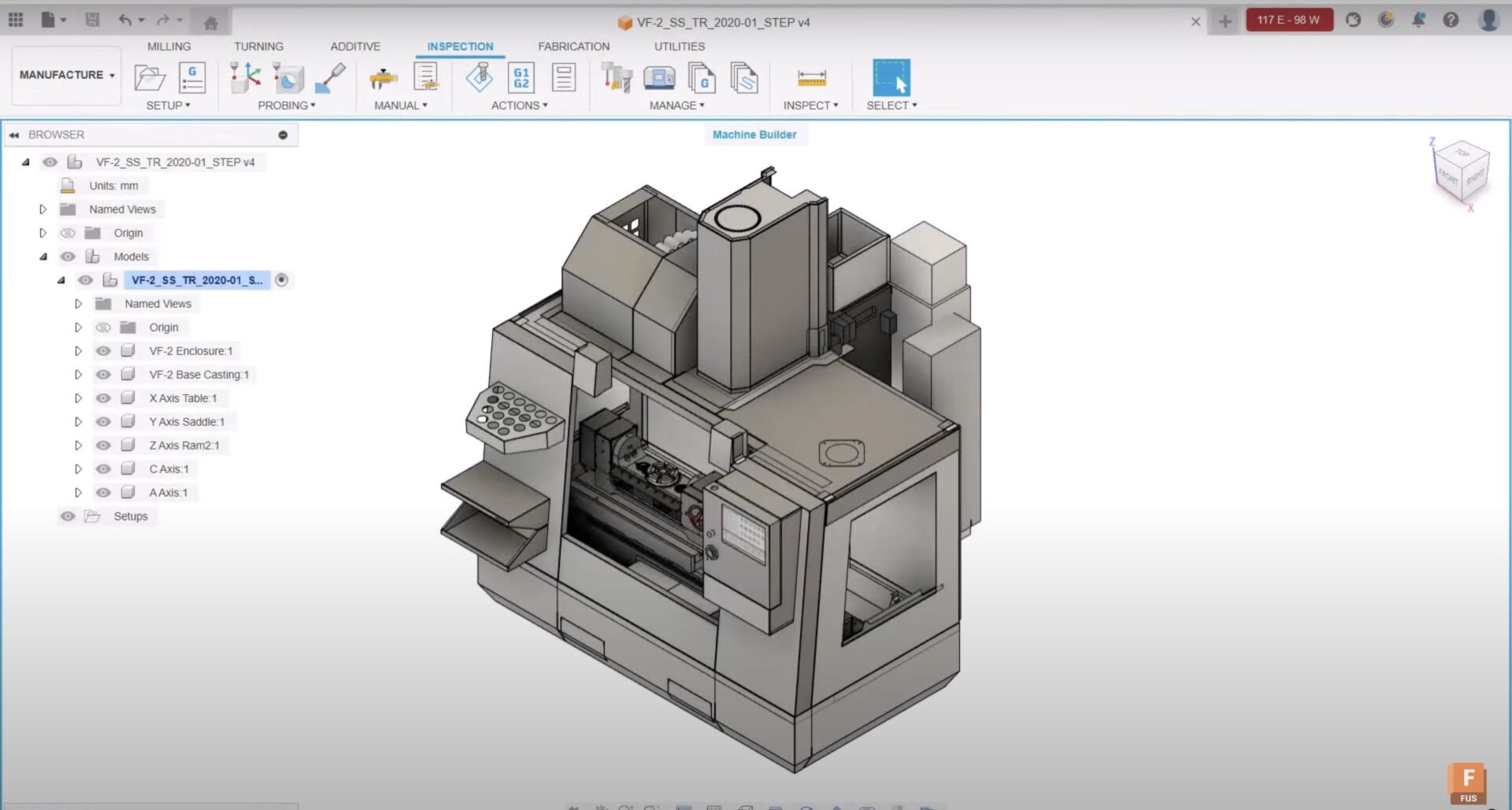
Learn How Machine Builder Works in Autodesk Fusion
To get an accurate representation of the toolpaths you create, you can simulate them by driving a model of your machine. This article gives you an overview of how you can use Machine Definitions and the Machine Builder functionality to create your custom machines. Overview of machine builder in Autodesk Fusion It’s good to be…
Machining
-
How to Apply Appearances to your Model in Autodesk Fusion
There are several ways to apply appearances to your 3D models and specific faces. Learn how to effectively use the “In this design” section of the appearance tool and edit appearances to get the exact look you need for your render in Autodesk Fusion. Opening the appearance tool in Autodesk Fusion T apply appearances, open…
Tutorials
-
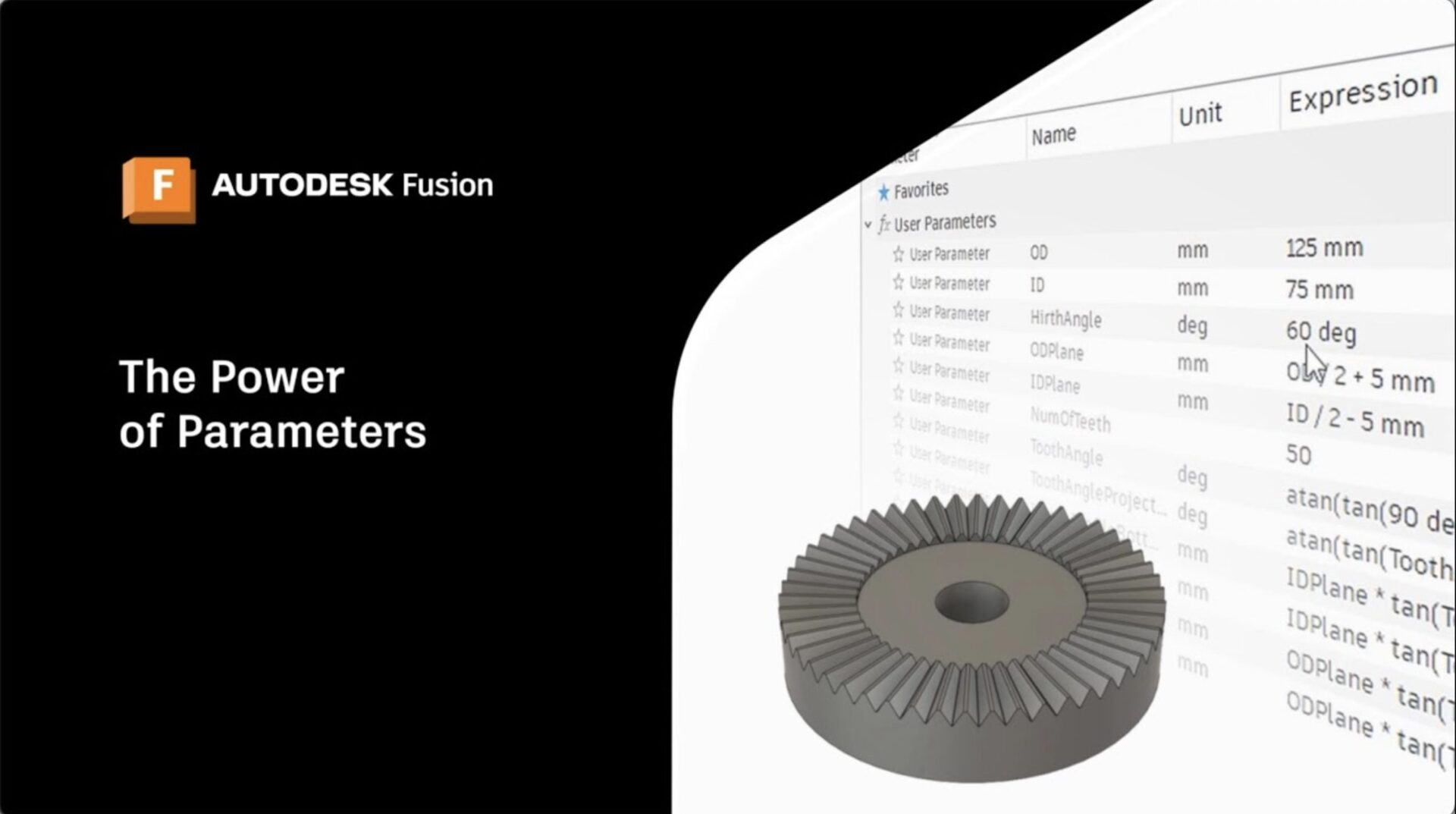
How to Create and Edit Parameters in Fusion for Simplified Design Control
Learn how to use parameters in Fusion to automate design control, improve flexibility, and manage complex relationships efficiently. Parameters in Fusion are a game-changer for CAD users aiming for flexible, efficient, and easily adjustable designs. Parameters in Fusion allow you to automate dimensional control, streamline iterative tweaks, and manage relationships across entire assemblies — whether…
Tutorials
-
Master Midpoint Constraints to Perfect Your Designs in Autodesk Fusion
Midpoint constraints in Autodesk Fusion are essential for aligning and centering design elements with precision. Mastering this feature enhances the accuracy and efficiency of your sketches, ensuring symmetry and proper alignment. This guide will cover the basics, practical applications, and tips for optimizing your design process. What are midpoint constraints? In Fusion, the midpoint constraint…
Tutorials
-
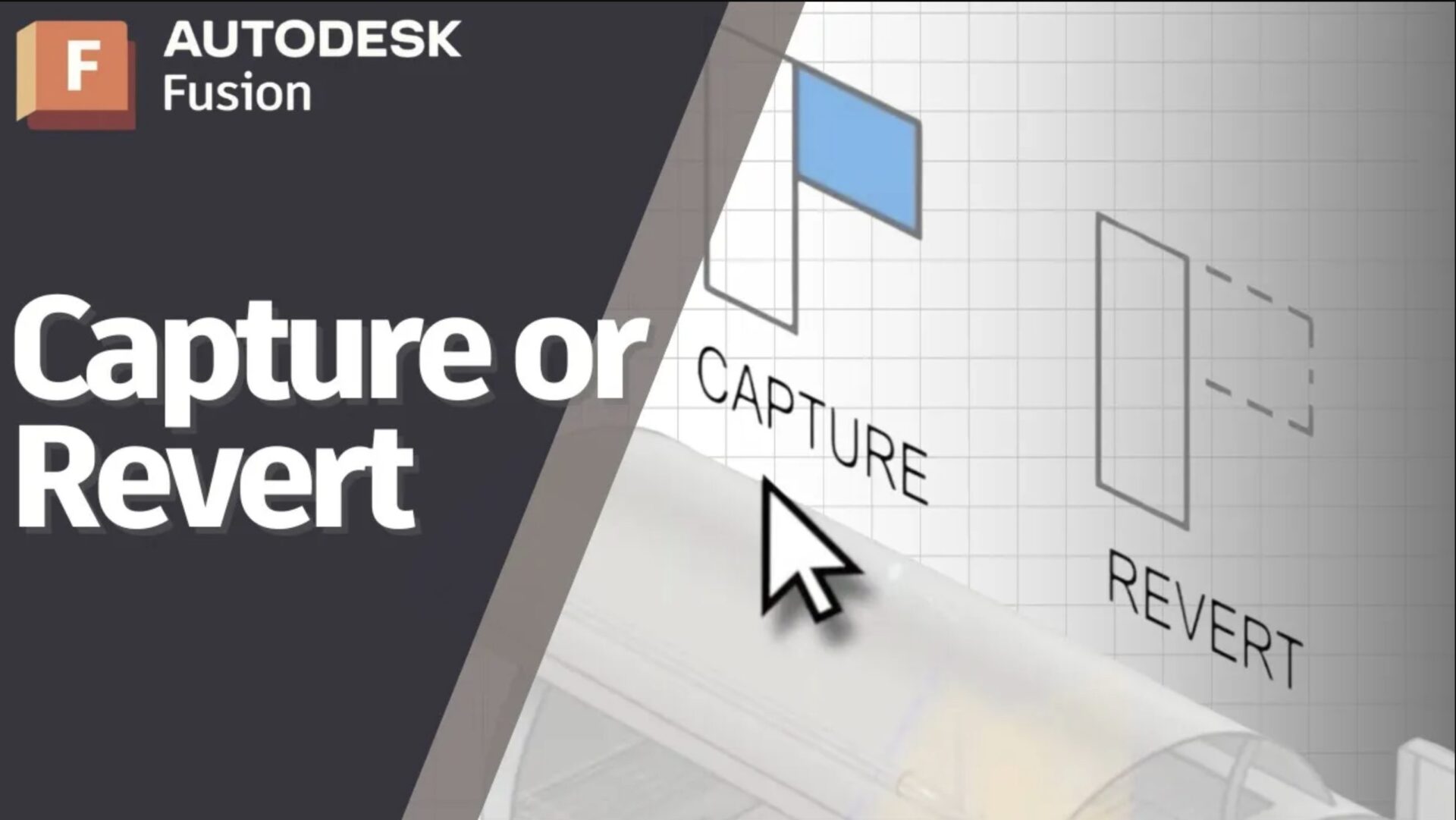
How To Use Capture or Revert in Autodesk Fusion
In this video tutorial, you'll learn what it means and how to capture or revert positions in Autodesk Fusion.
Tutorials
-
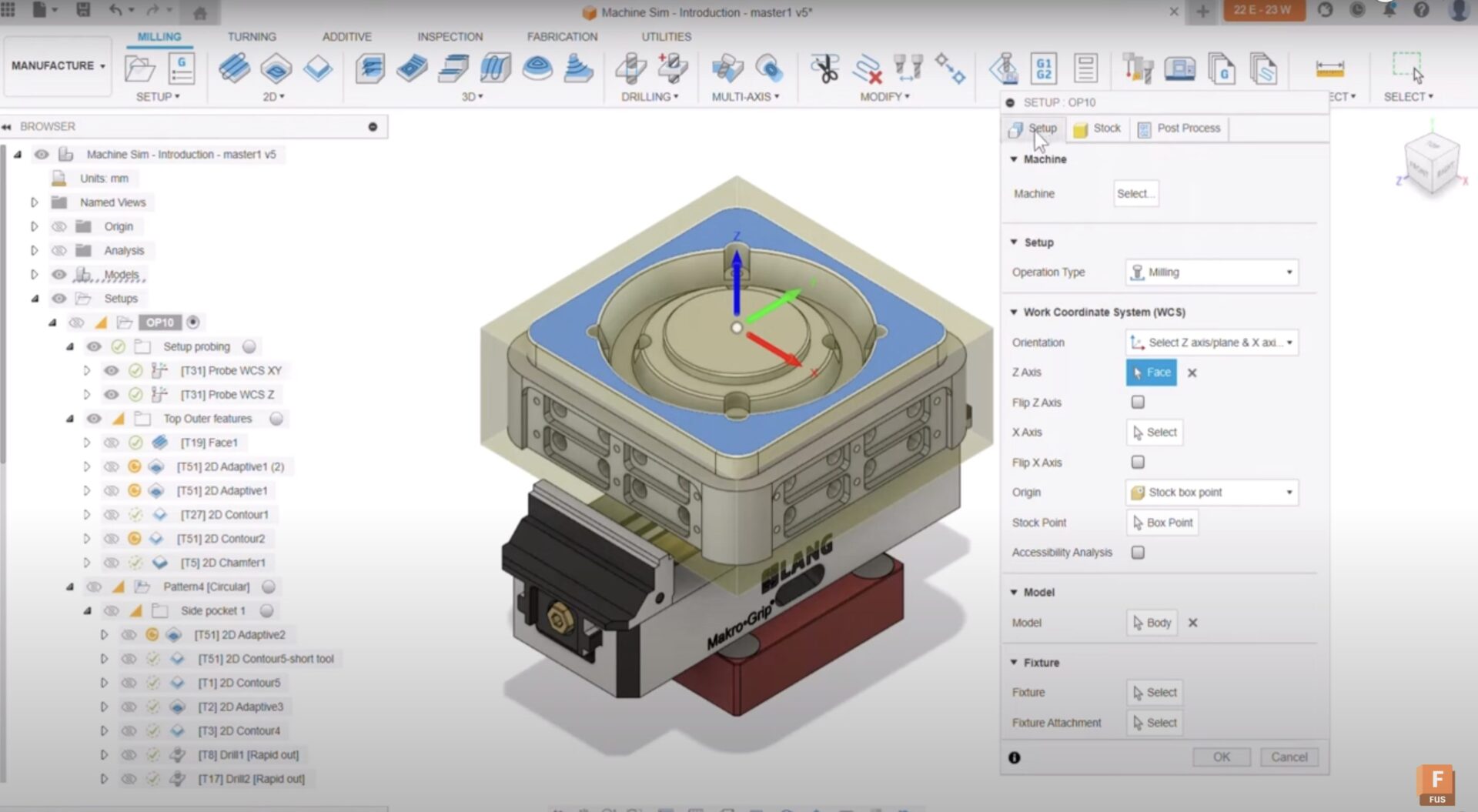
How to Use Machine Simulation in Autodesk Fusion
Learn to use machine simulation in Autodesk Fusion to visualize toolpaths, reduce errors, and enhance programming efficiency.
Tutorials
-

Joints vs. Mates, and Moving Things Around in Autodesk Fusion
Take a look at the differences between joints vs. mates in Autodesk Fusion, as well as how to apply them in assemblies.
Tutorials
-
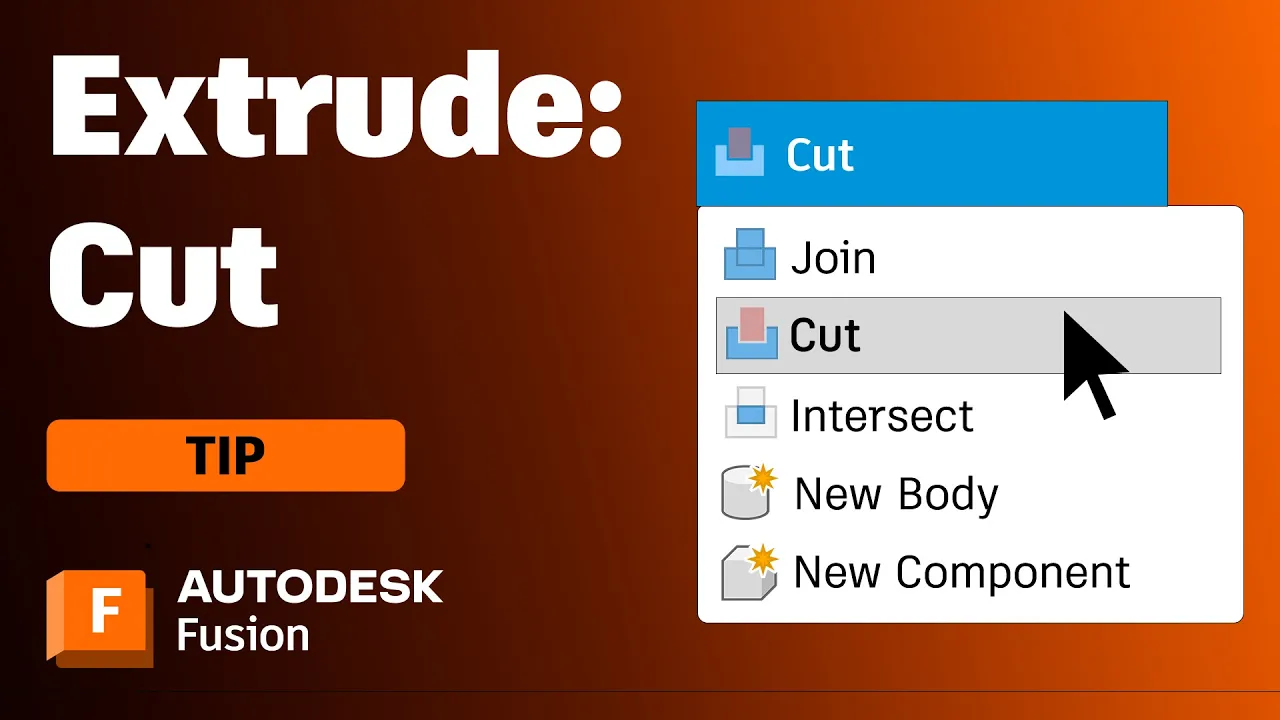
Every Way to Cut Models with the Extrude Tool in Autodesk Fusion
Learn how to use the extrude cut feature in Fusion for precise and functional valve designs with this professional step-by-step guide.
Tutorials