Category: Product Design & Engineering
-
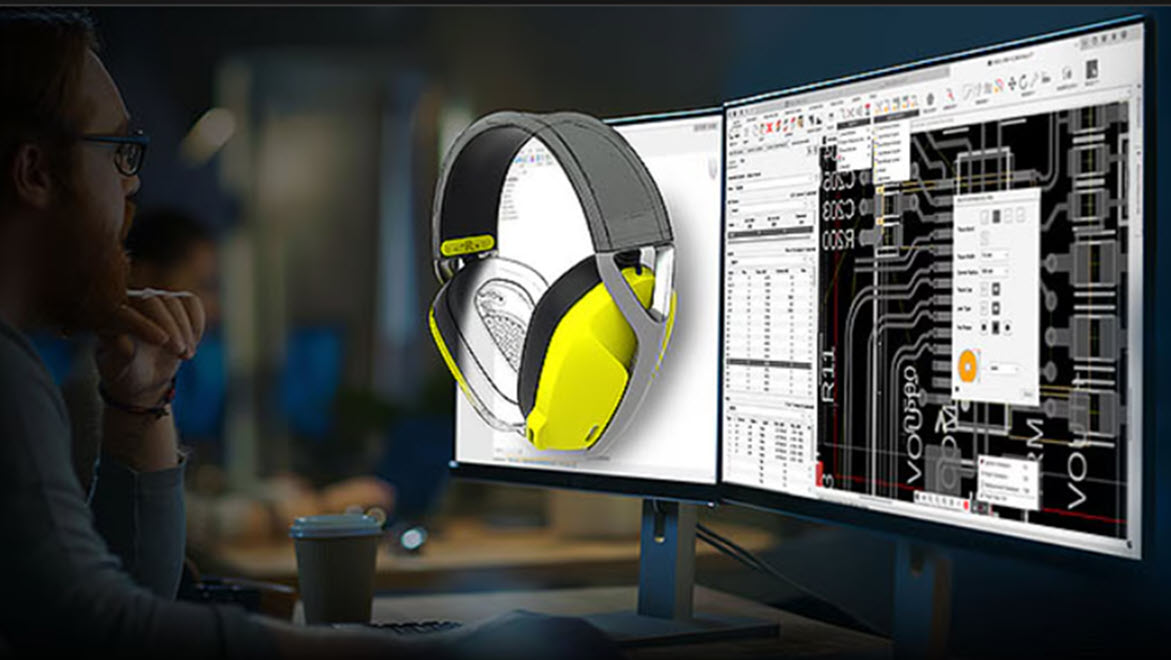
How AI in Fusion Drives Speed, Efficiency, and ROI for Consumer Product Teams
Explore how AI in Autodesk Fusion helps consumer product companies accelerate development, cut costs, and improve manufacturability. Speed, adaptability, and precision are non-negotiables in today’s consumer product landscape. Buyers are more value-driven, and less brand-loyal than ever. Product portfolios are expanding, customization is expected, and sustainability is non-negotiable. For organizations that must deliver innovation under…
Thought Leadership
-
5 Skills That Will Shape Tomorrow’s Engineering Workforce
Engineers of the future be expected to navigate rapidly evolving tools, tackle complex global challenges, and more.
Thought Leadership
-
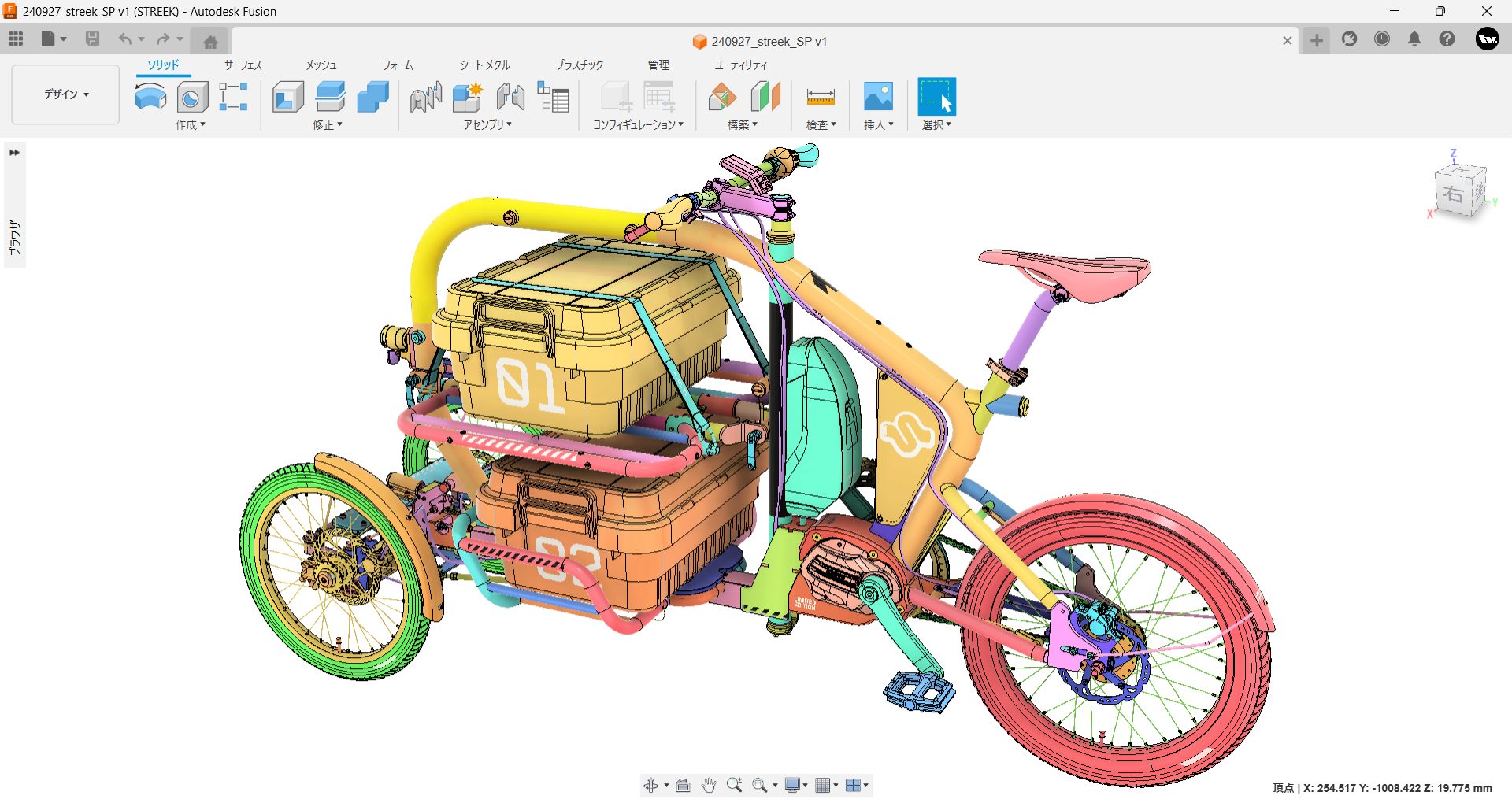
STREEK: A Cargo Trike Fit For Tokyo Streets
STREEK is an electric cargo tricycle from Japan, supported by Autodesk Fusion to bring it from concept to production.
Case Studies
-

SwissDrones Takes Flight: Redefining Aerial Infrastructure Inspection With Autodesk Fusion
To achieve improved safety and sustainability goals in the aerial infrastructure inspection industry, SwissDrones relies on Autodesk Fusion.
Case Studies
-
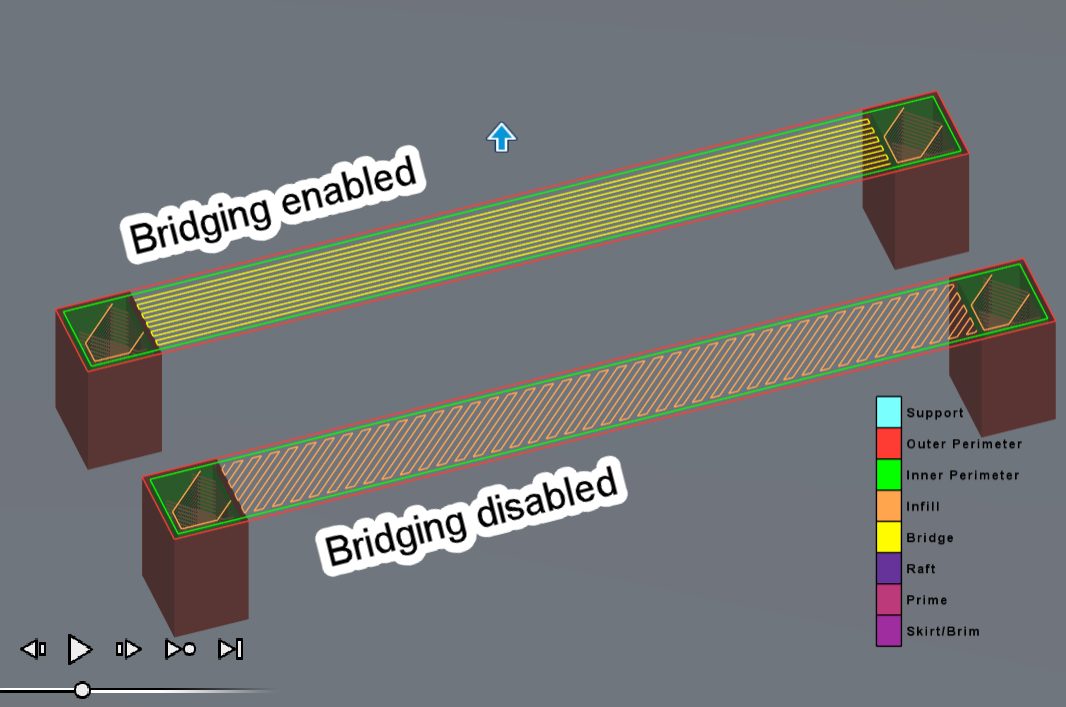
An Overview of Autodesk Fusion’s Fused Filament Fabrication (FFF) Print Settings
Autodesk Fusion offers powerful tools for optimizing every detail of your 3D printing workflow, and its FFF print settings are no exception.
Manufacturing
-
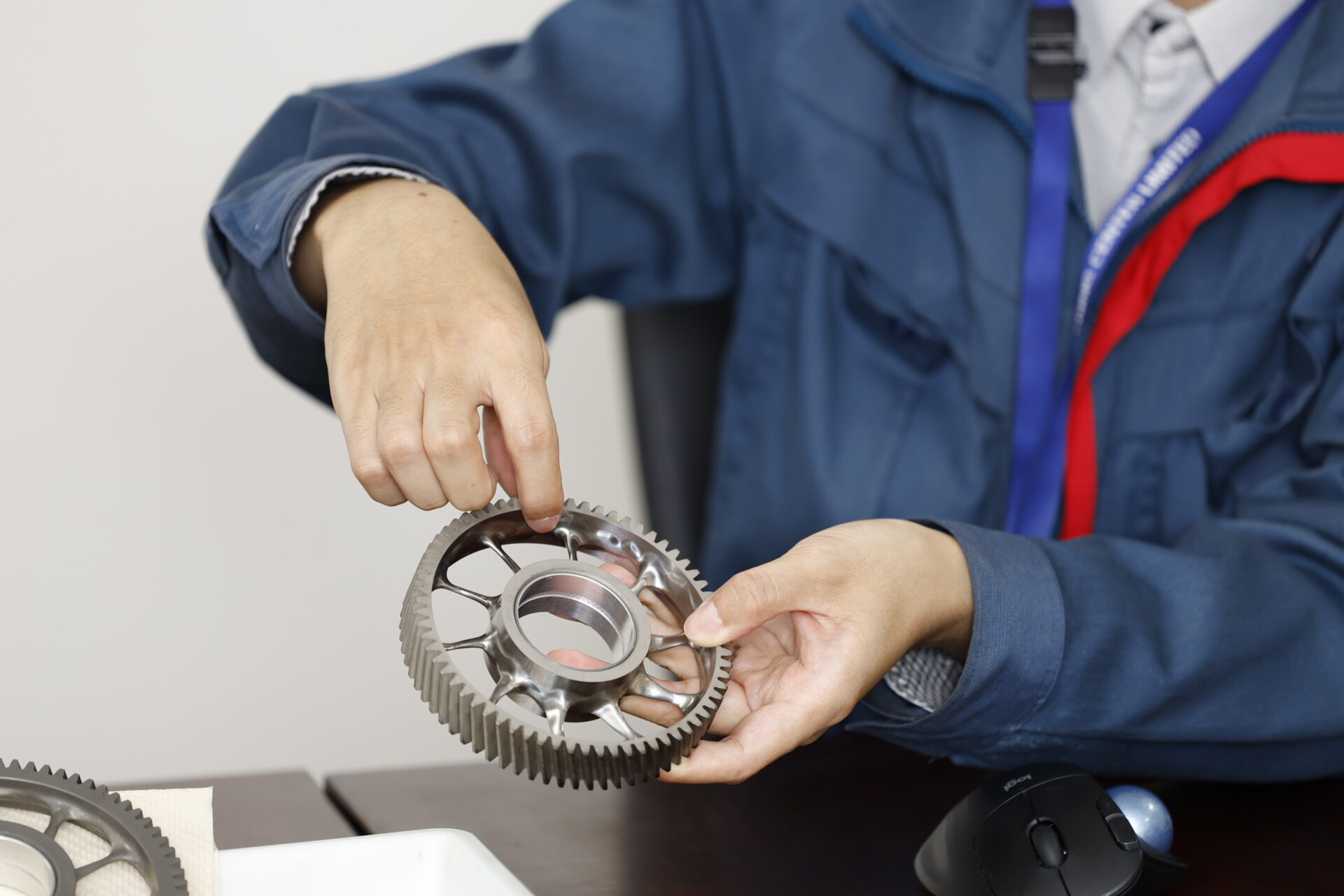
ISUZU Central Research Laboratory Tackles Diesel Engine Quietness with Generative Design
See how ISUZU Central Research Institute is advancing the use of generative design in Autodesk Fusion to optimize diesel engine gear structures.
Case Studies
-
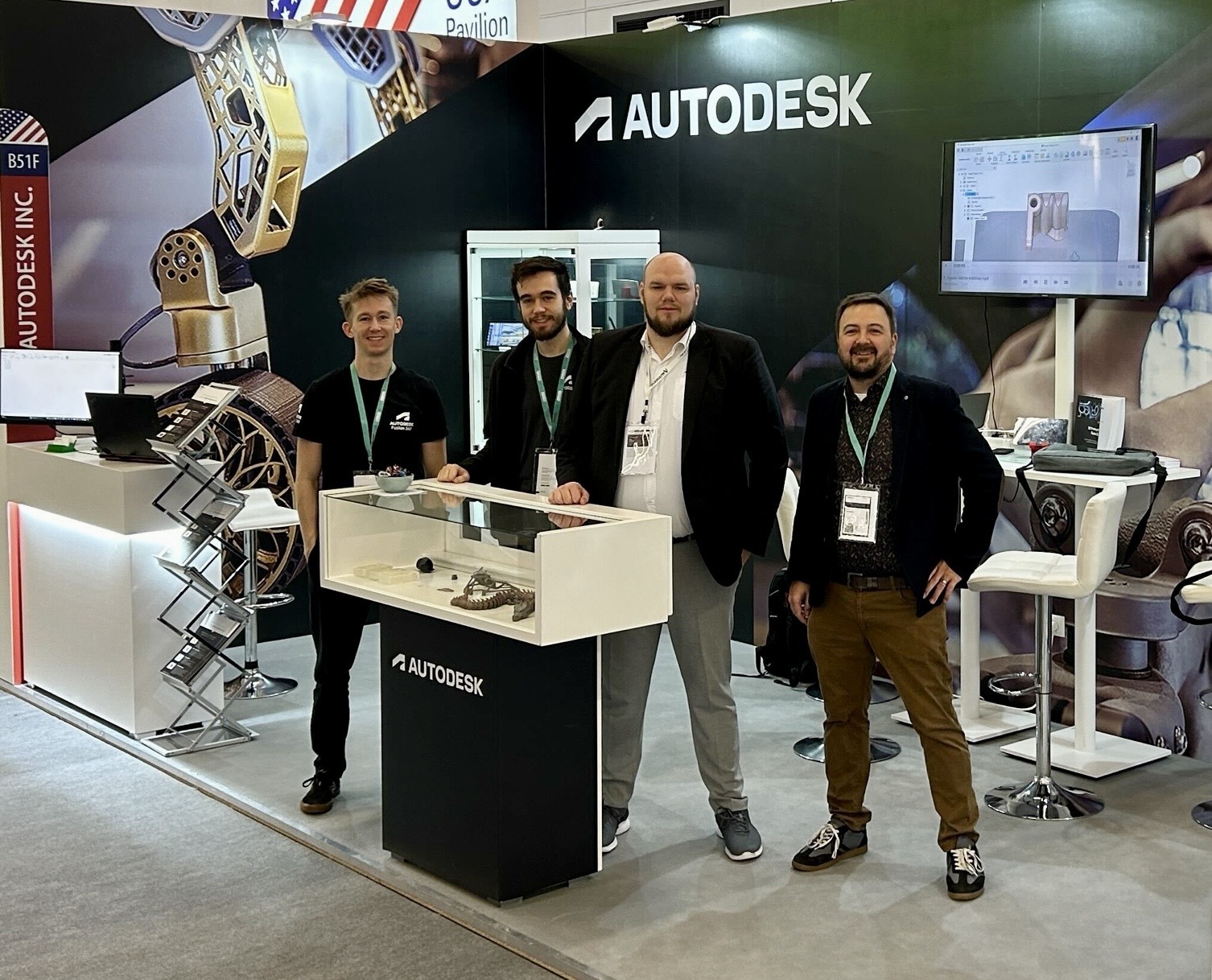
Join the Autodesk Additive Manufacturing Team At Formnext 2025
Please join the Autodesk team November 18-21 at booth E18 in hall 11.0 at Formnext 2025, the industry hub for additive manufacturing!
Manufacturing
-
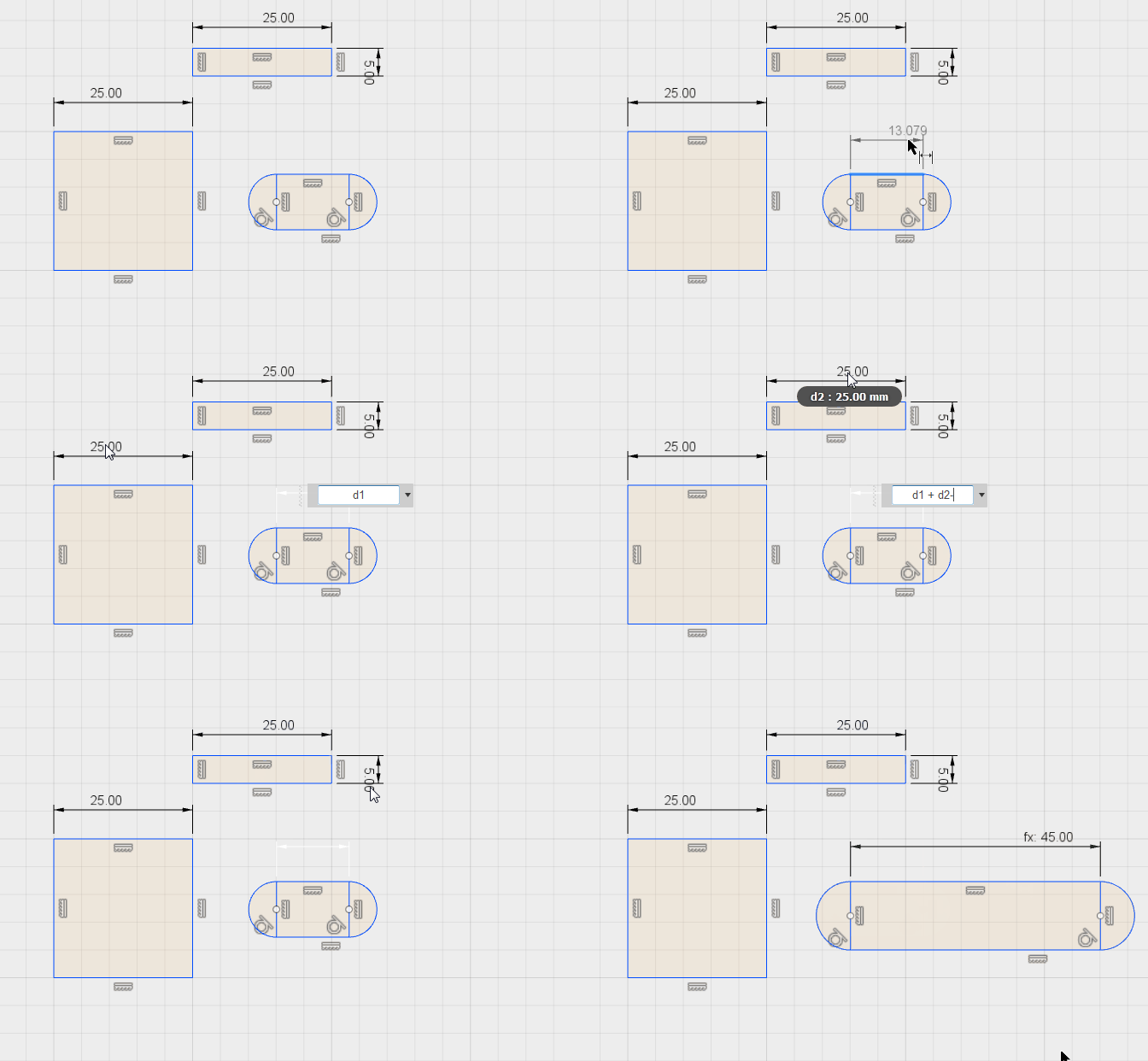
How to Create Dimensions in Sketches in Fusion
Creating precise dimensions in sketches in Fusion is fundamental to building accurate and parametric 3D models. This guide will give you a complete walkthrough of dimensioning in Fusion sketches. Dimensions in sketches in Fusion Dimensioning is the process of defining the size and position of sketch geometry, including lines, points, arcs, and circles using numerical…
Product Design & Engineering
-

Hawk Furniture Streamlines Bespoke Office Solutions Using Autodesk Fusion
See how Hawk Furniture has enhanced its design and manufacturing efficiency and customization capabilities with Autodesk Fusion.
Case Studies
-
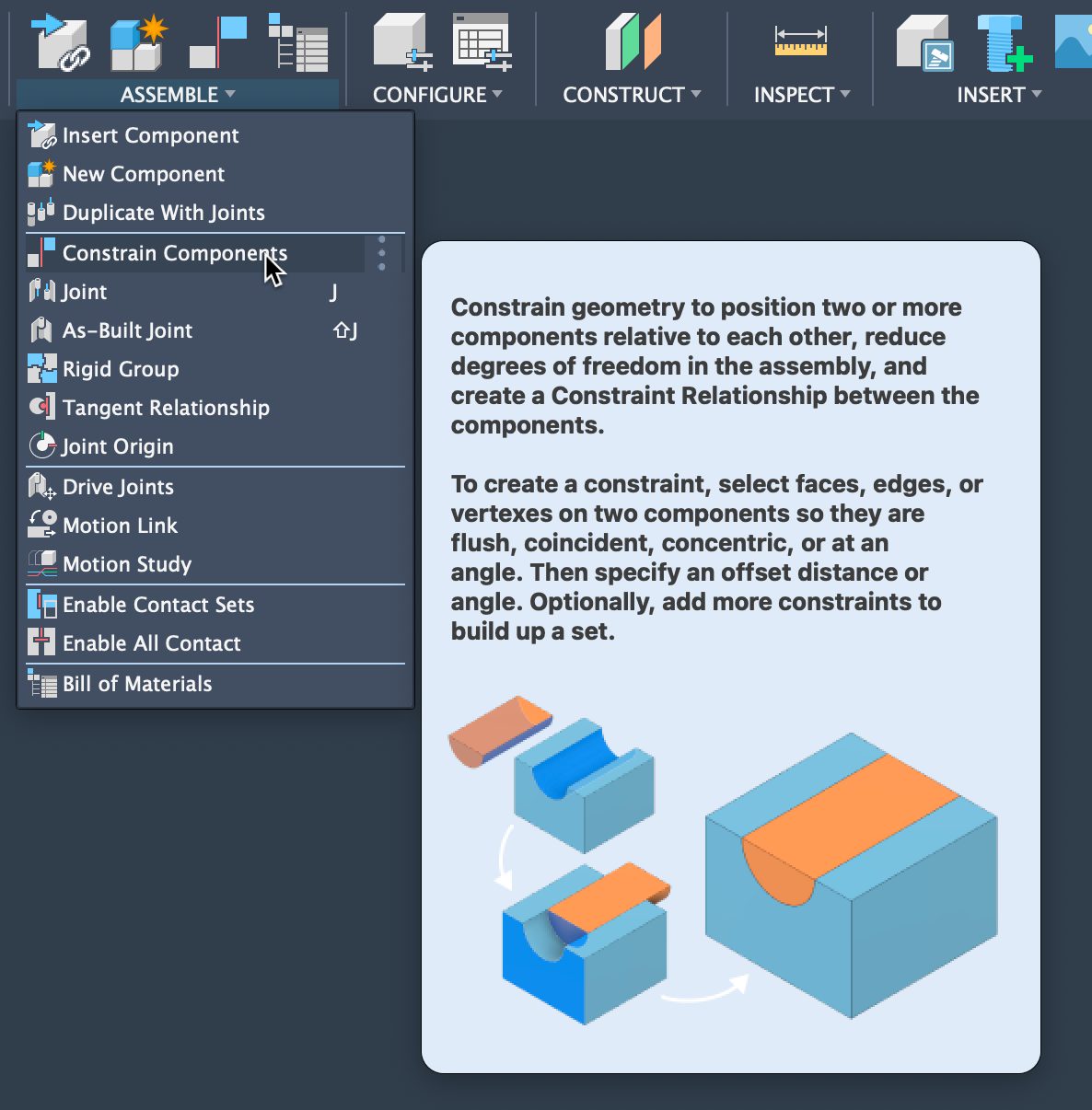
Mates, Meet Constraints: Your Fusion Assemblies Guide
Learn how to assemble components in Fusion using Constraints — a faster, simpler alternative to SolidWorks mates. This step‑by‑step guide covers creating assemblies, applying multiple constraints efficiently, and managing them through the browser, helping you streamline the design process and build Fusion assemblies with more clarity and speed. Build Fusion assemblies faster with constraints If…
Product Design & Engineering
-
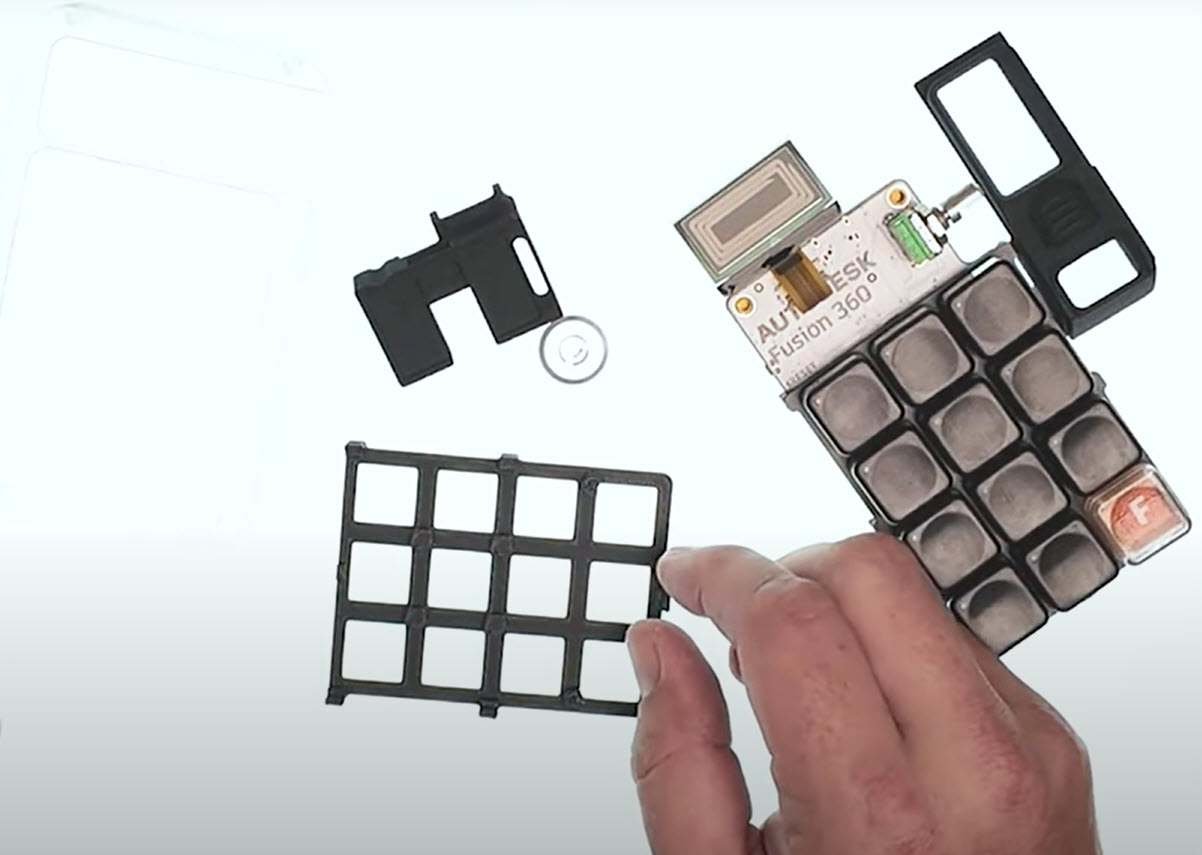
Fusion for Commercial 3D Printing
Learn how 3D printing in Fusion enables fast design, prototyping, and low-cost commercial production. 3D printing in Fusion streamlines the process of designing, prototyping, and manufacturing products for commercial production. For businesses aiming to scale up with Fusion, it’s important to understand the practical workflow advantages and cost efficiencies that additive manufacturing offers. Fusion enables…
Product Design & Engineering
-
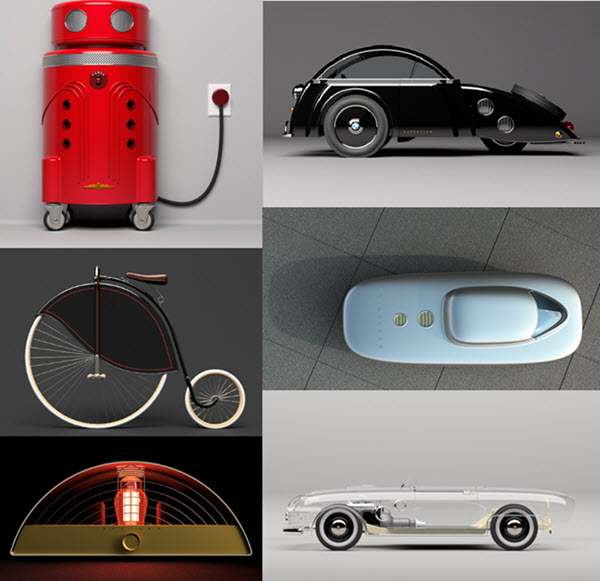
Fusion Community Spotlight: Tim George’s Top 4 Power Rendering Tips Revealed
Welcome to the first post in our new Fusion Community Spotlight series—where we celebrate the makers, builders, and dreamers using Autodesk Fusion to bring their ideas to life. These are the real stories of people pushing creative and technical boundaries with Fusion. First up, Tim George. If you’ve spent any time in the Fusion Facebook…
Product Design & Engineering
-
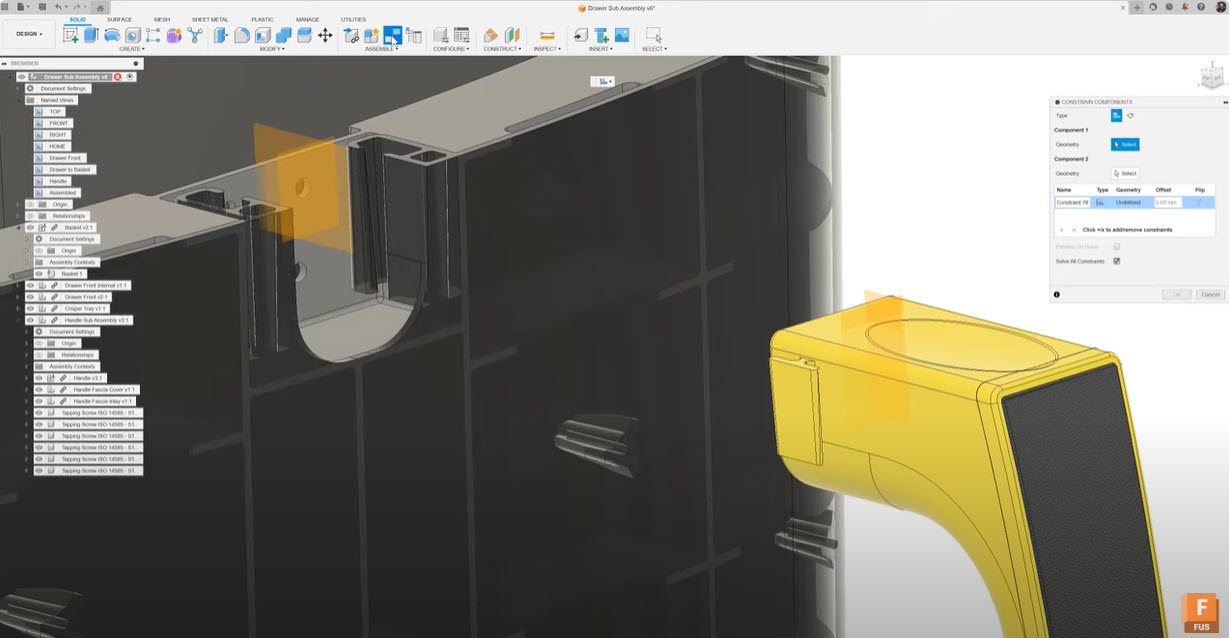
From Mates to Constraints: Making Yourself at Home with Constraints in Fusion
Experienced SolidWorks users transitioning to Autodesk Fusion will find Fusion’s constraints system simplifies assemblies with fewer steps, intuitive visual previews, and real-time feedback. Its familiar terms, better management, and improved kinematic control provide a smoother, more efficient design experience than traditional mate-based workflows. Hey there, SolidWorks pro. We get it—you’ve been Mating things together for…
Product Design & Engineering
-
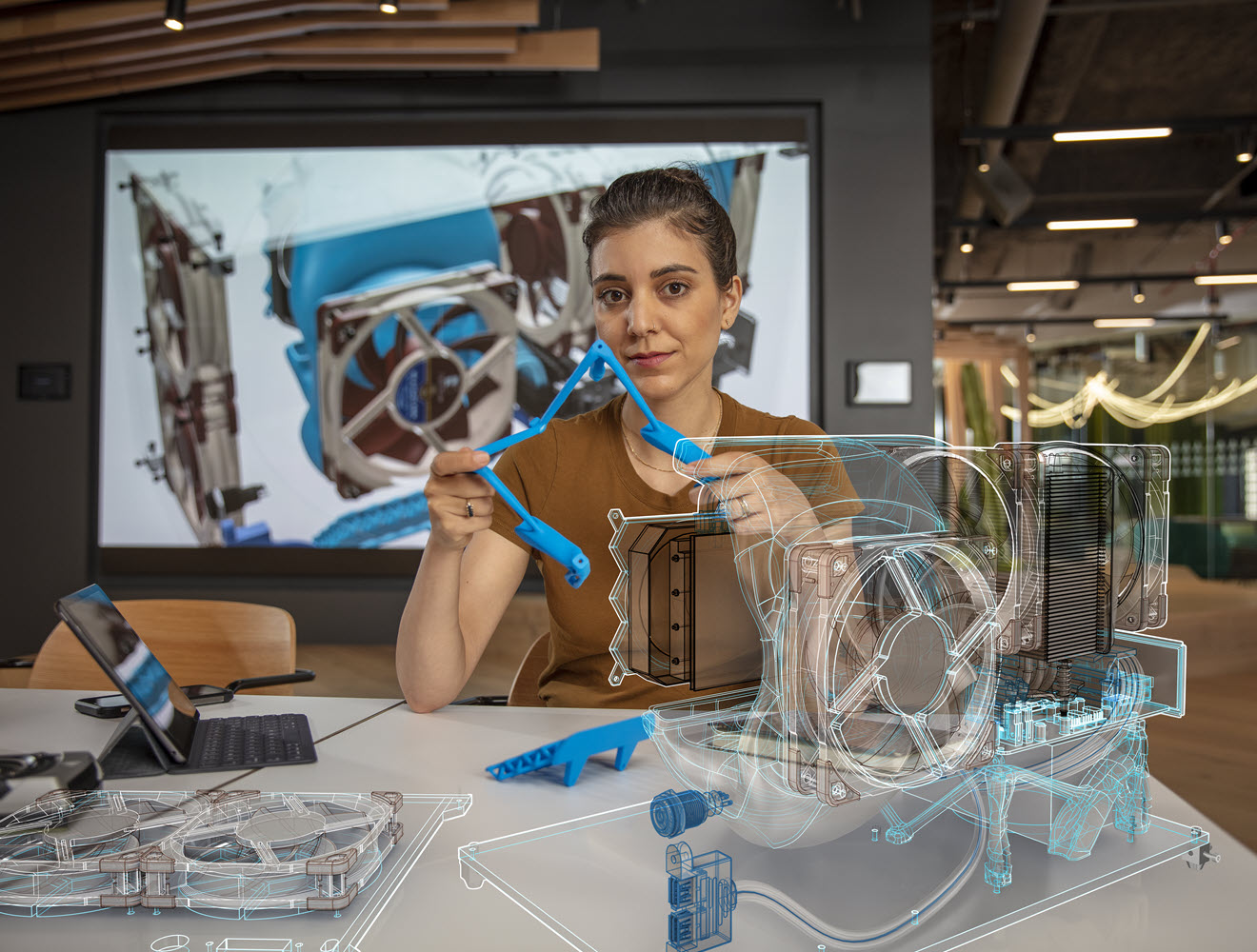
Rapid Iteration Wins Markets: How Fusion Empowers Business Growth
Rapid iteration helps companies develop, test, and refine products quickly, meeting customer expectations and staying competitive. Learn how Autodesk Fusion can help. The speed at which a company can develop, refine, and launch new products is key to winning new business and sustaining growth. Being able to quickly turn concepts into market-ready solutions is what…
Product Design & Engineering
-
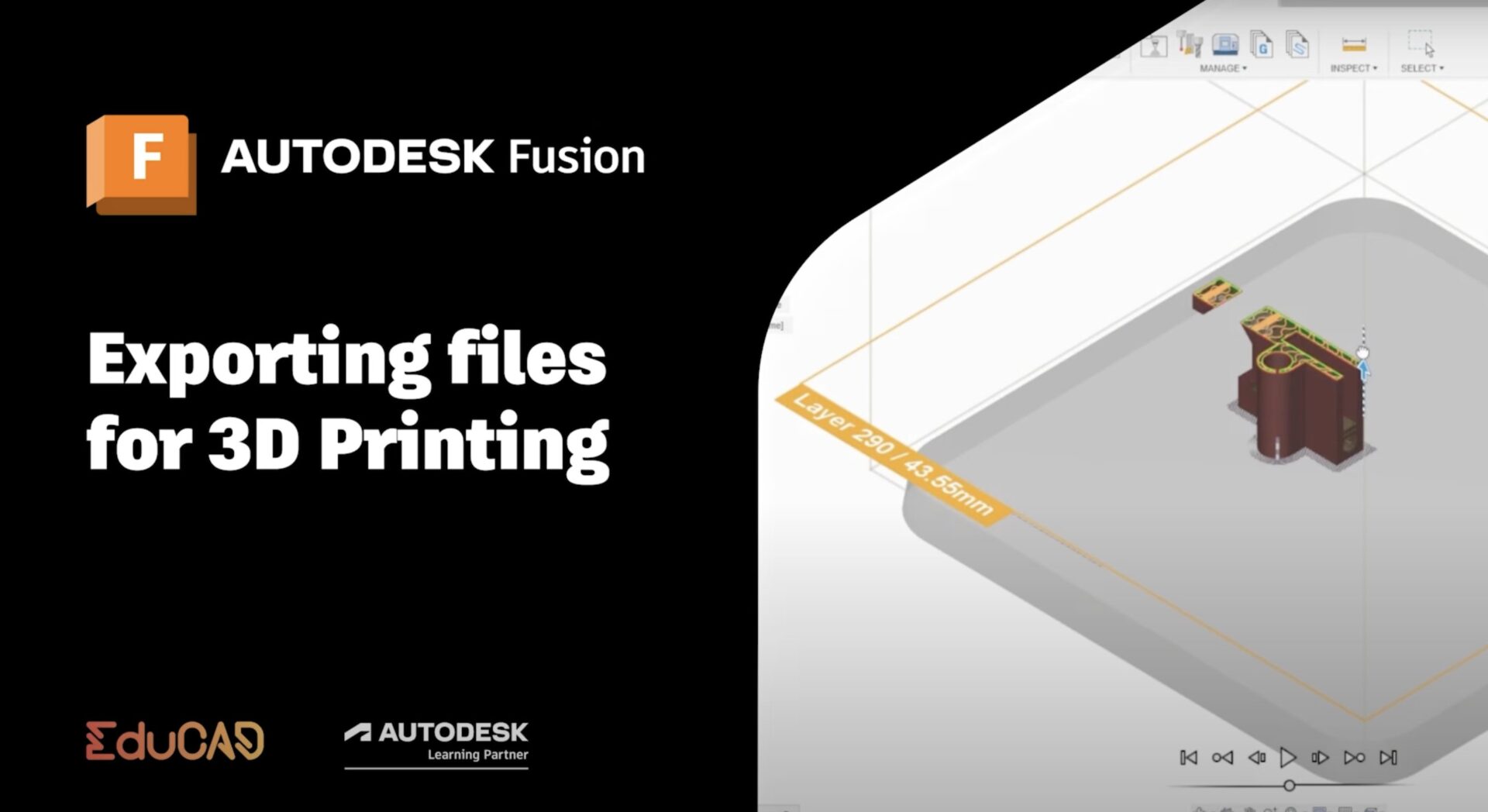
How to Export Your Autodesk Fusion Model for 3D Printing
Autodesk Fusion offers versatile options for exporting single parts or assemblies to 3D printers—explore the most common methods here.
Tutorials