Category: Manufacturing
-
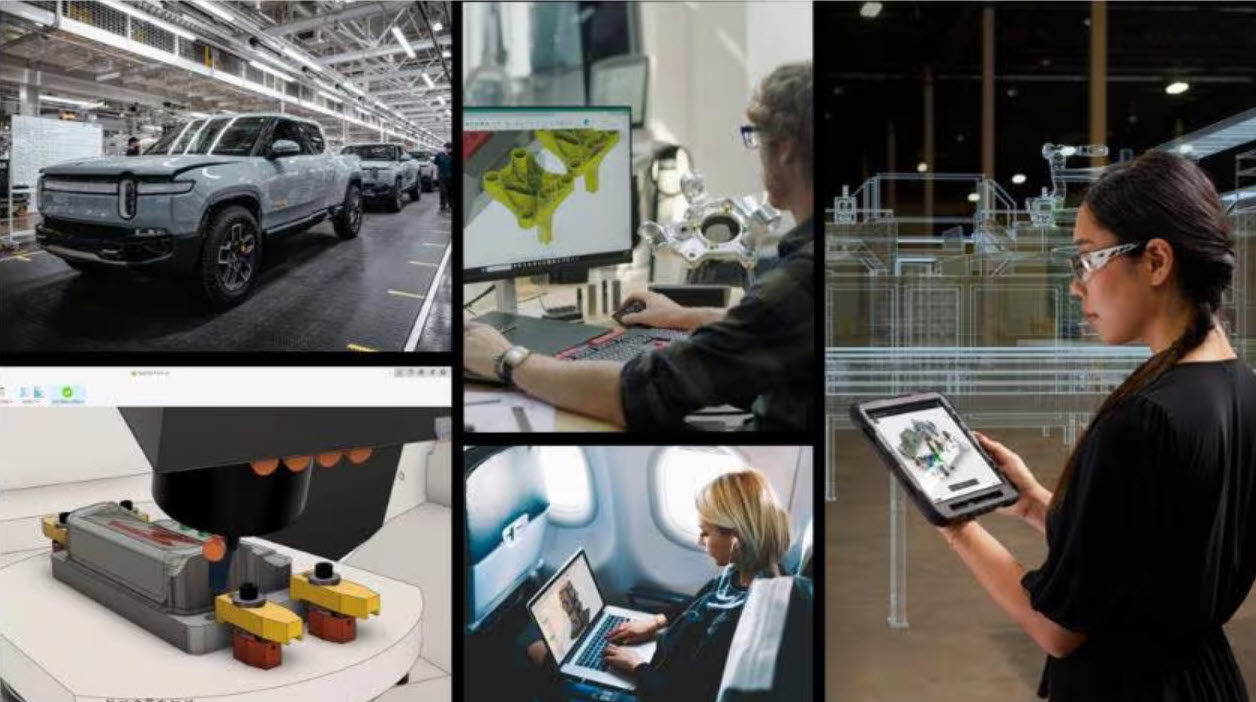
AI in Manufacturing: How Artificial Intelligence Is Redefining Decision‑Making
Discover how AI in manufacturing is transforming decision‑making. Learn how Autodesk Fusion uses AI to reduce risk, accelerate design, and improve outcomes. AI in manufacturing is no longer an emerging trend, it’s a fundamental shift in how decisions are made across design, engineering, and production. As product complexity increases and margins tighten, manufacturers are under…
Thought Leadership
-
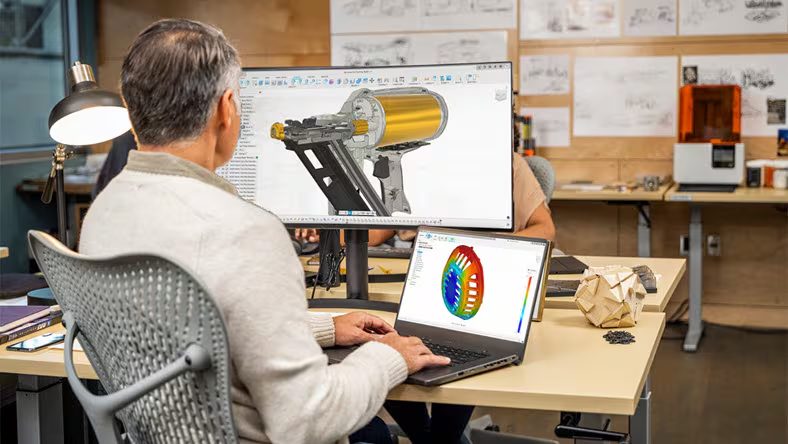
Why Manufacturers Can’t Compete Without Connected Product Development
Explore why connected product development matters and how Autodesk Fusion unifies CAD, CAM, and CAE to improve data integrity and manufacturing agility. As product development cycles accelerate and product complexity continues to rise, manufacturers can no longer rely on disconnected engineering workflows. Siloed systems slow innovation, introduce costly errors, and limit an organization’s ability to…
Fusion
-
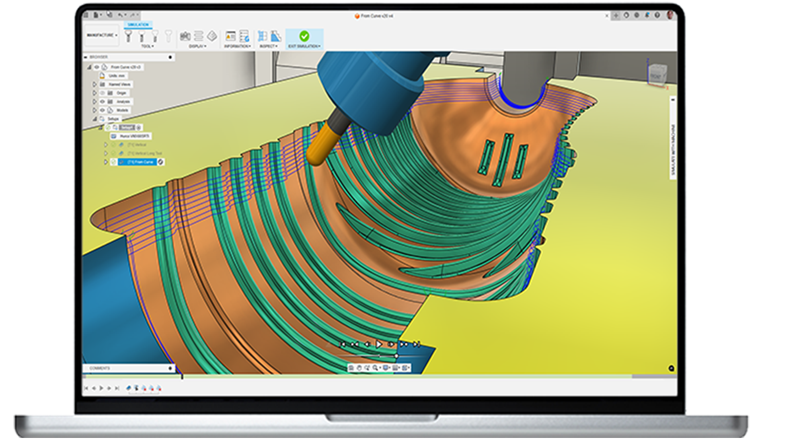
What CNC processes can be programmed with Autodesk Fusion for Manufacturing?
Explore how Autodesk Fusion for Manufacturing supports CNC milling, turning, multi‑axis, cutting, probing, nesting, and additive workflows—all in one connected CAM platform. Modern machine shops rarely run “just one” kind of CNC work. A single job may require 2D profiling, 3D surfacing, drilling cycles, probing, and even a turn-mill handoff—all while keeping revisions in sync…
Manufacturing
-
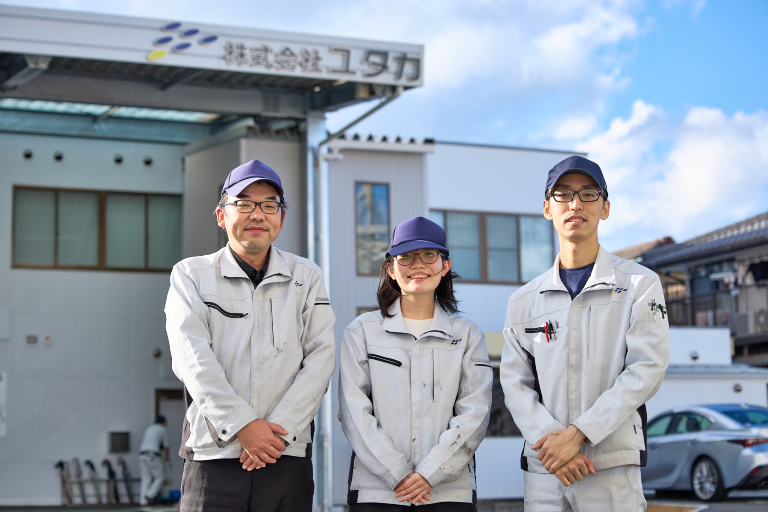
Enhanced CAM Capabilities in Autodesk Fusion Simplify High-Precision, Simultaneous 5-Axis Machining at Yutaka
Ultra-high precision components in the sub-micron range are essential in fields like semiconductor production equipment and aerospace. Manufacturing these requires advanced machining techniques like simultaneous 5-axis machining, making not only cutting-edge equipment but also personnel proficient in software indispensable. Yutaka Co., Ltd., a precision machined parts manufacturer in Matsuyama, Ehime Prefecture, is tackling this with…
Customer Stories
-
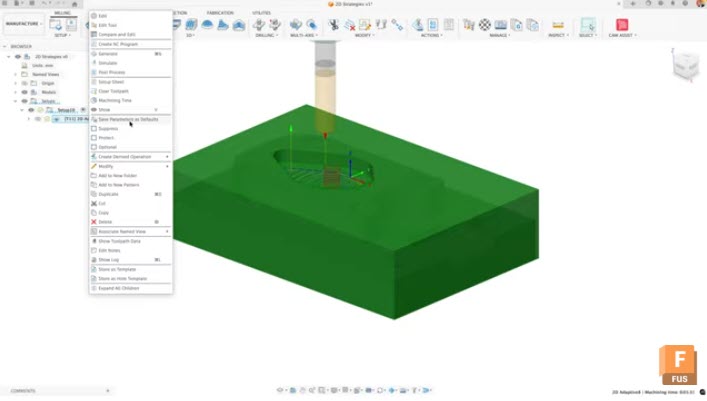
Streamline Your CAM Workflow: User Defaults and Expressions in Fusion
Stop re‑entering the same CAM settings. Use User Defaults and Expressions in Fusion to standardize toolpaths, scale values dynamically, and keep jobs consistent. Setting up efficient CAM workflows in Autodesk Fusion doesn’t have to mean manually adjusting the same parameters every time you create a toolpath. By mastering user defaults and expressions in the Manufacture…
Manufacturing
-
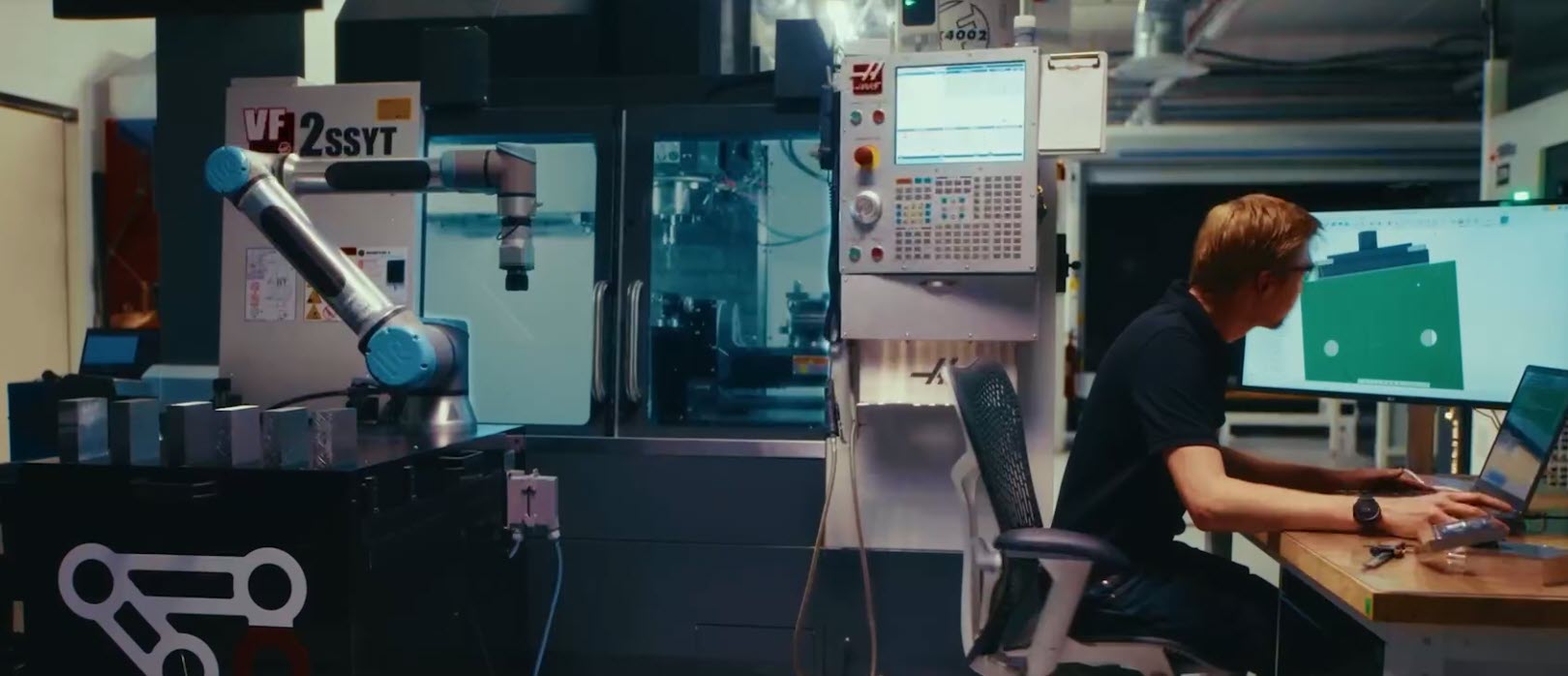
Tight Tolerances, Tight Timelines: How Fusion Probing Transforms Modern Manufacturing
From faster setups to in‑process inspection, see how Fusion probing helps manufacturers meet tight tolerances and tighter timelines with confidence. Manufacturing has always lived at the intersection of precision and pressure. Today, that pressure is amplified. Tolerances are tighter. Lead times are shorter. Customer expectations are higher. And the margin for error, on the shop…
Manufacturing
-
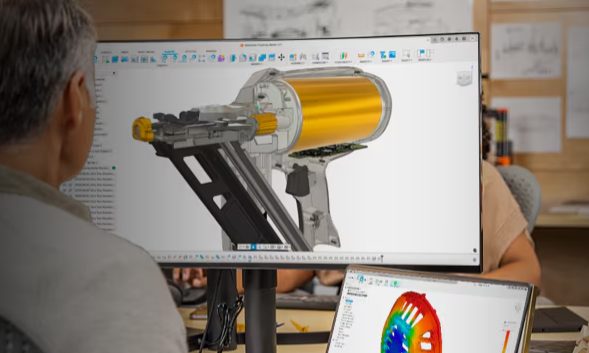
How Digital‑First Brands Are Reducing Time‑to‑Market with Unified Design‑to‑Make Workflows
Digital‑first brands are launching products faster by unifying design, engineering, and manufacturing. See how connected design‑to‑make workflows in Autodesk Fusion reduce rework and speed time‑to‑market. Speed doesn’t come from working harder. It comes from removing friction. Digital‑first brands, especially in consumer products, hardware, and advanced manufacturing have figured this out. They’re not launching faster because…
Product Design & Engineering
-
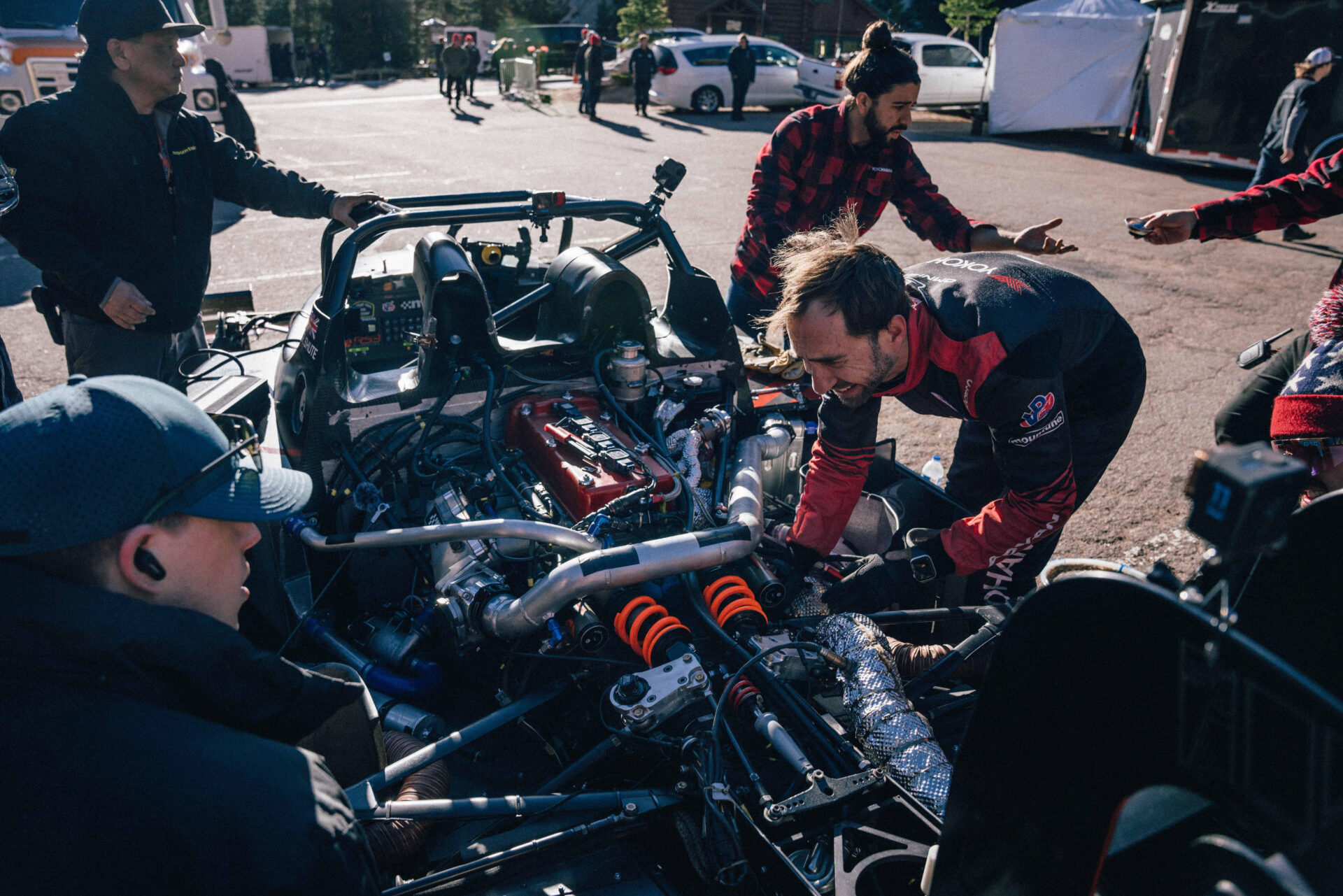
Shute Dynamics Races to Pikes Peak With Generative Design in Autodesk Fusion
Engines roar as cars race 12.42 miles up a small, winding road to Pikes Peak, climbing nearly 5,000 vertical feet and finishing in the clouds at over 14,000 feet. Supplemental oxygen is pumped into the driver’s helmet. The extreme physicality of reaching the summit is undeniable, gripping through 156 turns with no power steering and…
Case Studies
-
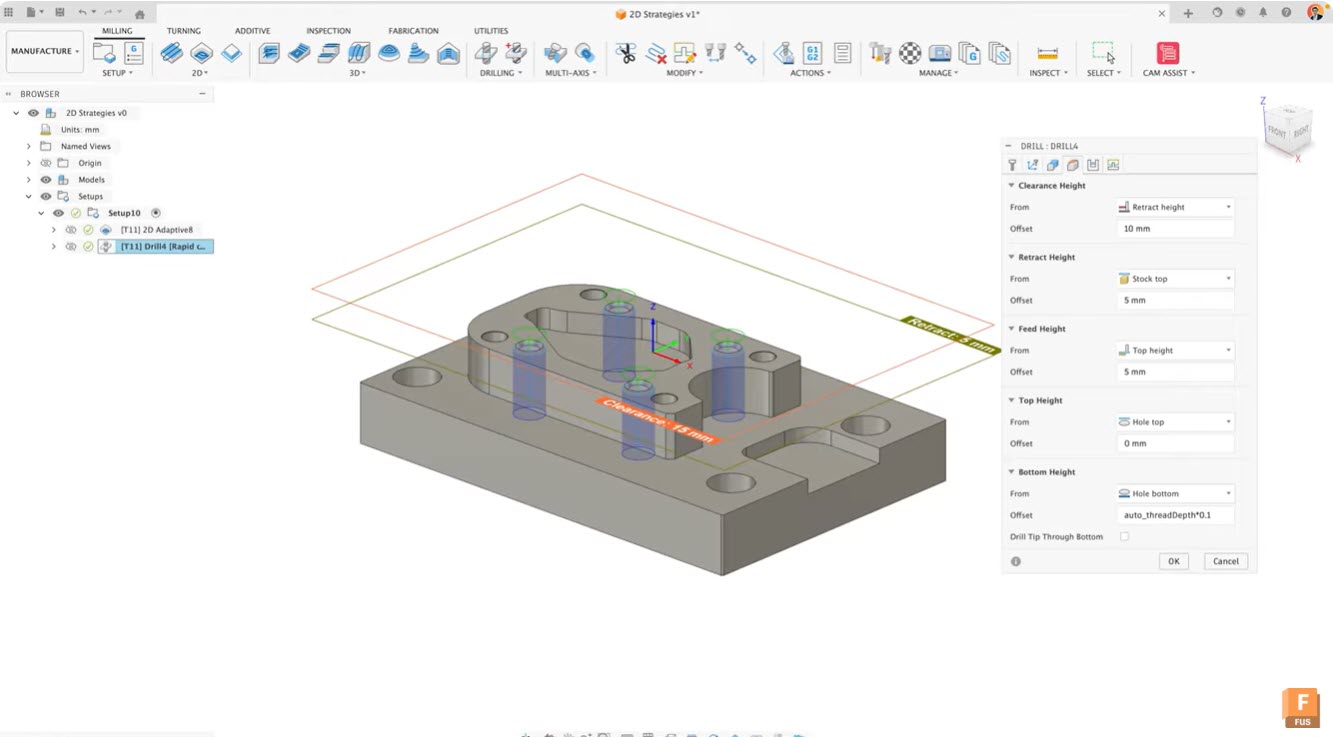
Advanced Expressions and IF Logic for Efficient Toolpath Creation in Fusion Manufacture
Learn how to use advanced expressions, conditional logic, limits, rounding, and model‑based values in Fusion’s manufacturing workspace to create smarter, adaptive toolpaths and streamline team‑wide CAM efficiency. Advanced expressions in Fusion Advanced expressions in Fusion transform how you create and manage toolpaths. By incorporating conditional logic, limits, and rounding into your expressions, you can build…
Manufacturing
-
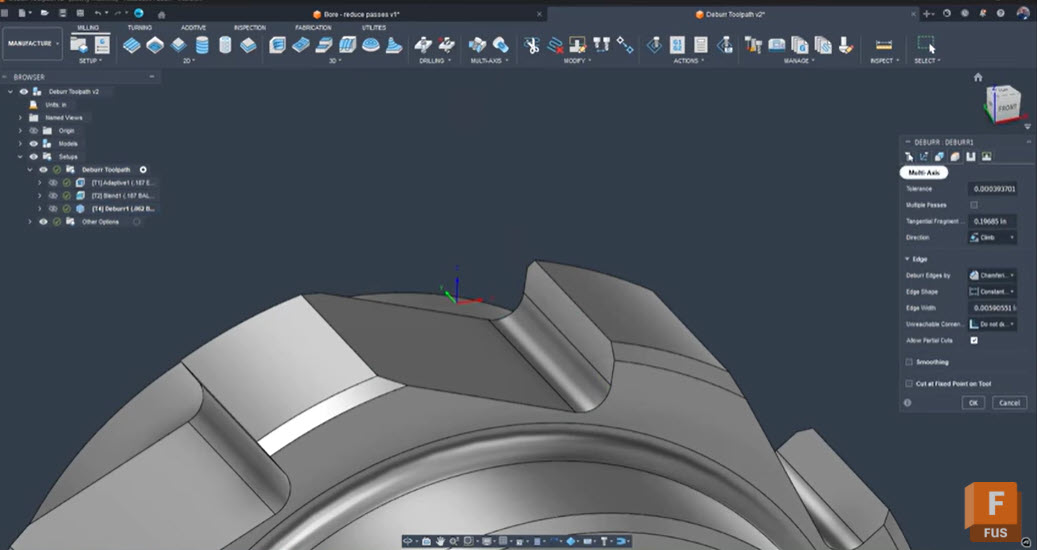
Troubleshooting Fusion’s Deburr Toolpath: How to Eliminate Retracts and Smooth Your Edges
Seth Madore, an experienced machinist and expert Fusion user explains why Fusion’s deburr toolpath creates retracts and gaps, how to fix it with one simple setting, and alternative strategies for smooth, efficient deburring. Deburring should be a finishing touch, not a frustrating bottleneck. Yet, anyone who has tried to deburr complex tooth forms or splines…
Tutorials
-
AI in Manufacturing: From Buzzword to Bottom Line
AI in manufacturing is moving beyond the buzz. Autodesk Fusion turns automation, generative design, automated toolpaths, AI‑powered drawings, and intelligent assistance into real ROI—accelerating cycle times, improving quality, and strengthening the digital thread with built‑in PDM and integrated PLM via Fusion Manage. For years, artificial intelligence in manufacturing has been seen as a futuristic promise…
Thought Leadership
-
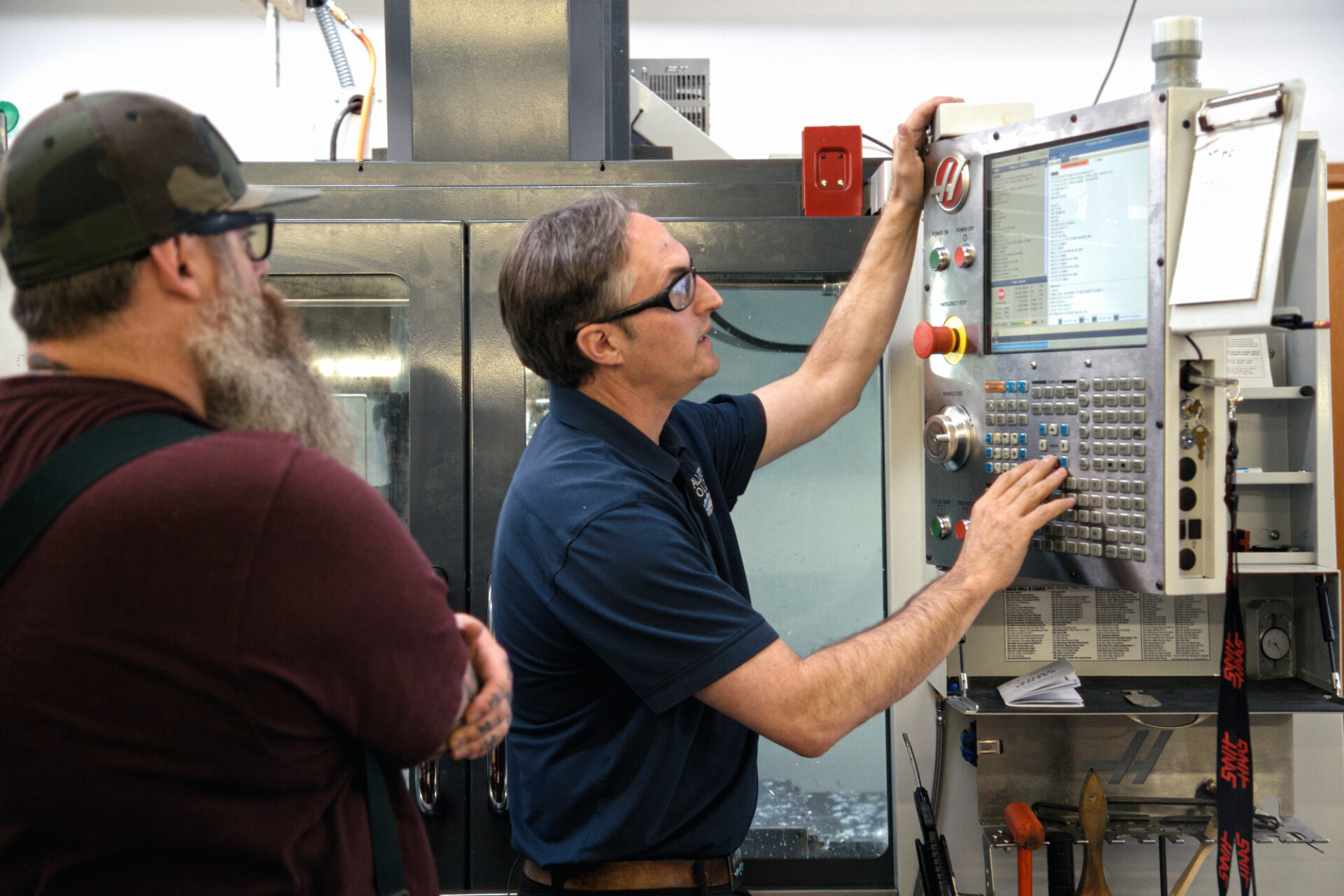
Three Ways to Build Better Setup Sheets in Autodesk Fusion (and How to Customize Them for Your Shop)
Seth, an accomplished machinist on the Autodesk Fusion team, explains three ways to create setup sheets in Fusion —NC Program, HTML, and Excel—so machinists get clear tools, feeds, speeds, and runtime details at the machine. Autodesk Fusion gives CAM programmers three reliable options for generating repeatable, machinist-friendly setup sheets—and the best choice depends on how…
Manufacturing
-
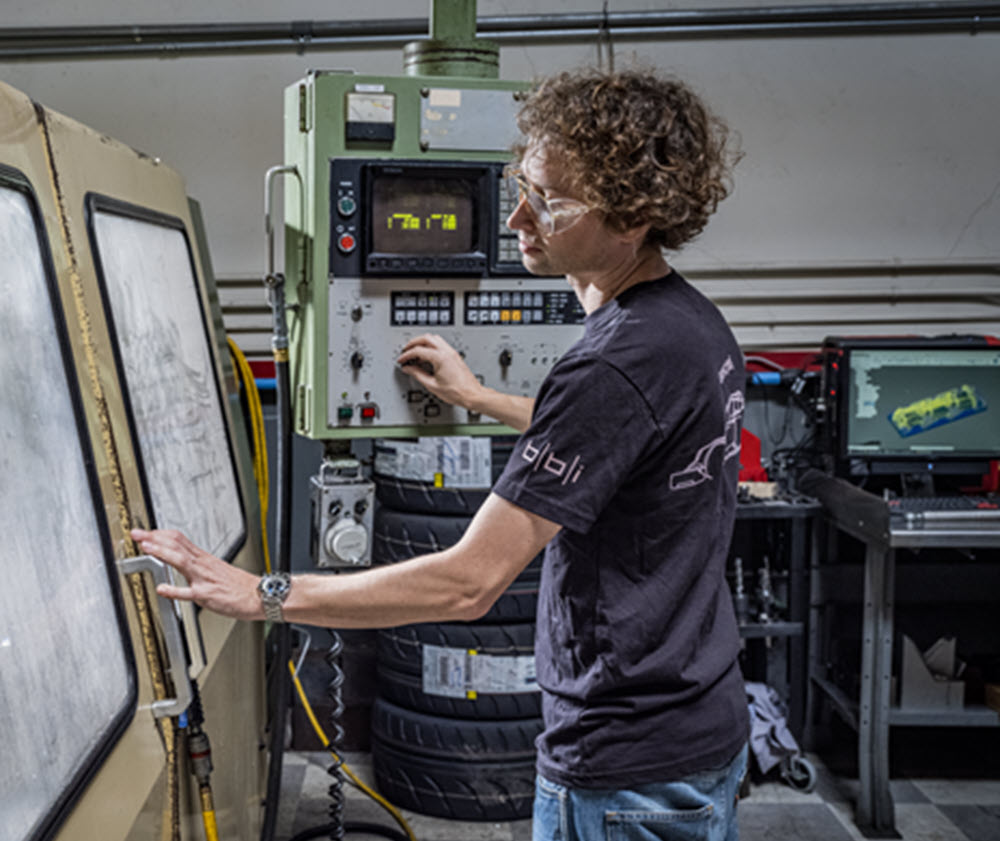
Your CAM Is Costing You: The Fast Track to Modern Manufacturing with Autodesk Fusion
Discover how Autodesk Fusion for Manufacturing can help your job shop overcome programming bottlenecks, reduce downtime, and boost profitability with integrated CAD/CAM workflows. The reality for job shops today If you run a machine shop, you know the daily pressure you face. Customers want shorter lead times, tighter tolerances, and competitive pricing. Meanwhile, skilled labor…
Fusion
-

No More Needles: EzeRx Transforms Anemia Testing with Autodesk Fusion
Partha Pratim Das Mahapatra’s mother was only 37 years old when she developed severe heart complications. Only after surgery did doctors identify the underlying cause of long-term, untreated anemia. Anemia affects roughly one in four people globally. Yet despite being easy to treat, it often goes undetected. Traditional testing requires blood draws which often discourages…
Case Studies
-
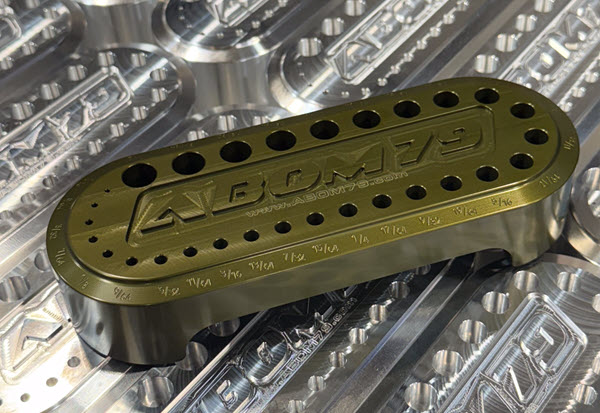
Fusion Community Spotlight: From Traditional Machinist to Modern Shop – Adam Booth’s Fusion CNC Journey
Adam “Abom79” Booth, shares how he blends manual skills, CNC, and Fusion to grow his shop and products, while also offering practical tips for other machine shops. Adam Booth here, though some of you may know me online as Abom79. I’m a third‑generation machinist based in Pensacola, Florida, and the owner of a small but…
Manufacturing