Category: Machining
-
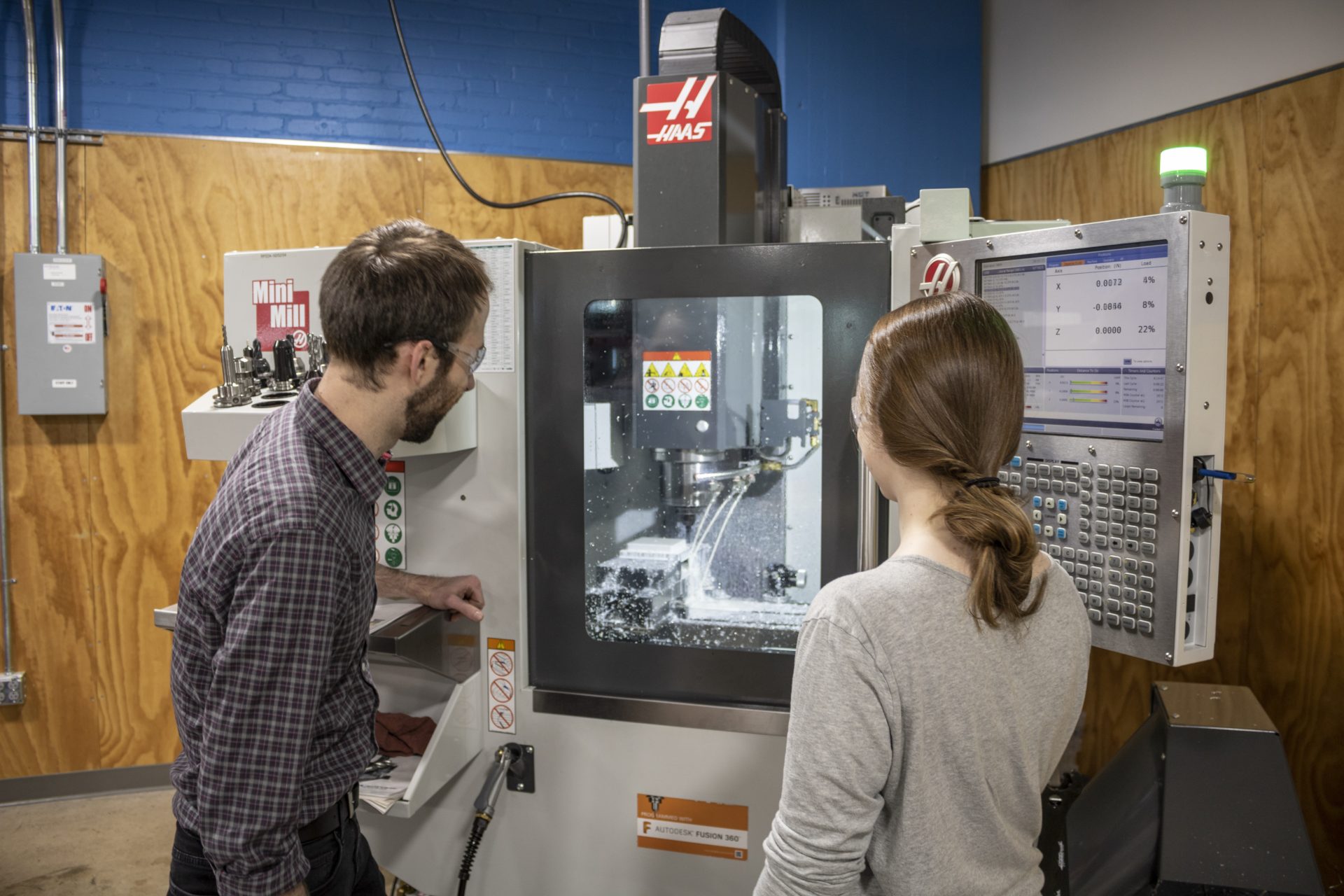
Probing in Fusion 360: Save Time and Resources During Machine Setup
This brief overview covers probing in Fusion 360 and how it makes machine setup quicker before jobs.
Machining
-
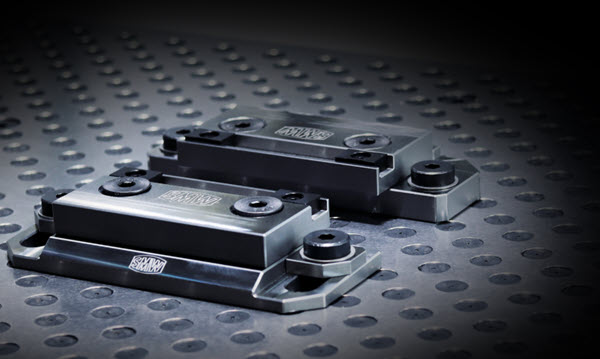
Understanding the Top 10 CNC Fixturing Types
Discover the ten most common types of fixturing and what type of fixturing is best for your milling project in this CNC fixturing overview.
Machining
-
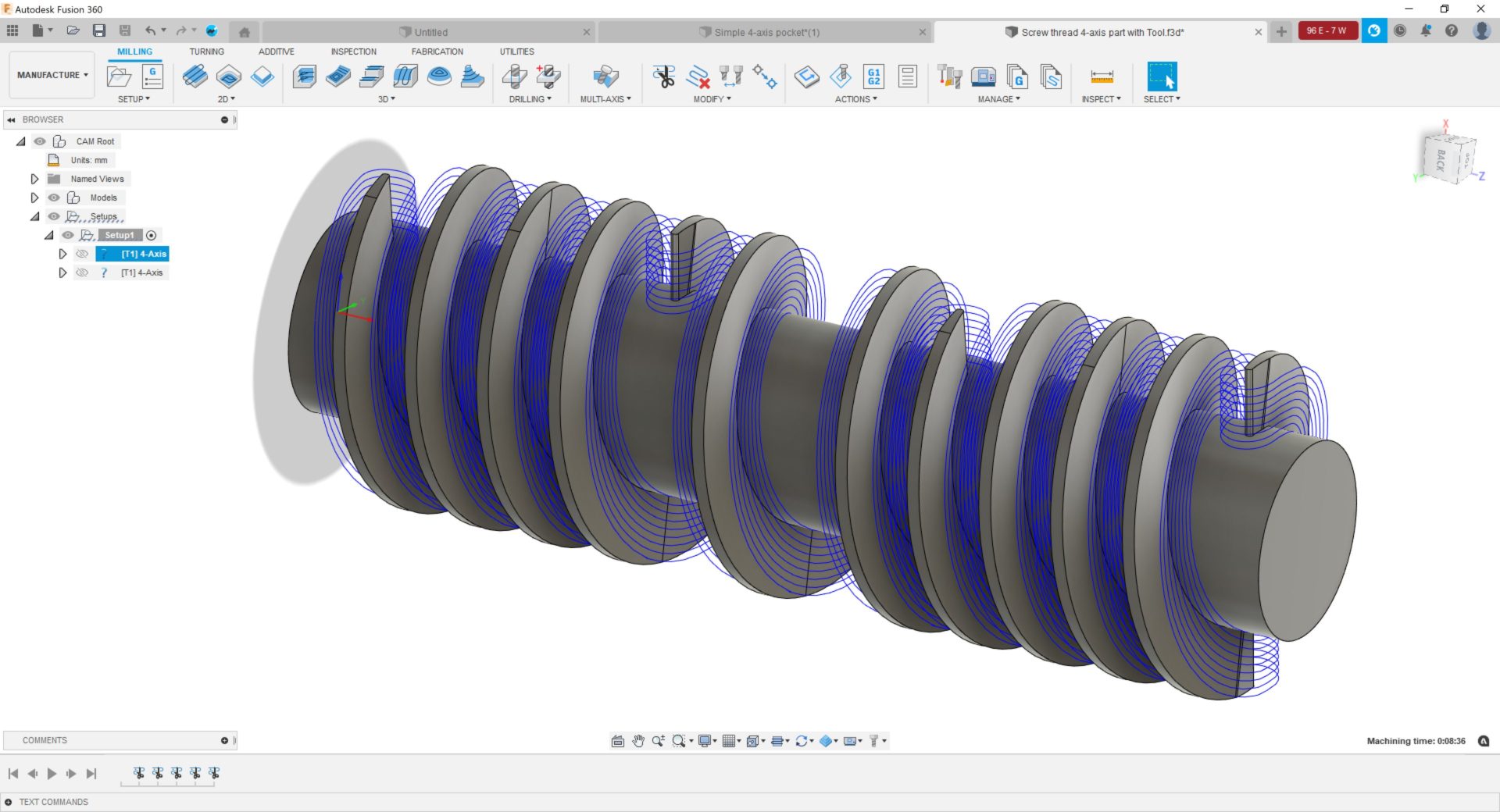
4-Axis Machining with Autodesk Fusion 360
Learn all about 4-axis machining capabilities in Autodesk Fusion 360, including wrap toolpath functionality.
Machining
-
Autodesk and ModuleWorks Announce Strategic Partnership
Learn about our new partnership with ModuleWorks, which will bring even more advanced manufacturing capabilities to Fusion 360.
News
-
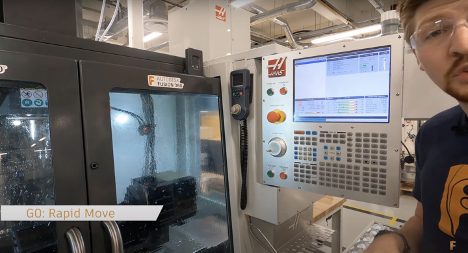
Machining Fundamentals: Introduction to NC-Code
Learn how to make your CNC machine move using NC-code.
Machining
-
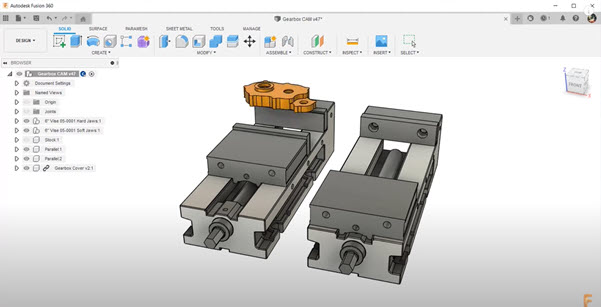
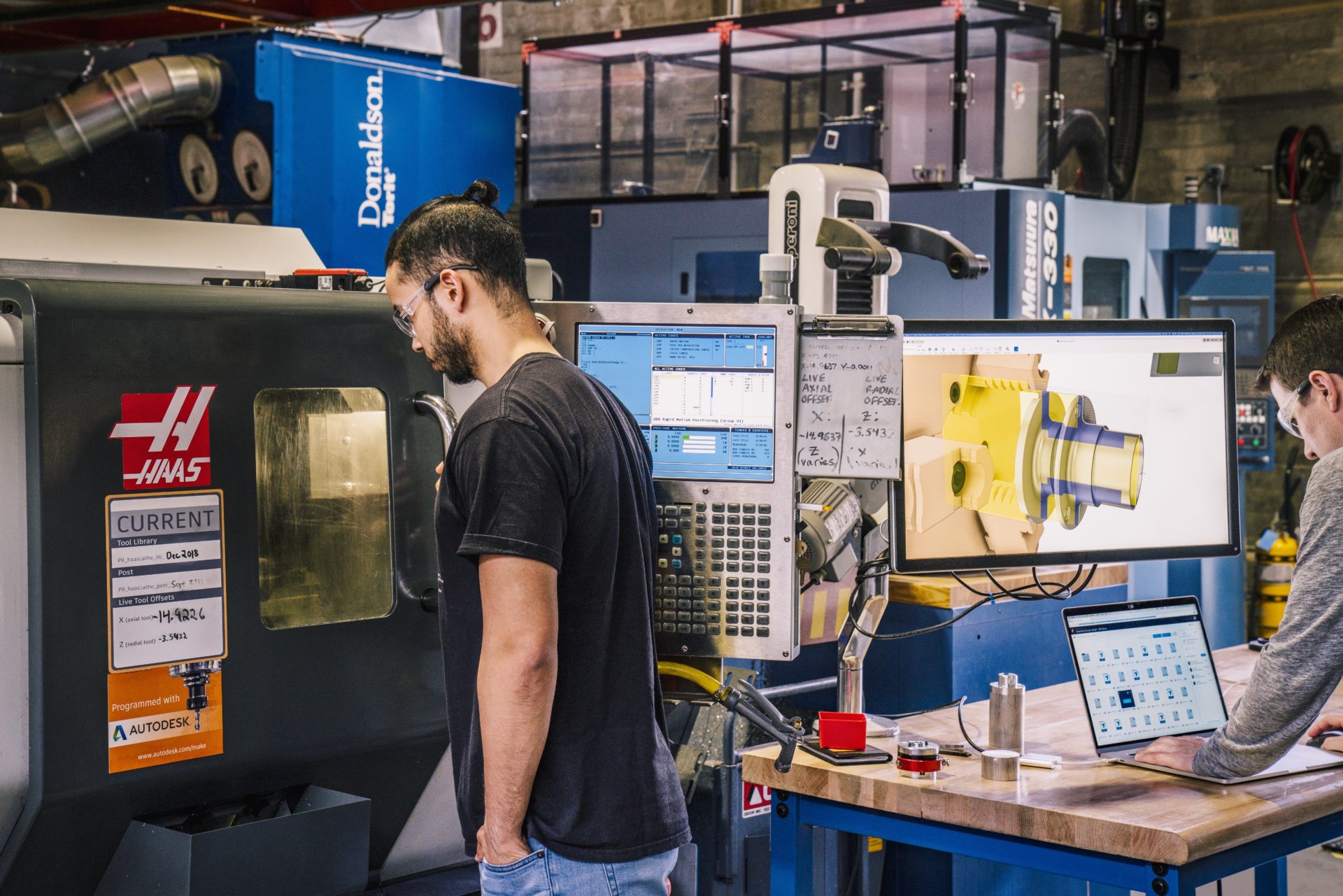
How to Use Haas Tooling with Fusion 360
Haas Automation has a line of cutting tools, tool holders, workholding, and more available as digital assets in Fusion 360. Learn more here.
Machining
-

How Generative Design in Fusion 360 Addresses the Manufacturing Skills Gap
Generative design in Fusion 360 is a tool powered by AI that is shaping the future of manufacturing, one unique outcome at a time.
Machining
-
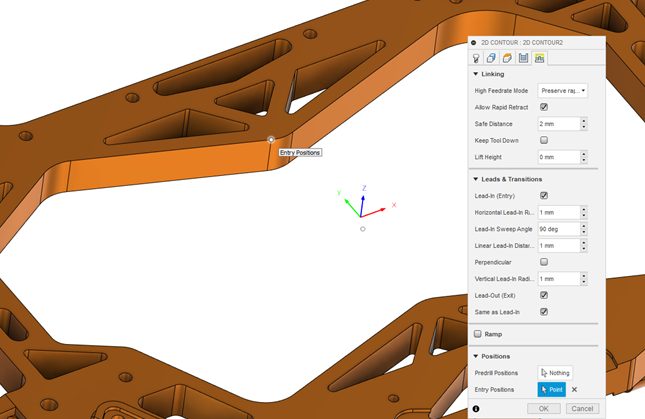
How To Control the Entry Points of Toolpaths in Fusion 360
The ability to control the entry points of tool paths is a must for CAM programmers. See how Fusion 360 can help.
Machining
-
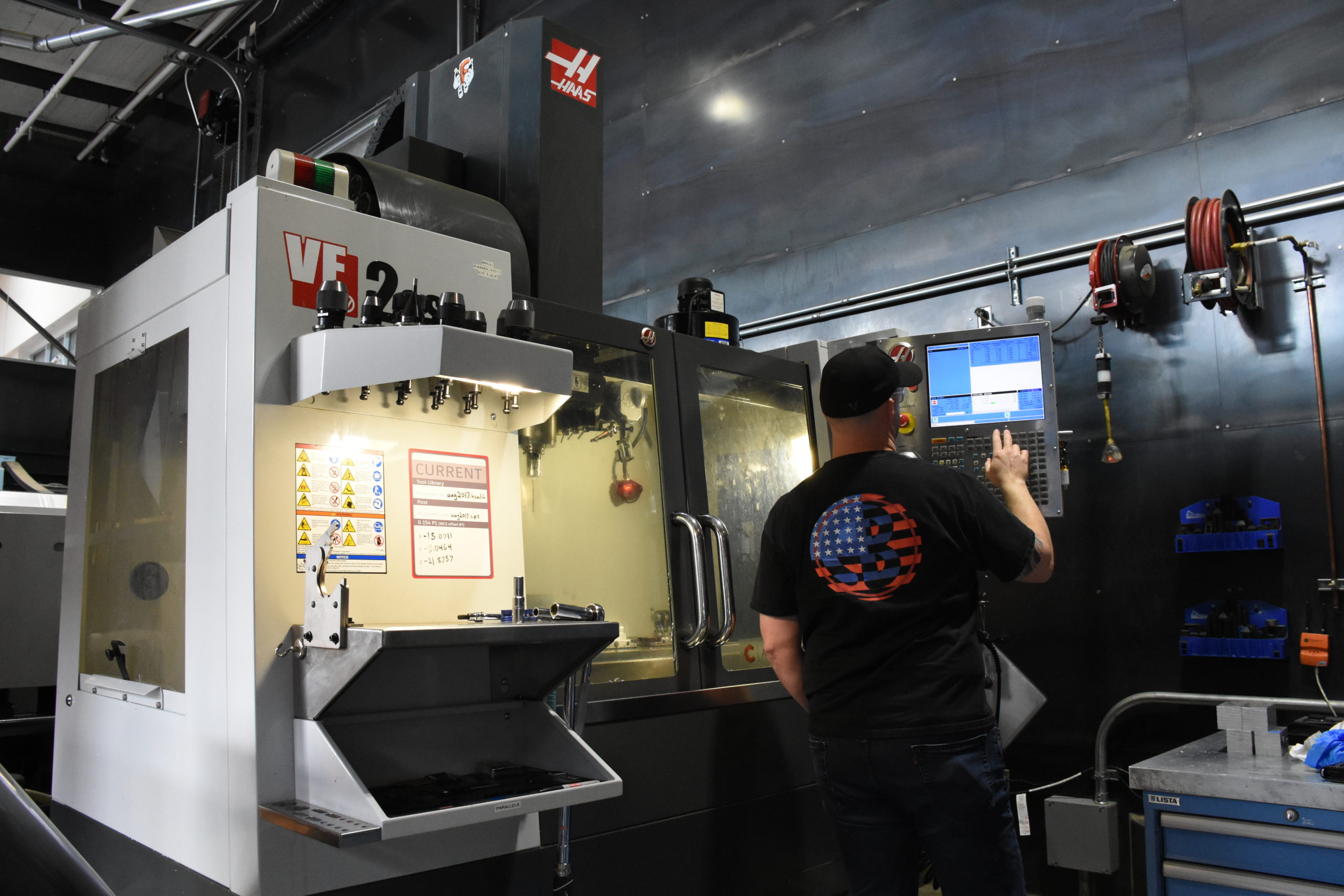
Tips for Using Fusion 360 with a Haas Machine Pt. 2
Reduce the pain of getting set up with Fusion 360 and your Haas machines with the following tips to make quality parts faster.
Machining
-

What CAD File Formats Do People Use Most in Autodesk Fusion?
Autodesk Fusion supports a wide variety of CAD file formats. Take a look at the most-used ones in this brief overview.
Machining
-
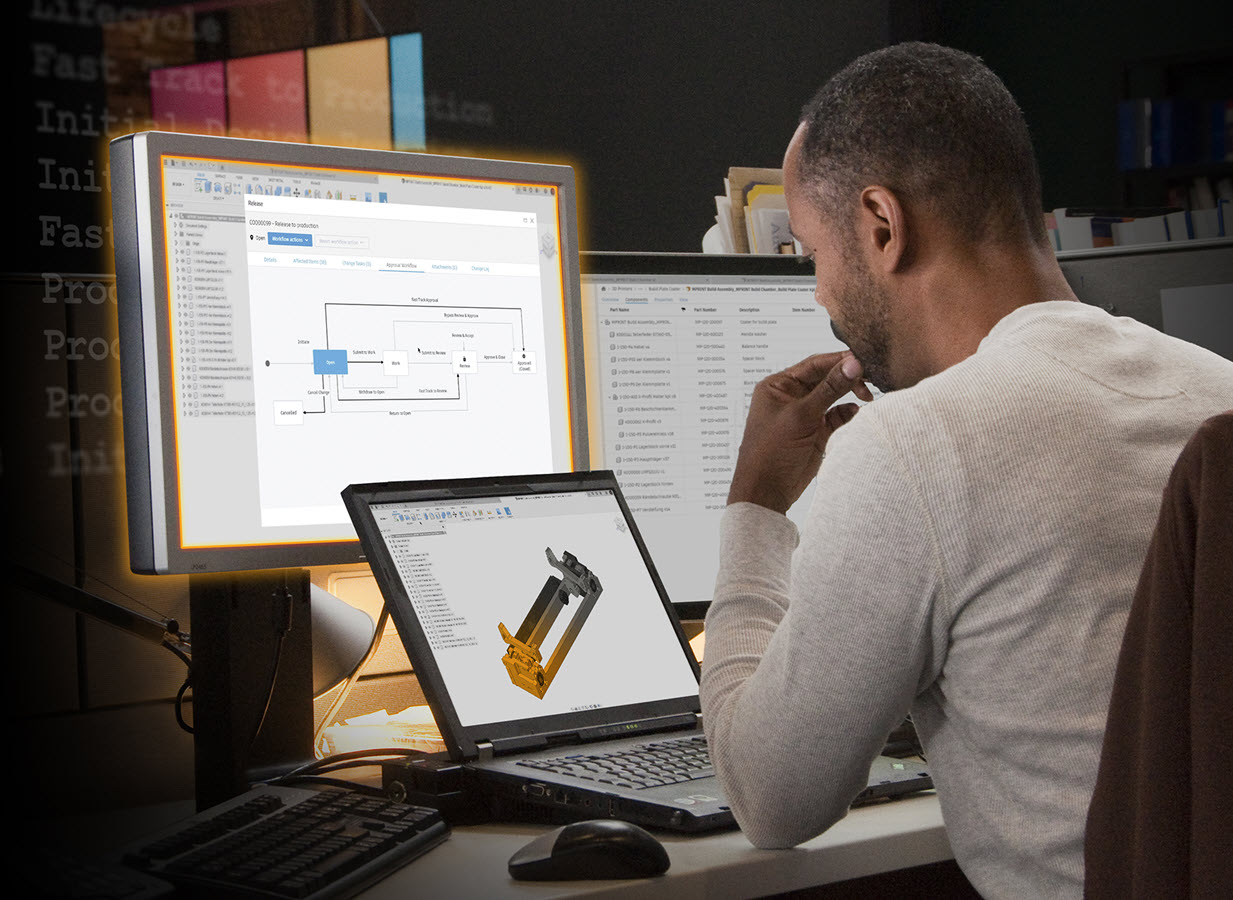
Data Management Made Easy with the Fusion 360 Manage Extension
Unlock additional data management functionality and manage design changes at any production stage using pre-built workflows in the Fusion 360 Manage Extension.
Electronics Engineering
-
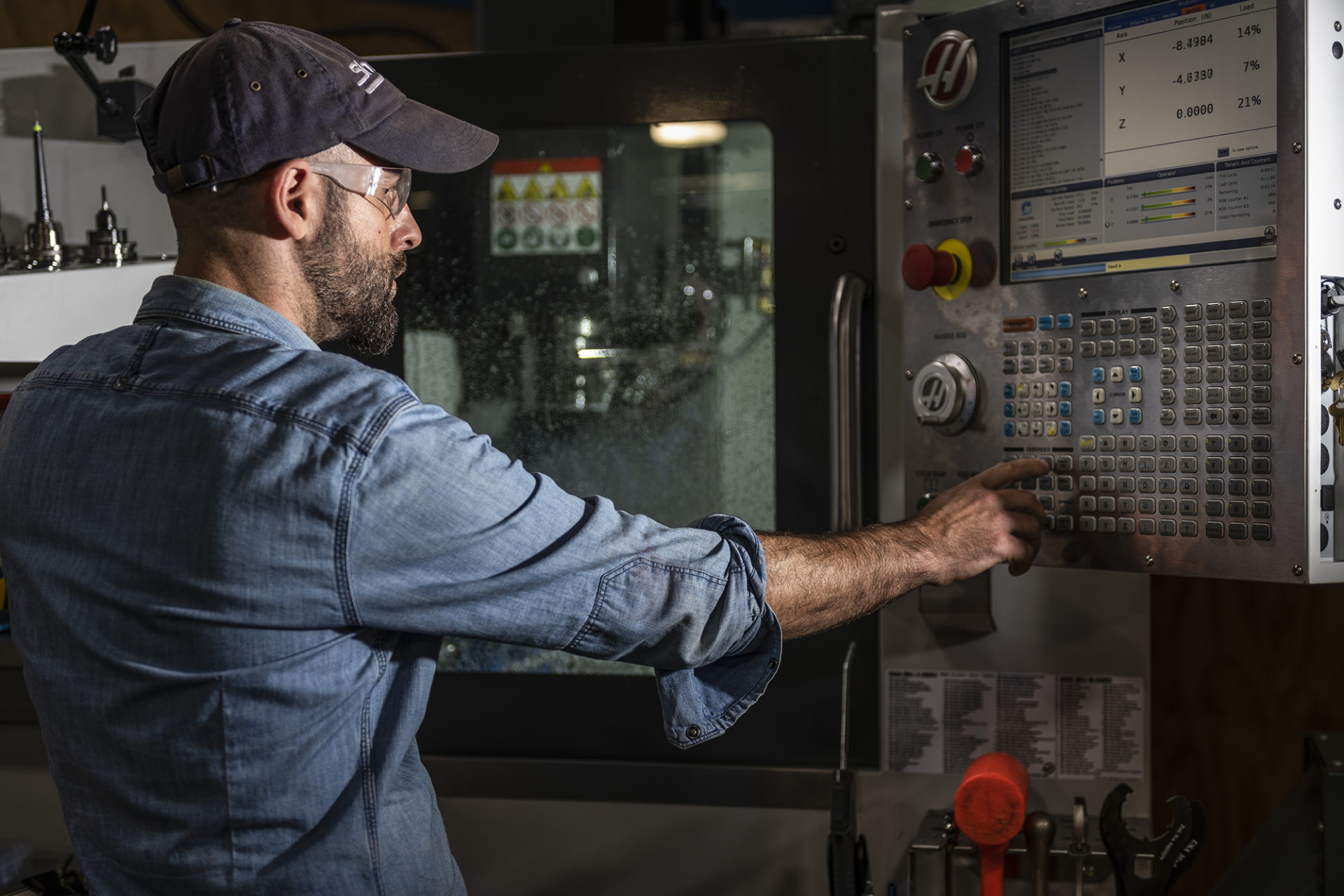
Tips for Using Fusion 360 with a Haas Machine Pt. 1
Fusion 360 closely partners with Haas Automation to reduce the pain of getting set up with your Haas machine and Fusion 360. Take a look at the following tips to work smarter, not harder, and stay tuned for Pt. 2, where we’ll share some more tips! As a machinist, there’s nothing more frustrating than trying to balance…
Machining
-
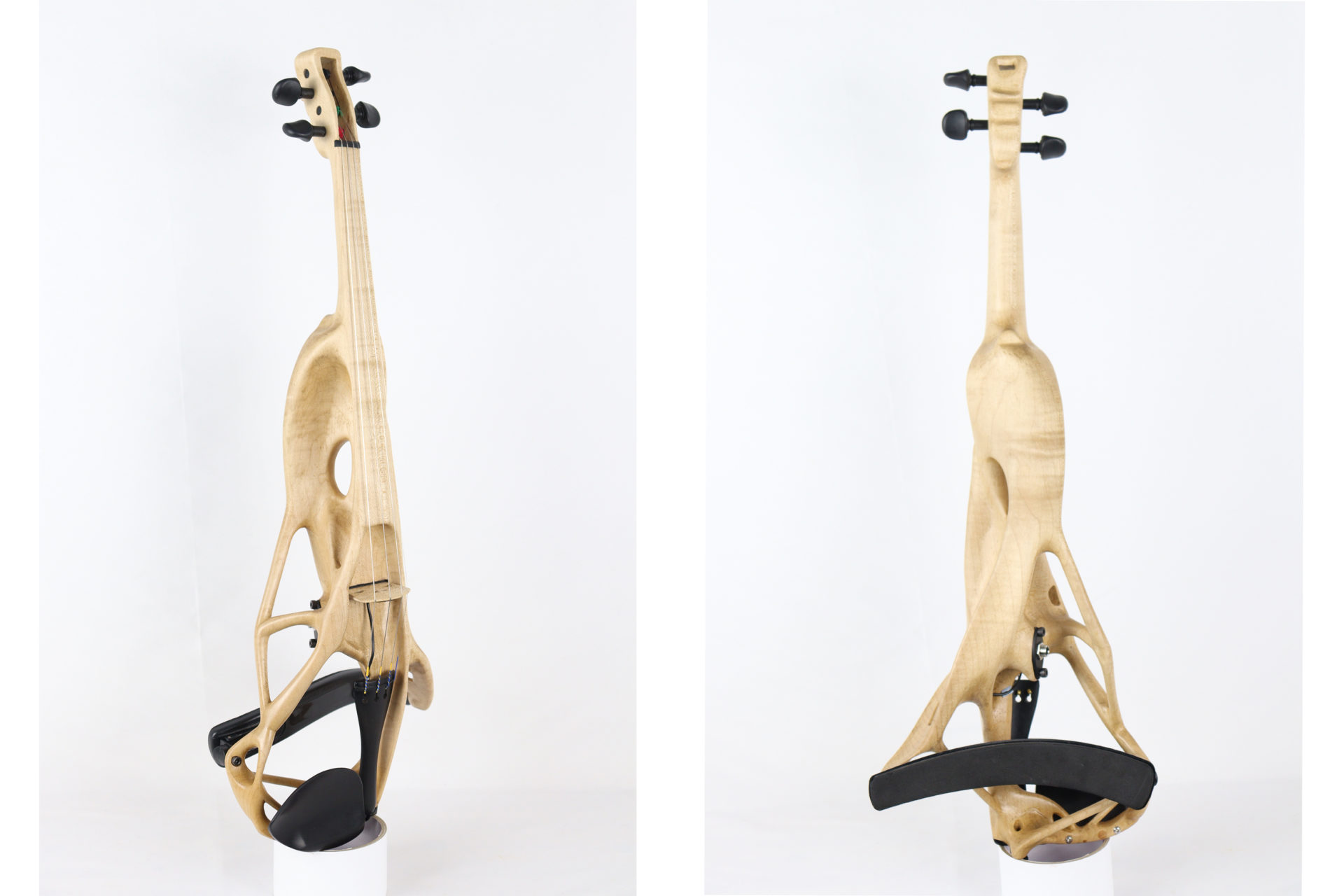
Generative Design and Traditional Craftsmanship Make a Sweet Symphony: The GD Violin
Generative design in Autodesk Fusion 360 helped a luthier develop a new method for designing and manufacturing electric violins.
Industrial Design
-
Check Out the Sandvik Coromant Tool Library Add-In for Fusion 360
Seamlessly access the Sandvik Coromant online tool library from within Autodesk Fusion 360 with the Sandvik Coromant add-in.
News
-
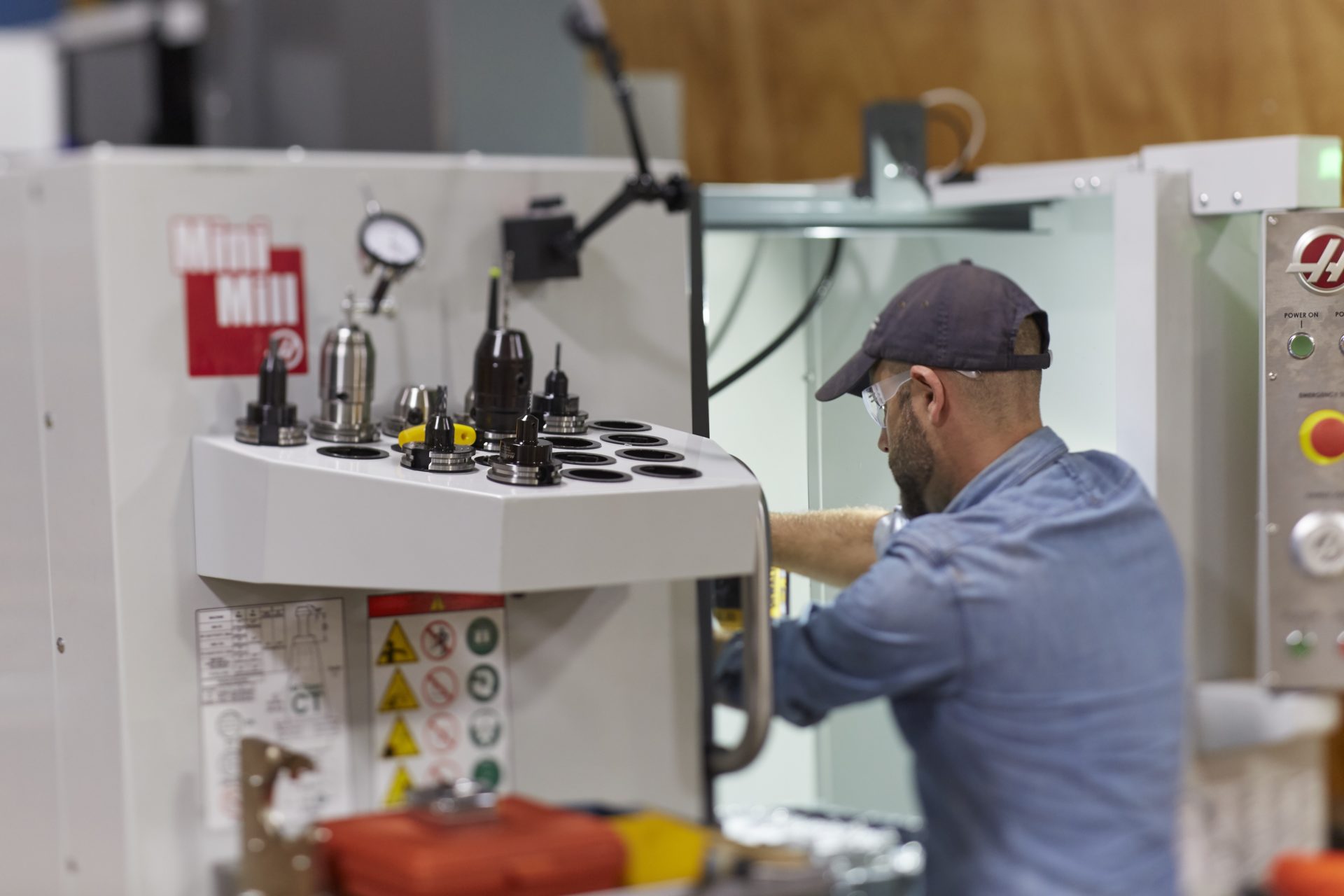
Haas Tooling in the Fusion 360 Tool Library
Let’s take a look at the Haas tooling available in the Fusion 360 Tool Library.
Machining