
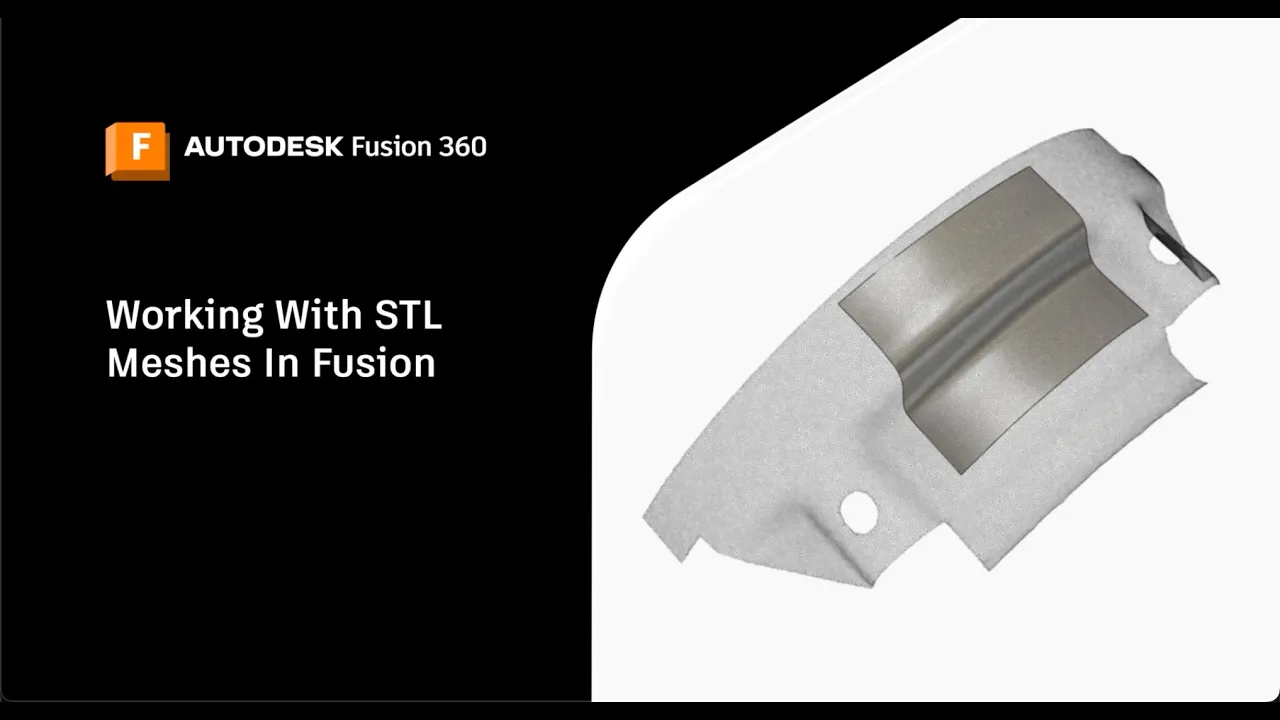
Let's dive into how to work with STL meshes in Autodesk Fusion, including importing, understanding properties, remeshing, and more.
Tutorials
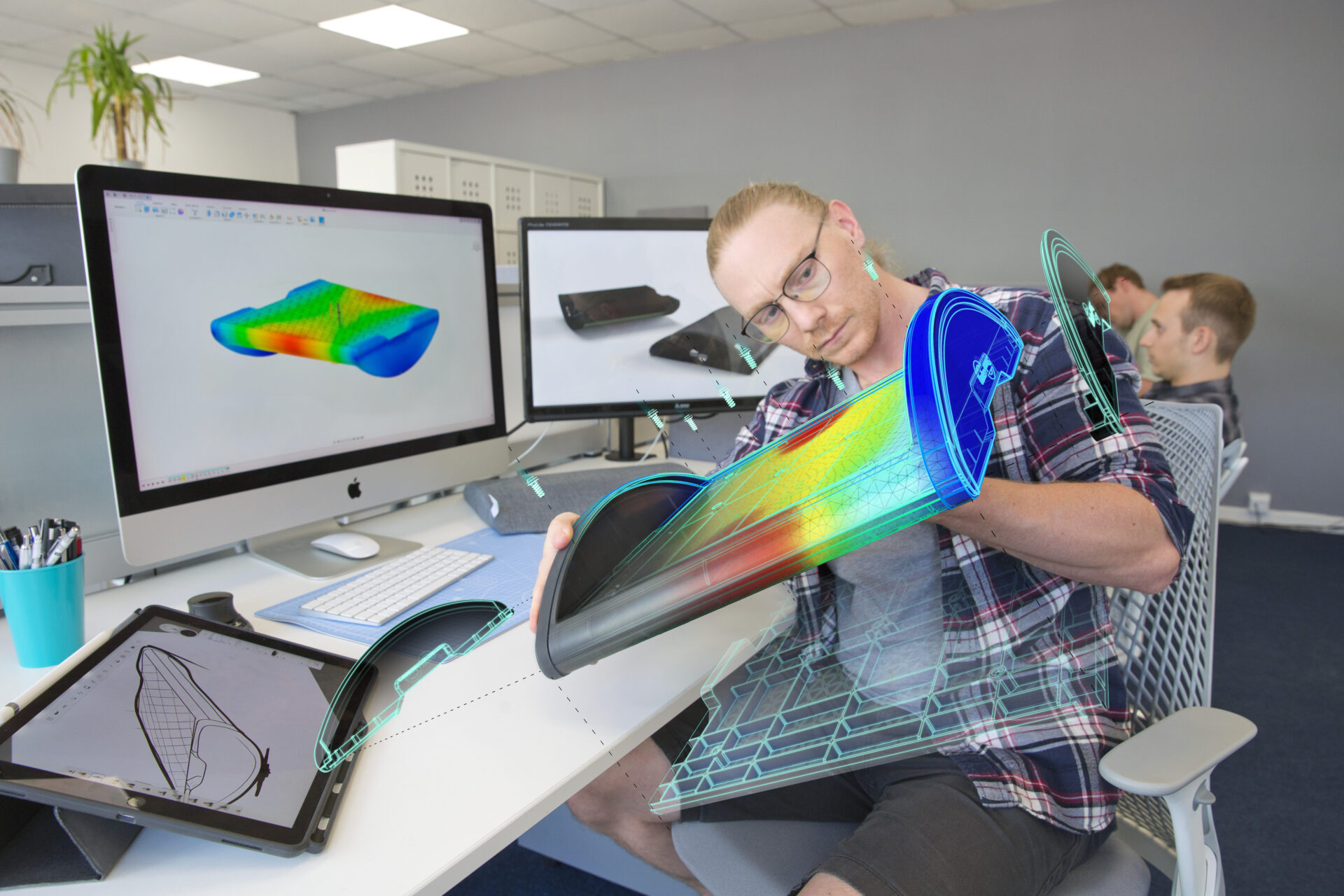
Learn about the transformative role of Computer-Aided Engineering (CAE) in product design and how Autodesk Fusion 360 integrates CAE with CAD, CAM, and PCB for a comprehensive design-to-manufacturing solution. Discover Fusion 360’s advanced simulation and integrated manufacturing workspace features.
Mechanical Engineering
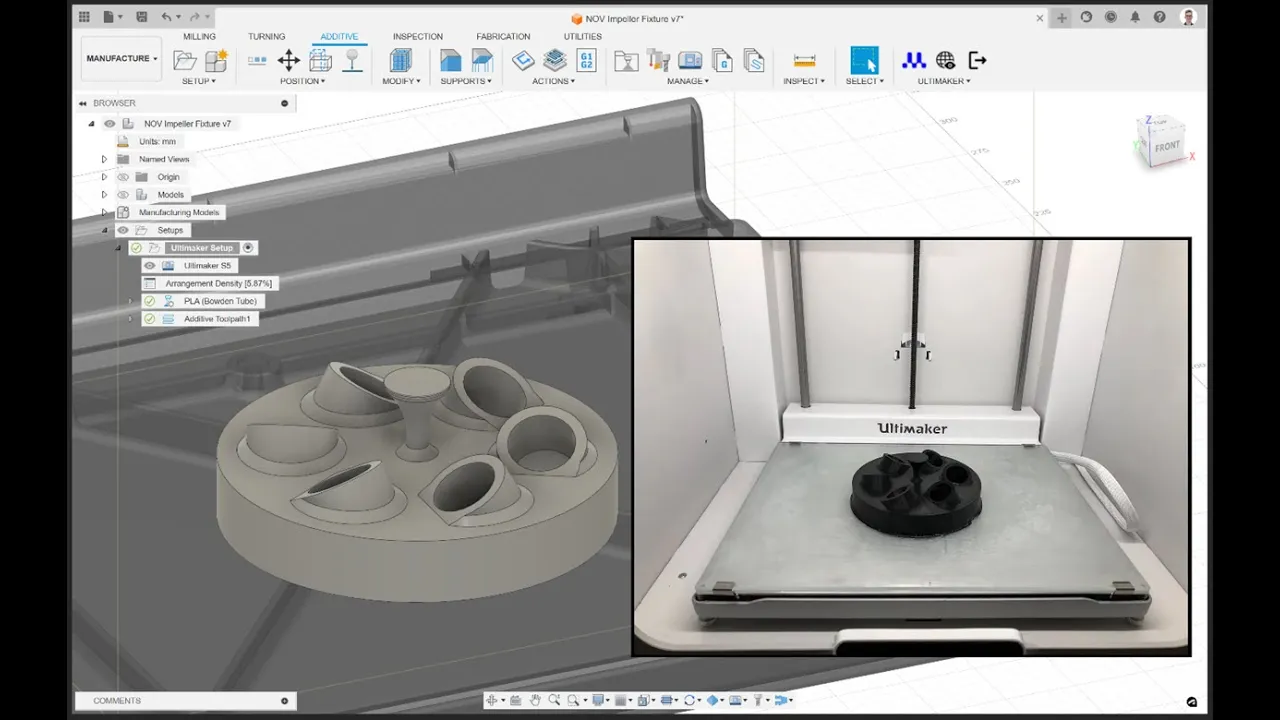
How to use Ultimaker Digital Factory with Autodesk Fusion step-by-step. Manage, send, and queue prints for your Ultimaker printers remotely.
Getting Started
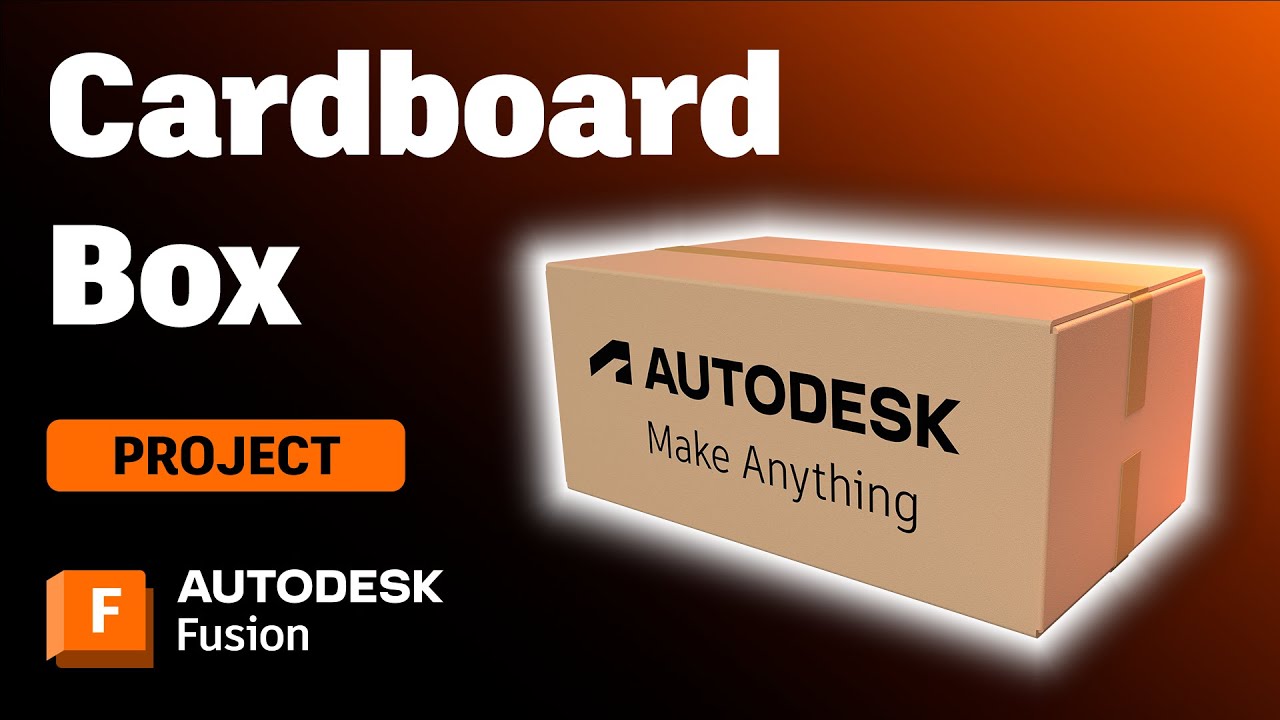
This step-by-step video tutorial shows you how to design and model a cardboard box using Autodesk Fusion's sheet metal tools. Give it a try!
Getting Started
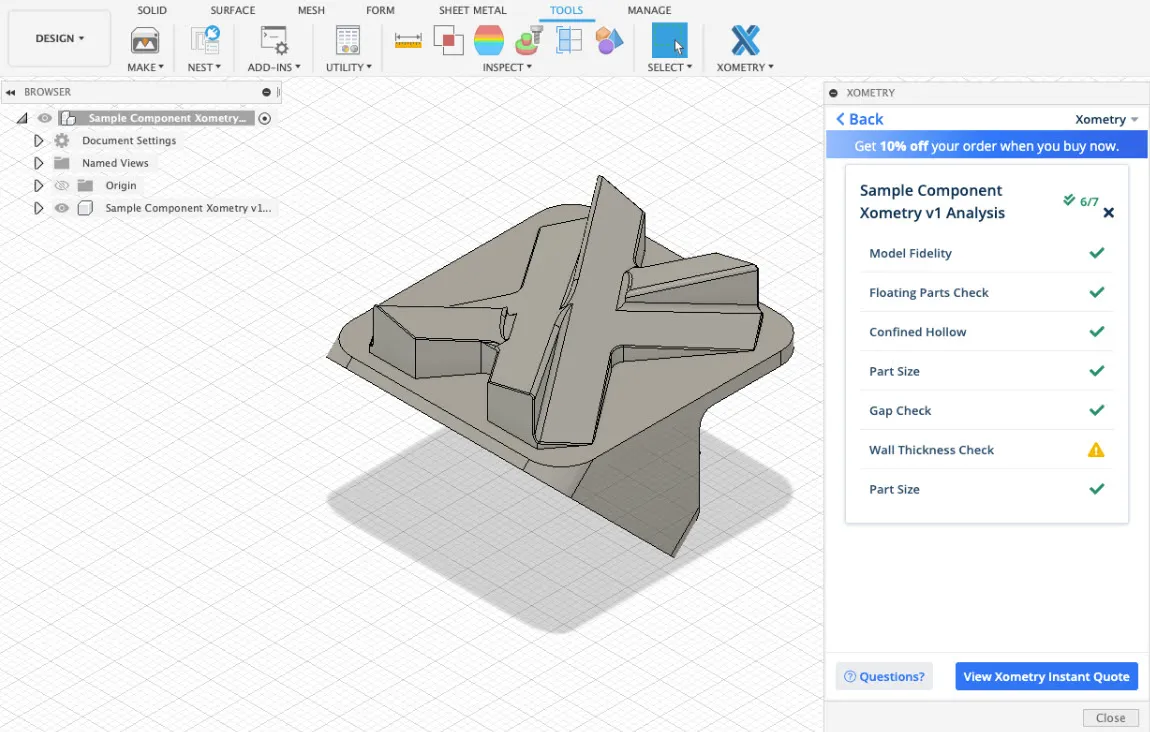
Design for Manufacturing (DFM) is crucial to ensure product success. See how the Xometry add-in for Autodesk Fusion simplifies the process.
Industrial Design
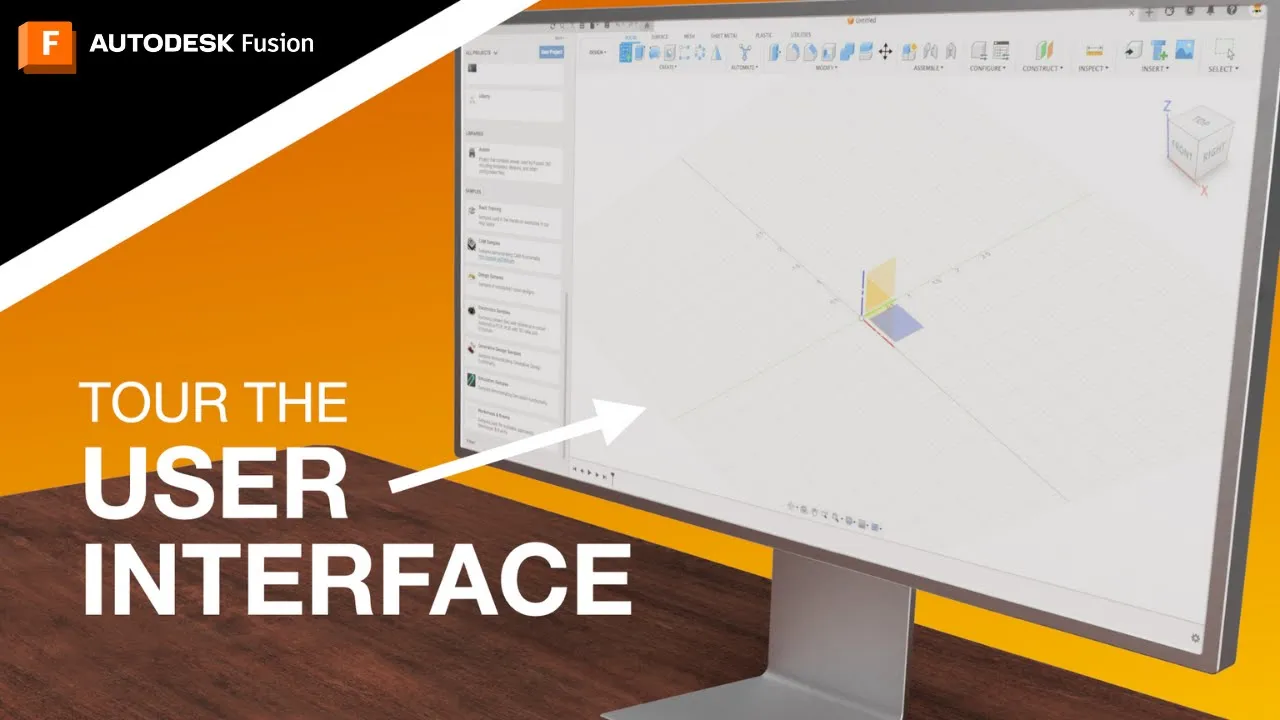
Discover the essential elements of Autodesk Fusion's user interface, empowering you to unleash your creativity and maximize productivity.
Fusion

During the prototyping phase of product development, crucial decisions are made, requiring good judgment and questioning beforehand.
Industrial Design
Discover how to manipulate sketch visibility and dimension visibility in Fusion, a leading 3D CAD tool, without resorting to edits.
Mechanical Engineering
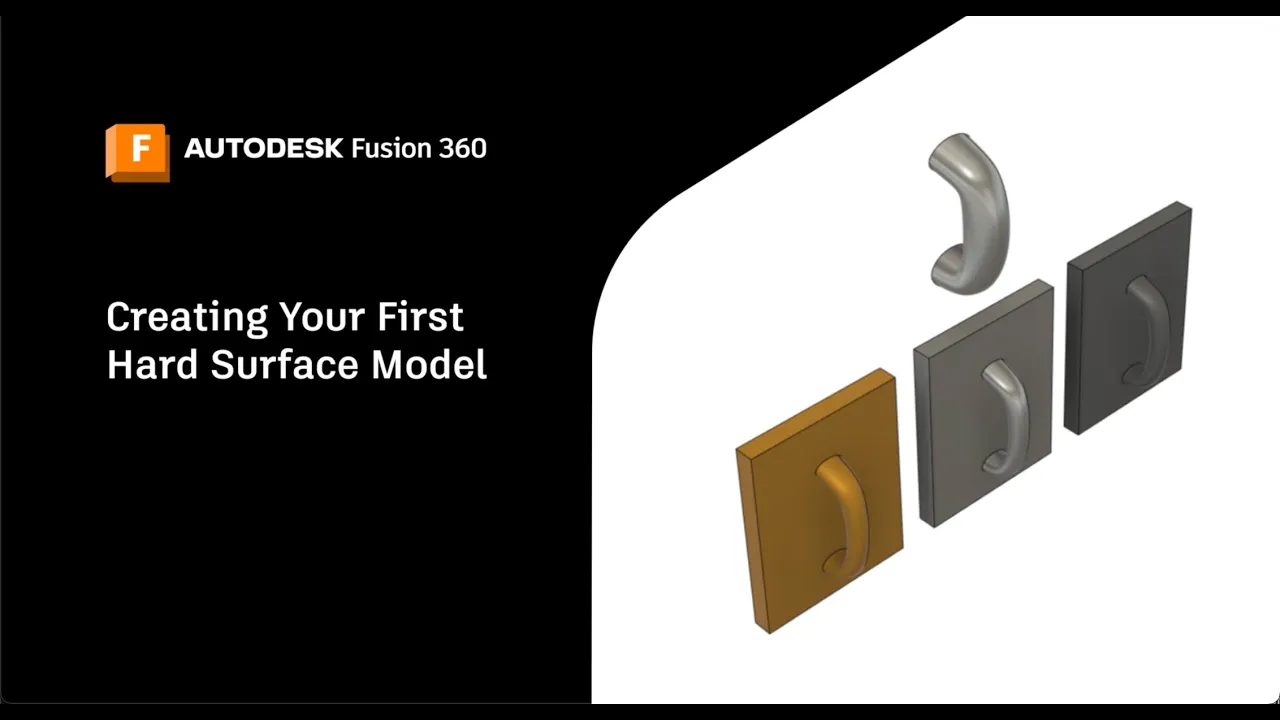
Learn how to create your first hard surface model in Autodesk Fusion! Explore four different methods to convert surface models into solid bodies.
Getting Started
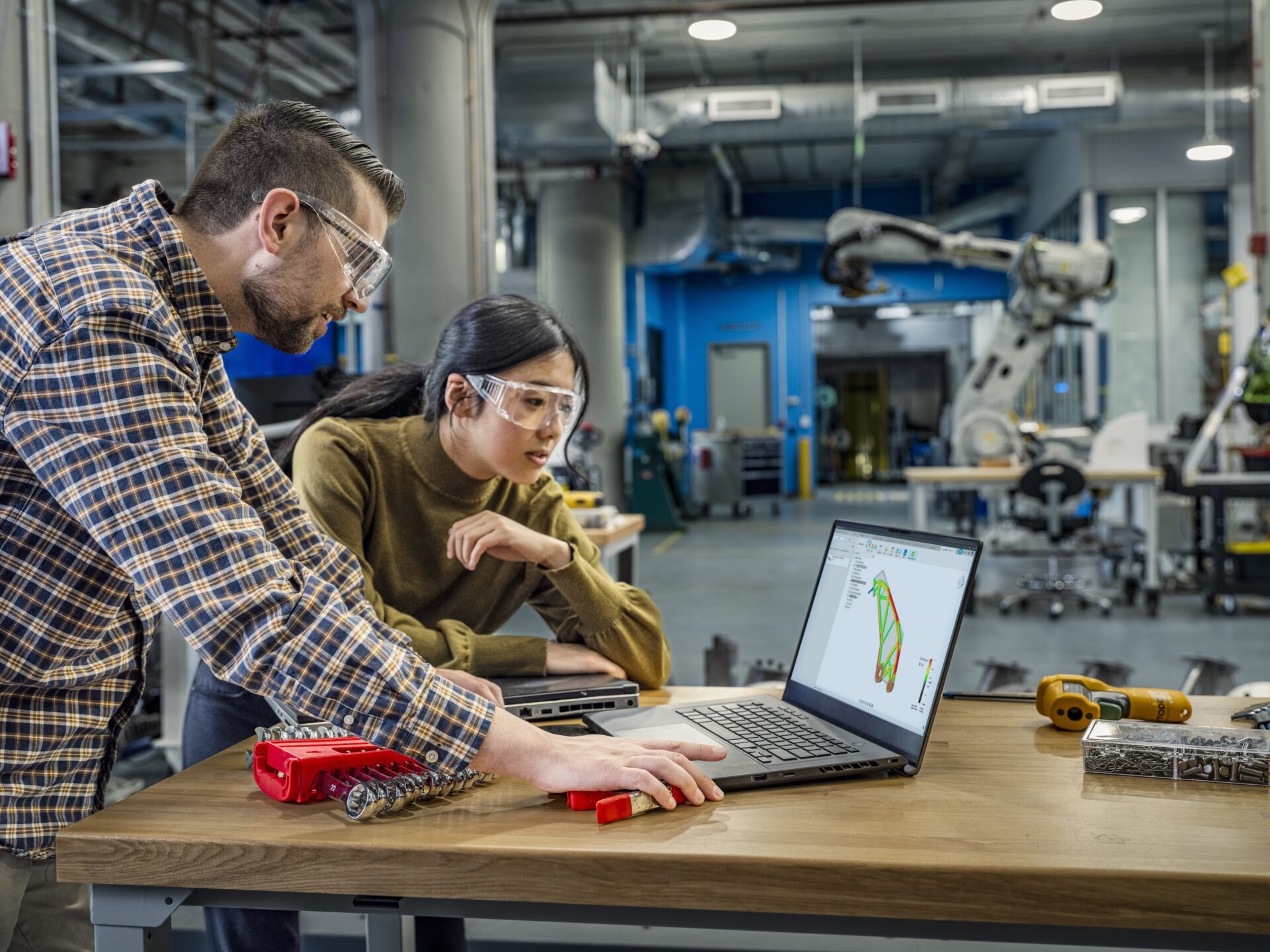
This article explores the world of Computer Aided Engineering (CAE), highlighting its crucial role in modern product development.
Mechanical Engineering