
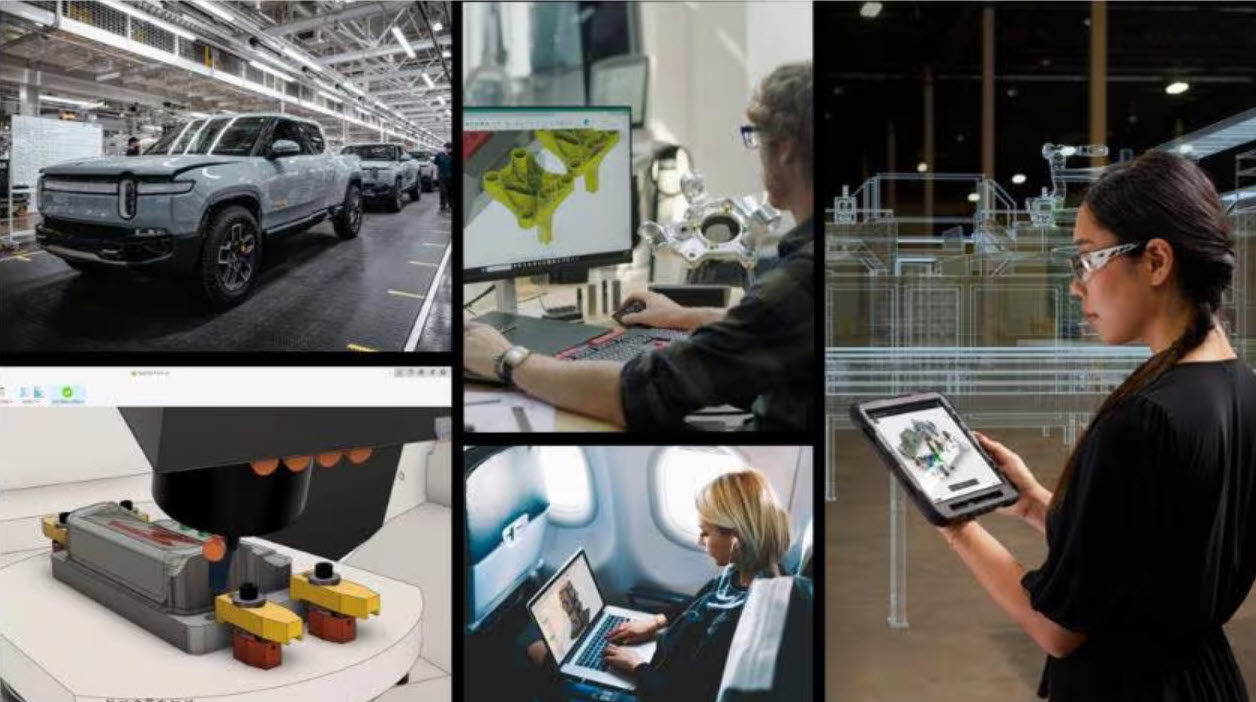
Discover how AI in manufacturing is transforming decision‑making. Learn how Autodesk Fusion uses AI to reduce risk, accelerate design, and improve outcomes. AI in manufacturing is no longer an emerging trend, it’s a fundamental shift in how decisions are made across design, engineering, and production. As product complexity increases and margins tighten, manufacturers are under…
Thought Leadership
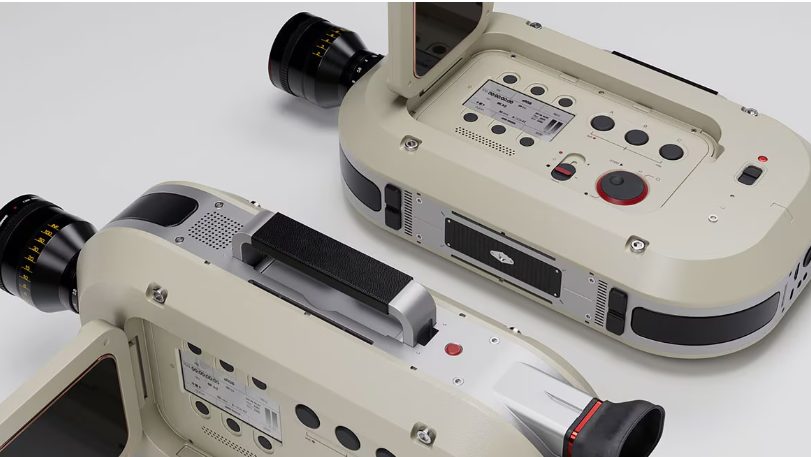
Unlock advanced modeling, automation, and manufacturing‑aware design tools with the Autodesk Fusion Design Extension to create complex, high‑performance products faster. Every product team wants to move faster without sacrificing quality. More design flexibility. Fewer workarounds. Better confidence that what’s being designed can actually be manufactured. As products become more complex and performance expectations increase, traditional…
Product Design & Engineering
Discover the next evolution of Autodesk Assistant in Fusion with text to command capabilities, manufacturing support, streamlined onboarding, and a redesigned, context aware experience. When we first introduced Autodesk Assistant, the goal was simple: make it easier to get help inside Fusion. Today, that vision expands in a big way. This latest update transforms Autodesk…
Fusion
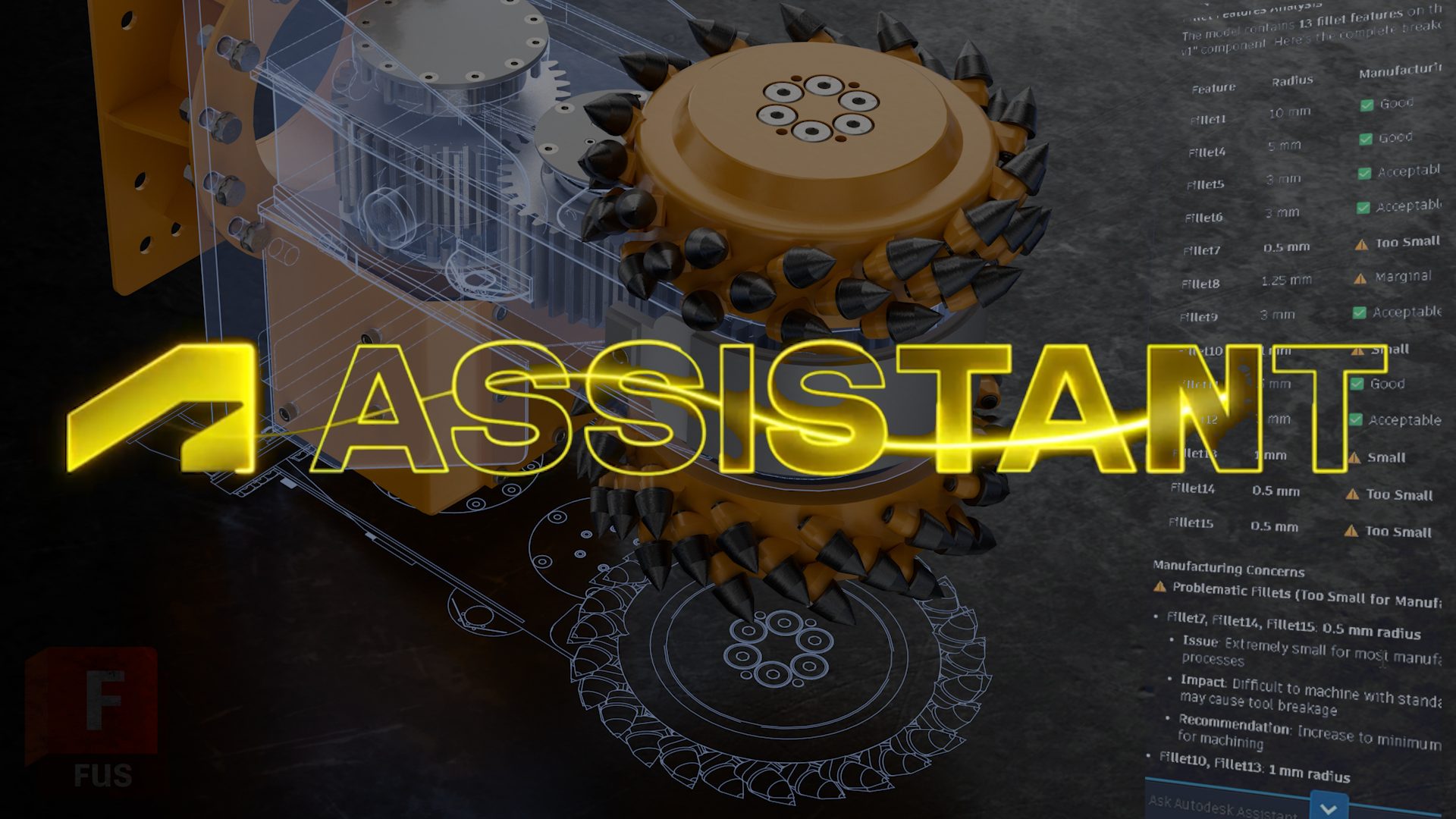
Explore Autodesk Assistant in Fusion Tech Preview and discover new ways to model, edit, and manage workflows using natural language. Today’s a big day for Fusion (and for us): the new Autodesk Assistant is now available in-product in Fusion as a Tech Preview. We’ve been heads-down building this to help you stay in flow getting…
Fusion
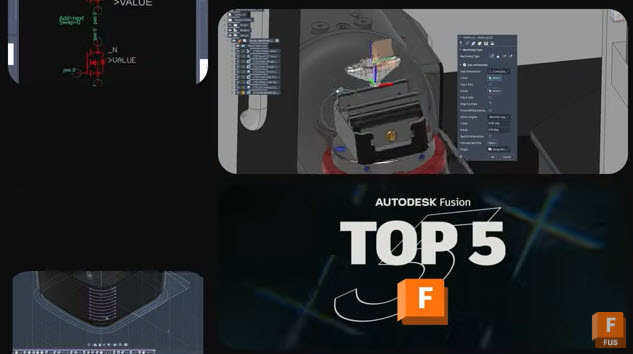
Discover five key improvements in the latest Autodesk Fusion update—from automatic BOM refresh to smarter multi‑axis control—designed to streamline real‑world workflows. Every Fusion release is guided by a simple goal: help teams work with more confidence, efficiency, and control. The latest Autodesk Fusion update delivers meaningful improvements across design, manufacturing, electronics, and data management, driven…
What's New
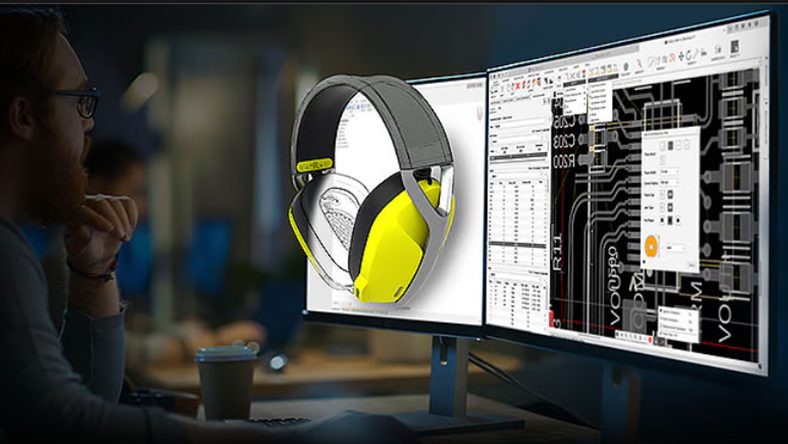
These practical tips will help you design faster, more accurately, and with greater flexibility when using Fusion. 1. Master the S key for design shortcuts The S key opens the Design Shortcuts Menu, a customizable panel that gives you instant access to your most-used commands. Add tools like Fillet, Extrude, Sketch, and Mirror for quick…
Fusion
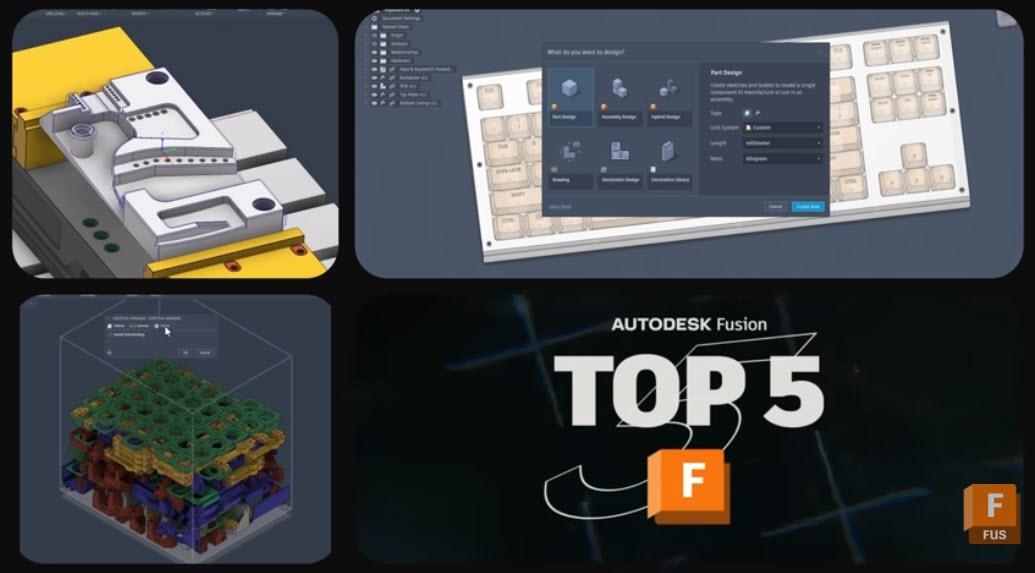
Discover 5 powerful new Autodesk Fusion features that streamline design, drawings, and CAM—from custom properties to multi‑axis clearing. The January 2026 Fusion release includes packed set of updates across data, design, drawings, and manufacturing. There are five capabilities that stand out for how directly they can impact your teams day-to-day work. From tighter governance of…
What's New
Autodesk Assistant represents the next major step in Autodesk’s AI evolution—a conversational, generative AI experience designed to work naturally within the tools you use every day.
Fusion
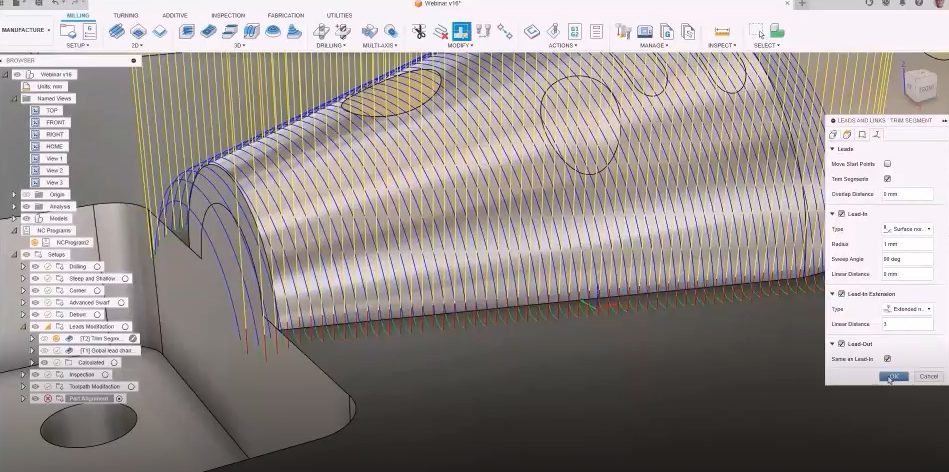
Boost manufacturing speed, quality, and savings with advanced tooling. Discover how Fusion for Manufacturing unlocks efficiency and superior results for your team. The pressure to deliver high-quality parts quickly and cost-effectively has never been greater. Manufacturers are constantly seeking new ways to boost productivity, improve surface finishes, and reduce operational costs. One of the most…
Advanced Manufacturing
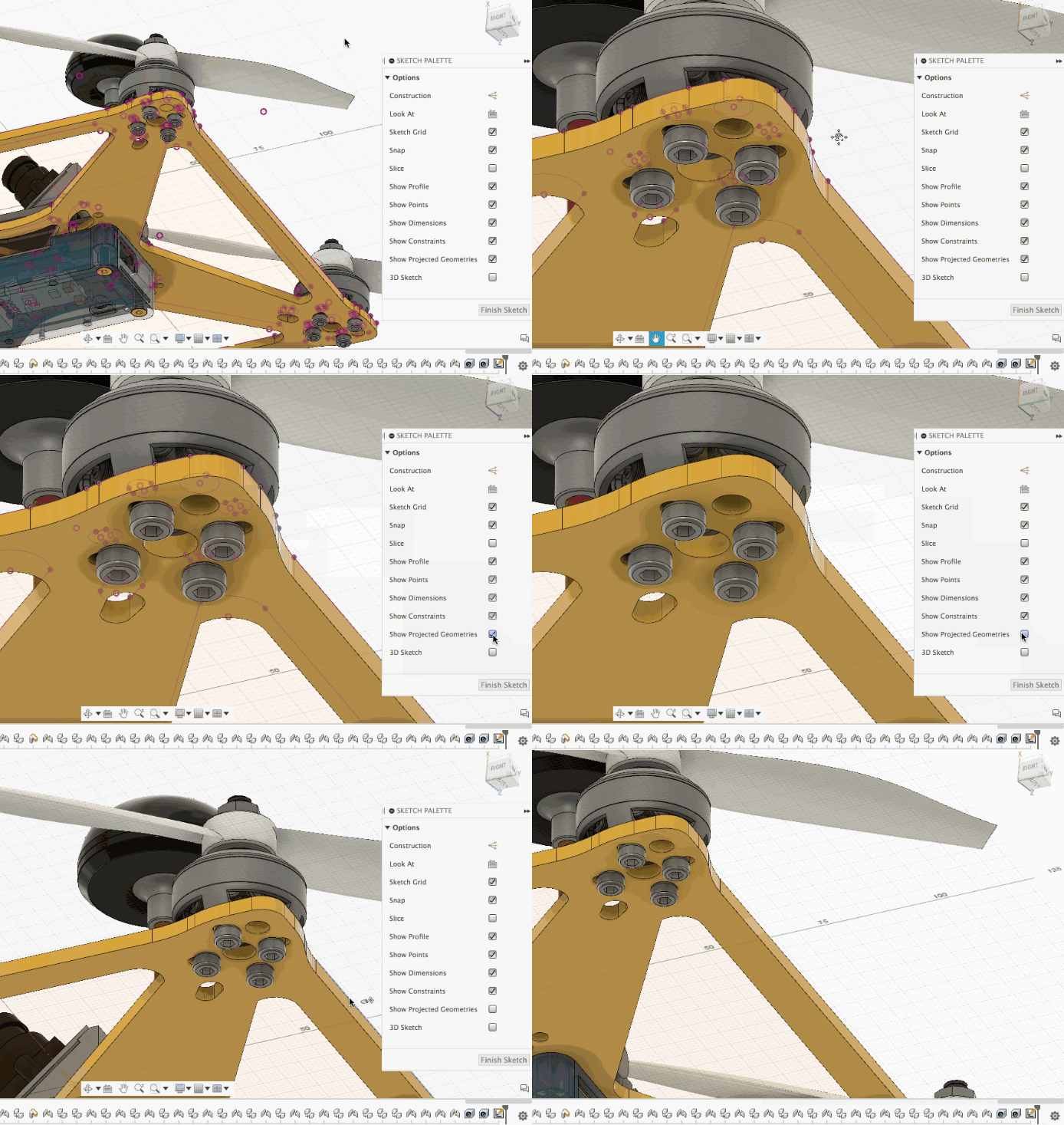
Learning how to project geometry onto a sketch plane in Autodesk Fusion enables precise referencing of existing features, improving efficiency in both 2D and 3D design workflows. Projecting geometry onto a sketch plane is a fundamental feature in Autodesk Fusion. It allows you to reference and re-use surrounding features, streamlining your design workflow for both…
Fusion

Data management capabilities in Fusion transform collaboration by providing cloud-based, centralized real-time updates and seamless teamwork.
Data management
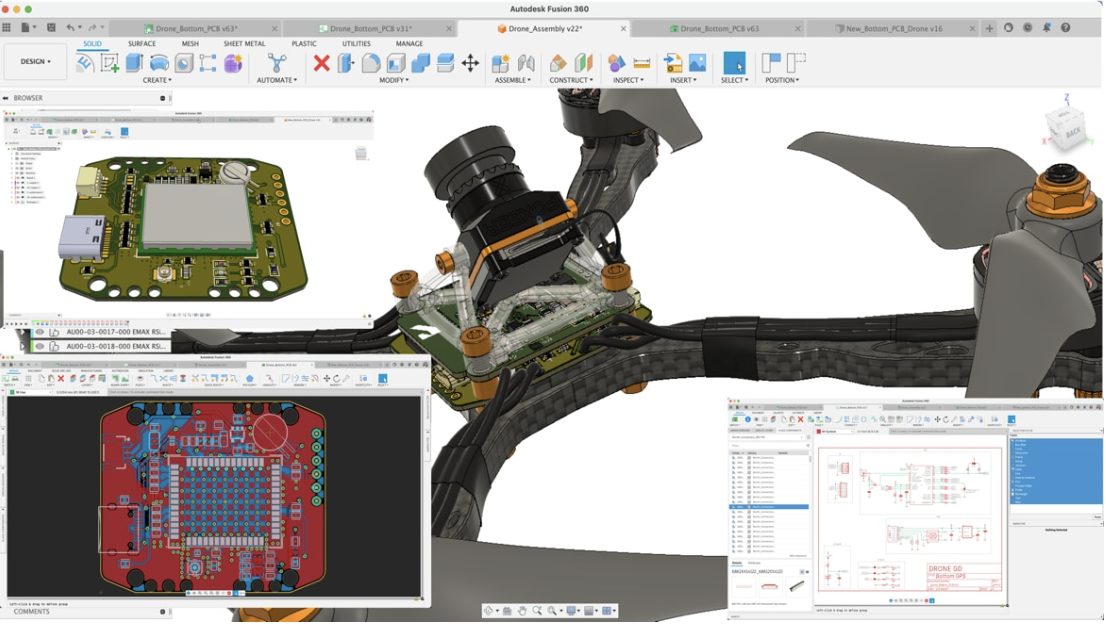
Explore mechatronics engineering, an interdisciplinary field combining mechanical, electrical, and control engineering to develop intelligent systems. Learn about its foundational concepts, applications across industries, and the role of Autodesk Fusion plays in facilitating the design and simulation of mechatronic systems. Mechatronics engineering Mechatronics engineering is an interdisciplinary field that merges mechanical, electrical, software, and control…
Electronics Engineering
Learn everything you need to know about bodies and components in Autodesk Fusion! Assemble, build, and capture motion properly.
Getting Started
Are you curious about Fusion 360 vs. SolidWorks? This migration guide will be the key to your success.
Machining

Fusion 360 is the sum of its multiple, powerful parts. We’ll expand upon CAD, CAM, CAE, and advantages across crucial touchpoints in the end to end product development process.
Industrial Design