 Thomas Stock
A look at the many 3D printing apps for Autodesk Fusion that maximize your additive manufacturing capabilities.

Elevate your design and manufacturing processes with Autodesk Fusion
By now, you’ve probably seen the cool stuff Fusion can do around additive manufacturing, and if you haven’t, you’ve been missing out. From FFF workflows, metal additive manufacturing, and process simulation to new advanced 3D packing algorithms, the Fusion additive manufacturing space is maturing at a rapid pace, with even more new features on the way.
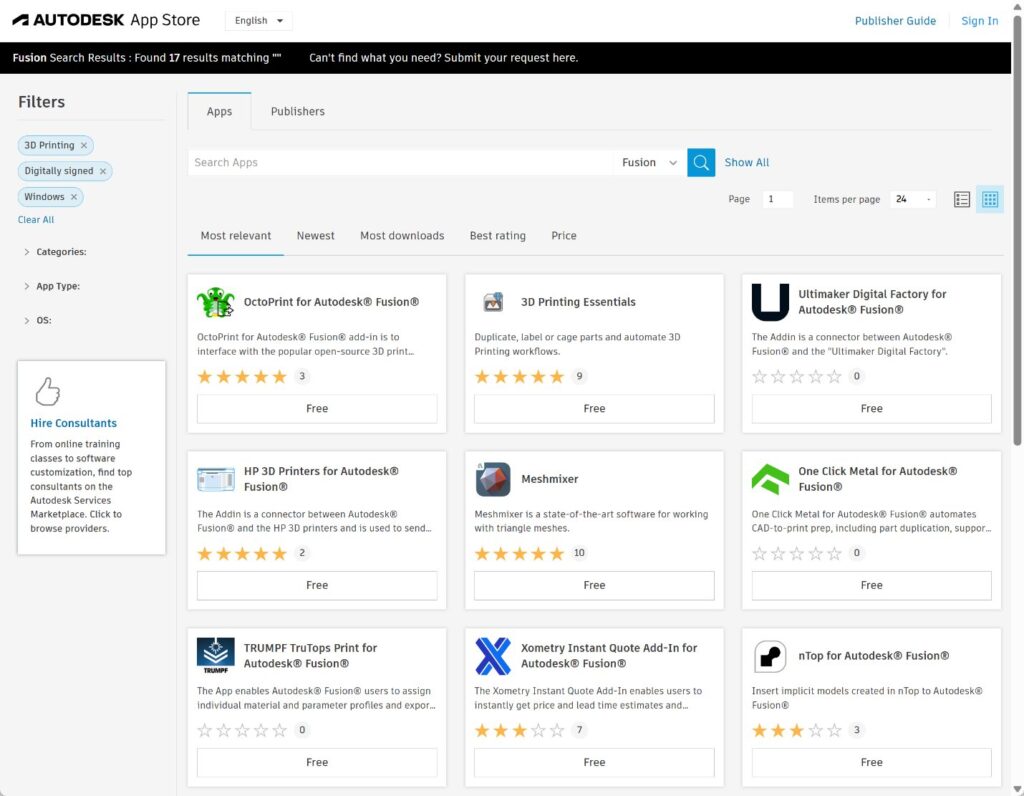
Today, we wanted to take a moment to highlight all the 3D printing apps available for Fusion from the Autodesk App Store to help you take your additive manufacturing workflows to the next level.
These will be broken down into the following sections:
Table of Contents
- Essentials
- Design for Additive Manufacture (DfAM)
- Print preparation and machine connectivity
- Analytical
Essentials
3D Printing Essentials

The standout additive add-in for Fusion has to be the amazing 3D Printing Essentials app. This is a must-have for any of the additive workflows in Fusion. With the app, users can do a whole range of extra functionality, from part duplication to creating sinter boxes for their SLS and MJF setups, automatic part labelling, creating pins and holes for cutting and joining large parts together, and more!
The ready-to-run scripts for FFF, SLA, DLP, SLS, and MJF automate common Additive manufacturing workflows and can be edited for any manufacturing method and printer:
Design for Additive Manufacture (DfAM)
nTop for Autodesk Fusion
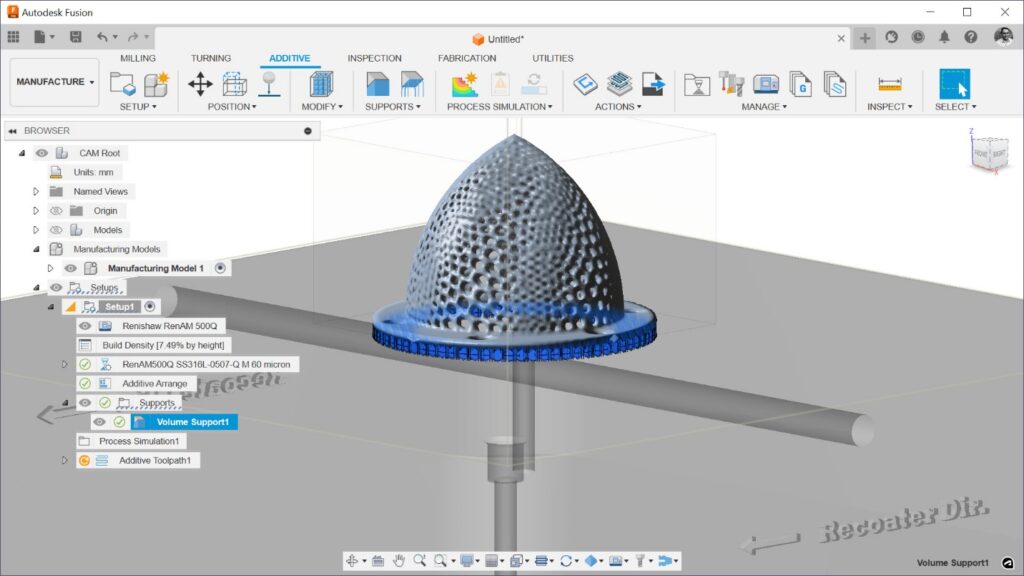
This add-in allows users to insert the implicit models created in nTop into Autodesk Fusion. This volumetric model can be used natively in Fusion, and just like volumetric models created using Fusion’s volumetric lattice tool, it can be sliced directly in Fusion.
Spherene for Autodesk Fusion
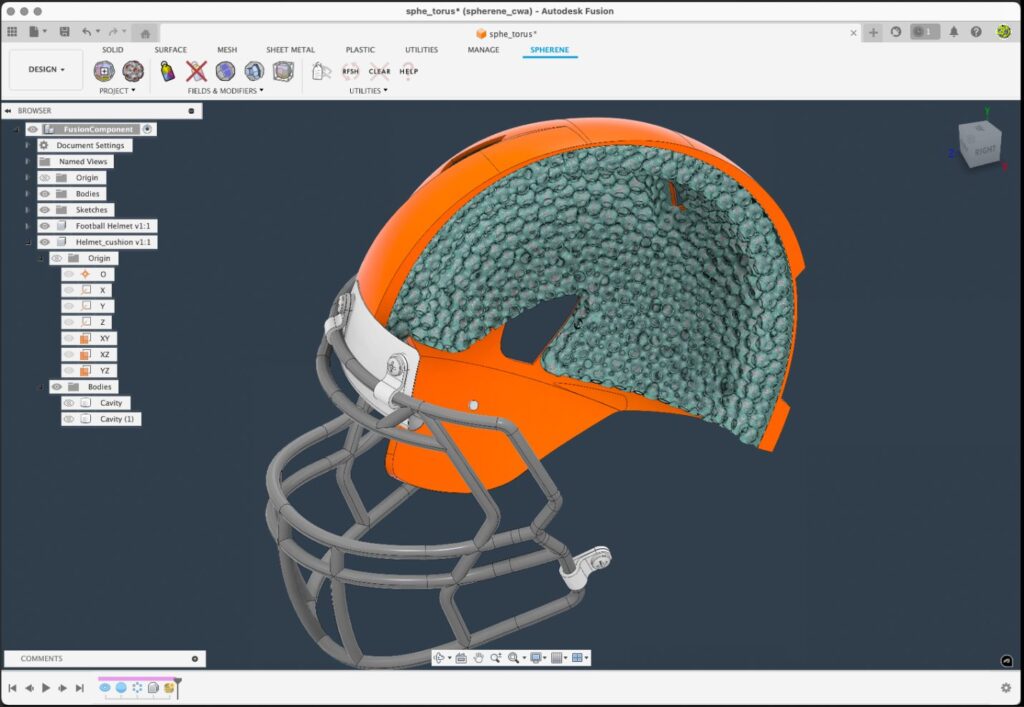
Spherene for Autodesk Fusion is an add-in that enables the creation of metamaterial models with variable density for additive manufacturing, lightweight structures, and efficient infills. It provides intuitive control over the creation of conformal minimal surfaces, streamlining design workflows.
Lattice Design Suite
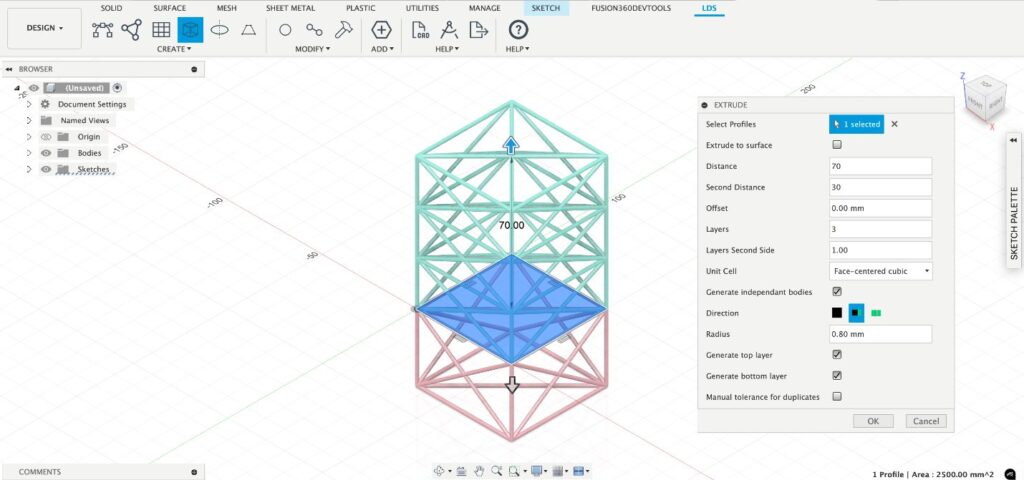
This add-in gives you access to TETMET’s Lattice Design Suite (LDS) within Autodesk Fusion. The LDS features a sophisticated design module for precise lattice configuration control and excels in optimization. It balances geometric complexity, manufacturability, and functional performance, optimizing material distribution for strength-to-weight ratio, energy absorption, and embodied energy.
Metafold
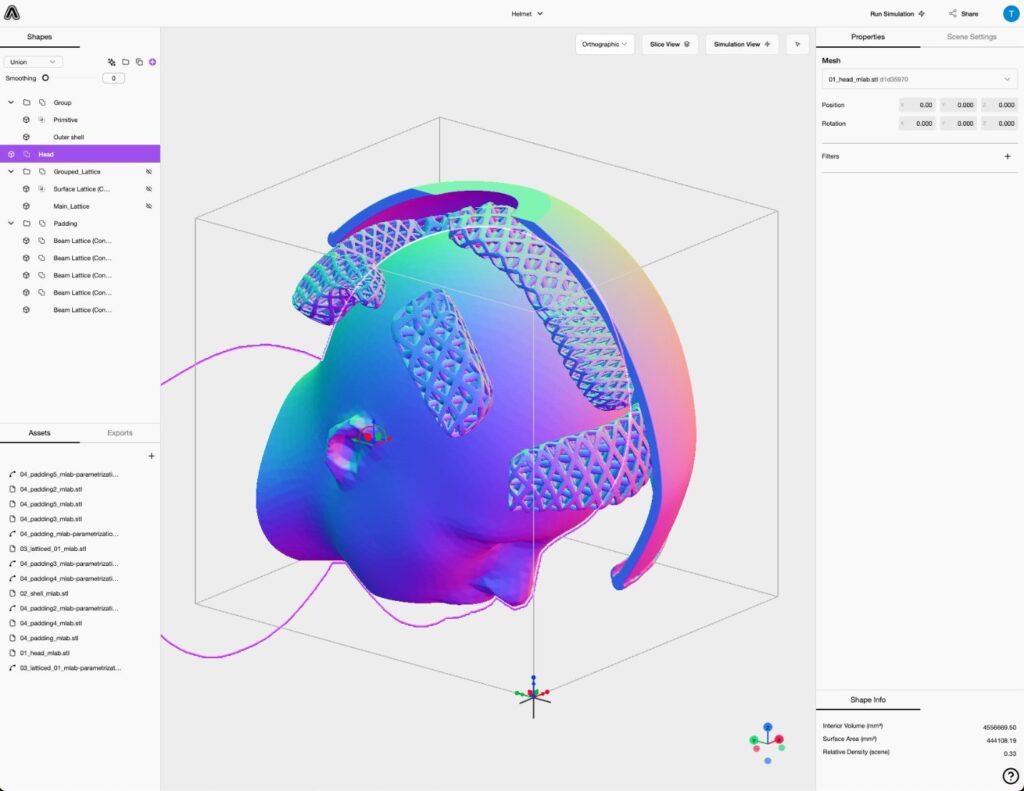
The Metafold add-in for Autodesk Fusion serves as a bridge between Fusion and Metafold’s web-based implicit/volumetric CAD platform. This app allows engineers and designers to seamlessly import and integrate complex models, enhancing innovation in 3D design and manufacturing. It broadens the scope for creating intricate designs by bringing implicit geometry into the familiar Fusion modeling environment.
Print preparation and machine connectivity
HP 3D Printers for Autodesk Fusion
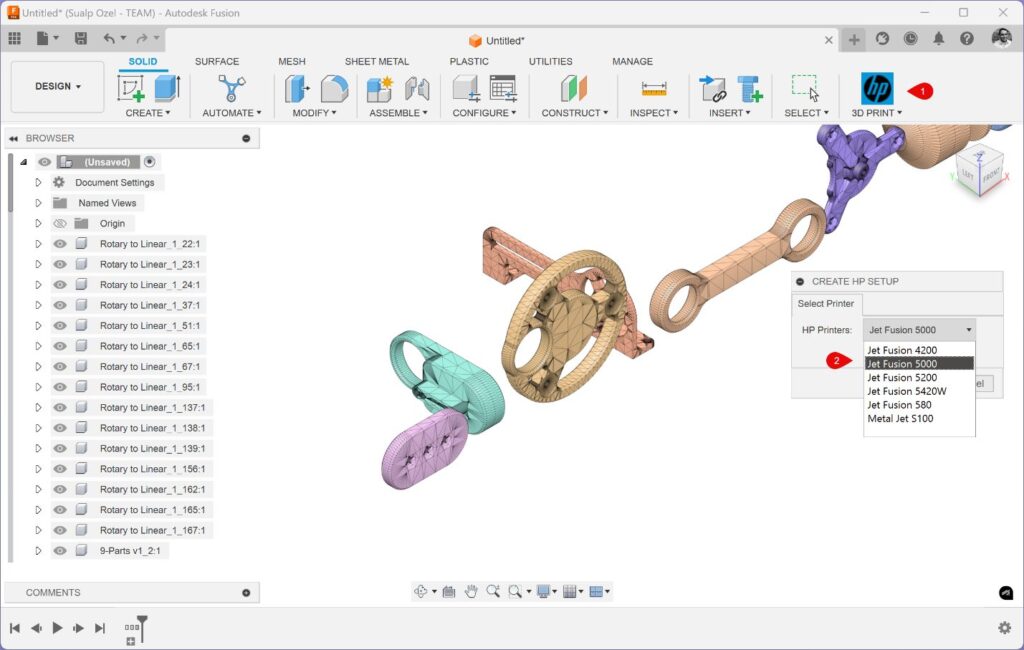
This add-in simplifies the creation of additive setups for HP 3D printers. It can be used to send builds to HP SmartStream 3D Build Manager software. It can also be used to send jobs or arbitrary 3MF files to a connected HP 3D Printer.
One Click Metal for Autodesk Fusion
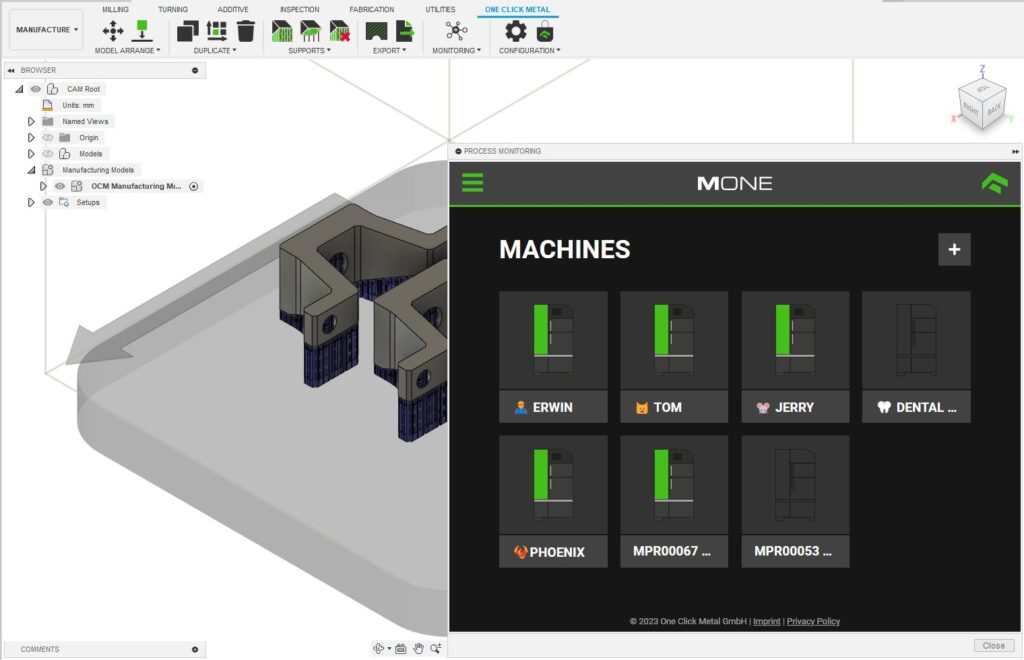
The “One Click Metal for Autodesk Fusion” add-in simplifies the metal 3D printing process within Autodesk Fusion. It provides users with a seamless and efficient experience. Designed for professionals seeking to optimize their metal additive manufacturing process, this app integrates advanced automation tools directly into Autodesk Fusion.
Renishaw for Fusion
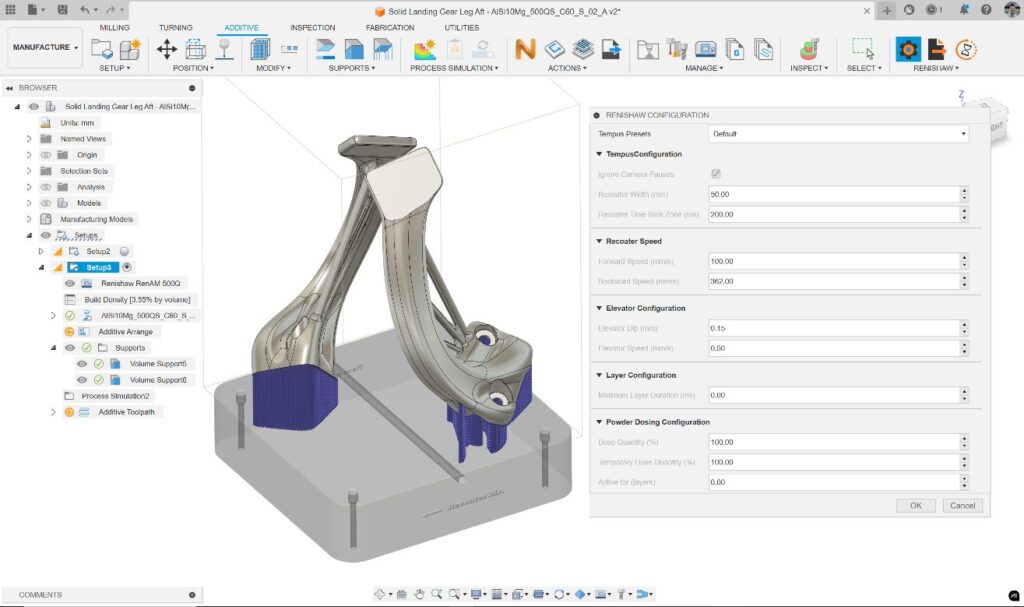
With this add-in, Fusion users can go beyond common print preparation workflows in their preferred design and manufacturing platform and gain access to additional functionalities to further enhance their metal additive manufacturing user experience. The “Renishaw for Fusion” add-in unlocks access to the following Renishaw hardware-specific capabilities directly within Autodesk Fusion:
- Access TEMPUS™ optimized settings.
- Ability to export additive toolpath as “*.RENAM” files.
- Access to the build time estimation powered by QuantAM.
TRUMPF TruTops Print for Autodesk Fusion
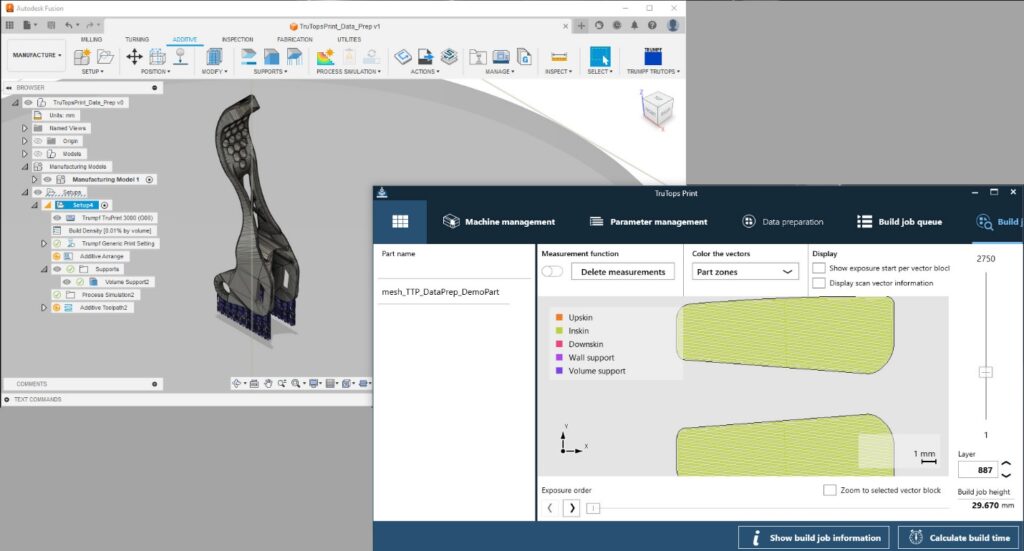
This app connects Autodesk Fusion’s Additive Setup to the TruTops Print Service, enabling users to assign customized material and parameter profiles, apply hatching algorithms, and export slice data for TRUMPF TruPrint metal powder bed fusion 3D printers.
EOSPRINT for Autodesk Fusion
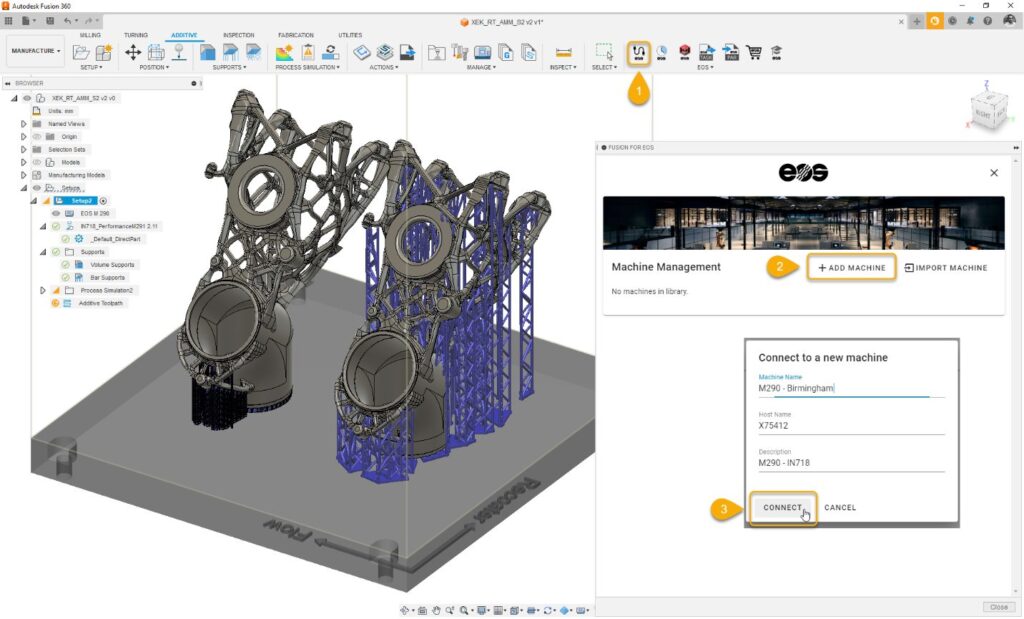
EOSPRINT for Autodesk Fusion enables Fusion users to assign individual EOS Material Sets and Exposure Sets. The app applies the original hatching algorithms of EOSPRINT and links Fusion to multiple EOS Systems over the network. It can send tasks directly to the selected 3D printer.
OctoPrint for Autodesk Fusion
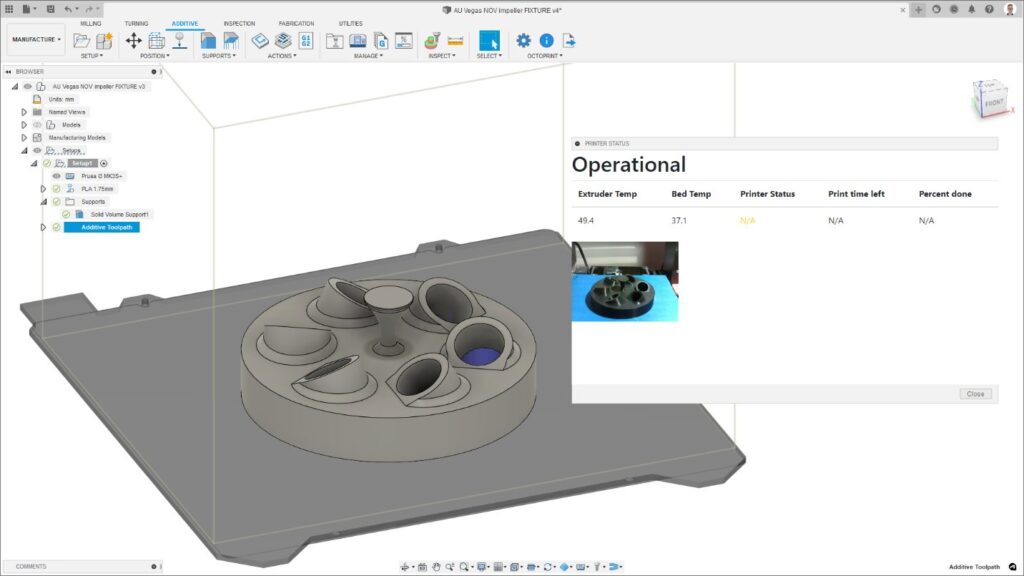
This add-in interfaces with the open-source 3D print controller application, OctoPrint, allowing users to manage and monitor their 3D prints directly from Autodesk Fusion.
Ultimaker Digital Factory for Autodesk Fusion
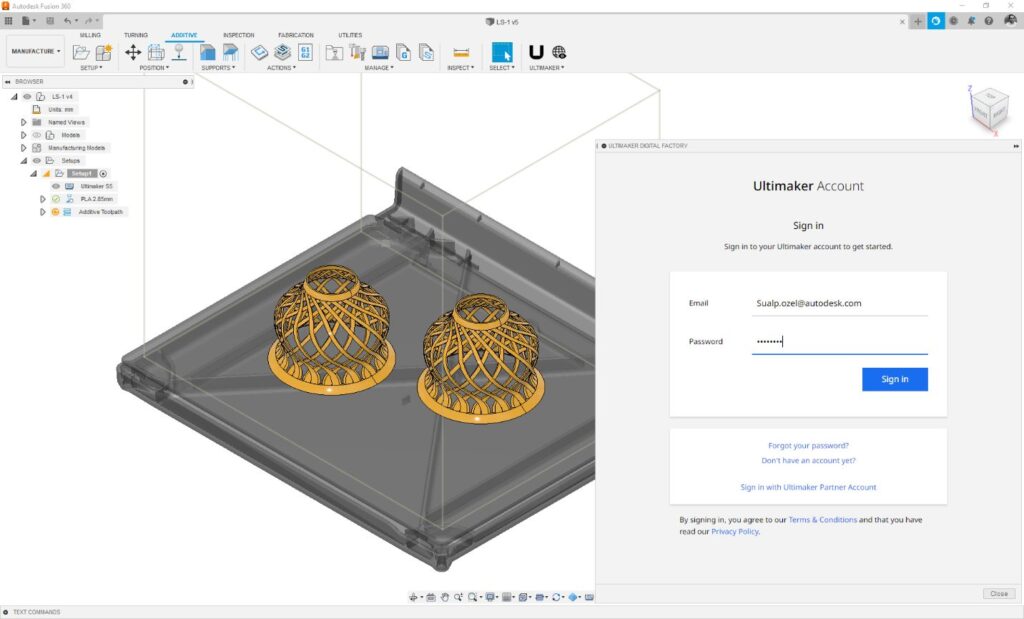
A connector between Autodesk Fusion and the Ultimaker Digital Factory, this add-in enables users to upload Fusion projects to their Ultimaker accounts, facilitating seamless integration with Ultimaker’s 3D printing services.
Markforged for Autodesk Fusion
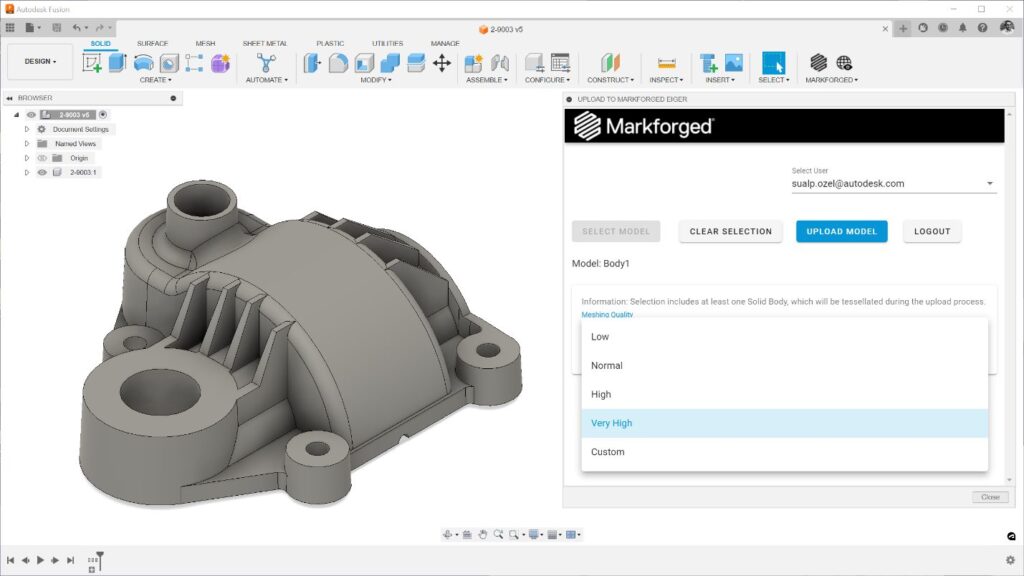
This add-in connects Autodesk Fusion with Markforged’s Eiger software, facilitating the transfer of Fusion models to Eiger for printing on Markforged 3D printers. It supports various Markforged printer series and metal binder jetting systems.
GPX PostProcessor for Autodesk Fusion
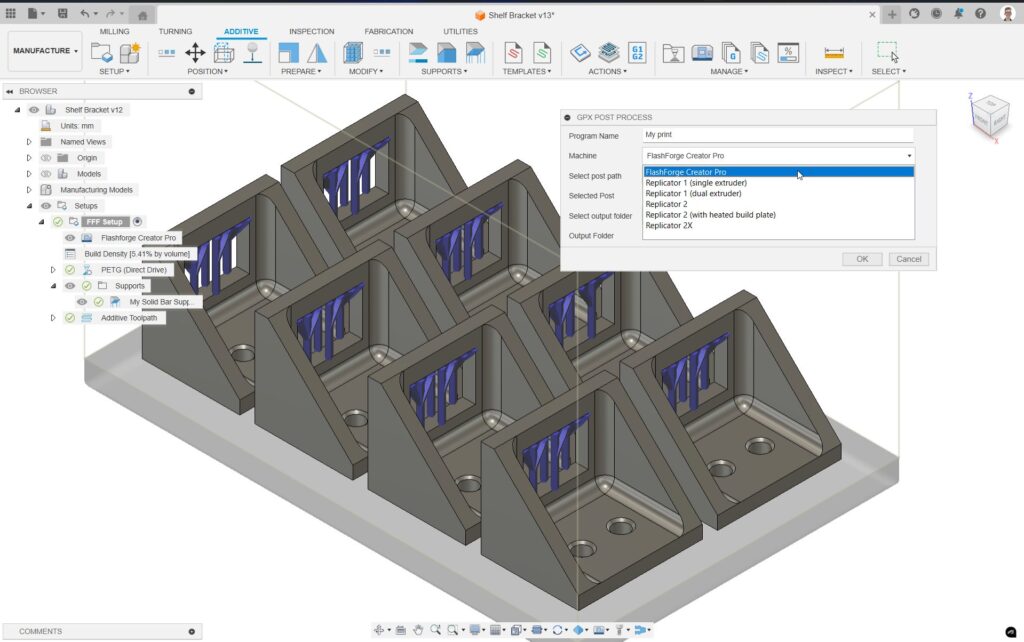
The GPX PostProcessor for Autodesk Fusion is an add-in that converts Fusion’s print files into a format compatible with the legacy MakerBot and Flashforge printers. This allows users to generate print files for their Flashforge and Makerbot printers all from within Fusion.
Analytical
AMAIZE for Autodesk Fusion
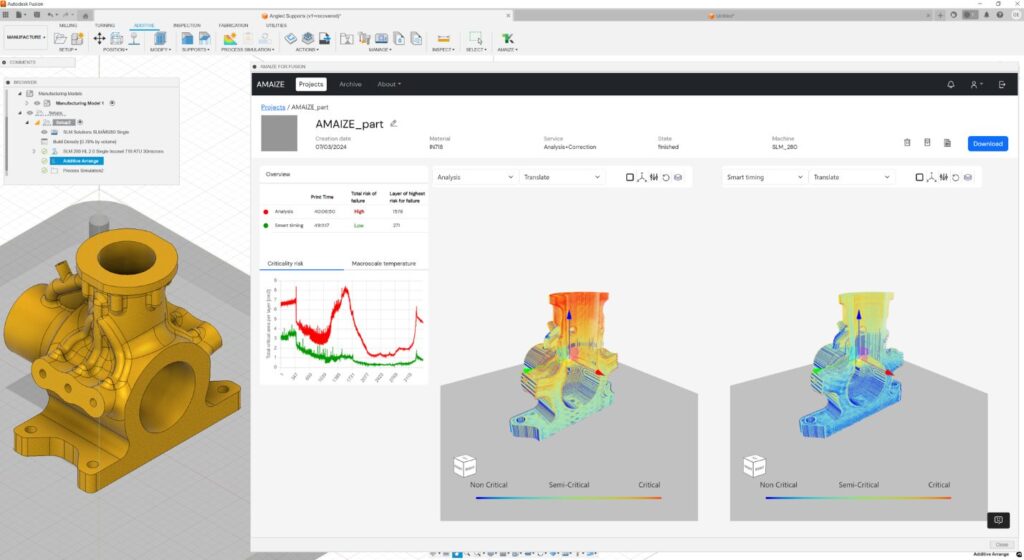
AMAIZE is available as a plug-in within Autodesk Fusion software directly as a dashboard to get qualified parts to market faster and without expert-level knowledge. It uses physics-informed AI to predict print issues and generate machine-compatible and optimal print scan strategies in minutes.
DiManEx AM Analytics
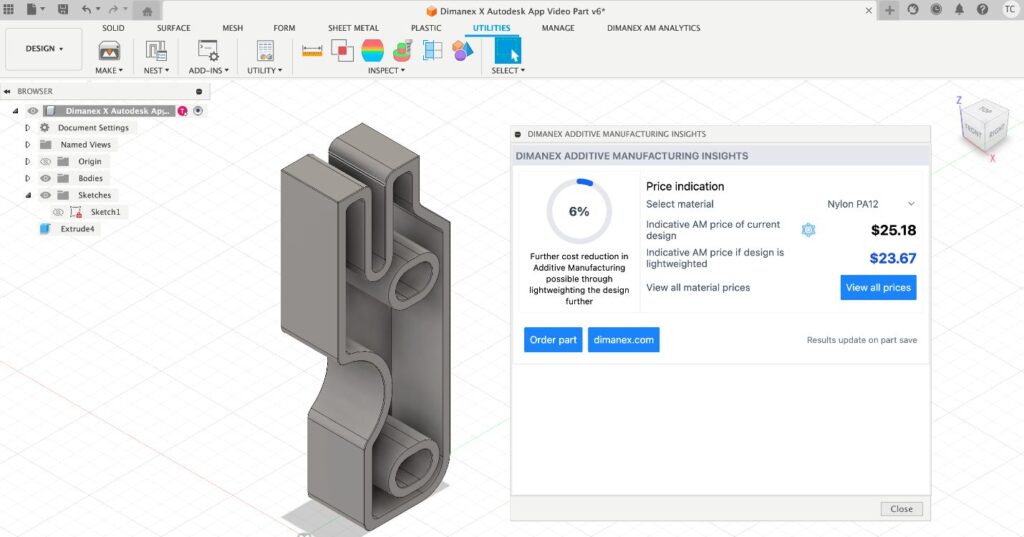
This add-in analyzes parts for 3D printability, redesign potential, material reduction, and production cost savings of parts. It provides cost indications for various materials and technologies, allowing immediate quotations and orders. Integrated with Autodesk Fusion, AM Insights combines supply chains, 3D printing, and sustainability using AI-based analytics and workflow software.
We hope you enjoy these many wonderful 3D printing apps for Autodesk Fusion! Please let us know which ones you try in the comments.