Jim Byrne
Inventor 2026.2 is another great point release with several enhancements across the board for sketching, part and assembly modeling, and drawings. Thank you again to everyone who contributed their ideas and feedback for all three of our major releases for Inventor 2026.
Assembly enhancements
Place and Insert command
With Inventor 2026.2, assembling components just became a whole lot easier thanks to the new “Place and Insert” command added to the Place drop-down menu. Instead of inserting components one by one, users can now select their target geometry—such as multiple circular edges—and have the chosen component placed and constrained to all selections. The workflow is streamlined further with filters that exclude edges outside a specified size. Additionally, the Face-selection filter allows users to quickly select all circular edges on a face, with the option to combine it with the size filter for even more control.
Model State enhancements
Model State folder
Previously, expanding the Model State folder meant that all child delegated model states were hidden under an additional expander, making them difficult to locate and requiring extra clicks. With this release, that’s changed for the better. Now, when you expand the Model State folder, all child delegated model states are automatically expanded and always visible. This will make it easier to manage and access model states efficiently.
Model State selection
A subtle but impactful enhancement in Inventor 2026.2 is the update to how model states are visually indicated during editing. Previously, it could be difficult to quickly identify which model state was being edited, as there was no clear visual cue in the interface. With this release, Inventor now displays the text of the model state being edited in blue, making it instantly recognizable.
Bill of Material
It is now easier to distinguish items with a quantity of zero in the Bill of Materials. The background color for rows with a quantity of zero is different from that of other rows. This will improve they way you see zero quantity items for particular Model States or new configurations of your design when using iLogic.
Drawing enhancements
Parts list prompt
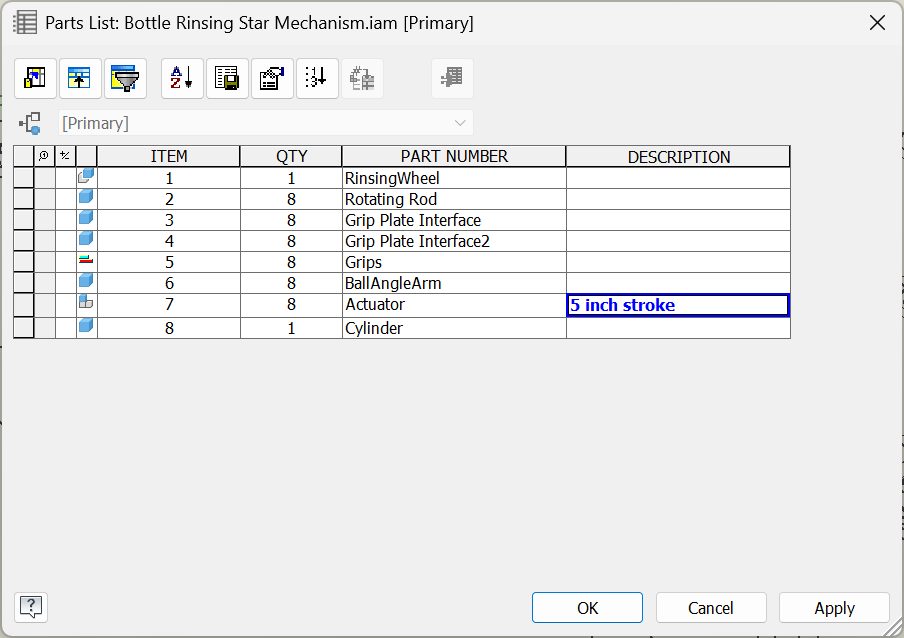
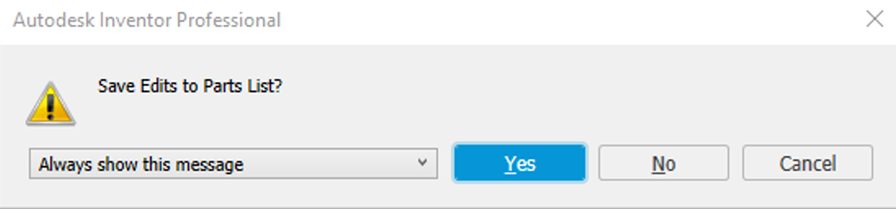
When closing Parts List with unsaved changes, a prompt is now displayed warning that there are unsaved changes that need to be saved. This way you shouldn’t lose your work when making a large amount of changes to items such as descriptions for your items.
Part enhancements
Visible bodies in combine and solid sweep
A new toggle button is added to the Combine and Sweep commands. If “Keep Toolbodies” is selected, this allows the toolbody solids to remain visible for future commands.
Sketch enhancements
Sketch pattern preview
Sketch pattern previews now update with changes in real-time. If you have sketch pattern geometry that is outside a specified boundary, it will display in a different color and line style.
Customization
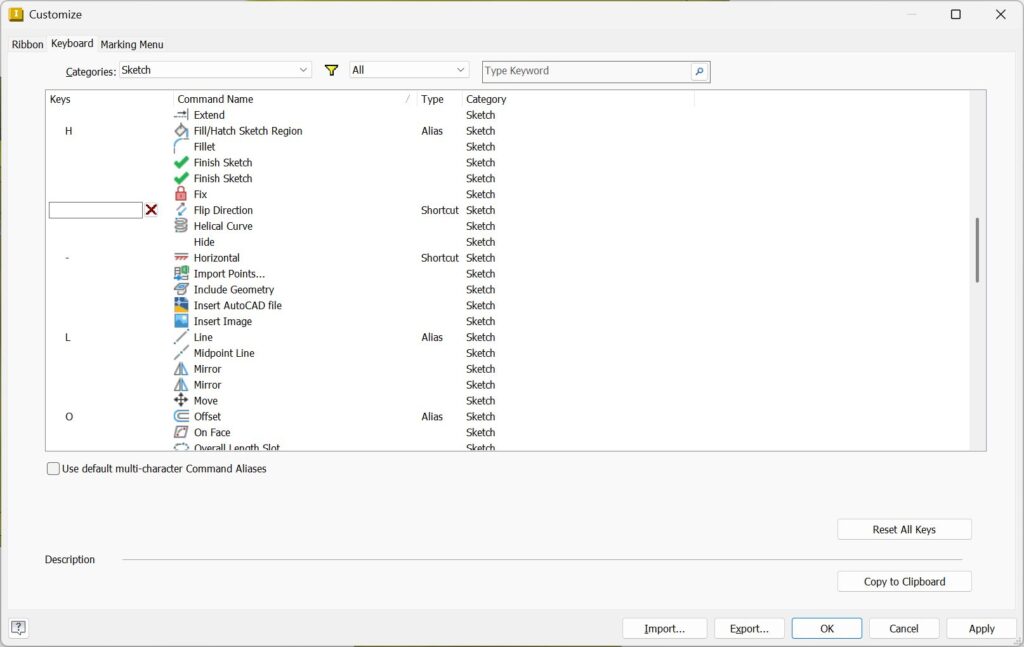
You can now add a shortcut for Flip Direction. This was added in the previous point release for Inventor 2026.1.
Flip direction for angular dimensions
Flip direction for linear dimensions was added in March of this year for Inventor 2026. In this point release you have the ability to flip direction for angular dimensions as well.
General enhancements
Parameter enhancements
The Parameters dialog now contains options to edit a linked spreadsheet or open a linked component that references the parameters.
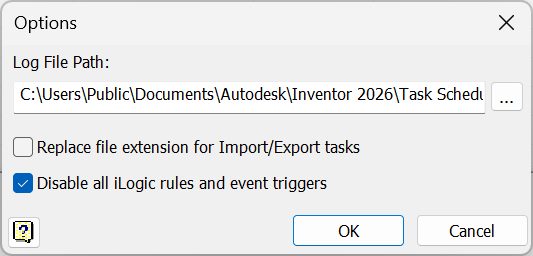
Disable iLogic rules and event triggers in Task Scheduler
When running Task Scheduler tasks, use the new checkbox to disable all iLogic rules and event triggers.