Design & Engineering
-

Meeting Tight Project Timelines: How PDMC Helps BP&F Teams Avoid Coordination Failures
Learn how Autodesk PDMC helps BP&F teams avoid coordination failures, align design and fabrication, and meet tight project timelines. Manufacturing teams are under constant pressure to deliver complex building components as fast as possible. As architectural designs become more intricate, the distance between the initial conceptual model and the final fabrication file often leads to…
Design & Engineering
-
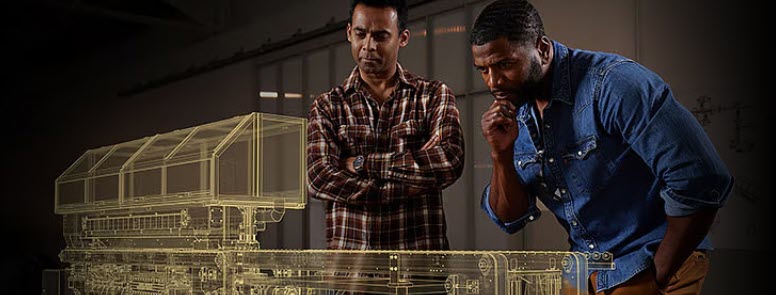
Moving from 2D to 3D: A Practical Path with Inventor and AutoCAD
Explore a realistic path to move from 2D to 3D with AutoCAD and Inventor in PDMC. Keep your DWGs while gaining automation, precision, and manufacturing-ready data. For many engineering and manufacturing teams, 2D drawings remain the backbone of daily work. AutoCAD has been a trusted standard for more than four decades, and many organizations have…
Design & Engineering
-
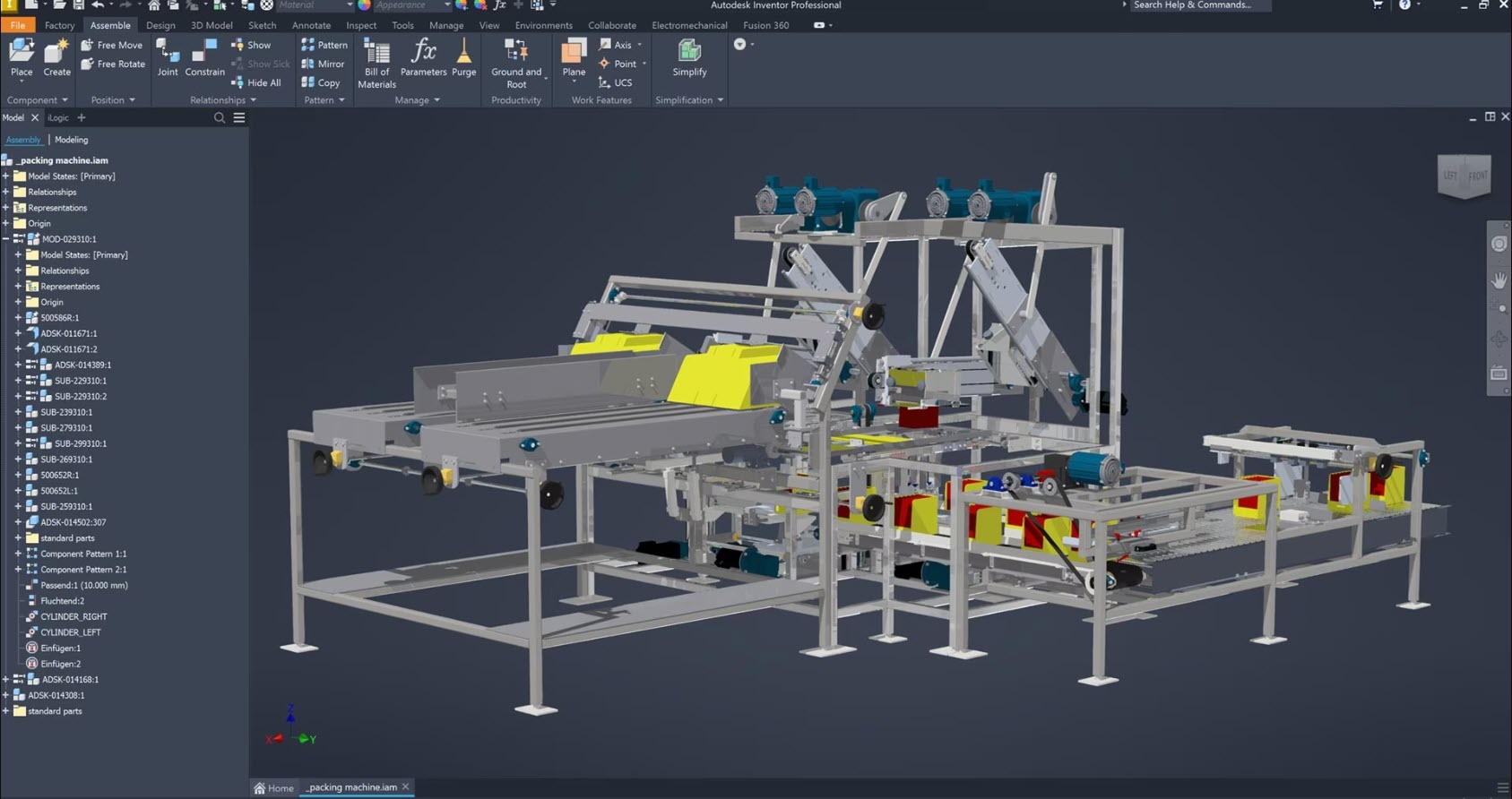
The High Cost of Engineering Bottlenecks: How Autodesk PDMC Reduces Design Cycle Times in Industrial Machinery
Engineering bottlenecks slow industrial machinery manufacturers and increase costs. Learn how the Autodesk Product Design and Manufacturing Collections streamlines workflows, reduce cycle times, and accelerate product delivery. Industrial machinery (IM) manufacturers are constantly faced with high expectations for custom configurations and faster delivery, all while product complexity continue to rise. Engineering teams often struggle with…
Design & Engineering
-
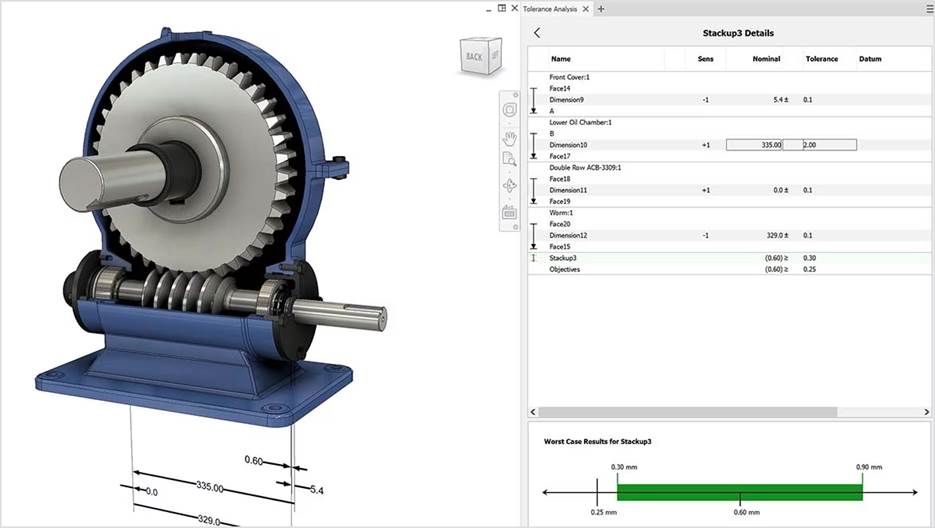
What Are GD&T Symbols and Why Do They Matter?
This article explains the five main categories of GD&T symbols: form, orientation, location, profile, and runout. It details how each category controls specific geometric variations. It also highlights how Autodesk Inventor integrates these symbols into 3D models using Model-Based Definition for automated tolerance analysis. What are GD&T symbols and why do they matter? Geometric Dimensioning…
Design & Engineering
-

Accelerate Time-to-Market and Reduce Risk: The Six Phases of NPI Explained
Learn how structured NPI processes cut time-to-market by up to 50%, improve quality, and enable cross-functional collaboration for manufacturing leaders. Why NPI matters New Product Introduction (NPI) is the structured process that transforms ideas into market-ready products. Companies that implement formal NPI frameworks achieve 30–50% faster time-to-market and 40% fewer post-launch quality issues compared to…
Design & Engineering
-
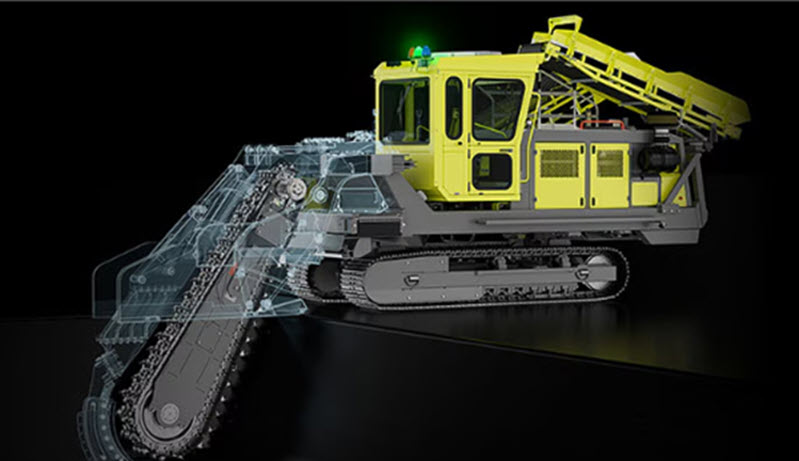
Unlocking Manufacturing Agility: How the Autodesk Product Design & Manufacturing Collection Drives Results
Discover how the Autodesk Product Design and Manufacturing Collection helps manufacturers overcome today’s challenges with integrated design-to-manufacturing workflows. Manufacturing today: Complex and demanding Manufacturing leaders face unprecedented complexity. Global supply chain disruptions, labor shortages, and sustainability mandates are reshaping the industry. At the same time, customers expect faster delivery of customized products without sacrificing quality.…
Design & Engineering
-
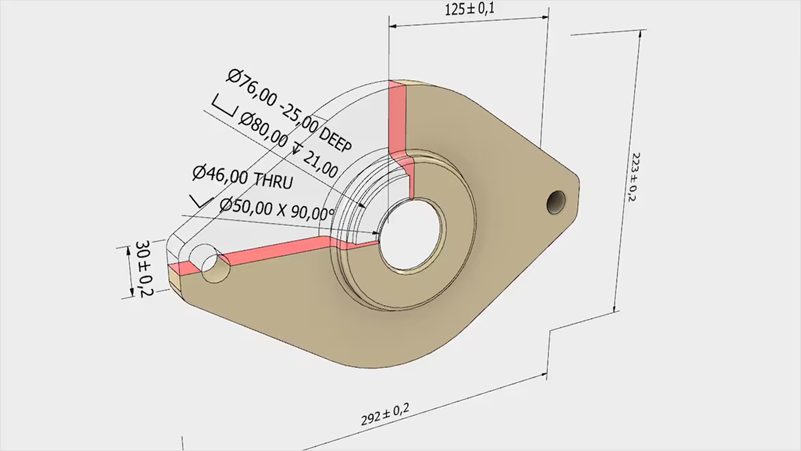
Complete Guide to GD&T Symbols: Geometric Dimensioning and Tolerancing
Discover the complete guide to GD&T symbols, their categories, standards, and practical applications across industries. Learn how Autodesk Inventor makes geometric dimensioning and tolerancing easier for beginners, improving design accuracy, manufacturing efficiency, and quality control. Modern manufacturing demands precision beyond basic dimensional tolerances. Engineers rely on GD&T symbols to communicate complex geometric requirements for critical…
Design & Engineering
-
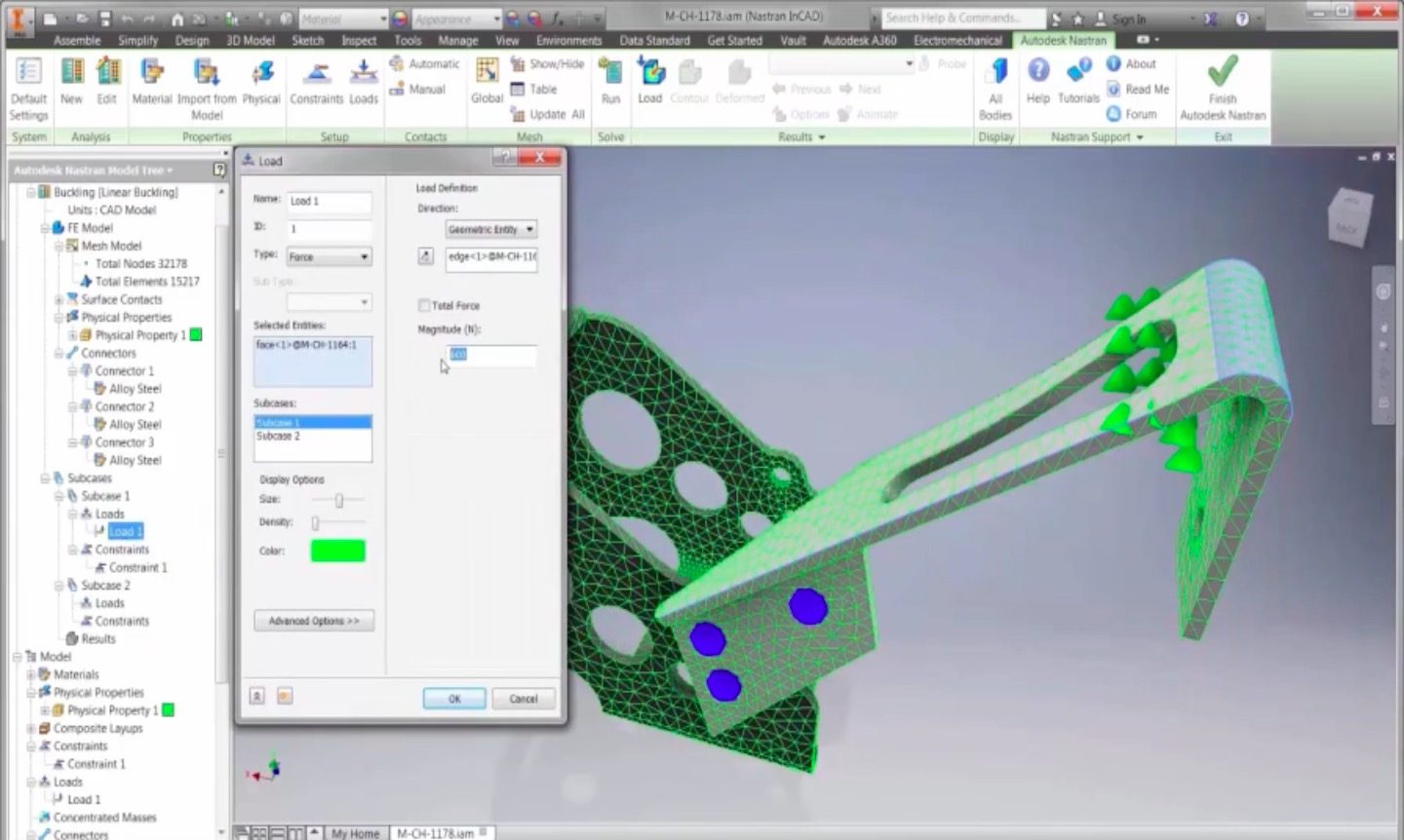
Introduction to Buckling Analysis: What Every Designer Should Know
This article introduces the principles of structural buckling, explains how instability arises under compressive loads, and explores linear versus nonlinear analysis methods. It then highlights how Autodesk Nastran enables detailed buckling simulations within the design workflow, helping engineers identify failure risks and improve performance before physical testing. Buckling is one of the most sudden and…
Design & Engineering
-
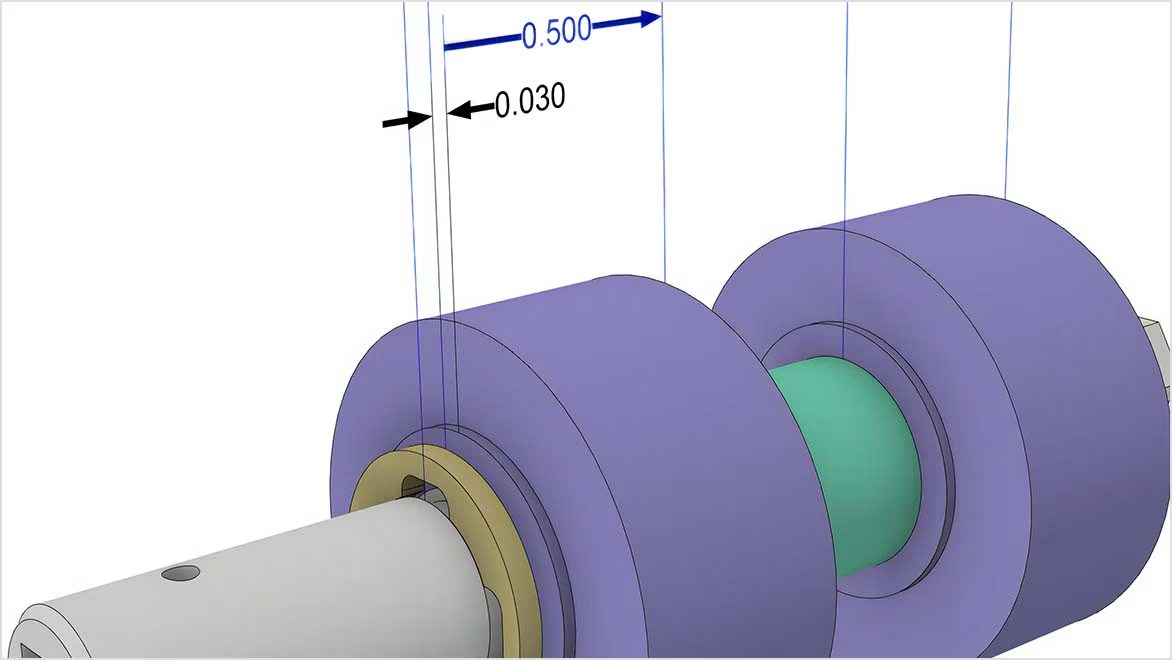
Essentials of Tolerance Analysis for Modern CAD Workflow
This article examines the importance of tolerance analysis in ensuring reliable assembly and controlling manufacturing costs for mechanical design. It discusses how Autodesk Inventor Tolerance Analysis integrates with CAD models so engineers can validate dimensional variation and optimize design decisions early in the workflow. Success in product development is a function of both precision and…
Design & Engineering
-
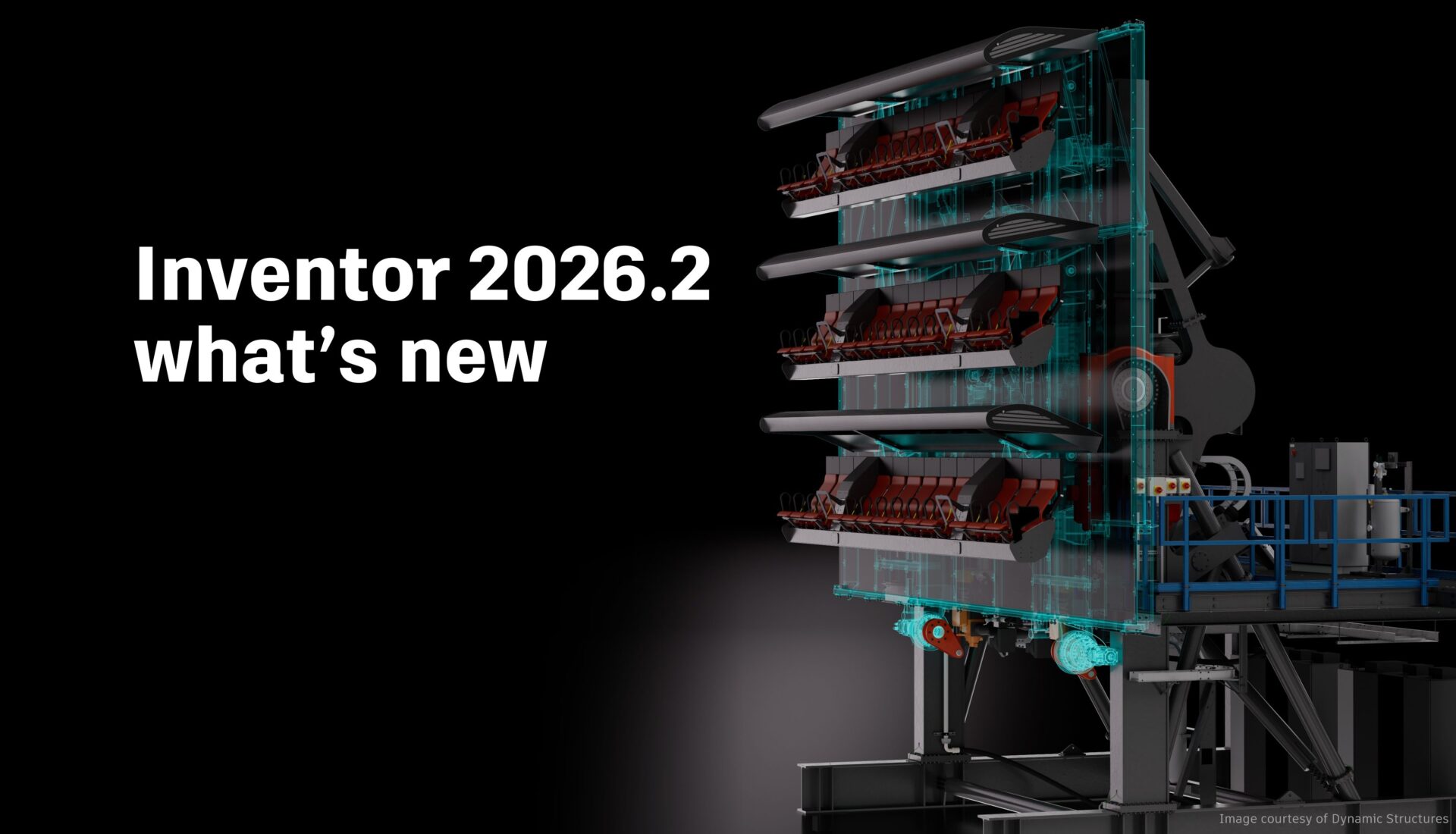
Inventor 2026.2 What’s New
Inventor 2026.2 is another great point release with several enhancements across the board for sketching, part and assembly modeling, and drawings. Thank you again to everyone who contributed their ideas and feedback for all three of our major releases for Inventor 2026. Assembly enhancements Place and Insert command With Inventor 2026.2, assembling components just became…
Autodesk Inventor
-
Model-Based Definition (MBD) and The Role it Plays in Modern Manufacturing [Update 2025]
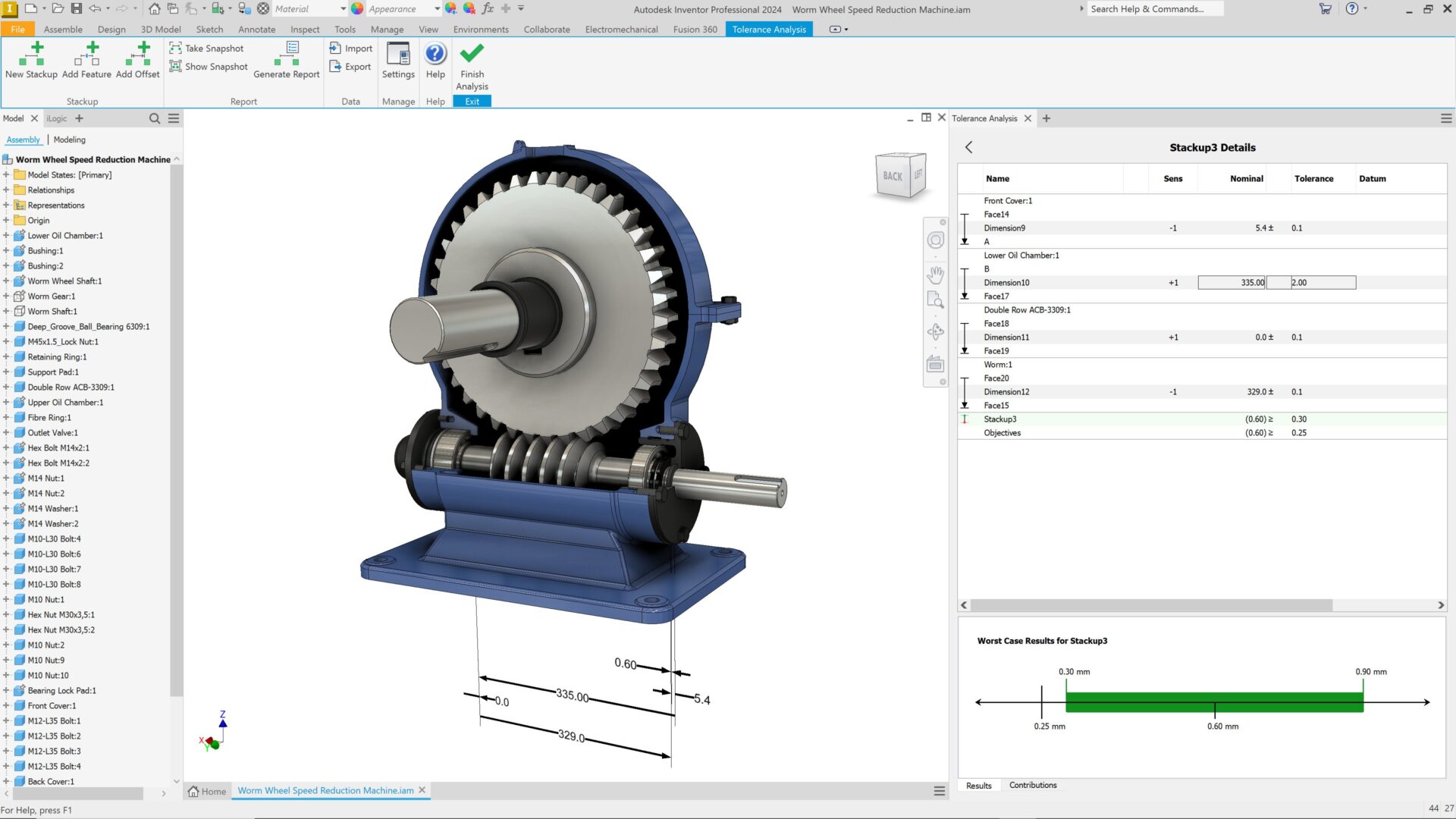
Explore the benefits of model-based definition (MBD), its benefits across manufacturing, and how Autodesk solutions can help. For more than a century, 2D engineering drawings were the universal language of manufacturing. They captured dimensions, materials, and tolerances, serving as the primary reference for turning product concepts into physical parts. As manufacturing technologies and product complexity…
Design & Engineering
-
Solve Design Inefficiencies by Shifting from 2D to 3D CAD
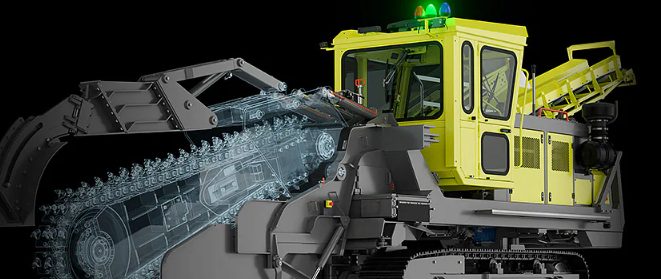
Struggling with outdated 2D workflows? Discover how transitioning to 3D design empowers manufacturers to reduce errors, speed up production, and stay competitive with Autodesk’s seamless 2D-to-3D integration. Manufacturing companies face increasing pressure to improve product quality, reduce time-to-market, and streamline production processes. A critical business challenge many manufacturers encounter is the need to evolve from…
Design & Engineering