
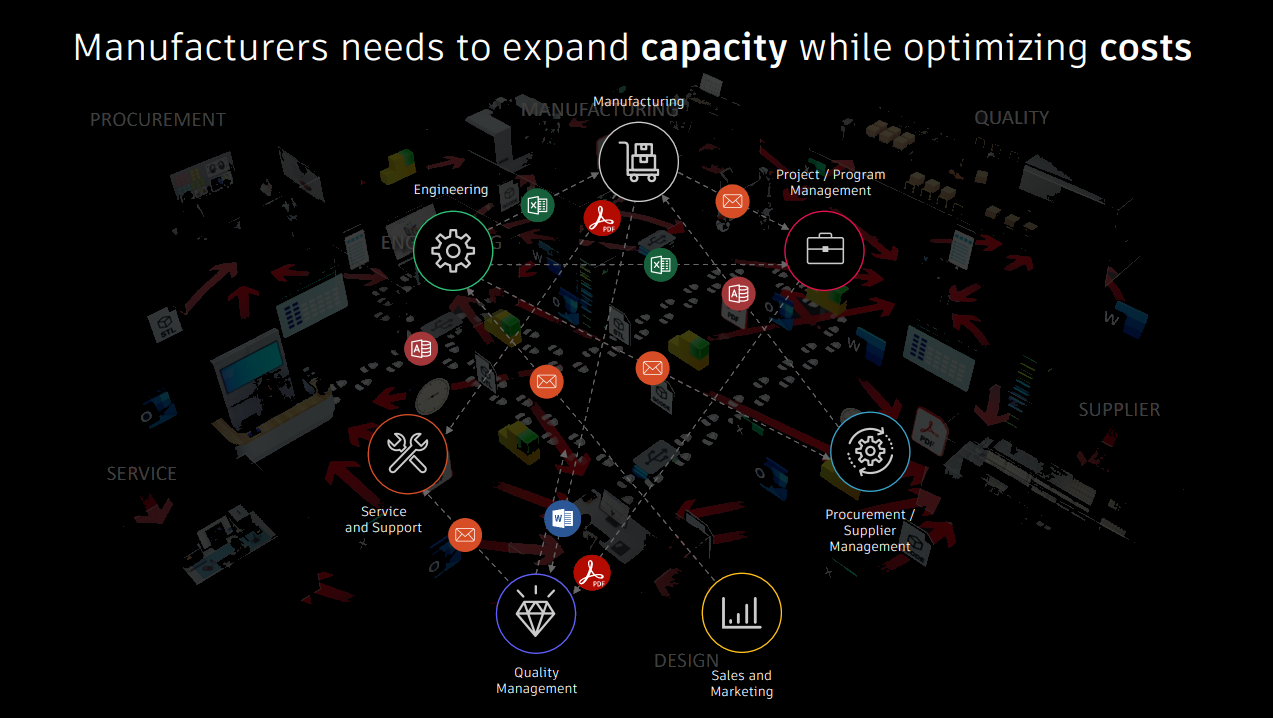
Learn how Vault Connector connects Vault Professional with Fusion Manage and Autodesk Forma, helping manufacturers synchronize engineering data, streamline collaboration, and reduce manual handoffs. Most manufacturers don’t struggle with a lack of data. They struggle with getting the right data to the right people at the right time. Engineering teams carefully manage CAD files, revisions,…
Autodesk Fusion Manage
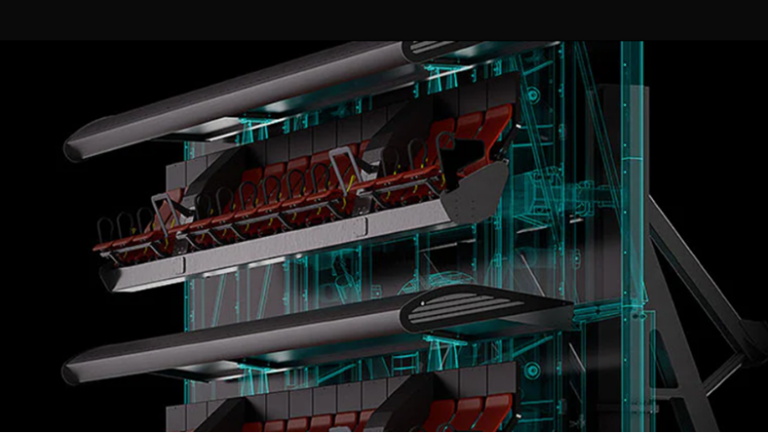
Discover how Autodesk Inventor supports industrial machinery design with advanced 3D modeling, large assembly management, automation, simulation, and manufacturing workflows. Whether you’re developing automated production equipment, conveyor systems, packaging machines, process equipment, material handling systems, agricultural machinery, or custom manufacturing solutions, engineers must balance mechanical performance, manufacturability, serviceability, and cost while coordinating thousands of interconnected…
Design & Engineering

Learn what engineering change management is, how ECRs, ECOs, and ECNs work, and how manufacturers improve traceability, compliance, and collaboration across the product lifecycle with Autodesk Vault and Fusion Manage. What is engineering change management? Engineering Change Management (ECM) is the formal process used to propose, evaluate, approve, implement, and document changes to a product…
Data & Process
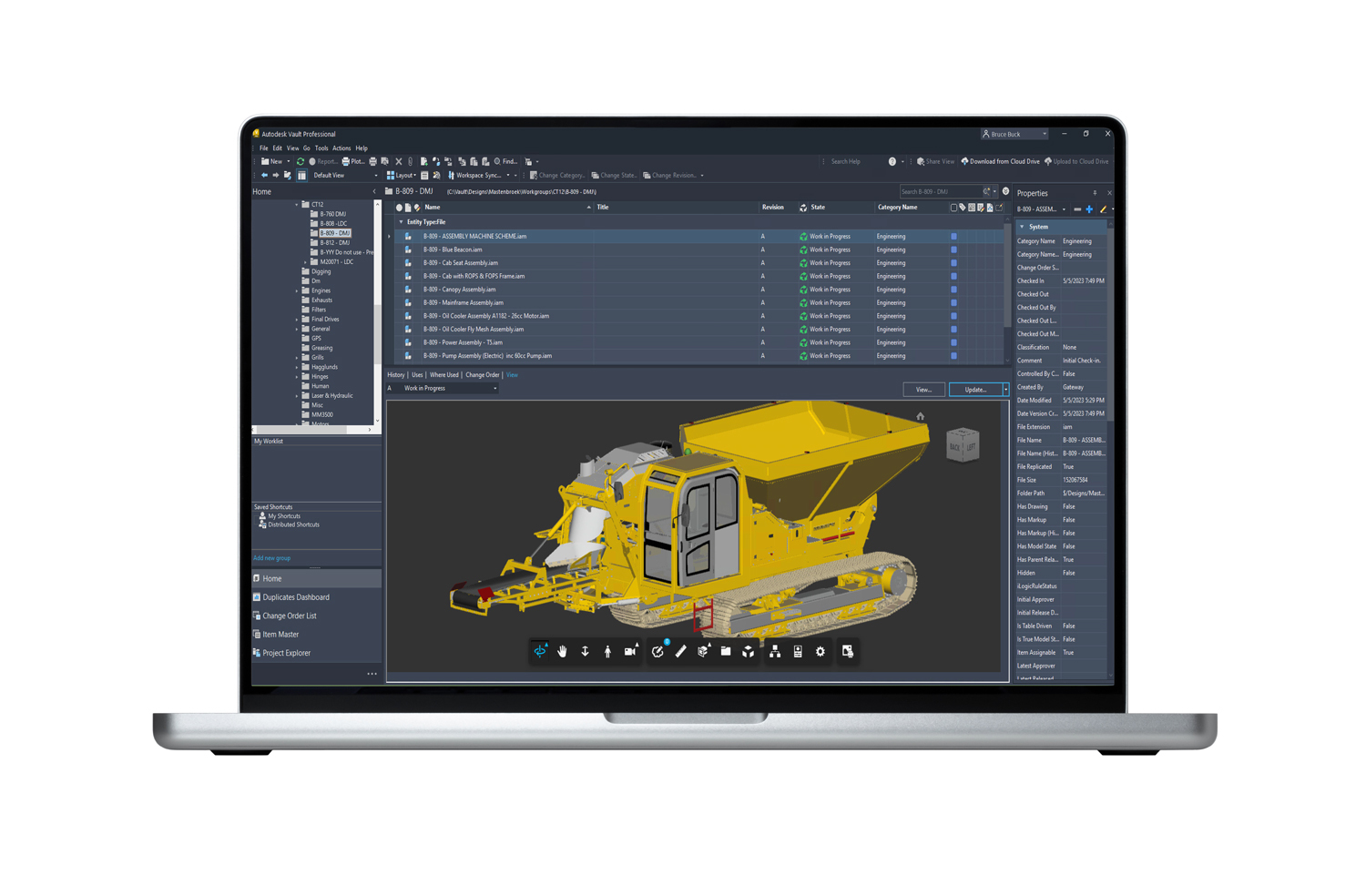
Learn how the Autodesk Vault subscription works, including licensing, deployment options, collaboration capabilities, and how engineering and manufacturing teams scale product data management over time. Autodesk Vault helps teams control design data without slowing down product development As products become more complex, design teams often struggle with version confusion, duplicate files, disconnected workflows, and manual…
Autodesk Vault
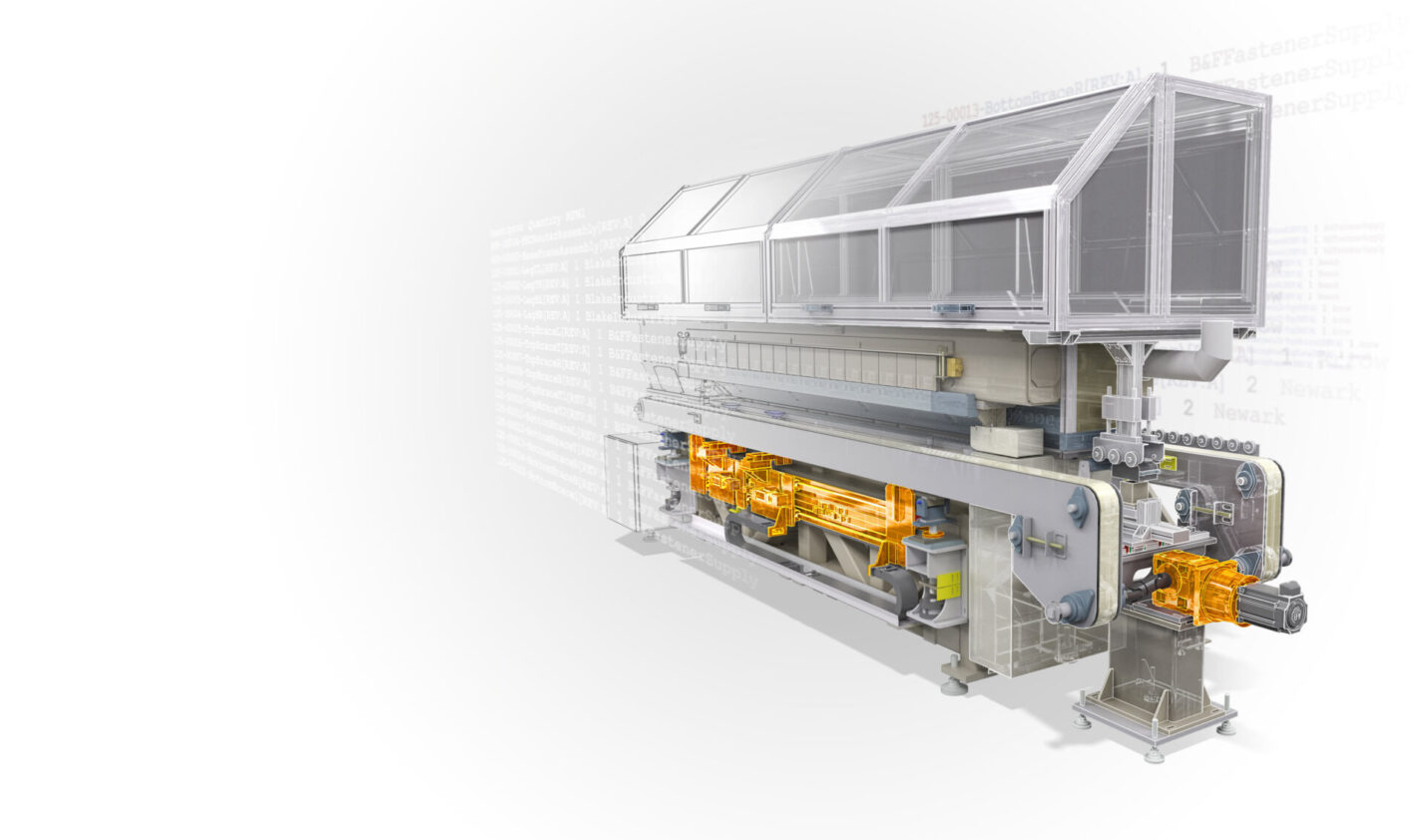
Explore Autodesk Inventor subscription options, pricing, and features. Learn what you get, how it works, and start a free trial to test it on real engineering workflows. If you’re evaluating Autodesk Inventor, the real question isn’t just “What does it cost?” It’s: “Will this help me design faster, reduce errors, and get products to market…
Design & Engineering

File versioning tracks changes, but engineering teams need more control. Learn how PDM helps prevent version conflicts, protect design data, manage revisions, and keep teams working from the right files. Every engineering team has a version-control problem. At first, it looks harmless. A designer saves a file as: Everyone understands what happened. At least for…
Data & Process

Learn how to plan, visualize, and optimize factory layouts using Autodesk Factory Design Utilities and FlexSim. Create digital factory models, validate equipment placement, and simulate material flow before making costly physical changes. Why factory layout decisions costs manufacturers millions Few decisions have a greater long-term impact on manufacturing performance than factory layout. A poorly planned…
Production
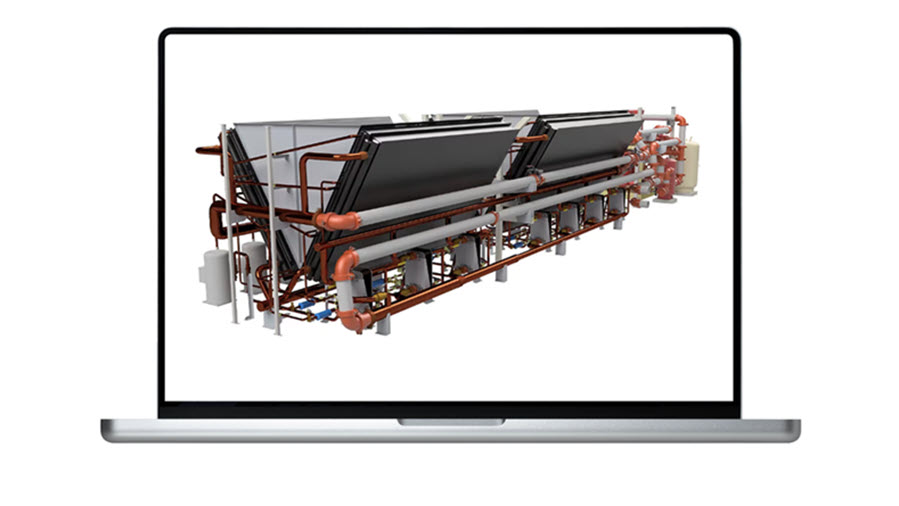
Learn how to manage late-stage design changes in Autodesk Inventor without disrupting workflows. Discover how PDM tools like Autodesk Vault keep revisions controlled, traceable, and aligned across engineering and manufacturing teams. Late-stage design changes are inevitable. A supplier issue, a manufacturability concern, or a last-minute requirement can force updates when a design is already close…
Design & Engineering
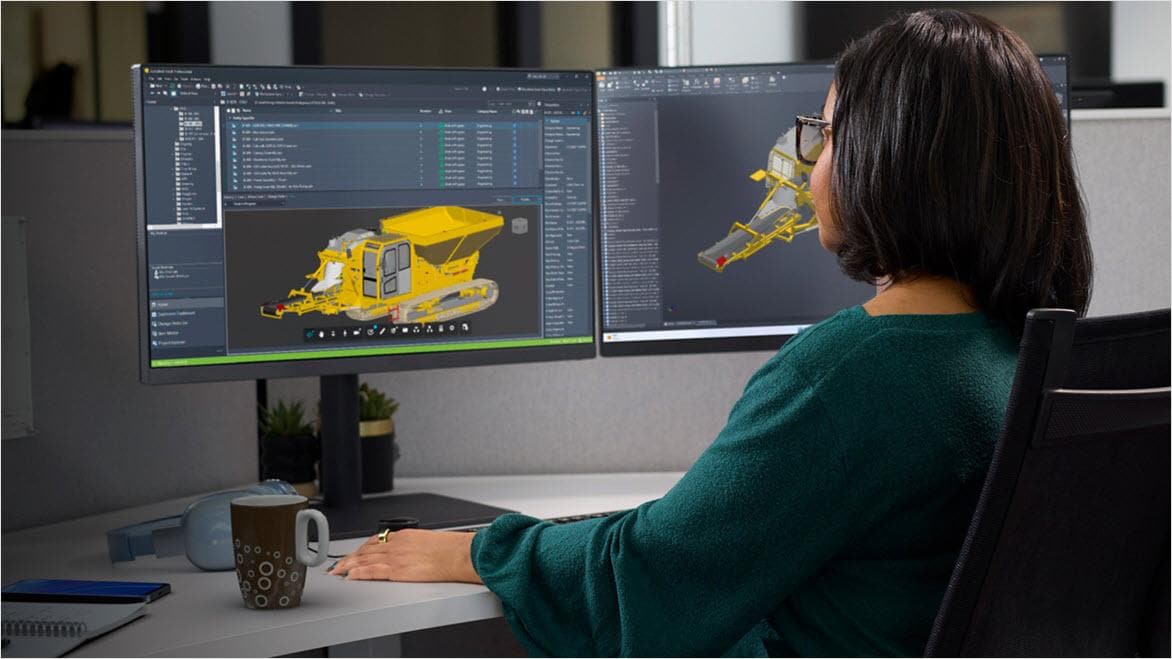
Disconnected engineering data leads to rework, delays, and costly errors. Learn how a centralized approach with Autodesk Vault helps teams stay aligned and keep product development moving. In most manufacturing organizations, teams are surrounded by design files, BOMs, change records, supplier specs, and production data spread across shared drives, email threads, spreadsheets, and disconnected systems.…
Data & Process
Learn what design intent means in CAD, why it matters for parametric modeling, and how Autodesk Inventor helps engineers build stable parts, assemblies, and configurable products that update predictably. A 3D model can be geometrically correct and still be a poor engineering asset. If a simple change causes sketches to flip, features to fail, assemblies…
Autodesk Inventor
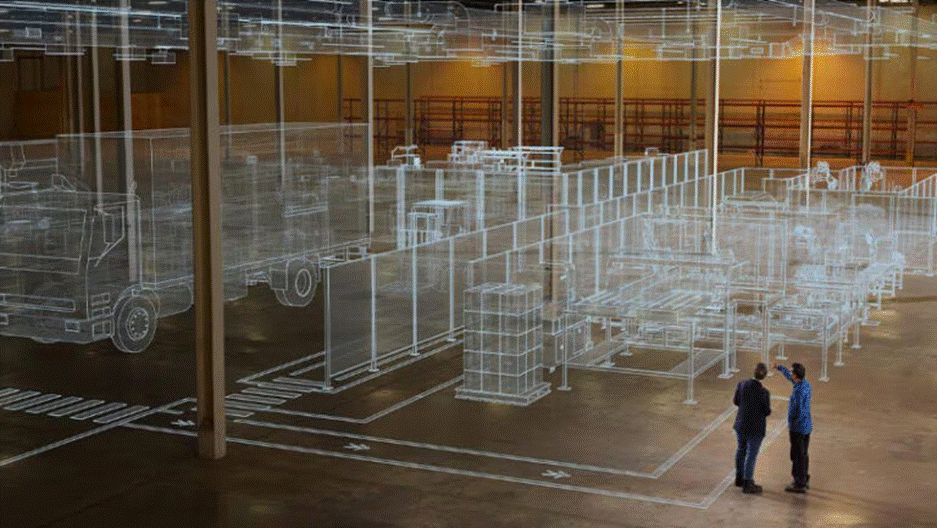
This article examines the challenge of designing a factory layout without knowing how it will perform under real operating conditions. It explores how Autodesk Factory Design Utilities and Autodesk FlexSim work together to give engineering teams an end-to-end digital factory planning workflow, from spatial design to operational validation. Building a factory can be one of…
Production
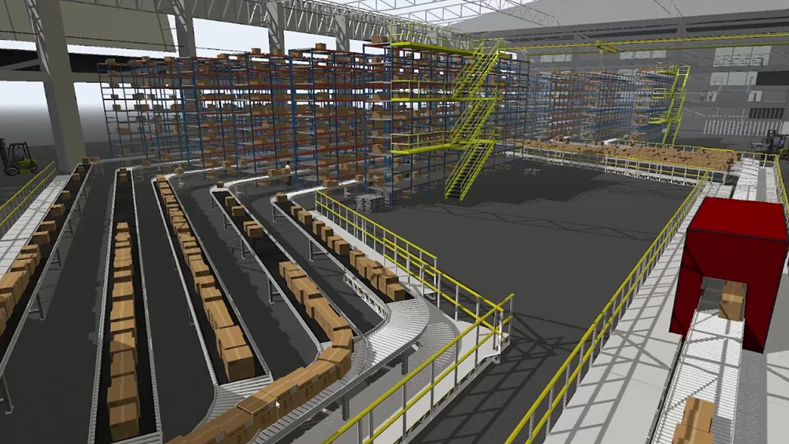
See how FlexSim connects factory layouts, DWG data, and simulation to validate throughput, reduce rework, and improve production decisions before implementation. Modern manufacturing teams don’t struggle to create layouts, they struggle to trust them. A layout might look right on paper. But without validation, it’s just a snapshot. It doesn’t account for throughput constraints, bottlenecks,…
Autodesk FlexSim