
cam software
CAM software for CNC Machining
CAM software for CNC Machining
Improve and automate computer-aided manufacturing workflows for CNC machining with Fusion, professional CAD and CAM software.
What is CAM software?
What is CAM software?
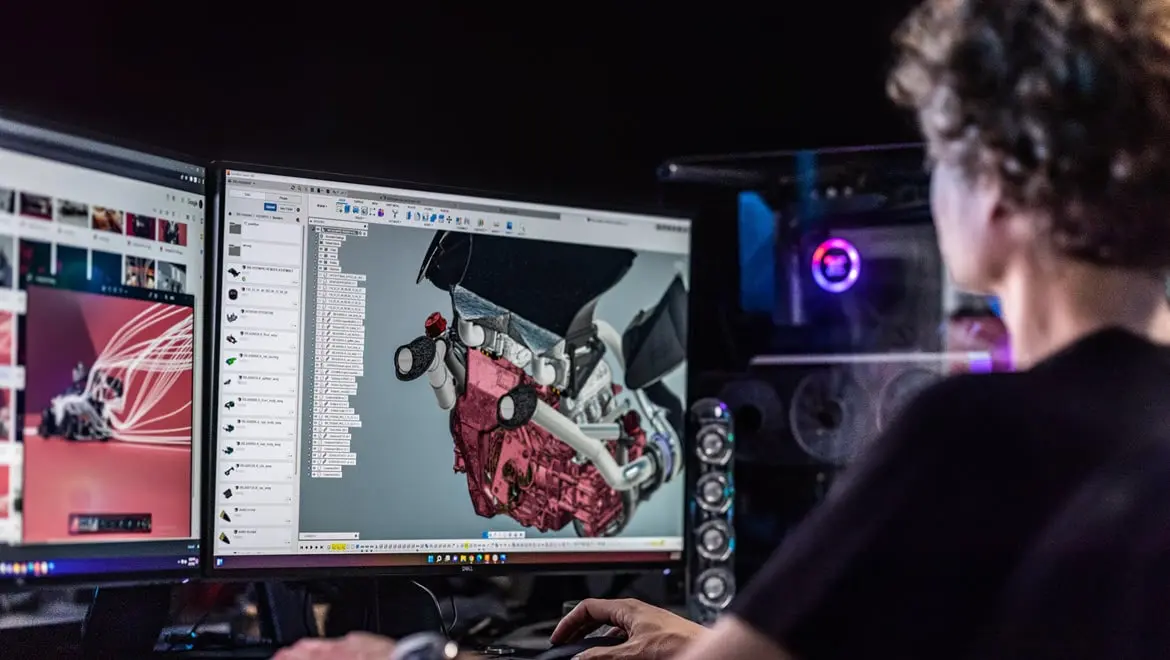
Computer-aided manufacturing (CAM) software is a type of application designed to assist in the control and automation of manufacturing processes. CAM software uses computer systems to plan, manage, and control production operations, in relation to machining. It's used to convert CAD designs into machine instructions, which can then be executed by various types of CNC machines. CAM software helps increase manufacturing efficiency, precision, and automation, while reducing the time and cost associated with production.
Computer-aided manufacturing (CAM) software is a type of application designed to assist in the control and automation of manufacturing processes. CAM software uses computer systems to plan, manage, and control production operations, in relation to machining. It's used to convert CAD designs into machine instructions, which can then be executed by various types of CNC machines. CAM software helps increase manufacturing efficiency, precision, and automation, while reducing the time and cost associated with production.

What is the difference between CAD and CAM?
What is the difference between CAD and CAM?
CAD software primarily focuses on the creation, modification, analysis, and optimization of a design. It allows engineers, architects, and designers to create detailed 2D or 3D models of physical objects, ranging from simple parts to complex assemblies. CAD software includes tools for drafting, visualizing, and simulating the design to ensure that it meets the required specifications and performance criteria. The primary goal of CAD is to facilitate accurate and efficient design processes, allowing for better visualization, collaboration, and iteration on the design before it moves to production.
On the other hand, CAM software focuses on the execution of manufacturing processes based on the designs created in CAD. CAM translates the CAD models into machine instructions that are understood and executed by manufacturing equipment such as CNC machines, 3D printers, and robotic arms. CAM deals with the practical aspects of production, including toolpath generation, machine setup, and process optimization. CAM software helps design parts that are manufactured accurately and efficiently, considering factors such as material properties, machining constraints, and production timelines.
CAD software primarily focuses on the creation, modification, analysis, and optimization of a design. It allows engineers, architects, and designers to create detailed 2D or 3D models of physical objects, ranging from simple parts to complex assemblies. CAD software includes tools for drafting, visualizing, and simulating the design to ensure that it meets the required specifications and performance criteria. The primary goal of CAD is to facilitate accurate and efficient design processes, allowing for better visualization, collaboration, and iteration on the design before it moves to production.
On the other hand, CAM software focuses on the execution of manufacturing processes based on the designs created in CAD. CAM translates the CAD models into machine instructions that are understood and executed by manufacturing equipment such as CNC machines, 3D printers, and robotic arms. CAM deals with the practical aspects of production, including toolpath generation, machine setup, and process optimization. CAM software helps design parts that are manufactured accurately and efficiently, considering factors such as material properties, machining constraints, and production timelines.
Why is CAM software important?
Why is CAM software important?
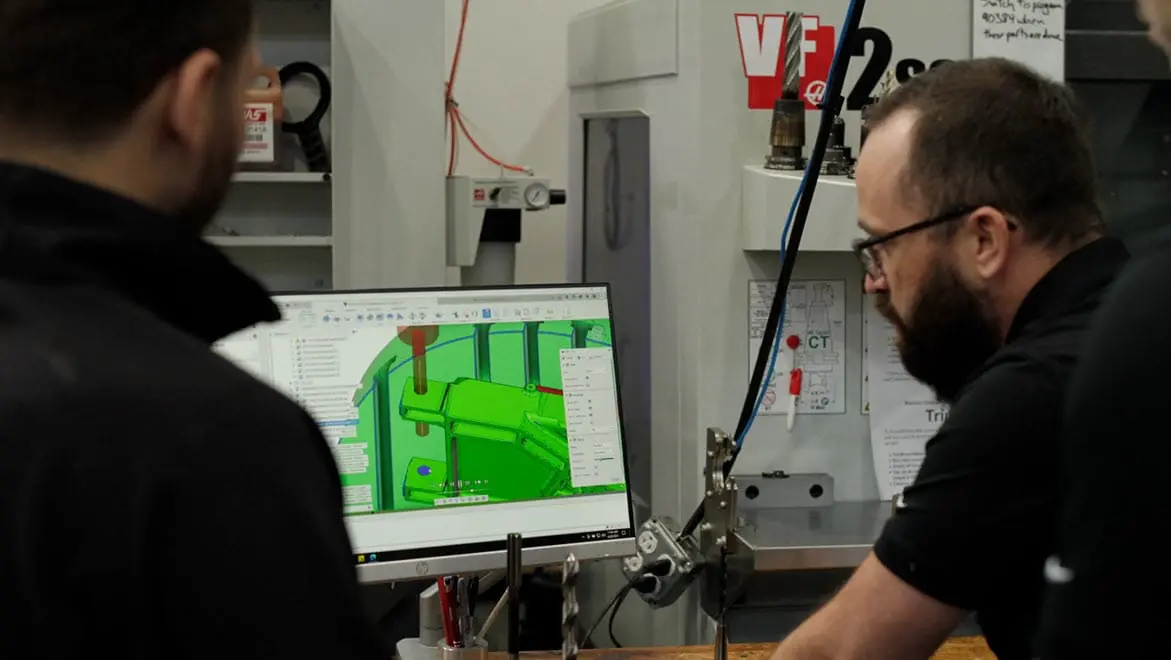
CAM software enables precise control and automation of manufacturing equipment, such as CNC machines, ensuring that complex parts and components are produced accurately and consistently. By converting detailed CAD designs into executable machine instructions, CAM software streamlines the workflow from design to production, reducing the likelihood of errors and minimizing material waste. CAM software also provides simulation and optimization features to test and refine toolpaths before production, improving efficiency and reducing costs. The ability to automate and optimize manufacturing processes not only enhances productivity but also allows manufacturers to achieve higher quality standards and faster turnaround times.
CAM software enables precise control and automation of manufacturing equipment, such as CNC machines, ensuring that complex parts and components are produced accurately and consistently. By converting detailed CAD designs into executable machine instructions, CAM software streamlines the workflow from design to production, reducing the likelihood of errors and minimizing material waste. CAM software also provides simulation and optimization features to test and refine toolpaths before production, improving efficiency and reducing costs. The ability to automate and optimize manufacturing processes not only enhances productivity but also allows manufacturers to achieve higher quality standards and faster turnaround times.
Take your businesses CAM processes to the next level with Autodesk Fusion for Manufacturing.
Take your businesses CAM processes to the next level with Autodesk Fusion for Manufacturing.
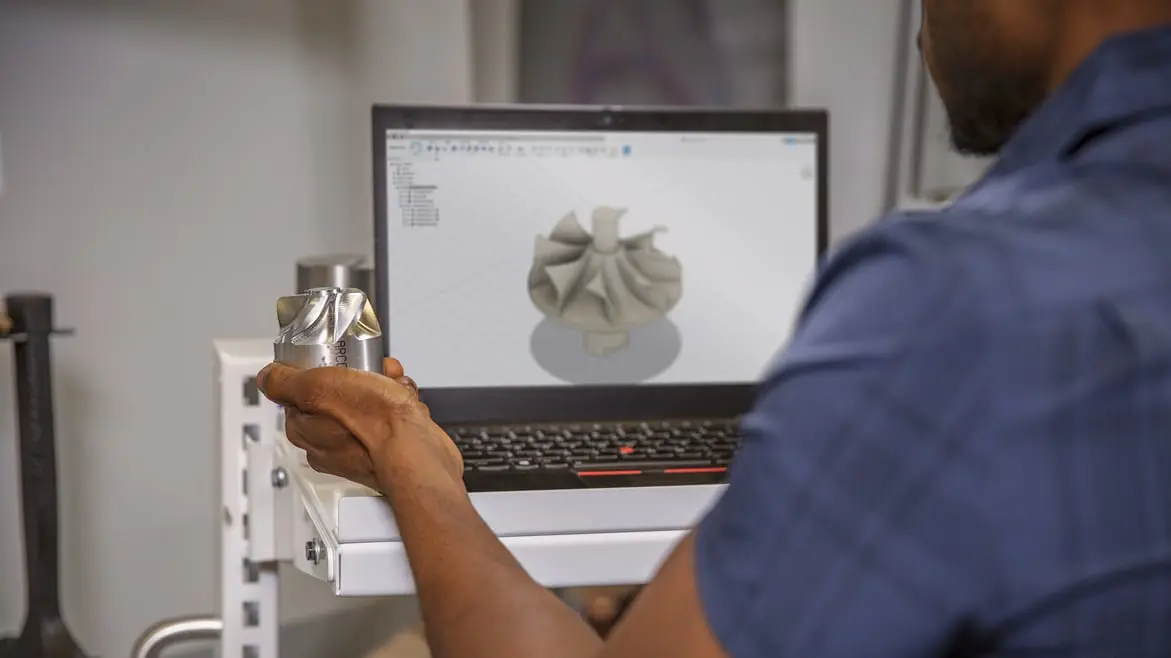
Autodesk Fusion for Manufacturing offers advanced tools for businesses as they grow and invest in more complex machinery and production processes. Specifically, it supports 3D printing with both plastics and metals. This includes selective laser sintering and SLM, for the creation of new parts and hybrid manufacturing. Fusion for Manufacturing also provides powerful tools for optimizing 3D printing processes. These tools include automatic part orientation, support structures, and material-based parameters, enhancing productivity and reducing waste.
Autodesk Fusion for Manufacturing offers advanced tools for businesses as they grow and invest in more complex machinery and production processes. Specifically, it supports 3D printing with both plastics and metals. This includes selective laser sintering and SLM, for the creation of new parts and hybrid manufacturing. Fusion for Manufacturing also provides powerful tools for optimizing 3D printing processes. These tools include automatic part orientation, support structures, and material-based parameters, enhancing productivity and reducing waste.
What is CAM software used for?
Creating subtractive manufacturing toolpaths
Creating subtractive manufacturing toolpaths
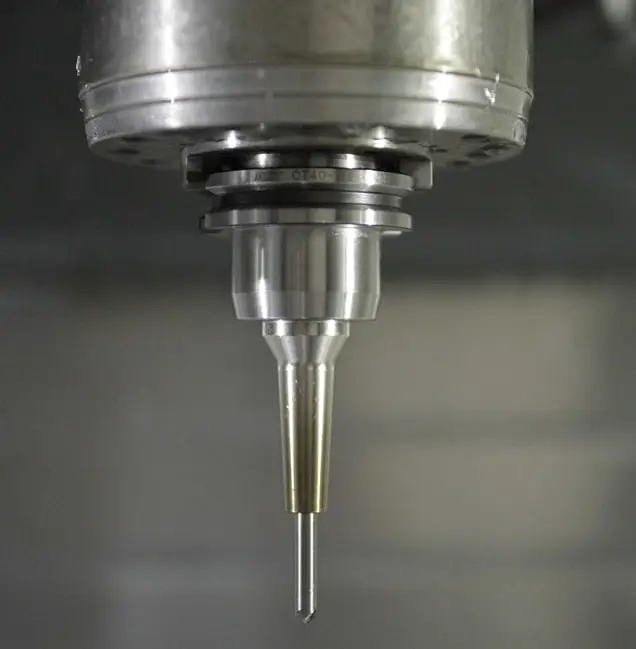
Often called machining, this process removes material from an initial block or casting of stock to make the final product. This process often uses mills, lathes, or more complex machines.
Creating additive manufacturing toolpaths
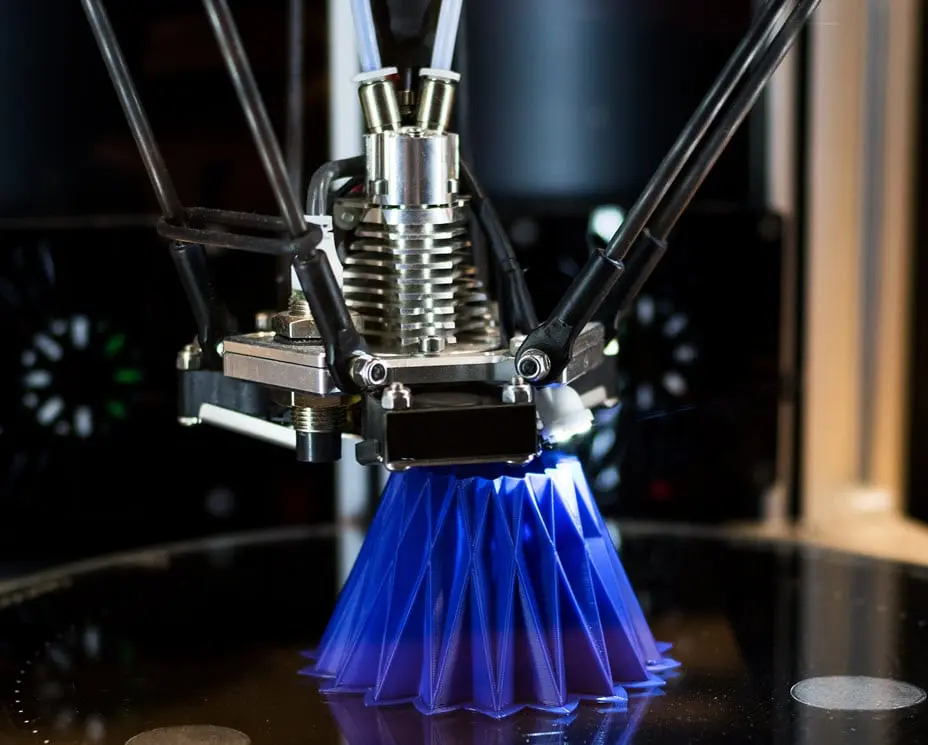
Creating additive manufacturing toolpaths
Additive manufacturing is the process of creating parts by depositing material. There are many specific processes under the umbrella of additive manufacturing, but all require CAM software.
Creating NC code or G-code for your machine
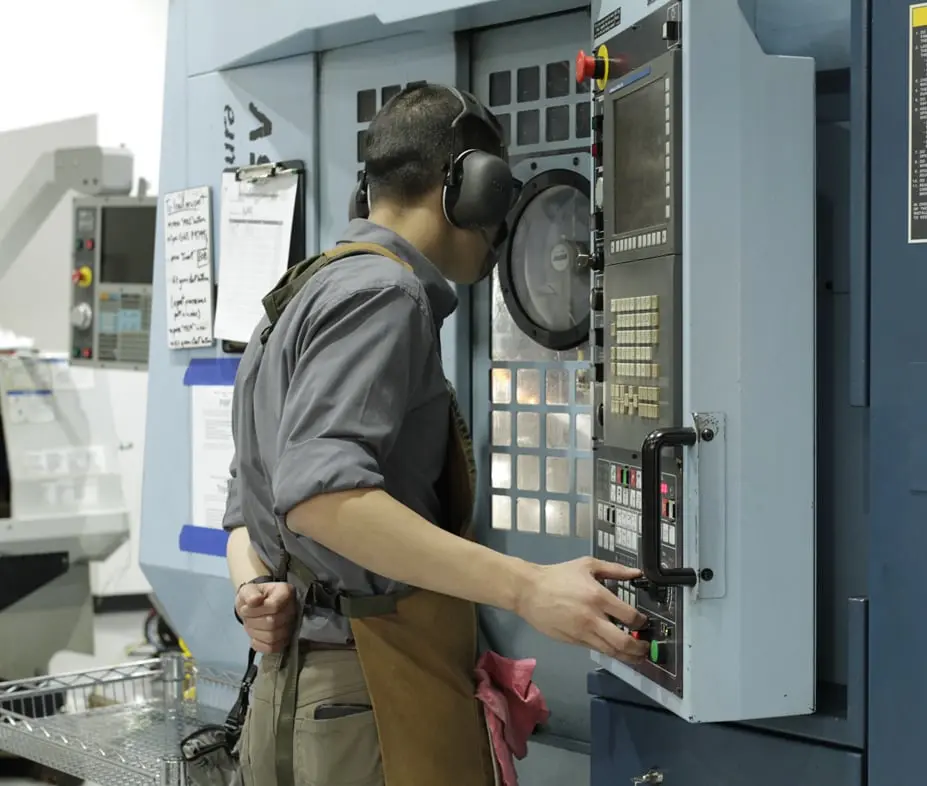
Creating NC code or G-code for your machine
Once toolpaths have been created, CAM software creates the NC code used to drive the CNC machine. Code tailored to a specific machine can take advantage of special configurations and options.
Benefits of CAM software
Increased precision and consistency
Increased precision and consistency
CAM software ensures that manufacturing processes are executed with a high level of precision, translating detailed CAD designs into accurate machine instructions. This leads to the consistent production of parts and components, to reduce variability and improve quality.
CAM software ensures that manufacturing processes are executed with a high level of precision, translating detailed CAD designs into accurate machine instructions. This leads to the consistent production of parts and components, to reduce variability and improve quality.
Enhanced efficiency and productivity
Enhanced efficiency and productivity
CAM software automates various aspects of the manufacturing process, such as toolpath generation and machine setup. This automation reduces manual intervention, speeds up production cycles, and minimizes downtime.
CAM software automates various aspects of the manufacturing process, such as toolpath generation and machine setup. This automation reduces manual intervention, speeds up production cycles, and minimizes downtime.
Reduced costs
Reduced costs
CAM software minimizes material waste and reduces the time required for production. This leads to significant cost savings in terms of both materials and labor. Also, the ability to simulate and test processes before production helps identify and address potential issues early to further reduce costs and rework.
CAM software minimizes material waste and reduces the time required for production. This leads to significant cost savings in terms of both materials and labor. Also, the ability to simulate and test processes before production helps identify and address potential issues early to further reduce costs and rework.
Professional CAD and CAM software for CNC machining
Take your businesses CAM processes to the next level with Autodesk Fusion for Manufacturing.
Take your businesses CAM processes to the next level with Autodesk Fusion for Manufacturing.
Autodesk Fusion for Manufacturing offers advanced tools for businesses as they grow and invest in more complex machinery and production processes. Specifically, it supports 3D printing with both plastics and metals. This includes selective laser sintering and SLM, for the creation of new parts and hybrid manufacturing. Fusion for Manufacturing also provides powerful tools for optimizing 3D printing processes. These tools include automatic part orientation, support structures, and material-based parameters, enhancing productivity and reducing waste.
Autodesk Fusion for Manufacturing offers advanced tools for businesses as they grow and invest in more complex machinery and production processes. Specifically, it supports 3D printing with both plastics and metals. This includes selective laser sintering and SLM, for the creation of new parts and hybrid manufacturing. Fusion for Manufacturing also provides powerful tools for optimizing 3D printing processes. These tools include automatic part orientation, support structures, and material-based parameters, enhancing productivity and reducing waste.
CAM software industry applications
Automotive
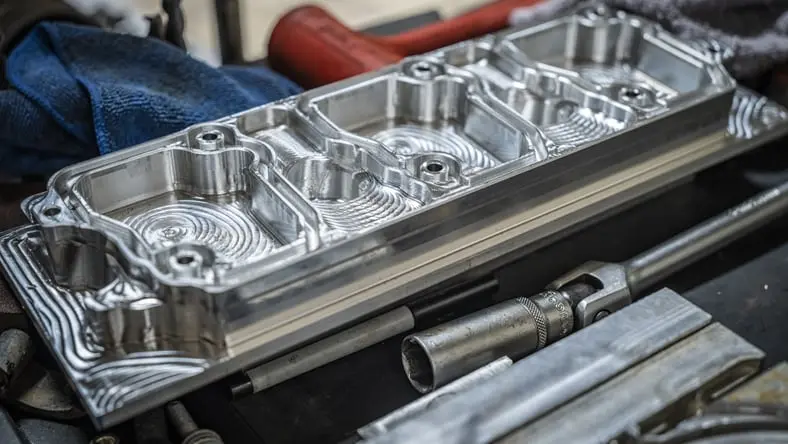
Automotive
From high strength billet machined parts to the mold and die used to produce fiberglass shells for a wide range of car bodies.
From high strength billet machined parts to the mold and die used to produce fiberglass shells for a wide range of car bodies.
Industrial machinery
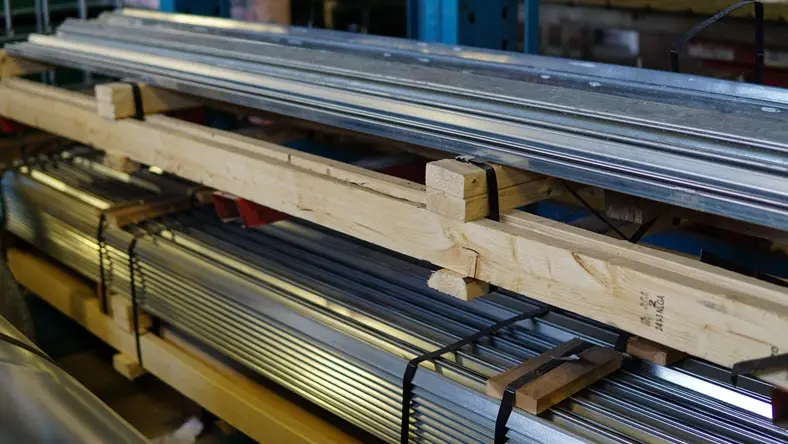
Industrial machinery
Whether it’s sheet metal fabrication or bringing castings within tolerance, CAM software is used widely in industrial machinery.
Whether it’s sheet metal fabrication or bringing castings within tolerance, CAM software is used widely in industrial machinery.
Life sciences
Life sciences
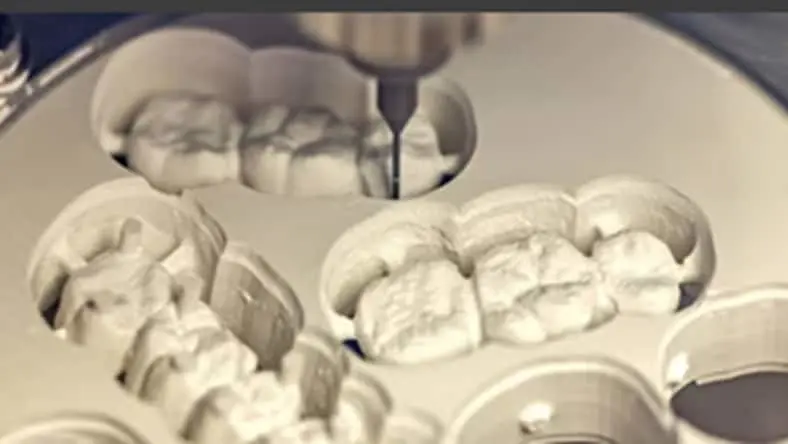
Both additive and subtractive manufacturing are used to make dental implants, prosthesis, and even joint replacement parts.
Both additive and subtractive manufacturing are used to make dental implants, prosthesis, and even joint replacement parts.
Aerospace
Aerospace
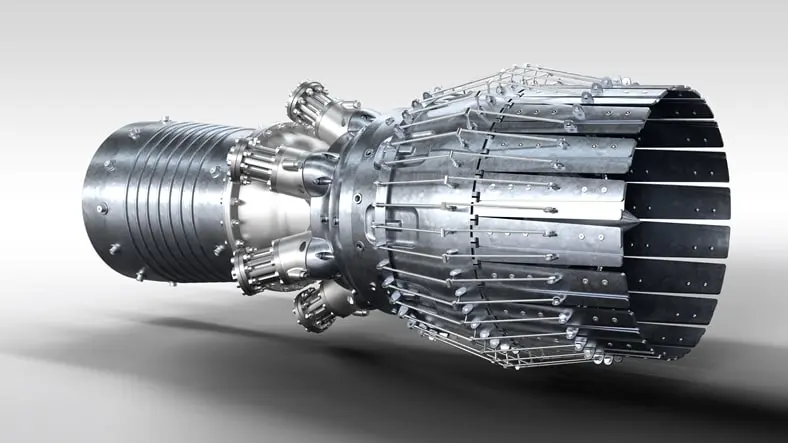
Aerospace requires CAM to make high-strength, tight tolerance parts where billet machined aluminum and titanium are common.
Aerospace requires CAM to make high-strength, tight tolerance parts where billet machined aluminum and titanium are common.
History of CAM software
Introduction of NC systems
Introduction of NC systems
The origins of CAM date back to the 1950s and 1960s, with the introduction of numerical control (NC) systems. These initial systems used punched cards or magnetic tapes to operate machine tools. During this time, the idea of utilizing computers to manage manufacturing equipment began to gain momentum, setting the stage for the development of more advanced CAM systems.
The origins of CAM date back to the 1950s and 1960s, with the introduction of numerical control (NC) systems. These initial systems used punched cards or magnetic tapes to operate machine tools. During this time, the idea of utilizing computers to manage manufacturing equipment began to gain momentum, setting the stage for the development of more advanced CAM systems.
CAM software and sustainability
CAM software and sustainability
One of the primary contributions of CAM software to sustainability is its ability to optimize manufacturing processes, thus reducing material waste and energy consumption. By generating efficient toolpaths and automating production, CAM software uses resources more efficiently, minimizes excess material usage, and reduces the carbon footprint associated with manufacturing. CAM software also supports precision manufacturing for higher quality products that require less rework and waste. This conserves resources and extends the lifecycle of manufacturing equipment by reducing wear and tear. Further, the ability to simulate and test processes prior to production allows manufacturers to identify and address potential environmental impacts early, promoting more sustainable practices.
One of the primary contributions of CAM software to sustainability is its ability to optimize manufacturing processes, thus reducing material waste and energy consumption. By generating efficient toolpaths and automating production, CAM software uses resources more efficiently, minimizes excess material usage, and reduces the carbon footprint associated with manufacturing. CAM software also supports precision manufacturing for higher quality products that require less rework and waste. This conserves resources and extends the lifecycle of manufacturing equipment by reducing wear and tear. Further, the ability to simulate and test processes prior to production allows manufacturers to identify and address potential environmental impacts early, promoting more sustainable practices.
Apply the power of partnerships with Autodesk Fusion
Autodesk Fusion partners with industry leaders across design and manufacturing to develop deeper technology integrations. Streamline your workflows, increase manufacturing throughput, and maximize profit potential with our partner ecosystem.
Autodesk Fusion partners with industry leaders across design and manufacturing to develop deeper technology integrations. Streamline your workflows, increase manufacturing throughput, and maximize profit potential with our partner ecosystem.
Resources for CAM software
What is CAM (Computer-Aided Manufacturing)?
Learn what Computer Aided Manufacturing (CAM) is and how it uses toolpaths, G-code, and CNC machines to turn 3D CAD models into products.
Learn what Computer Aided Manufacturing (CAM) is and how it uses toolpaths, G-code, and CNC machines to turn 3D CAD models into products.
Integrated CAD/CAM Solutions: Is it Right for You?
Dives into the benefits of integrated, cloud CAD + CAM software, including collaboration, automation, and organization.
Dives into the benefits of integrated, cloud CAD + CAM software, including collaboration, automation, and organization.
How to Expand Your Job-Shop With CAD + CAM Software
Identify the key daily challenges machine shops face and how integrated CAD/CAM software like Fusion 360 can solve them.
Identify the key daily challenges machine shops face and how integrated CAD/CAM software like Fusion 360 can solve them.
What Are the Benefits of Integrated CAD/CAM Software?
Learn about how Autodesk Fusion, a cloud-based, integrated CAD/CAM software, can transform your design process.
Learn about how Autodesk Fusion, a cloud-based, integrated CAD/CAM software, can transform your design process.
How to Learn CAD/CAM: A Comprehensive Guide
This guide will provide the steps needed to effectively learn CAD/CAM, providing helpful resources and practical tips to enhance your skills.
This guide will provide the steps needed to effectively learn CAD/CAM, providing helpful resources and practical tips to enhance your skills.
CAM Fundamentals
View video tutorials on how to get started with CAM in Autodesk Fusion.
View video tutorials on how to get started with CAM in Autodesk Fusion.
Best CAM software free download
CAM software frequently asked questions (FAQs)
Find answers to frequently asked questions about CAM CNC software.
What is CAM software used for?
CAM software is used to create a set of instructions for different machines. Often these instructions are in the form of G code or a similar coding language that tells the machine what to do, where to go and how to get there. This language is not very friendly to humans, and CAM software acts as a mediator between how humans work and how a machine receives instructions. This basic framework can apply to various applications, including milling, turning, mill/turning, Swiss machining, fabrication, robotics, and additive manufacturing.
How much does CAM software cost?
The cost of CAM software can vary greatly. Entry level packages may be affordable, it’s common for specialized CAM software to climb to the cost of $25,000 USD or more. Legacy CAM software also has maintenance fees required to receive yearly updates. Other hidden costs like post processors apply to most CAM packages, to allow use with the CNC machine. Autodesk Fusion offers a low cost but comprehensive alternative, starting at $2000/year for access to our entire manufacturing portfolio. There are no additional maintenance costs, and there's a library of fully customizable post processors for free.
How does CAM software work?
Generally, computer-aided manufacturing software is used to create toolpaths. These aptly named operations define the path that the cutting tool will take while removing or adding material. Specific parameters like cutting speed, spindle speed, type of motion, stepover, stepdown, and more are defined in the CAM software to fit the user's specific application, which the computer uses to generate the actual toolpath. Then the post processor translates the toolpath data into NC code that the machine can understand.
What are the advantages of computer aided-manufacturing?
CAM software has several advantages over handwritten code or conversational (at the control) programming. First, complex toolpaths that would be impossible to write by hand can be created using CAM software. This includes complex tool motion found in high efficiency roughing toolpaths that use high computation algorithms or complex tool motion created from complex part geometry. CAM software like Autodesk Fusion is associative to the CAD model, so changes to the model automatically update the toolpath, saving time and reducing rework. CAM also allows programs to be created while a job is running on the machine, increasing overall productivity.
Does Autodesk Fusion have CAM?
Yes, Autodesk Fusion includes a full suite of CAM software to program various CNC machines. Autodesk Fusion manufacturing has a modern interface and helpful tips built in to make programming easy to learn and CAM easy to use. It’s a great low-cost option to start automating your machining and programming processes.
Can Autodesk Fusion generate G-code?
Yes, Autodesk Fusion can generate G-code for many CNC machines thanks to its large library of post processors. G-code is a language that many CNC machines use to operate and how programmers and operators feed instructions to the machine. While it may seem antiquated, generating G-code is an important part of the programming workflow for most machinists today.
What are the benefits of CAD/CAM?
CAD/CAM offers significant benefits in the manufacturing process by streamlining the workflow from design to production. CAD software allows for precise and detailed design creation, while CAM software translates these designs into accurate machine instructions, for automated and optimized manufacturing. This seamless integration enhances efficiency, reduces errors, and minimizes material waste, while lowering production costs. CAD/CAM systems also enable rapid prototyping and easy modifications, allowing for greater flexibility and innovation in product development.
Who uses CAM software?
CAM software is used by a wide range of professionals and industries involved in manufacturing and production. Key users include:
Machinists and CNC Operators: CAM software is used to program and operate CNC machines for the precise and efficient machining of parts and components.
Manufacturing Engineers: CAM software is used to design and optimize production processes, develop toolpaths, and improve overall manufacturing efficiency.
Product Designers: CAM software is used to transition from CAD models to actual physical products, ensuring designs can be accurately and efficiently manufactured.
Industrial Designers: CAM software is used to create intricate and detailed designs that can be produced using advanced manufacturing techniques.
Aerospace and Automotive Industries: CAM software is used in these industries for the production of complex, high-precision parts and components.
Medical Device Manufacturers: CAM software is used to create highly accurate and customized medical devices and implants.
Fabrication Shops: Small to medium-sized fabrication shops use CAM software to automate and optimize their manufacturing processes, improving productivity, and reducing costs.