-
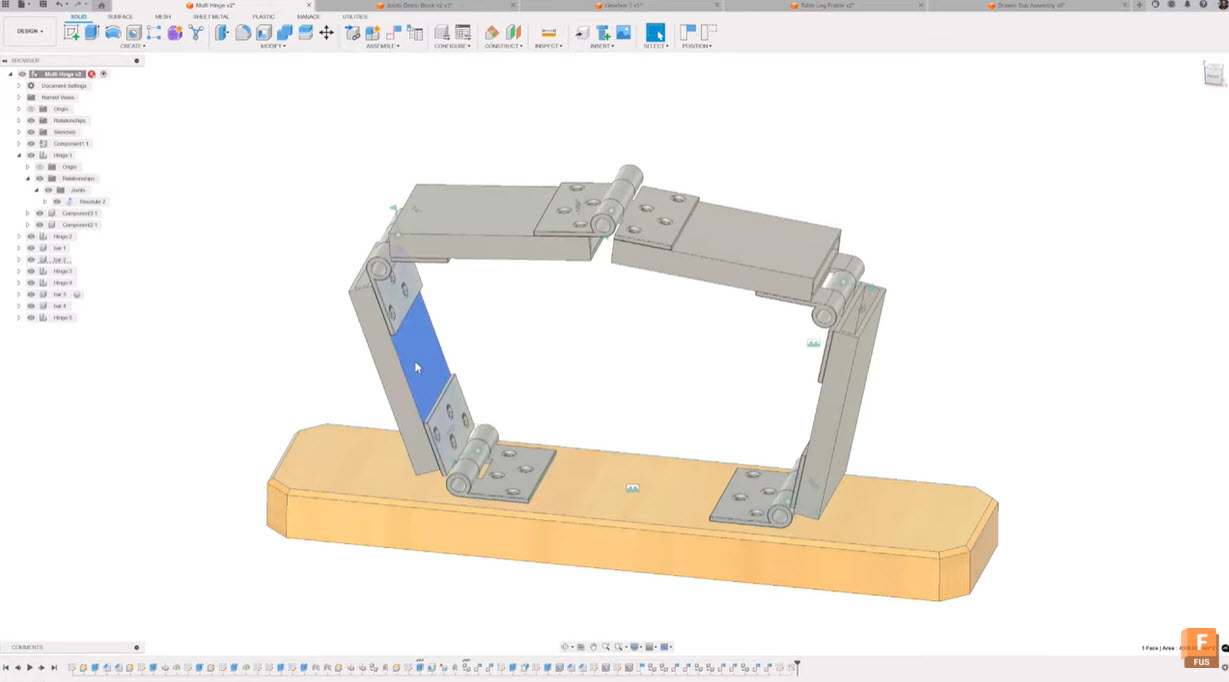
Using Motion Links for Hinged Joints in Fusion
Richard Stubley, Fusion Senior Product Manager shows you how to easily coordinate multiple hinged joints using motion links in Fusion. Learn best practices for joint placement and assembly modeling for smooth, realistic motion. If you’ve ever struggled to coordinate multiple hinged joints in a complex assembly—like a folding A-frame cart with several moving parts, you’re…
Tutorials
-
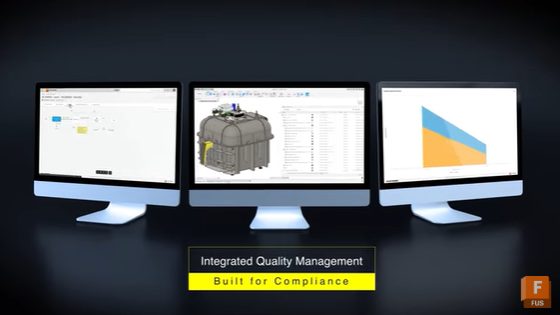
Transform Quality Management with Closed-Loop PLM: Boost Efficiency & Reduce Defects with Autodesk Fusion
Discover how closed-loop quality management connects non-conformance, CAPA, FMEA, and supplier actions into one system. Learn how Autodesk Fusion helps manufacturers boost product quality, accelerate issue resolution, and ensure compliance and optimize designs for continuous improvement. Manufacturers constantly struggle with disconnected quality systems, delayed information flow, slow reaction to non-conformance, and siloed corrective action tracking.…
Data management
-
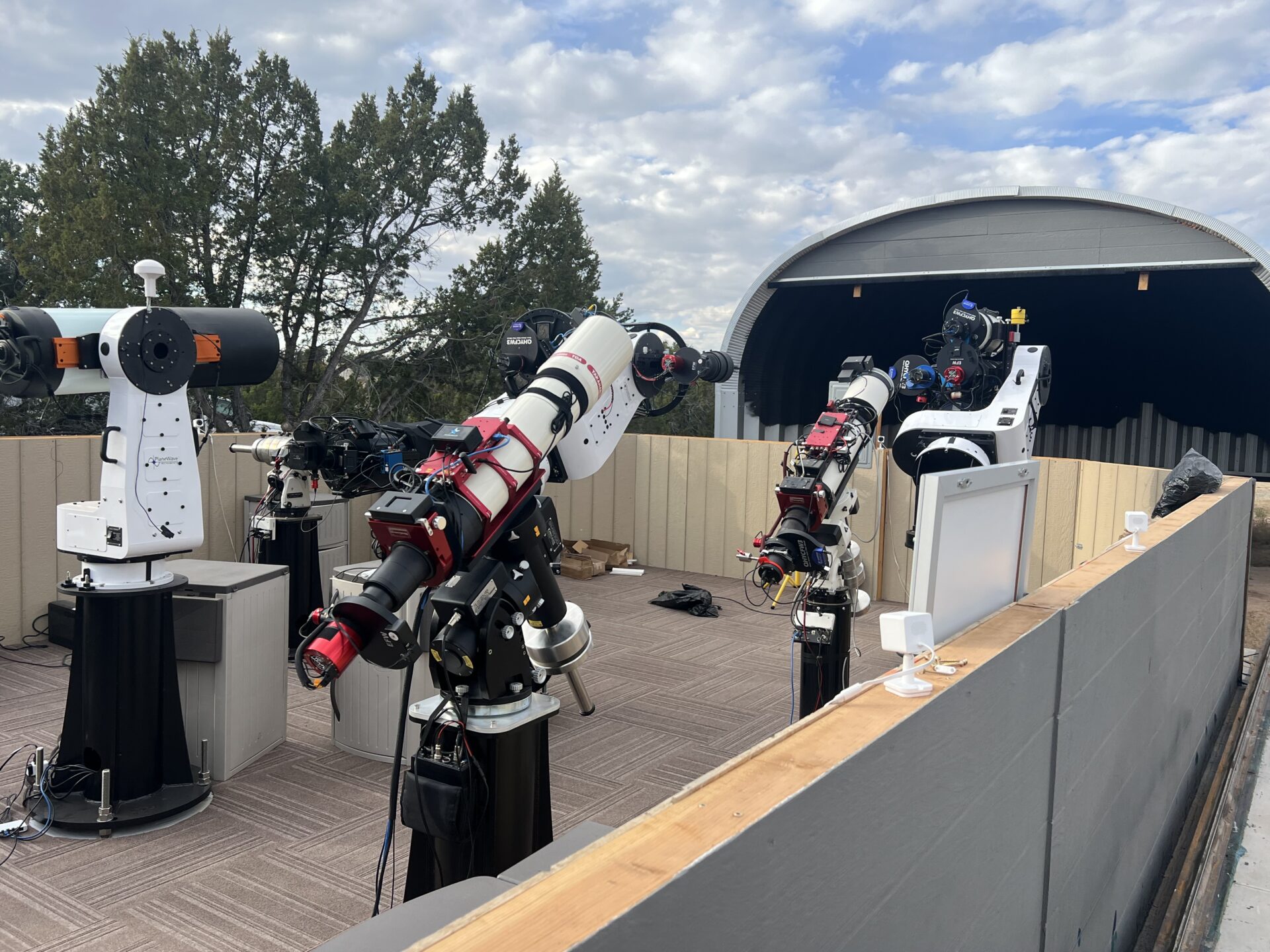
Capturing the Night Sky: How Fusion Powers Dark Dragons Astronomy’s Observatory Automation
See how Dark Dragons Astronomy leverages Autodesk Fusion to power its remote, automated observatories across the U.S.
Fusion
-
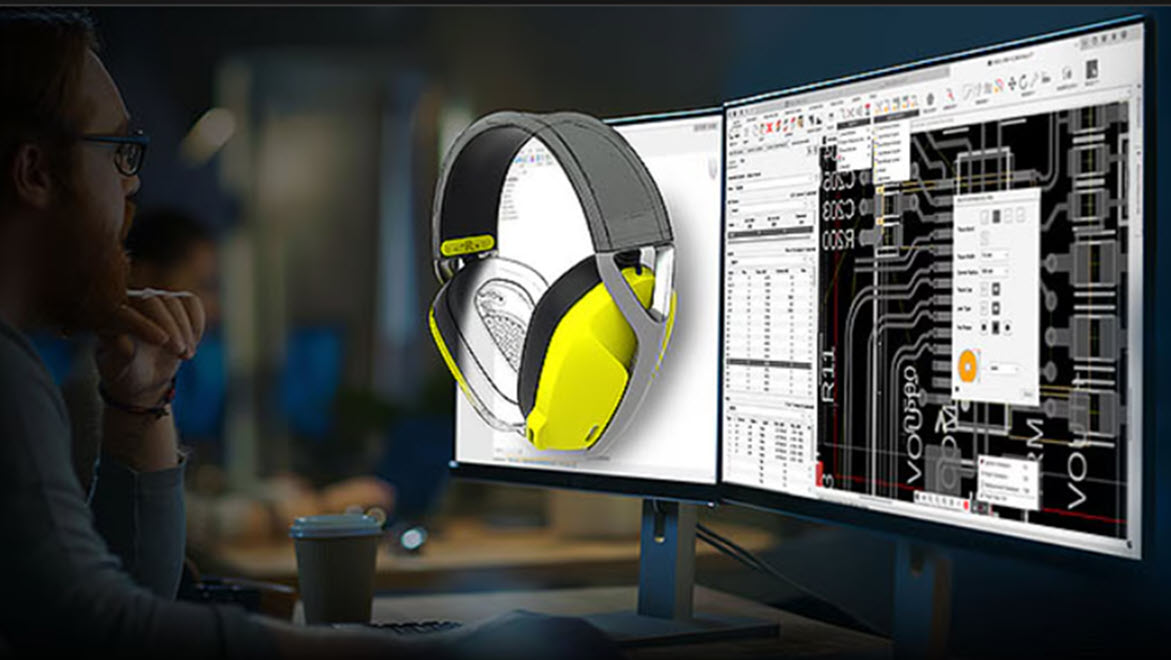
How AI in Fusion Drives Speed, Efficiency, and ROI for Consumer Product Teams
Explore how AI in Autodesk Fusion helps consumer product companies accelerate development, cut costs, and improve manufacturability. Speed, adaptability, and precision are non-negotiables in today’s consumer product landscape. Buyers are more value-driven, and less brand-loyal than ever. Product portfolios are expanding, customization is expected, and sustainability is non-negotiable. For organizations that must deliver innovation under…
Thought Leadership
-

5 Skills That Will Shape Tomorrow’s Engineering Workforce
Engineers of the future be expected to navigate rapidly evolving tools, tackle complex global challenges, and more.
Thought Leadership
-
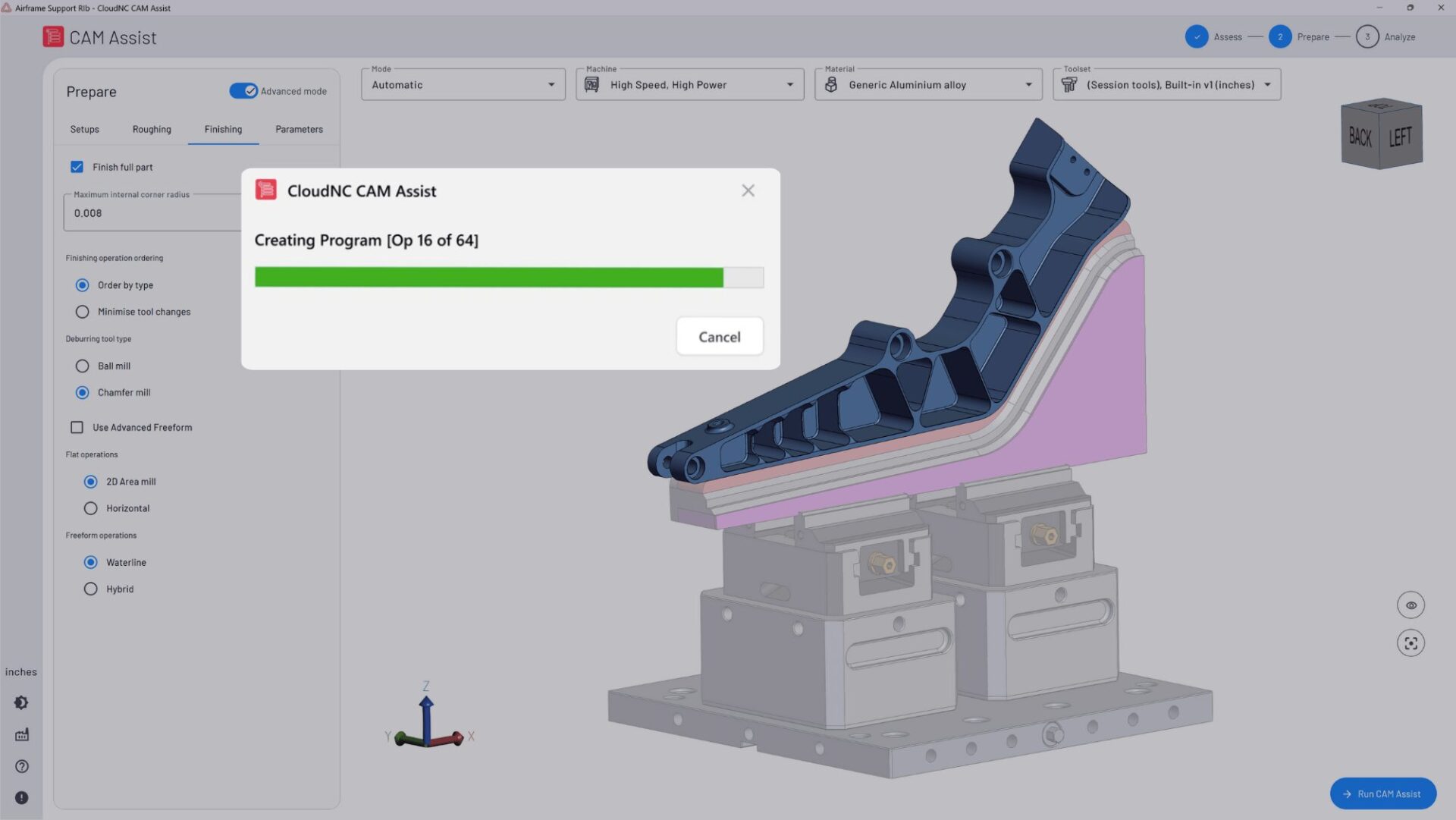
Community Spotlight: How Theo Saville and His Team Are Building the Future of Machining with CloudNC
Hear from Theo on how CloudNC is transforming machining, empowering machinists, accelerating production, and redefining the future of manufacturing. When I first started CloudNC, I wasn’t trying to build a company – I was trying to solve a problem. Machining, the backbone of modern manufacturing, was still far too manual, slow, and error‑prone. I believed…
Customer Spotlight
-
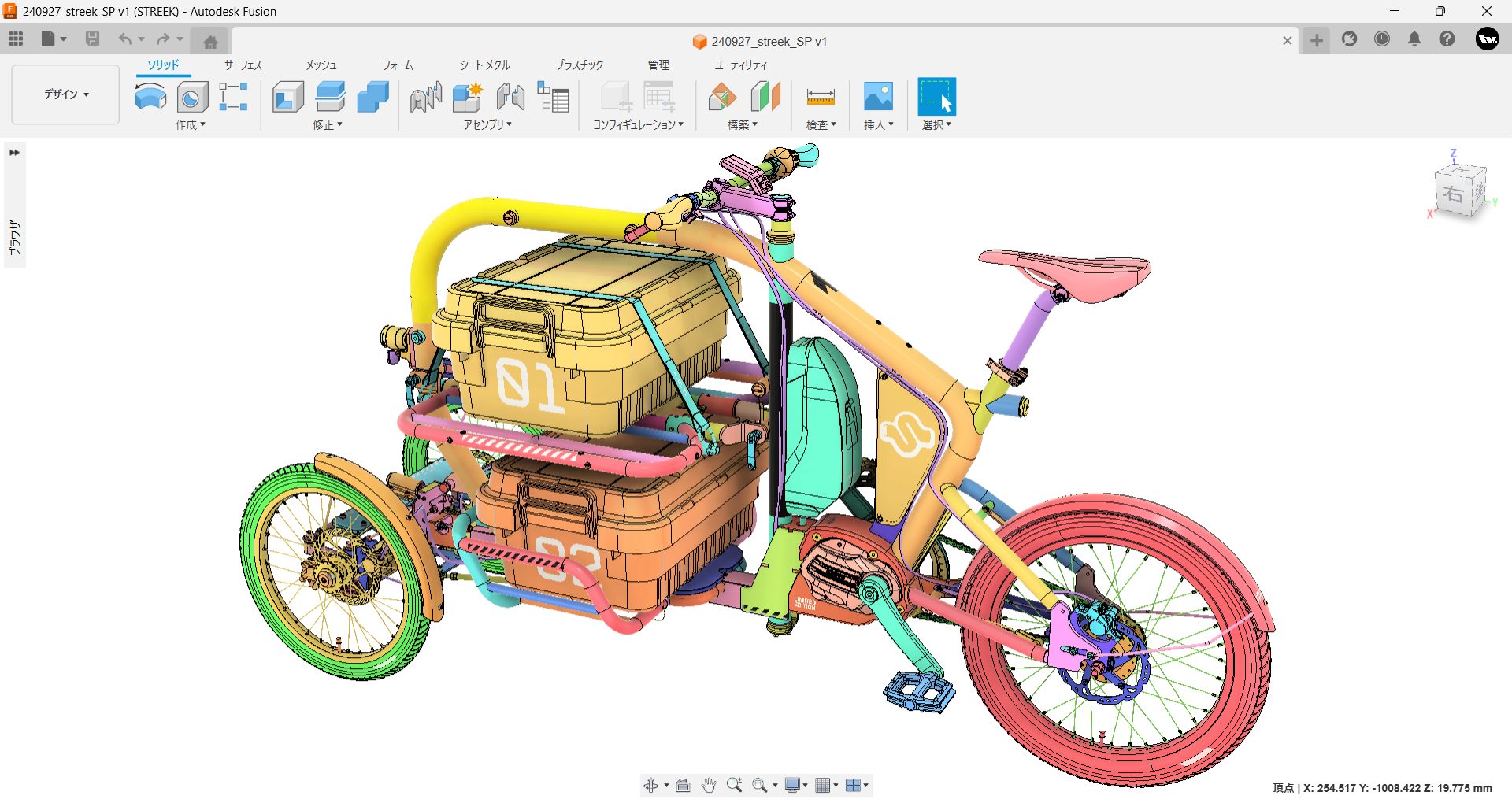
STREEK: A Cargo Trike Fit For Tokyo Streets
STREEK is an electric cargo tricycle from Japan, supported by Autodesk Fusion to bring it from concept to production.
Case Studies
-
How to Use Planar Joints with Tangent Constraints in Fusion
Phil Eichmiller, Fusion QA Engineer explains how to use planar joints with tangent constraints in Fusion to create smooth, realistic assembly motion. If you’ve ever struggled to get parts in your Fusion assemblies to move the way you expect, you’re not alone. Constraining components for realistic motion can feel tricky, especially when sliding or rolling…
Fusion
-
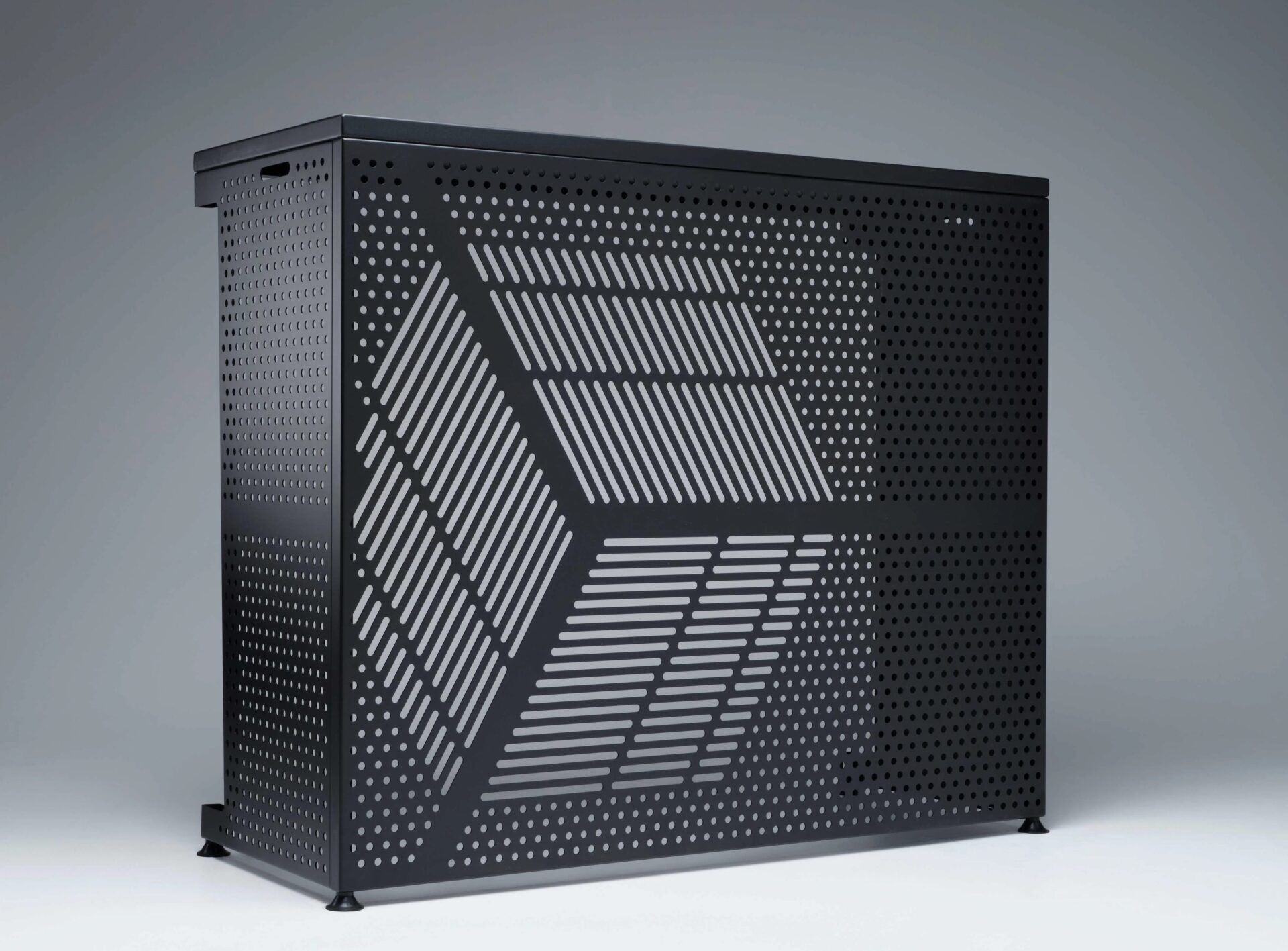
From Patio Project to Apple Campus: Hangar Outdoor Scales HVAC Innovation With Fusion
Hangar Outdoor leveraged Autodesk Fusion to turn a simple need for outdoor AC covers into a scalable manufacturing business.
Case Studies
-
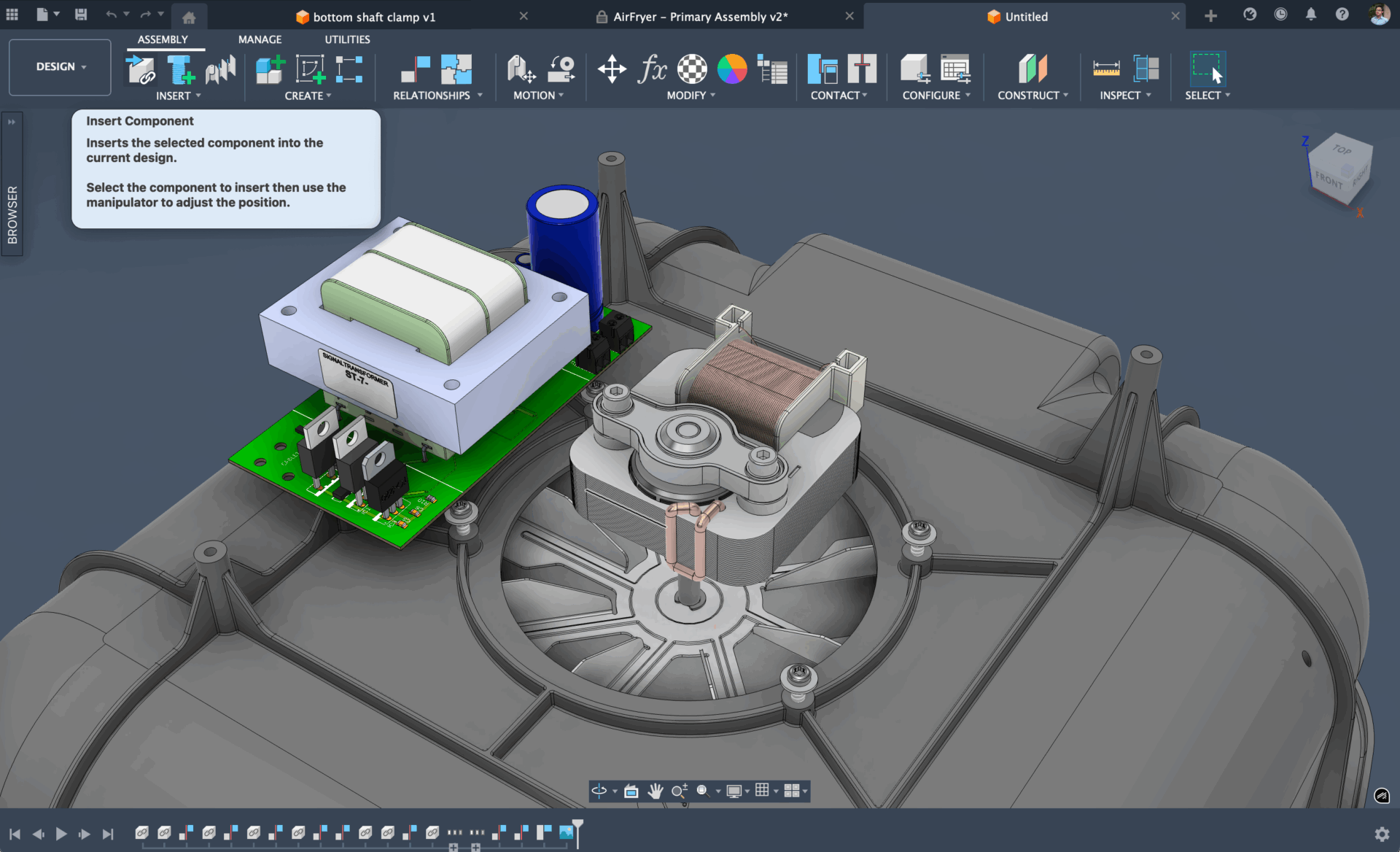
Start Your Designs Right: See Fusion’s New Intent-Driven Design – Now in Preview
Intent-driven design brings flexibility to starting designs, organizing components, and moving between parts and assemblies in Autodesk Fusion.
What's New
-
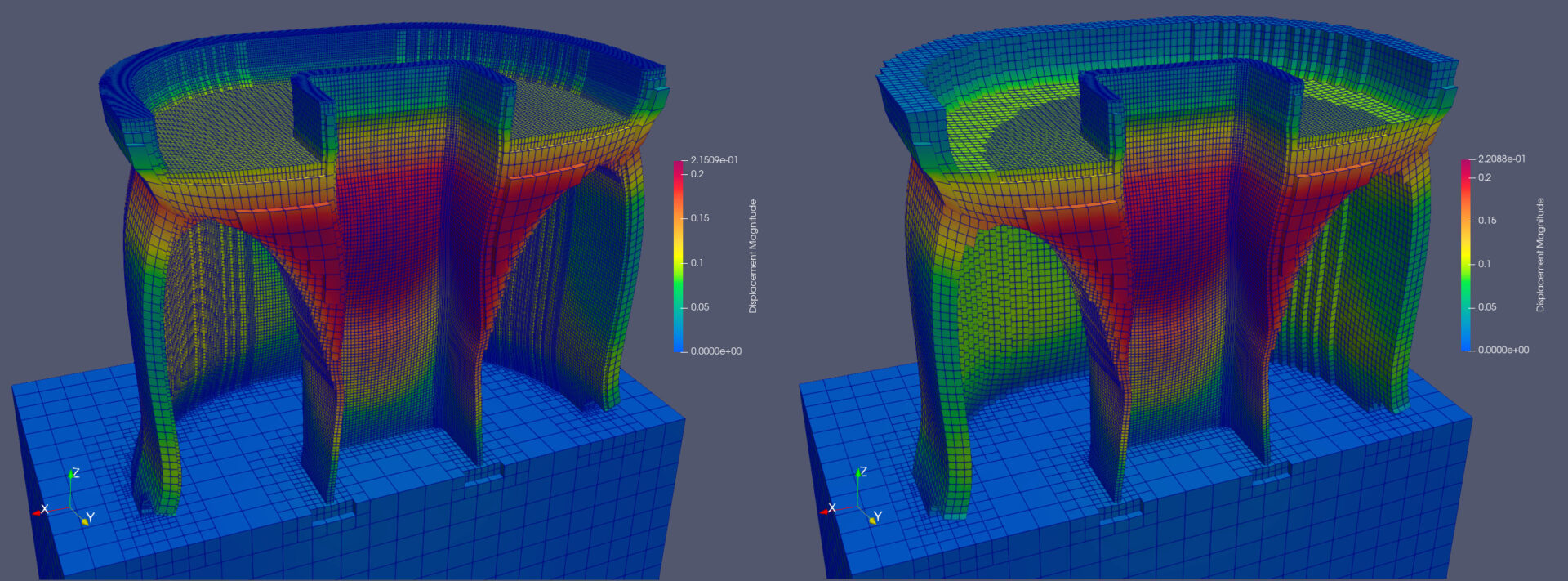
Advances in Metal Additive Process Simulation
Learn how to speed up thermo-mechanical additive process simulation by an order of magnitude. Additive process simulation uses first principle physics to predict how a metal 3D printing process behaves. It outputs the full temperature history of a selective melting process, as well as the deformation that those temperatures cause at each time during and…
Fusion
-
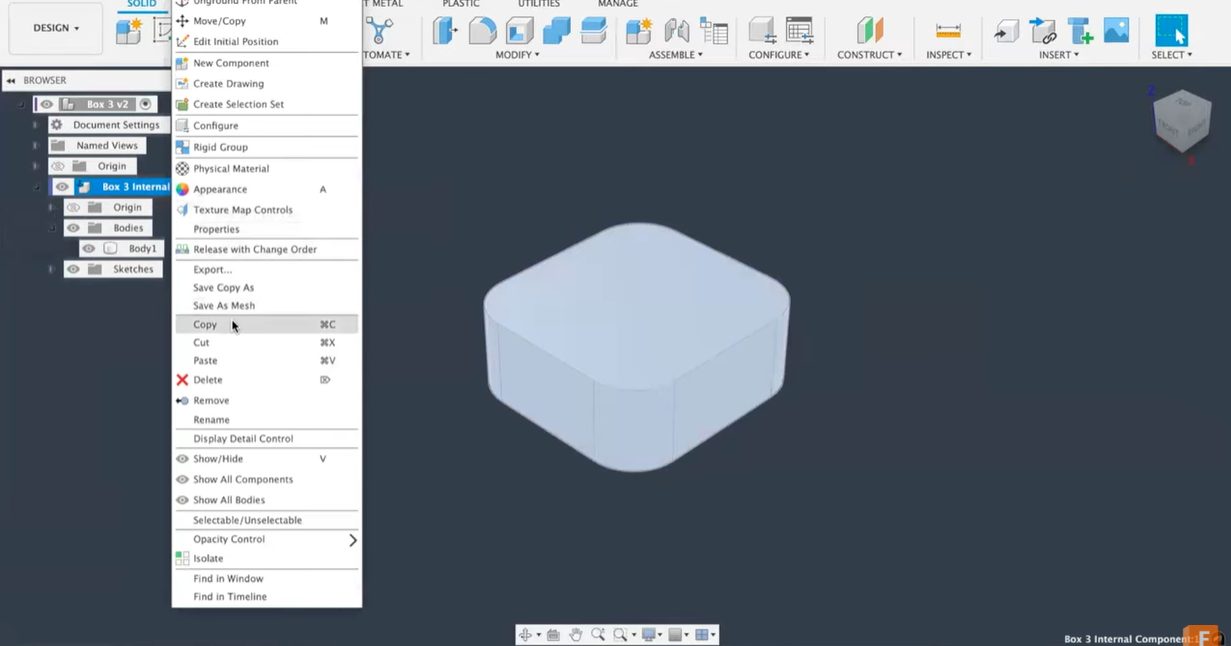
Copy & Paste in Fusion: How to Move Bodies and Components Between Designs
Learn how to copy and paste bodies and components between Fusion designs. This tutorial covers important workflows for transferring geometry, retaining feature history, and solving common copy-paste challenges in your CAD projects. Copy & paste in Fusion Copying a body or part of your design from one Fusion file to another can sometimes feel frustratingly…
Tutorials
-
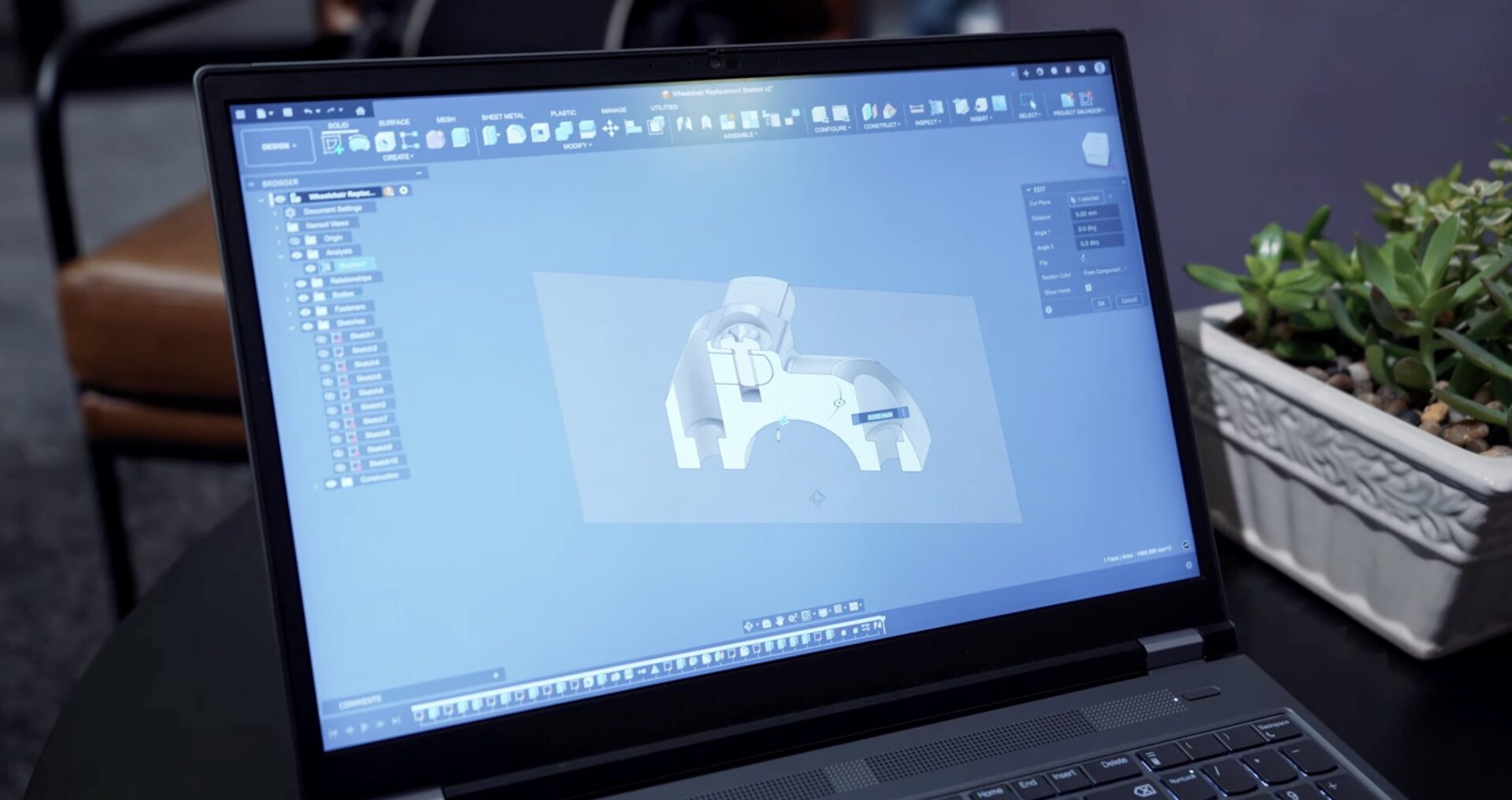
Solving Real-World Challenges with Fusion and Prusa 3D at AU 2025
At AU 2025, the Autodesk team encountered a challenge that showcased the power of collaboration, reverse engineering, and rapid prototyping—achievable through Autodesk Fusion and Prusa 3D printers.
Fusion
-

SwissDrones Takes Flight: Redefining Aerial Infrastructure Inspection With Autodesk Fusion
To achieve improved safety and sustainability goals in the aerial infrastructure inspection industry, SwissDrones relies on Autodesk Fusion.
Case Studies
-
Fusion Community Spotlight: Maxime Cazaillon’s Journey into Product Design and 3D Printing
Hear from Maxime Cazaillon, founder or Makeyo, on how his passion for design, 3D printing, and Fusion led to to innovative modular PC cases that blend creativity with technical precision. Get insights on his creative process and practical Fusion tips for 3D printing enthusiasts. Welcome to our next Fusion Community Spotlight series where we celebrate…
Customer Spotlight