-
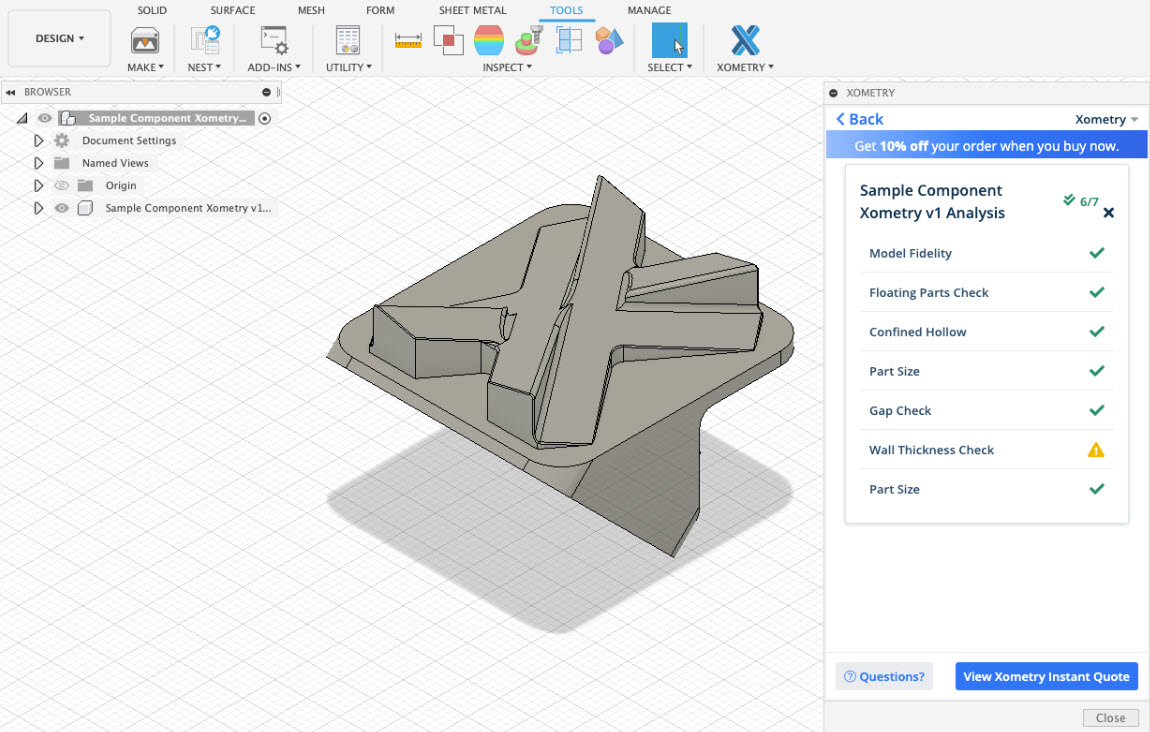
Get Real-time Pricing and Lead Times With the Xometry Add-in for Fusion 360
With the Xometry Add-in for Fusion 360, you'll be able to save time on ordering customer parts, get instant pricing and lead times, and instant manufacturability feedback.
News
-
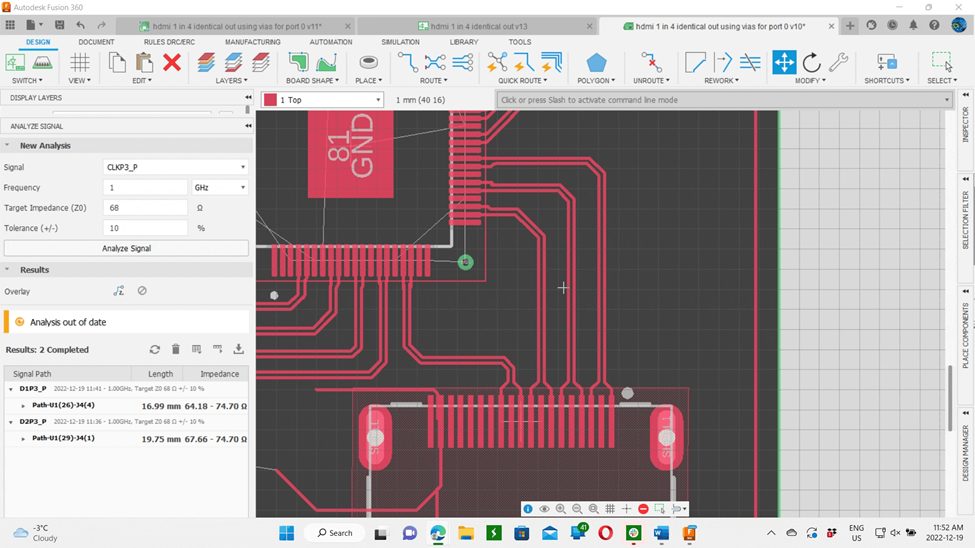
Trace Length and High-Speed PCB Designs
Trace length and high-speed PCB designs go hand-in-hand. This ultimate guide will provide all the details you need to know and how to leverage the Fusion 360 Electronics Signal Integrity Extension to get it right the first time. Trace Length and High-Speed PCB Designs High-speed PCB design requires special considerations to get a functioning design…
Electronics Engineering
-

Explore the New Possible with Autodesk’s Fusion Manufacturing Cloud
With the right tools and a connected team, anyone can reimagine what’s possible. Enter the Fusion Manufacturing Cloud.
News
-
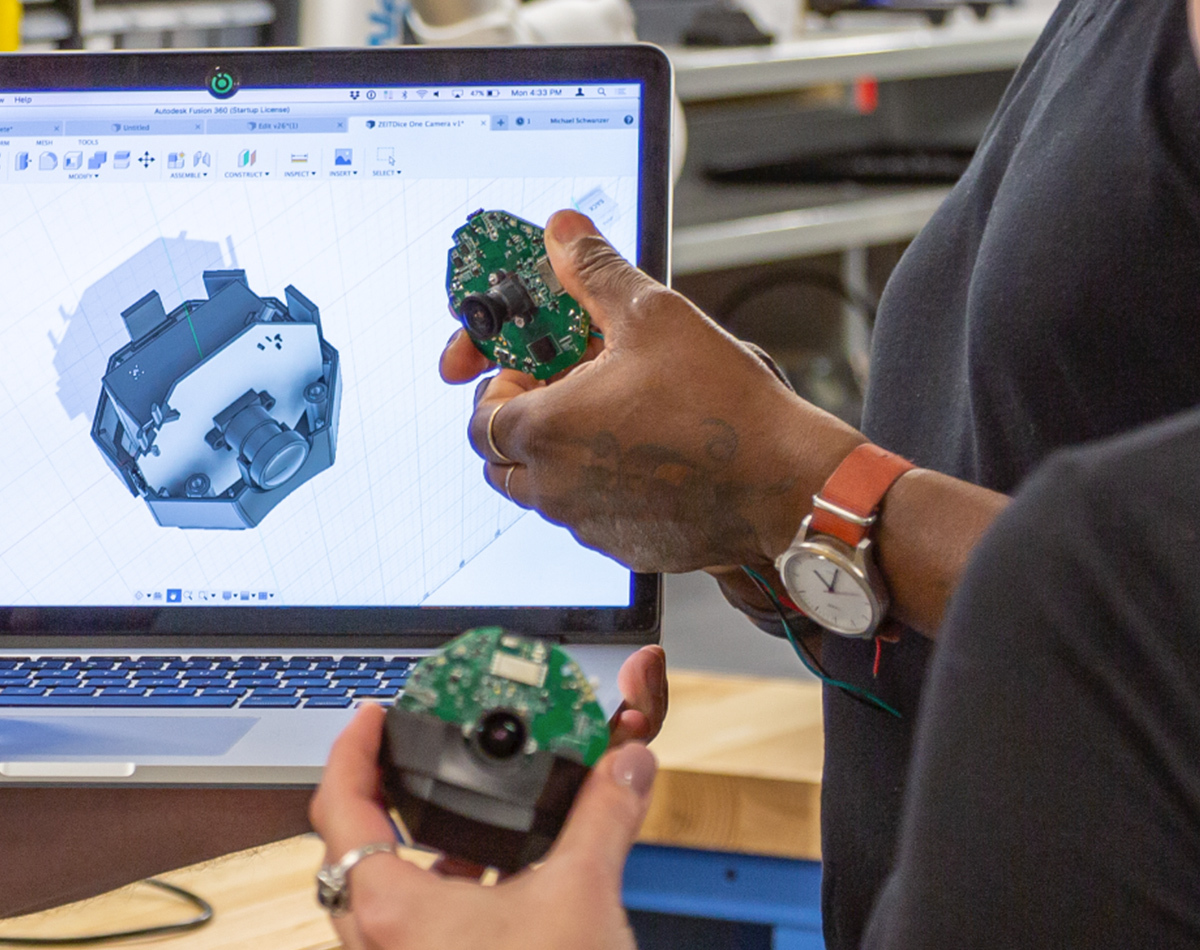
5 Tactics for Successful Agile Product Development
Take a look at 5 commonly used agile product development tactics your team can implement to stay ahead of the game.
Industrial Design
-
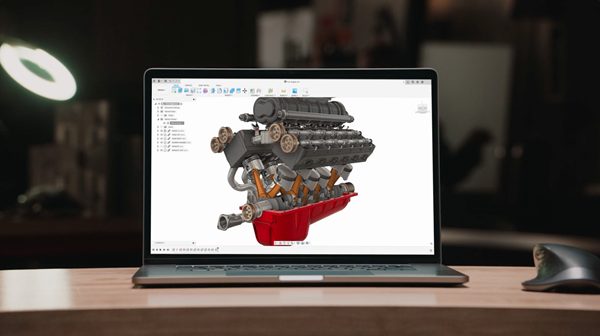
Navigating Uncertainty: An Innovative Solution for a Changing World
The current economic environment is affecting every business, but uncertainty is a catalyst for change. See how Fusion 360 offers an affordable solution to meet your needs. It’s no surprise that the current economic environment is affecting everyone and every business. Prices are increasing, and consumer spending is down. Businesses are seeing lower sales, reduced…
Getting Started
-
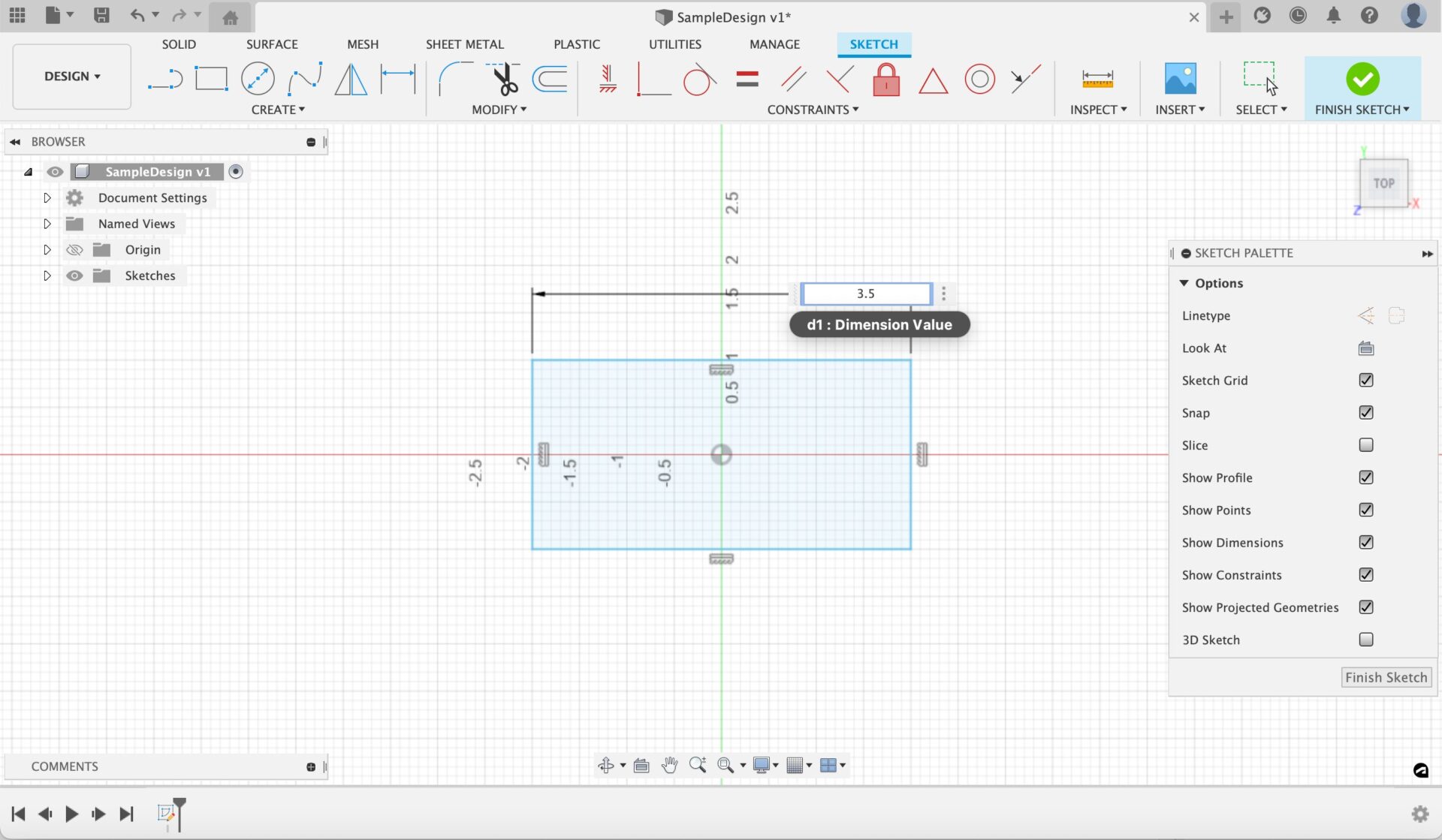
Starting From Scratch: Design Basics in Fusion 360
Learn design basics in Fusion 360 - from opening an empty design to making a basic model. Let’s jump in!
Getting Started
-

Streamlining End-to-End Product Development with Fusion 360
Fusion 360 is the sum of its multiple, powerful parts. We’ll expand upon CAD, CAM, CAE, and advantages across crucial touchpoints in the end to end product development process.
Industrial Design
-
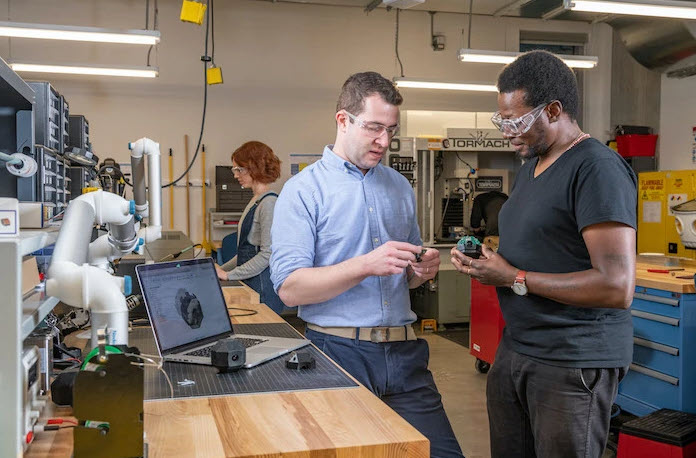
Agile Product Development – The Key to Creating Consumer Products
Learn exactly what agile product development is, and what factors and pressures consumer product companies are facing that are leading them to implement more agile processes.
Industrial Design
-
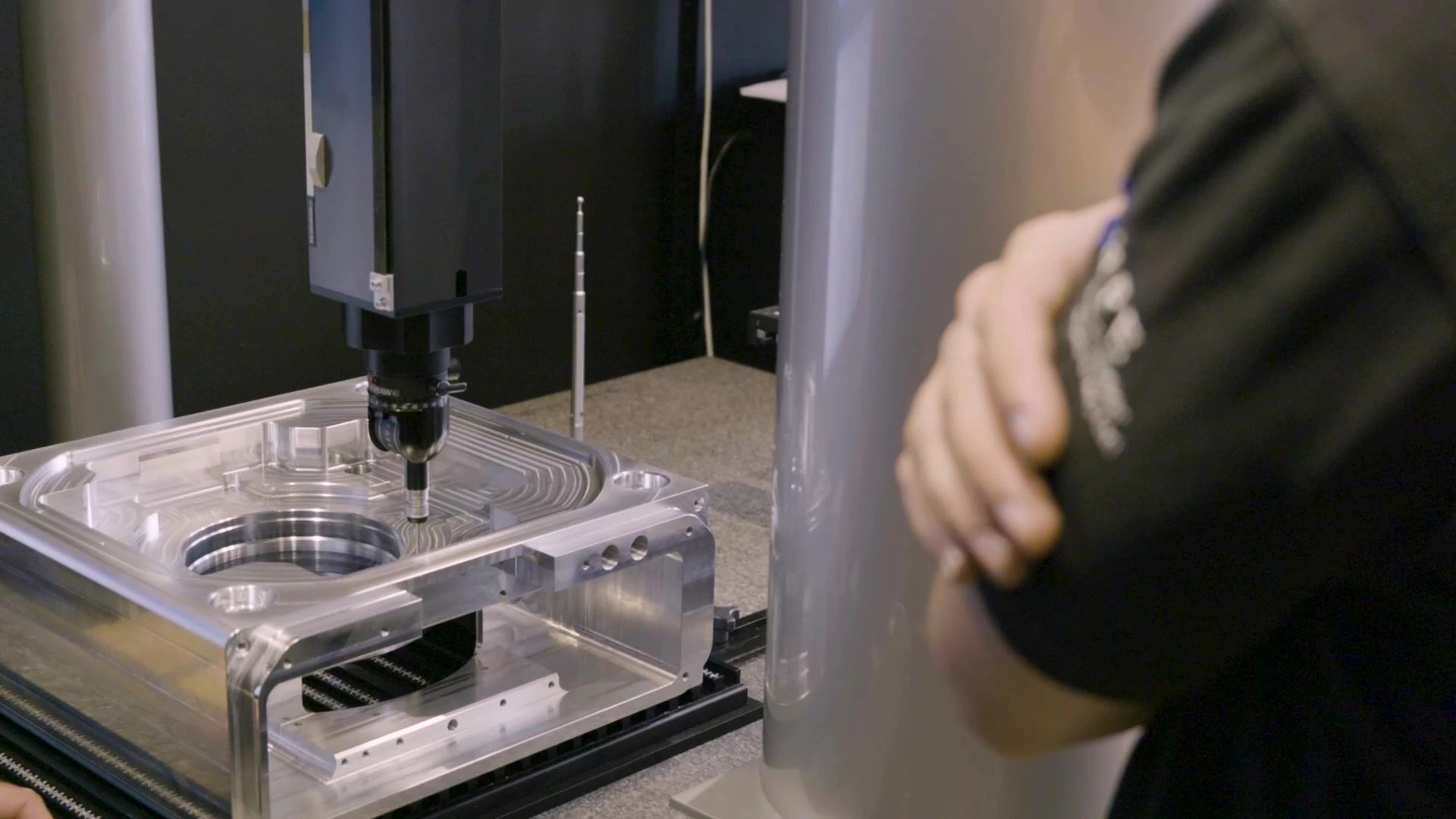
Nerc Precision Engineering Sees 400% Business Increase With Autodesk Fusion
Aerospace and defense contractor Nerc Precision Engineering increased business opportunities thanks to the Fusion Manufacturing Extension.
Customer Stories
-

3D Printing Made Easy: A Look at Fusion 360 Additive Manufacturing Capabilities
Autodesk Fusion 360 makes 3D printing easy by providing an integrated CAD/CAM environment, an additive manufacturing extension, and more.
Industrial Design
-
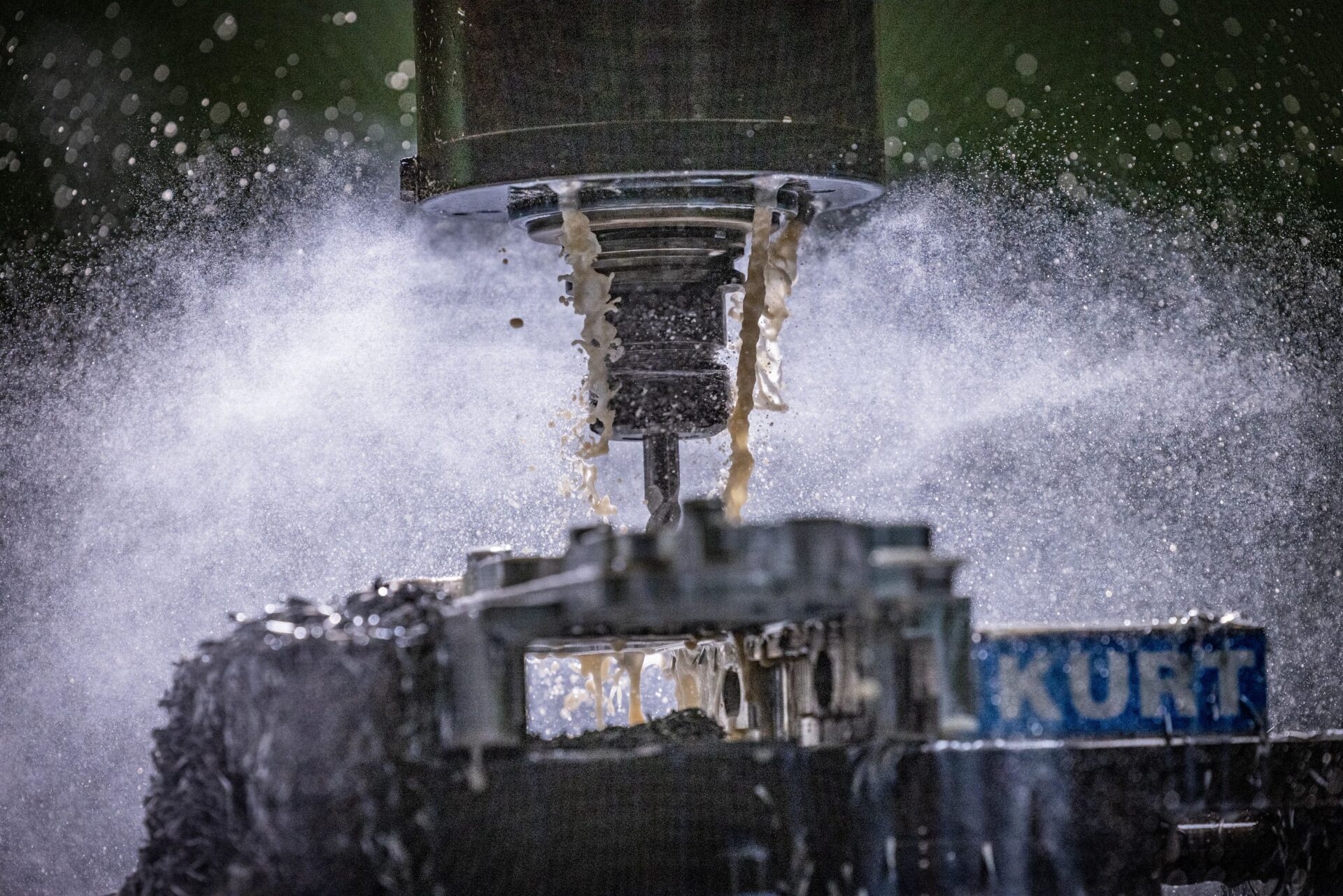
Understanding SMED: 7 Steps to Greater Competitiveness
Faced with an outdated process? The SMED method will help address the current method, assess adjustments and implement improvements.
Machining
-
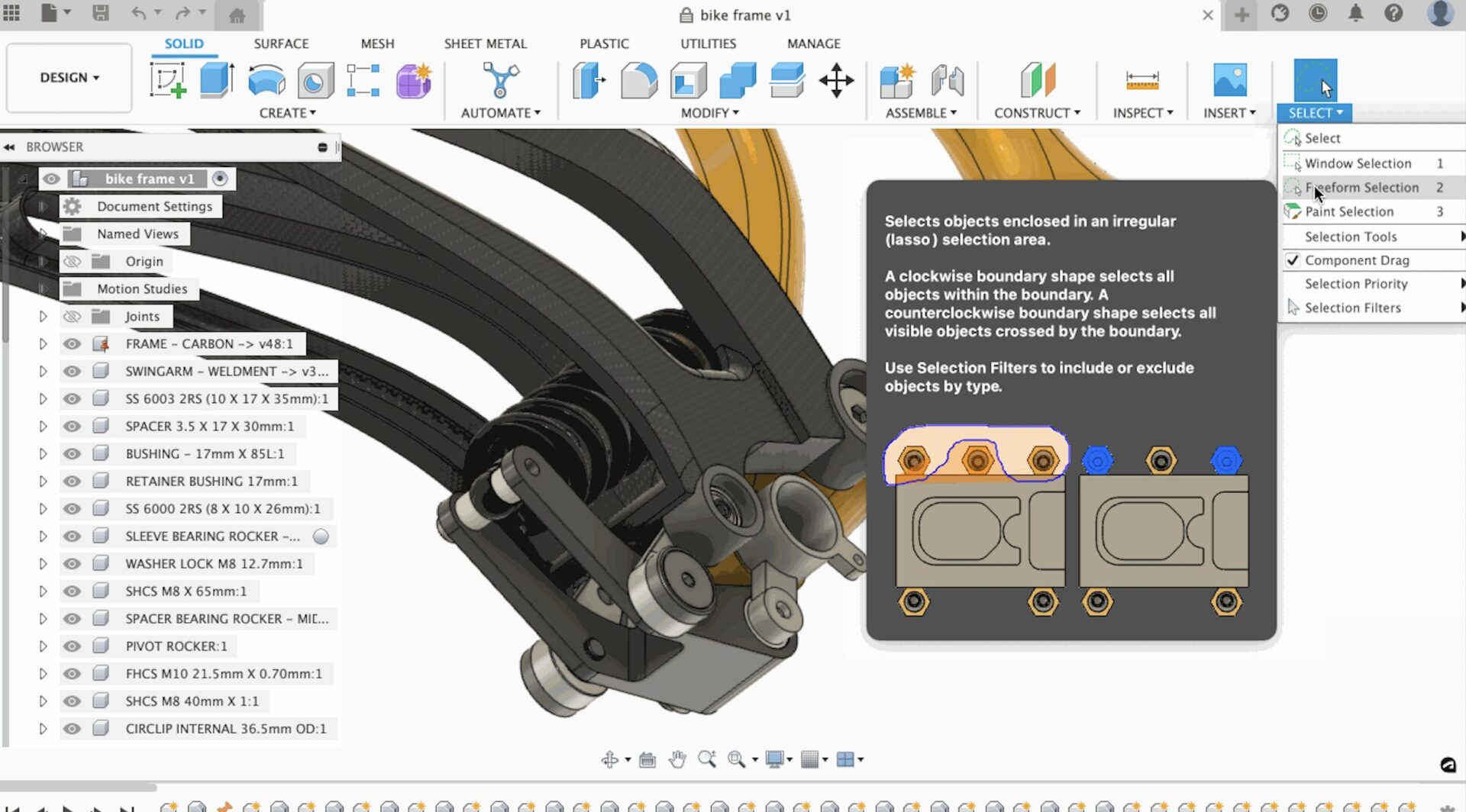
How to Select an Area in Fusion 360 — It’s as Easy as 1-2-3
Trying to select a pesky component? Hoping to optimize your workflow? This guide for how to select an area in Fusion 360 is for you!
Getting Started
-
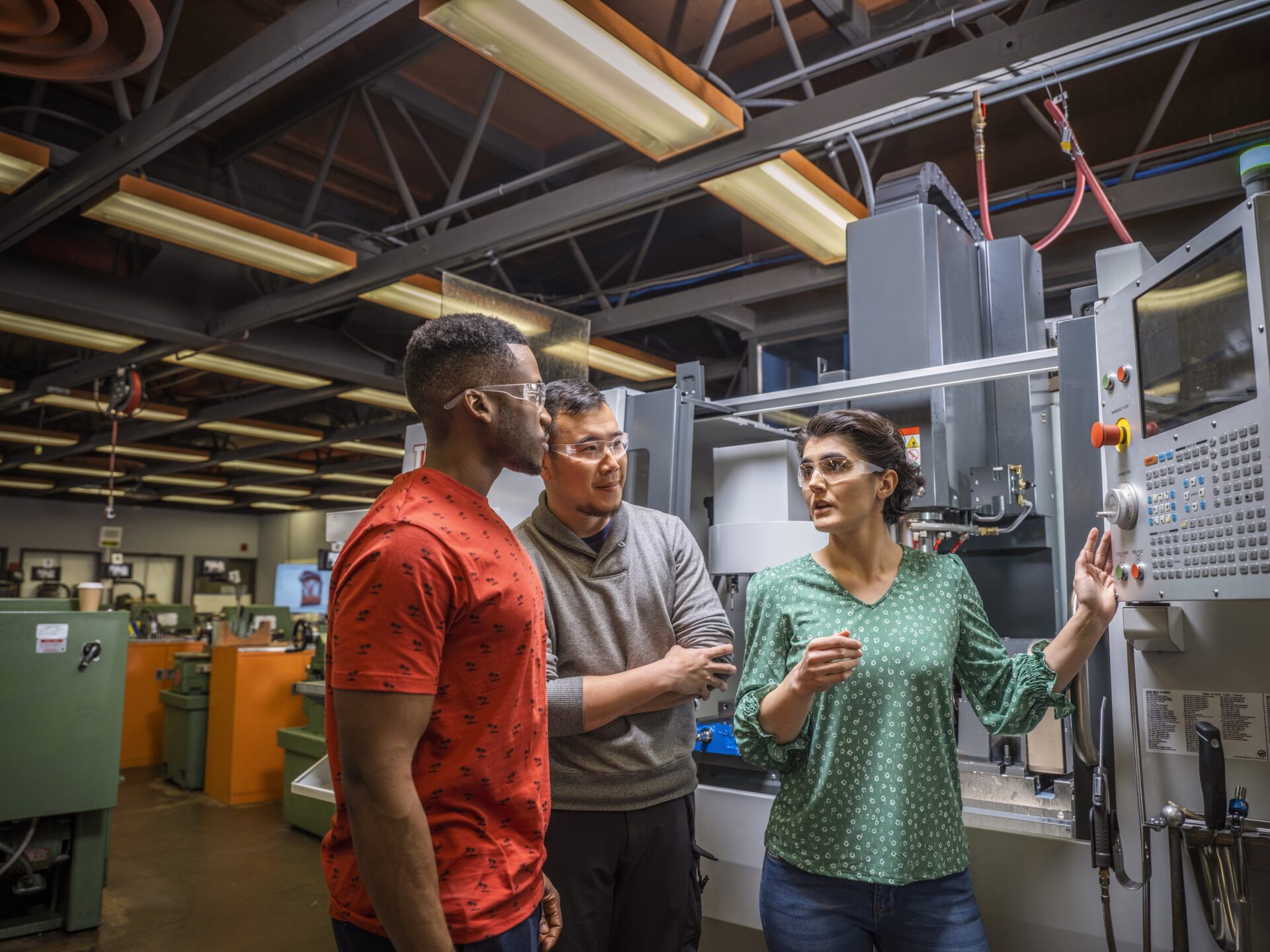
4 Ways the Digital Factory is Changing Manufacturing Forever
How can a digital factory really make a difference? Here are four ways the digital factory is changing manufacturing forever.
Machining
-
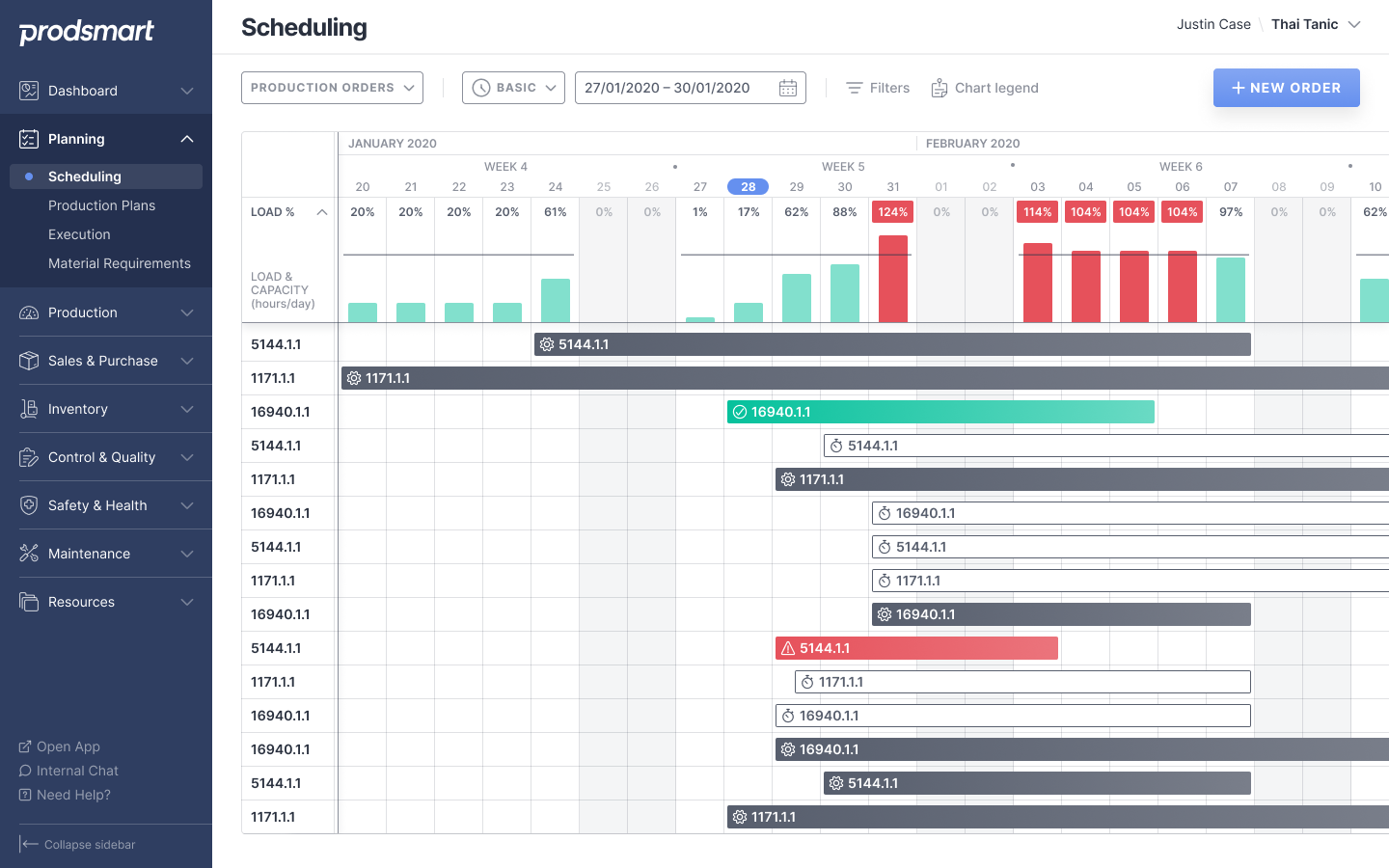
3 Common Maintenance Scheduling Problems To Avoid
Maintenance scheduling is key for any successful manufacturing business. Learn three common mistakes and how to avoid them with Fusion Operations.
Machining
-

Okra Solar Pods, Designed in Fusion 360, Can Bring Electricity to Millions
Check out how Okra Solar designed mesh grids in Autodesk Fusion 360, aiming to provide two million people with power by 2025.
Customer Stories