-

October 2022 Major Product Update – What’s New
V.2.014569 NOTICE: Important OS support information after March 2023 After the March 2023 product update, Fusion 360 will no longer fully support the OS versions listed below: In order for us to continue developing Fusion 360 for the latest and greatest, we must stay current and end support for older OS versions. We recognize that…
News
-
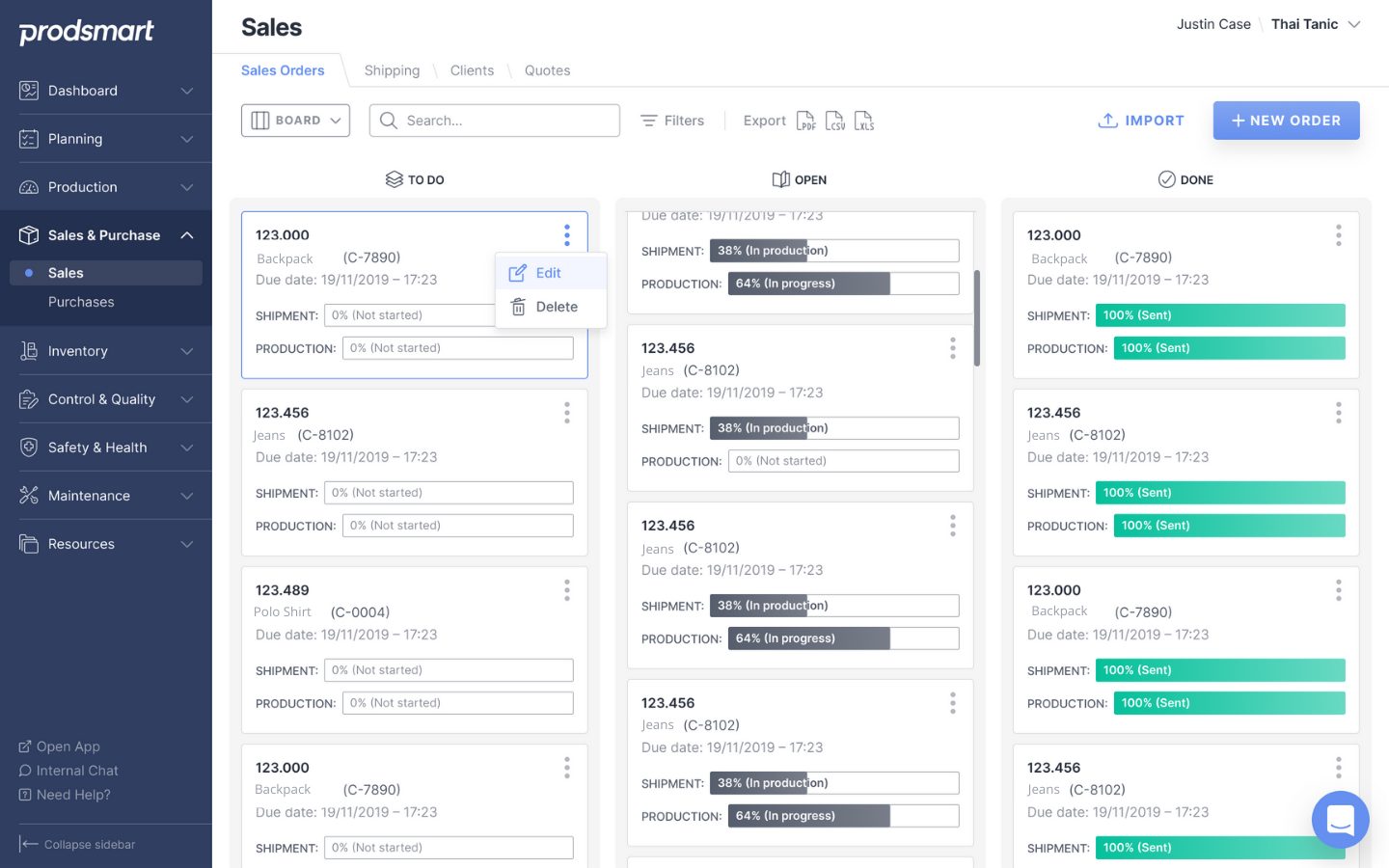
The Benefits of Sales Order Digital Management
Learn what a sales order is, why they're important, and the benefits of digitally managing them with Autodesk Fusion Operations.
Machining
-

Explore “Purpose-driven Design” With UK Design Firm ITERATE
Learn how the ITERATE team uses Fusion 360 to help startups, SMEs, and others bring new products to market rapidly and successfully.
Customer Stories
-
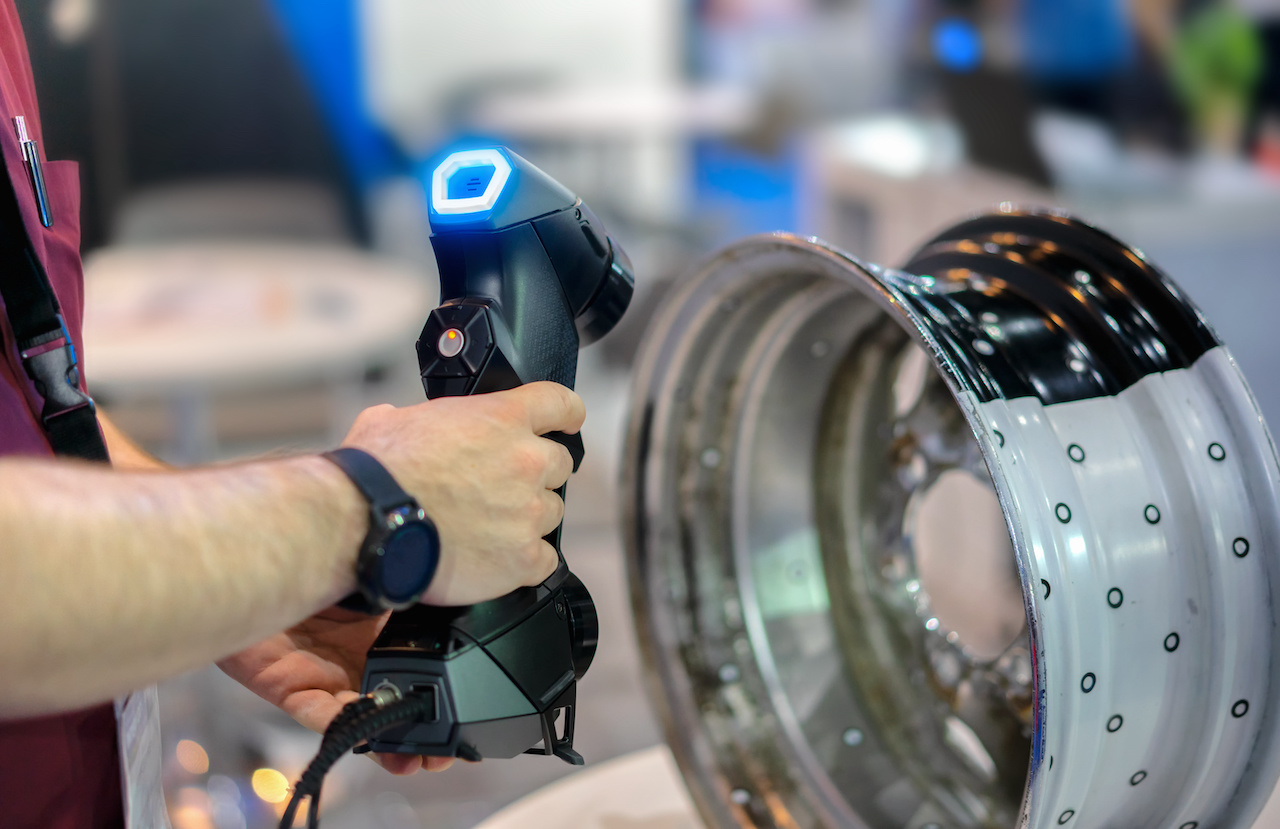
What is a Scan To CAD Workflow?
What is a scan to CAD workflow? Why is it becoming a popular method across various industries, such as automotive?
Mechanical Engineering
-

CD-ROM History: When the CD Was Invented & Who Invented CD-ROM
Throwback alert! Let's explore the history of the CD-ROM and what the technology contributed to the electronics industry.
Electronics Engineering
-
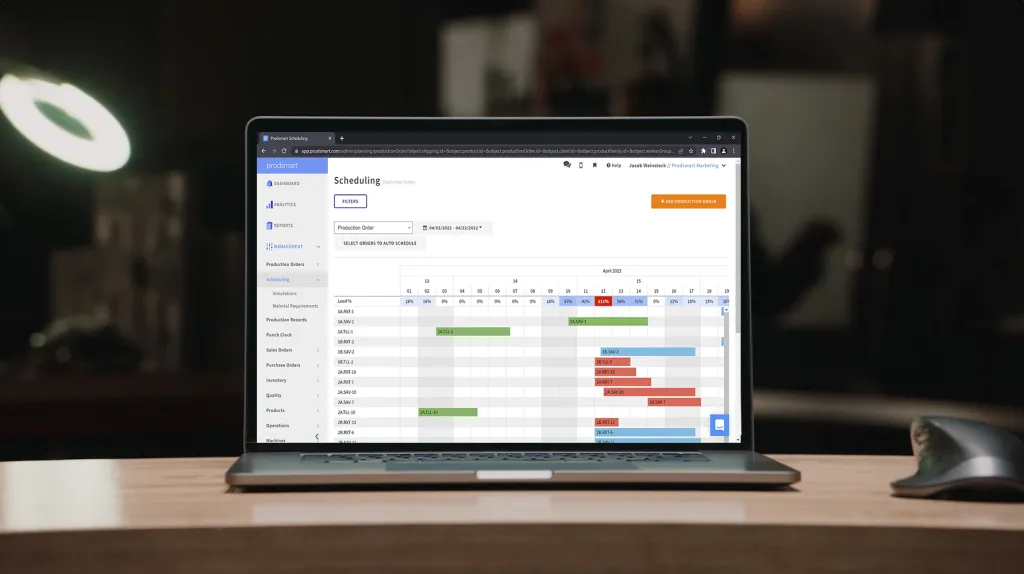
MES vs. ERP: What’s The Difference?
What's an MES vs. ERP? Let's take an in-depth look at the benefits of each, and how Autodesk Fusion Operations can help.
Machining
-

Enabling Shop Floor Digitalization With Cloud Product Development Tools
Learn how cloud product development tools like Autodesk Fusion 360 are leading the way in making shop floor digitization possible.
Machining
-
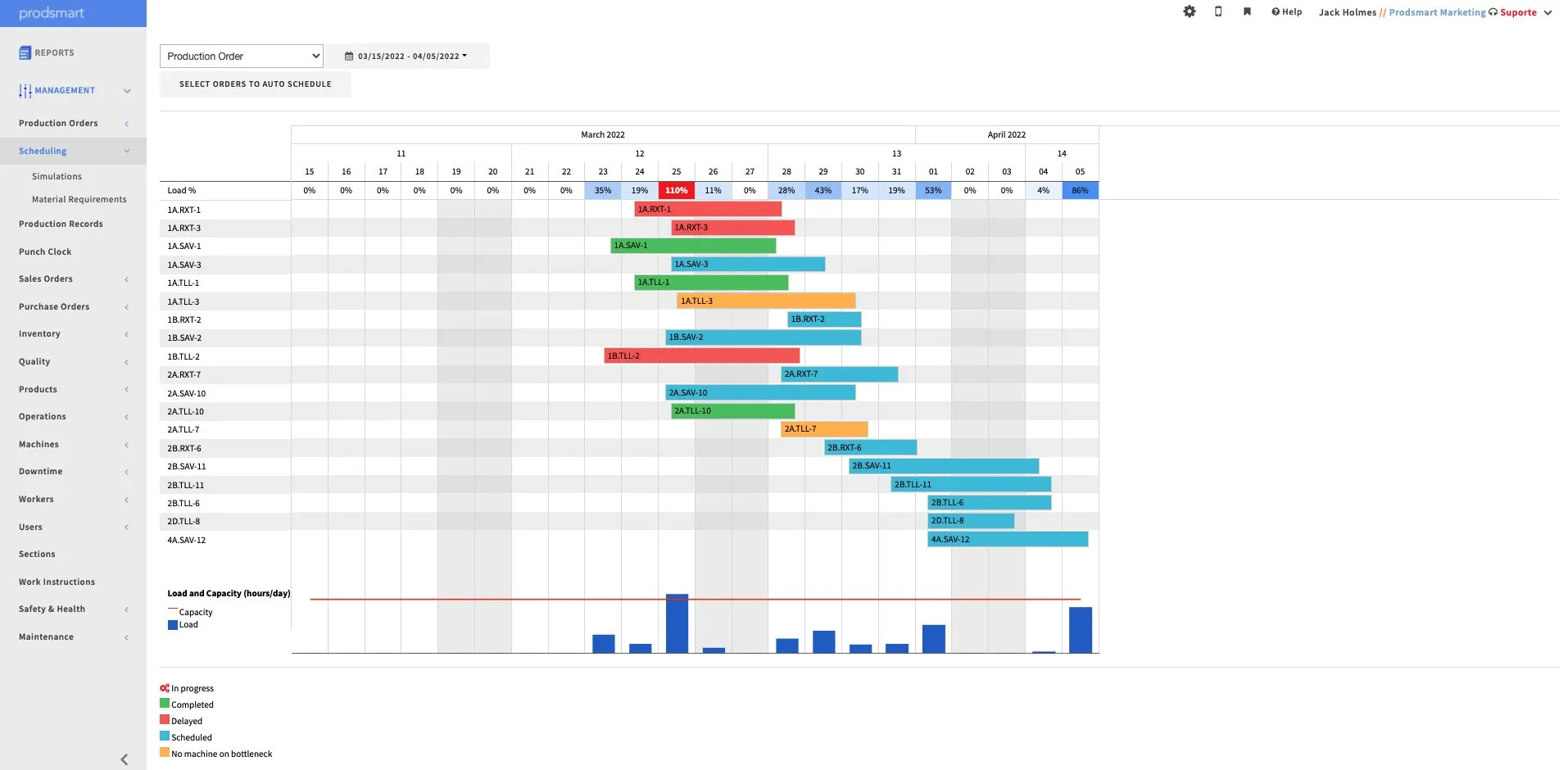
Why Visuals Matter in Inventory Management
Explore the importance of strong visuals for inventory management and how MES provide teams with the necessary data to succeed.
Machining
-
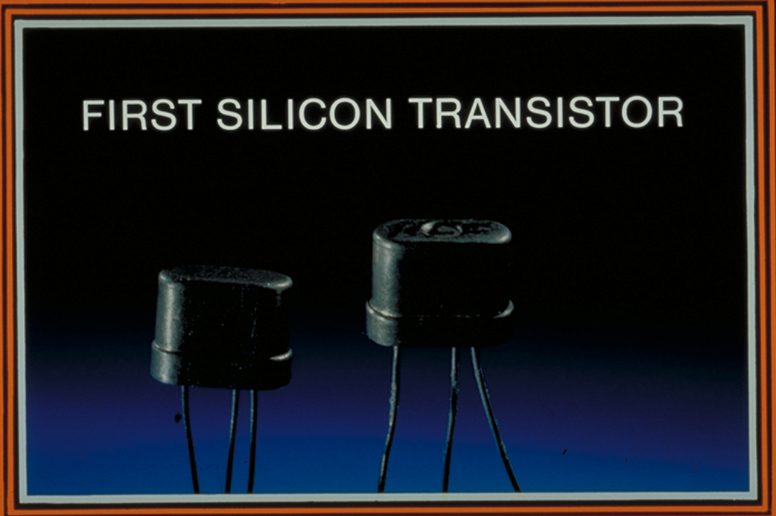
How Transistors Changed Electronics Forever
Learn about how TI and Bell Labs changed electronics forever by inventing transistors.
Electronics Engineering
-
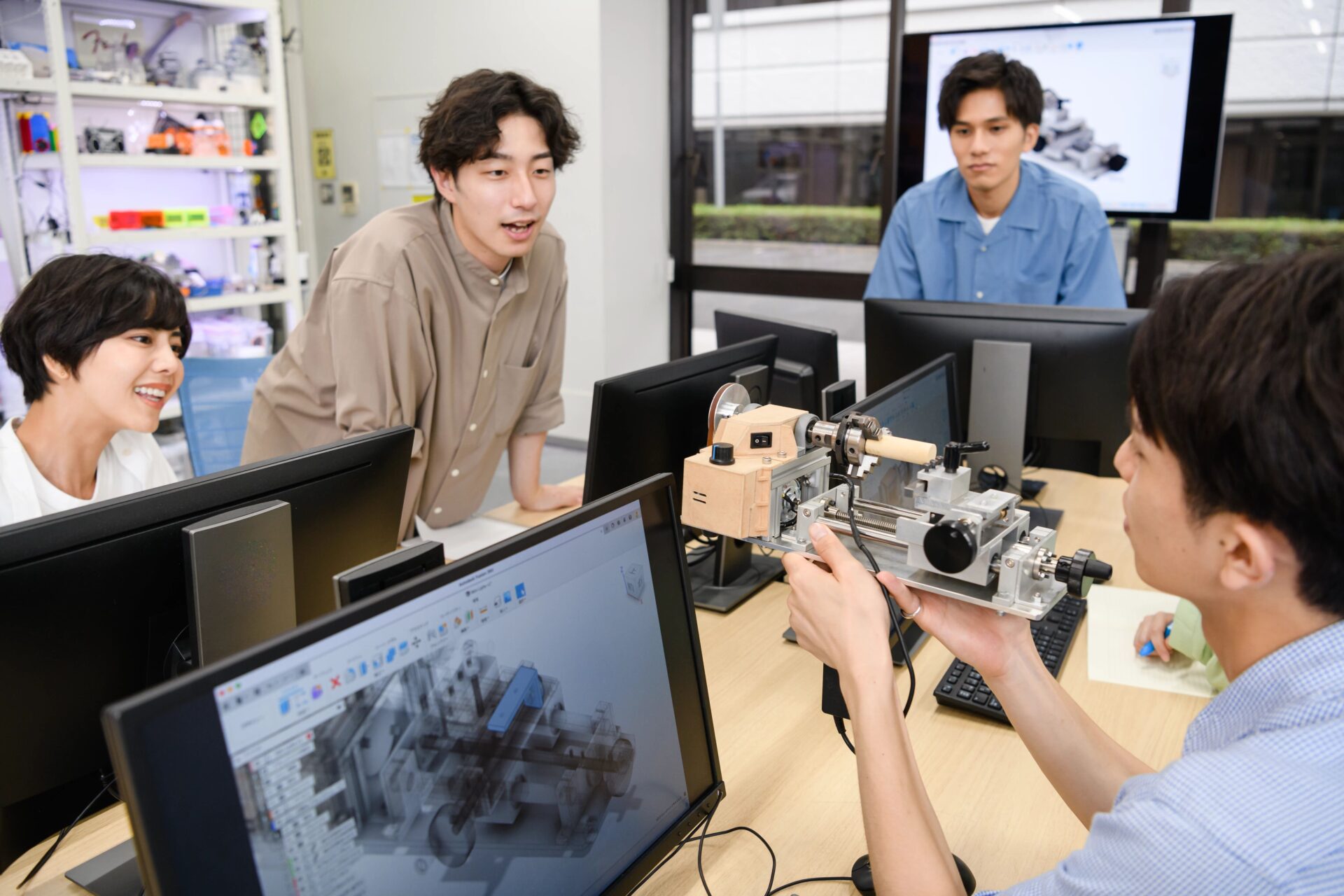
Increasing Productivity with Agile Product Development
Learn about the principles of agile product development, a unique methodology that has taken over the worlds of software and product design.
Industrial Design
-

What Is Lean Manufacturing?
Learn how your company can take advantage of lean manufacturing benefits, from reduced waste to improved product quality.
Machining
-

Romar Engineering Embraces Digital Transformation with Fusion 360
Explore why Romar Engineering "can do everything [they] need to do in Fusion 360" for their micro-molding and silicone injection molding projects.
Customer Stories
-
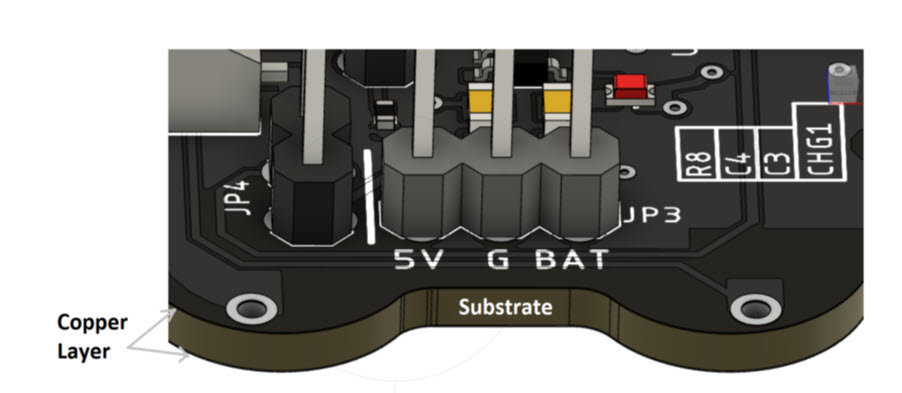
PCB Layer Stack Fundamentals: PCB Substrate
In this 3-part series, we'll talk PCB substrates. Learn what a PCB substrate is, its physical specifications and why they matter.
Electronics Engineering
-
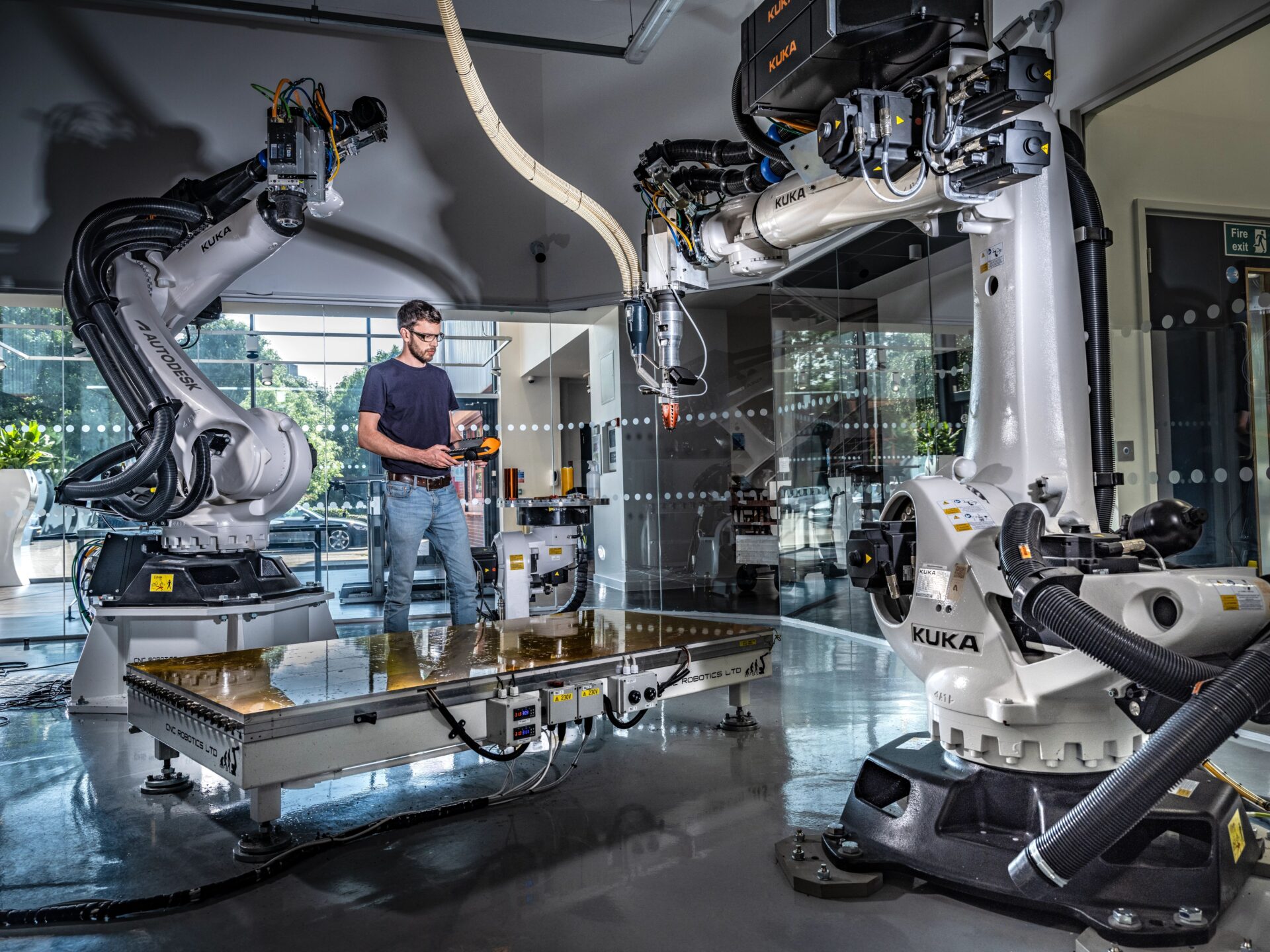
Enabling Shop Floor Digitalization with Fusion 360
Learn how Integrated CAD, CAM, CAE, PCB, PDM, & PLM cloud solutions like Fusion 360 are making shop floor digitization possible.
Machining
-
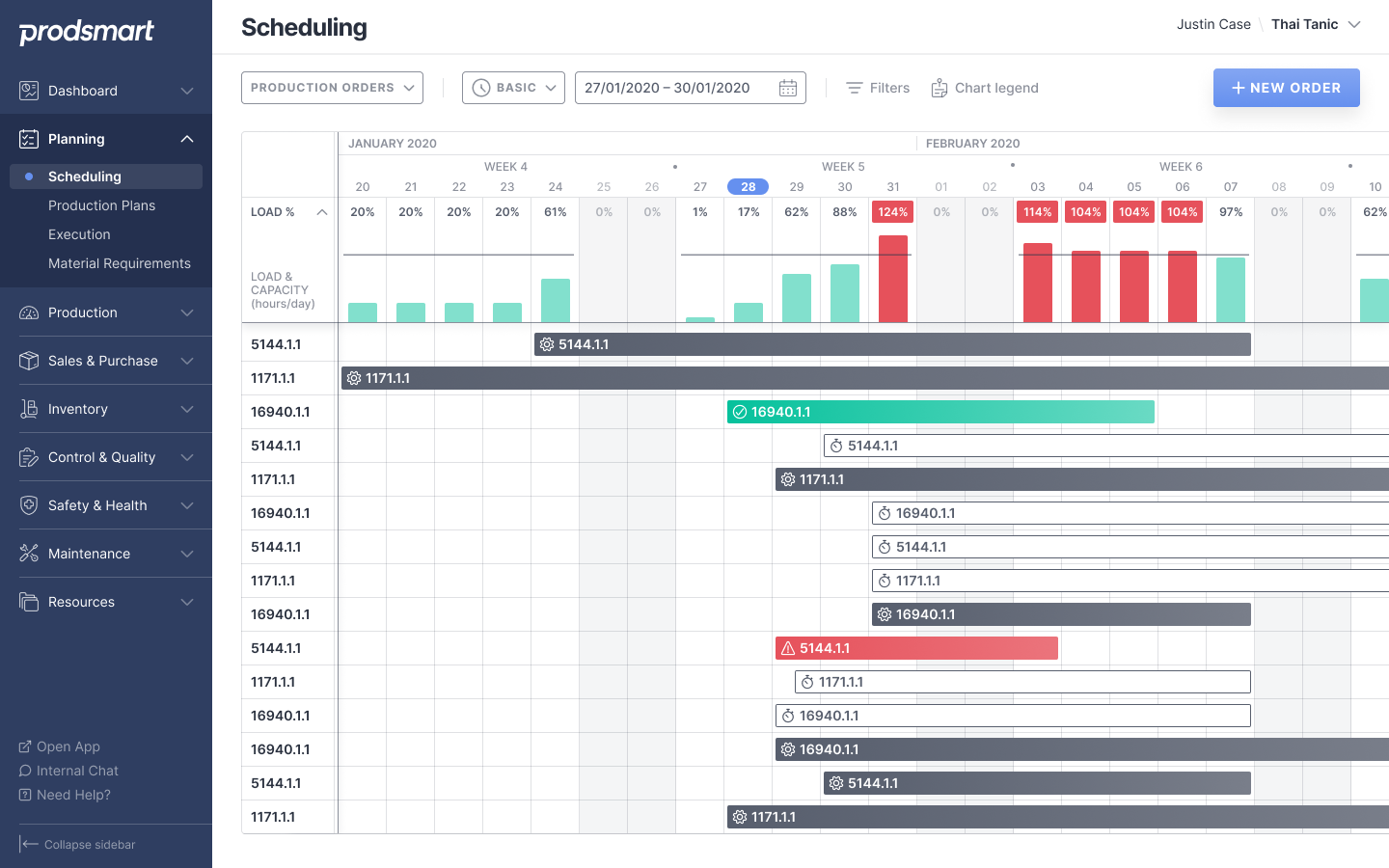
3 Maintenance Scheduling Hacks You Should Know
Learn how to optimize maintenance scheduling to ensure your business' work gets completed correctly and on time.
Machining