-

AU 2024: The Future of Manufacturing With Fusion
Explore how data, AI, and Autodesk Fusion are transforming design and manufacturing, enabling innovation, connected workflows, and smarter, faster production.
Thought Leadership
-

All About the Autodesk Fusion Signal Integrity Extension Powered by Ansys
Improve product compliance, reduce costly PCB prototyping, and accelerate development with the Fusion 360 Signal Integrity Extension.
Electronics Engineering
-
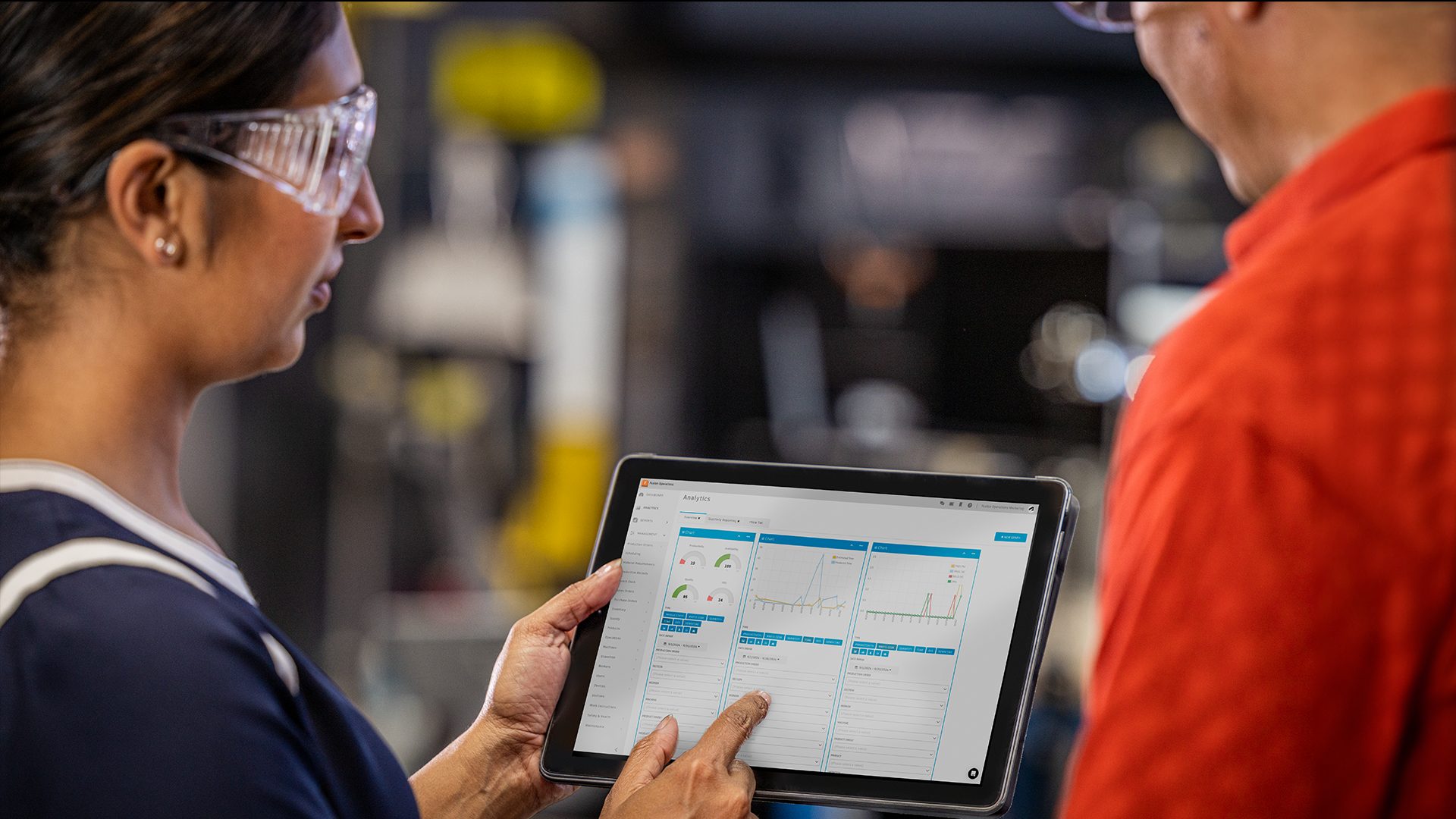
MRP and Its Importance in Modern Manufacturing
Material Requirements Planning (MRP) is a crucial system in manufacturing that optimizes inventory, production schedules, and supply chain management. MRP software like Autodesk Fusion Operations enhancing efficiency, accuracy, and collaboration through real-time data and advanced analytics. In the realm of manufacturing, efficiency, precision, and timely production are paramount. To achieve these goals, manufacturers rely on…
Fusion Operations
-
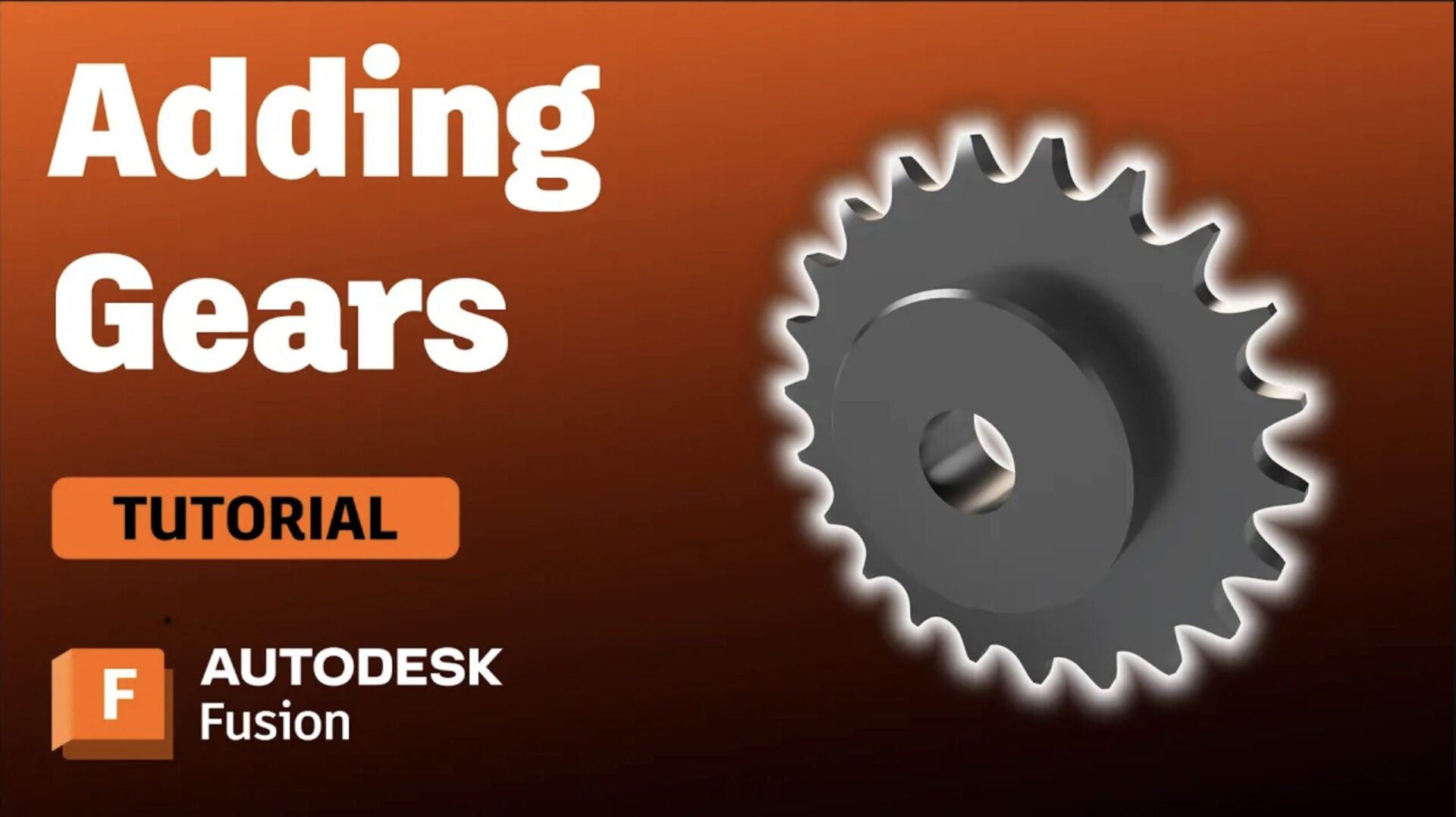
How to Create and Insert Gears in Fusion
Discover how to create and insert custom and standard gears in Autodesk Fusion to enhance your mechanical design projects effectively.
Tutorials
-
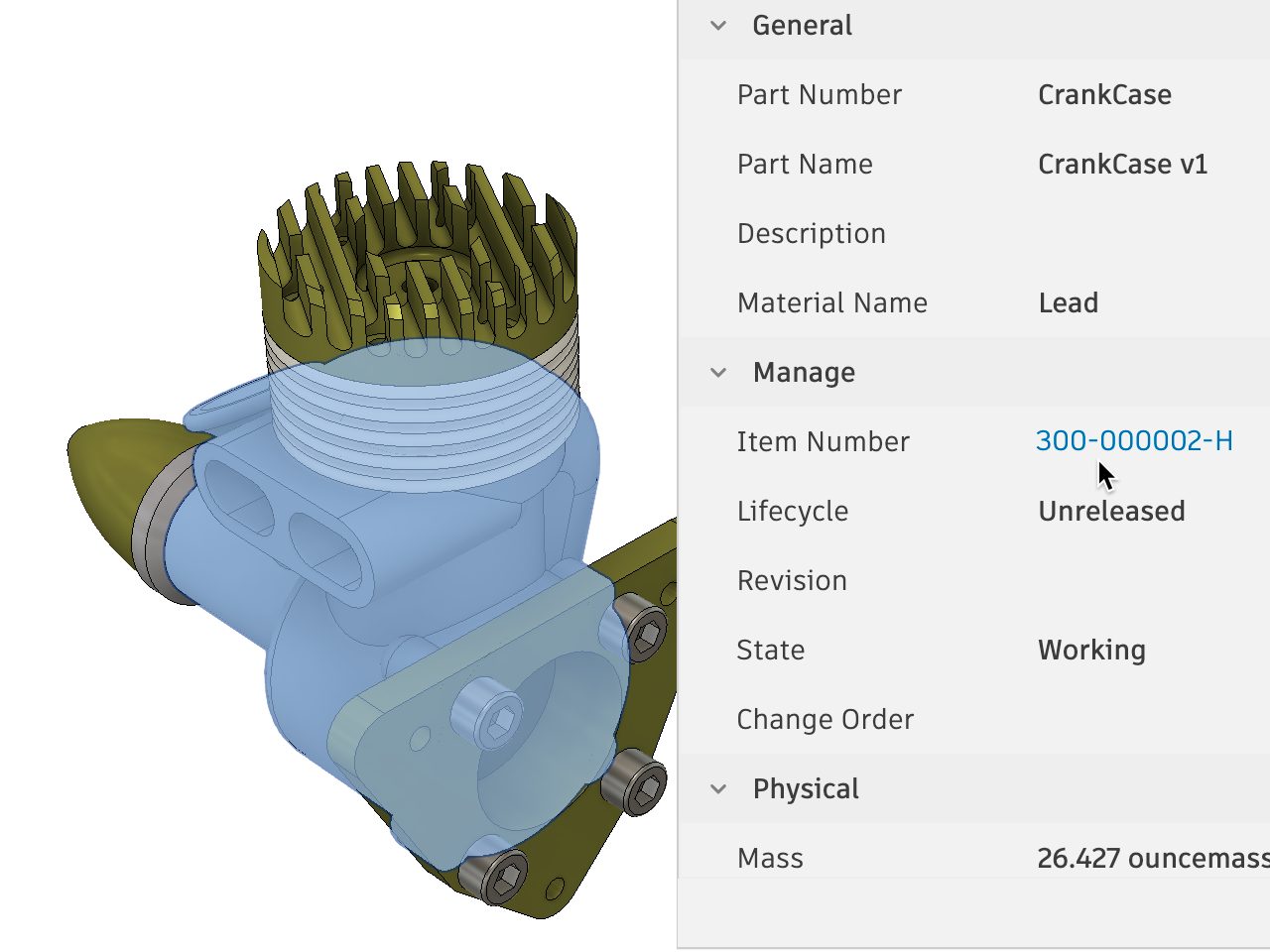
Introducing Configurable Numbering Schemes
A new Configurable Numbering Schemes capability is now available with the Fusion Manage Extension, providing product manufacturers the ability to tailor the automated item numbering of the Manage Extension to comply with company standards. What is automated numbering? As organizations design products, it is common practice to identify each part, assembly, drawings, etc., with a…
What's New
-

Shop Talk Podcast Episode 20: Modustrial Maker
Shop Talk is a podcast by Autodesk Fusion in which we hang out with designers and makers live from their workshops. We're excited to give our listeners candid conversations with talented folks who pour their hearts and souls into their craft. In this episode, we sit down with Mike Clifford, aka Modustrial Maker, to talk…
Industrial Design
-
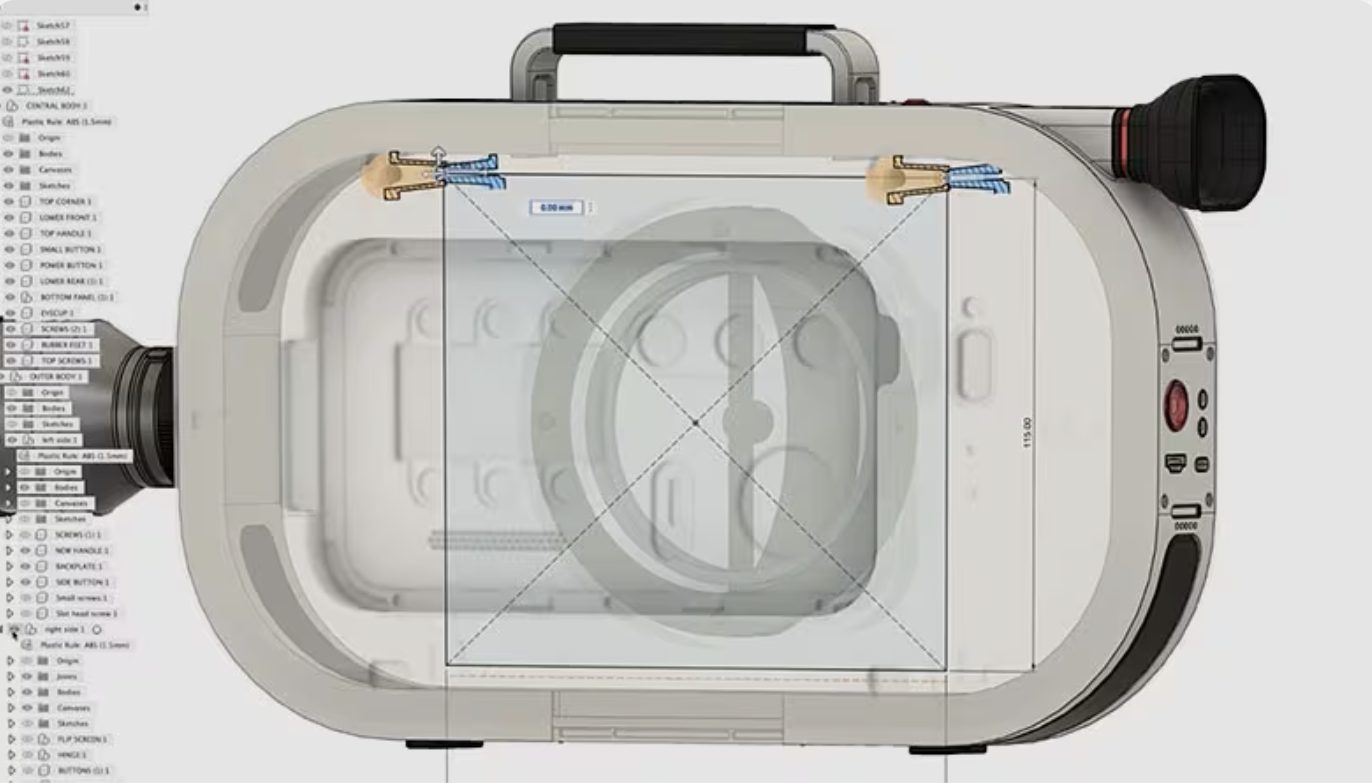
Top 5 Ways the Autodesk Fusion Design Extension Takes Product Design to the Next Level
Discover the top 5 benefits of the Autodesk Fusion Design Extension that can elevate your product design and streamline workflows.
Product Design & Engineering
-
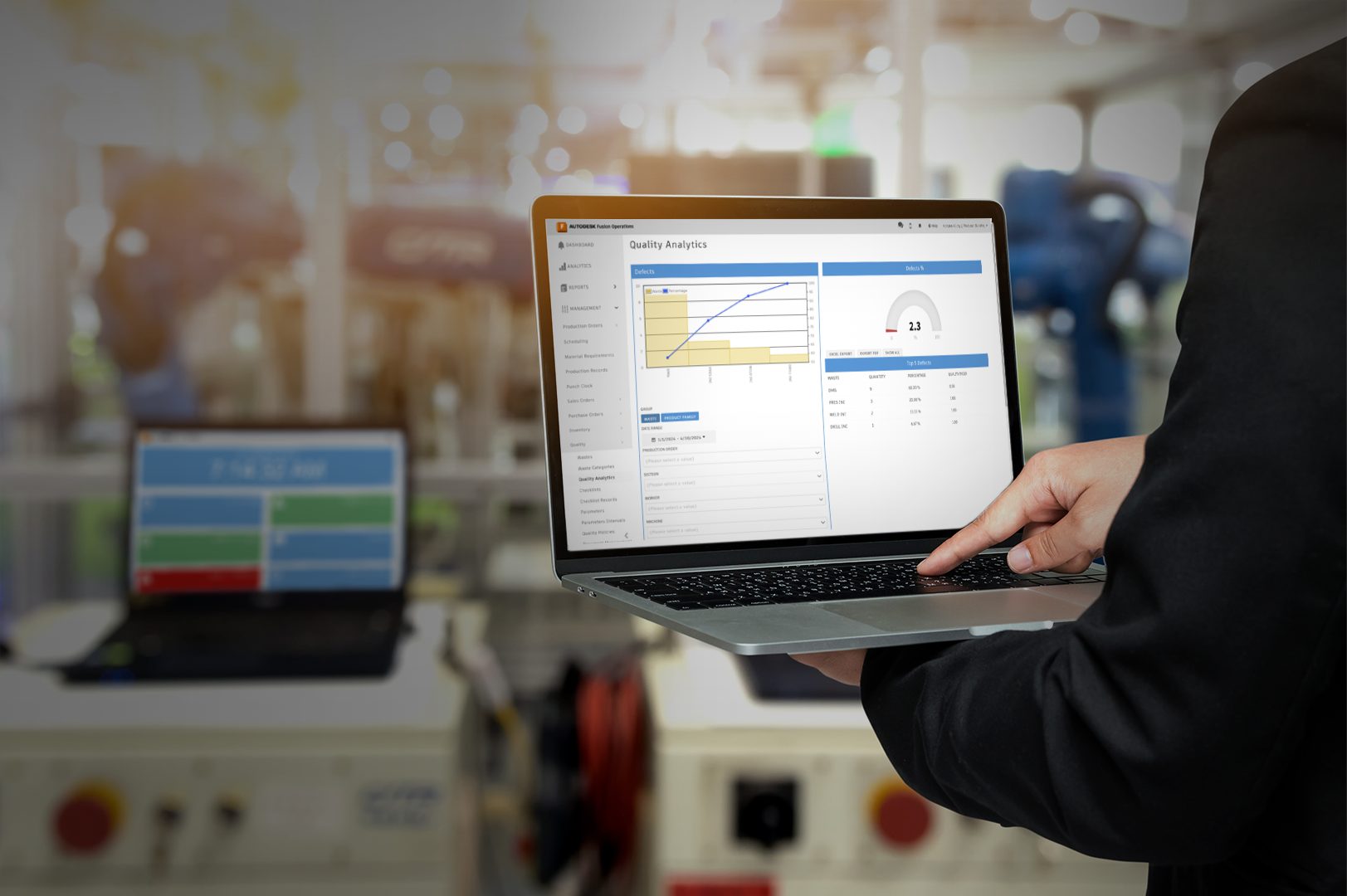
The Importance of Preventative Maintenance in Manufacturing
Preventative maintenance is crucial in manufacturing for extending equipment lifespan, reducing downtime, and improving safety and efficiency. Implementing preventative maintenance software like Autodesk Fusion Operations enhances these benefits through automated scheduling, real-time monitoring, and data analytics, leading to significant cost savings and increased productivity. In the fast-paced world of manufacturing, equipment uptime and efficiency are…
Fusion Operations
-
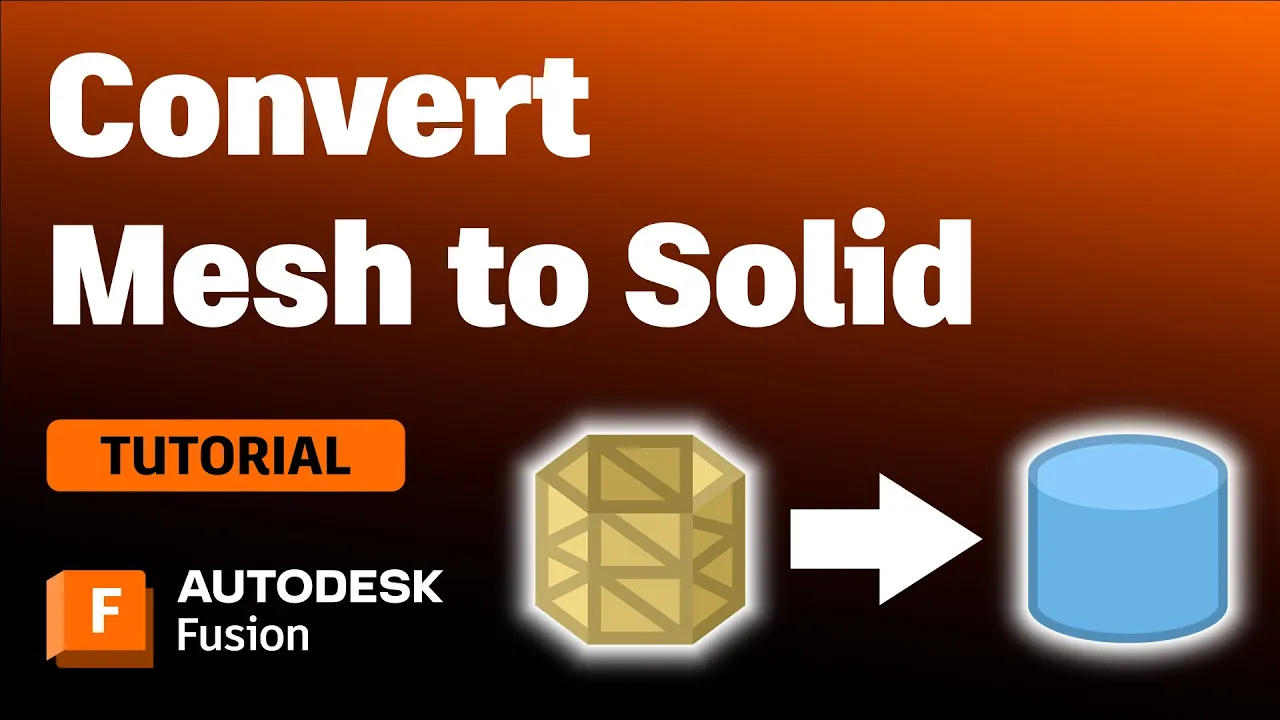
Converting a Mesh into a Solid Body in Autodesk Fusion
Have you inserted a mesh body but need to make edits parametrically? We have you covered. Whether you have 3D scanned a part and need to refine it or want to edit a mesh file you downloaded, you’ll want to convert your mesh file into a solid body to enable parametric modeling capabilities. We’ll show…
Tutorials
-

Adapting to the Rapid Pace of Change: Fusion’s Response to Macroeconomic Evolutions
Adapting product development strategies is essential for businesses navigating rapid economic growth, urbanization, and technology adoption. In this context, Fusion provides a comprehensive platform that accelerates time-to-market, offering a competitive advantage, facilitating early revenue generation, maximizing product lifecycles, and enhancing brand reputation. As consumer expectations and lifestyles evolve, businesses must remain agile and responsive in…
Product Design & Engineering
-

ReChaco Increases Productivity by 29% with Autodesk Fusion Operations
See why adopting Autodesk Fusion Operations has made a night and day difference for footwear brand ReChaco.
Case Studies
-
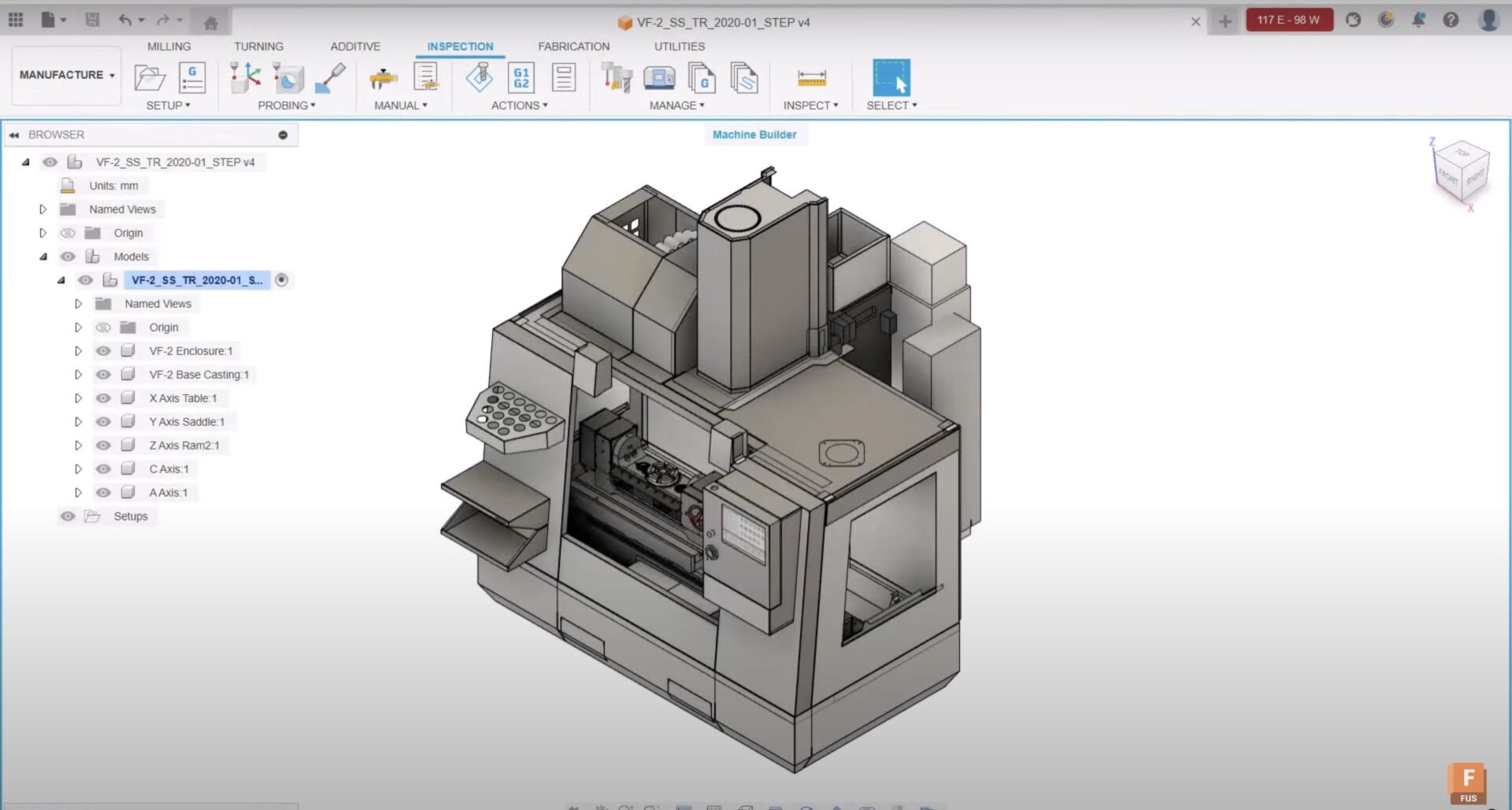
Learn How Machine Builder Works in Autodesk Fusion
To get an accurate representation of the toolpaths you create, you can simulate them by driving a model of your machine. This article gives you an overview of how you can use Machine Definitions and the Machine Builder functionality to create your custom machines. Overview of machine builder in Autodesk Fusion It’s good to be…
Machining
-

Shop Talk Podcast Episode 19: Talented Designer Michael DiTullo
Welcome back to Shop Talk, a podcast by Autodesk Fusion where we hang out with designers and makers live from their workshop. We’re excited to give our listeners candid conversations with talented folks who pour their hearts and soul into their craft. In this episode, Jonathon Odom heads to Portland to visit world-class Michael DiTullo…
Industrial Design
-

Embracing the Smart Product Revolution: How Fusion ECAD/PCB Design Facilitates the Shift
The escalating consumer demand for smart products underscores the essential role of ECAD/PCB design in their development. These products, characterized by their ability to connect, share, and interact with users and devices, are reshaping consumer expectations and the landscape of product design and manufacturing. In this rapidly evolving market, designers face the challenge of adapting…
Electronics Engineering
-
How to Apply Appearances to your Model in Autodesk Fusion
There are several ways to apply appearances to your 3D models and specific faces. Learn how to effectively use the “In this design” section of the appearance tool and edit appearances to get the exact look you need for your render in Autodesk Fusion. Opening the appearance tool in Autodesk Fusion T apply appearances, open…
Tutorials