-
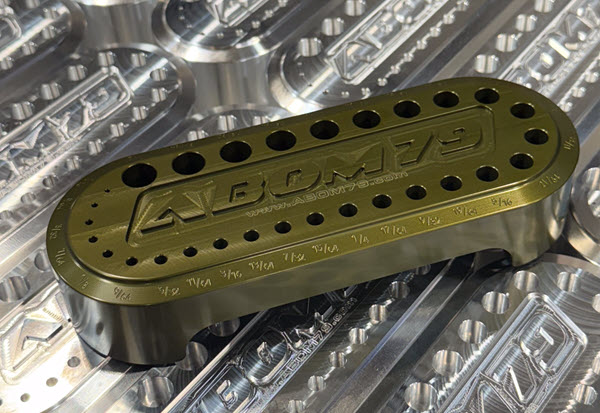
Fusion Community Spotlight: From Traditional Machinist to Modern Shop – Adam Booth’s Fusion CNC Journey
Adam “Abom79” Booth, shares how he blends manual skills, CNC, and Fusion to grow his shop and products, while also offering practical tips for other machine shops. Adam Booth here, though some of you may know me online as Abom79. I’m a third‑generation machinist based in Pensacola, Florida, and the owner of a small but…
Manufacturing
-
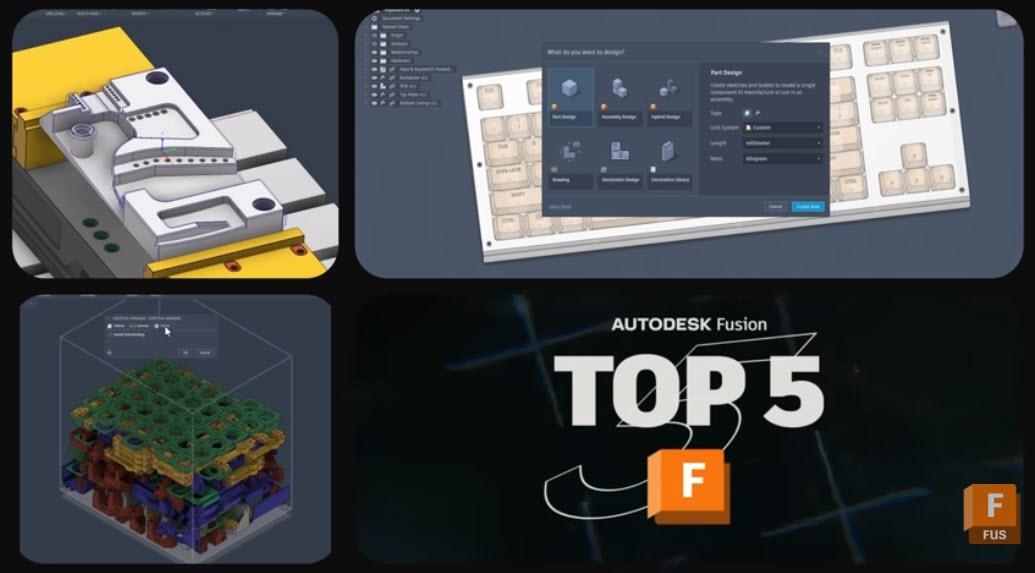
5 New Fusion Features That Tighten Your Design‑to‑Manufacturing Workflows
Discover 5 powerful new Autodesk Fusion features that streamline design, drawings, and CAM—from custom properties to multi‑axis clearing. The January 2026 Fusion release includes packed set of updates across data, design, drawings, and manufacturing. There are five capabilities that stand out for how directly they can impact your teams day-to-day work. From tighter governance of…
What's New
-
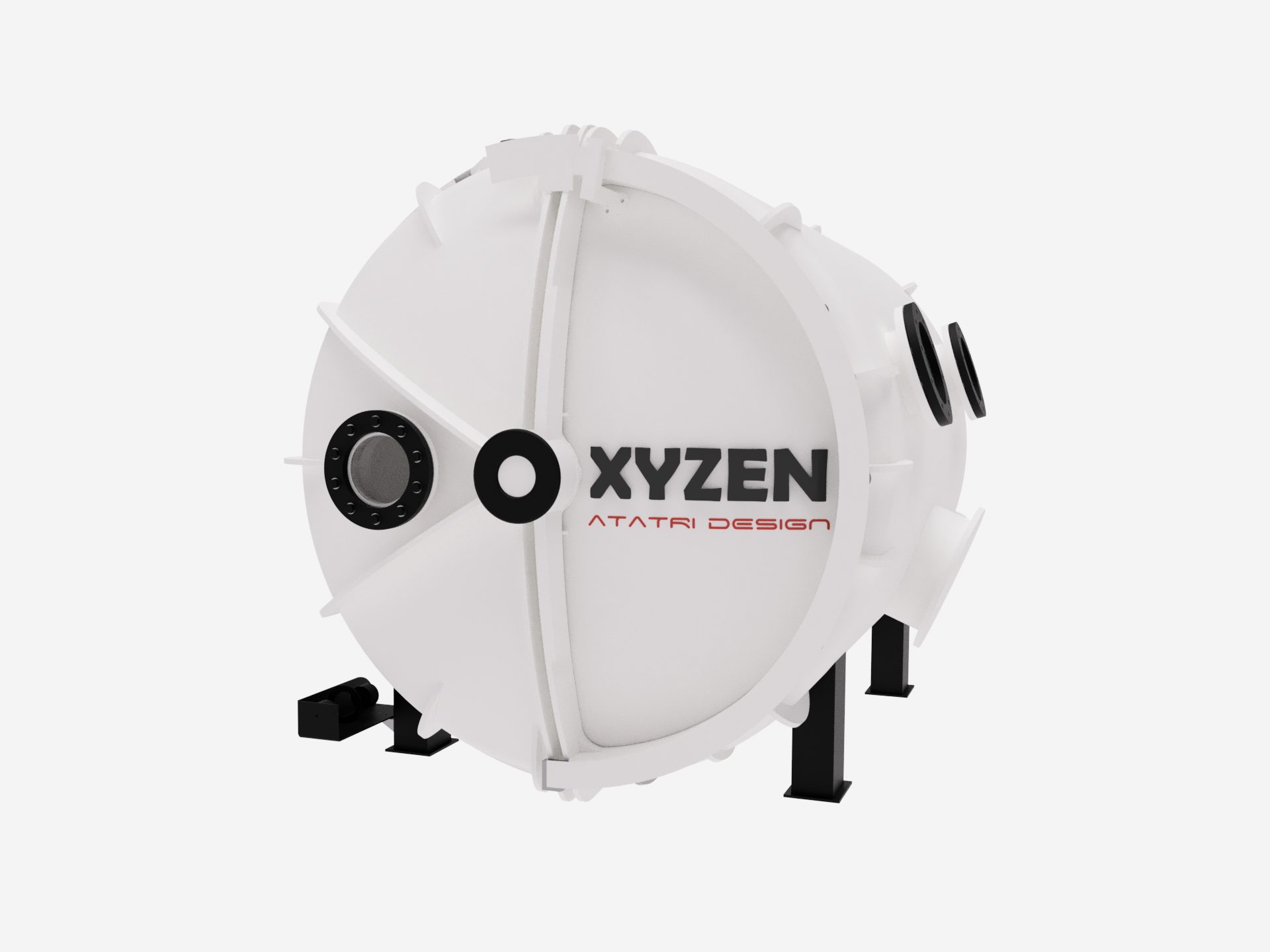
Atatri Design Reduces Prototyping Cycles by 80% for New Hyperbaric Oxygen Therapy Chamber
Based in Coimbatore, India, Atatri Design specializes in structural design, functional performance modeling, and full-cycle product development. Using simulation-led engineering, rapid prototyping, and precise detailing, the team transforms early concepts into proven, manufacturable solutions. Their core offerings, including structural analysis, functional optimisation, and complete product engineering, enable startups, medical organizations, and manufacturers to build safer,…
Case Studies
-
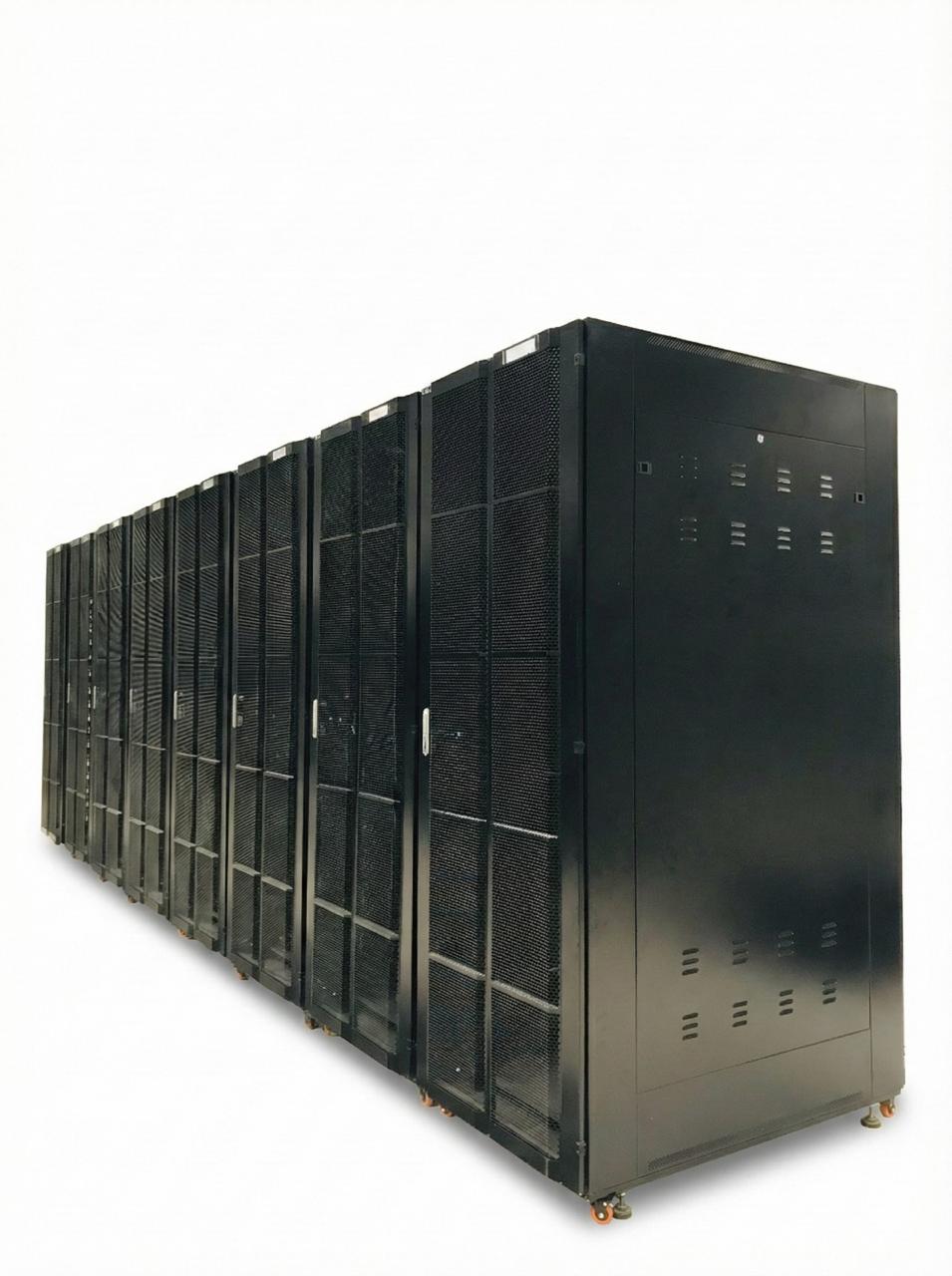
Cubicoan Evolves into a Full-Scale Manufacturer with Autodesk Fusion
Sri Lanka’s Extra-Low Voltage (ELV) systems and data-infrastructure sector is evolving at rapid pace. Projects today demand enclosures that can withstand heat, weather, vibration, corrosion, and long-term mechanical load while being delivered faster, with greater precision, and higher levels of customization. For Cubicoan, this shift demanded a fundamental rethink. Initially, the company operated as a…
Case Studies
-
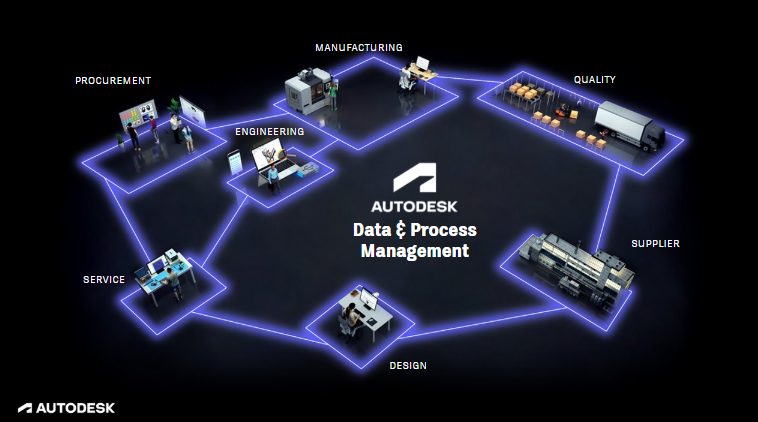
Connected Data: The Key to Traceability, Agility, and Growth in Manufacturing
Discover how connected data strategies powered by Autodesk Fusion unify product lifecycle management, strengthen collaboration, and improve traceability across distributed teams. Manufacturers are increasingly moving toward connected data models that unify information across the product lifecycle. As products grow more complex and timelines accelerate, disconnected systems create bottlenecks and errors. Connected data strategies provide a…
Data management
-
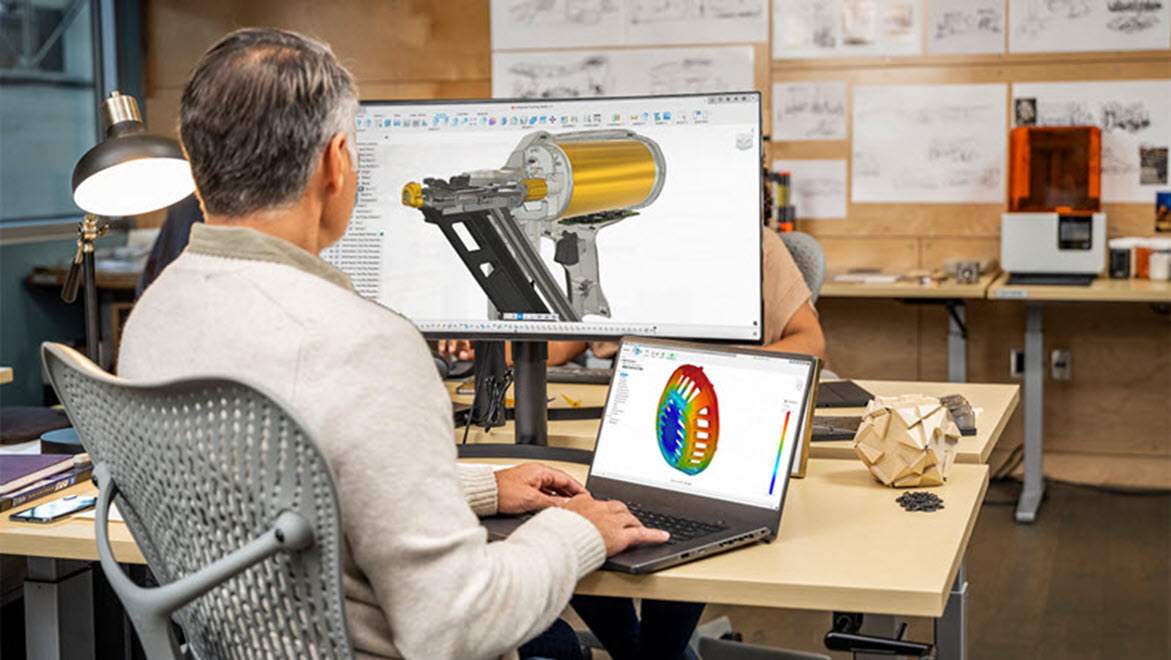
Top 20 Autodesk Fusion Technical Questions Answered: Your Complete Troubleshooting FAQ
Find clear answers to the top 20 Autodesk Fusion technical questions, including modeling, assemblies, simulation, and CAM issues. Get quick fixes and links to deeper guides. 1. Why won’t my sketch fully constrain in Fusion? This happens when geometric or dimensional constraints are missing. Small gaps or misaligned endpoints often cause under‑constrained sketches. Use Show…
Tutorials
-
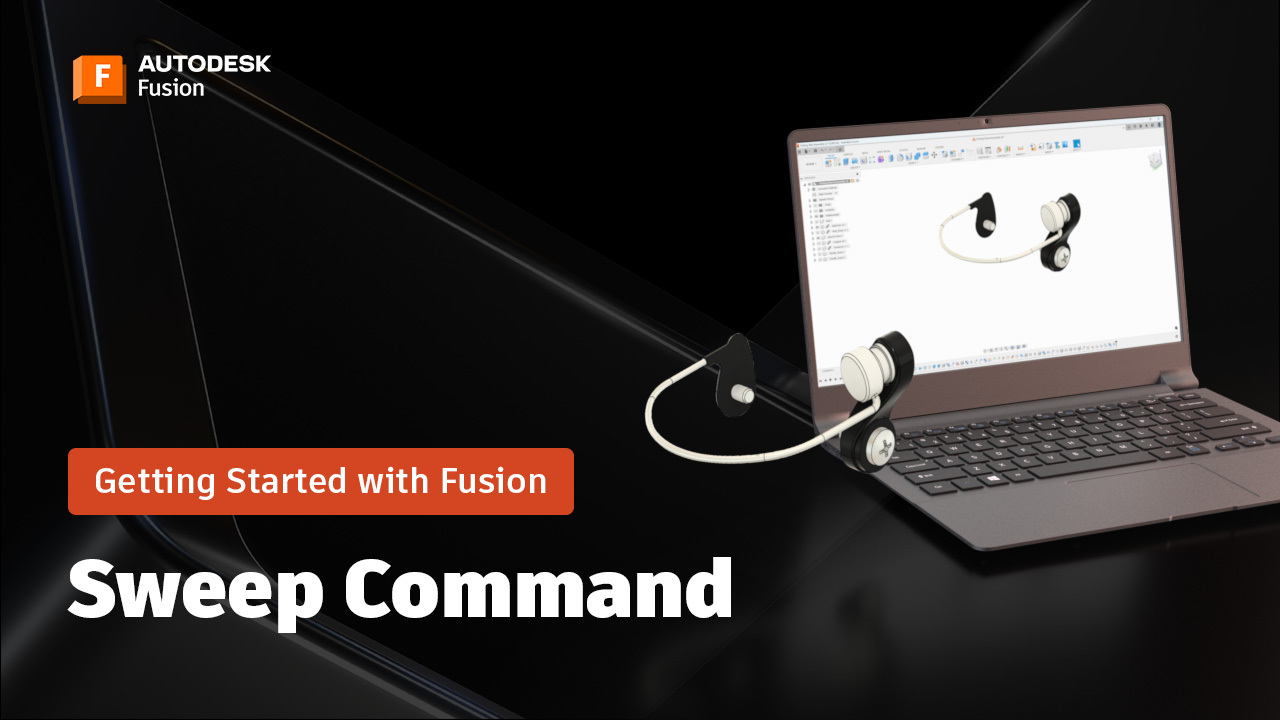
The Sweep Command in Fusion: A Beginner’s Guide (Part 7)
Learn how to use the Sweep command in Fusion to create smooth, complex shapes with ease. Perfect for beginners—step-by-step tips, pro tricks, and simple workflows to get started today. Hi everyone! It’s Brad Tallis from CAD Ed, bringing you the next installment of the Fusion Getting Started series where we walk through how to create…
Getting Started
-
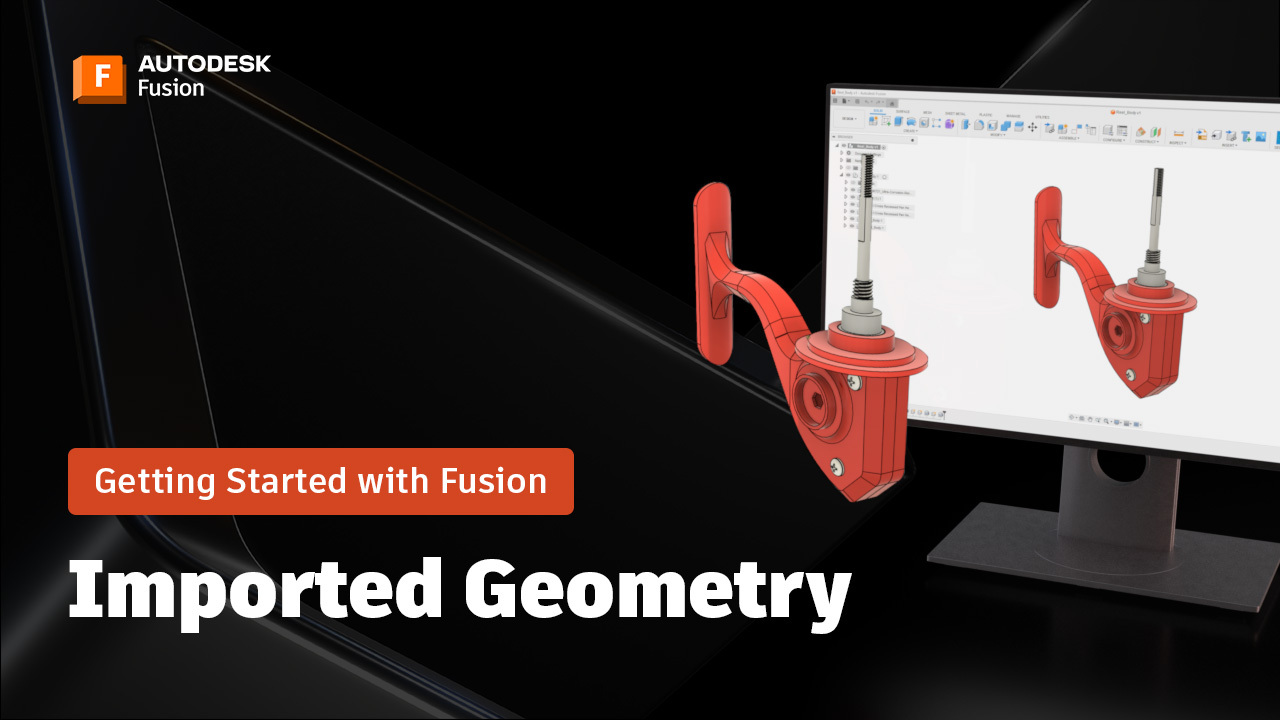
Working with Imported Geometry in Fusion: A Beginner’s Guide (Part 6)
Learn best practices for working with imported geometry in Fusion, including direct editing, rigid groups, constraints, and appearance settings for assemblies. Brad here again, from CAD Ed, with the next installment in the Getting Started with Fusion series, where we create a fishing reel from start to finish. One of the most valuable capabilities in…
Tutorials
-

Limpi: From Beach Plastic to Sustainable Products Across the Caribbean
See how Limpi transformed a recycling project into a thriving sustainable manufacturing business with Autodesk Fusion.
Case Studies
-

January 2026 Product Update – What’s New
The latest Fusion update brings Intent Driven Design, smarter data management, and performance improvements, along with many more enhancements across design and manufacturing. Read on to see what’s new. Minor Updates Our latest minor updates brings several important fixes and improvements to enhance your experience. Click to learn more. Highlights v.2606.1.22 – January 21, 2026 (Major…
What's New
-
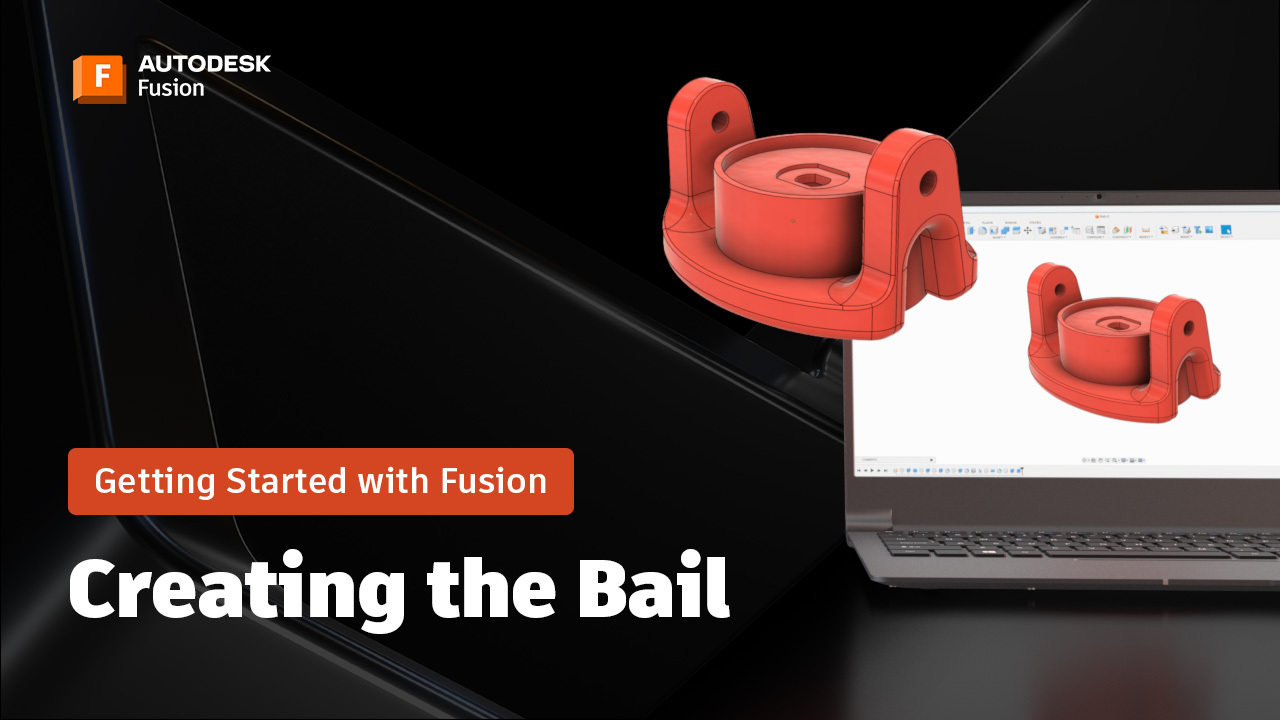
Designing a Bail Component in Fusion & Advanced Modeling Tips: A Beginner’s Guide (Part 5)
Learn how to design a bail component in Fusion using constraints, project and offset, extrude to object, and appearance settings for a polished finish. Hi everyone! Brad from CAD Ed here, with the next installment inthe Getting Started with Fusion series. Creating complex components in Fusion doesn’t have to be intimidating. With the right tools…
Fusion
-
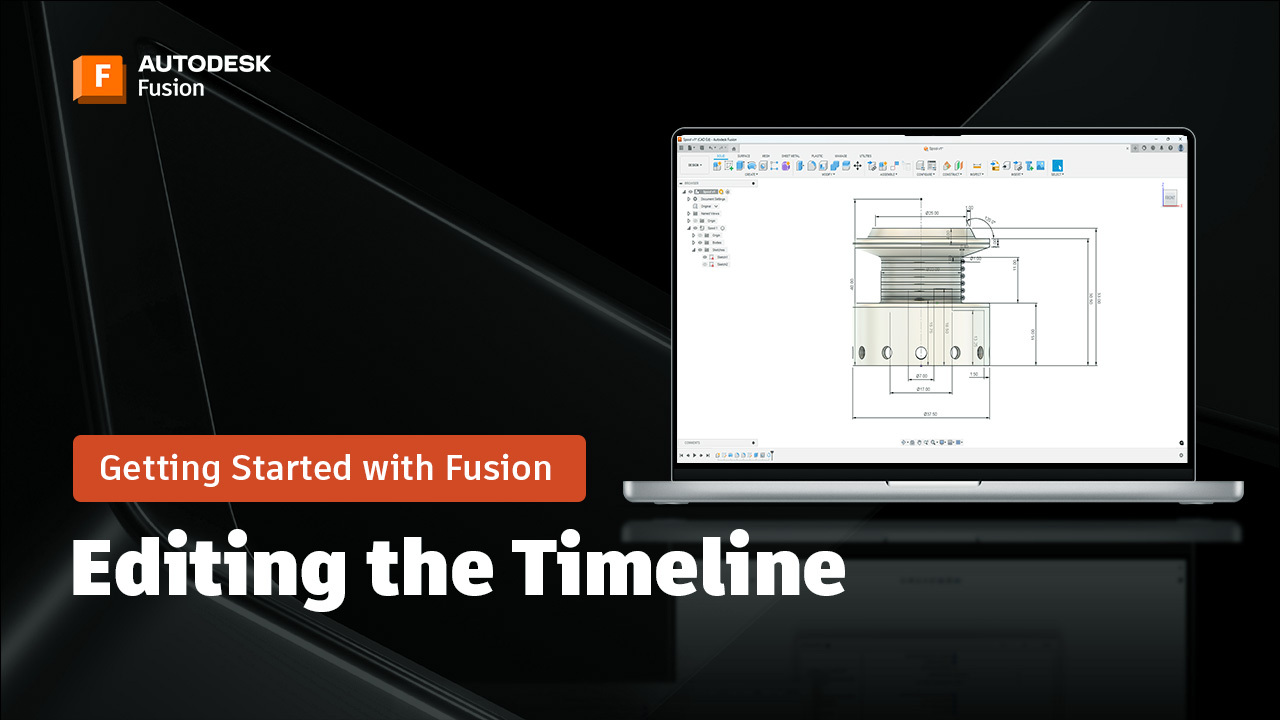
Editing Features in the Fusion Timeline to Modify Your Design: A Beginner’s Guide (Part 4)
Learn how to edit features in the Fusion timeline, use patterns, and apply parametric updates for flexible, efficient 3D modeling. Welcome back to the Getting Started with Fusion tutorial series, where I walk you through how to create a fishing reel from start to finish! Today we’re going to explore an extremely powerful capabilities –…
Tutorials
-
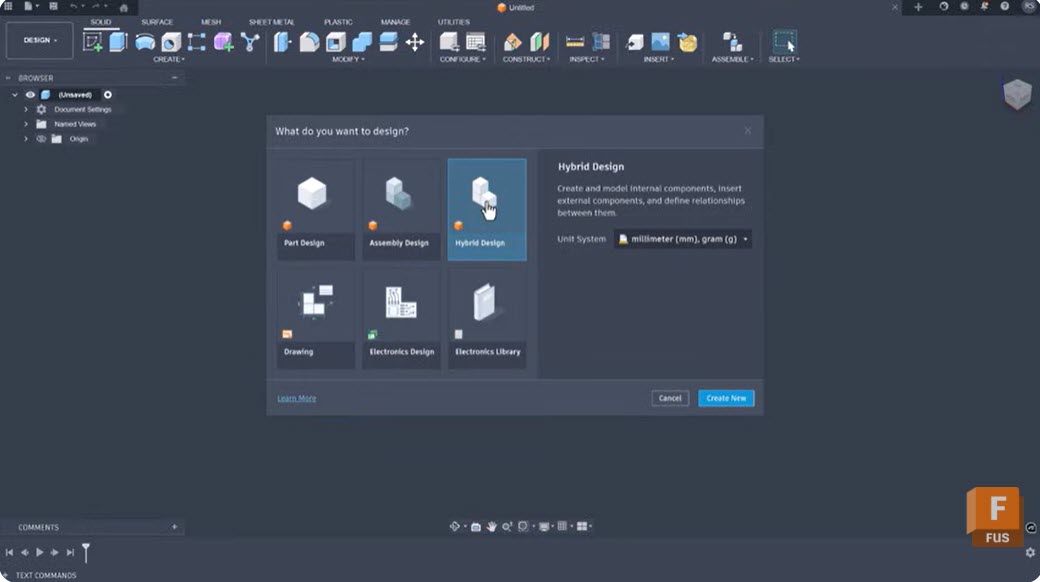
Breaking Free from Rigid Modeling Workflows with Intent-Driven Design in Fusion
Intent‑driven design in Fusion removes workflow friction by helping teams start with the right modeling approach and adapt seamlessly as projects evolve. Design projects often stall before they start – not because of complexity, but because teams are forced into workflows that don’t match how they actually build. When tools lock designers into rigid modeling…
Product Design & Engineering
-

Electronics Resistance: A Complete Guide – and How Fusion for Electronics Connects It All
Explore electronics resistance and learn how Autodesk Fusion connects ECAD, MCAD, and manufacturing for faster, smarter product development. Electroncis resistance is one of the most fundamental concepts in electronics. It governs how current flows through circuits, influences power efficiency, and determines the behavior of countless components. Whether you’re designing a simple LED circuit or a…
Electronics Engineering
-
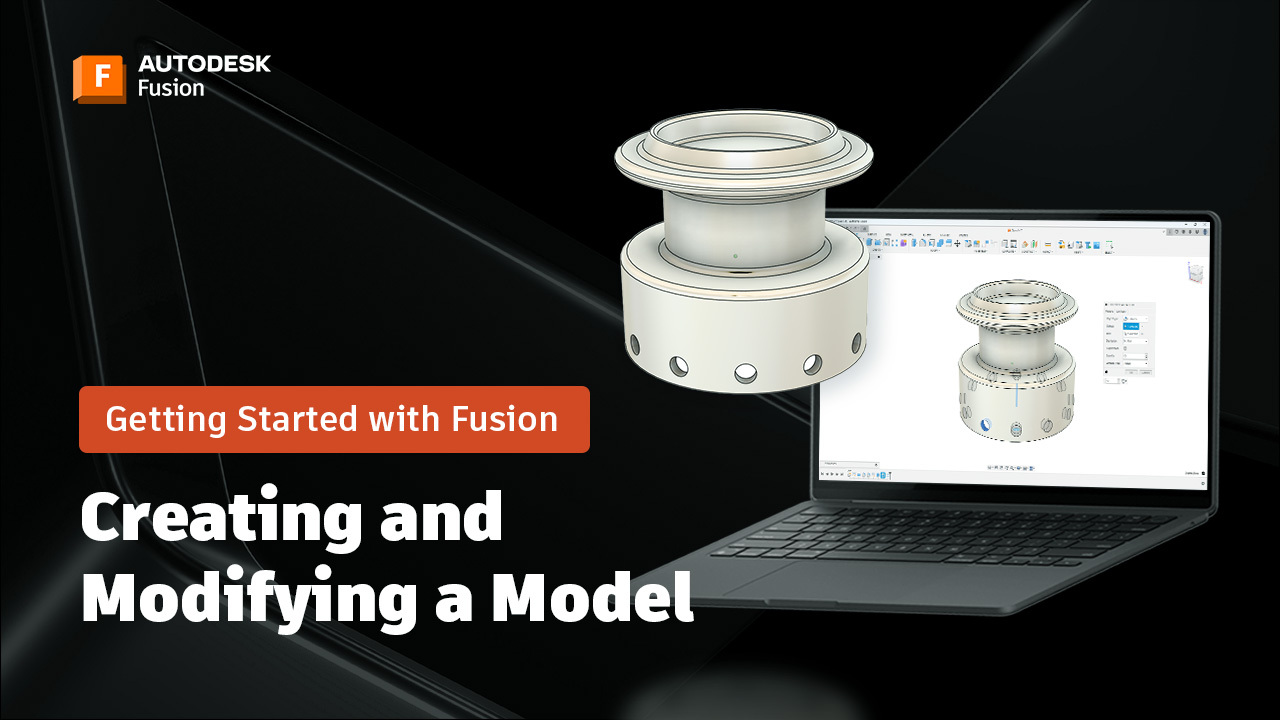
Creating and Modifying a 3D Model in Autodesk Fusion: A Beginner’s Guide (Part 3)
Create and modify a 3D model in Fusion using revolve, fillet, extrude, hole, and circular pattern—plus tips for saving and organizing your design. Brad from CAD Ed here again. Welcome back to the next installment of the Getting Started in Fusion series, where I walk you through creating a fishing reel from start to finish!…
Tutorials