Category: What’s New
-
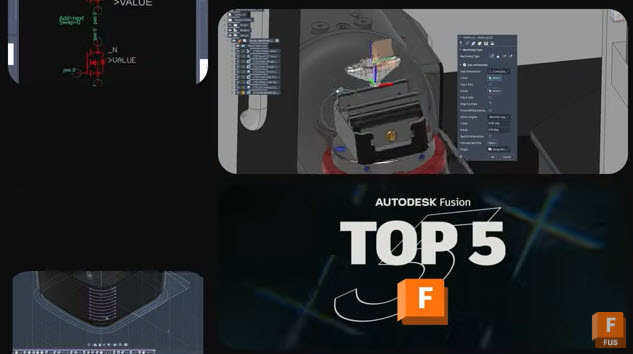
Reduce Rework and Manual Fixes with These 5 New Autodesk Fusion Improvements
Discover five key improvements in the latest Autodesk Fusion update—from automatic BOM refresh to smarter multi‑axis control—designed to streamline real‑world workflows. Every Fusion release is guided by a simple goal: help teams work with more confidence, efficiency, and control. The latest Autodesk Fusion update delivers meaningful improvements across design, manufacturing, electronics, and data management, driven…
What's New
-

March 2026 Product Update – What’s New
Discover what’s new in the March Fusion update, from isoparametric curves and modernized simulation results to live BOM updates and expanded manufacturing workflows. Autodesk Assistant (Tech Preview) v.2701.1.27 – March 16, 2026 (Minor Update) Autodesk Assistant is expanding its role within Fusion with a new Tech Preview that introduces a redesigned experience and new ways…
What's New
-
Fusion Roadmap 2026
Discover the Autodesk Fusion 2026 roadmap and how AI, automation, and connected workflows are shaping the future of design and manufacturing. As we move into 2026, we are building on the momentum of the past year and continuing to shape how data, design, and production come together. Our focus remains clear: give teams greater clarity,…
Fusion
-
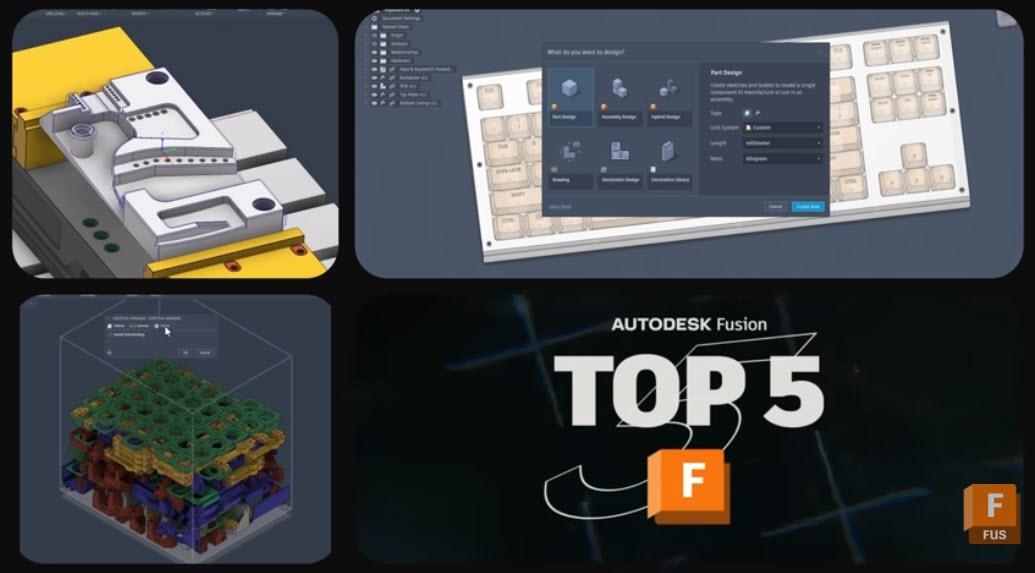
5 New Fusion Features That Tighten Your Design‑to‑Manufacturing Workflows
Discover 5 powerful new Autodesk Fusion features that streamline design, drawings, and CAM—from custom properties to multi‑axis clearing. The January 2026 Fusion release includes packed set of updates across data, design, drawings, and manufacturing. There are five capabilities that stand out for how directly they can impact your teams day-to-day work. From tighter governance of…
What's New
-
January 2026 Product Update – What’s New
The latest Fusion update brings Intent Driven Design, smarter data management, and performance improvements, along with many more enhancements across design and manufacturing. Read on to see what’s new. Minor Updates Our latest minor updates brings several important fixes and improvements to enhance your experience. Click to learn more. Highlights v.2606.1.22 – January 21, 2026 (Major…
What's New
-
Autodesk Fusion: Year In Review 2025
As we set our sights on 2026, let’s take a moment to reflect on the transformative journey Fusion has embarked upon over the past year. Throughout 2025, we continued to break new ground, harnessing the power of flexible, connected data from design to production. This approach empowered teams to make informed decisions, collaborate seamlessly, and…
What's New
-
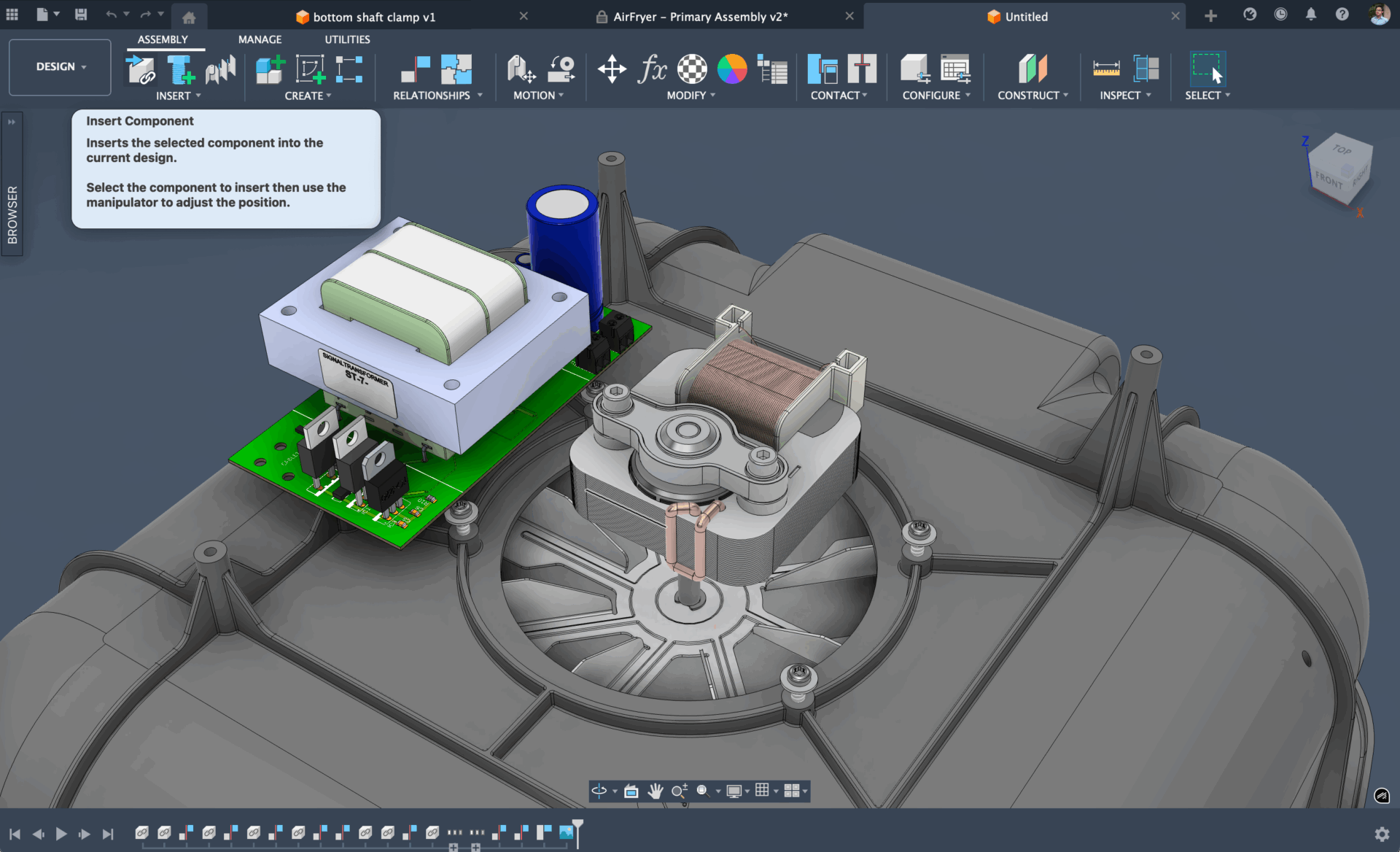
Start Your Designs Right: See Fusion’s New Intent-Driven Design – Now in Preview
Intent-driven design brings flexibility to starting designs, organizing components, and moving between parts and assemblies in Autodesk Fusion.
What's New
-
November 2025 Product Update – What’s New
Discover enhanced data management, asymmetric fillets, upgraded electronics, a new hole template editor, advanced turning capabilities, and more in the November 2025 Fusion update. Minor Updates Our latest minor updates brings several important fixes and improvements to enhance your experience. Click to learn more. Highlights v.2605.0.97 – November 5, 2025 (Major Update) We’re excited to introduce…
What's New
-
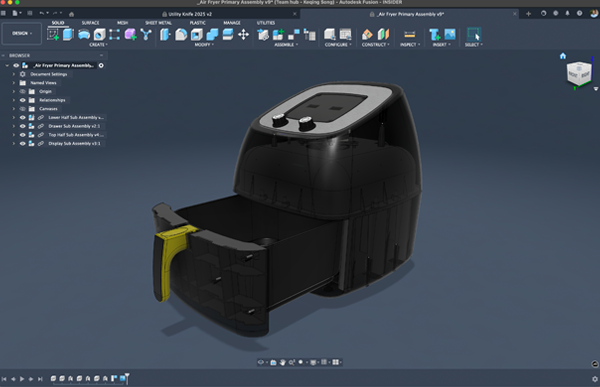
A Fresh Look for Fusion: Dark and Light Mode Are Now Here!
Experience light and dark mode in Fusion – bringing a unified, modern look and easier-on-the-eyes design to your workspace. Fusion just got a glow-up. We’re bringing a whole new visual experience to your workspace. Light mode and dark mode in Fusion are now here! Whether you’re a night owl or a daylight designer, you can…
Fusion
-
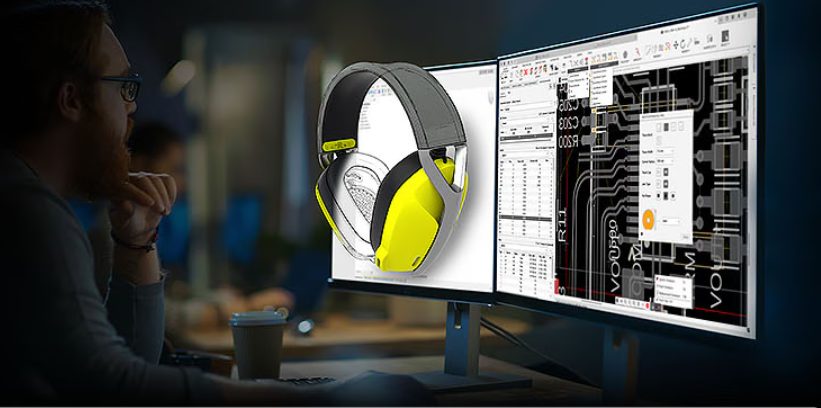
Top New Features in Fusion You Don’t Want to Miss!
Autodesk Fusion continues to redefine what’s possible for designers, engineers, and manufacturers with powerful new features and enhancements that accelerate design workflows, enhance collaboration, and enable smarter manufacturing. Here’s a run-down of the most recent highlights in Fusion that will help elevate your product development processes like never before. Design New constraint components tool for assemblies Say goodbye to juggling multiple commands for assembly relationships. The new constraint…
What's New
-
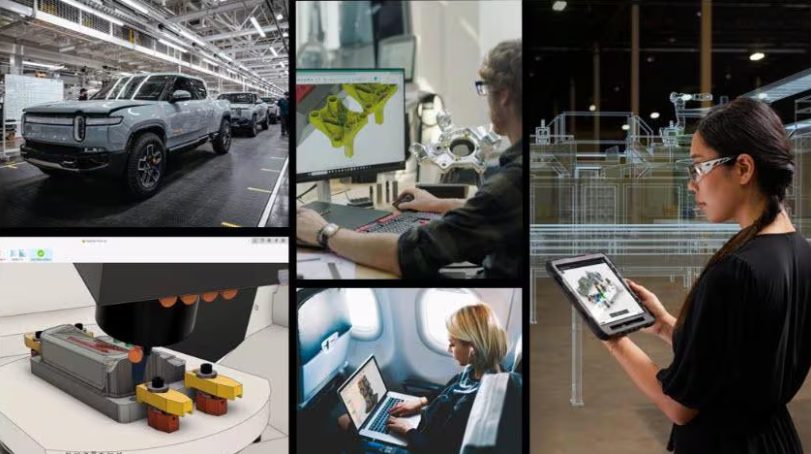
The Autodesk AI Revolution: Transforming Manufacturing with Fusion
Autodesk is transforming manufacturing with Fusion AI-powered workflows for faster innovation, smarter collaboration, and seamless integration across design, engineering, and production.
Fusion
-
September 2025 Product Update – What’s New
Discover the September 2025 update, featuring dark mode, powerful new parametric text tools, GPU-based stock simulation, and more. v.2604.1.48 – October 8, 2025 Data Management Design Electronics Manufacturing v.2604.1.25 – September 22, 2025 Onboarding (New Users) Design Manufacturing Electronics v.2604.0.316 – September 8, 2025 Backwards Compatibility Notice: This version includes changes that are not backward compatible…
What's New
-
July 2025 Product Update – What’s New
Experience the July 2025 update, featuring new assembly constraints and exciting enhancements across environments. v.2603.1.52 – August 18, 2025 Usability Design v.2603.1.31 – August 5, 2025 Usability Design Manufacturing v.2603.1.15 – July 20, 2025 Design Usability v.2603.0.86 – July 14, 2025 Backwards Compatibility Notice: This version includes changes that are not backward compatible with previous versions.…
What's New
-
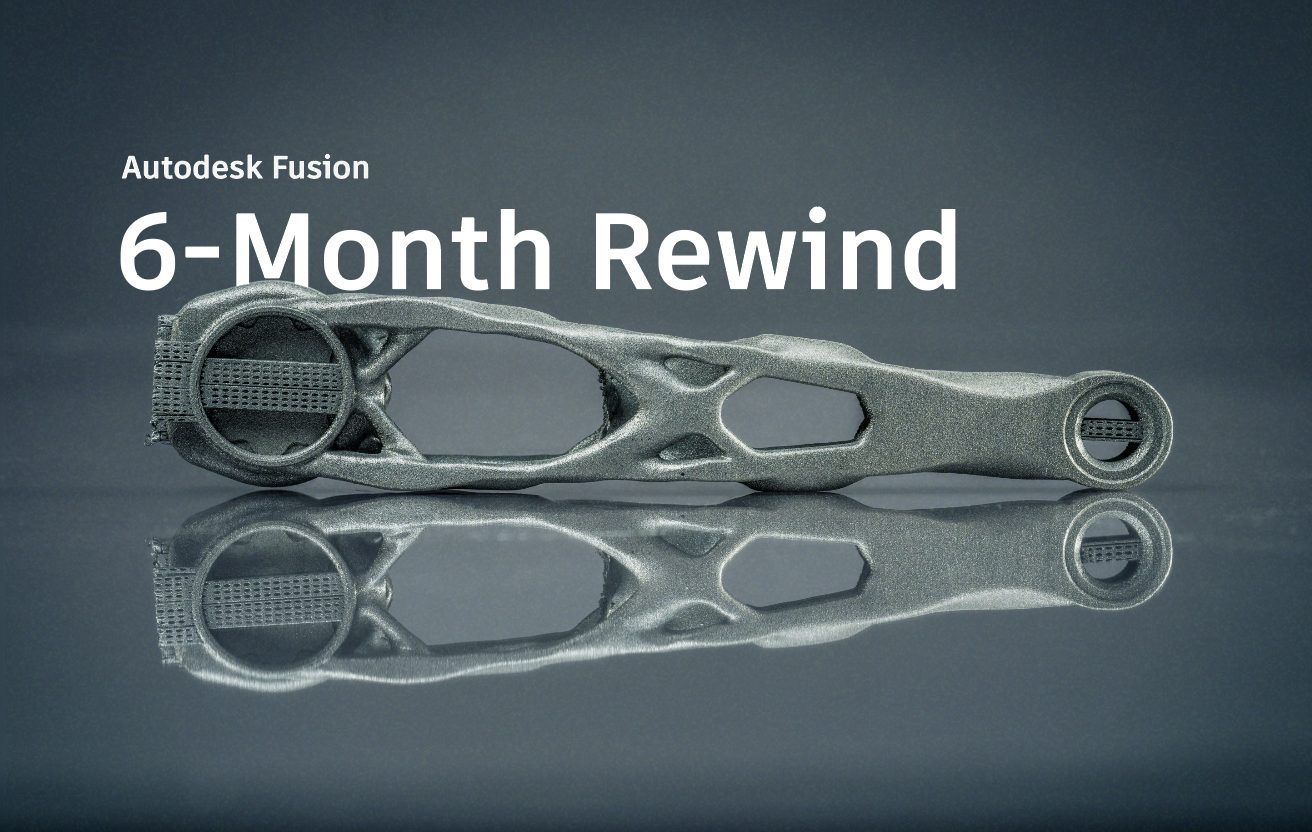
Autodesk Fusion 6-Month Rewind 2025
Join us as we highlight standout moments in Fusion from the first half of 2025! We’re over halfway through the year and we’ve already introduced three major updates so far. During this time, we’ve made several changes to simplify and improve your workflows. We’ve added AI-powered tools like AutoConstrain, made improvements to assemblies, introduced new…
What's New
-
May 2025 Product Update – What’s New
Spring is here and so is a brand-new Fusion update packed with exciting features and enhancements that are sure to elevate design, electronics, and manufacturing workflows. v.2602.1.25 – June 8, 2025 Design: v.2602.1.14 – May 27, 2025 Usability Design Electronics v.2602.0.71 – May 19, 2025 Backwards Compatibility Notice: This version includes changes that are not backward…
What's New