Category: Tutorials
-
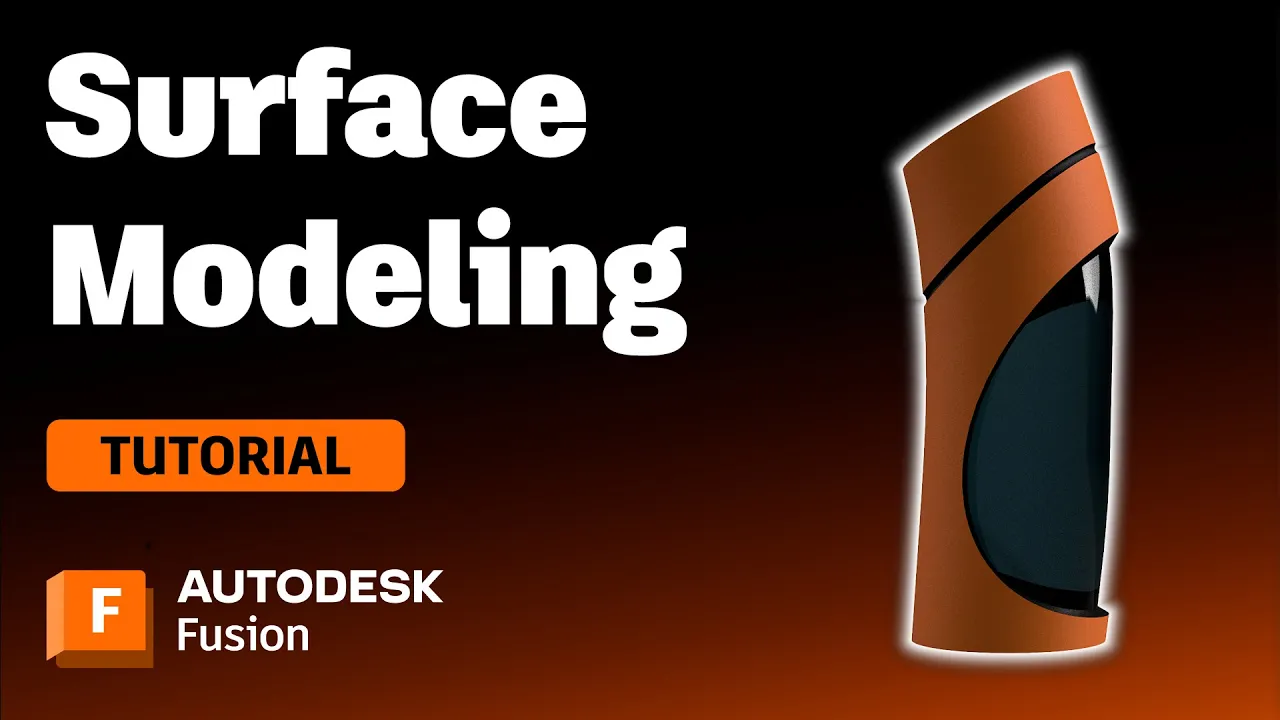
Surface Modeling Software: Autodesk Fusion
Check out this tutorial to understand surface modeling in Autodesk Fusion, how it relates to solid modeling, and its advantages.
Getting Started
-
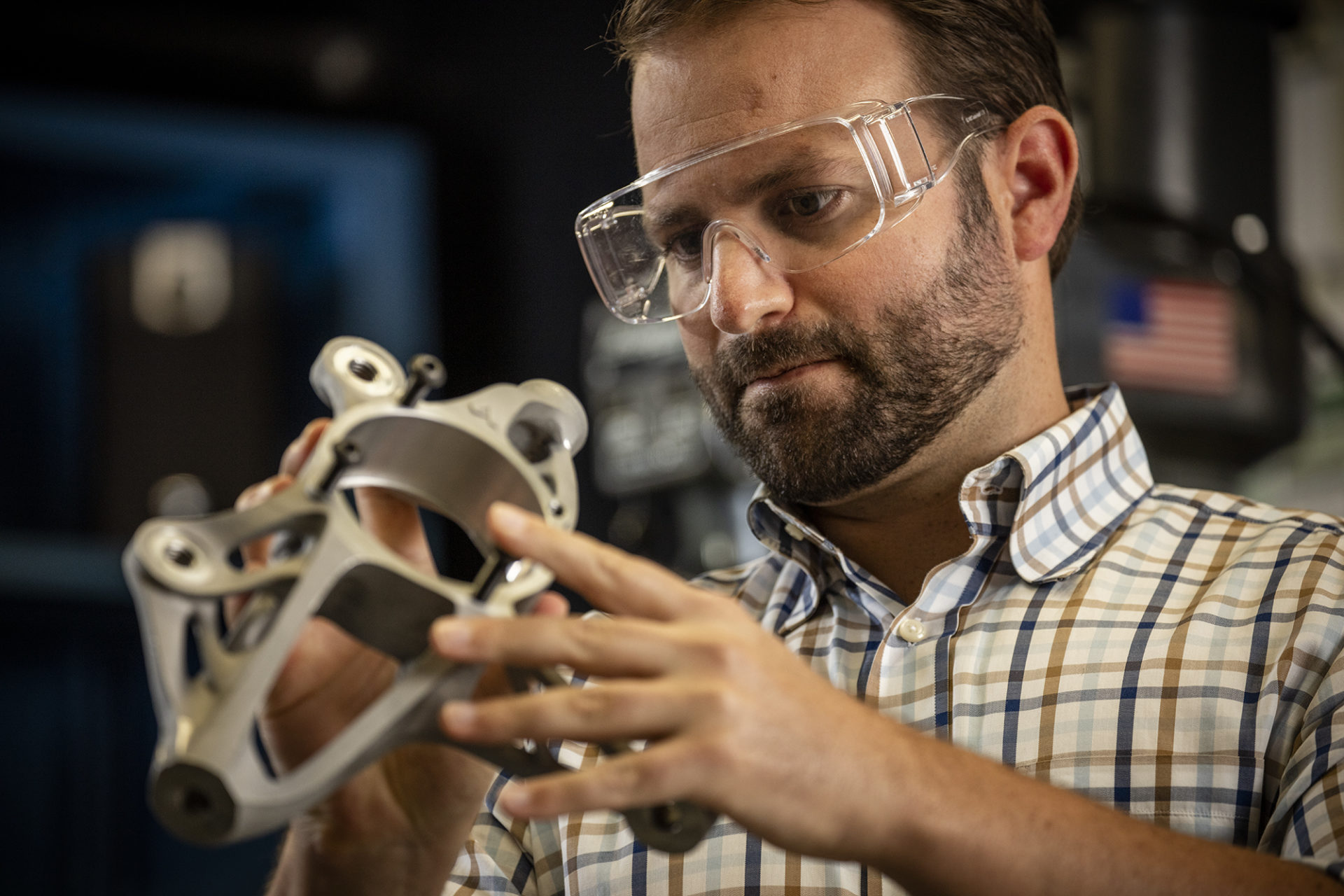
What are Autodesk Fusion Extensions?
An overview of what Autodesk Fusion extensions we offer, what they can help you accomplish, and how to unlock their advanced capabilities.
Getting Started
-
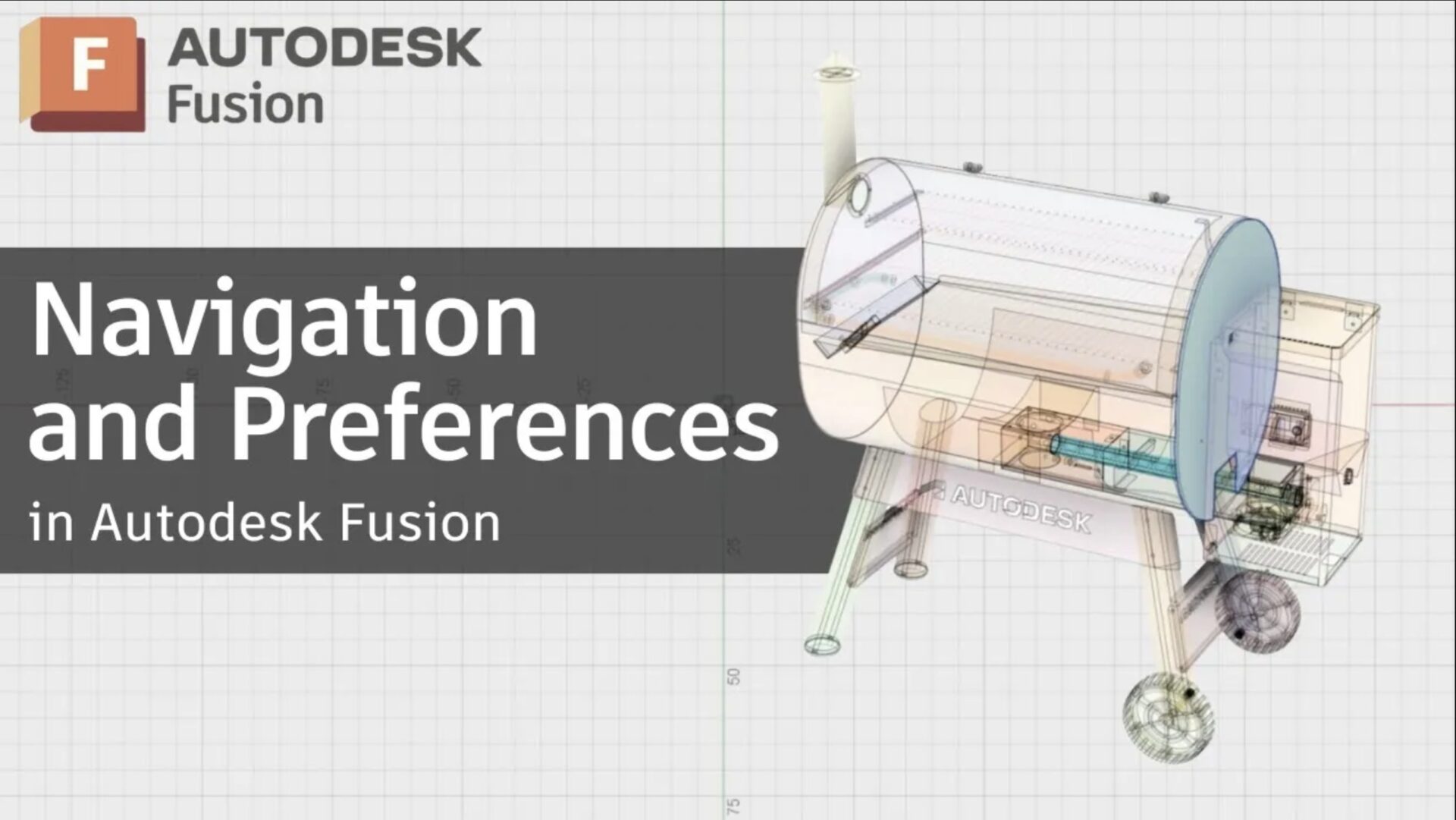
Fusion Navigation and Preferences: How to Customize Autodesk Fusion for Faster Workflows [2026 Update]
Moving from SolidWorks to Autodesk Fusion? Learn to adjust navigation, manage sketches, and use the browser and timeline effectively.
Getting Started
-
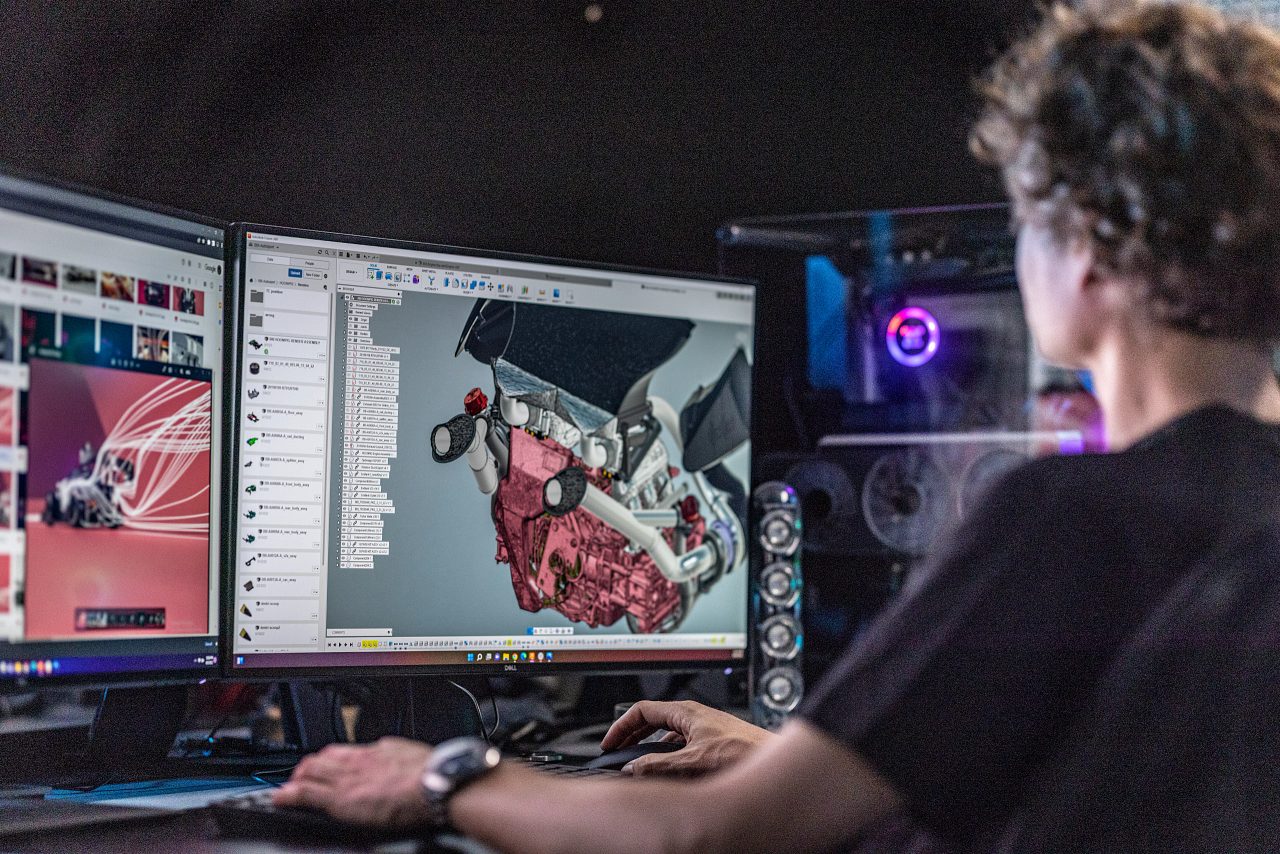
Autodesk Fusion Subscription Types
Autodesk Fusion 360 provides various licenses suited to your design and make goals. Learn about the licenses and what best suits you.
Getting Started
-
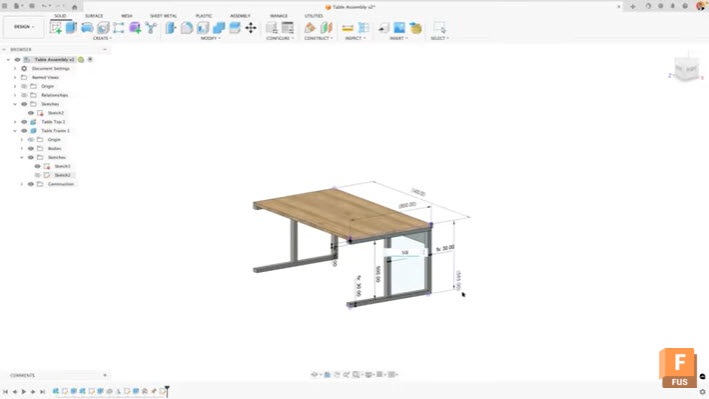
Maximize Efficiency: View and Edit Sketch Dimensions Outside of Sketches in Autodesk Fusion
Learn how to view and edit sketch dimensions outside of sketch mode in Autodesk Fusion to speed up design changes and improve workflow efficiency. When working in Autodesk Fusion, accessing dimensional information typically requires entering edit mode for each sketch. This workflow can slow down your design process, especially when you need to make quick…
Tutorials
-
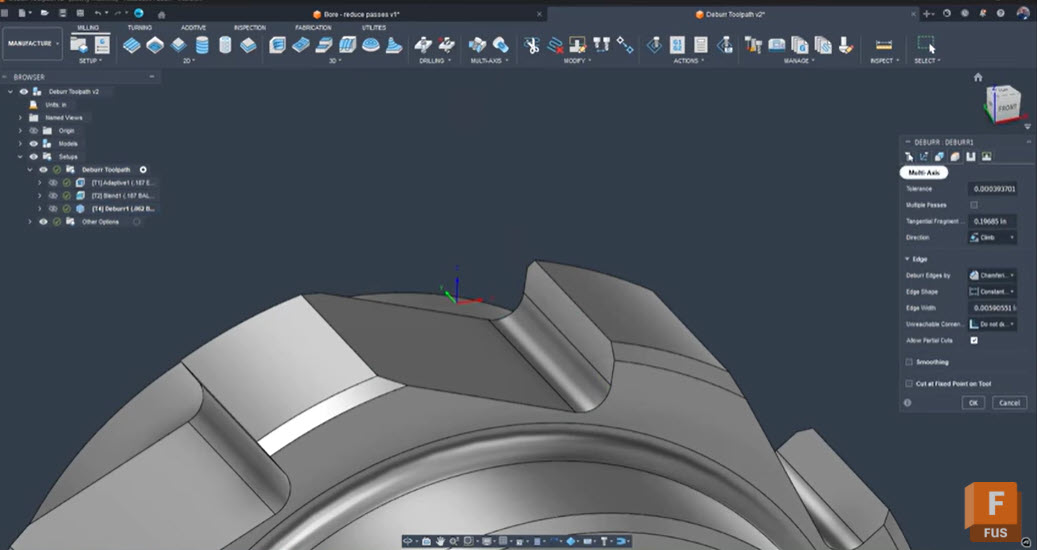
Troubleshooting Fusion’s Deburr Toolpath: How to Eliminate Retracts and Smooth Your Edges
Seth Madore, an experienced machinist and expert Fusion user explains why Fusion’s deburr toolpath creates retracts and gaps, how to fix it with one simple setting, and alternative strategies for smooth, efficient deburring. Deburring should be a finishing touch, not a frustrating bottleneck. Yet, anyone who has tried to deburr complex tooth forms or splines…
Tutorials
-
Top 20 Autodesk Fusion Technical Questions Answered: Your Complete Troubleshooting FAQ
Find clear answers to the top 20 Autodesk Fusion technical questions, including modeling, assemblies, simulation, and CAM issues. Get quick fixes and links to deeper guides. 1. Why won’t my sketch fully constrain in Fusion? This happens when geometric or dimensional constraints are missing. Small gaps or misaligned endpoints often cause under‑constrained sketches. Use Show…
Tutorials
-
The Sweep Command in Fusion: A Beginner’s Guide (Part 7)
Learn how to use the Sweep command in Fusion to create smooth, complex shapes with ease. Perfect for beginners—step-by-step tips, pro tricks, and simple workflows to get started today. Hi everyone! It’s Brad Tallis from CAD Ed, bringing you the next installment of the Fusion Getting Started series where we walk through how to create…
Getting Started
-
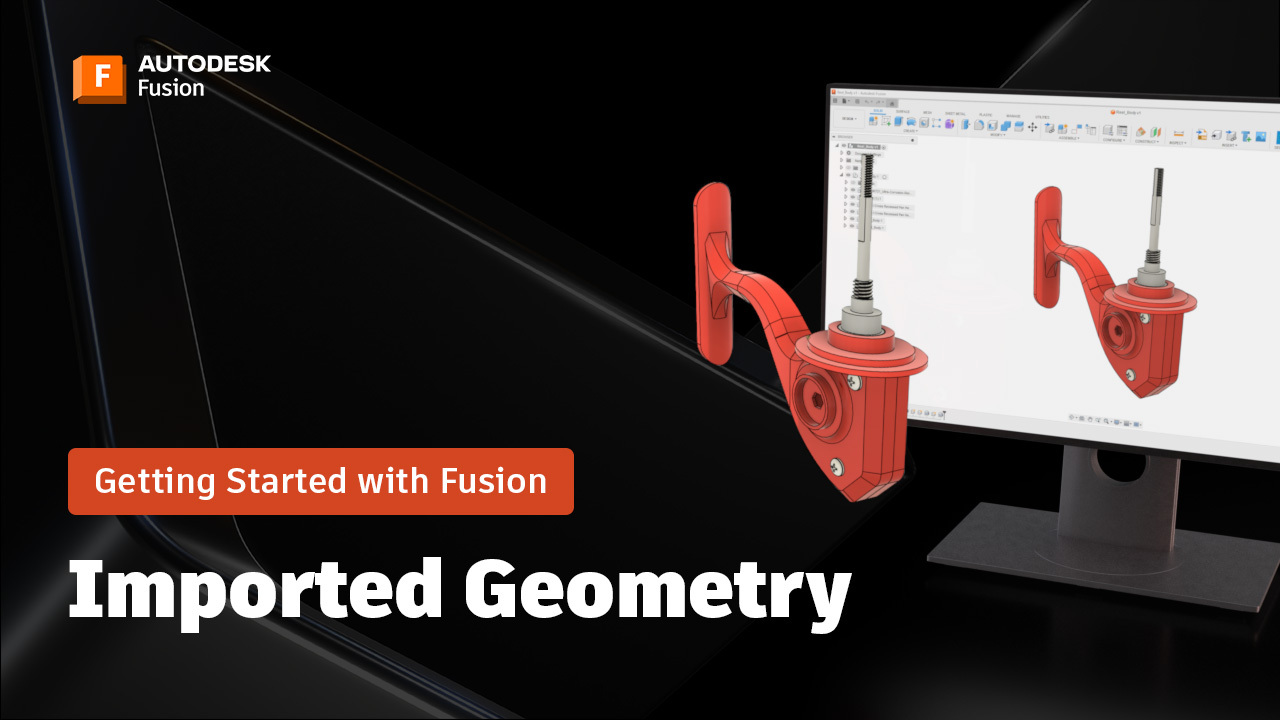
Working with Imported Geometry in Fusion: A Beginner’s Guide (Part 6)
Learn best practices for working with imported geometry in Fusion, including direct editing, rigid groups, constraints, and appearance settings for assemblies. Brad here again, from CAD Ed, with the next installment in the Getting Started with Fusion series, where we create a fishing reel from start to finish. One of the most valuable capabilities in…
Tutorials
-
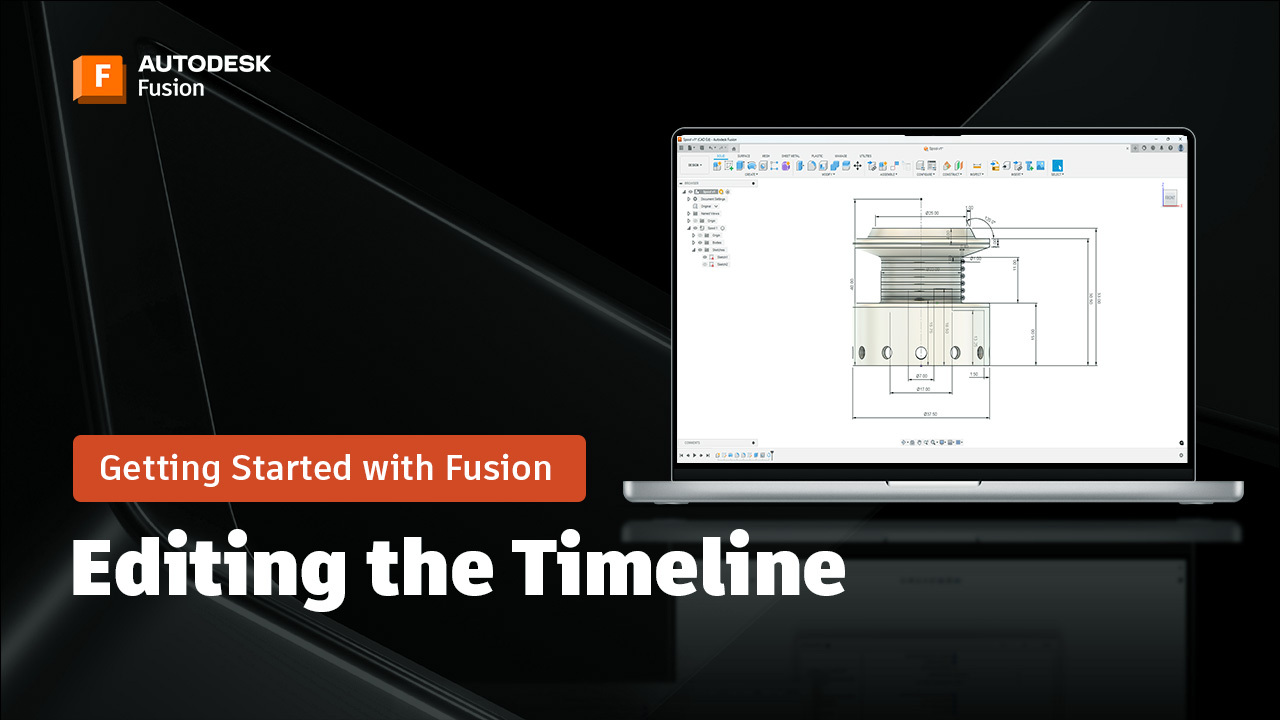
Editing Features in the Fusion Timeline to Modify Your Design: A Beginner’s Guide (Part 4)
Learn how to edit features in the Fusion timeline, use patterns, and apply parametric updates for flexible, efficient 3D modeling. Welcome back to the Getting Started with Fusion tutorial series, where I walk you through how to create a fishing reel from start to finish! Today we’re going to explore an extremely powerful capabilities –…
Tutorials
-
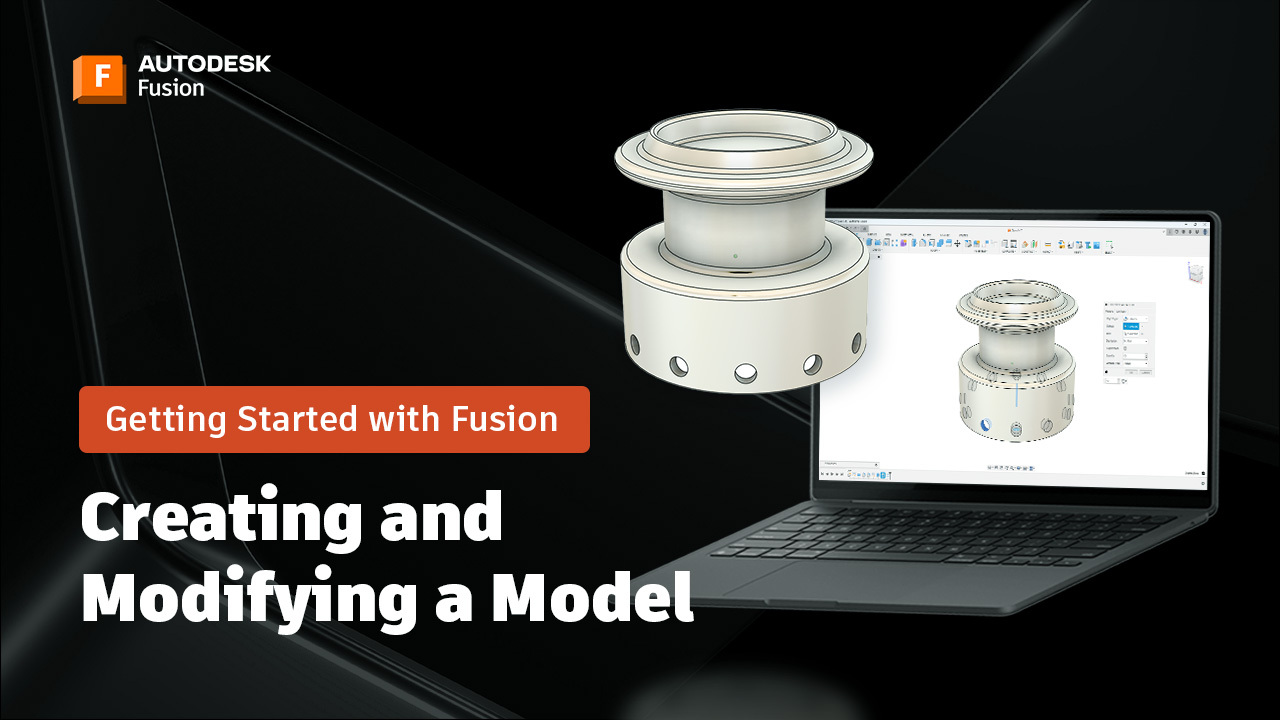
Creating and Modifying a 3D Model in Autodesk Fusion: A Beginner’s Guide (Part 3)
Create and modify a 3D model in Fusion using revolve, fillet, extrude, hole, and circular pattern—plus tips for saving and organizing your design. Brad from CAD Ed here again. Welcome back to the next installment of the Getting Started in Fusion series, where I walk you through creating a fishing reel from start to finish!…
Tutorials
-
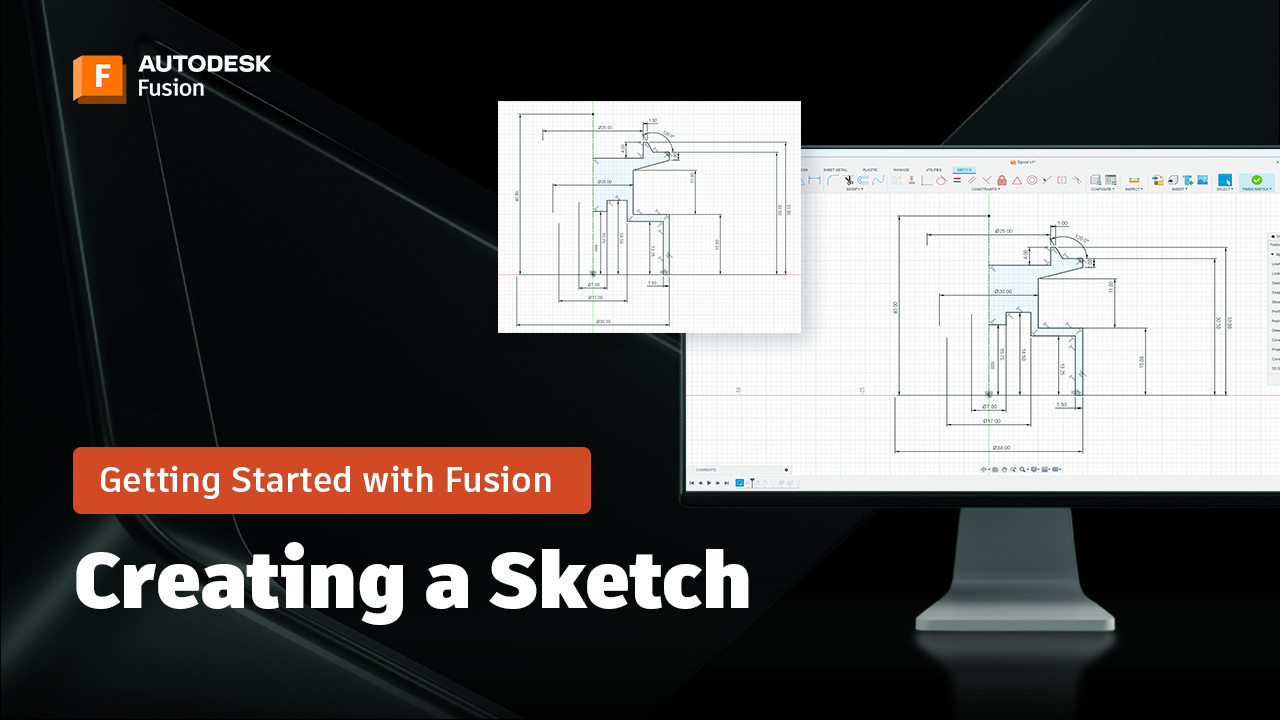
How to Create Sketches in Autodesk Fusion: A Beginner’s Guide (Part 2)
Learn how to create sketches in Fusion with this beginner-friendly guide. Includes steps for selecting planes, using sketch tools, adding dimensions, and constraints. Welcome back to our Getting Started with Fusion series! In the last post, we explored the Fusion interface—how to navigate workspaces, toolbars, and the viewport so you feel at home in the…
Tutorials
-
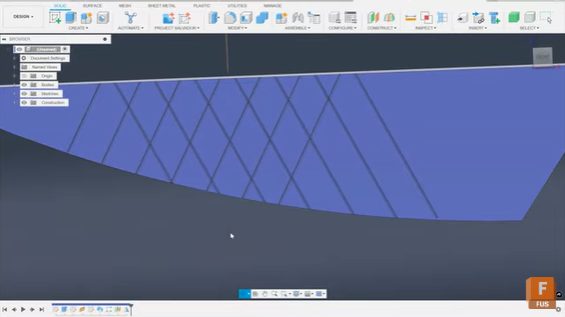
How to Create Criss-Cross Grooves in Fusion for Machining
Phil Eichmiller, Senior QA Engineer shows you how to design criss-cross grooves in Fusion using sketches, sweeps, and pattern tools for precise machining control. Crosshatch or criss-cross groove patterns are common in machining for texture, grip, or aesthetic purposes. While machinists often have clever tricks for producing these patterns directly on the shop floor, you…
Tutorials
-
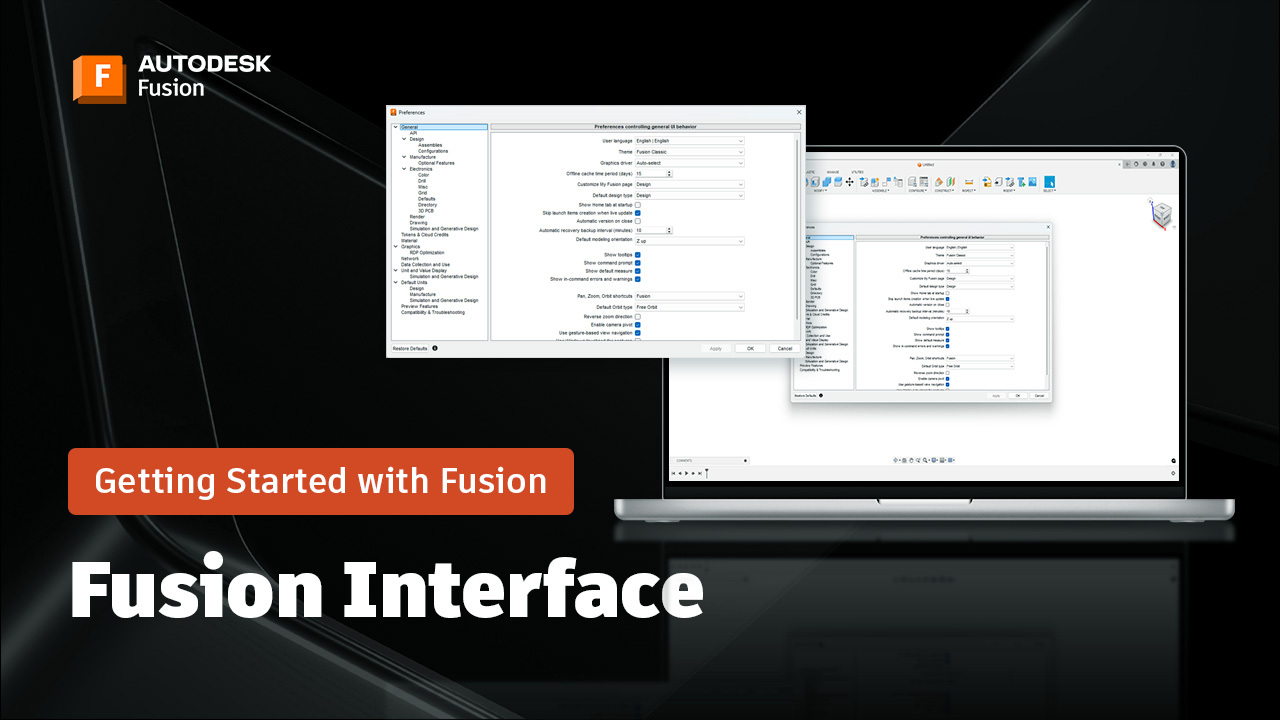
How to Navigate the Autodesk Fusion Interface: A Beginners Guide (Part 1)
Learn how to navigate the Fusion interface with tips on workspaces, toolbars, data panel, timeline, and viewport controls—plus pro tips for efficiency. Hi, I’m Brad Tallis, Founder of CAD Ed LLC, and I’m excited to kick off our Getting Started with Fusion series—a set of short, practical videos designed to help you learn Fusion step…
Tutorials
-
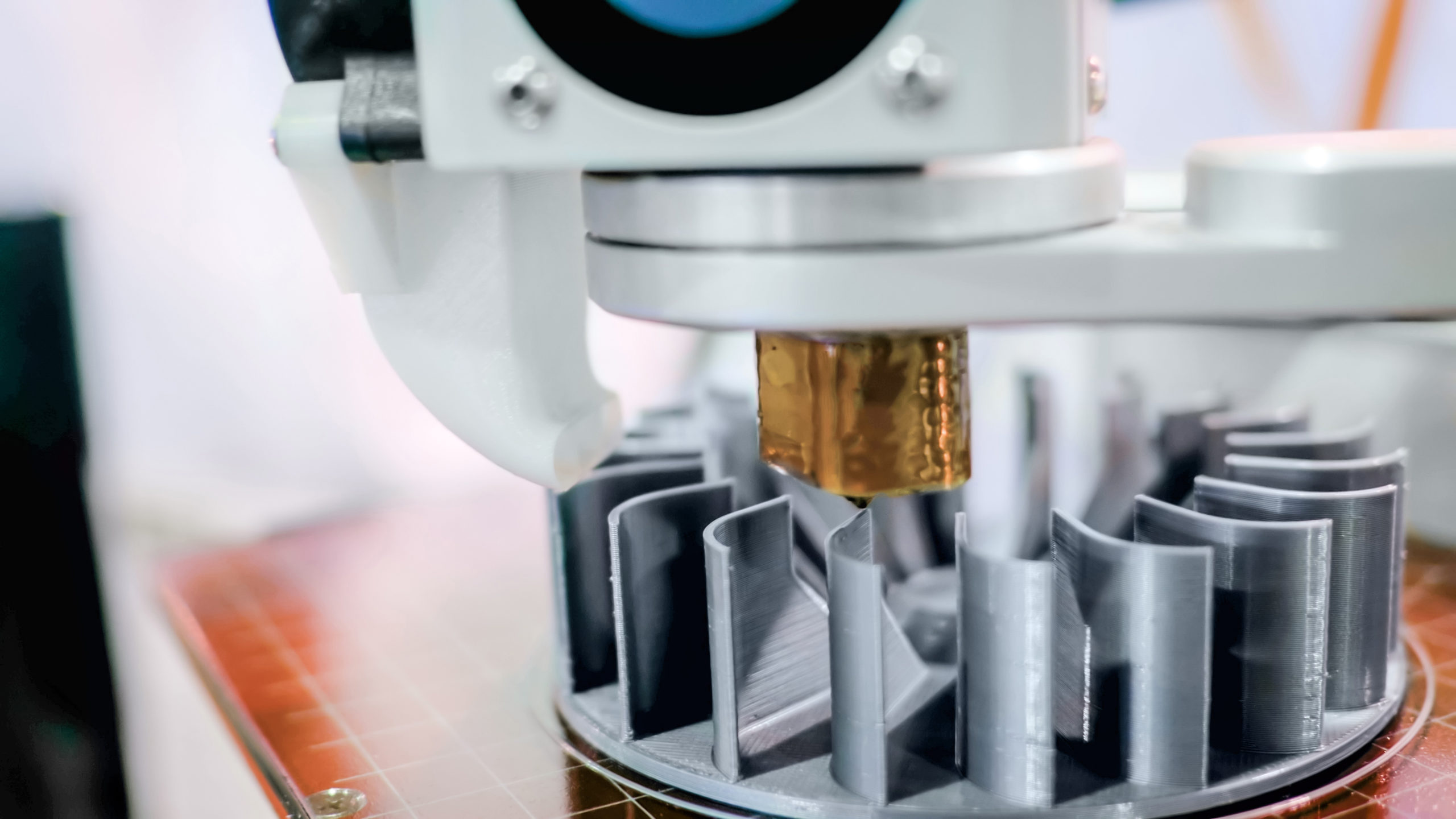
What Can Be 3D Printed? A Complete Guide to Materials Used in 3D Printing [Update 2025]
Using the right material for your 3D printed project can make or break the final result. Fortunately, there are many options to choose from, whether it be plastic, metal, or even polymer.
Tutorials